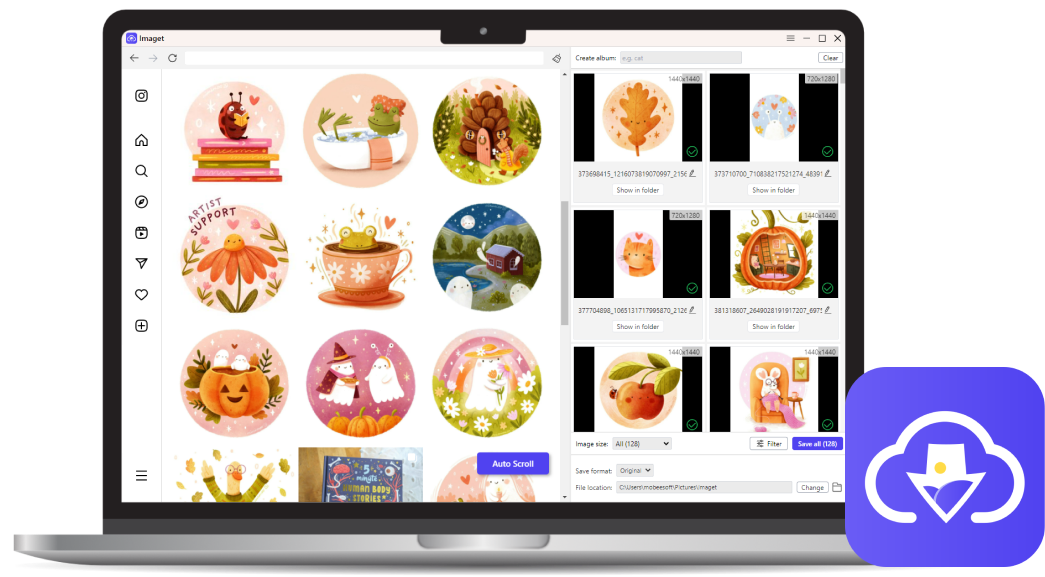
Ultimate Image Downloader
One-Click Download All Images
-
 Bulk download all images, gallery & gifs from a page in one-click.
-
Bulk download with multiple tabs and list of image URLs.
-
Download from any website, including Instagram, Pinterest, Giphy, Google, etc.
-
Download images & gifs in original quality.
-
Automatically scroll to extract all images on a page to download.
-
Easy album creation for organized collections.
-
Customizable filters for precise image selection.
-
User-friendly interface for barrier-free access.
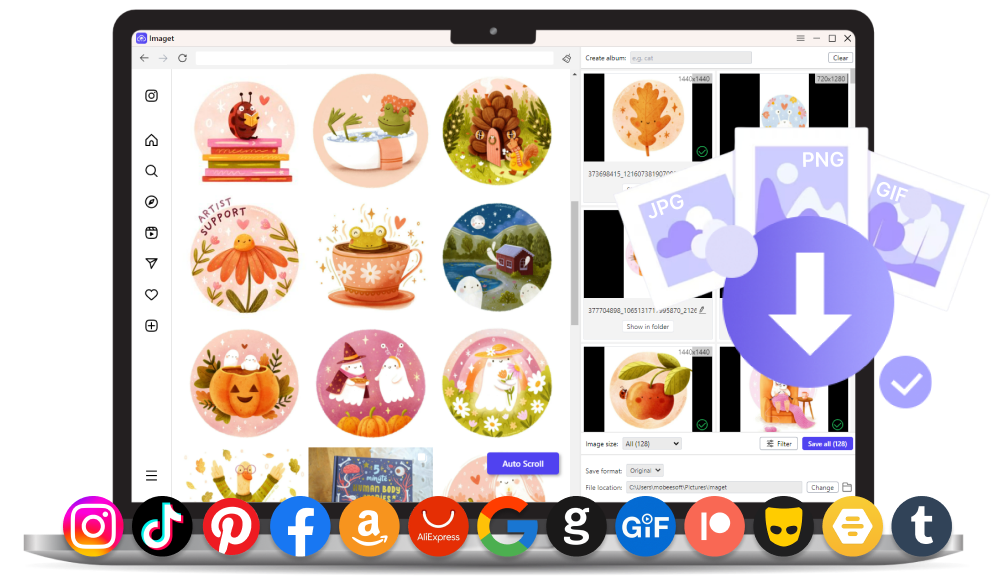
Unlocking Effortless Image Downloading


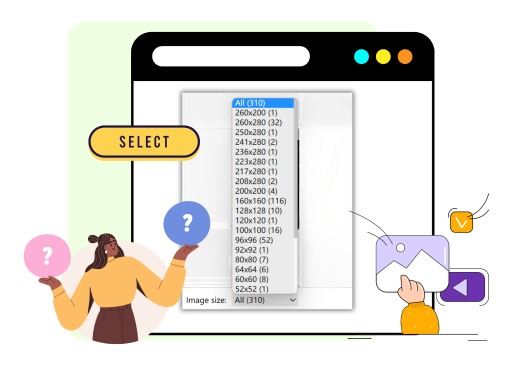
Easily Batch Image Downloads
Say goodbye to manual downloads with Imaget's batch download feature. Whether you're a content creator, researcher, or just seeking convenience, the Imaget batch image downloader is your swift solution.

Save Pictures from Any Platform
Whether it's the vibrant realms of social networking sites or diverse stock media websites, image hosting sites and image search sites, Imaget ensures seamless image capture and download, offering unparalleled convenience and versatility in your digital image-saving experience.
High-Speed Getting Images
Imaget accelerates the image-saving process, delivering a seamless user experience. Whether you're on Mac or Windows, experience unparalleled speed as you effortlessly download images from any platform, making Imaget the go-to choice for efficient image retrieval.

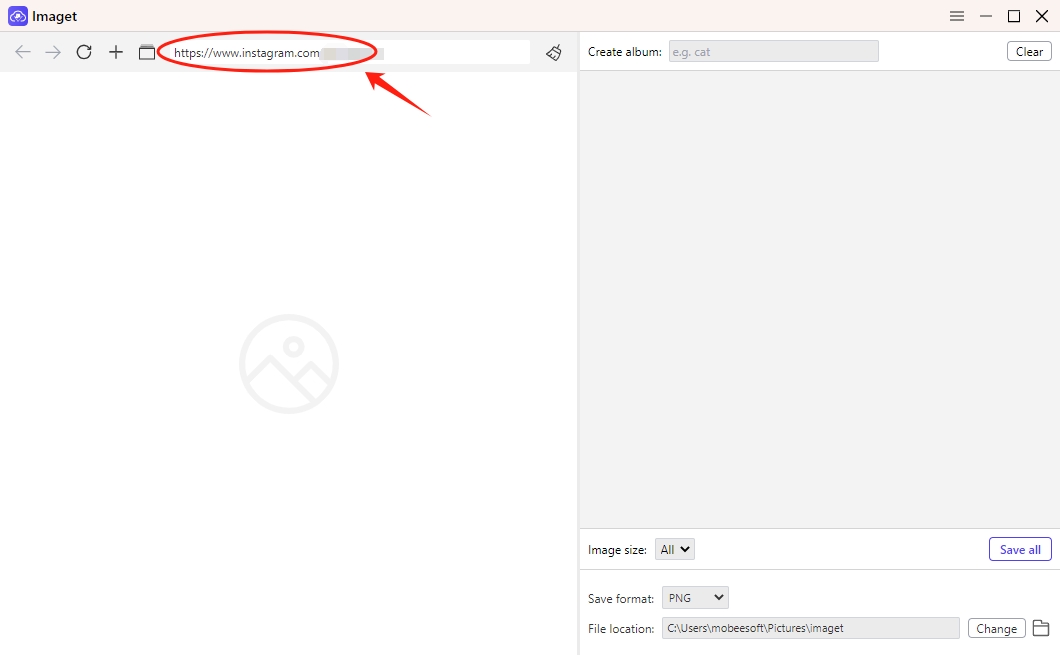
Paste the URL of the webpage that you want to download images from.
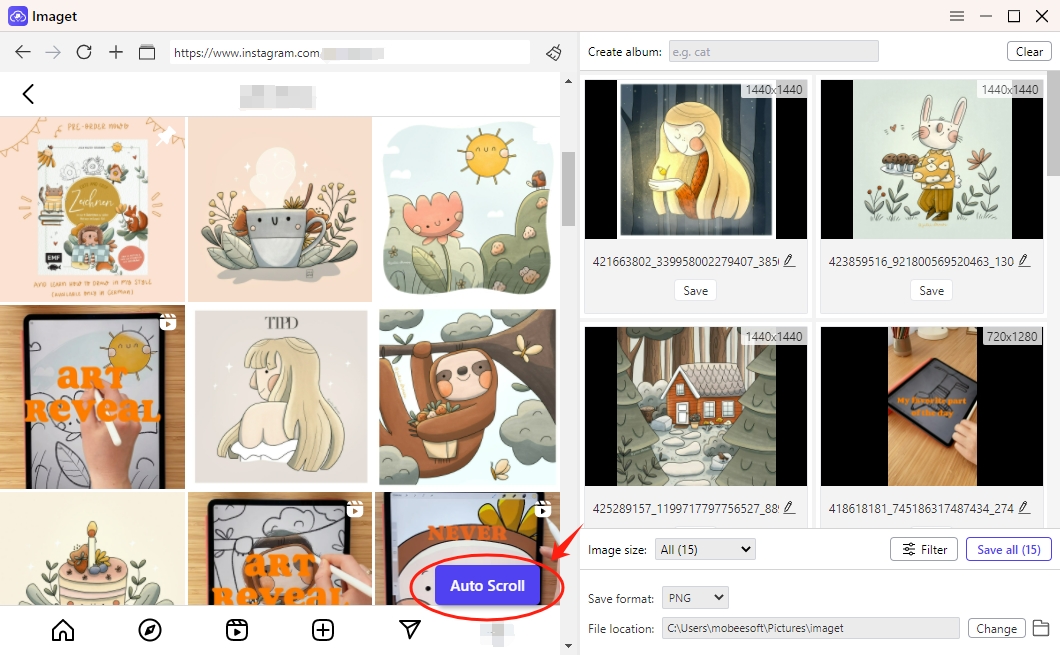
Click the "Auto Scroll" button to automatically detect all available images.
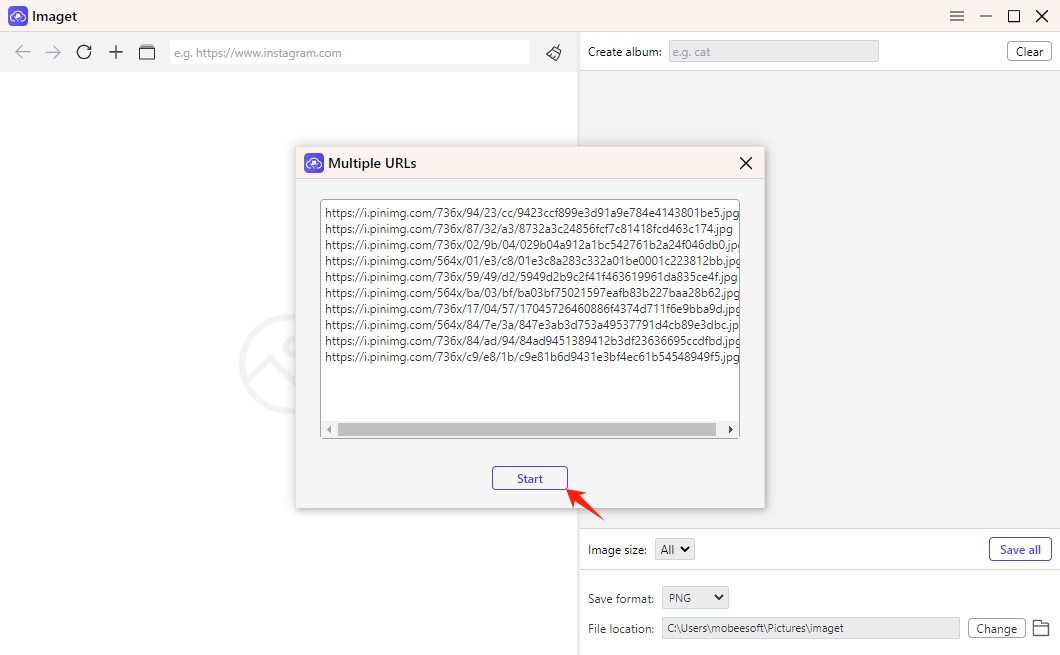
Paste the list of image URLs or open multiple tabs to load images.
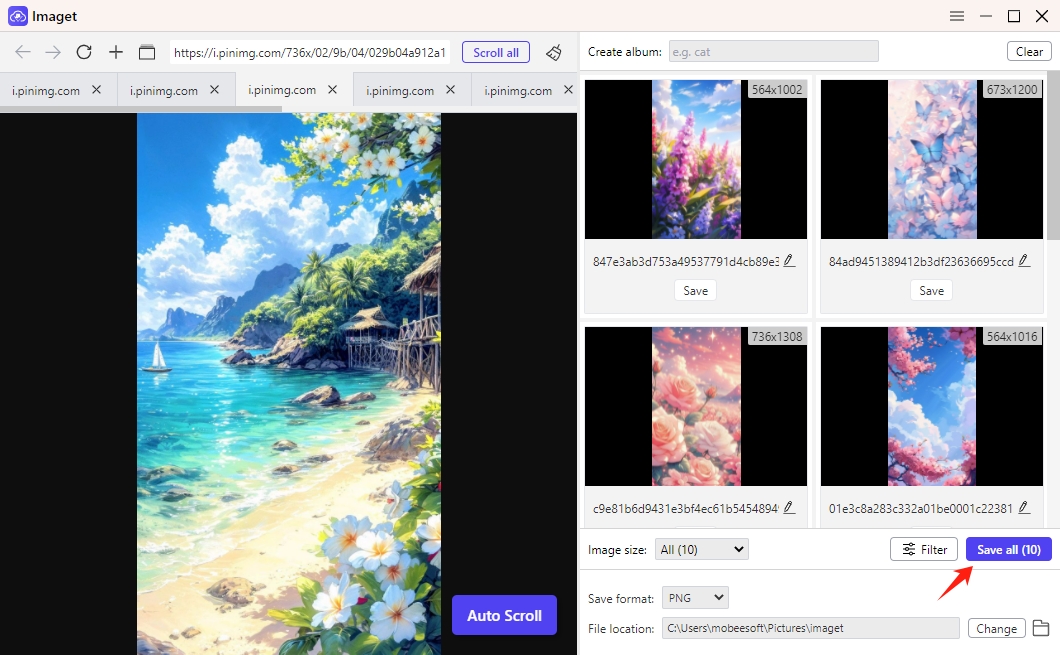
Click "Save All" button to bulk download all detected images with Imaget.