

설명
Pixel Gallery is a modern image gallery plugin for Elementor that makes your website more exciting with stunning layouts, smooth animations and unique effects.
Say goodbye to complicated, slow gallery plugins. Pixel Gallery offers a fast, intuitive and customizable solution to create beautiful, responsive galleries with ease. Perfect for improving your site’s visual appeal without the complexity.
Key Features 🎇
🔵 Unique Layouts & Customization
Pixel Gallery offers exclusive layouts. You can fully customize the design to match your brand.
🔷 Beginner-Friendly UI Design
It’s easy to create galleries with simple drag-and-drop tools. No technical skills are needed.
🔵 60 Elementor Widgets
There are 60 widgets available to create stunning galleries. You can try different designs.
🔷 Lightweight and Fast
Pixel Gallery is optimized for speed. It won’t slow down your website.
🔵 Responsive Across Devices
Your galleries will look great on mobile, tablet and desktop devices.
🔷 WooCommerce Support
Pixel Gallery works well with WooCommerce. You can display product galleries easily.
🔵 고품질 비주얼
The images in your galleries will be sharp and professional, making your site more appealing.
Pixel Gallery is your go-to plugin for creating fast, customizable and visually stunning galleries on WordPress.
Pixel Gallery를 독특하게 만드는 것은 무엇인가요? 💡
Pixel Gallery is not your average gallery maker addons for WordPress. Unlike its competitors, our plugin offers more to the appearance, performance and design choices for creating the best galleries in WordPress.
Pixel Gallery가 제공하는 것-💫
- Beginner-friendly UI
- Easy gallery making procedure with drag and drop modules.
- More than 60 Elementor widgets to design awesome image galleries on your WordPress website.
- Unique layouts with different style sets.
- Fully customizable.
- Lightweight plugin.
- Responsive to any device (mobile, tab, laptop, etc.)
- High-quality graphics
- Improved user experience
우리의 멋진 갤러리 빌더로 뛰어들어 보세요 🎇
가장 빠른 워드프레스 그리드 갤러리 🔵
Pixel Gallery is a high-quality grid gallery plugin for WordPress that is designed to give you maximum output without slowing down the website. With a focus on speed and performance, our gallery widget is optimized and carefully coded.
무제한 사용자 정의 🔷
Pixel Gallery offers unlimited customizations through the world-class page builder plugin Elementor. You can change the whole appearance of the grid as well as customize the layout as per your need. With its intuitive drag-and-drop interface and a wide range of features, it’s easy to make your own website or blog.
More Site Speed Performance 🔵
As a plugin created and optimized for WordPress, Pixel Gallery not only works faster but also takes off extra load from your website, making your site lighter and retaining more speed. No performance is sacrificed in the process.
WooCommerce Product Support 🔷
You can also use our plugin to display static WooCommerce product galleries at ease. Just select your product or categories and make your visitors fall in love with your beautifully crafted gallery interface.
USEFUL LINKS 👇
라이브 데모 | 문서 | 동영상 튜토리얼 | 지원이 필요하신가요?
Free Widgets for Lifetime 🔥
- Alien – 워드프레스 사이트에서 수많은 사진을 깔끔하게 정리한 아름다운 이미지 갤러리를 만들어보세요.
- Aware – 멋진 인터랙티브 기능과 함께 모든 기기에서 훌륭하게 보이는 현대적인 레이아웃을 구축하세요.
- Axen – 쉽게 사용자 설정할 수 있는 깔끔하고 단순한 디자인으로 콘텐츠를 돋보이게 하세요.
- Craze – 재미있고 다채로운 요소를 추가하여 웹사이트를 더욱 생동감 있고 매력적으로 만드세요.
- 자르기 – 조정 가능한 자르기와 창의적인 테두리로 이미지를 완벽하게 표시합니다.
- Doodle – 손으로 그린 스타일의 아트워크와 장난기 있는 터치로 사이트에 개성을 부여하세요.
- Elixir – 부드러운 애니메이션과 전문적인 레이아웃으로 페이지에 생명을 불어넣으세요.
- Epoch – 비즈니스 사이트나 포트폴리오에 어울리는 세련되고 시대를 초월하는 섹션을 만들어보세요.
- Fabric – 겹겹이 쌓인 텍스처로 흥미로운 레이아웃을 디자인하여 멋지고 잘 작동합니다.
- Fever – 대담한 색상과 애니메이션으로 흥미롭고 에너제틱한 비주얼을 추가하세요.
- Fixer – 레이아웃 문제를 쉽게 해결하고 콘텐츠를 완벽하게 정렬하세요.
- Flame – 불타는 색상과 눈길을 사로잡는 효과로 당신의 사이트를 돋보이게 만드세요.
- Fluid – 어떤 화면에서도 아름답게 흐르는 매끄럽고 적응력 있는 디자인을 만드세요.
- Glam – 우아하고 세련된 터치를 추가하여 당신의 콘텐츠를 빛나게 하세요.
- Glaze – 세련되고 깔끔한 효과로 중요한 섹션을 강조하세요.
- Humble – 깔끔하고 미니멀한 디자인으로 콘텐츠에 집중하세요.
- Insta – 사용자 정의 가능한 레이아웃으로 Instagram 게시물을 웹사이트에 직접 표시하세요.
- Koral – 차분한 파도 같은 애니메이션과 물에서 영감을 받은 디자인을 추가하세요.
- Lumen – 빛나는 효과와 아름다운 조명으로 사이트를 밝게 만드세요.
- Lunar – 제목과 버튼이 깔끔하게 표시되는 단순하고 깨끗한 갤러리입니다.
- Lytical – 체계적인 차트와 인터랙티브 비주얼로 데이터를 명확하게 제시하세요.
- Marron – 자연의 질감과 패턴으로 따뜻하고 자연적인 디자인을 만들어보세요.
- Mastery – 전문적인 레이아웃으로 귀하의 기술이나 서비스를 쇼케이스하세요.
- 모자이크 – 아름다운 그리드 레이아웃으로 사진이나 작품을 표시합니다.
- Mystic – 그림자와 매혹적인 비주얼로 마법적이고 신비로운 효과를 추가하세요.
- Nexus – 스마트하고 체계적인 레이아웃으로 다양한 콘텐츠 유형을 연결하세요.
- Ocean – 유동적인 디자인으로 사이트에 평화롭고 물 같은 느낌을 가져오세요.
- Orbit – 멋진 원형 애니메이션과 레이아웃으로 콘텐츠를 강조하세요.
- Panda – 판다에서 영감을 받은 디자인으로 귀엽고 장난기 가득한 요소를 추가하세요.
- Plex – 선명하고 현대적인 외관으로 미래지향적 기술 스타일의 레이아웃을 만들어보세요.
- Plumb – 콘텐츠를 완벽하게 정렬하고 체계적으로 유지하세요.
- Punch – 눈에 띄는 애니메이션과 효과로 대담한 인상을 남기세요.
- Ranch – 자연스러운 텍스처로 아늑하고 소박한 느낌의 사이트를 만들어보세요.
- 리믹스 – 클래식과 현대 스타일을 혼합하여 독특한 디자인을 만드세요.
- Ruby – 풍부한 보석 색상과 우아한 효과로 고급스러움을 더해 보세요.
- Shark – 날카롭고 공격적인 스타일로 대담하고 독창적인 디자인을 만들어보세요.
- Sonic – 빠르고 역동적인 애니메이션으로 움직임과 에너지를 표현하세요.
- Spirit – 부드럽고 꿈같은 효과로 평화로운 디자인을 만들어보세요.
- 투어 – 방문객에게 인터랙티브 워크스루로 사이트를 안내하세요.
- Trance – 관객을 사로잡는 매혹적인 애니메이션을 추가하세요.
- Turbo – 가볍고 빠르게 로딩되는 요소들로 사이트 속도를 높여보세요.
- Verse – 우아한 텍스트 레이아웃으로 글을 아름답게 쇼케이스하세요.
- Walden – 유기적이고 평화로운 디자인으로 자연의 고요함을 당신의 사이트에 가져오세요.
- Wisdom – 정제된 타이포그래피와 레이아웃으로 콘텐츠를 신중하게 제시하세요.
- Zilax – 세련되고 미래적인 요소들로 최첨단 디자인을 만들어보세요.
Free Extensions for Lifetime 🔥
Animations – You can add entrance animation effects to your post widgets for a more zesty experience in viewing and interacting with the grids from the users’ perspective.
Pro Version Widgets 🔥
- Amaze – 시선을 사로잡는 섹션, 부드러운 애니메이션, 현대적인 레이아웃으로 방문객을 감탄하게 하는 웹사이트를 만들어 보세요. 포트폴리오와 랜딩 페이지에 좋습니다.
- Coslide – 아름다운 슬라이딩 효과와 레이어드된 콘텐츠로 당신의 이야기를 전해보세요. 프레젠테이션이나 몰입감 있는 스크롤 경험에 완벽합니다.
- Diamond – 세련된 디자인, 우아한 디테일, 정교한 애니메이션으로 사이트에 고급스러움을 더해보세요. 하이엔드 브랜드에 이상적입니다.
- Dream – 순하고 부드러운 애니메이션과 파스텔 색상으로 부드럽고 꿈같은 레이아웃을 만들어 보세요. 창의적인 프로젝트나 로맨틱한 테마에 적합합니다.
- Evolve – Keep your site fresh with smart layouts that adapt and interactive elements that feel futuristic.
- Flash – Grab attention fast with bold animations and vibrant effects. Great for highlighting important content.
- Floral – Bring a natural, fresh vibe to your site with floral patterns, soft colors, and organic designs.
- Heron – Add elegance to your pages with smooth animations, graceful typography, and artistic touches.
- Kitec – Give your site a tech-savvy look with futuristic designs, dynamic effects, and responsive layouts.
- Maven – Keep it professional with clean, structured designs that work perfectly for business websites.
- Pastel – Soft colors, subtle textures, and minimalist style for a calming, modern look.
- Polo – Show off products or services with crisp layouts, interactive galleries, and a user-friendly design.
- Ridex – Bring energy to your site with dynamic layouts, bold visuals, and fast-paced animations. Great for sports or adventure brands.
- Menuz – Make navigation easy and stylish with customizable menus that look great and work smoothly.
- Tread – A rugged, industrial look with strong typography and textured backgrounds—perfect for bold brands.
- Xero – Ultra-clean, minimalist design with seamless animations for a modern, professional feel.
Common Issues and Solutions: 🐣
- Elementor 편집기가 로드되지 않습니다
답변: 이는 서버 PHP 설정 때문입니다. wp-config.php 파일이나 php.ini 파일에서 PHP 메모리 제한을 늘릴 수 있습니다.
문서 보기
Need Help?
이 플러그인에서 원하는 기능이 있나요? 저희 제품에 추가해야 한다고 생각하는 기능에 대해 메시지를 보내시려면 제안 페이지를 이용해 주세요. 이 플러그인을 사용하는 데 도움이 필요하신가요? 언제든지 저희에게 연락 💌하시거나 위젯 튜토리얼을 확인하여 효율적으로 사용하는 방법을 배워보세요.
Check out our other Addons 👑
Explore the best free addons for Elementor and Gutenberg to boost your site with advanced blocks, sliders and eCommerce tools.
-
ZoloBlocks 🆕☀️ – Mind-blowing dynamic block plugin for Gutenberg with powerful and advanced features offering greater web design experience.
-
Element Pack – Element Pack Lite Build responsive website from scratch with an all-rounder package for Elementor
-
Prime Slider – The revolutionary slider builder addon for Elementor with next-gen superb interface.
-
얼티밋 포스트 키트 – 양질의 블로그 웹사이트 구축을 위한 최고의 블로깅 애드온, 정교하게 조정된 기능과 위젯을 제공합니다.
-
Ultimate Store Kit – 모든 온라인 스토어 디자인 문제를 하나의 패키지로 해결할 수 있는 유일한 전자상거래 애드온입니다.
-
Live Copy Paste – 진정한 UI 복사 경험을 제공하는 WordPress 웹사이트용 초고속 크로스 도메인 복사-붙여넣기 메커니즘.
BdThemes를 방문하여 우리의 서비스, Elementor 페이지 빌더 기반 제품, 유익한 블로그 및 문서에 대해 알아보세요.
스크린샷
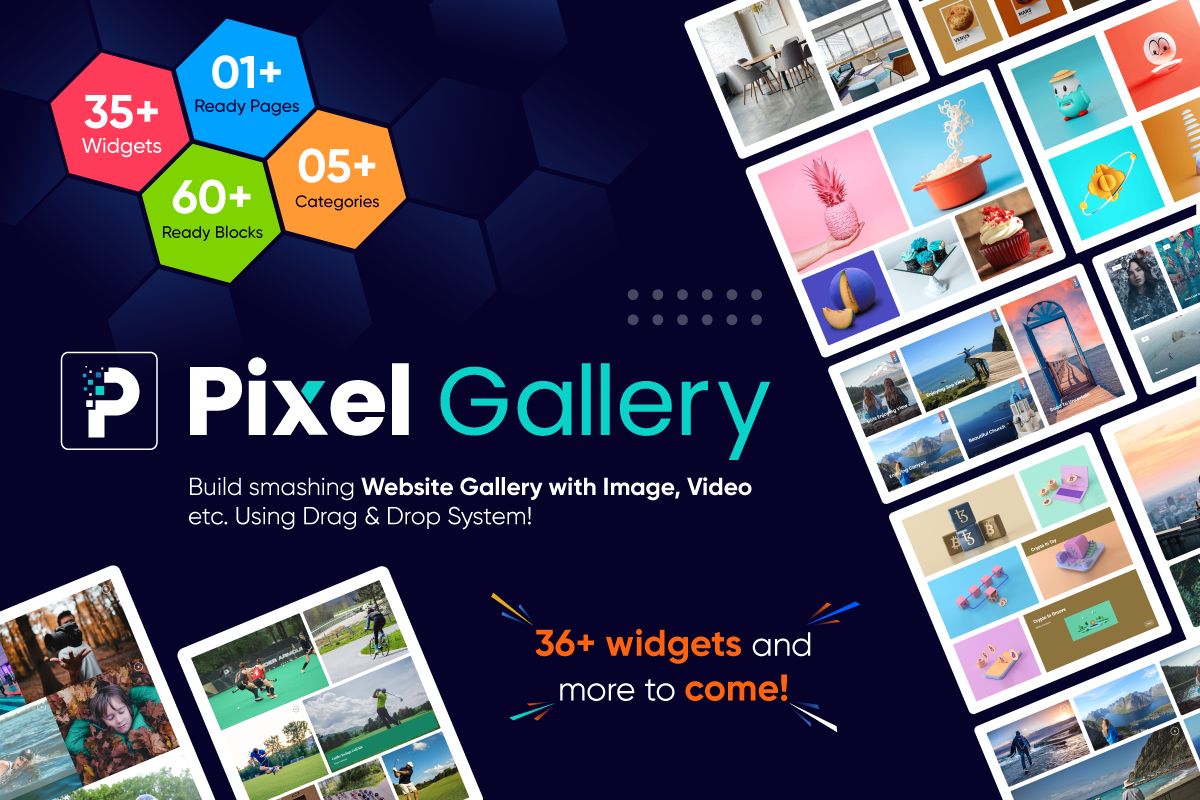
Pixel Gallery 소개 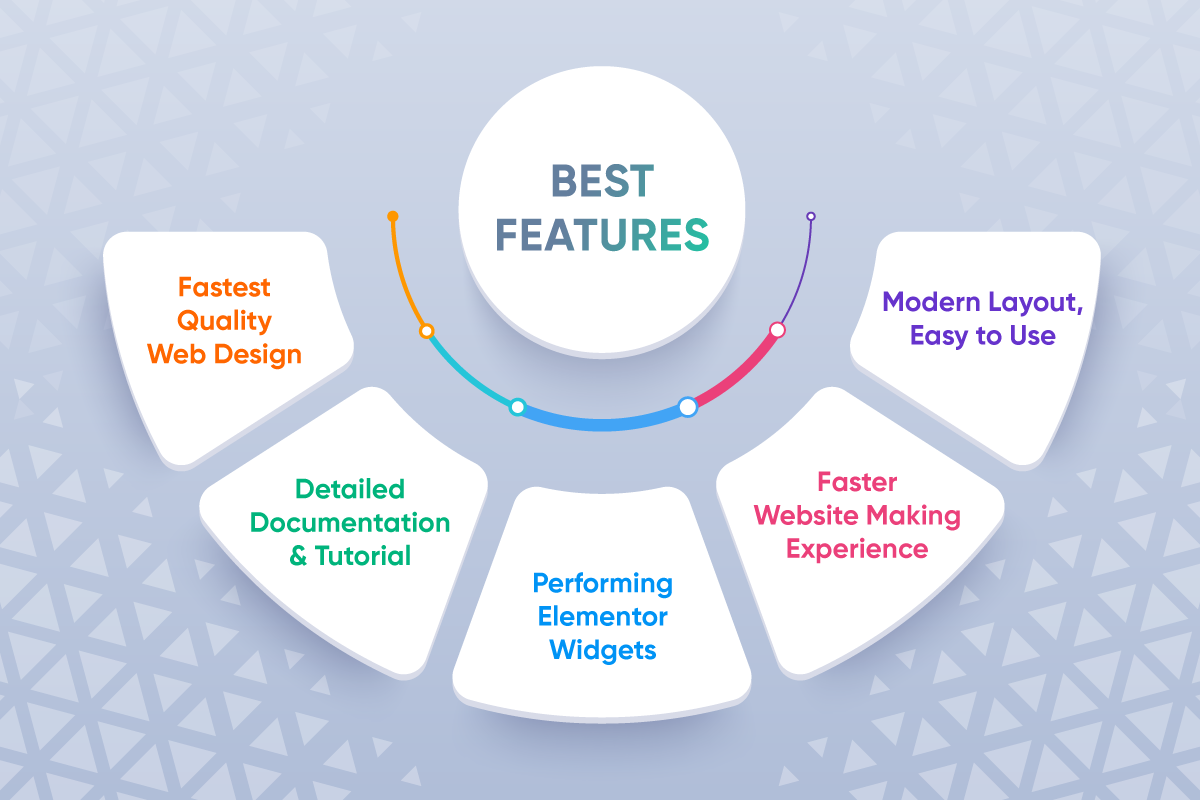
Pixel Gallery의 최고의 기능들 
갤러리 위젯을 위한 대시보드 설정 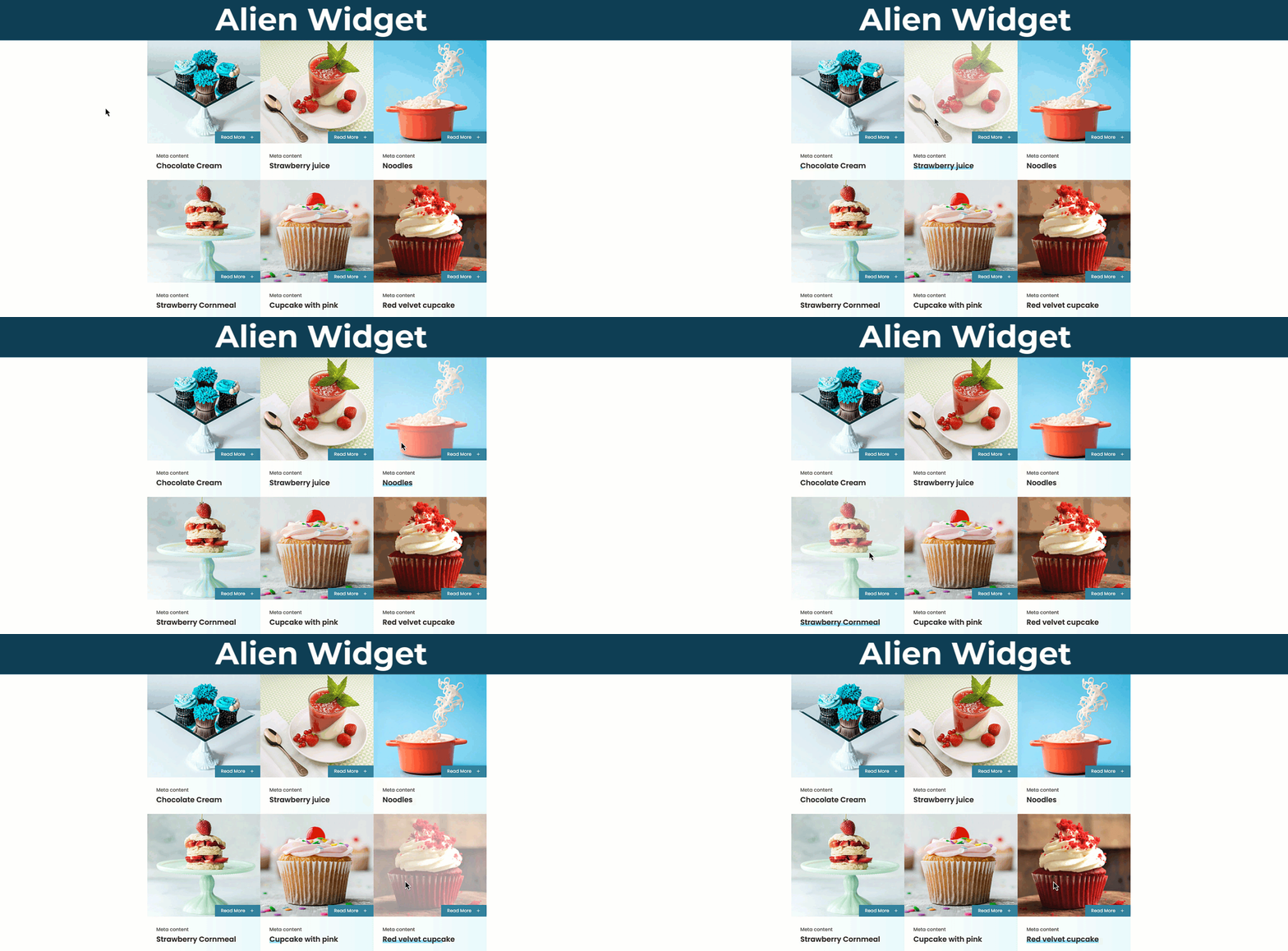
Alien Demo 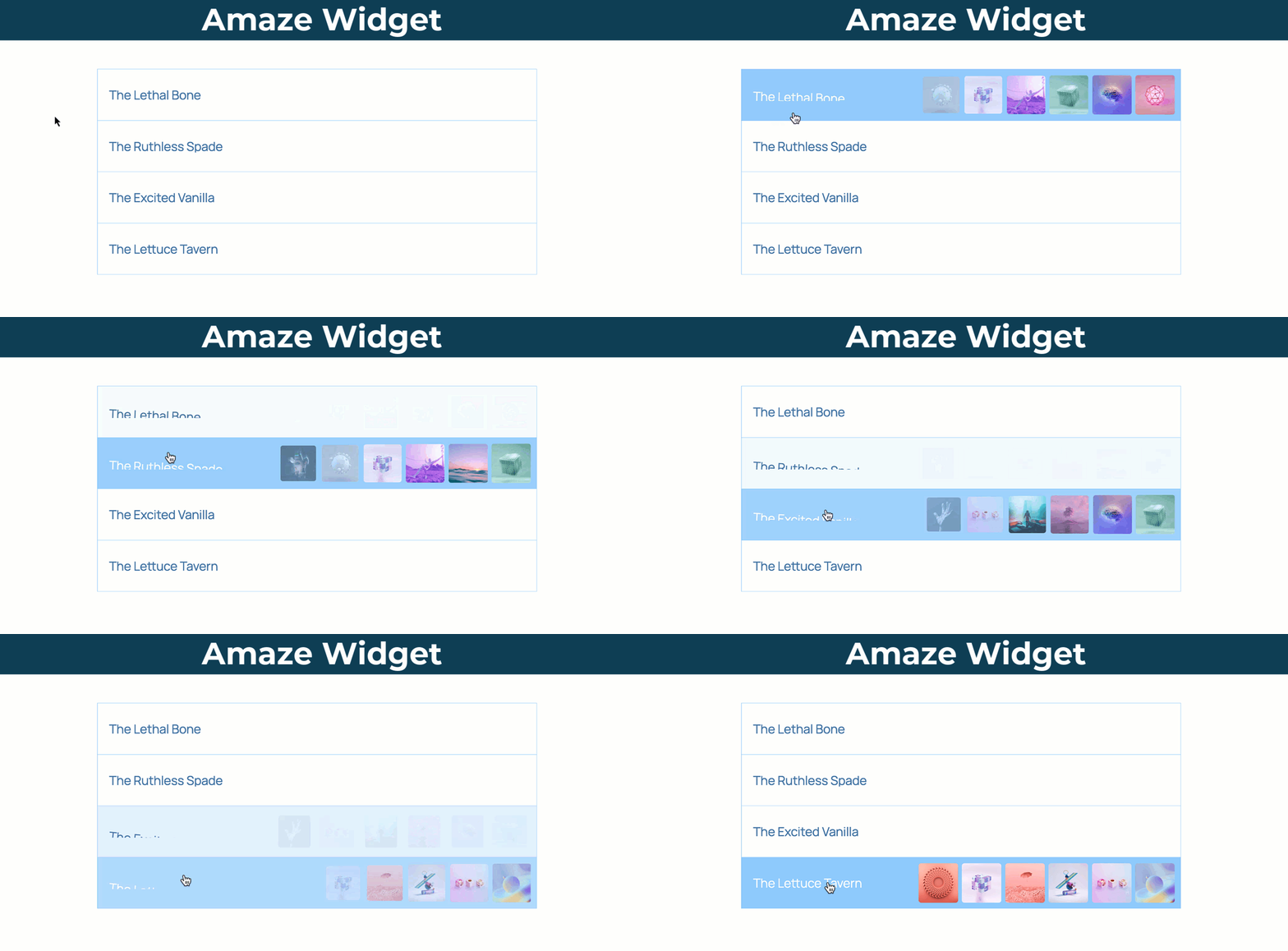
Amaze Demo 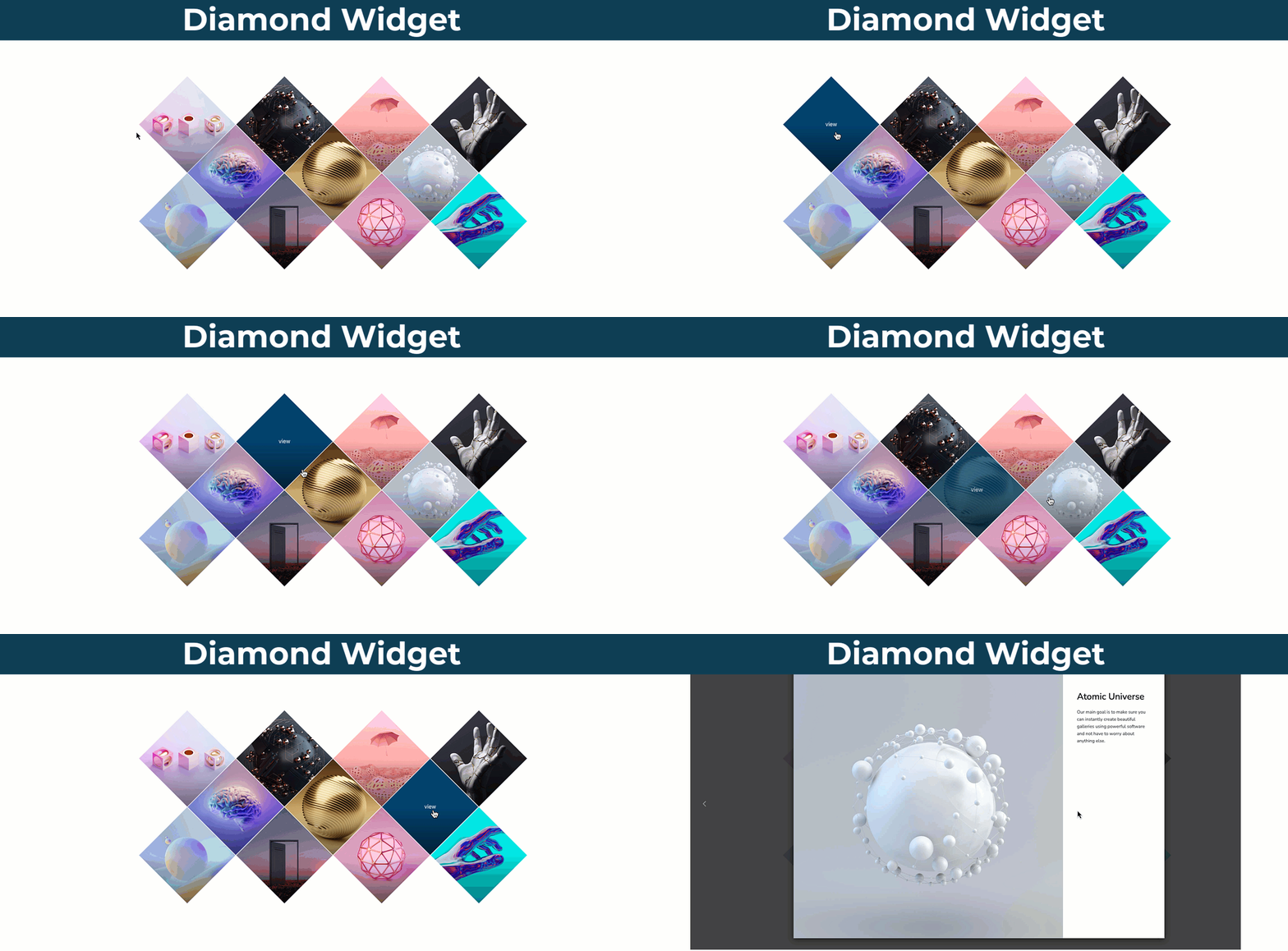
Diamond Demo 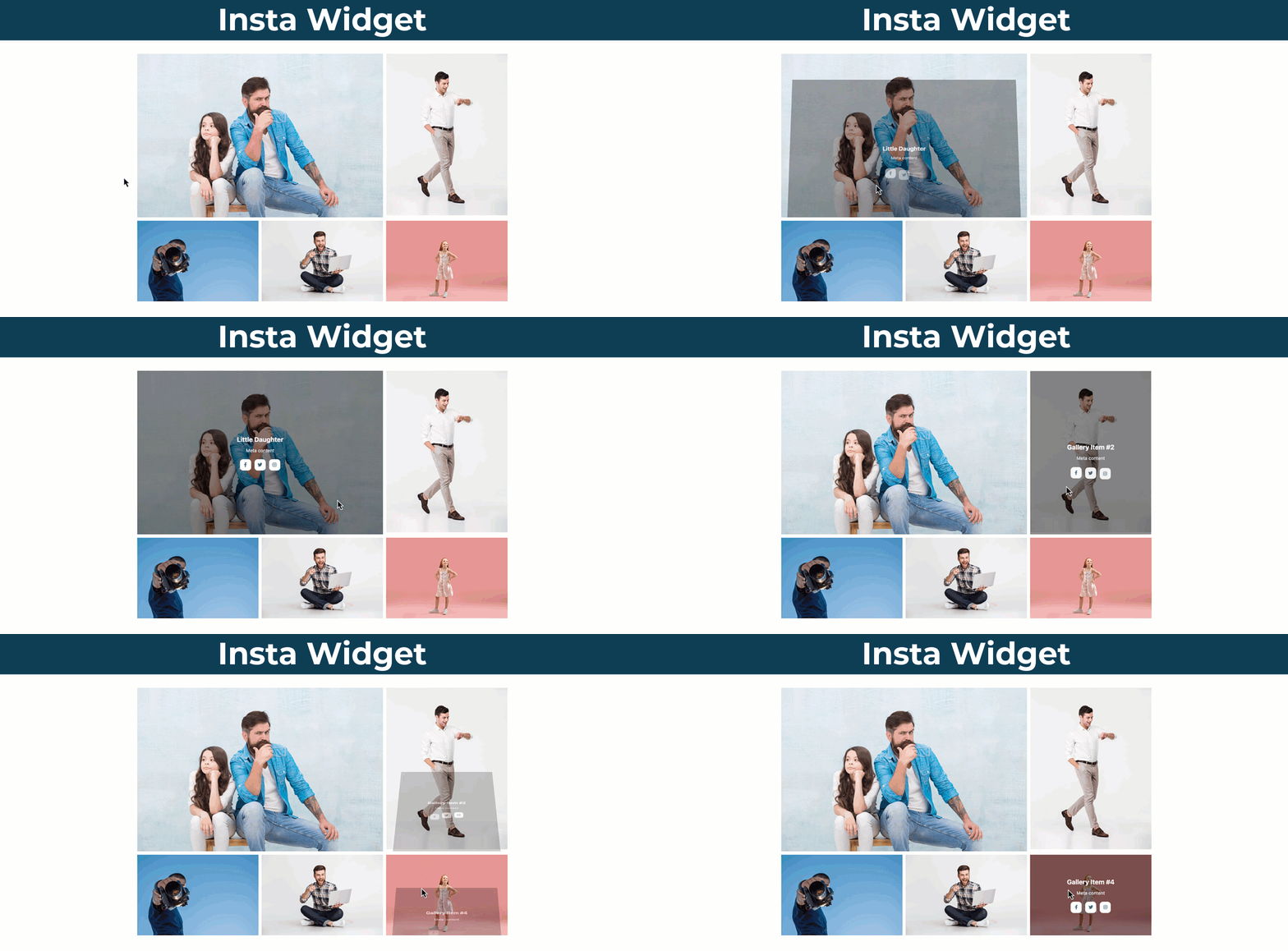
Flash Demo 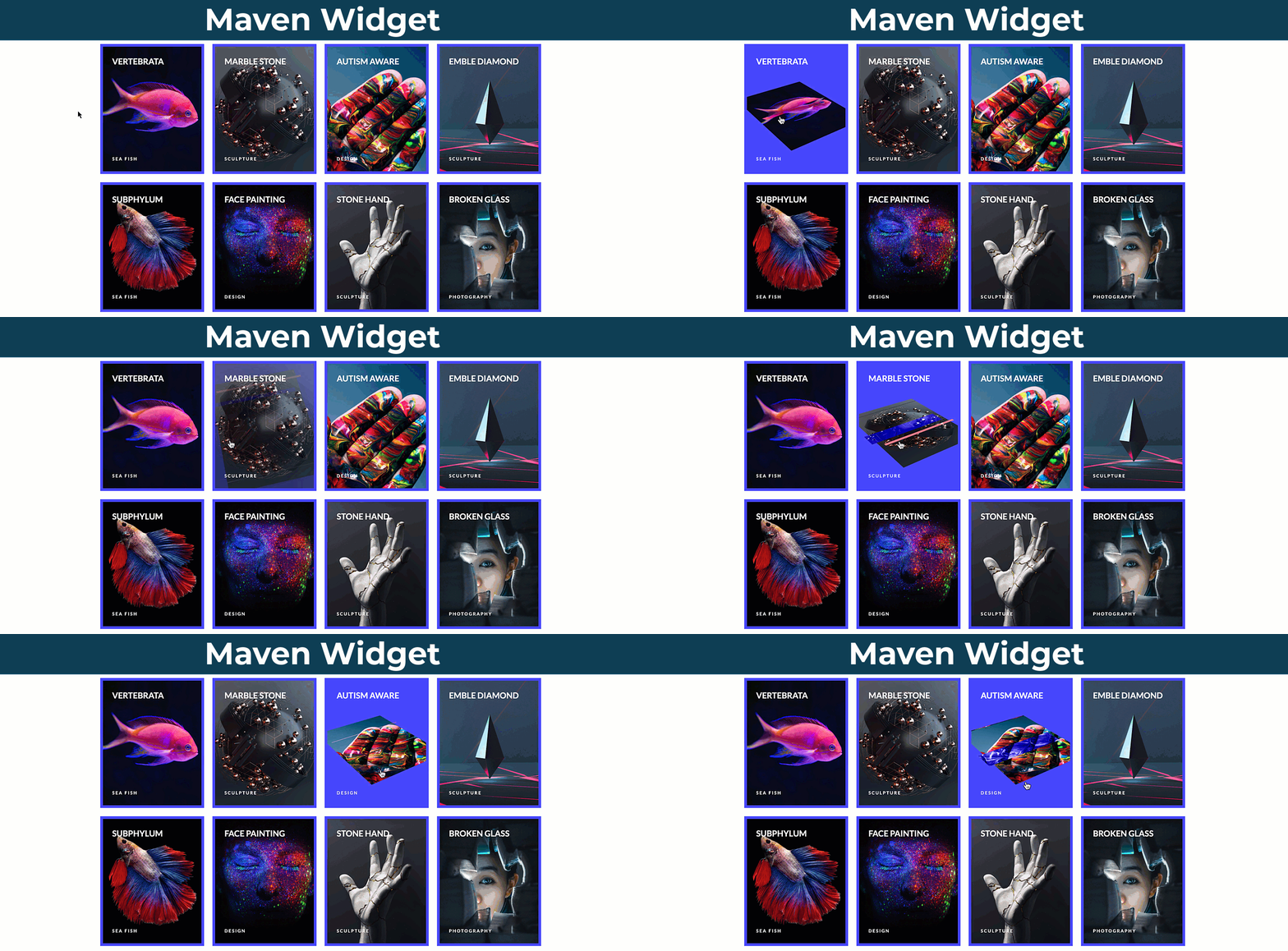
Insta Demo 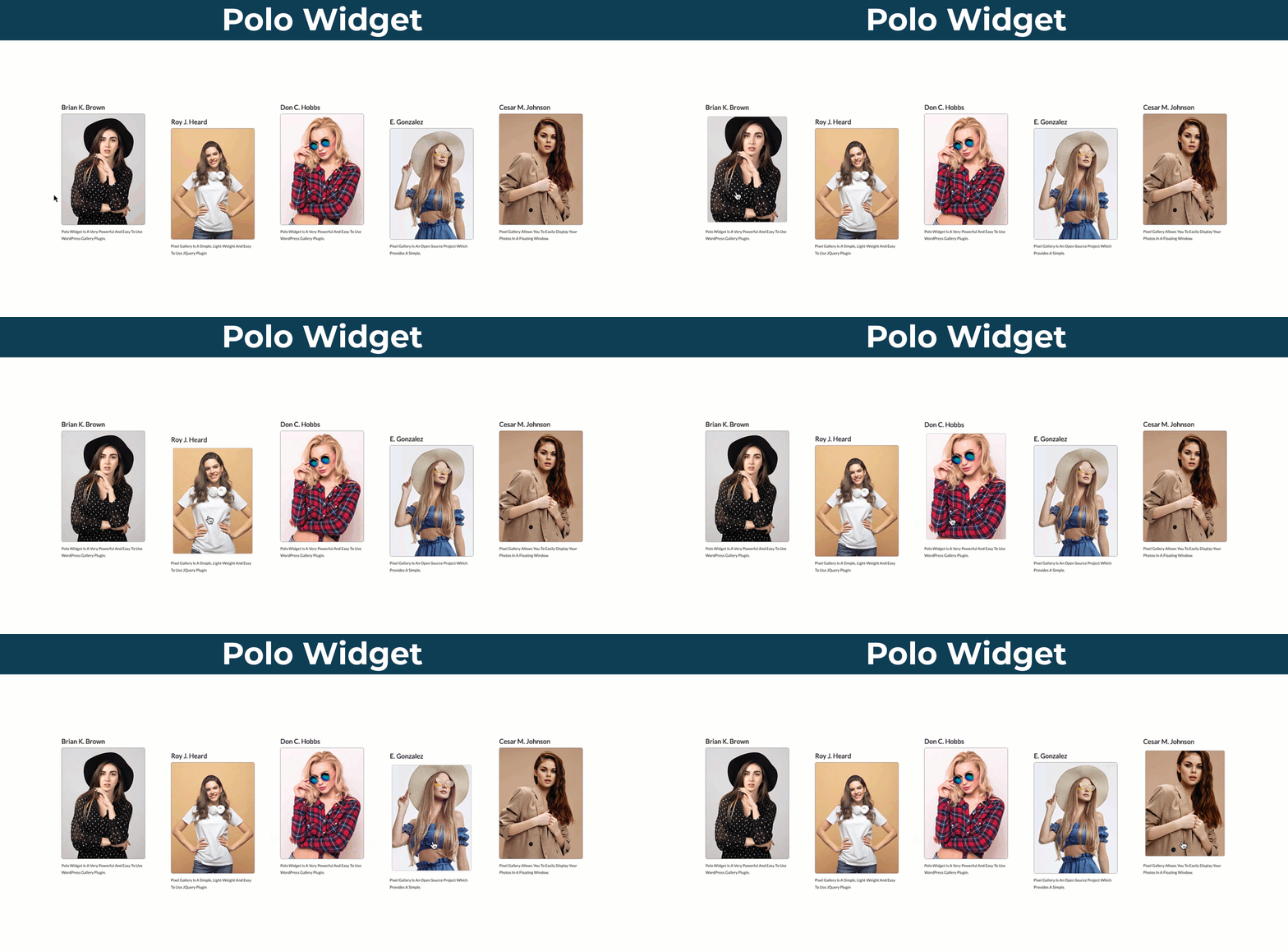
Maven Demo 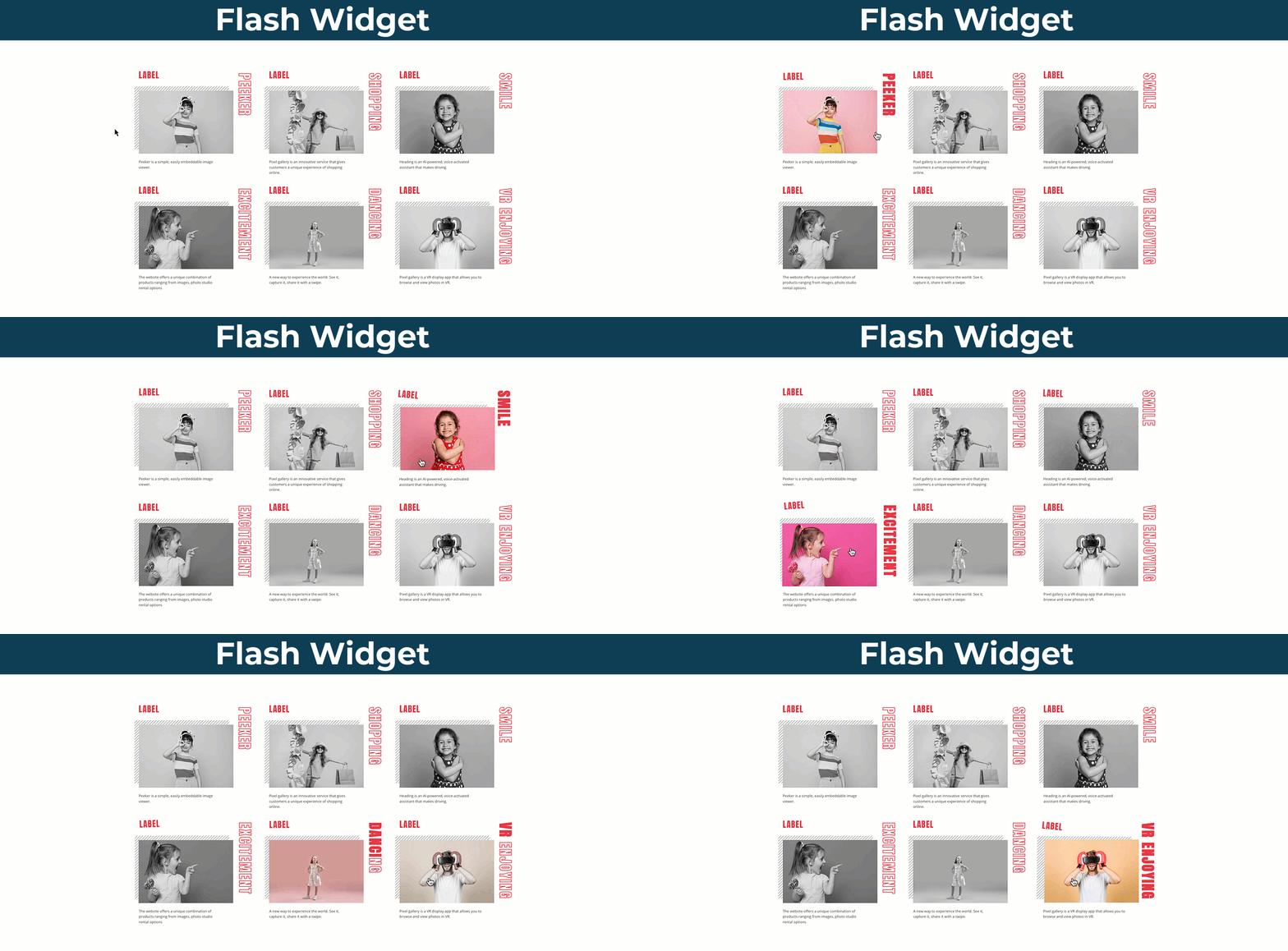
Polo Demo 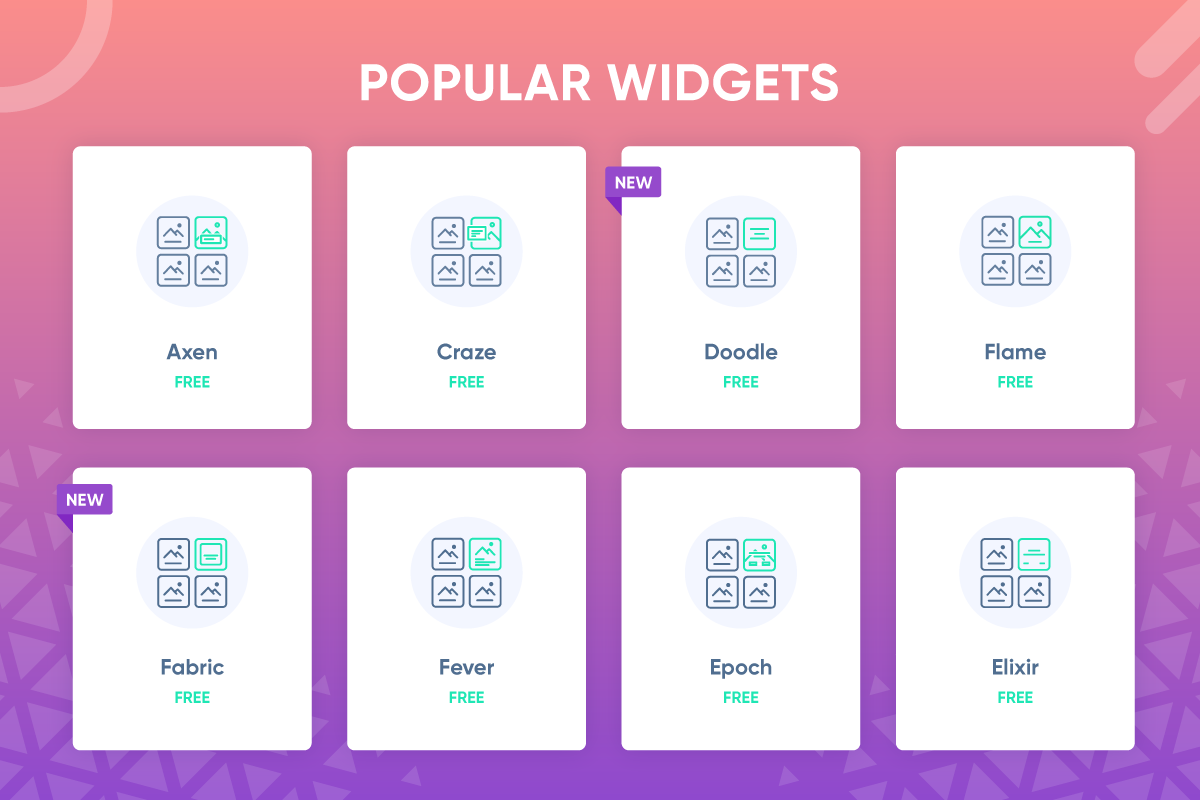
Pixel Gallery의 인기 위젯 
무료이므로 평생 무료 기능 
우리의 다른 플러그인들


설치
이 섹션에서는 플러그인을 설치하고 작동시키는 방법을 설명합니다.
예:
pixel-gallery폴더를/wp-content/plugins/디렉터리에 업로드하세요.- WordPress의 ‘플러그인’ 메뉴에서 플러그인을 활성화하세요.
- Elementor 편집기로 이동하여 사용을 시작하세요.
FAQ
-
모든 워드프레스 테마와 호환되나요?
-
- 물론입니다! Pixel Gallery는 테마가 Elementor를 지원하는 한 모든 종류의 테마를 지원합니다.
-
- 업데이트를 받게 됩니다, 그게 전부입니다. 플러그인을 최신 버전으로 업그레이드해도 사용자 설정에는 영향을 미치지 않습니다. 하지만, 사이트 개발 경험을 더욱 향상시킬 수 있는 수백 가지의 프리미엄 기능을 잠금 해제하게 될 것입니다.
-
Elementor 페이지 빌더 없이 플러그인을 사용할 수 있나요?
-
- Pixel Gallery는 Elementor 페이지 빌더를 기반으로 하며, 후자가 없으면 전자는 작동하지 않습니다.
-
다른 Elementor 애드온과 상호 작용하나요?
-
- 물론, Pixel 갤러리는 Elementor의 다른 애드온과 충돌하지 않는 친환경 코드로 제작되었습니다.
-
Elementor Pro와 호환되나요?
-
- 의심의 여지 없이.
-
Pixel 갤러리가 업데이트 후에 내 사이트를 망가뜨릴까요?
-
- 아니요, 우리는 업데이트 문제로 인해 Pixel Gallery가 귀하의 웹사이트의 기존 레이아웃을 변경하거나 손상시키지 않도록 보장합니다. 이 문제에 대해 저희가 지원해 드립니다.
-
지원 및 업데이트는 얼마나 오래 받을 수 있나요?
-
- Pixel Gallery가 존재하는 한, 우리는 자주 업데이트와 24/7 지원을 제공할 것입니다. 우리는 그렇게 할 것을 약속합니다.
참고: 성인 사이트에 대한 플러그인 지원은 제공하지 않습니다.
- Pixel Gallery가 존재하는 한, 우리는 자주 업데이트와 24/7 지원을 제공할 것입니다. 우리는 그렇게 할 것을 약속합니다.
-
Pixel 갤러리를 내 언어로 번역할 수 있나요?
-
- Definitely. Pixel Gallery offers a translation feature to let you choose your own language to translate all plugin elements/widgets/modules.
-
가까운 미래에 더 많은 위젯을 받을 수 있을까요?
-
- Of course, you can. In fact, Pixel Gallery brings a couple of new & unique widgets over the frequent updates (minor updates). With every leap of the base plugin version (major updates), we bring tones of new widgets and features to let you take advantage of our plugin.
-
Pixel 갤러리를 클라이언트 사이트에서 사용할 수 있나요?
-
- Yes, definitely. You can use Pixel Gallery on any website, self or client, within the allowed number of licenses provided by the package you purchase. There are no bindings to the usage.
-
보안 버그는 어떻게 신고하나요?
-
- 패치스택(Patchstack) 취약점 공개 프로그램을 통해 보안 버그를 신고할 수 있습니다. 패치스택 팀은 모든 보안 취약점을 유효성 검사하고, 분류하며 처리하는 데 도움을 줍니다. 보안 취약점 신고하기
후기


기여자 & 개발자
“Pixel Gallery Addons for Elementor – Easy Grid, Creative Gallery, Drag and Drop Grid, Custom Grid Layout, Portfolio Gallery”(은)는 오픈 소스 소프트웨어입니다. 다음의 사람들이 이 플러그인에 기여하였습니다.
기여자


“Pixel Gallery Addons for Elementor – Easy Grid, Creative Gallery, Drag and Drop Grid, Custom Grid Layout, Portfolio Gallery”(이)가 2 개 언어로 번역되었습니다. 기여해 주셔서 번역자님께 감사드립니다.
개발에 관심이 있으십니까?
변경이력
2.1.1 [9th February 2026]
- 업데이트됨: 시스템이 개선되었습니다.
2.1.0 [22nd January 2026]
- 추가: 프로 위젯에 WPML 다국어 지원 추가됨
- 추가: 최신 CSS와 호환되도록 업데이트되었으며 RTL CSS 파일 제거됨
- 수정: axen, 자르기 및 ocean 위젯의 페이지 매김 문제
- 수정: 오션 위젯의 폐기 예정 문제
- 수정: 사용자 정의 코드(Custom Code) 및 코드 재설정(Reset Code) 버튼의 디자인 문제
2.0.1 [12th January 2026]
- 업데이트됨: 시스템이 개선되었습니다.
2.0.0 [6th January 2026]
- 추가됨: 드래그 가능한 위젯 추가됨
- 추가됨: WPML 다국어 지원 추가됨
- 추가됨: 화이트 레이블 기능 추가됨
- 추가됨: 사용자 정의 CSS 및 JS 기능 추가됨
- 추가됨: 설정 마법사/온보딩 기능이 추가됨
- 추가됨: 관리자 대시보드에 롤백 버전 기능 추가됨
- 업데이트됨: 관리자 대시보드 업데이트됨
1.7.11 [4th January 2026]
- 수정됨: 마스크 색상 모양을 찾을 수 없는 문제 수정됨
1.7.10 [18th December 2025]
- 추가: 판다 위젯의 날짜 스타일링을 위한 글래스모피즘 컨트롤
- 추가: 에일리언 위젯에 버튼 정렬 컨트롤 추가됨
1.7.9 [11th December 2025]
- 수정됨: zilax 위젯의 분리자 표시 문제 수정됨
1.7.8 [2nd December 2025]
- 추가: 접근성 향상을 위해 링크에 aria-label 속성 추가됨
- 업데이트: 워드프레스 버전 6.9와(과) 호환되도록 수정됨
1.7.7 [27th November 2025]
- 추가: 트랜스 위젯에서 여러 스타일 옵션을 만들기 위한 새로운 스타일 컨트롤
1.7.6 [20th November 2025]
- 수정됨: 중복 알림 문제 해결됨
1.7.5 [19th November 2025]
- 추가: Verse 위젯에서 여러 스타일 옵션을 생성할 수 있는 새로운 스타일 컨트롤
- 추가: 접근성 향상을 위해 링크에 aria-label 속성 추가됨
1.7.4 [13th November 2025]
- 업데이트: 공지 디자인 개선됨
1.7.3 [12th November 2025]
- 업데이트: 시스템 개선됨
1.7.2 [11th November 2025]
- 수정: API 배너 중복 문제 해결됨
1.7.1 [10th November 2025]
- 업데이트: 시스템 개선됨
1.7.0 [4th November 2025]
- 추가됨: 동적 태그 지원 추가됨
- 수정됨: 자르기 위젯의 사용 중단(Deprecated) 오류 수정됨
- 수정됨: 오빗 위젯에서 읽기 더보기 버튼 클릭 문제 수정됨
- 수정됨: 패브릭 위젯의 이미지 마우스 오버 테두리 색상 문제가 수정되었습니다
1.6.12 [28th September 2025]
- 수정됨: 에일리언 위젯의 버튼 링크 문제 수정됨
1.6.11 [8th September 2025]
- 수정됨: 보안상의 이유로 DCI 공지 제거됨
1.6.10 [10th August 2025]
- 추가됨: 관리자 스토어 API 알림 추가됨
- 수정됨: 더 이상 사용되지 않음(deprecation) 오류 수정됨
- 수정됨: 화이트라벨 사용자에게 발생하던 정기 알림 표시 문제 해결됨
1.6.9 [7th August 2025]
- 업데이트: 보안이 개선되었습니다
- 업데이트: 이미지 마스크 가시성 호환성 추가됨
1.6.8 [15th July 2025]
- 수정됨: 보안 문제 수정 (zer0gh0st님께 감사드립니다)
1.6.7 [2nd July 2025]
- 추가됨: 목장 위젯에 메타 라인 스타일 켜기/끄기 제어 추가
1.6.6 [25th June 2025]
- 수정됨: 텍스트 도메인 고정됨
1.6.5 [1st June 2025]
- 업데이트됨: 시스템이 개선되었습니다.
1.6.4 [31th May 2025]
- 수정됨: 텍스트 도메인 문제 해결됨
- 수정됨: 대시보드 설정에서 JS 오류 수정됨
1.6.3 [12th May 2025]
- 수정됨: jQuery Migrate 경고 해결됨 (BackuPs 덕분에)
- 수정됨: DCI 알림 전환 문제 해결됨
- 수정됨: 시스템 요구사항 메모리 제한 및 최대 포스트 제한 문제 해결됨
1.6.2 [28th April 2025]
- 수정됨: craze 위젯에서 라이트박스 문제 해결됨
- 수정됨: 대시보드 위젯 사용 경고 오류 해결됨
1.6.1 [21th April 2025]
- 추가됨: 워드프레스 버전 6.8 호환성 추가됨
- 업데이트됨: 시스템이 개선되었습니다.
1.6.0 [17th April 2025]
- 추가됨: 정렬된 갤러리 기능 추가됨
- 수정됨: ranch 위젯에서 소셜 아이콘 문제 해결됨
- 수정됨: elixir, trance, verse 위젯에서 콘텐츠 표시 안됨 문제 해결됨
1.5.12 [11th March 2025]
- 수정됨: 입장 애니메이션 문제 해결됨
- 수정됨: sonic 위젯에서 라이트박스 아이콘 문제 해결됨
1.5.11 [19th February 2025]
- 추가됨: 이미지 마스크 기능에 새로운 모양이 추가되었습니다.
1.5.10 [13th February 2025]
- 수정됨: 대시보드 알림 닫기 아이콘 충돌 문제가 수정되었습니다.
1.5.9 [6th February 2025]
- 업데이트됨: 대시보드 위젯 검색 시스템이 개선되었습니다.
1.5.8 [24th December 2024]
- 수정됨: 라이트박스 슬라이드 문제가 수정되었습니다.
1.5.7 [17th December 2024]
- 추가됨: 최적화된 마크업 기능 호환성이 추가되었습니다.
1.5.6 [4th December 2024]
- 업데이트됨: 대시보드 시스템이 개선되었습니다.
1.5.5 [23th November 2024]
- 수정됨: 번역 문제가 수정되었습니다.
1.5.4 [23th September 2024]
- 수정됨: 인스타 위젯의 보안이 개선되었습니다.
1.5.3 [12th September 2024]
- 업데이트됨: 호환성이 추가되었습니다.
1.5.2 [29th August 2024]
- 업데이트됨: DCI 시스템이 개선되었습니다.
1.5.1 [11th August 2024]
- 업데이트됨: 대시보드 시스템이 개선되었습니다.
1.5.0 [30th July 2024]
- 추가됨: 요소 캐싱 기능이 추가되었습니다.
- 업데이트됨: 대시보드 시스템이 개선되었습니다.
1.4.11 [24th June 2024]
- 수정됨: 텍스트 도메인 문제가 수정되었습니다 (itapress에 감사드립니다).
1.4.10 [16th April 2024]
- 업데이트됨: 시스템이 개선되었습니다.
1.4.9 [8th February 2024]
- 수정됨: marron 위젯에서 이미지 자르기 문제가 수정되었습니다.
- 수정됨: 아이콘 표시 안 되는 문제가 수정되었습니다.
1.4.8 [22th January 2024]
- 수정됨: 관리자 스크립트 min js 파일을 찾을 수 없는 문제가 수정되었습니다.
1.4.7 [31th December 2023]
- 업데이트됨: 시스템이 개선되었습니다.
1.4.6 [9th November 2023]
- 수정됨: glam 위젯의 ‘자세히 읽기’ 문제가 수정되었습니다.
1.4.5 [29th October 2023]
- 수정됨: 충돌 문제가 수정되었습니다.
1.4.4 [29th October 2023]
- 업데이트됨: 시스템이 개선되었습니다.
1.4.3 [12th August 2023]
- 추가됨: fixer 위젯에 콘텐츠 위치 옵션이 추가되었습니다.
1.4.2 [25th July 2023]
- 추가됨: lunar 및 lytical 위젯에 오버레이 색상 옵션이 추가되었습니다.
- 추가됨: axen, craze, doodle, elixir, epoch, fabric, fever, flame, fluid, glaze, insta, koral, lumen, lunar, lytical, marron 위젯에 글래스모피즘 효과가 추가되었습니다.
1.4.1 [12th July 2023]
- 추가됨: fixer 위젯에 글래스모피즘 효과가 추가되었습니다.
1.4.0 [18th June 2023]
- 추가됨: mystic, ocean, panda, ranch, sonic, trance 위젯에 글래스모피즘 효과 추가됨
- 수정됨: lytical 위젯에서 라이트박스 문제 수정됨
- 수정됨: wisdom 위젯의 높이 문제가 수정되었습니다.
- 수정됨: insta, crop, flame, lunar, mosaic, ranch, shark, sonic, trance, walden 위젯의 정렬 문제가 수정되었습니다.
세부 사항: 여기에서 변경 내역 확인
