

Filter Tips





Videography and Video Editing
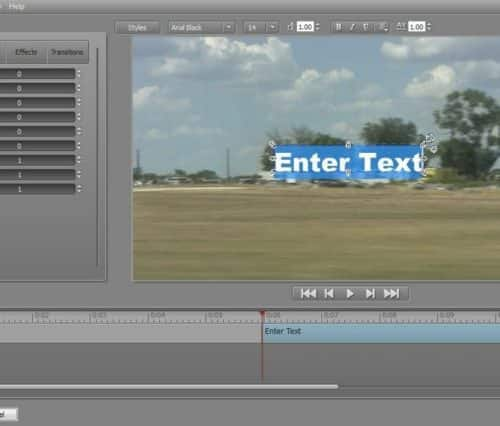
NewBlue Titler FX
Wow your audience with dynamic 2D and 3D titles, and easily add captions and rolling credits to your movies. (nVidia graphics card or Intel HD3000 and above required for NewBlue...
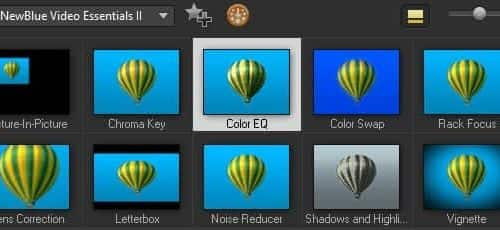
NewBlue FX Video Essentials II
Create incredible special effects with bonus tools from industry leader, NewBlue. Video Essentials II offers over 100 presets in 10 plugins to create vignettes, enhance and adjust color, and much...
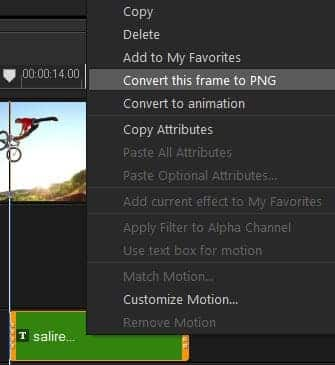
Convert titles to Alpha channel files
Create stylish, professional-looking titles by converting them to alpha channel images or animations.
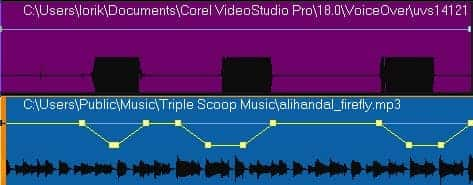
Use Audio Ducking for Clearer Audio
Balance dialog, narration with background sound for pro-quality audio. With Audio Ducking, VideoStudio detects audio or narration and automatically lowers the volume of background sound. Adjust the Ducking Level and...
VideoStudio MyDVD
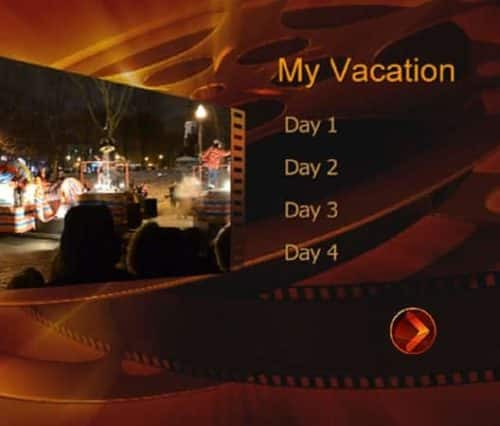
Experience a new and easier way to burn to DVD, AVCHD and Blu-ray Disc. Get a stylish look with 10 themed templates with menus, sub-menus and chapters. Turn your videos...
ScoreFitter
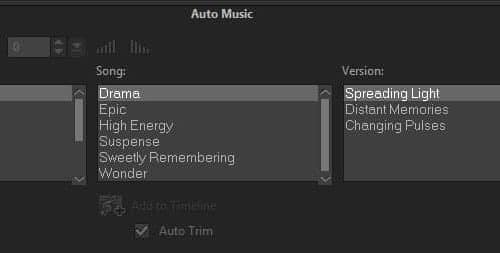
No movie is complete without a soundtrack. Add music with the included Scorefitter library of royalty-free sounds and songs—they even automatically adjust to fit the length of your movies.
Smart features make projects easier
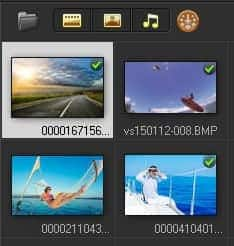
Easily keep track of the clips you’ve used in your video. Thumbnails in the Library show a check mark when the clip has been used to help you avoid reusing...
Freeze frame
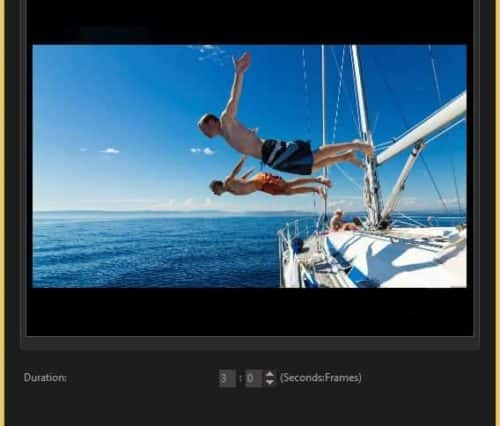
Whether it’s a beautiful smile, your child scoring a goal or stunning scenery, sometimes you want to add extra impact by temporarily stopping the action to focus on a...
Leave Headroom!
An absolute basic but necessary tip! Make sure to leave room for your subjects’ heads – no one likes seeing their heads chopped off!
Put Yourself in Their Shoes
If filming an event or special occasion, put yourself in the guest of honor’s shoes. What is important to them? What will they want to remember most about this special...
Avoid Backlighting
Remember you want to shoot with the sun, not against it! Make sure your subject is lit, not backlit.
Minimize External Sound
Pay attention to background noise when you’re shooting, especially longer shots. They are a lot more distracting on film than in person!
Master the Basics
While it might be tempting to imitate your favorite avante-garde filmographers, you are better off learning how to take consistently good, steady, high quality footage before giving it your own...
Limit your Zoom & Panning
If you are looking to make professional looking footage, make sure you keep your zooming and scene panning to a minimum. Cheesy!
iPhone Filming Tip: Get up Close and Personal
Always good advice, but especially with the low quality of phone zoom. Get up close to your subject to get the details!
