

Apraksts
Post Network makes it easier to find isolated articles on your site by visualizing internal links in graphs, helping to improve user flow and SEO.
Usage
After installing the plugin, select
“Post Network->Visualize” from the admin panel.
You can also set the options for displaying the graph from
“Post Network->Settings” in the admin panel.
You can display the graph on the frontend by using a shortcode.
Simply add the [post_network] shortcode to the page where you want to display the graph.
Ekrānuzņēmumi
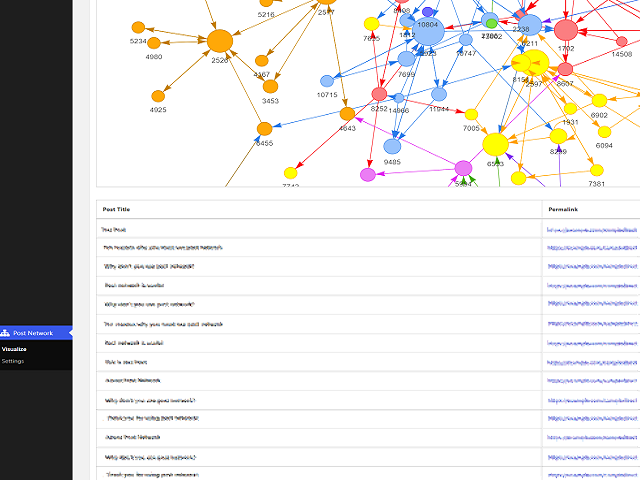
screenshot-1.png 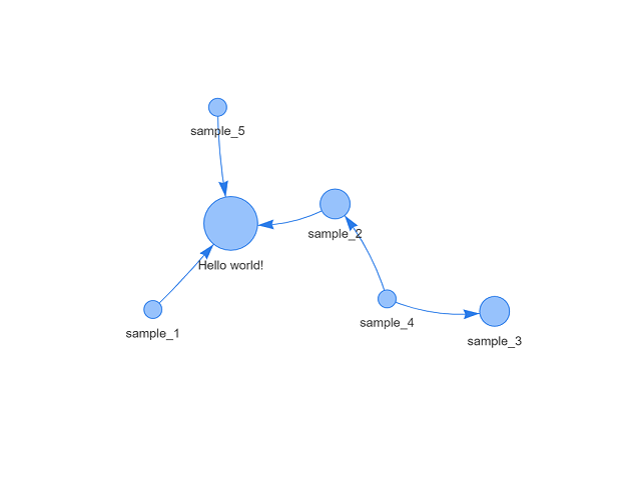
screenshot-2.png 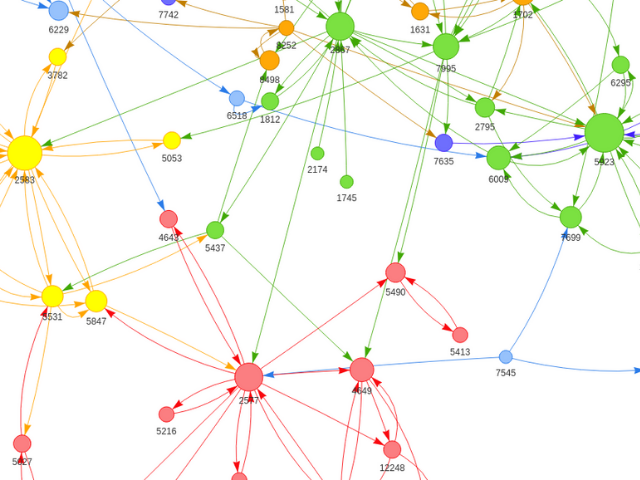
screenshot-3.png


Uzstādīšana
- Upload post-network to your /wp-content/plugins/ directory or download through the Plugins page.
- Activate the plugin through the ‘Plugins’ menu in WordPress.
Atsauksmes
Par šo spraudni nav atsauksmju.
Autori un izstrādātāji
“Post Network” ir atvērtā pirmkoda programmatūra. Šo spraudni ir veidojuši šādi cilvēki.
Līdzdalībnieki

“Post Network” ir tulkots lokalizācijā 1. Paldies tulkotājiem par ieguldījumu.
Tulkot “Post Network” savā valodā.
Vai jūs interesē attīstība?
Pārlūkojiet kodu, apmeklējiet SVN krātuvi vai abonējiet attīstības žurnālu, ko izveidojis RSS.
Izmaiņu žurnāls
1.6.1
- Added support for [post-network] shortcode.
1.6.0
- Fixed JavaScript loading errors
- Updated vis-network.js library to version 9.1.2 (Non-compressed version to prevent double-minification issues).
- Code refactoring
- WordPress 6.9
1.5.0
- Added shortcode
- WordPress 6.6
1.4.3
- Fixed some errors
- WordPress 6.4
1.4.2
- Fixed activation error
- WordPress 6.2
1.4.1
- Fixed activation error
- PHP8.0
- WordPress 6.1
1.4.0
- Add “Indicate post status in label” to setting
- Add “Post type to include” to setting (“Include pages” option removed)
- WordPress 6.0
1.3.1
- Fixed php notice errors
1.3.0
- Add “Include pages” option to setting
- Hooks added
- Fixed php notice errors
- Code refactoring
1.2.0
- Add “None” option to Graph label
- Display loading icon while drawing the graph
- Add link to settings on the plugin page
- Code refactoring
1.1.0
- Add “Include published post only” to setting
- Graphs color-coded by post category
- Display post title on hover to each node
- WordPress 5.9
