Bring Designs to Life

Create Breathtaking Animation & Interactive Effects

Transform your Elementor websites with powerful, easy-to-use animation tools. From subtle micro-interactions to immersive visual effects, Master Addons gives you everything to captivate your audience and elevate user experience.

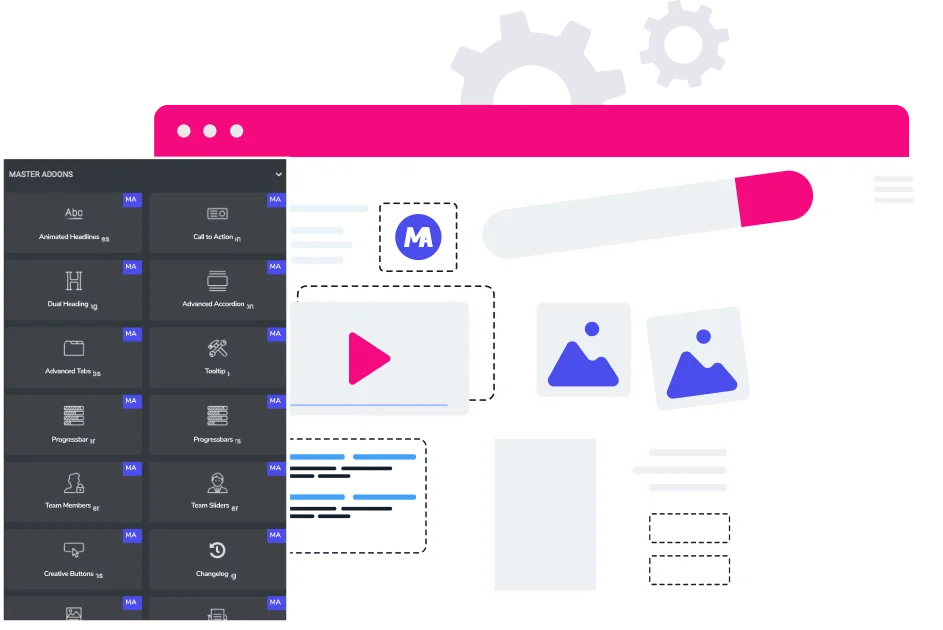
Master Addons animation extension
The Power of Motion

Why Modern Websites Need Animation

Attention Instantly

Motion catches the eye. Use animations to highlight key content, offers, or calls-to-action immediately upon page load.

Engagement Rates

Interactive and moving elements encourage visitors to explore more of your website, increasing time on site and interaction.

Enhance Guidance

Subtle animations can intuitively guide users through your site's flow, improving navigation and usability effortlessly.

Key Content

Make important messages, stats, or testimonials stand out with elegant reveal or floating effects for maximum impact.

Visual Story

Create a narrative and emotional connection by sequencing animations that unfold as users scroll down your page.

Simplify Ideas

Use motion to demonstrate processes, showcase features, or explain services in a more digestible and engaging way.

Built for Elementor

Masterful Animation Features

Dynamic Color Flow

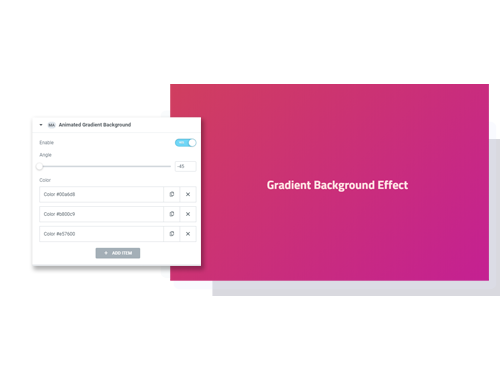
Animated Gradient BG

Create smooth, looping color transitions for section backgrounds that add depth and modern energy.

  • Seamless, customizable gradient transitions.
  • Control speed, direction, and angle.
  • Apply to any container, section, or column.
Animated Gradient Video
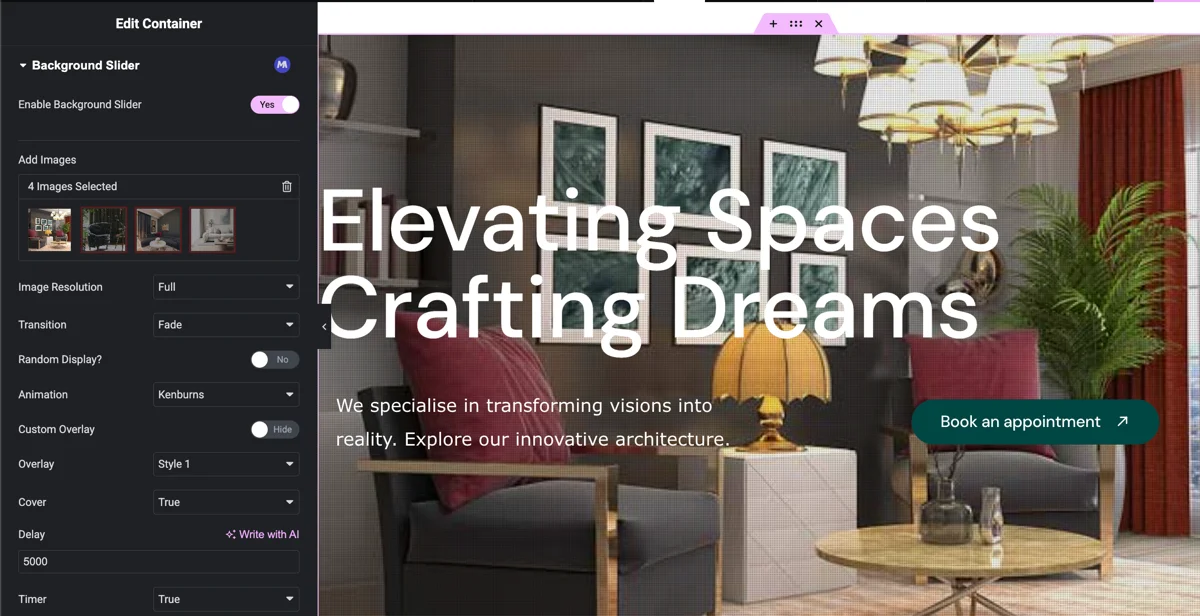
Background slider in Elementor Editor
Cinematic Backgrounds

Background Slider

Add a slideshow of images or videos as a moving background for stunning hero areas or sections.

  • Multiple transition effects and speeds.
  • Support for both images and videos.
  • Adjustable overlay for text readability.
Interactive Particle Systems

Particles

Implement dynamic, interactive particle effects that react to mouse movement for a truly immersive experience.

  • Multiple pre-designed particle shapes.
  • Fully customizable density, color, and speed.
  • Interactive mouse-hover effects.
Random Image Style Settings
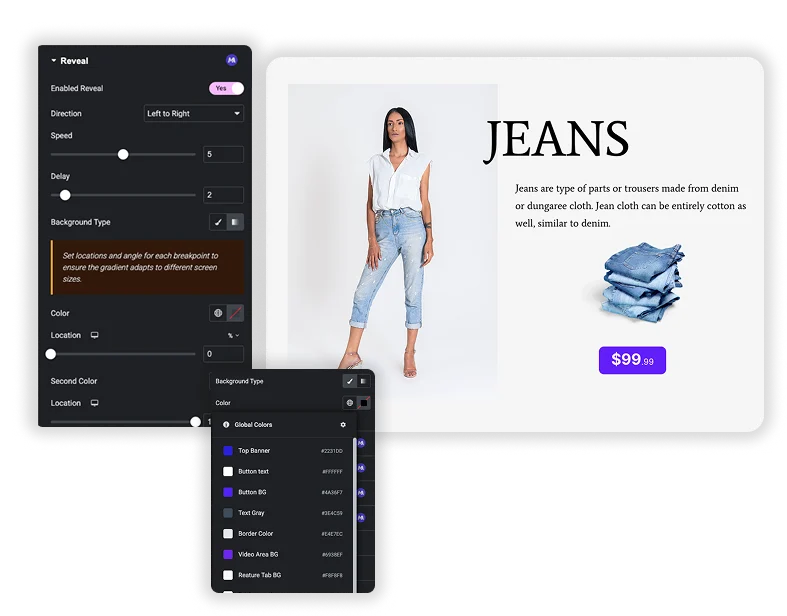
Customizable Reveal Background
Scrolled-Based Reveals

Reveal

Control the exact timing and style of how elements appear on the page as users scroll.

  • Choose from multiple reveal animations (fade, slide, zoom).
  • Set trigger points and animation delays.
  • Apply to any Elementor widget or section.
Smooth Parallax Scrolling

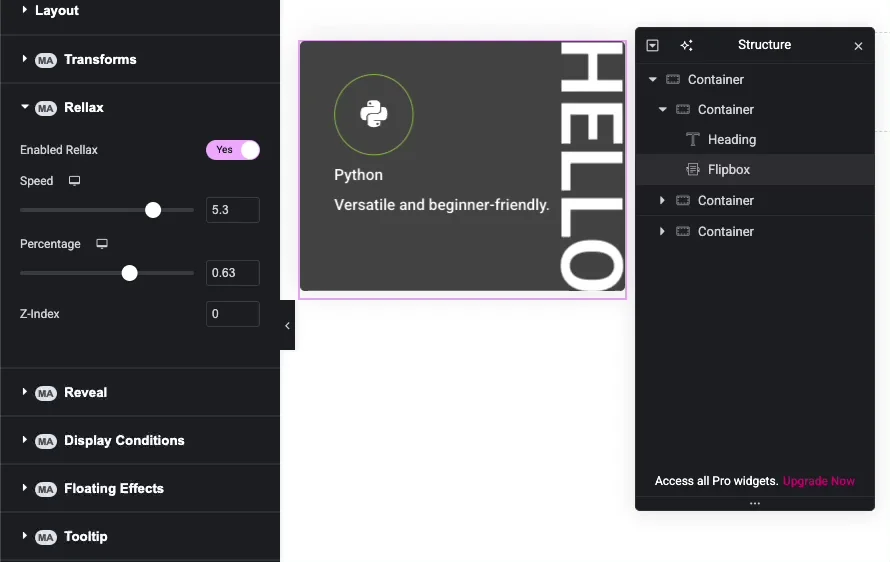
Rellax

Add beautiful parallax effects that create a sense of depth, making elements scroll at different speeds.

  • Ultra-smooth, performance-optimized parallax.
  • Control scroll speed and direction.
  • Easy to apply with simple controls.
Rellax scroll effect with flipbox and heading
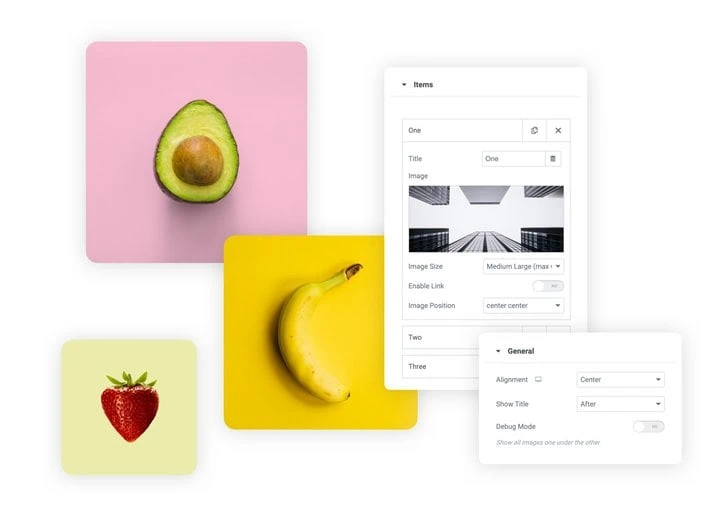
Random Image Settings
Frosted Glass Effect

Glassmorphism

Achieve the trendy glass-like aesthetic with background blur, transparency, and subtle borders.

  • Adjustable blur intensity and transparency.
  • Customizable border and shadow.
  • Creates modern, sleek UI components.
Subtle Hover & Idle Motion

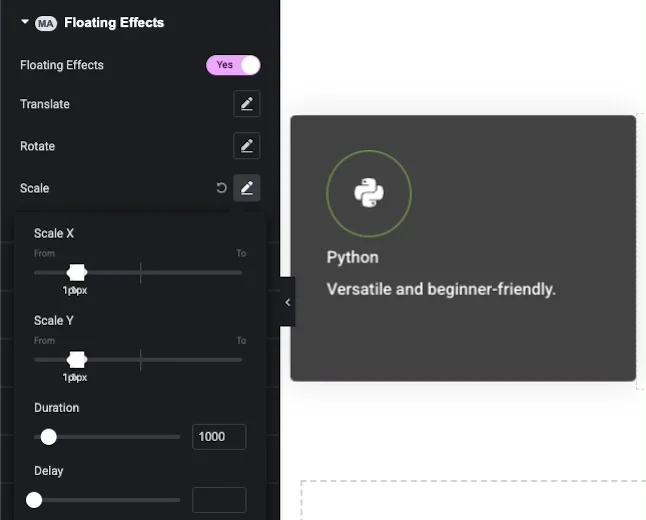
Floating Effects

Apply gentle floating, bouncing, or rotation animations to icons, images, or shapes to add playful movement.
  • Floating, bouncing, or rotating motion paths.
  • Control animation speed and distance.
  • Works on hover or as a continuous loop.
Floating effect in flipbox