

Gravity Forms
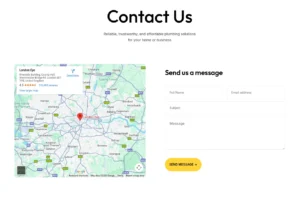
Perfectly integrate and beautifully style your Gravity Forms within the Elementor editor. This element lets you embed any form you’ve created with Gravity Forms and then take full design control to make it match your site perfectly. Choose from multiple pre-made design layouts with one click, or customize every detail – from labels and input fields to checkboxes and the submit button – with colors, borders, spacing, and typography. It’s the perfect way to create high-converting, brand-consistent forms without any coding, ensuring a seamless experience for your visitors.
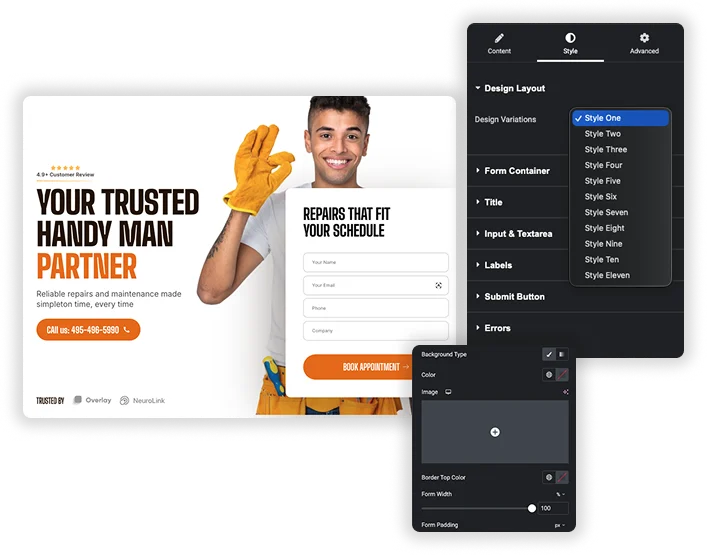
One-Click Design Layouts
Instantly apply a professional look to your form by selecting from a variety of pre-built style kits. This gives you a polished starting point that you can further customize, saving you significant design time.
- Apply a complete visual style to your Gravity Form in a single selection.
- Maintain design consistency across multiple forms on your site quickly.
- Use a layout as a foundation and tweak it to create a unique look.
Pixel-Perfect Field Styling
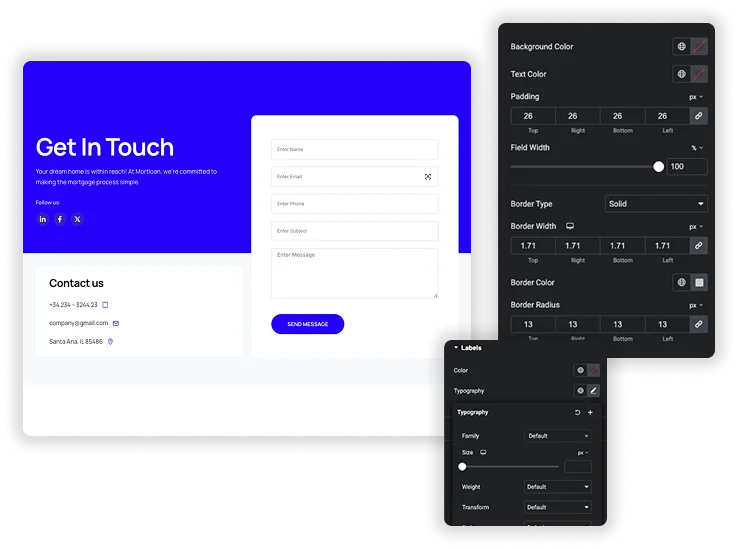
Gain detailed control over the appearance of every form field. Customize the background, text color, border style, and rounded corners for inputs and textareas, and precisely control their dimensions, padding, and alignment for a perfect layout.
- Style the normal and focus states of fields independently for better UX.
- Set custom widths and heights for different field types (input vs. textarea).
- Use padding and borders to create spacious, accessible, and attractive forms.
Complete Button & Message Customization
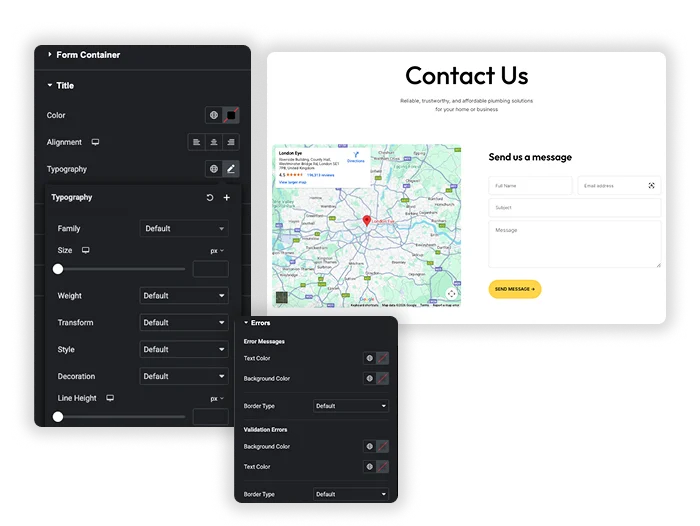
Design a submit button that encourages clicks and style all user feedback. Customize the button’s colors, size, borders, and hover effects, and ensure success messages and error notices are clear and match your brand’s aesthetic.
- Create custom button widths and full hover effect styling.
- Ensure form feedback (success/errors) is visually prominent and user-friendly.
- Add advanced effects like box shadows and typography controls to the submit button.
Frequently Asked Questions For Gravity Forms
Do I need the Gravity Forms plugin installed?
Yes, this element requires the Gravity Forms plugin to be installed and activated on your WordPress site. You must first create your forms within Gravity Forms before you can select and style them with this element.
What's the difference between styling "Labels" and "Placeholders"?
Labels are the permanent text titles for a field (e.g., “Email Address”). Placeholders are the faint example text inside the field that disappears when typing. The element allows you to control the visibility and styling of each independently for maximum design flexibility.
Can I make the forms responsive on mobile devices?
Absolutely. While the element provides specific sizing controls, you can use Elementor’s built-in responsive editing modes (for desktop, tablet, and mobile) to adjust settings like padding, font size, and button width for each screen size, ensuring a great experience everywhere.
Will my form still work with Gravity Forms add-ons and conditional logic?
In most cases, yes. Since this element embeds your actual Gravity Form, the core functionality and any add-ons (for payments, surveys, conditional logic, etc.) should continue to work as expected. The element primarily controls the visual presentation.
Trending Elementor Widgets & Extensions
Build sophisticated websites in less time.
Popup Trigger
Off-Canvas Content
Caldera Forms