-
·
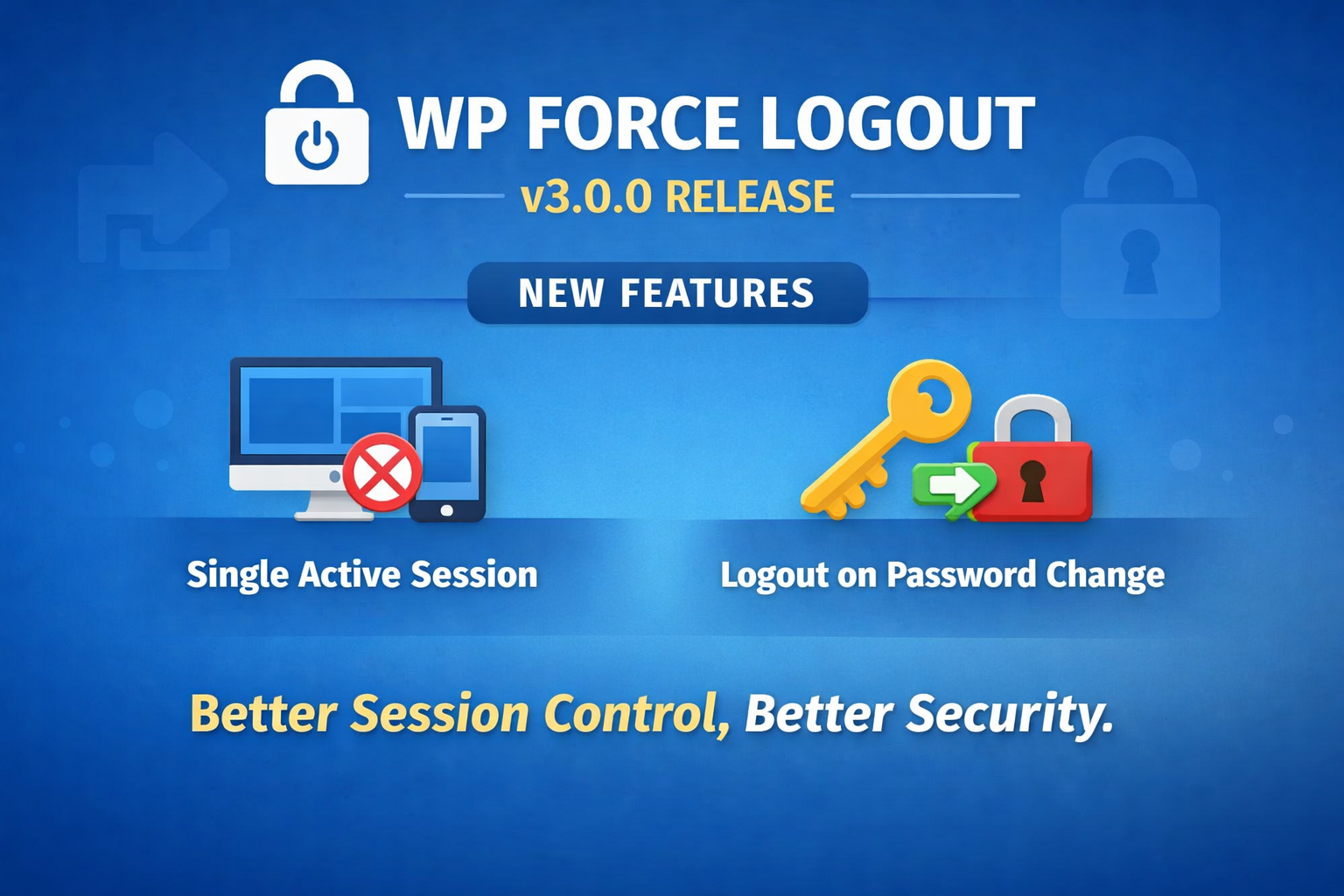
WPForce Logout 3.0.0 is here 🎉
Introducing Better session control, better security WP Force Logout started with one simple goal:give site owners more control over user sessions without complicating WordPress. With version 3.0.0, we’re taking a solid step forward by introducing two highly requested security features that many of you have asked for over time. If you do not already have…
-
·
Top 18 WordPress Plugins to Power Up Your WooCommerce Store
A growing WooCommerce store demands more than just good products and fast hosting. As operations scale, so does the need for tools that can handle everything from documentation and automation to compliance, SEO, and performance. WordPress offers a plugin for nearly every task, but choosing the ones that genuinely help (without slowing things down) makes…
-

·
Anniversary For WooCommerce Complete Documentation
Anniversary For WooCommerce plugin automatically sends a personalized email to customers on the anniversary of the day they joined your site. The email includes their name, the date they registered, and how many years it’s been since they signed up. Great for building loyalty and showing appreciation without lifting a finger. Key Features Of Anniversary…
-

·
How to add Custom CSS in WordPress website?
Sometimes while using Mini Plugins or any plugin, or theme, or in general you might need/want to do some design customizations – in this case, writing custom CSS is the ideal way in WordPress. If you’re a website owner and know a little bit of WordPress and technical stuffs, but don’t know CSS — it’s…
-

·
How To Customize WooCommerce Birthday Email
The Birthday For WooCommerce plugin which allows you to collect birthdays of customers and send them personalized discounts/gifts, comes with the default birthday email that says: Dear {First Name}, We hope you have a wonderful birthday and a fantastic year ahead! To celebrate your special day, we have a special offer just for you. Use…
-

·
Celebrate Your Customers with the “Birthday For WooCommerce” PRO Plugin
Every customer’s birthday is a special occasion, and with the Birthday For WooCommerce PRO plugin, you can make it even more memorable! This innovative plugin is designed to enhance your customers’ shopping experience by celebrating their special day in a way that makes them feel valued and appreciated. Whether you’re looking to boost customer loyalty,…
-

·
How To Delete All WooCommerce Orders At Once
Would you like to delete all WooCommerce orders with a single click? Then, the WooCommerce Auto Delete Old Orders plugin can delete all WooCommerce orders at once with a single click. How does it work? After installing and activating the plugin, you can see the “Delete All WooCommerce Orders” menu item in the admin bar…
-

·
How to see online users in WordPress?
Do you want to see who’s currently online, when was the last time users logged in, or if they never logged in once they’ve registered? Monitoring online / offline users can be beneficial for membership sites, e-commerce store or on educational platforms. You can easily achieve this with the WPForce Logout plugin. Once the plugin…
-

·
How to automatically mark WooCommerce orders as “completed”?
By default, WoCommerce marks the orders as “processing” if the product is physical and virtual, not downloadable. This is because the store owner still has to process (ship) the order and they have to manually mark them as “complete”. In most cases, if the payment is successful, you might want to mark them “complete” even…
-

·
How to use WooCommerce Customer Journey Plugin?
The WooCommerce Customer Journey plugin records every path of the customer throughout your site until the order of the product. You can view the customer’s steps on your site until the order, right on the orders page. Just install and activate the plugin and it works out of the box. There are no settings or…
Annual
Lifetime

Birthday For WooCommerce PRO
1 year of updates & support
$19

WP Frontend Delete Account PRO
1 year of updates/support
$19

WPForce Logout PRO
1 year of updates/support
$39
