Image

Joe Wainer

Updated 2 years ago

Android and Windows, friends forever

Mobizen for PC is the desktop version of this remote management service for Android devices, and includes a few more advanced features than the web version.

Your phone, in Windows

As much as the main Android phone manufacturers insist, phones and Windows don't get along well. Yes, you can access files and photos via USB, but that's about it...

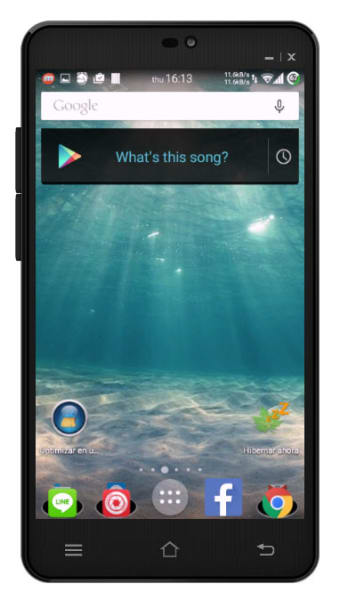
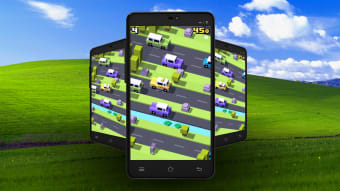
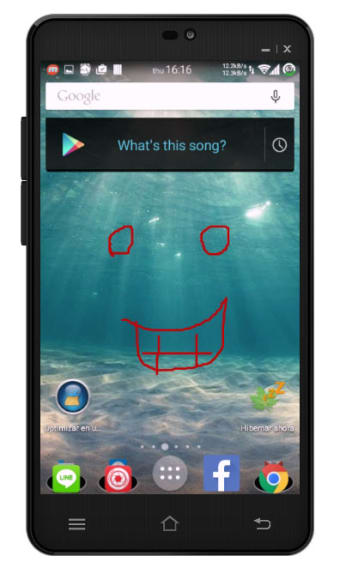
That's where apps like Mobizen come in, a system similar to AirDroid. Mobizen allows you to use your Android on Windows as if it was right in front of you, using your mouse.

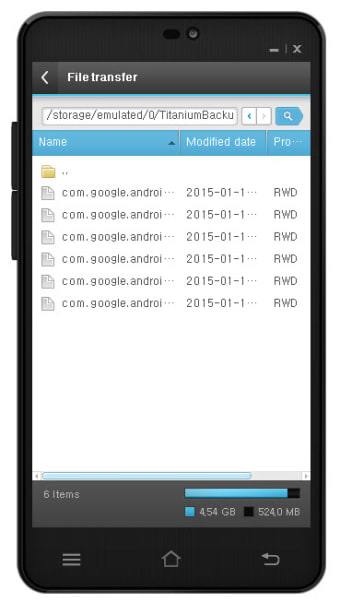
Of course, you can also access your phone's music, photos and videos, completely wireless.

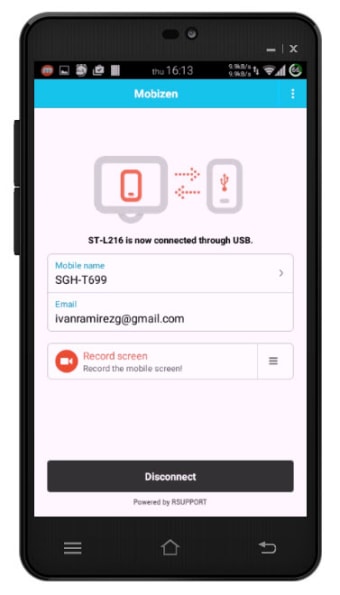
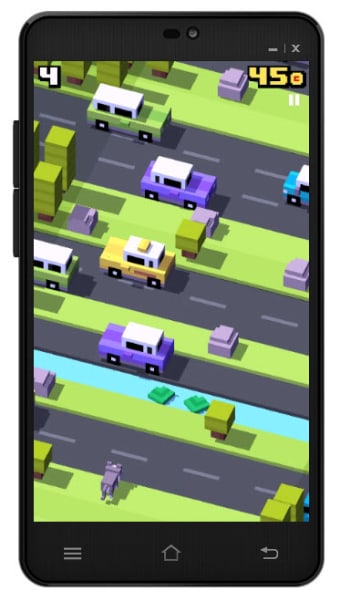
It includes an interesting feature that allows you to record your phone screen remotely. It is ideal to create video tutorials or record while you're playing, but your phone must be powerful enough to obtain good quality video.

Relatively easy to use

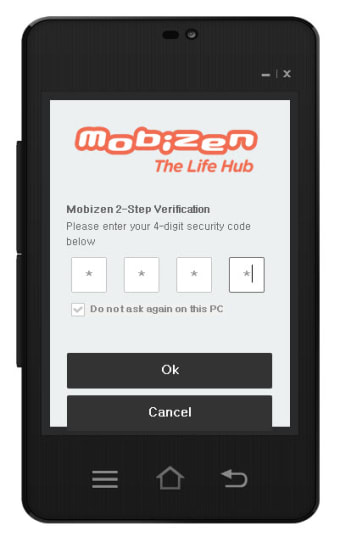
Mobizen is a bit more complicated than AirDroid, but not by much. First you must create an account, and then choose a PIN number to improve security.

Now, sometimes it prompts you to install an additional support package, without further explaining what it is or why, or it refuses to connect for no apparent reason.

In any case, the remote access works pretty well and without much delay. You really can use your phone from Windows or even chat without much trouble.

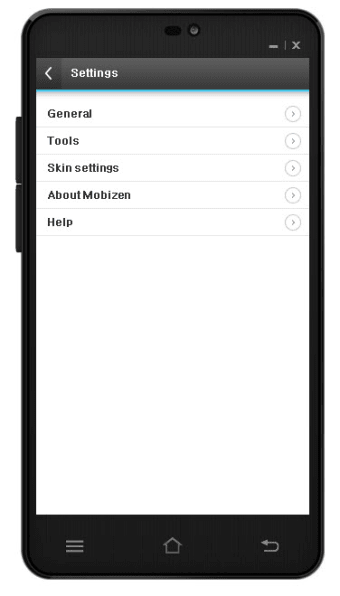
Mobizen's interface is a floating window that looks like a phone. You can move it anywhere, but unfortunately, you can't resize it.

Android and Windows, getting closer

Thanks to Mobizen, the line that separates your phone and Windows will be a bit thinner. It does not have as any additional features as AirDroid for now, but the screen's remote view works pretty well.

Image

Joe Wainer

Joe Wainer is a content writer with a strong interest in technology and software. He enjoys exploring new apps, games, and tools, translating his findings into reviews that are clear and accessible. His background also includes coding projects, adding practical insight to his evaluations.

  • Pros

    • Little delay in remote viewing
    • Quick access via PIN
    • Remote screen recording
  • Cons

    • Connectivity issues
    • Two icons in the notification area
    • Window cannot be resized
Image
 0/8

App specs

Also available in other platforms

Program available in other languages


Icon of program: Mobizen

Mobizen for PC

  • Free
  • 3.8
    1971
  • 204.3K
  • V2.21.17.3

User reviews about Mobizen

3.8

1 reviews

Add review

Main reviews for you

  • Image

    Anonymous user

    Mobizen is a lovliey screen and face recording app and it helps

More

You may also like

Alternatives to Mobizen

Explore Apps

Latest articles

Laws concerning the use of this software vary from country to country. We do not encourage or condone the use of this program if it is in violation of these laws.
Softonic

Is Mobizen safe?

100/100

Score result: Clean

This file passed a comprehensive security scan using VirusTotal technology. It is safe to download.

  • Virus free
  • Spyware free
  • Malware free
  • Verified by Security Partners

    VirusTotal logo

Scan Info

Last scan
Wednesday, December 27, 2023
Scan provider
VirusTotal · Full report

File Integrity

File
mobizen_v2.21.17.3.exe
SHA256
b68cc87ff054fd21a0c8d19d4e1a92986d42abaf2330046b6fa099ff0e86e19a
SHA1
8970f19a98534a5dfce0bc334586d9c9ae08ed08

Softonic security commitment

Mobizen has been thoroughly scanned by our advanced security systems and verified by industry-leading partners. This file comes from the official developer and has passed all our security checks, showing no signs of viruses, malware, or spyware. For more information, visit our Security and Trust Center