

NEXTION INTRODUCTION
What’s Nextion
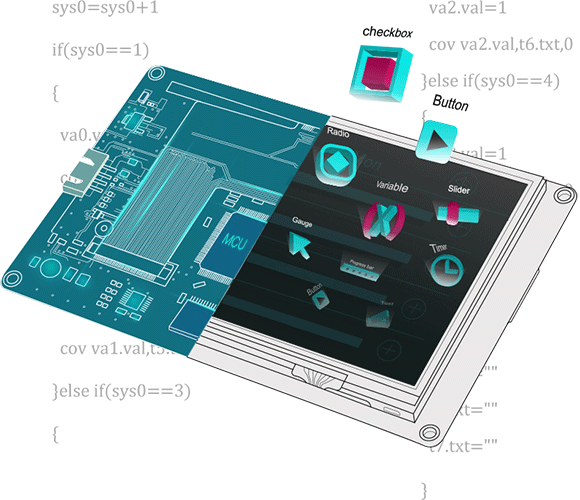
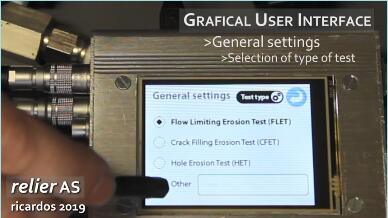
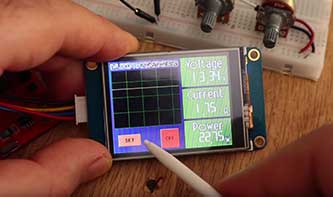
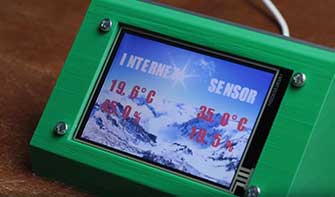
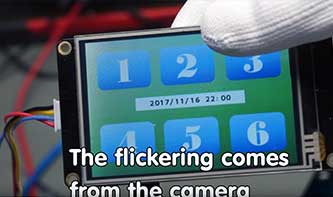
Nextion is a Human Machine Interface (HMI) solution combining an onboard processor and memory touch display with Nextion Editor software for HMI GUI project development.
Using the Nextion Editor software, you can quickly develop the HMI GUI by drag-and-drop components (graphics, text, button, slider, etc.) and ASCII text-based instructions for coding how components interact on the display side.
Nextion HMI display connects to peripheral MCU via TTL Serial (5V, TX, RX, GND) to provide event notifications that peripheral MCU can act on, the peripheral MCU can easily update progress, and status back to Nextion display utilizing simple ASCII text-based instructions.
Our mission is to reduce the HMI development workloads.
Nextion Offers an Ease of Use and Cost-effective HMI Solution for You.

- 90

A word about EEPROM and non-volatile storage
While continuing the development of the stylish Nextion HMI DIY EDGE clock, see articles here, here, and here, we discovered that it was time to look for some permanent storage, even in case of power failure, for the current custom settings and the (future) alarm time and status. While the Nextion's real time clock (RTC) can easily be maintained and kept running by clipsing a CR1220 battery into its socket on the back of our screen, it takes a little more effort to maintain parameters like the currently selected language, the enabled or disabled AM/PM and date indicators because these reside normally in RAM and will be gone after a power outage.
The DIY EDGE Clock now trilingual – English, German, and French
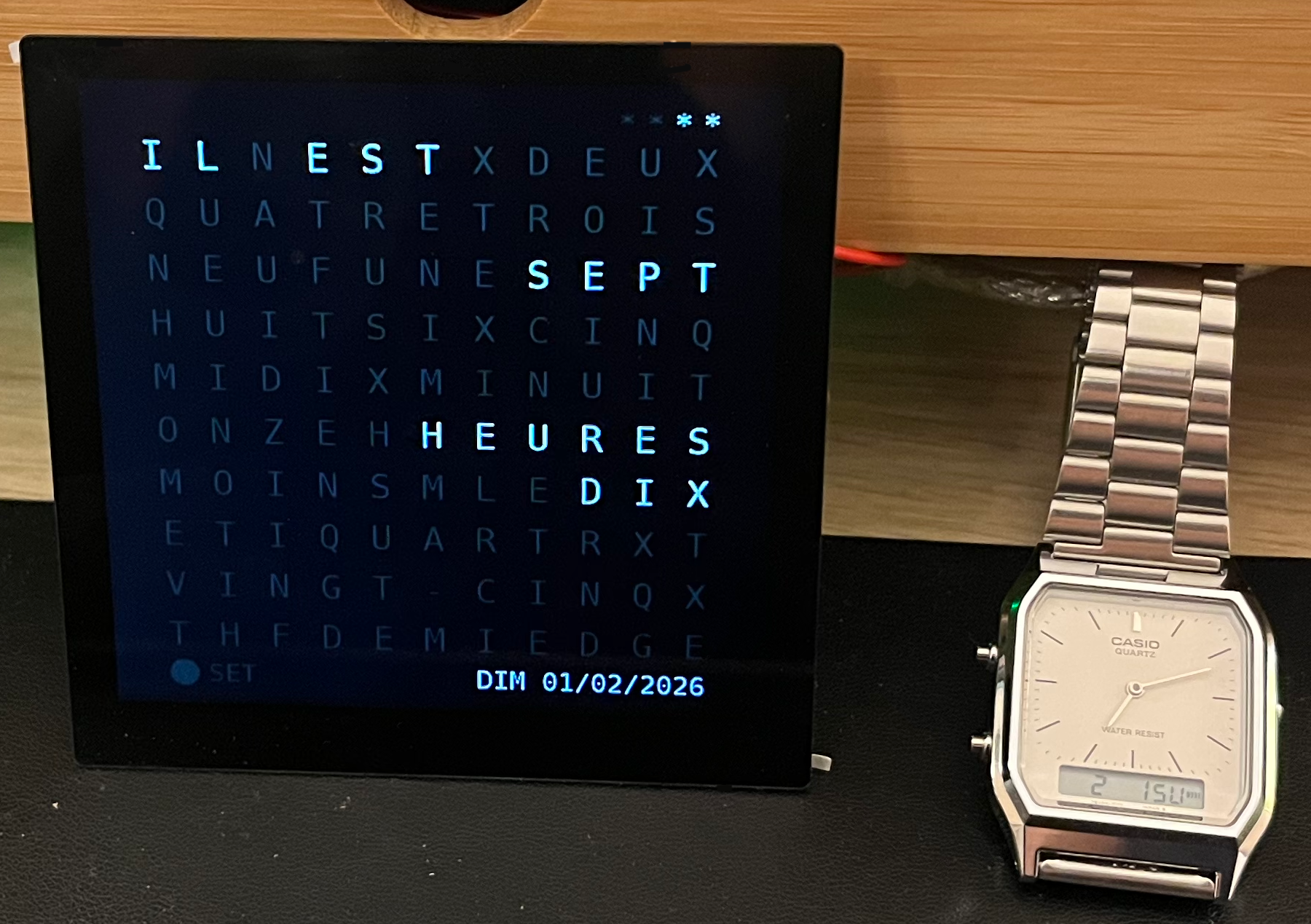
Two weeks ago, we started with the first, English only, version of the EDGE Clock, a word clock running standalone (without an external MCU) on a EDGE series NX4848E040. You may (re-) read the corresponding article by clicking here. Last week, I gave you a second release (click here) which allowed to display the current time either in English or in German, just by swiping the screen right or left, and which had already some code optimizations. Today, you may swipe further to select English, German, or French as the display language. And there are more code optimizations. Please read below.
The DIY Edge Clock adds German language
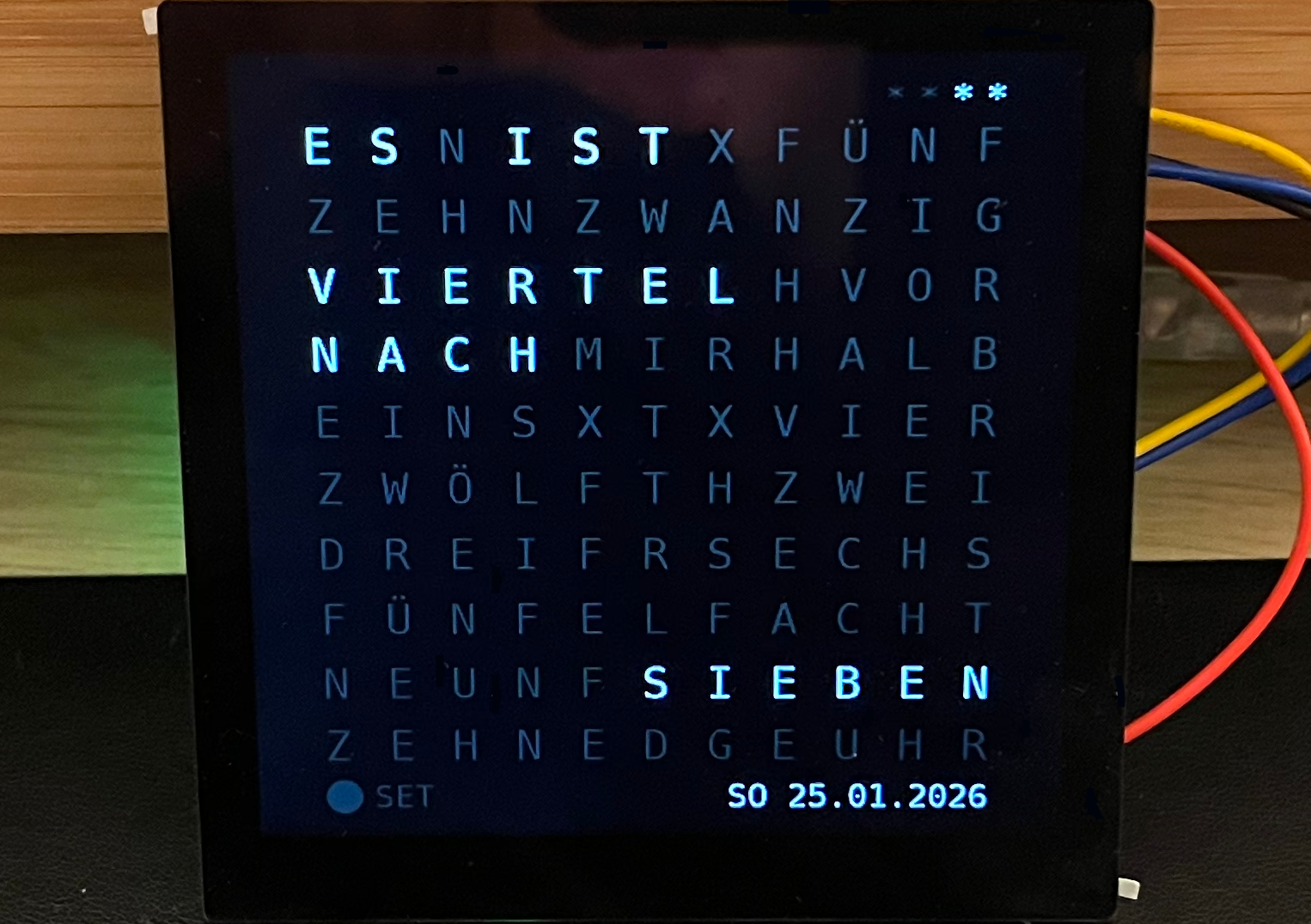
Teaser: Now, you can swipe right and left to change between the English and the German version. In opposite to my initial idea to explain the code in all details, I decided to realize the additional languages first. French will be the next. While adding German, for example, I found still some potential to optimize the code or to make it better readable and understandable. There was also an ugly hurdle: While adding the Text components, I discovered that the font which I generated based on the ASCII charset would not work with German diacritics like the "Ü" in "FÜNF" or the "Ö" in "ZWÖLF". So, I had to generate the font again with Latin extensions...
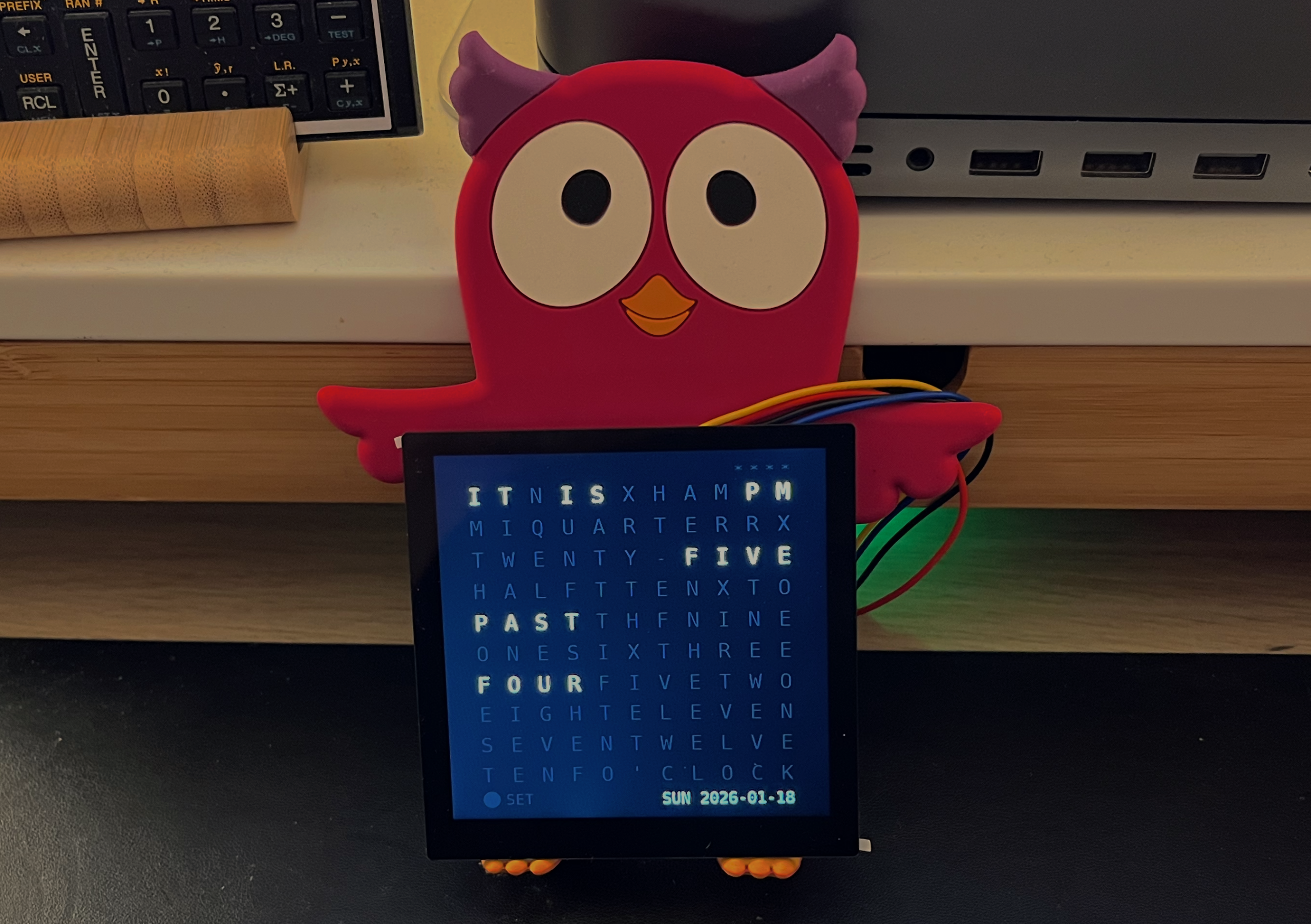
DIY project: The square EDGE Clock
Now, that the square 4" Edge series NX4848E040 has finally come to market, I think that I owe you a nice project to realize with and I decided for a so-called word clock. The principle of a word clock is a square (or almost square) letter matrix in which all the needed words to spell the time are more or less hidden. Only the words describing the current time are highlighted. This refined display makes these clocks popular design objects and, guess who has now one on his desk... 😉

Important news : Nextion New Year Sales + EDGE Series now complete
First of all: Happy New Year 2026, my dear readers! This year starts with rather good news - so good that I decided to prioritize these and to interrupt our ongoing work teaching the Nextion to handle floating point numbers... What is it about ? First, the traditional Nextion New Year Sales 2026 where you may save up to 10%. And then, in the same way as the EDGE series was introduced almost exactly six months ago, it's last element, the 4" square NX4848E040-011C which hadn't come to market together with the others, it came on silent paws and is now available for sale - perhaps another reason to benefit from the new year sales! Continue reading, please, we'll look into some details...

Nextion goes floating point – Part 2
Many of you may remember that we discussed in last week's blog on how to use the Nextion's relatively simple integer math together with some optimizations to improve the precision of calculations. The goal - as always - os to push the limits, and to make our Nextion HMI more autonomous, which means that we want it to do a maximum of things internally without delegating tasks to an external MCU. By looking closer at the Xfloat component, we learned about decomposing a number into a mantissa and an exponent and to handle them separately, which has the huge advantage to keep equal relative precision for very small and for very big numbers...
- Topic
- Voices
- Last Post
- How to Create a New Thread
Started by:
in: Forum
- 1
- 4 years, 1 month ago
- This is not a Sonoff forum, Sorry.
Started by:
in: Forum
- 1
- 8 years, 2 months ago
- Welcome to the Nextion Forum: Login to use.
Started by:
- 1
- 8 years, 4 months ago
- How to Create a New Thread
Subscribe to our Newsletter
