
macOS-style utility dock for Windows
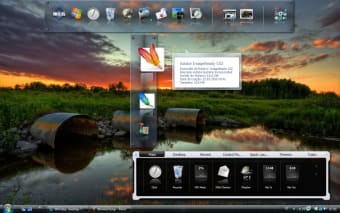
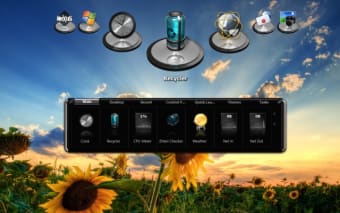
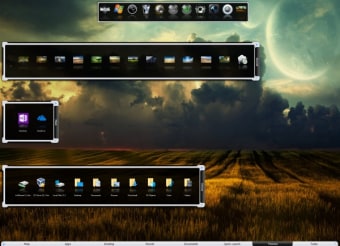
Nexus is a free productivity and personalization software for PCs from developer Winstep. It is a custom dock utility tool for Windows users that serves as a replacement for the native taskbar and system tray. It is highly customizable with different effects and visual options, as well as support for shortcuts, commands, and more.
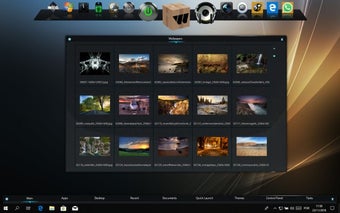
Much like RocketDock or ObjectDock, Nexus takes inspiration from macOS for its sleek design and visual presentation. Aside from serving as an app launcher, it also provides multiple Modules and Widgets that help enhance the user experience and contribute to increased productivity.
A touch of macOS
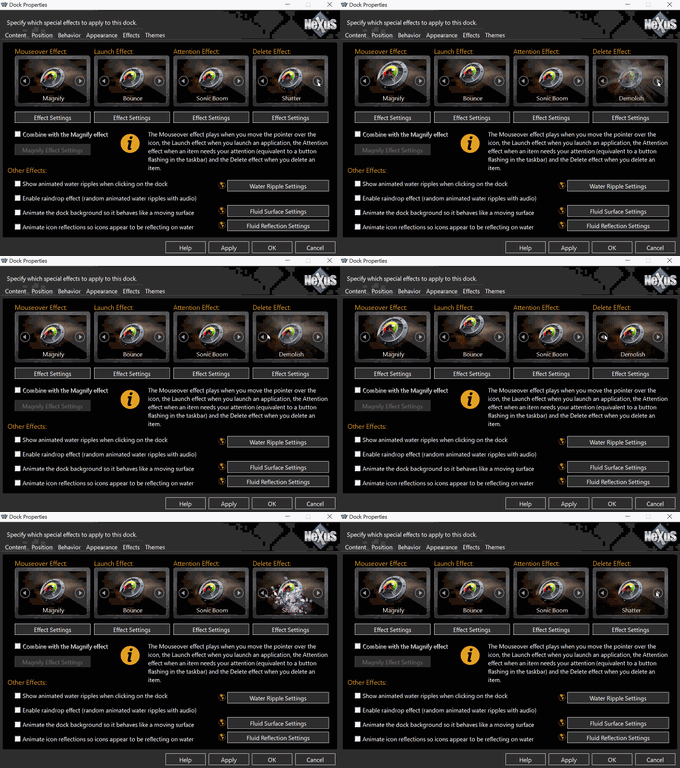
If you are sick of the Windows taskbar and want to modify your computer's interface a bit, the Nexus dock by Winstep is a great, free way to try out a dock. The Winstep Nexus Dock is feature-packed with tons of themes, widgets, and options to configure behavior and looks. It can even serve as a fully functional replacement for your taskbar if you wish. It supports Windows 11, 10, 8.1, 8, and 7 platforms.
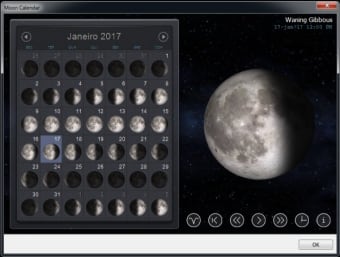
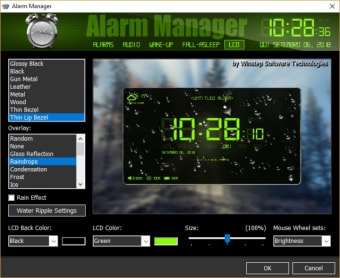
It also comes with more than 10 Modules and Widgets that can be assigned to the dock itself. They come with enhanced functionality, including displaying essential system stats like CPU and RAM usage, as well as special system commands. It even pulls email notifications and calendar schedules for quick glanceable information. Each one comes with its own set of configuration options and parameters for greater control.
The Nexus dock is familiar because it shares so many features and looks with ObjectDock, one of our favorite taskbar replacements. While they look similar, we found that ObjectDock is actually more intuitive to use and customize. There's no doubt that the Winstep Nexus Dock is feature-packed, but the menus and options are spread all over the place, and you really have to learn to use the program.
There is a paid version of the Nexus dock available in two versions, which allows you to create multiple docks, nest docks, create shelves, and unlock many more advanced options and features. There's even a Commercial License if you plan on using it on more than one PC and with different users. We think that the free version will be enough for casual users, though.
A different way to interact with your PC
Overall, the Winstep Nexus Dock is a great, free dock app that can be as simple as a quick app launcher or as functional as a Windows taskbar replacement. It's highly customizable, and its modules help it become a reliable productivity tool. That said, if you want a simpler and more intuitive solution, you can also consider other alternatives mentioned above.