


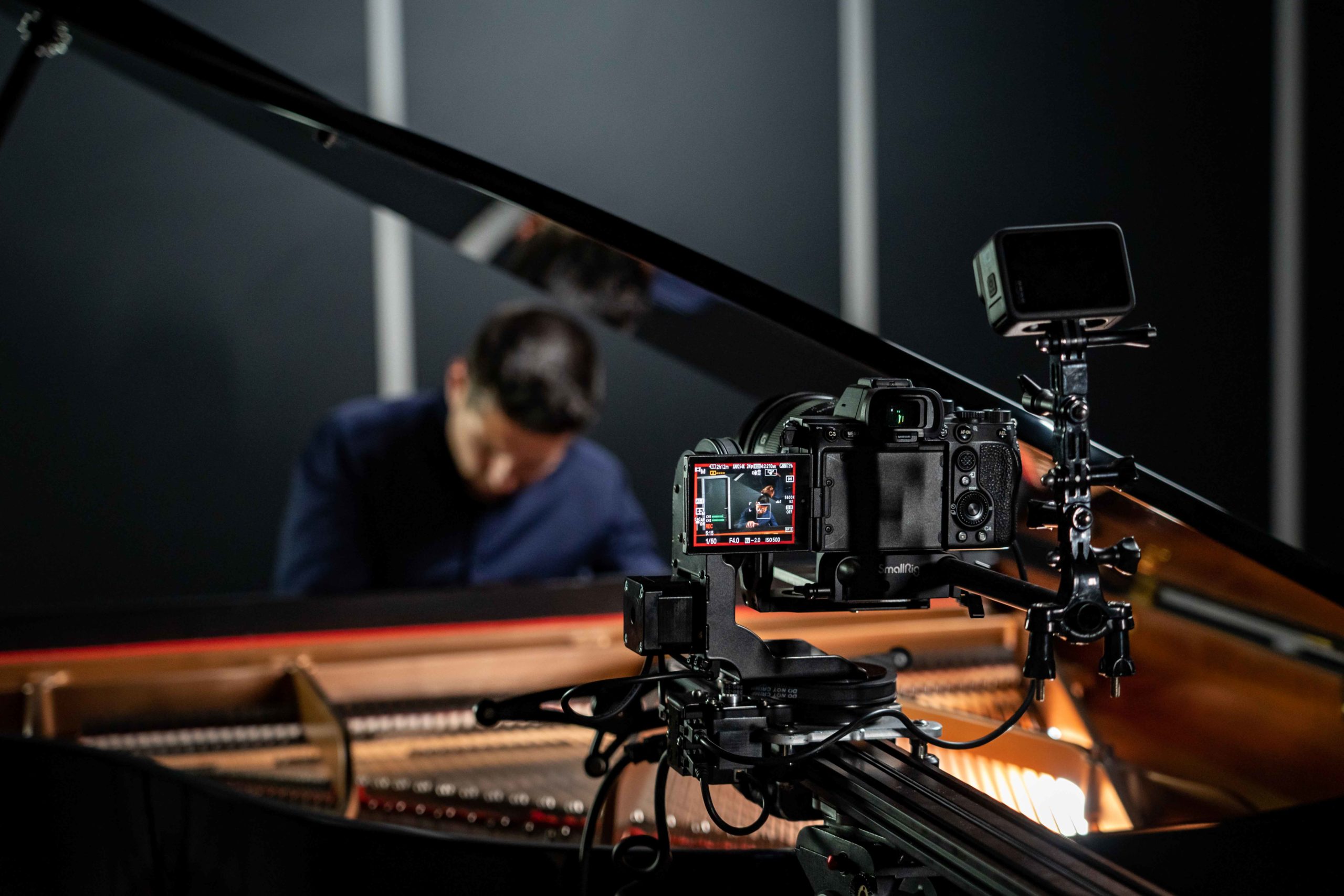
Mod Slider
Stop‑motion tests look uneven or “non‑smooth”
Helpful information: The slider will mirror whatever step size and timing you configure. If steps per frame, ramping, or dwell times are not set in Dragonframe, results will look rough, which is a setup issue, not a hardware problem.
Example: Shooting 1 step per frame at a large focal length without easing causes visible jumps. After setting smaller steps and a short settling time, frames look clean.
Do instead: In Dragonframe, set steps‑per‑frame, micro‑stepping, and settle times appropriate to your lens and subject. Use the DMC‑32 profile and verify homing before takeoff, and remember to upload the Noxon Presets.
The slider “does not respond” to your inputs
Helpful information: The unit may be in a different control mode. Using the Remote Controller/Joystick and Dragonframe Control at the same time could create problems.
Example: You turn the physical knob in the Manual Mode, but motion is blocked.
Do instead: Confirm the Slider connection. You can’t control the Slider with Dragonframe after controlling it with the Remote Controller, so restart the Slider. The same if you were working with Dragonframe and now you want to change to the Remote Controller.
The carriage binds or moves abruptly on long setups
Helpful information: This nearly always comes from poor leveling or mixed support heights, not from the motor.
Example: Two tripods are set to slightly different heights, creating a dip. The carriage “falls” into the dip and then jerks.
Do instead: Level both ends, use identical support heights, and check rail straightness before powering on.
High-Speed Cablecam
You power the unit, and the motor stops after a brief spin
Helpful information: The traction control intentionally cuts power if the system is not mounted on a tensioned line. Testing the motor “in the air” or holding the unit in your hand with no rope installed will always trigger this safety. This is by design, not a defect.
Example: If you try to run the HSC on a table without the rope, the wheel cannot grip anything, traction control detects slip, and the motor stops.
Do instead: Mount the HSC on a properly tensioned rope, install camera and gimbal, then test at low speed.
The wheel on the handheld controller does not behave like the joystick
Helpful information: The Joystick and the Wheel are different control features. The wheel is speed‑centric and depends on the configured limits and firmware version. If it “does nothing” or feels odd, it is usually a mode or configuration mismatch, not a hardware fault.
Example: The joystick moves A to B immediately, but the wheel seems to “hold speed” and ignore quick taps. That is expected if the speed limit is low.
Do instead: Check that the controller is in the intended mode, set A/B limits and speed limit for the wheel, and update to the current firmware if advised by support.
You expect to operate the gimbal live while the HSC runs in Automatic Mode
Helpful information: The Automatic mode does not support real‑time gimbal control. This is a known limitation and not a malfunction.
Example: You start an automatic A to B pass and try to pan the gimbal at the same time. Nothing happens, so it looks broken. It is simply not supported in that mode.
Do instead: Use Manual mode with the built‑in ping‑pong function to shuttle between limits while you control the gimbal live (pan and tilt; roll if you use foot pedals).
The HSC seems weak, slows down, or stops under load
Helpful information: This often comes from batteries that are not fully charged or not within the recommended specs. The system protects itself when voltage sags.
Example: After a few fast runs, the motor cuts out, although the LEDs are still on. The pack voltage is dipping under load.
Do instead: Use recommended batteries only and start with a full charge. If the issue persists, measure battery voltage under load.
Movement feels jerky, like it accelerates and brakes repeatedly
Helpful information: Most cases are wheel slip. If the pressure rod is not tightened, the drive wheel cannot grip the rope, and traction control keeps intervening. This is not a motor problem.
Example: On a slightly dusty rope, the unit “hunts” at mid‑speed. After tightening the pressure rod, the motion becomes smooth.
Do instead: Tighten the pressure rod before operation. Quick video reference
You try a first power‑on without installing any payload to be “safe”
Helpful information: A minimal payload helps stabilize the system and prevents false traction events. Running absolutely empty on a line that is not under proper tension may lead to stops that look like a fault.
Do instead: Mount the unit on a properly tensioned rope and add your intended camera payload before testing.
Portable Wirecam
You connect a V‑Lock battery and the unit does not power up
Helpful information: V‑Lock batteries are compatible only when you use a D‑Tap to DC 5.5 x 2.1 mm adapter cable. Plugging V‑Lock directly into the PW is not possible.
Example: A 14.4 V V‑Lock is mounted mechanically, but there is no electrical connection because the adapter was omitted.
Do instead: Install the mechanical V‑Lock mount and use a proper D‑Tap to DC 5.5 x 2.1 mm cable for power.
You are unsure whether to use the NOXON battery or V‑Lock
Helpful information: Both are valid, but they require different mounting and cable setups. Treat them as two distinct configurations.
Example: Swapping from a NOXON battery to a V‑Lock without moving the mount or adding the adapter leads to “no power”, which is a configuration mismatch, not a defect.
Do instead: Choose one configuration, install its specific hardware, and verify polarity and connector size before powering on.
The Wirecam vibrates or oscillates on the line
Helpful information: This usually means the rope is not tensioned enough or the anchors are not aligned. Users often assume a motor issue when it is a line setup issue.
Example: On a long span, the unit shakes at mid‑speed. After re‑tensioning the rope and aligning anchors, the motion is smooth.
Do instead: Tension the rope properly, align anchor points, and test at low speed before recording.
You plan to fly over people and expect the PW to include all regulatory safety accessories by default
Helpful information: Local regulations may require a secondary safety line or steel safety cord. This is not a malfunction or a missing part; it is a site‑specific safety requirement.
Do instead: Check your local rules and add a dedicated steel safety cord and pulleys as required before operation.
Turntable
The table rotates slower than expected for a “spin” shot
Helpful information: The Turn Table is designed for precision and stability, not high‑speed spinning. If you try to use it like a display spinner, it may feel “too slow”, which is expected behavior.
Example: Trying to do a fast 360 in a few seconds leads to motion that is outside the intended range.
Do instead: Plan for controlled, constant rotation. If you need fast spins, consider a different tool.
You try to control it with generic software and nothing happens
Helpful information: Integration requires the official SDK. Generic serial commands may not work. This is not a communication fault.
Example: A custom app sends basic commands, but the table ignores them. After switching to the NOXON SDK, control works as expected.
Do instead: Install the NOXON SDK and follow the provided API examples.
The platform vibrates with heavy or off‑center objects
Helpful information: Diameter is not the same as load capacity. Overweight or off‑center items cause a wobble that looks like a defect.
Example: A heavy statue is placed off‑center, producing visible wobble. Centering it and staying within the load limit removes the issue.
Do instead: Stay within the specified load, center the object precisely, and start with low acceleration.


Copyright © 2026 NOXON. All Rights Reserved
Diseño web realizado en silencio.
Esta empresa ha recibido una subvención del Gobierno de Navarra al amparo de la convocatoria de 2020 de ayudas para mejora de la competitividad.
Esta empresa ha recibido una ayuda cofinanciada al 50% por el Fondo Europeo de Desarrollo Regional a través del Programa Operativo FEDER 2014-2020 de Navarra.
Esta empresa ha recibido una ayuda cofinanciada al 50% por el Fondo Europeo de Desarrollo Regional a través del Programa Operativo FEDER 2014-2020 de Navarra.

