Prism
Built to accelerate everyday scientific work

A free, unified LaTeX workspace with unlimited collaborators
Draft, compile, and collaborate all in one place.

AI-assisted proofreading, citations, and literature search
Project-aware tools built into the writing workflow.

AI-driven automation for formatting and editing
Spend less time on cleanup and more time on ideas.
The standard for scientific writing
One workspace for serious scientific writing
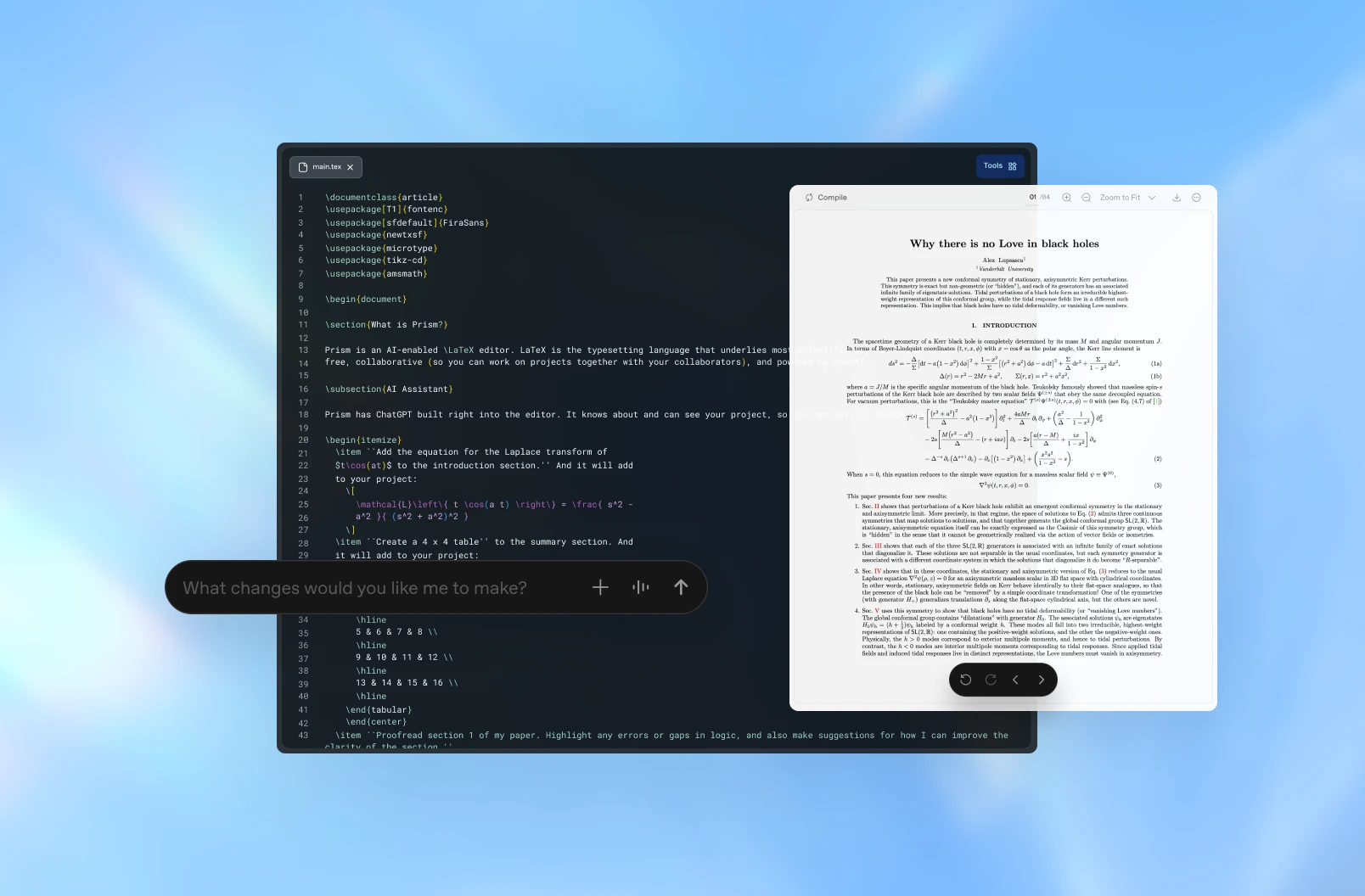
Draft, organize, and collaborate in a single cloud-based LaTeX workspace designed for long-form scientific writing. No local installation, no environment management, and no switching between tools.
Work with unlimited collaborators
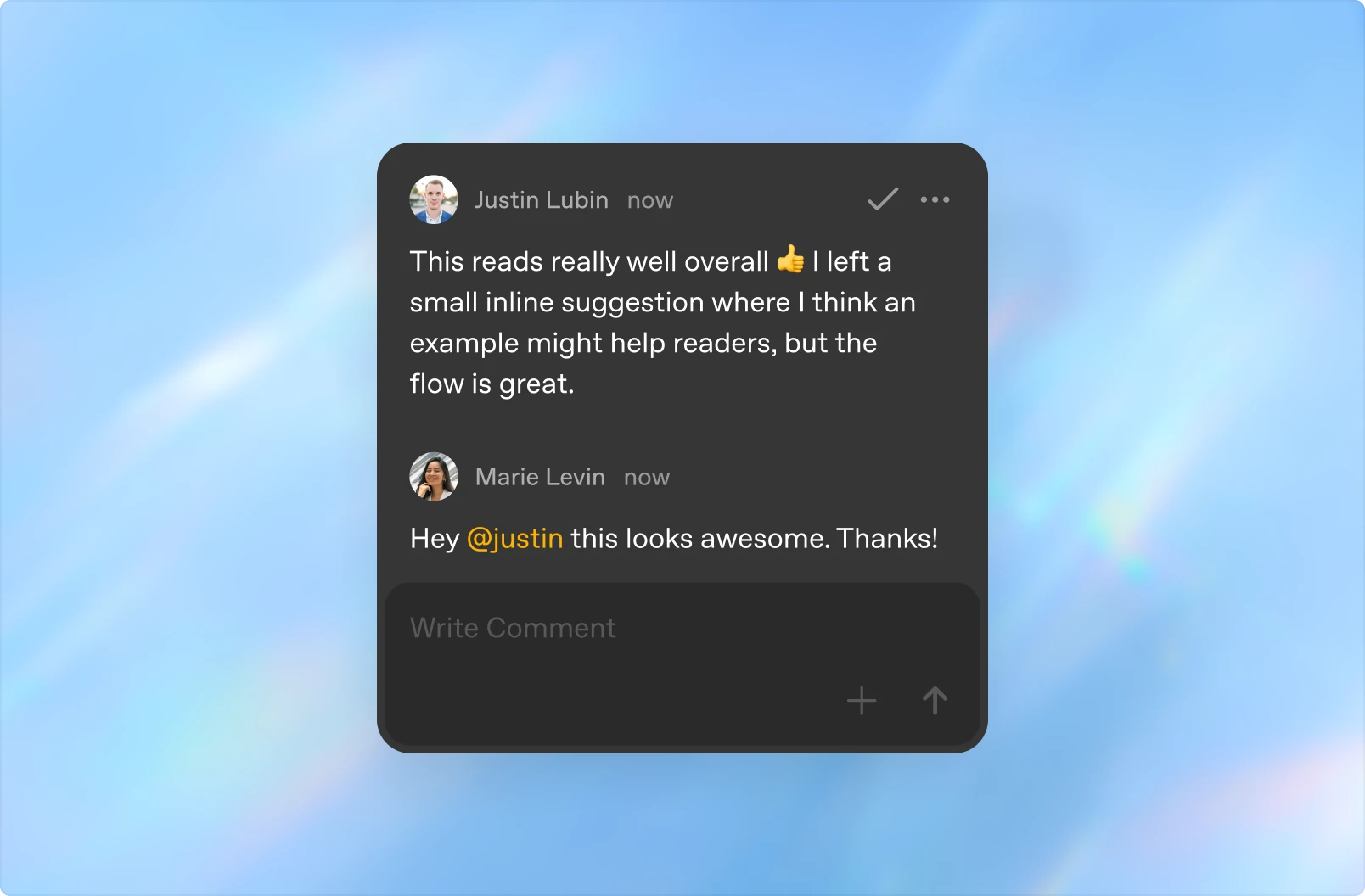
Collaborate with as many colleagues as you need using real-time editing and instant previews. Prism eliminates version conflicts, manual merges, and slow compile–debug cycles so teams can stay focused.
AI that understands your paper
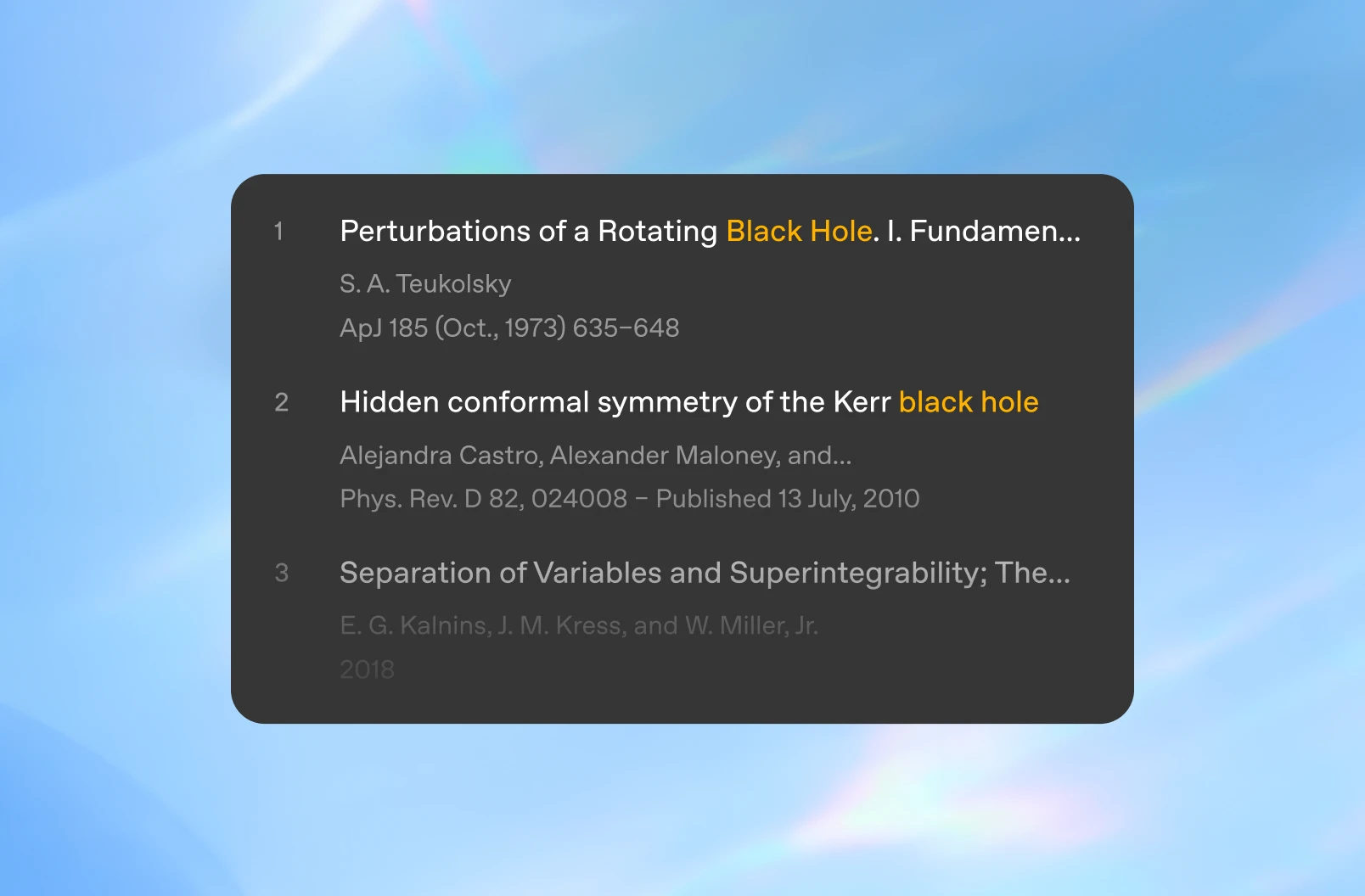
Project-aware AI works across the full context of your manuscript, including past drafts and revisions. It helps clarify ideas, check reasoning, and refine structure—updating equations, tables, sections, and references as the work evolves.
Save time with built-in proofreading and formatting
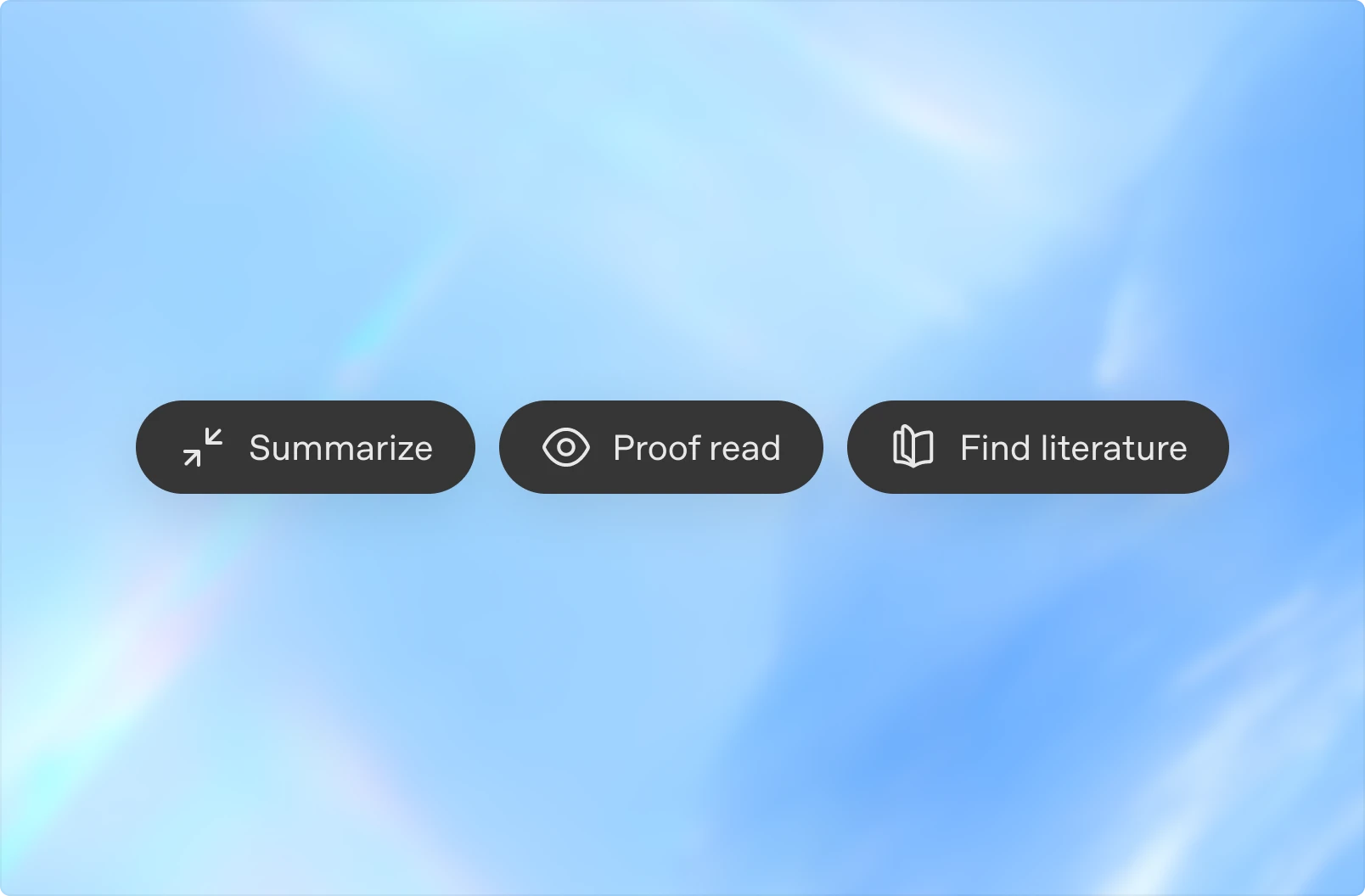
Built-in LaTeX rendering, citation management, equation conversion, and automated error checking reduce manual cleanup and formatting work, saving you time and keeping your writing clear and consistent.
A complete workspace for scientific writing
Unlimited collaborators | Comments |
Unlimited projects | AI assistant |
Unlimited compile time | Fix with AI |
Unlimited compile speed | Image to code |
Sync with Zotero (citation search) | Voice to code |
