Alat PDF Online Gratis
WPS Office®
Editor PDF online terbaik, konverter, penggabung, pengisi formulir, dan pengorganisir untuk mengedit halaman, teks, atau tata letak dokumen PDF seperti Word dengan GRATIS dalam hitungan detik. desc2
Edit, tanda tangan, dan konversi PDF – semua dalam satu aplikasi!
Akses semua alat PDF dan edit file Word, Excel, dan PPT dengan mudah.
Unduh Gratis
Unduh WPS Office dan Edit PDF
Unduh WPS Office untuk mendapatkan lebih banyak fitur pengelolaan PDF seperti OCR (pemindaian dan konversi gambar), penambahan tanda air dan tanda tangan elektronik, serta konversi PDF ke gambar.

Unduh Gratis untuk Komputer

WPS Office untuk Windows
Unduh WPS Office Desktop Editor untuk mendapatkan alat PDF ringan yang menyediakan solusi lengkap untuk semua permasalahan PDF.
Unduh Gratis
5,3M / 26 Feb 2025

WPS Office untuk Mac
WPS Office, yang sepenuhnya kompatibel dengan sistem macOS di Mac, mendukung chip Intel dan Apple untuk memudahkan Anda mengedit PDF.
Unduh Gratis
982KB / 24 Feb 2025

WPS Office untuk Linux
WPS Office adalah paket aplikasi perkantoran gratis yang mendukung Linux. Unduh aplikasi WPS Office untuk mengakses berbagai alat PDF kapan saja.
Unduh Gratis

 Paket Deb Paket RPM
Unduh Gratis untuk PC

WPS Office untuk Android
Google Play Terbaik 2015


WPS Office untuk iOS
Terbaik di App Store 2015


Tentang WPS PDF
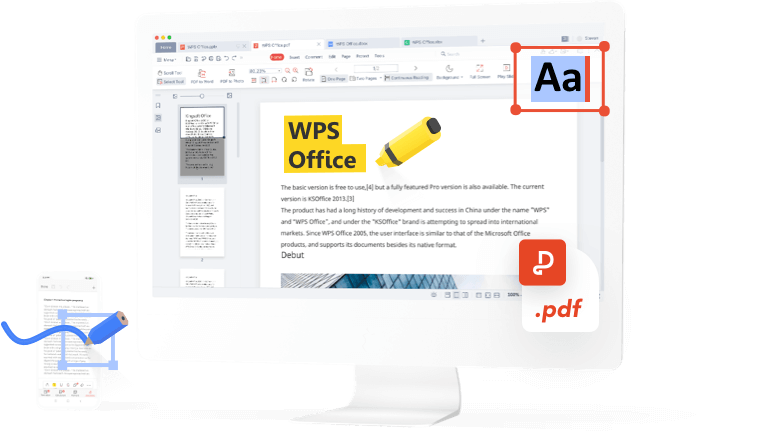
WPS PDF adalah alat PDF online serba guna yang sangat bermanfaat. Anda dapat dengan mudah mengedit, mengonversi, dan mengelola file PDF, serta mencobanya secara gratis. Untuk pemrosesan PDF yang efisien, gunakanlah WPS PDF.
WPS PDF juga kompatibel dengan berbagai format file, termasuk Adobe PDF. PDF kini menjadi komponen dari aplikasi WPS Office, menyediakan fitur melihat, memberi anotasi, dan mengedit secara kolaboratif.
WPS PDF juga kompatibel dengan berbagai format file, termasuk Adobe PDF. PDF kini menjadi komponen dari aplikasi WPS Office, menyediakan fitur melihat, memberi anotasi, dan mengedit secara kolaboratif.
Panduan PDF - Petunjuk Penggunaan
Cara mengonversi file PDF


Cara mengedit file PDF
Cara mengatur file PDF
Blog WPS PDF
Blog PDF membantu Anda memahami sepenuhnya cara menggunakan alat PDF, memberikan akses cepat ke berita perangkat lunak, merekomendasikan berbagai jenis perangkat lunak kantor yang layak diunduh, dan menawarkan informasi tentang pembaruan versi PDF.
Artikel Lainnya >
 Software News
WPS PDF VS PDF 24 | Which one is Better?
PDF 24 and WPS PDF are well-known PDF editor apps. Comparing WPS PDF vs PDF 24 will be unfair as there is no competition between WPS PDF app and PDF 24. PDF 24 is only for windows OS. On the other hand, WPS PDF is available for all operating systems including Linux and iOS. However, this blog will compare both by their features. About PDF24 PDF24 is a free PDF Creator and PDF Converter app for Windows devices only, accomplished with a number of useful features that you will love to wor.... Software News
WPS PDF VS Soda pdf | Which PDF Editor is Better?
WPS PDF VS Soda PDF What is Soda PDF? Soda PDF is features-enriched app that provides you with the free services to create PDFs from any popular file format, edit existing PDFs and to convert PDF to other formats like Word, Excel, PPT, image, HTML and vice versa. With Soda PDF you can merge multiple files into a single PDF, or to split a PDF document into several other files, such as smaller-sized PDF files and images files. All these services are also available on Soda online platform.... How To Tutorials
Quick Overview of WPS File and How to Convert WPS to Word for Free
WPS is a file format, similar to text documents, created by Microsoft Works Word Processor. This file is homogeneous to the Doc files created by Microsoft Word, but with limited composition options, and didn’t allow macros to be inserted in the document. This type of format was terminated in 2006 by Microsoft, with (*.doc) being the new format having newfangled formatting options. In 2009 Microsoft announced the retirement of Microsoft Works, with Works 9 being the last version. In the....

