Comments
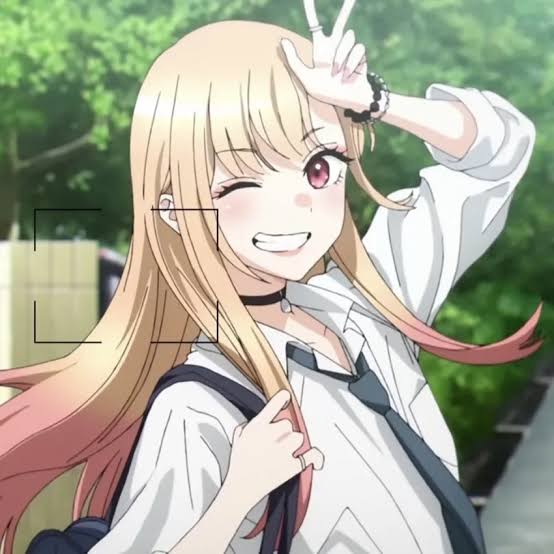
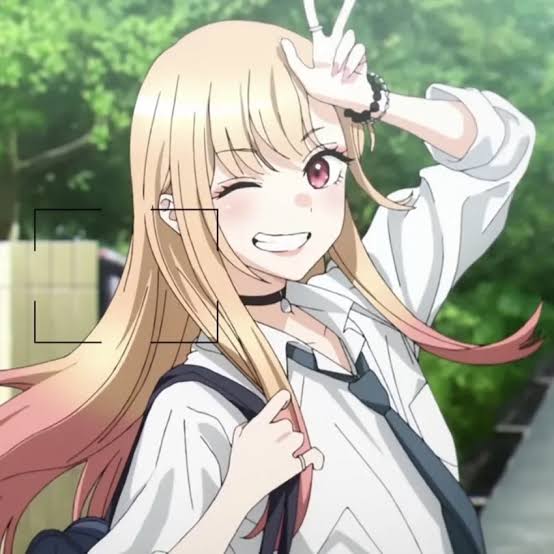
Want to use the ":)" profile picture on Discord? Follow these simple steps:
- Open Discord and click the Settings gear next to your name
- Navigate to the User Profile tab
- Click Change Avatar
- Upload the image you downloaded from Pfps.gg
- Click Apply to save your new avatar
Thats it! Your new profile picture, :), is now active on Discord.
Want to use the ":)" PFP on Instagram? Heres how to do it:
- Download the image from Pfps.gg to your phone or computer
- Open the Instagram app or visit instagram.com
- Go to your profile and tap Edit Profile
- Select Change Profile Photo
- Choose New Profile Photo and upload the downloaded image
- Adjust and crop if necessary, then tap Done
Thats it! You have successfully set :) as your Instagram profile picture.
To use the ":)" profile picture on TikTok, follow these simple steps:
- Download the image from Pfps.gg to your phone or computer
- Open the TikTok app
- Go to your profile by tapping the Profile icon at the bottom right
- Tap Edit Profile
- Select Change Photo under the Profile Photo section
- Upload the downloaded image and adjust the crop if needed
- Tap Save to apply your new TikTok PFP
You are all set! Your TikTok profile now features the :) image.
To use the ":)" profile picture on Twitter, follow these steps:
- Download the image from Pfps.gg to your device
- Open the Twitter app or website and log in
- Go to your profile by clicking on your avatar
- Click or tap Edit Profile
- Click or tap your profile picture to upload a new one
- Select the image you downloaded and adjust the crop if needed
- Save your changes to update your profile
Done! Your Twitter profile now has the :) PFP applied.
To use the ":)" profile picture on Steam, follow these steps:
- Download the image from Pfps.gg to your device
- Open the Steam app or log in via the website
- Click on your username in the top-right corner and select View Profile
- Click the Edit Profile button
- Select Avatar from the sidebar
- Click Upload Your Avatar and choose the image you downloaded
- Save changes to apply your new profile picture
You are all set! Your Steam profile is now using the :) profile picture.

Joined February 2026
- Category: Pfps
- Downloads: 71
- Filetype: image/jpeg
- File Size: 36.104 KB
- Dimensions: 554x554
- Added: February 17, 2026
- ID: 47243-
All content is uploaded by users, if this breaks our TOS you can report it here
More Pfps
182
.png
...oklek
812
.jpeg
francesca
106
.png

Leandro the Schnitzel 🍀
39
.png

𔓎gengar nerd𔓎
348
.png

Leandro the Schnitzel 🍀
465
.gif

M7MD
630
.jpeg
wine
188
.jpeg
万剑 눈
8
.png

_iluminado7
413
.gif

M7MD

