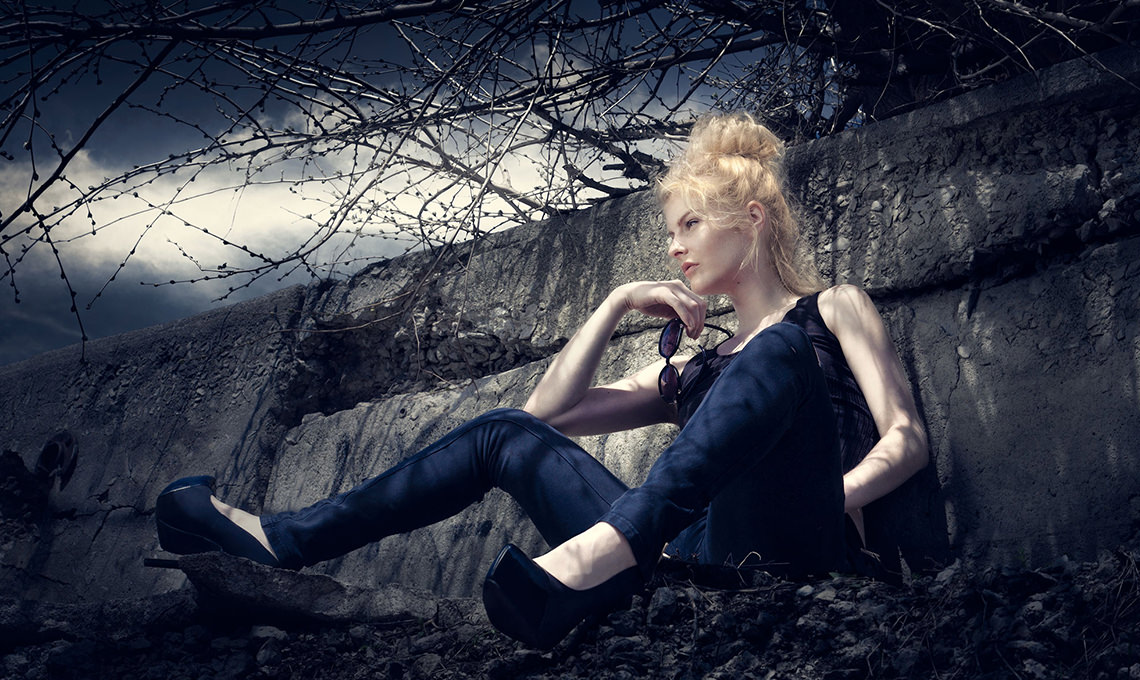
How to Add Dark and Dramatic Style to Photos in Photoshop
-

-
Add to
favorites

-
DifficultyMedium
-
Length1.5 hours
-
Videos2
-
Software
DESCRIPTION
This intermediate Photoshop tutorial covers everything you need to know about coloring and stylizing your images. Learn how to add clouds and dramatically alter the sky of your images to increase depth and mood, even if there are objects in the way!
THIS COURSE INCLUDES
- 3 Sample Images
- 2 Photoshop Brushes
Share
Course Downloads
Create Moody Images
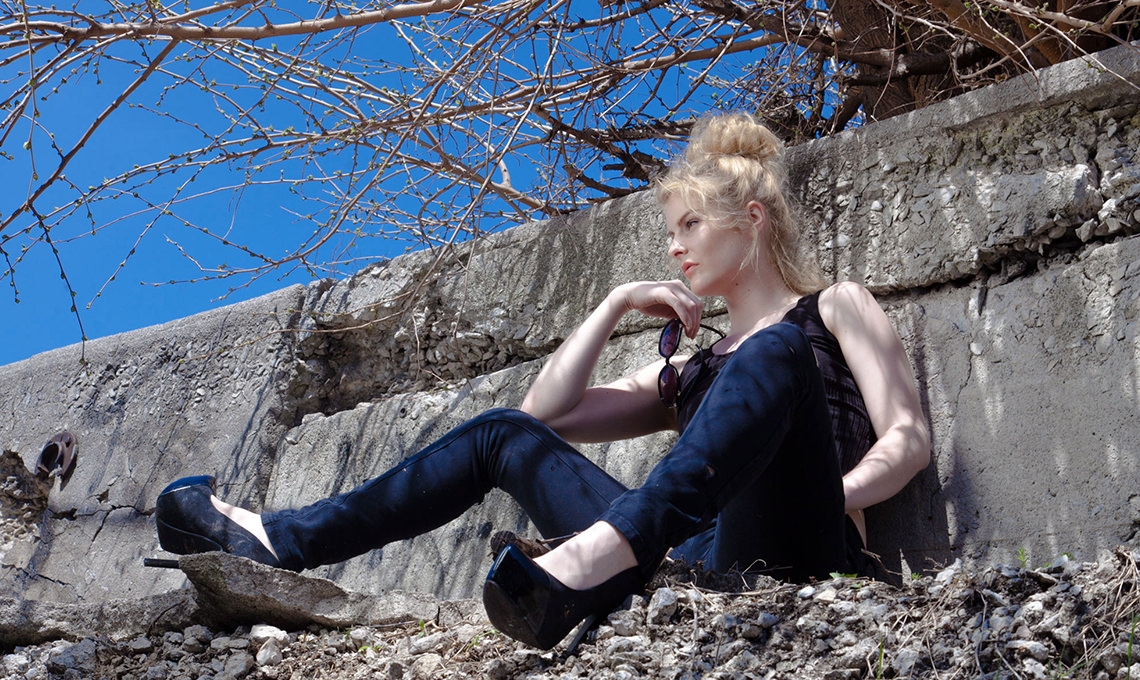
Dark and Dramatic Sky
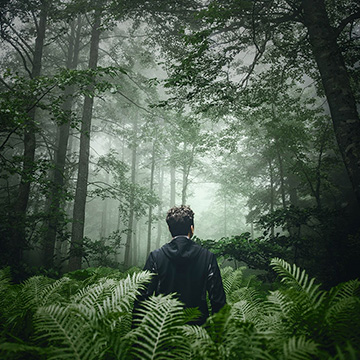
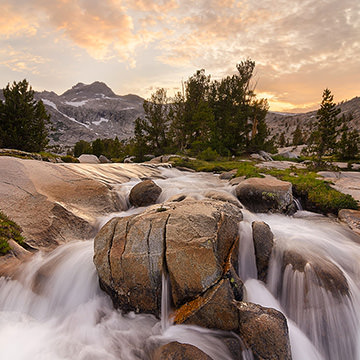
We completely transform the look and feel of this image by color grading and swapping out the sky.


Make Advanced Selections
In this tutorial, you will learn how to make advanced selections. Then use layer masks, clipping masks, layer properties and more to make the addition of clouds flawless, regardless of what’s in the way.
Replace Any Sky
Use these advanced selection techniques to add a new sky to any of your images using Photoshop.
Advanced Retouching Techniques
Learn our advanced method of retouching so even when there’s no space to use the clone stamp or healing brush tool, you will be able to retouch any area of your image.
Alter Shadows and Highlights Separately
In this tutorial we show you how to separate out the shadows from the highlights and color them individually to bring a uniform look to the whole image.

Liquify Tool Best Practices
Make your subject look their best without looking unnatural using the liquify tool properly. Use what you learn to dramatically alter the shapes and tone a person bringing attention to the right places.
Phlearn Custom Brushes
Create your own Photoshop brushes so you’ll always have the right brush for the job. Custom brushes are excellent for advanced retouching and adding special effects to your images.
Dramatic Color
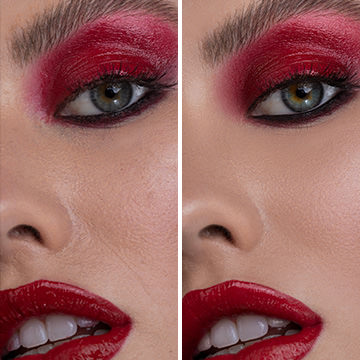
Add interest to your images with dramatic coloring. Discover the best methods for adding and changing any color or color-range in your images to make them more impactful.
Start to Finish
This tutorial takes you step-by-step through the process of taking a photo straight out of camera and turning it into a dark and dramatic image. Learn how to alter your image to help draw attention to your subject, and what the best practices are along the way.

Reviews
New & Popular Tutorials

Training Site in
the World
Tutorials!
Ratings
and Counting
Subscribers


Master Photoshop, Lightroom, and Photography.
From $8.50/month

Unlimited access to a vast library of Photoshop, Lightroom, and photography tutorials
Exclusive downloadable resources, including Lightroom Presets and sample files
Instant streaming on all devices, anytime, anywhere
Flexible monthly and annual plans to suit your needs and budget
100% Money Back Guarantee

I really enjoy your tutorials and this was great to add a mood to an otherwise standard shot. Thanks!
hi, where to download the practice image here?
Hello! Simply click the Download Course Files button inside the video player or from the Table of Contents tab below it.
Go Hard or Go home … thats am talking about .. thanks PHlearn
This is great! I like this tutorial very much. It answered some of the questions which were in the back of my mind and also gave me more insight into color grading photos. I also liked that the resolution at which this tutorial was recorded is really good for watching the video, i can see clearly all the tools and settings. Very good tutorial!
Really helpful !
Very informative and professional tutorial. It’s so much helpful for beginners. Thanks for sharing.
Hi PHLearn,
Great retouch tutorial, more to do so see you later guys 🙂
one of my favorite tutorials!
Great tut for expanding your knowledge about coloring hi-light shadows as well as understanding of curves & hue adj…. I really enjoyed it !
this is a great tutorial to learn about curves and hues and how they work together to create an atmosphere.
Simple but a great effect. Teaches you how to use a Reference that you like and turn your image into it.