


Trey Hunner: Customizing your Python REPL's color scheme (Python 3.14+)
Did you know that Python 3.14 will includesyntax highlightingin the REPL?
Python 3.14 is due to beofficially releasedin about a month. I recommended tweaking your Python setup now so you’ll have your ideal color scheme on release day.
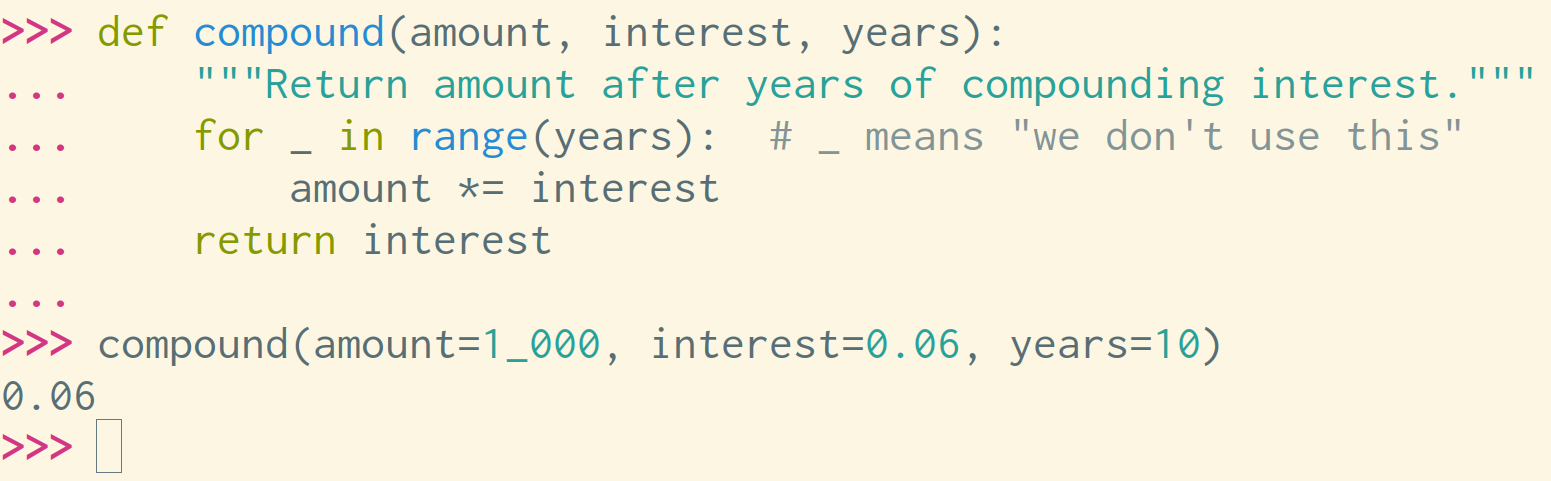
But… what if the default syntax colors don’t match the colors that your text editor uses?
Well, fortunately you can customize your color scheme!
Warning: I am recommending using an undocumented private module (it has an_-prefixed name) which may change in future Python versions. Do not use this module in production code.
Installing Python 3.14
Don’t have Python 3.14 installed yet?
If you haveuvinstalled, you can run this command to launch Python 3.14:
That will automatically install 3.14 (if you don’t have it yet) and run it.
Setting a theme
I have my terminal colors set to the Solarized Light color palette and I have Vim use a Solarized Light color scheme as well.
The REPL doesn’tquitematch my text editor by default:
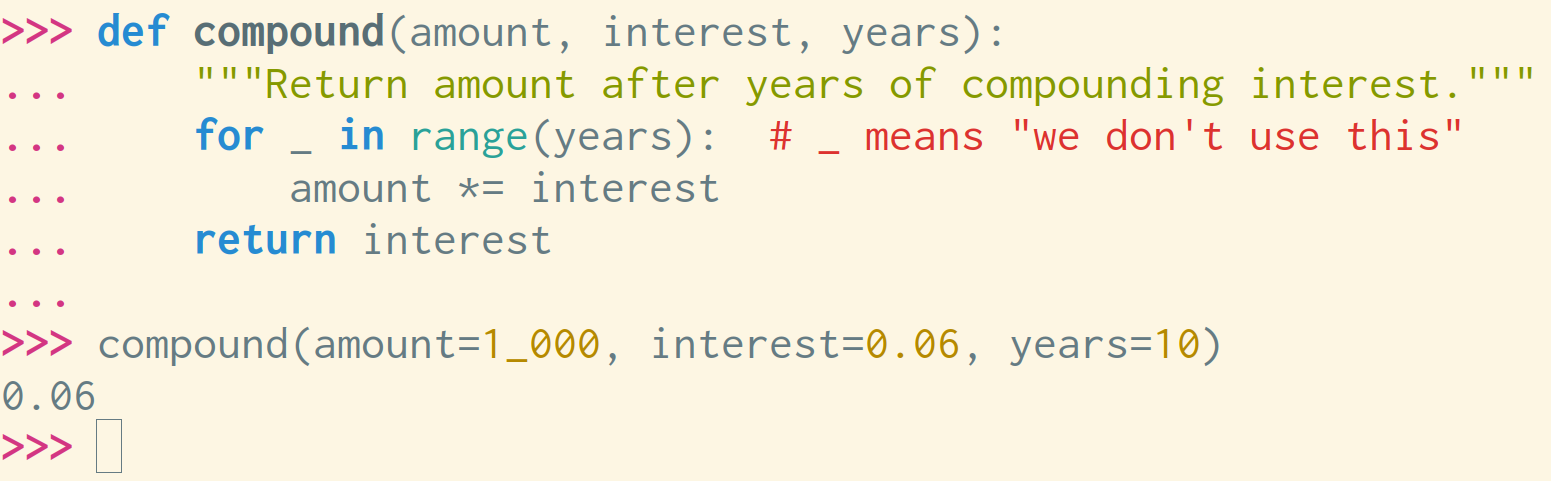
The numbers, comments, strings, and keywords are all different colors than my text editor.
This code makes the Python REPL usenearlythe same syntax highlighting as my text editor:
Check it out:
Neat, right?
But… I want this to be enabled by default!
Using aPYTHONSTARTUPfile
You can use aPYTHONSTARTUPfile to run code every time a new Python process starts.
If Python sees aPYTHONSTARTUPenvironment variable when it starts up, it will open that file and evaluate the code within it.
I have this in my~/.zshrcfile to set thePYTHONSTARTUPenvironment variable to~/.startup.py:
In my~/.startup.pyfile, I have this code:
Note that:
- I put all relevant code within a
_mainfunction so that the variables I set don’t remain in the global scope of the Python REPL (they will by default) - I call the
_mainfunction and then delete the function afterward, again so the_mainvariable doesn’t stay floating around in my REPL - I use
try-except-elseto ensure errors don’t occur on Python 3.13 and below
Also note that the syntax highlighting in the new REPL isnot as fine-grainedas many other syntax highlighting tools. I suspect that it may become a bit more granular over time,which may break the above code.
The_colorizemodule is currently an internal implementation detail and is deliberately undocumented. Its API may change at any time, sothe above code may break in Python 3.15. If that happens, I’ll just update myPYTHONSTARTUPfile at that point.
Packaging themes
I’ve stuck all of the above code in a~/.startup.pyfile and I set thePYTHONSTARTUPenvironment variable on my system to point to this file.
Instead of manually updating a startup file, is there any way to make these themesinstallable?
Well, if a.pthfile is included in Python’ssite-packagesdirectory, that file (which must be a single line) will be run whenever Python starts up. In theory, a package could use such a file to import a module and then call a function that would set the color scheme for the REPL. Mydramaticpackage uses (coughabusescough).pthfiles in this way.
This sounds like a somewhat bad idea, but maybe not ahorribleidea.
If you do this, let me know.
What’s your theme?
Have you played with setting a theme in your own Python REPL?
What theme are you using?
https://treyhunner.com/2025/09/customizing-your-python-repl-color-scheme/
