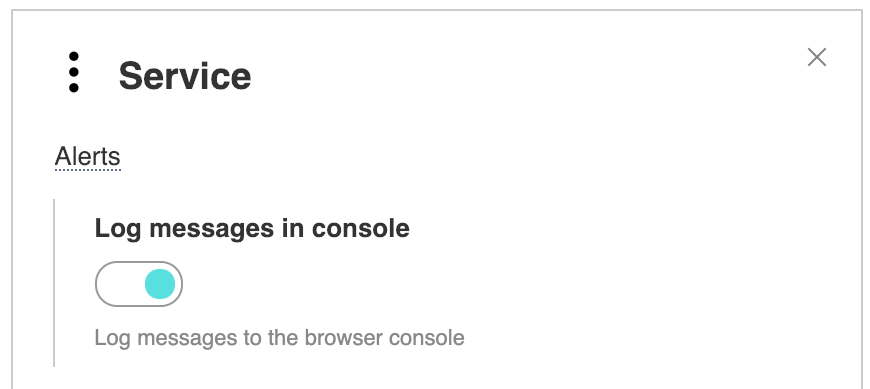
Modo de depuração Desculpe, este artigo está disponível em inglês You can enable debug mode in the builder and then service messages will be displayed in the browser console.
You can also enable debug mode in the player code with option log:1 In Google Chrome you can find logs in console with
In the same place logs of HLS or DASH modules will appear, if logging is enabled in their settings. Debugging on mobile devicesWe do not recommend using mobile device emulation in desktop browsers. This mode checks the layout well, but does not check differences in codecs and other details. For Android you need to unlock developer mode and type chrome://inspect/#devices in desktop Chrome. Learn more about debugging on Android. For iOS you need to unlock the Develop menu in Safari and connect the device via wire. Learn more about debugging on iOS. You can also display logs directly on the test page without developer mode or connecting to a desktop. Please add |