Table of Contents
Master QR code Widget #
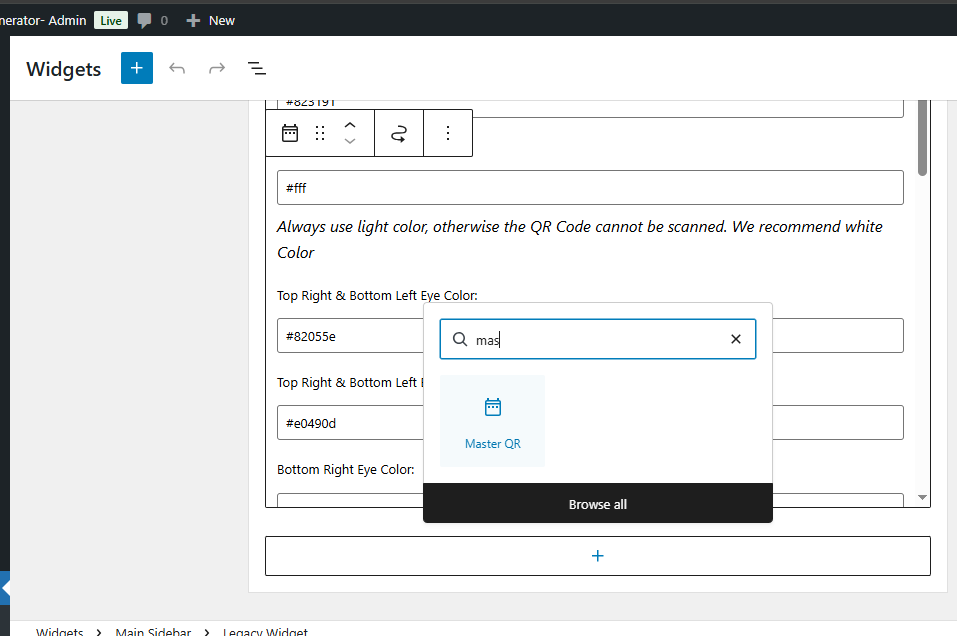
For using the Master QR Widget, please go to the Appearance> Widget, and you will find the “Master QR “. You can find the interface below after opening this
Widget Screenshot #
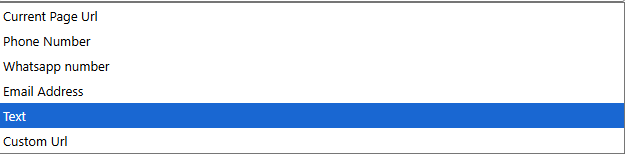
Select the option from the Dropdown, write ‘Content’, then input the QR size. Select the color as discussed previously, upload a logo image or background image, and click the save button. Now see the preview, and use
Master QR Code #
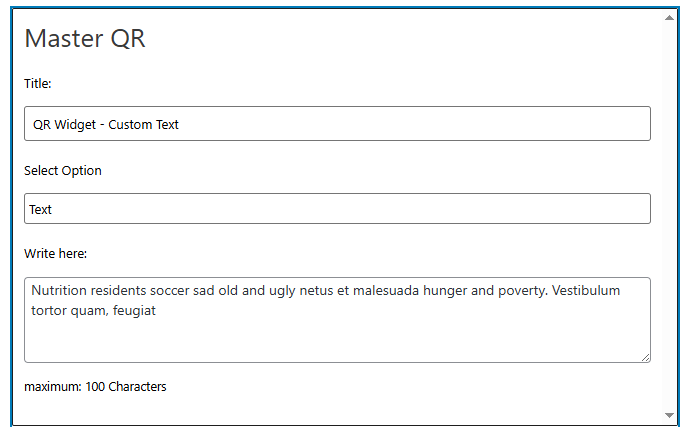
QR widget options #