Finding and inserting special characters in PopChar has never been so simple.
PopChar is newly launched - a more intuitive navigation brings a better experience, completely changing your text editing experience.
Quickly find and insert special characters
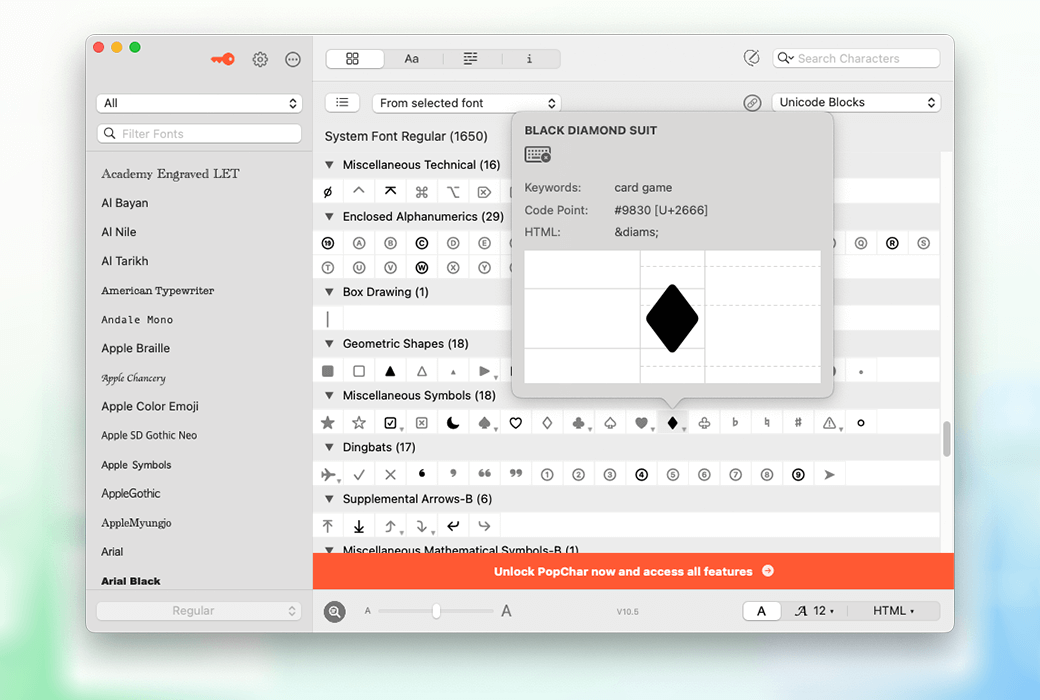
Access thousands of characters immediately without the need for a keyboard. PopChar allows you to easily find special characters and insert them into documents with just one click. You can search for characters by name or shape, find fonts that contain specific characters, or browse the character set of fonts.
PopChar makes all these font related tasks simple.
Details determine success or failure
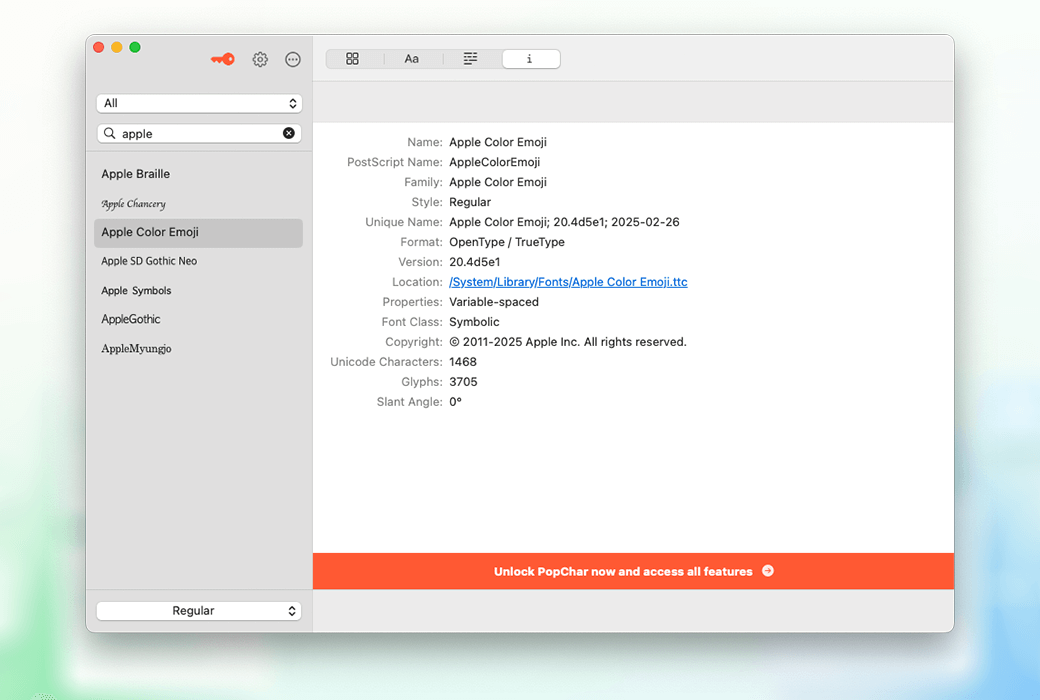
PopChar provides detailed preview and printing functions to help you explore various fonts - view font previews, understand the effect of specific text fragments in specific fonts, and print beautiful font images. Support for hyphens and complex characters takes your typesetting work to the next level.
Magnification accuracy
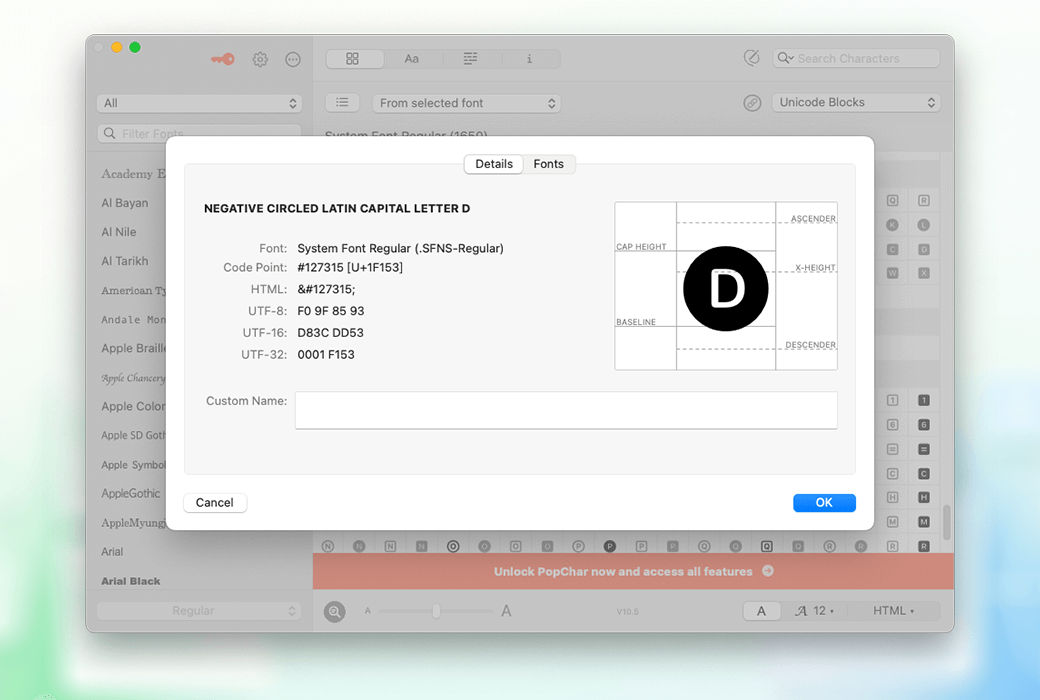
PopChar's magnifying glass tool can clearly focus characters, display complex details, and ensure precise positioning on the document baseline - perfect for identifying the slightest typographical differences.
Unveiling keyboard shortcuts
PopChar's key display function can help you discover the hidden functions of the keyboard, easily learn shortcut keys for special characters, simplify the typing process, and improve efficiency.
Easily search for role information
PopChar has taken character search to new heights. You can easily search by name or use the intuitive shape finder - just draw a rough outline and PopChar will immediately display the matching characters.
Quick access to commonly used selections
PopChar will list your most recently used characters for quick reuse and allow you to mark commonly used characters, ensuring that your most frequently used symbols are always within reach.
Compare characters in available fonts
Visualize the appearance of specific characters in all available fonts, allowing you to confidently and easily choose the perfect font for your design.
Detecting missing characters
I will never miss any more characters. PopChar can recognize and highlight missing characters in fonts, ensuring you have everything you need. Say goodbye to the troubles caused by missing characters from now on.
The power of ready-made layout
Explore the powerful features of preset layouts using PopChar. Immediately access grouped and pre arranged character layouts to optimize and speed up your workflow. In addition, you can also create and customize layouts to organize commonly used characters according to your own needs.
Preview text in any style
Create your own example text and have PopChar display it in different fonts. Easily discover which fonts are available for specific characters, ensuring a perfect match for your needs.
Simplified Font Exploration
By using PopChar's preview function, you can truly experience the actual effect of the font. With just a few clicks, you can visualize and create a beautiful font table, explore different styles, showcase your fonts in discussions, or save them for reference.
Discovering hyphens
Although ligatures look and function like single characters, they are actually composed of multiple characters that can be easily recognized in PopChar. They are listed separately at the end of the character table for users to easily find. After finding the appropriate ligature, PopChar can seamlessly insert the corresponding character sequence into the current document with just one click.
Easy access to emoticons
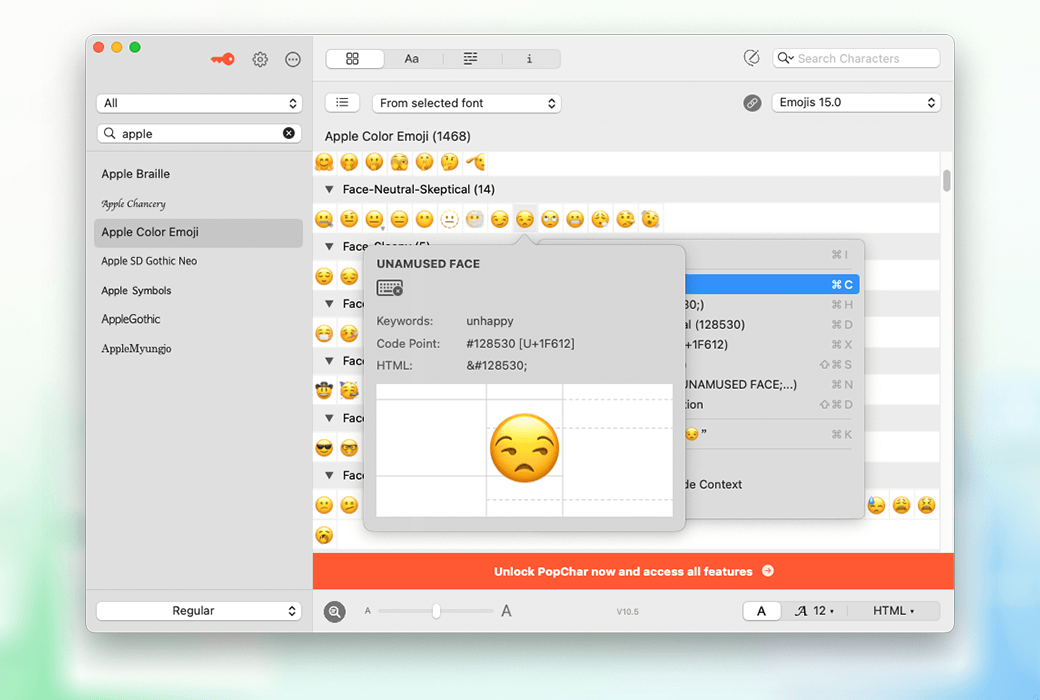
PopChar simplifies your emoji usage experience through a comprehensive overview. You can search for the perfect emoji by name, or browse the emoji library directly and easily insert the emoji of your choice into the text.
Detailed emoji and flag search
For emojis with skin color variations, convenient indicators allow you to quickly select the desired skin color. Do you want to search for the national flag? The ordered display of PopChar and the option to search by country/region name make it easy for you to find any flag you need.
Falling in love with emoticons
Explore the colorful world of emoticons with PopChar. PopChar provides a perfect overview and quick insertion function, allowing you to easily access various emoticons and flags. PopChar simplifies your experience of using emoticons in all applications and programs.
System level compatibility
Experience the seamless integration of PopChar, where all its features are designed to be compatible with your entire system. No matter which platform you use, you can enjoy unrestricted character input freedom.
Suitable for various types of teams
translator
- Can use multiple international characters and diacritical marks
- Simplified the process of searching and using specific language characters
- Improve the efficiency of translating text containing multiple character sets, and all operations can be easily completed through the keyboard.
designer
- Multiple creative and special characters are available for selection to enhance the design effect.
- The convenient character insertion function can improve the workflow of design software.
- Being able to explore and compare different fonts and characters to achieve visual impact.
cameraman
- Quickly access symbols and characters for video subtitles and graphics
- Enhance the visual appeal of videos through unique text elements.
- Simplify the post production editing process through easy role integration.
compositor
- Full access to installed fonts and their complete character sets
- A tool for checking and comparing character details in different fonts
- Simplified the process of selecting the perfect characters for typesetting projects
printing plant
- Simplify the typesetting process and easily access various characters
- Using character recognition function to ensure the accuracy of printed materials
- Enhanced the ability to handle various printing projects with different character requirements
edit
- By quickly inserting and editing symbols and characters, it is convenient and efficient for editing.
- Improve the quality of written content by easily accessing various roles
- Improve the workflow of document preparation and content creation

 PopChar 10 Special Character Input Insertion Tool Software