Wolfram Function Repository
Instant-use add-on functions for the Wolfram Language
Function Repository Resource:
Create an interface for editing an Association
ResourceFunction["AssociationEditor"][assoc] creates an interface for modifying the keys and values of assoc. |
Create an editor for a simple Association:
| In[1]:= | ![ResourceFunction["AssociationEditor"][<|"a" -> 1, "b" -> 2|>]](https://www.wolframcloud.com/obj/resourcesystem/images/460/4608276a-cfbc-4224-9c37-66c678f4c9b7/75e96ed419909907.png) |
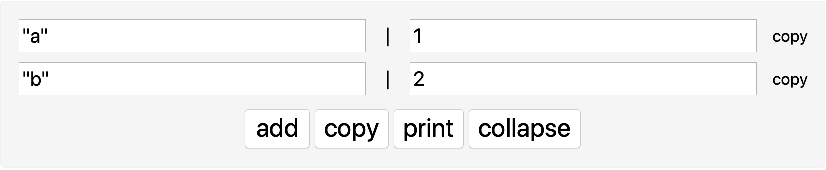
Add a value with the add button:
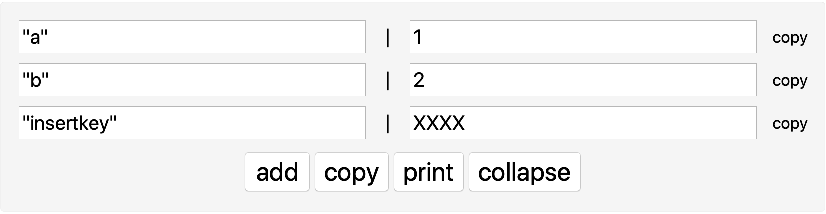
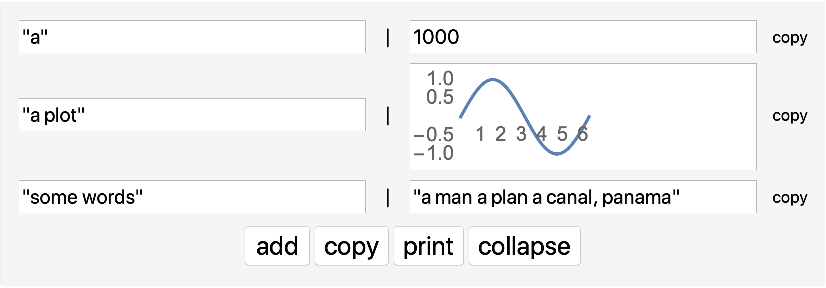
Modify some values and print the updated Association:

Create an editor for real data:
| In[2]:= | ![ResourceFunction["AssociationEditor"]@
Normal@First@ResourceData["Sample Data: Crab Measures"]](https://www.wolframcloud.com/obj/resourcesystem/images/460/4608276a-cfbc-4224-9c37-66c678f4c9b7/58287c8ac8a49e14.png) |
| Out[2]= | 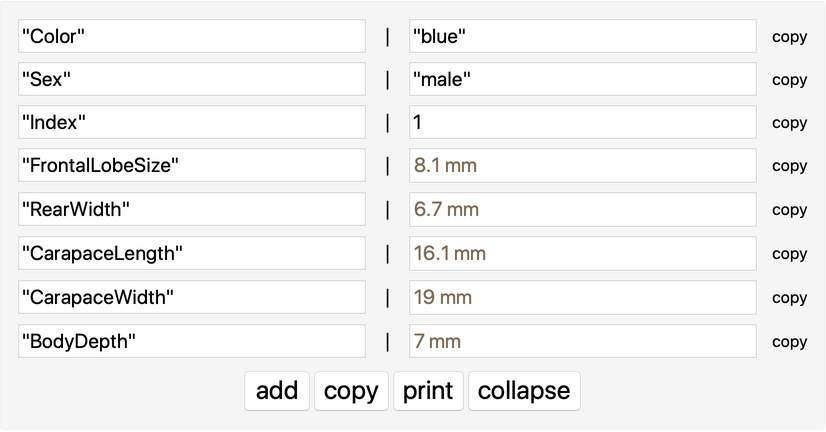 |
Associations do not support repeated keys. When a key is used multiple times in the editor, only the last value appears in the output Association. Create an editor and add a key matching the first:
| In[3]:= | ![ResourceFunction["AssociationEditor"][<|"a" -> 1|>]](https://www.wolframcloud.com/obj/resourcesystem/images/460/4608276a-cfbc-4224-9c37-66c678f4c9b7/6a264df5a659fa7e.png) |
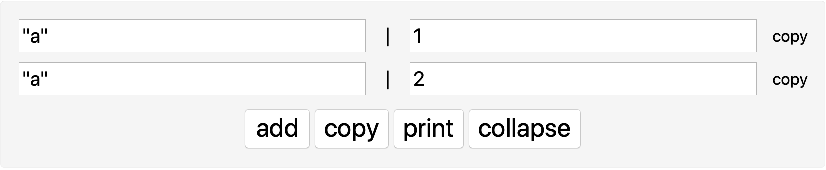
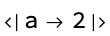
The output only includes the last value of "a":
Large content can be ugly and difficult to use:
| In[4]:= | ![ResourceFunction["AssociationEditor"][<|"a" -> Range[10^3]|>]](https://www.wolframcloud.com/obj/resourcesystem/images/460/4608276a-cfbc-4224-9c37-66c678f4c9b7/0b547c209fcaa587.png) |

This work is licensed under a Creative Commons Attribution 4.0 International License
