Wolfram Function Repository
Instant-use add-on functions for the Wolfram Language
Function Repository Resource:
Generate a graph corresponding to a hexagonal grid
ResourceFunction["HexagonalGridGraph"][{width,height}] returns a hexagonal grid graph with dimensions width×height. |
A 6×6 hexagonal grid graph:
| In[1]:= | ![ResourceFunction["HexagonalGridGraph"][{6, 6}]](https://www.wolframcloud.com/obj/resourcesystem/images/b1a/b1a6dce2-6330-4ccc-a5e9-c98e233b2b45/112ba939038aab1b.png) |
| Out[1]= | 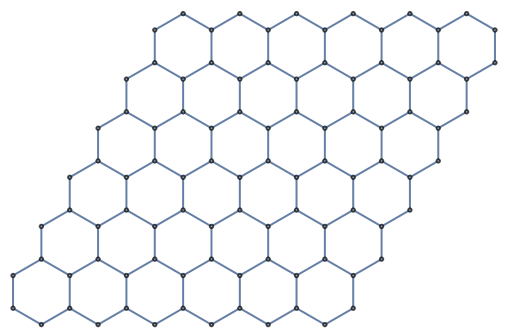 |
Use a different graph embedding:
| In[2]:= | ![ResourceFunction["HexagonalGridGraph"][{12, 8}, GraphLayout -> "SpringElectricalEmbedding", VertexCoordinates -> Automatic]](https://www.wolframcloud.com/obj/resourcesystem/images/b1a/b1a6dce2-6330-4ccc-a5e9-c98e233b2b45/46de9619304c8e7e.png) |
| Out[2]= | 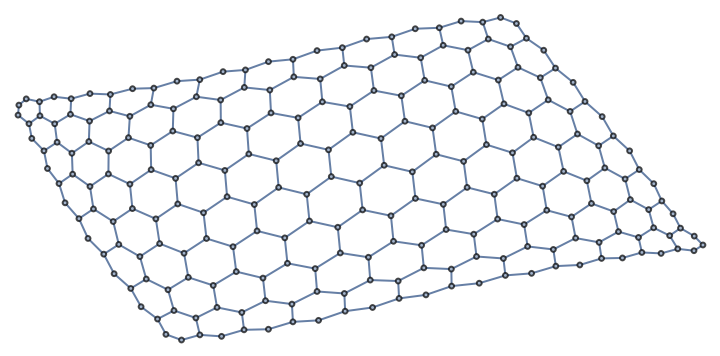 |
Use a different plot theme:
| In[3]:= | ![ResourceFunction["HexagonalGridGraph"][{18, 18}, PlotTheme -> "LargeGraph"]](https://www.wolframcloud.com/obj/resourcesystem/images/b1a/b1a6dce2-6330-4ccc-a5e9-c98e233b2b45/04956f19c0778f04.png) |
| Out[3]= | 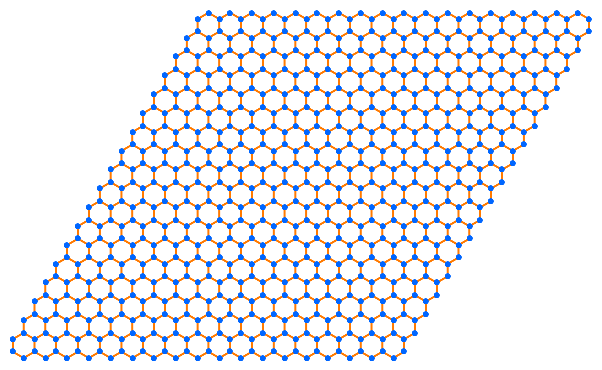 |
Large graphs may be formatted differently in OutputForm than smaller graphs. A 50×60 hexagonal grid graph shows explicit edges and vertices:
| In[4]:= | ![ResourceFunction["HexagonalGridGraph"][{50, 60}]](https://www.wolframcloud.com/obj/resourcesystem/images/b1a/b1a6dce2-6330-4ccc-a5e9-c98e233b2b45/6bc45ad79b231503.png) |
| Out[4]= | 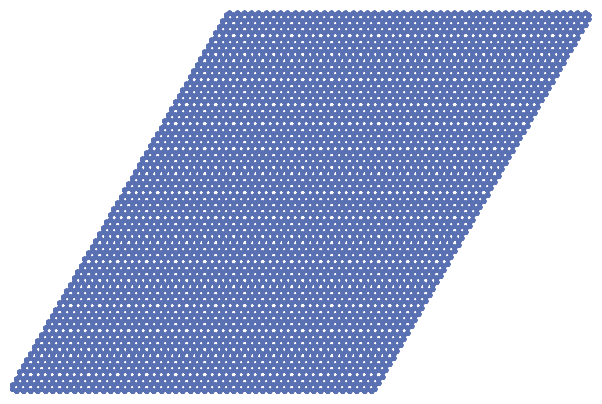 |
A 60×60 hexagonal grid graph displays as an elided Graph expression:
| In[5]:= | ![ResourceFunction["HexagonalGridGraph"][{60, 60}]](https://www.wolframcloud.com/obj/resourcesystem/images/b1a/b1a6dce2-6330-4ccc-a5e9-c98e233b2b45/6e16bfd5980b44b3.png) |
| Out[5]= |  |
This work is licensed under a Creative Commons Attribution 4.0 International License
