Details and Options
ResourceFunction["PacletizeResourceFunction"] can be used to install a local version of resource functions as paclets, complete with local documentation.
Since ResourceFunction["PacletizeResourceFunction"] stores the code of the resource function in the created paclet, it can be used to ensure that a given version of a function will always be available.
Functions that have been pacletized can be used just like built-in functions, with the paclet automatically being loaded upon first use.
ResourceFunction["PacletizeResourceFunction"] accepts the following options:
| "PacletName" | Automatic | the name to use for the paclet created |
| "ShowProgress" | True | whether to show the progress of the paclet creation process |
With the default setting
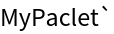
"PacletName"→Automatic, the paclet and context will be named after the resource function for single functions. If several functions are pacletized, a name of the form "PacletizedResourceFunction{
id}" is chosen, where {
id} is a number to avoid name-collisions with existing paclets.
When automatically installing the created paclet, ResourceFunction["PacletizeResourceFunction"] will attempt to uninstall existing versions of the paclet.
Calling ResourceFunction["PacletizeResourceFunction"] with the same arguments a second time effectively updates the resulting paclet to use the latest version of the pacletized functions.
ResourceFunction["PacletizeResourceFunction"] will fill the metadata fields of the generated paclet (such as version, author, …) with the appropriate information from the resource functions.
Some pacletized resource functions might not work as expected if they rely on precise details of the
ResourceFunction loading and evaluation mechanism.
ResourceFunction["PacletizeResourceFunction"][PacletUninstall,paclet] effectively uses
PacletUninstall to remove the paclet, but will attempt to gracefully unload the paclet documentation before doing so. This enables
PacletUninstall to work without needing to restart Mathematica, assuming no other instances are open.
![ResourceFunction["PacletizeResourceFunction"]["BirdSay"]](https://www.wolframcloud.com/obj/resourcesystem/images/a05/a05656c2-f71b-43a0-af70-2d04cb734106/5f20bf7100bf65c0.png)

![BirdSay["Hello World!"]](https://www.wolframcloud.com/obj/resourcesystem/images/a05/a05656c2-f71b-43a0-af70-2d04cb734106/4fa26ce1943a0679.png)
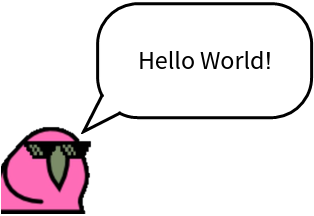

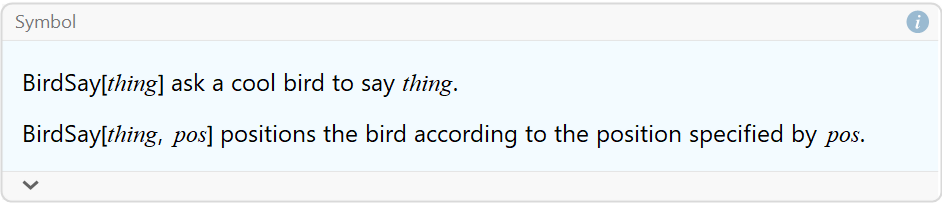
 or open the notebook directly:
![NotebookOpen["paclet:BirdSay/ReferencePages/Symbols/BirdSay"]](https://www.wolframcloud.com/obj/resourcesystem/images/a05/a05656c2-f71b-43a0-af70-2d04cb734106/01973de72d130a94.png)

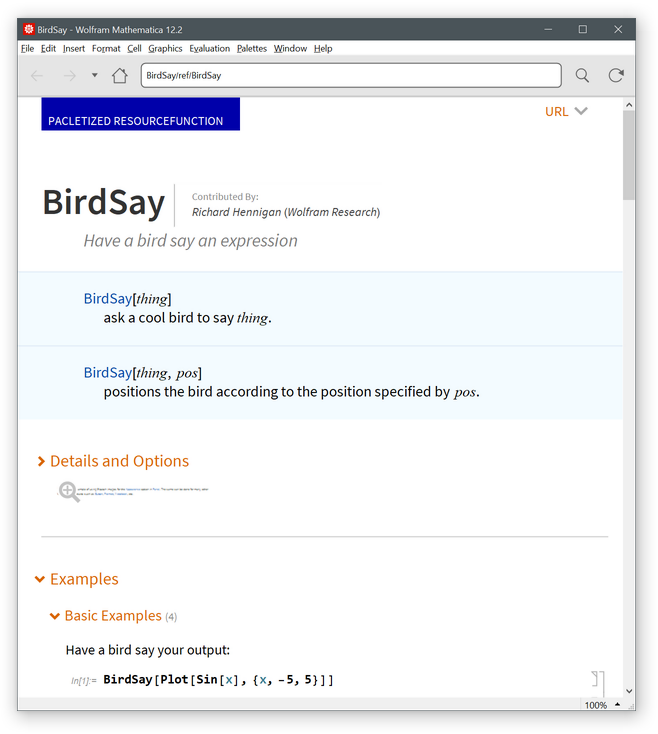
![ResourceFunction[
"PacletizeResourceFunction"][PacletUninstall, "BirdSay"]](https://www.wolframcloud.com/obj/resourcesystem/images/a05/a05656c2-f71b-43a0-af70-2d04cb734106/274c746ab850a1cc.png)
![ResourceFunction[
"PacletizeResourceFunction"][{"ColorSearch", "ColorToHex"}, "PacletName" -> "ColorUtils"]](https://www.wolframcloud.com/obj/resourcesystem/images/a05/a05656c2-f71b-43a0-af70-2d04cb734106/5b7915a28ed48642.png)

![AssociationMap[ColorToHex, ColorSearch["Red"]]](https://www.wolframcloud.com/obj/resourcesystem/images/a05/a05656c2-f71b-43a0-af70-2d04cb734106/119dc9abed3c1ce7.png)
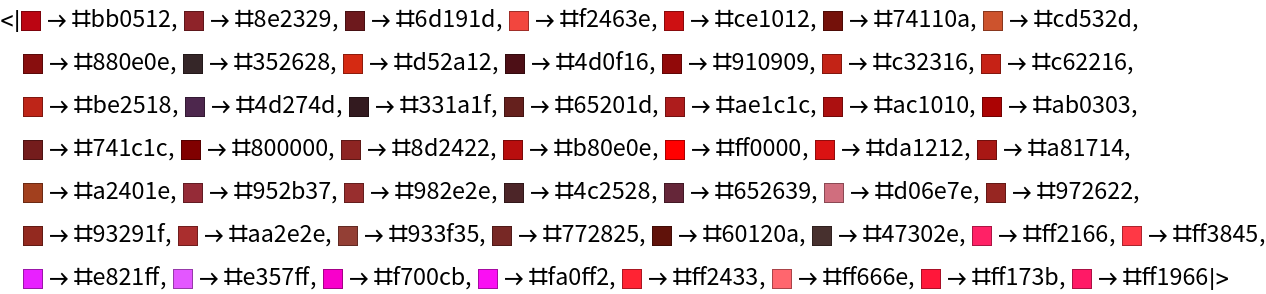
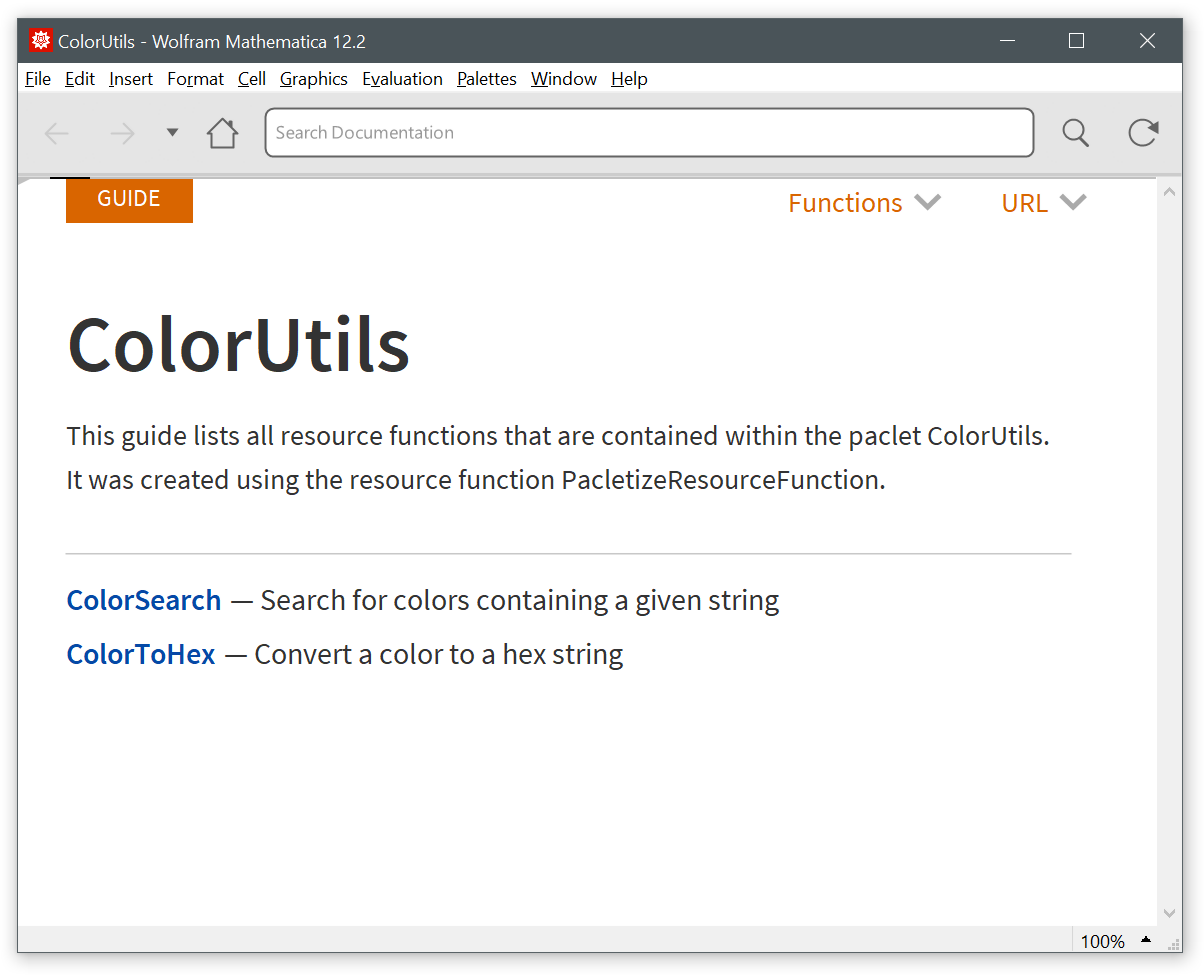
![NotebookOpen["paclet:ColorUtils/ReferencePages/Guides/ColorUtils"]](https://www.wolframcloud.com/obj/resourcesystem/images/a05/a05656c2-f71b-43a0-af70-2d04cb734106/2ab7bdfb51dc6d12.png)

![ResourceFunction[
"PacletizeResourceFunction"][PacletUninstall, "ColorUtils"]](https://www.wolframcloud.com/obj/resourcesystem/images/a05/a05656c2-f71b-43a0-af70-2d04cb734106/059785d4fad2b98c.png)
![paclet = ResourceFunction[
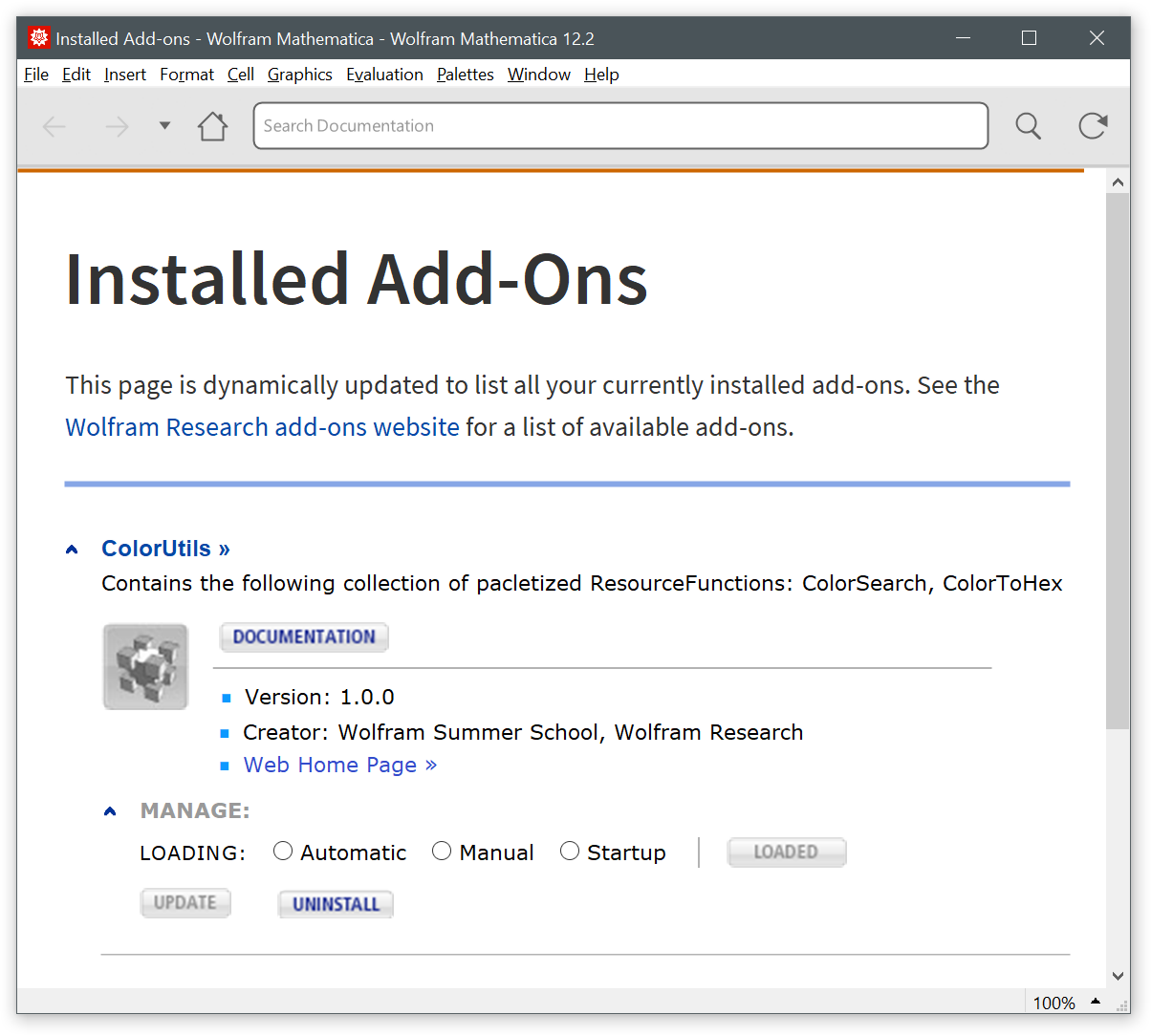
"PacletizeResourceFunction"][{"ColorSearch", "ColorToHex"}, "ColorUtils.paclet", "PacletName" -> "ColorUtils"]](https://www.wolframcloud.com/obj/resourcesystem/images/a05/a05656c2-f71b-43a0-af70-2d04cb734106/6944fdcc054edd97.png)



![ResourceFunction[
"PacletizeResourceFunction"][PacletUninstall, "ColorUtils"]](https://www.wolframcloud.com/obj/resourcesystem/images/a05/a05656c2-f71b-43a0-af70-2d04cb734106/4ace751b84455480.png)
![ResourceFunction["PacletizeResourceFunction"]["ColorSearch"]](https://www.wolframcloud.com/obj/resourcesystem/images/a05/a05656c2-f71b-43a0-af70-2d04cb734106/701b710b42dbd7e2.png)



![ResourceFunction[
"PacletizeResourceFunction"][{"ColorSearch", "ColorToHex"}]](https://www.wolframcloud.com/obj/resourcesystem/images/a05/a05656c2-f71b-43a0-af70-2d04cb734106/33ed2e8f4f39a804.png)

![ResourceFunction["PacletizeResourceFunction"]["ColorSearch", "PacletName" -> "MyPaclet"]](https://www.wolframcloud.com/obj/resourcesystem/images/a05/a05656c2-f71b-43a0-af70-2d04cb734106/2664517599f829b9.png)


![ResourceFunction["PacletizeResourceFunction"]["ColorSearch"]](https://www.wolframcloud.com/obj/resourcesystem/images/a05/a05656c2-f71b-43a0-af70-2d04cb734106/72df22070f181252.png)


![ResourceFunction["PacletizeResourceFunction"]["ColorSearch", "ShowProgress" -> False]](https://www.wolframcloud.com/obj/resourcesystem/images/a05/a05656c2-f71b-43a0-af70-2d04cb734106/74acf2013b5c1986.png)

![rf = DefineResourceFunction[# &, "LocalRF"]](https://www.wolframcloud.com/obj/resourcesystem/images/a05/a05656c2-f71b-43a0-af70-2d04cb734106/1b5effdfb0a52d94.png)
![ResourceFunction["PacletizeResourceFunction"][rf]](https://www.wolframcloud.com/obj/resourcesystem/images/a05/a05656c2-f71b-43a0-af70-2d04cb734106/352bfb85f778b199.png)

![ResourceFunction[
"PacletizeResourceFunction"][PacletUninstall, "AbundantNumber"]](https://www.wolframcloud.com/obj/resourcesystem/images/a05/a05656c2-f71b-43a0-af70-2d04cb734106/1e4b0a6174a66150.png)





