Sailfish OS is a Linux-based European alternative to dominating mobile operating systems, and the only mobile OS offering an exclusive licensing model for local implementations.
On the market since 2013 Sailfish OS is the privacy respecting choice for mobile solutions. With Sailfish OS you can also run Android™ apps with our dedicated AppSupport solution.
Sailfish OS is managed and developed by Finnish company Jolla.
Business & partnership inquiries: [email protected]

Reliable corporate platform
Sailfish OS is a secure and privacy respecting mobile operating system optimized to run on smartphones and tablets, and also easily adaptable to all kinds of embedded devices and use cases. With the operating system enablers Sailfish OS can be adapted to support different ecosystem projects, be it private corporate solutions or public sector governmental deployments.

Security
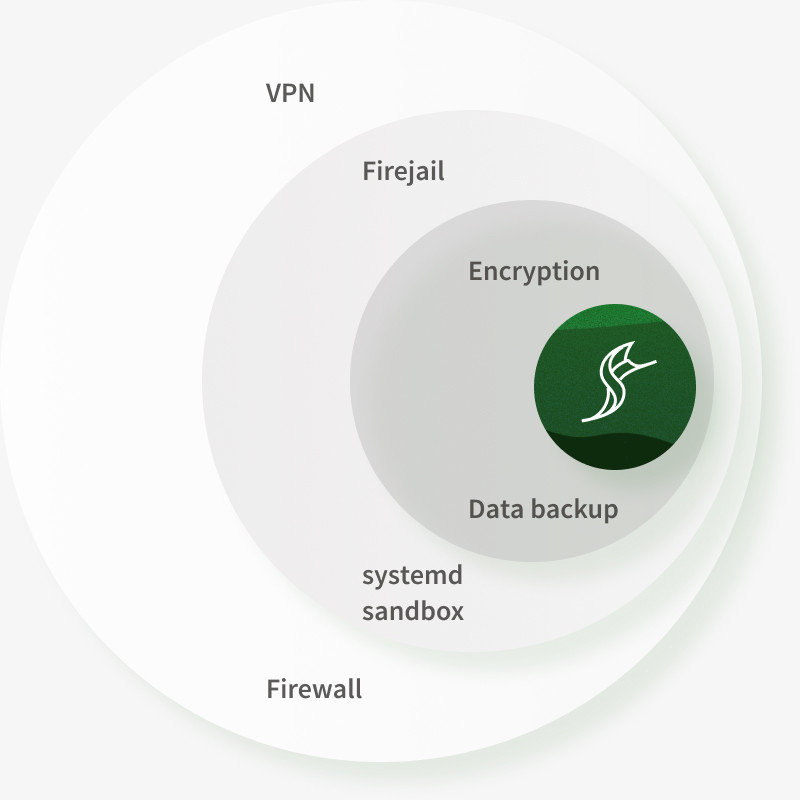
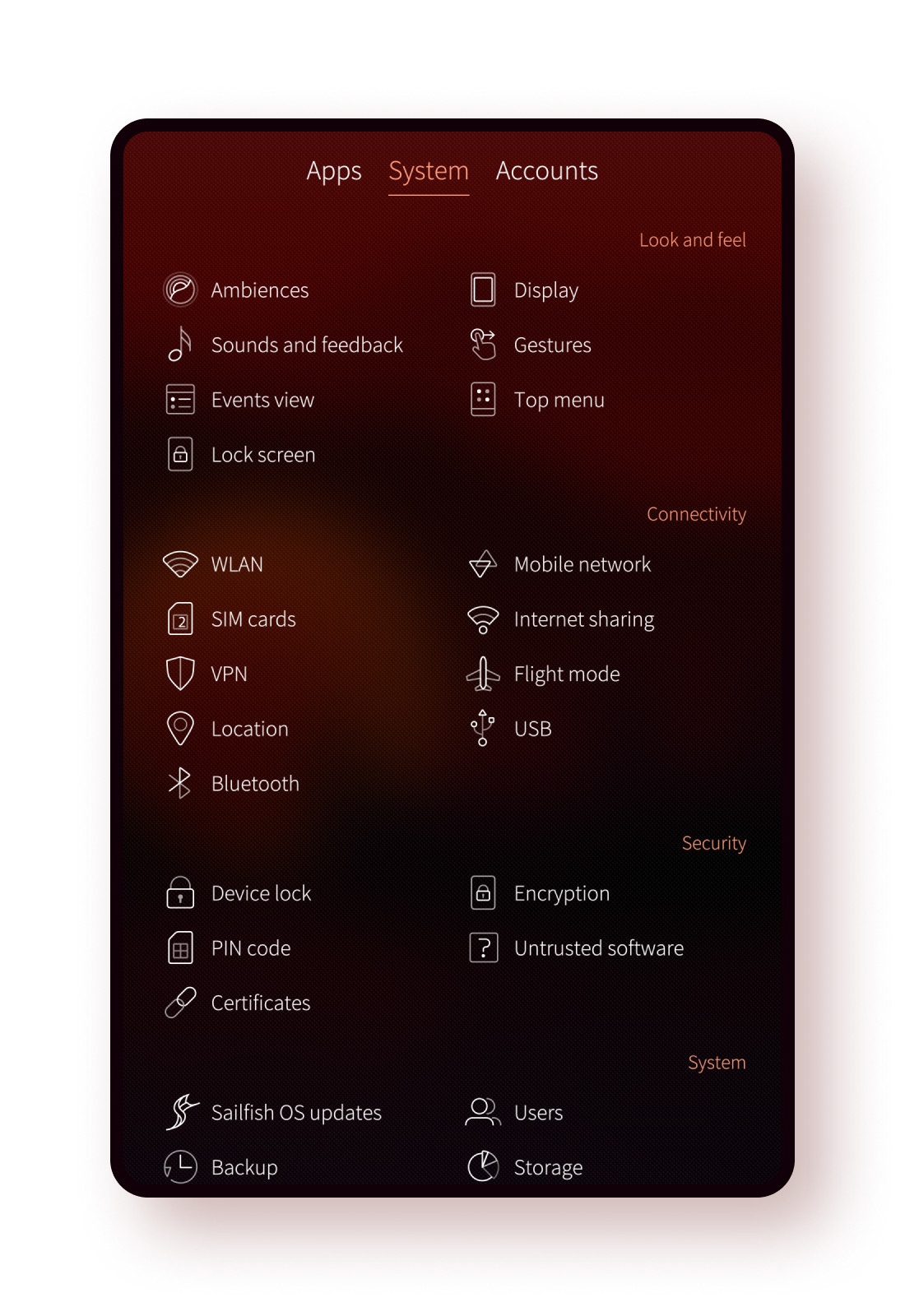
Sailfish OS has a host of modern security functionalities developed specifically for corporate and governmental environments. In Sailfish OS user data is fully encrypted and apps are protected by Firejail sandboxing. Connectivity is behind a firewall and protected with in-built support for VPNs, and automatic backups always secure your data. Core OS services are sandboxed using systemd, and the whole system can be managed on the OS level with the full-scale MDM capability.
Security
Sailfish OS has a host of modern security functionalities developed specifically for corporate and governmental environments. In Sailfish OS user data is fully encrypted and applications are protected by Firejail sandboxing. Connectivity is behind a firewall and protected with in-built support for VPNs, and automatic backups always secure your data. Core OS services are sandboxed using systemd, and the whole system can be managed on the OS level with the full-scale MDM capability.

World-class
developer experience
Sailfish OS is an open platform with an active open source contribution model. We develop it together with our customers and developer community.
The Sailfish OS developer offering has grown with a host of new tools and capabilities, and the Sailfish OS forum is there to support the active developer community.

User experience
at the core
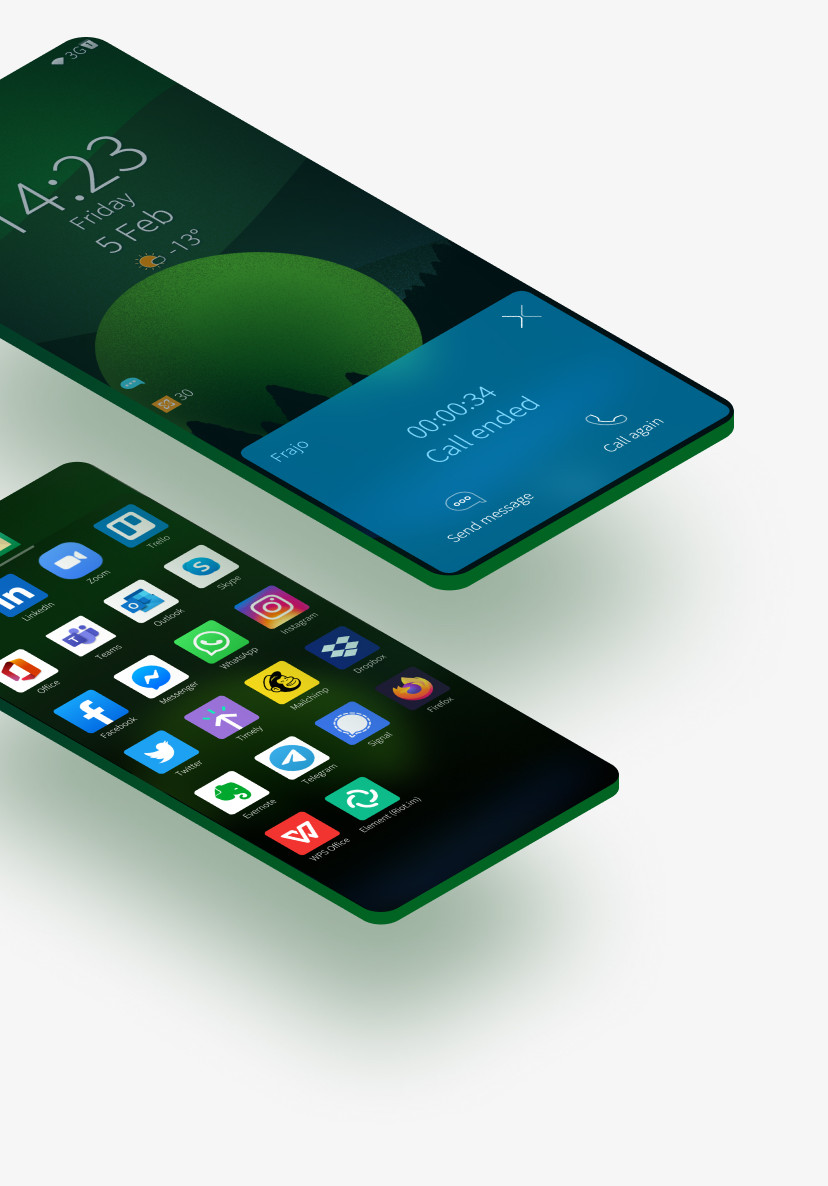
The main design principles of Sailfish OS have always included a seamless user experience combined with unique and clean Scandinavian design.
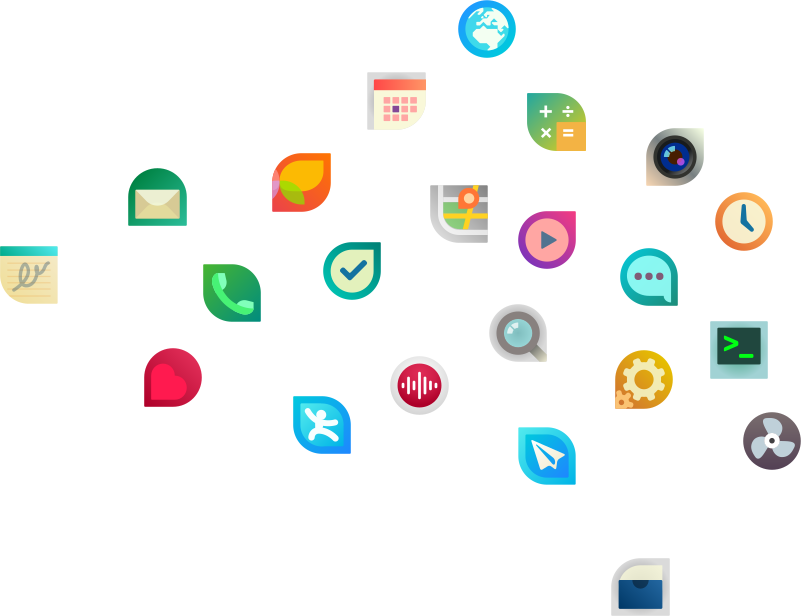
Apps are a natural part of a mobile UX. With Sailfish OS you can run beautiful gesture-based native apps powered by Qt framework or opt-in to run your favourite Android apps securely executed in an isolated sandbox.
User experience at the core
The main design principles of Sailfish OS have always included a seamless user experience combined with unique and clean Scandinavian design.
Apps are a natural part of a mobile UX. With Sailfish OS you can run beautiful gesture-based native apps powered by Qt framework or opt-in to run your favourite Android apps securely executed in an isolated sandbox. You can try Sailfish OS with Sailfish X.
Downloadable Sailfish OS
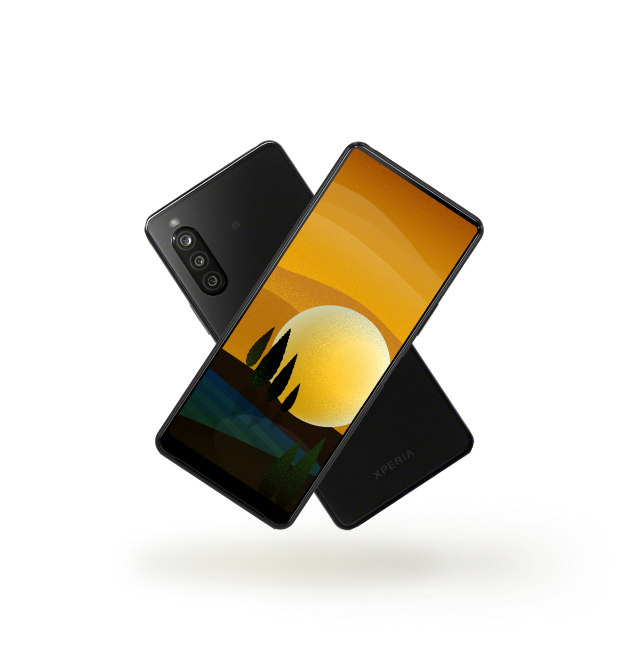
Jolla officially supports downloadable version of Sailfish OS for selected devices. Download and install to join the development or to evaluate how the OS fits your needs.
Sailfish OS whitepaper
Learn more about Sailfish OS. The whitepaper gives an overview of Sailfish OS ecosystem, key features, architecture and licensing options.
Customize to your needs
Features
Adaptability is in the core of Sailfish OS. It can be adapted to different corporate and governmental needs in various ways and to various levels.
Sailfish OS has configurable device policies to match different security requirements and easy extension points to roll your own apps, cloud accounts, location providers, VPN solutions, authentication methods, and so on.
Hardware
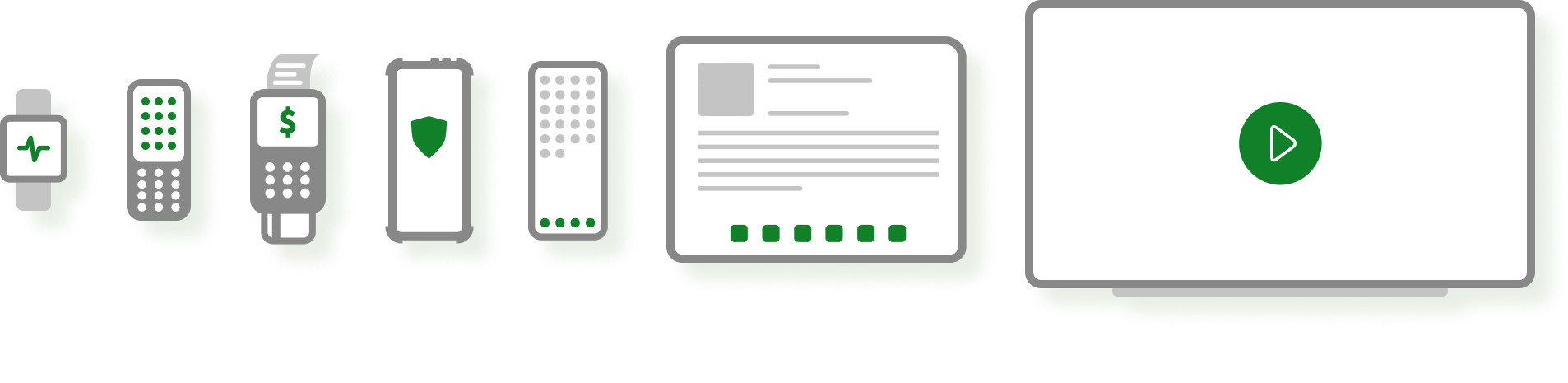
Sailfish OS has been ported to almost a hundred different devices* with new devices added regularly using our Hardware Adaptation Development Kit. Wide support for different chipsets and hardware variants mean supporting new mobile devices is a breeze using the open adaptation projects. You can always try Sailfish OS.

User Interface
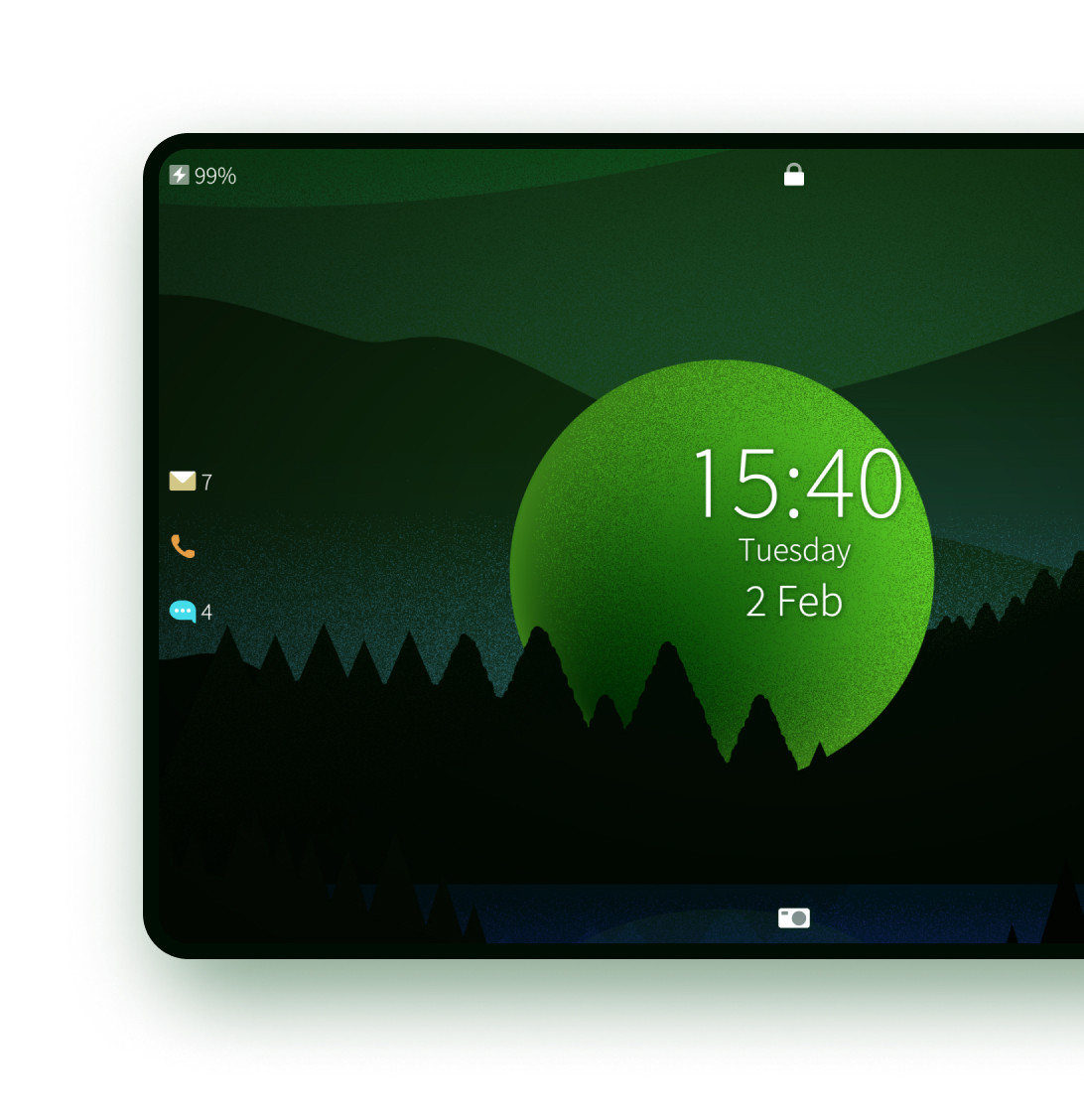
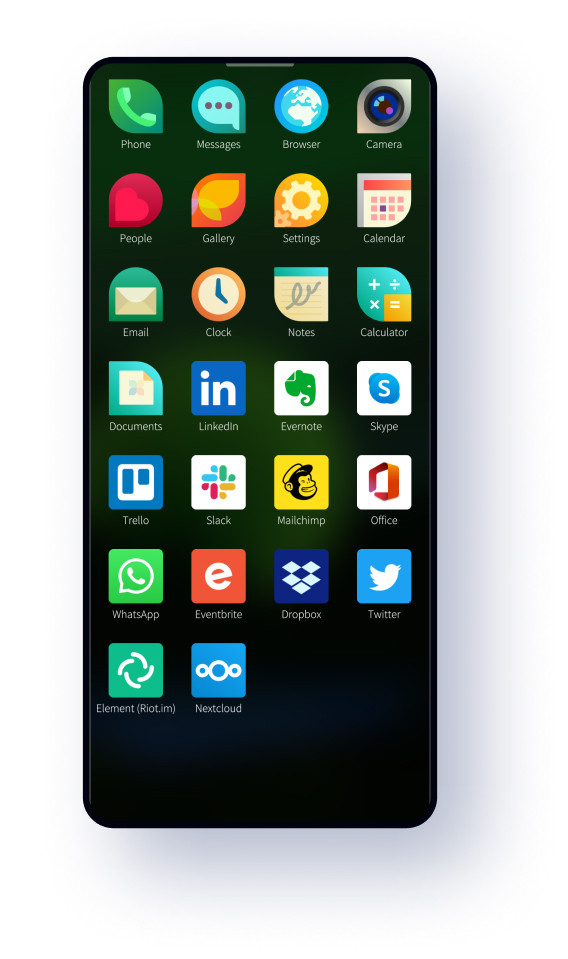
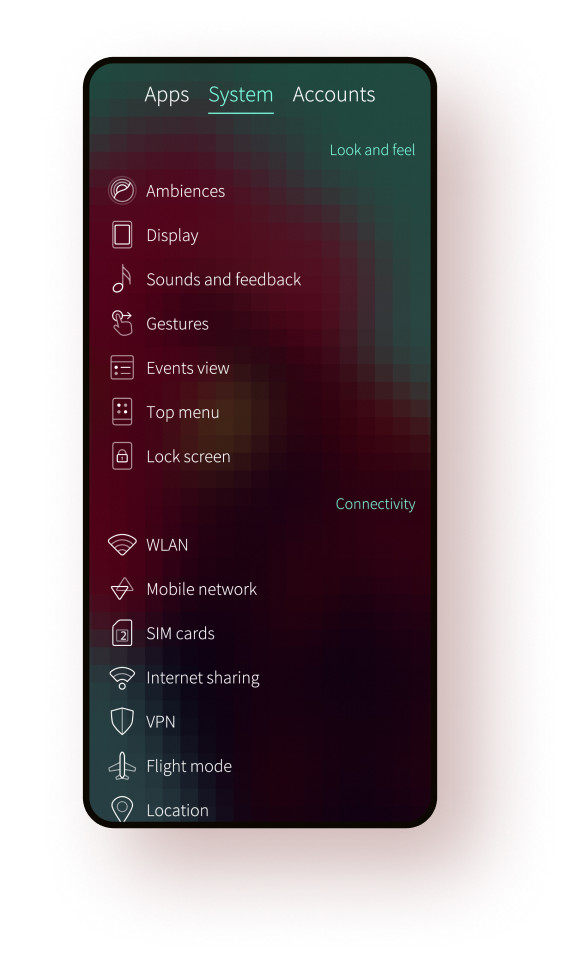
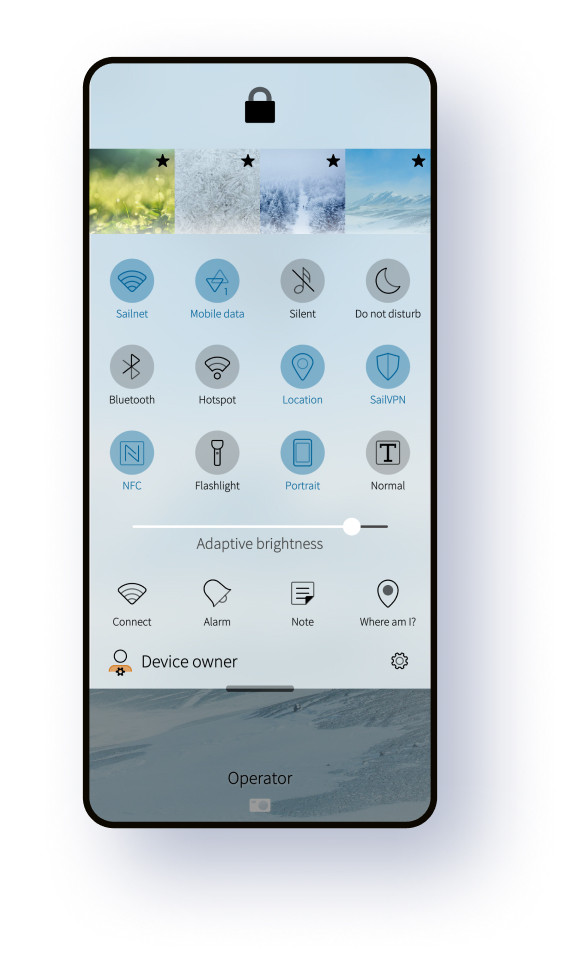
Sailfish OS has been built ground-up to scale to different form factors and input styles. Sub-pixel scaling support means Sailfish OS works beautifully on any display size, from small smartwatches to smart TVs.
Furthermore, fully customizable preloaded content helps you tailor the OS to your needs: wallpapers, tones, photos, videos, bookmarks, even small details like default email signatures, Bluetooth and hotspot names can all be easily rebranded. The centralized style asset makes it easy to further customize the experience with layouts, icons, fonts and effects.
Dedicated device mode
Sailfish OS is smart at heart, but also a great companion for single-purpose devices designed to handle a few functions really well.
Focus on creating a great product experience, and let Sailfish OS worry about the nitty-gritty technical details like connectivity, security, user management, over-the-air updates, and other OS services.
World-class mobile device management for corporations
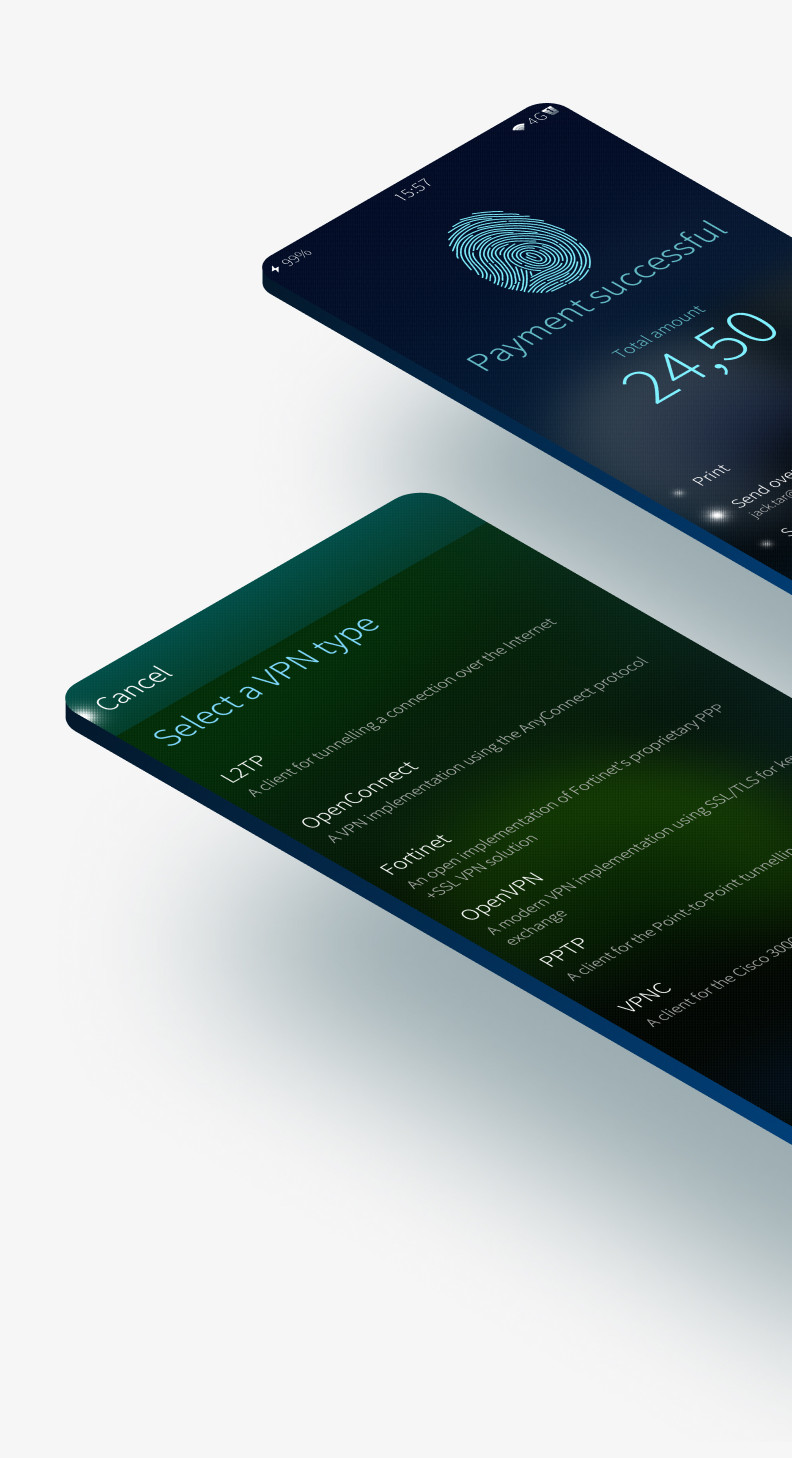
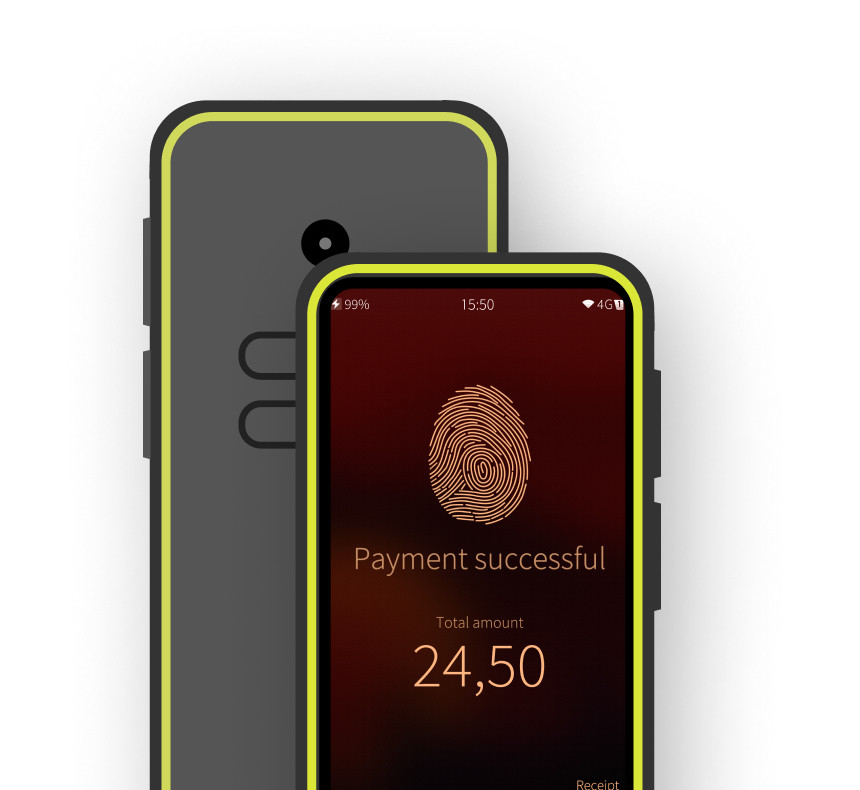
Mobile device management (MDM) support in Sailfish OS is designed to meet even the most demanding corporate needs with APIs to remotely set up devices, provision settings, define policies, and manage installed software. Monitor data, call, and SMS statistics, publish remote notifications, and define call and SMS filters. And much more.

22 APIs
31 Policies
Software Management
Perform OS updates and manage installed apps remotely.
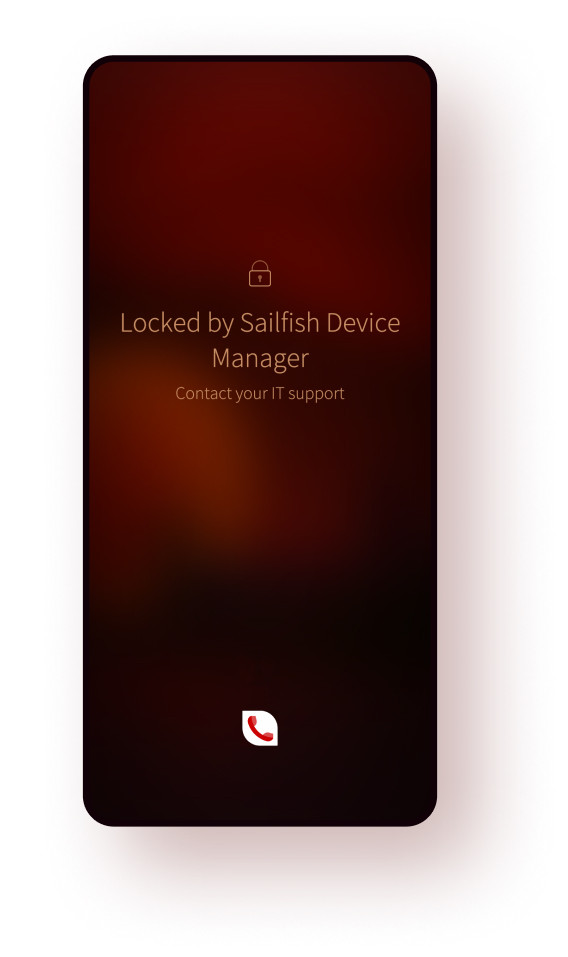
Device locking
Remotely lock or securely wipe data from compromised devices.
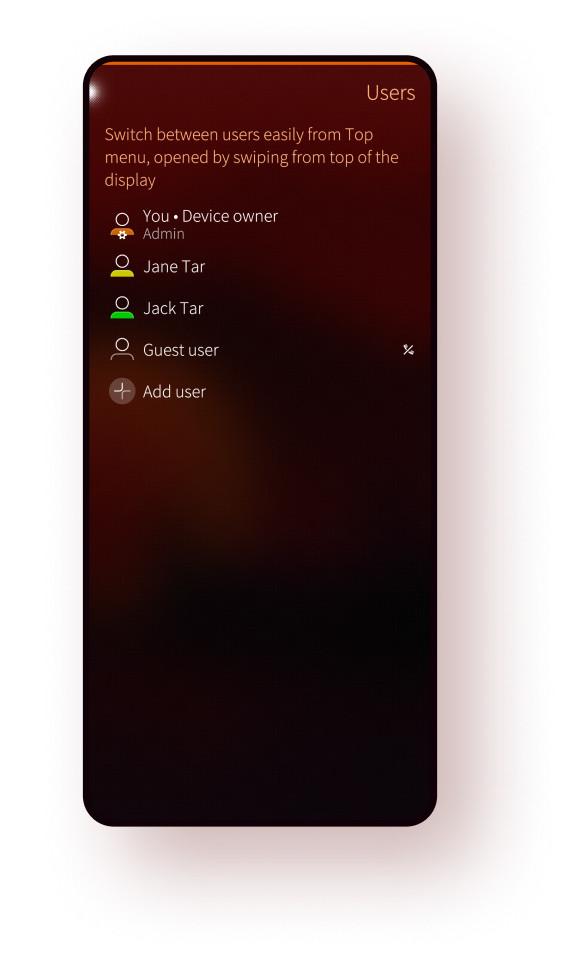
Multiple users
Remotely manage who can access the device, add and remove users, control who can call and send messages, and set permissions for guest users.
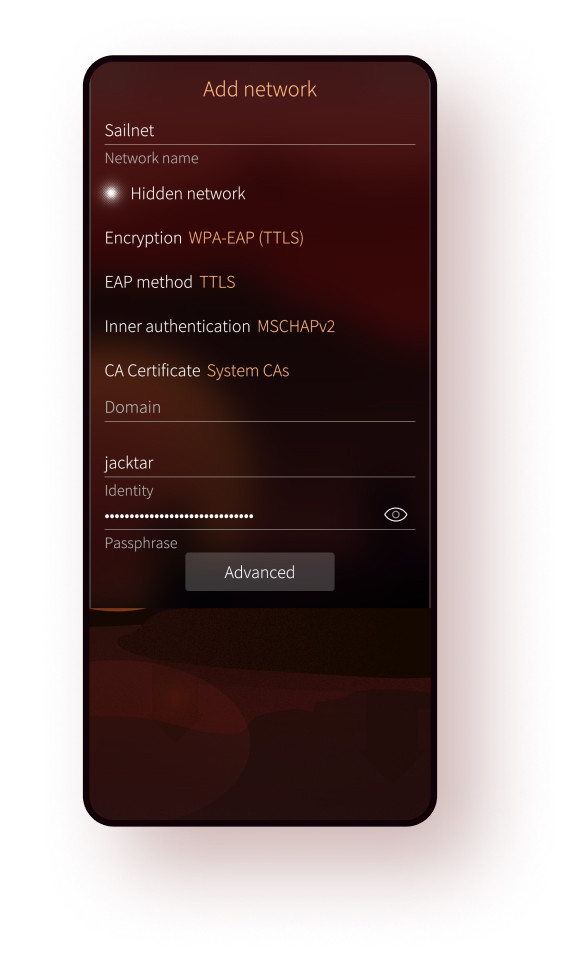
WPA2 Enterprise
WLAN gained support for EAP-PEAP, EAP-TLS, and EAP-TTLS authentication methods.
Android Apps
Sailfish OS is compatible with the Android™ ecosystem, and so able to run Android apps and support Android device hardware. However, it’s fully independent, and not a derivative or a fork of the Android codebase.
Sailfish licensees choose if they wish to use the Android compatibility part in the OS, or instead opt for fully native solutions.
AppSupport is also offered for other Linux-based systems through AppSupport for Linux Platforms product.
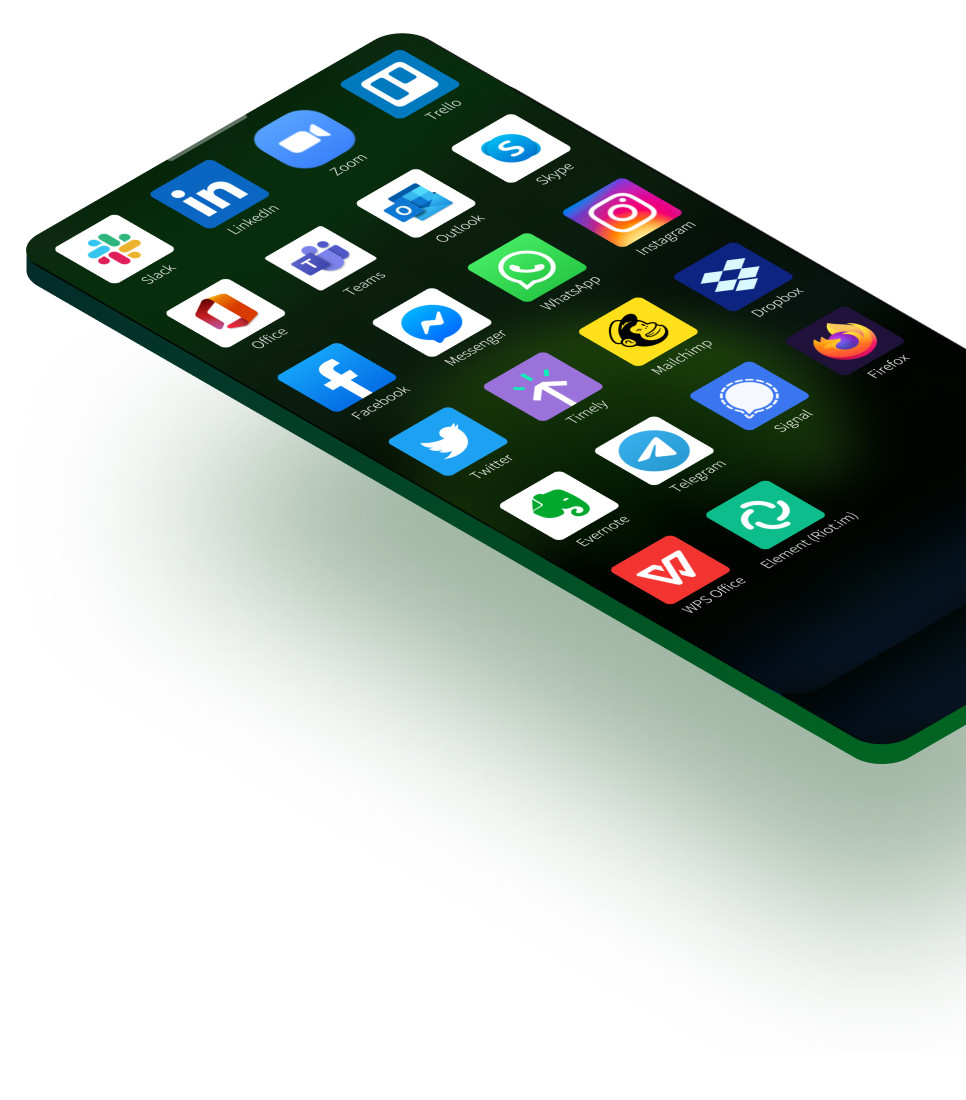
AppSupport in Sailfish OS has reached Android 13 level. Android apps support richer notifications, handle audio and video calls better, has enhanced security and can access content from SD cards and detect WLAN connections.
Security
Sailfish OS ensures that your device is protected on multiple fronts: user data is encrypted on the device, network communication is secured using VPN, and the in-built firewall and sandboxing further safeguards your data and device resources from abuse. Over-the-air updates and hotfix releases allow us to address any critical vulnerabilities quickly and promptly.
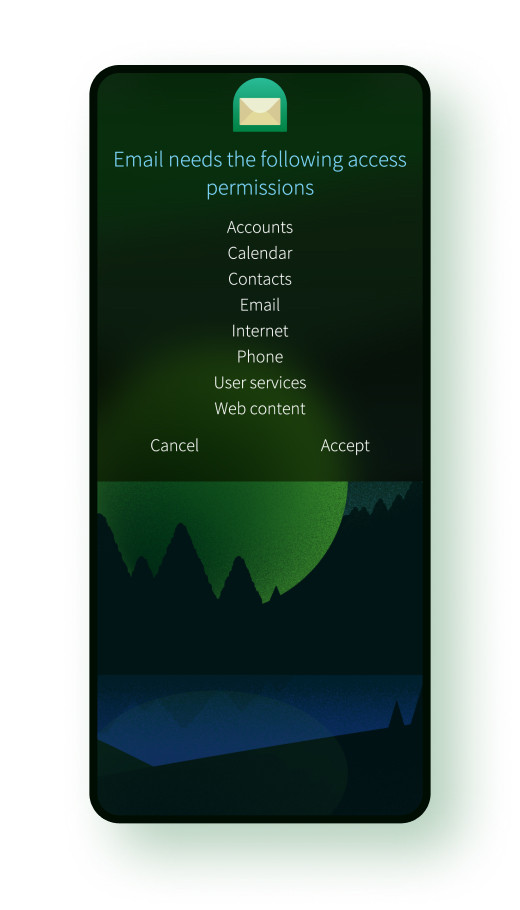
Firejail sandboxing for apps
Sandboxing limits an application’s access to only the minimum needed user data and system functions to contain the damage if an app becomes compromised.

Sandboxed core OS
Core OS services that control critical hardware functionality have been limited to having access only to the capabilities each domain requires, enforced by using systemd sandboxing.
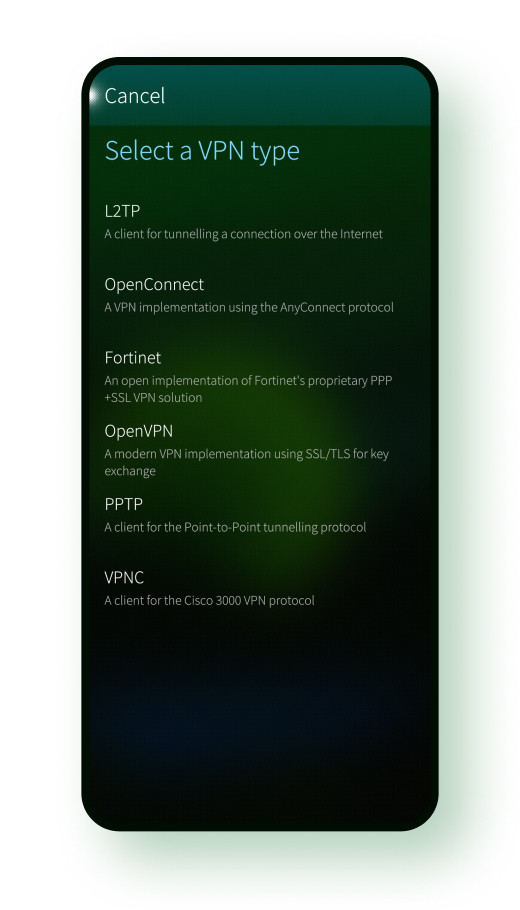
VPN
Sailfish OS has built-in support for common VPNs and a new plug-in API for integrating 3rd party providers. VPN support is powered by improved auto-connection support and route management.
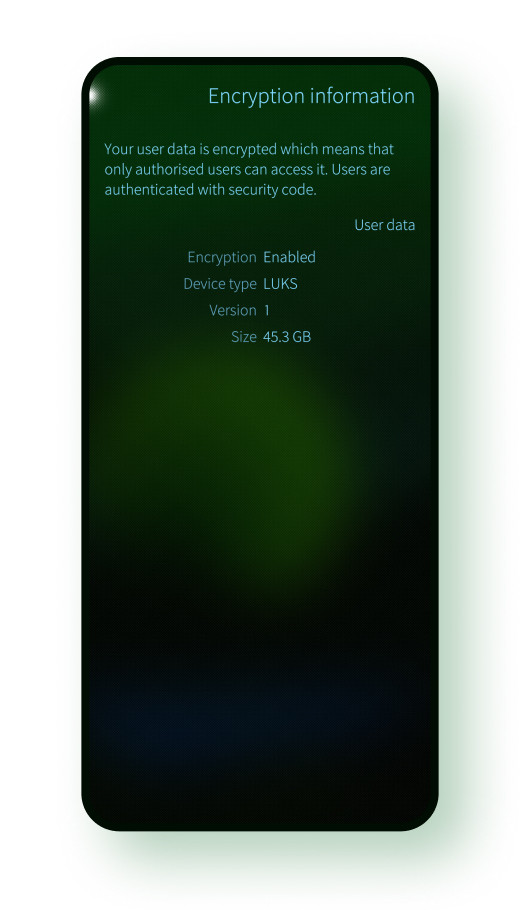
Data encryption
Encryption is enabled on all new Sailfish devices. This helps to keep data safe whether it is stored on the device, on a memory card, or a USB On-The-Go storage.
We respect your privacy
We don’t collect or sell personal data. Connect devices to the services you trust or set up your own cloud. We don’t take any share of digital sales happening on Sailfish OS devices.
Sailfish OS is an open platform based on Linux and over 500 open source projects. Licensees get full source code access to the OS, tooling, and infrastructure.
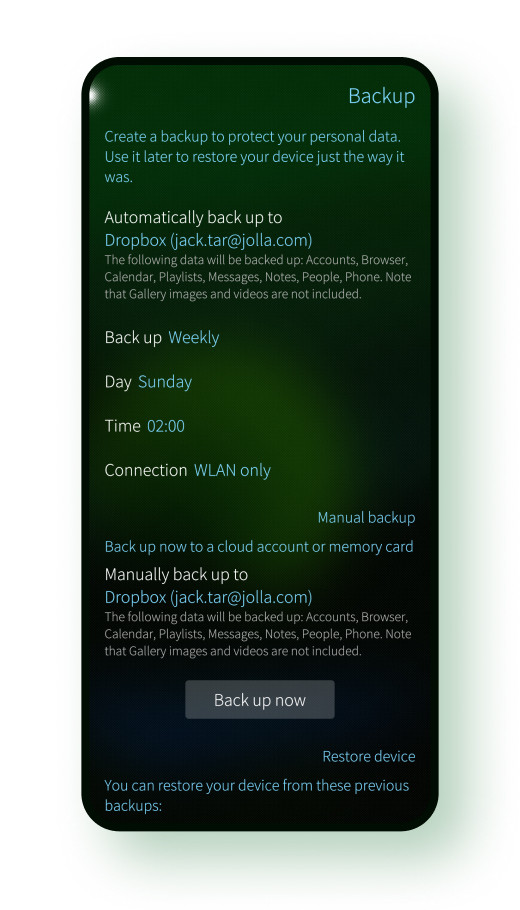
Automatic backups
Work comfortably knowing your data is automatically backed-up to the cloud. Choose a service you trust or set up your own backup servers.
Developer experience
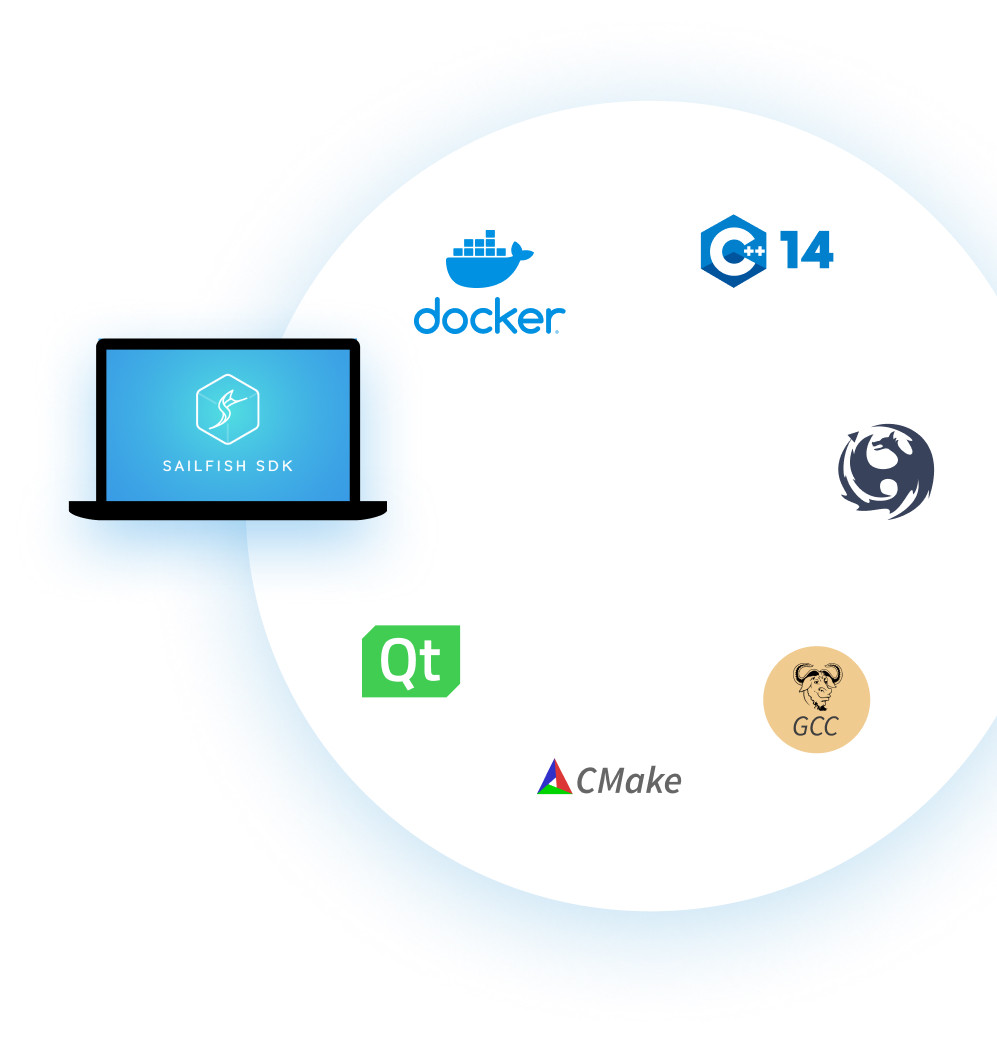
Sailfish OS has great developer offering with fast cross-platform builds using Docker, a powerful command-line interface, improved coding assistance with Clang Code Model, 64-bit builds, C++14, Rust, CMake, and lots more! Also remember to check out the Sailfish OS forum.
Bridging the API gap
We are listening the feedback from our customers and technical community: we are opening access to critical platform capabilities. Here are some of the highlights from our roadmap:
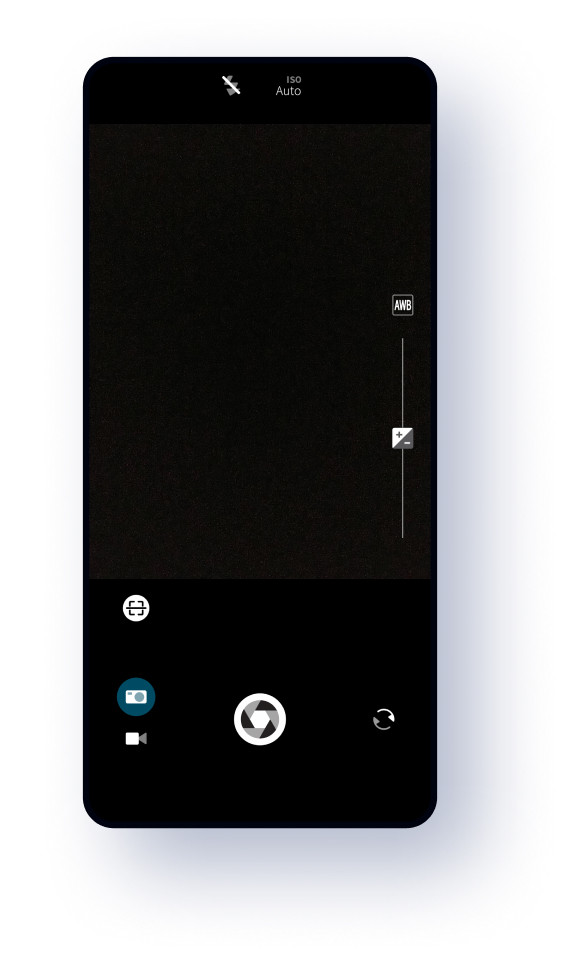
Camera
Enable photo capture and video recording using the simplified Camera API with preset defaults, better focus and front camera handling.
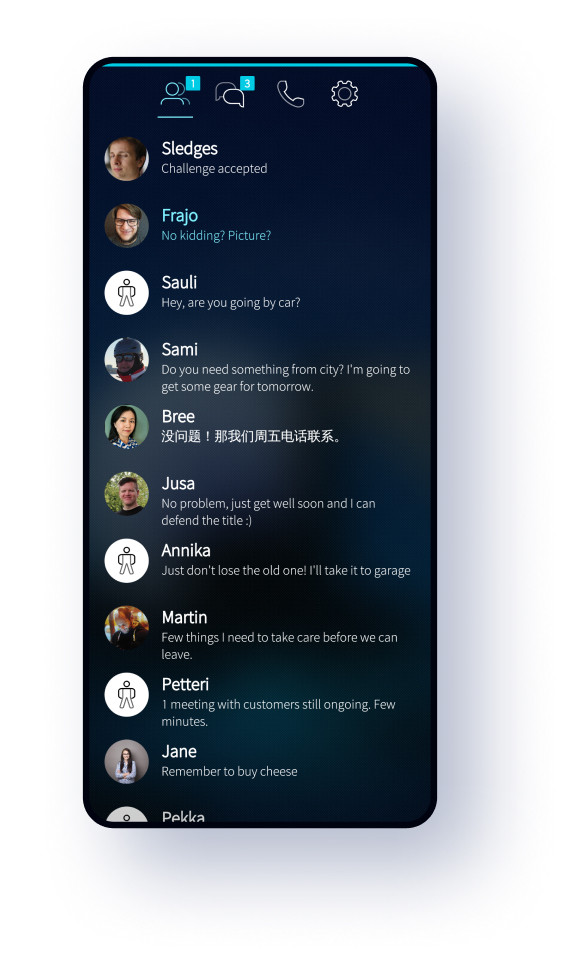
Tabs
Easily migrate your tab-based app from other mobile operating systems to Sailfish OS.
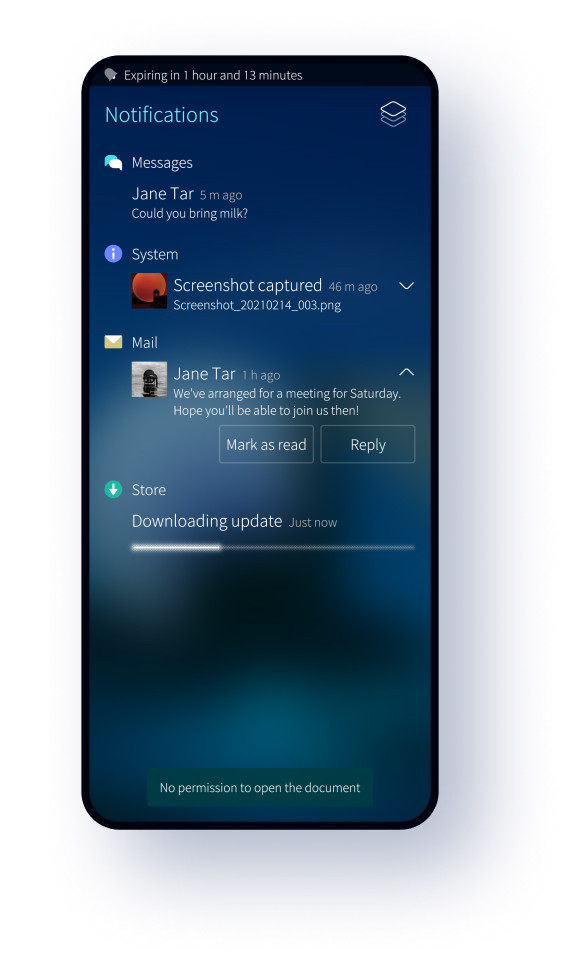
Notifications
Publish different kinds of notifications for your app: display progress, embed different actions, show avatars or other graphics, play tones, customize text layouts, and so on.
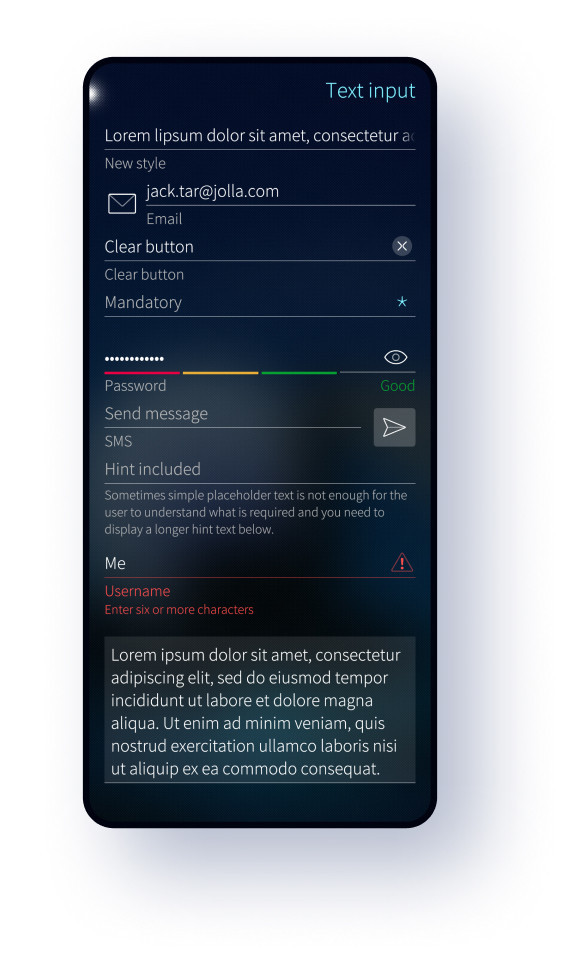
Text Input
Define powerful forms and improve other text editing flows with embedded actions, icons and other indications, user hints, custom backgrounds, validation, and so on.
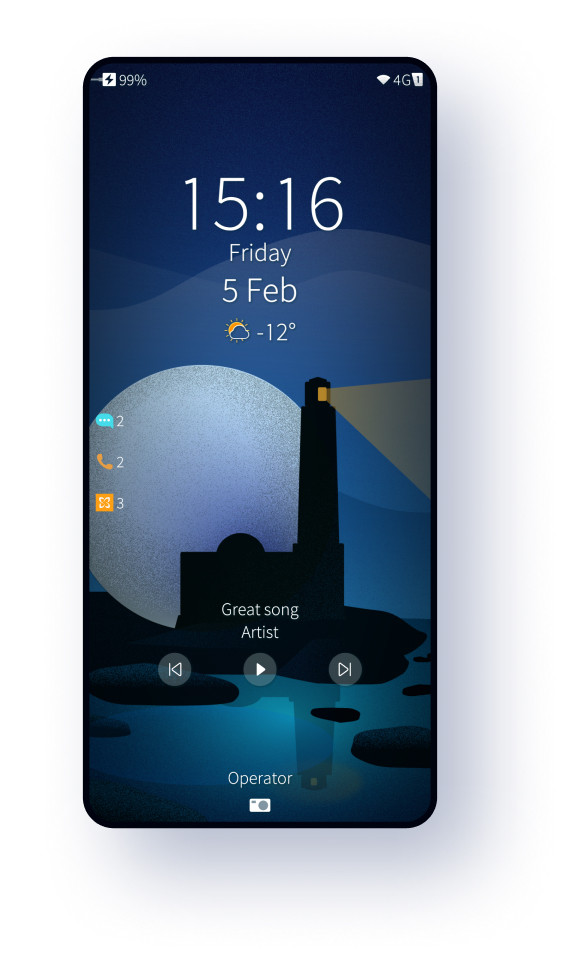
Media controls
Let users control media playback of your app from wired and Bluetooth headsets, in-built hardware keys, and from audio controls on the Lock Screen.
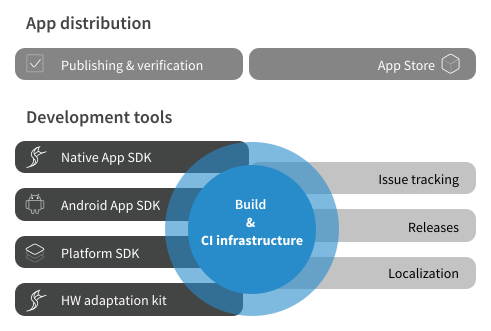
Infrastructure for your ecosystem
Sailfish OS comes armed with a state-of-the-art open source toolchain, release machinery, continuous integration (CI) and build systems, as well as issue tracking and localization tools. Let the global Jolla infrastructure support your business, take the reference infrastructure into use regionally or integrate to your existing infrastructure.
User experience
Sailfish OS usage flows are for all daily use cases and crisp visual style is improving the legibility across the platform.
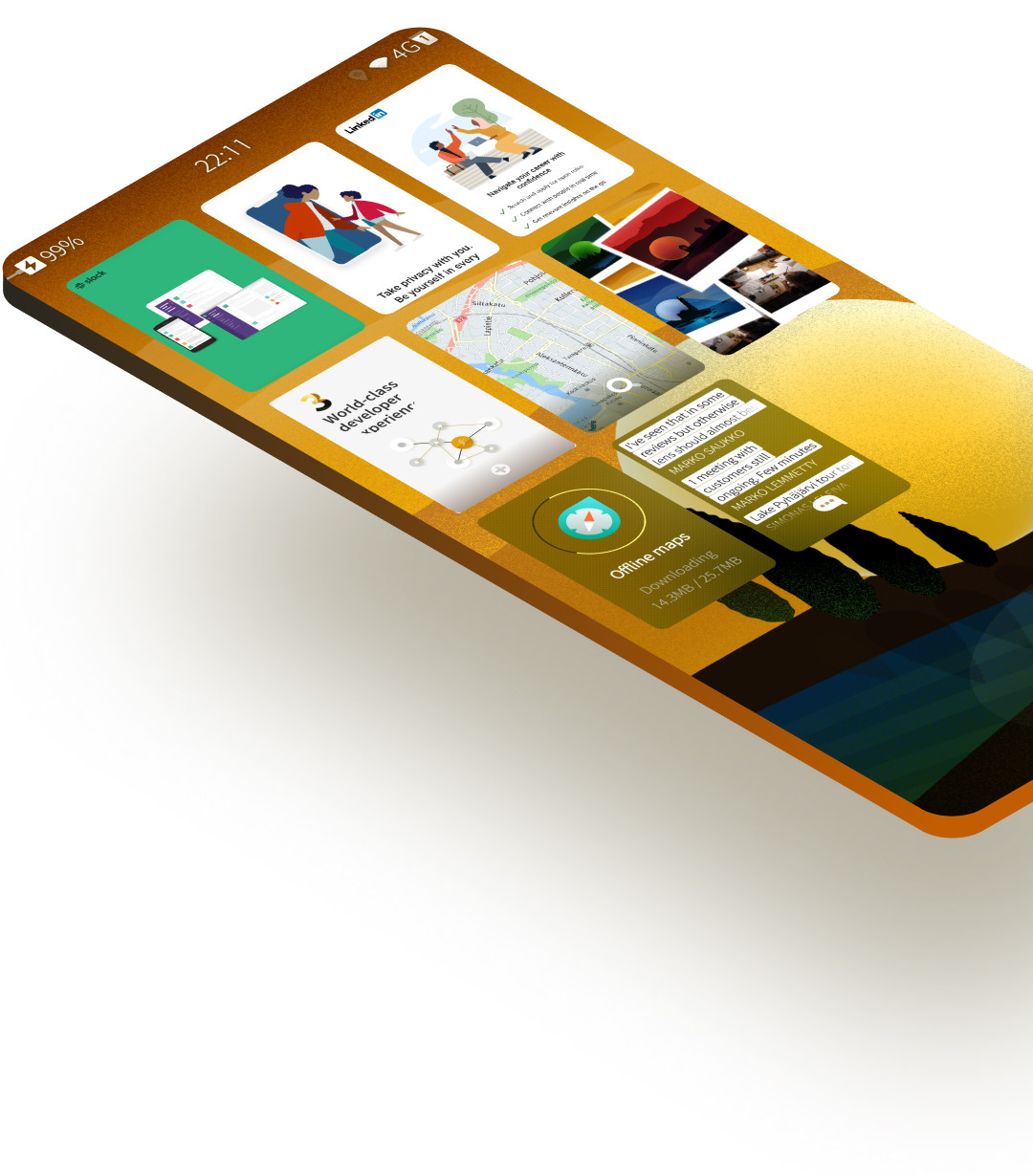
Events view
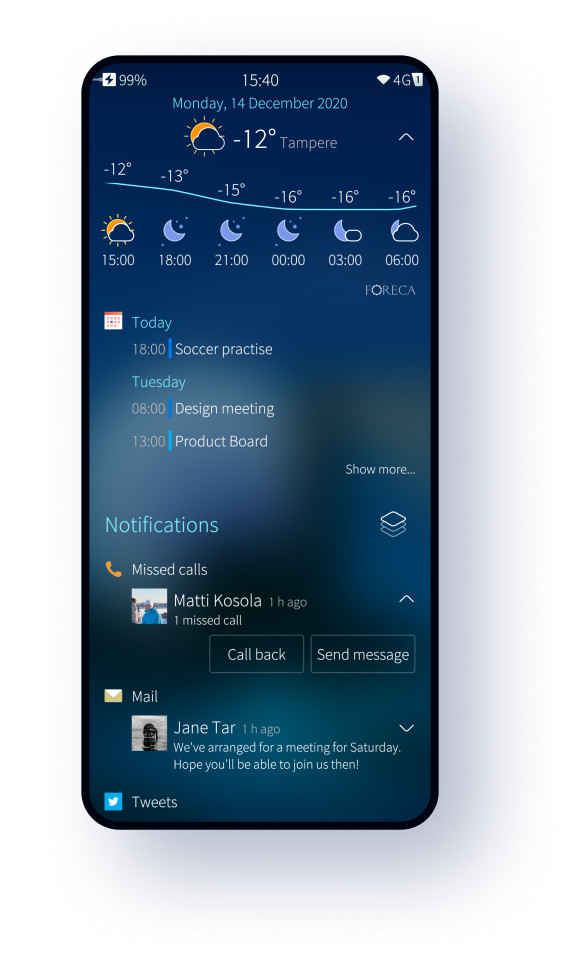
You can now access your notifications, calendar events, and weather information without unlocking your device.
The entire Events view has gone through a redesign with much improved notifications, better grouping in the calendar widget, and the weather gaining hourly forecast support and new colorful icons.
Legibility
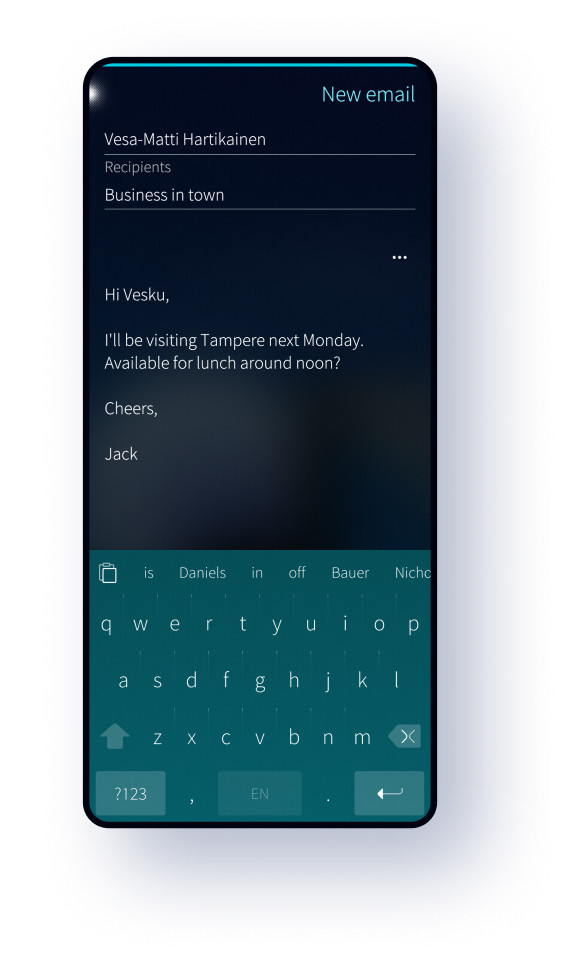
Legibility has taken a big leap forward with small, but important tweaks to colors, dimming, fonts, background processing, and effects that result in better contrast.
Further, a special high contrast mode has been introduced for text-heavy use cases like writing emails or reading documents.
New look
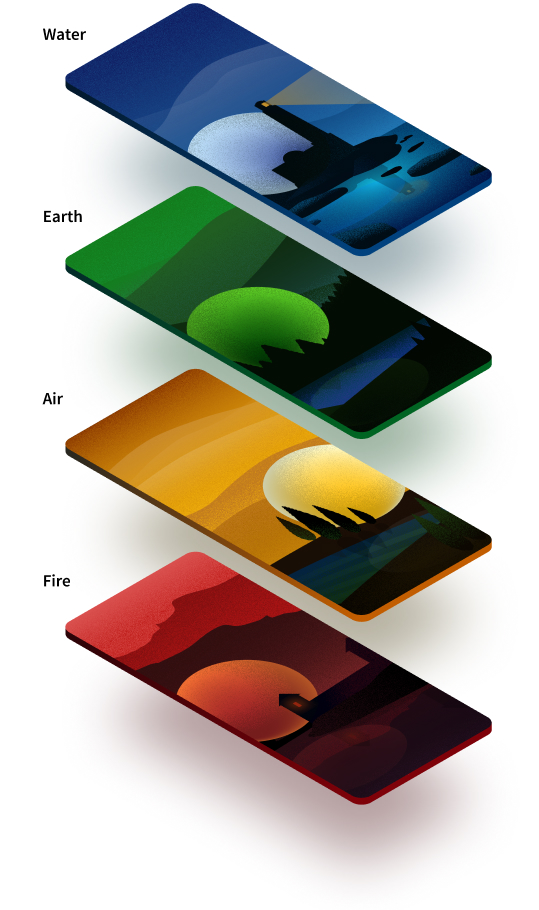
Four gorgeous new ambiences make your user experience feel brand new.

Overhauled Browser
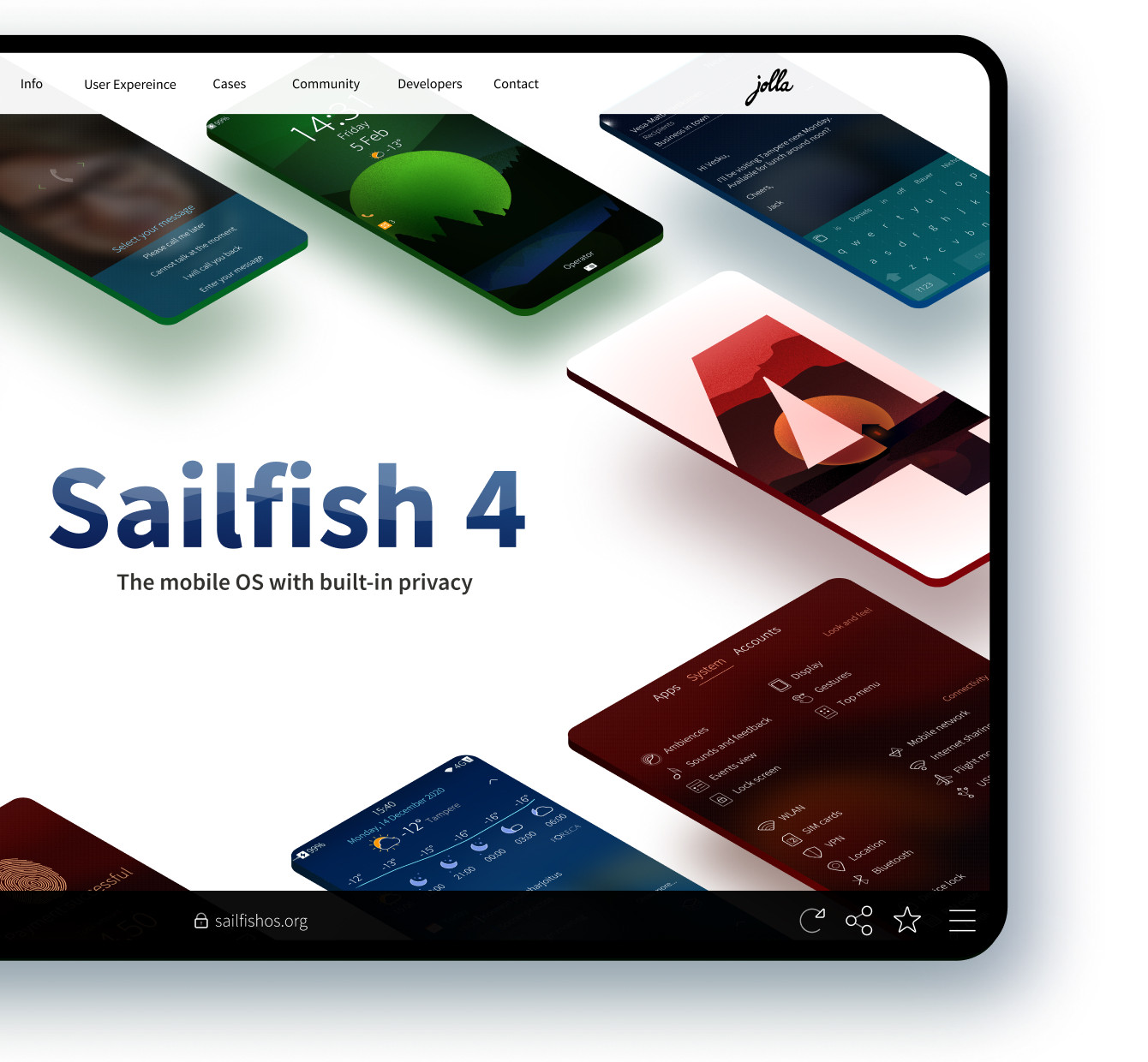
The Sailfish OS browser is armed with a Gecko browser engine, designed to take full advantage of the processing power of modern devices. More importantly, the focus of the browser has been on security – introducing features such as site permissions, password manager, and certificate info.

100% Faster
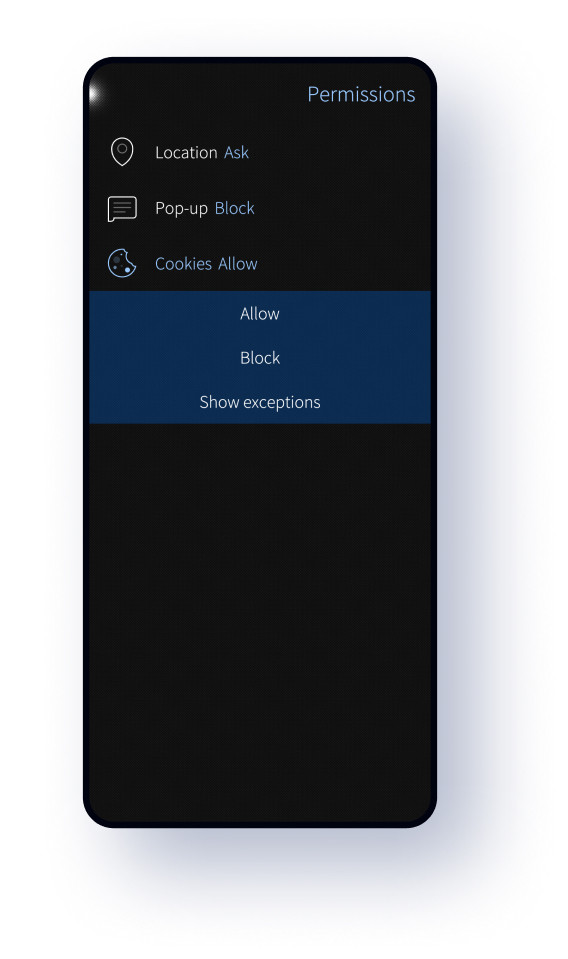
Site permissions
Define access rules for your browser and individual sites. The renewed browser also has new bookmark and history views, and allows you to save websites as PDF.
Captive portal mode
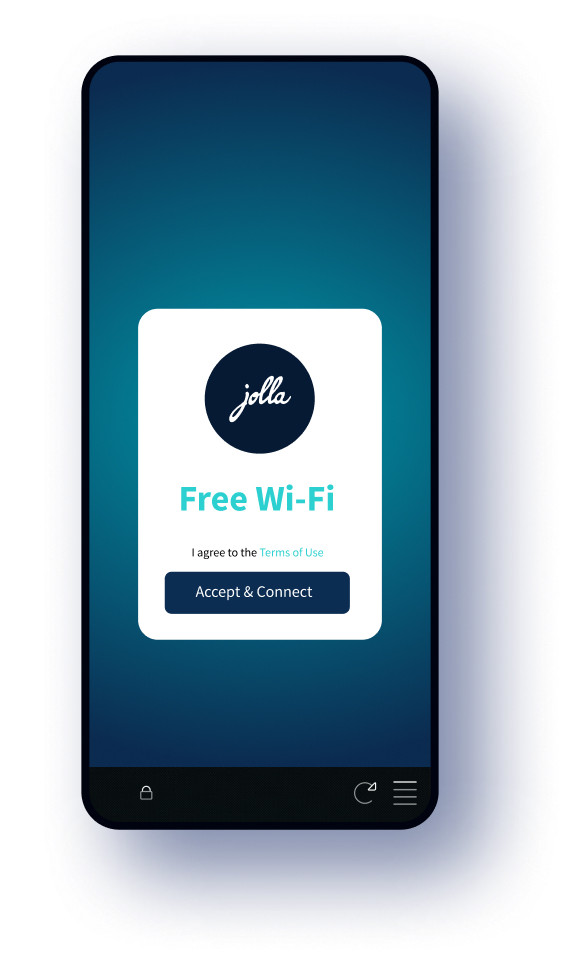
Automatically opened captive portals are now run in a special restricted mode, blocked from accessing system cookies.
Certificate info
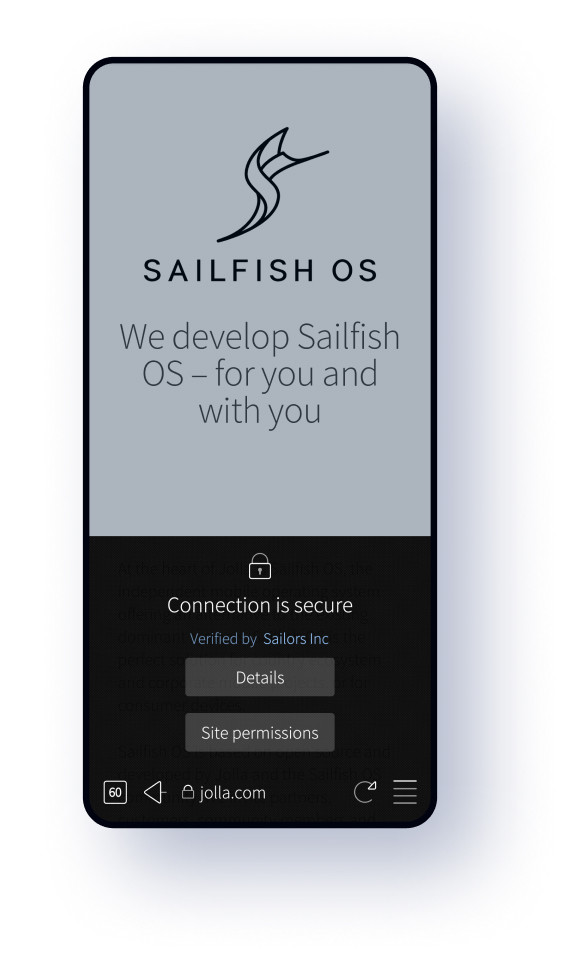
Access site security information easily from the address bar and review certificate issuers. Get notified when security vulnerabilities are discovered.

Email viewer
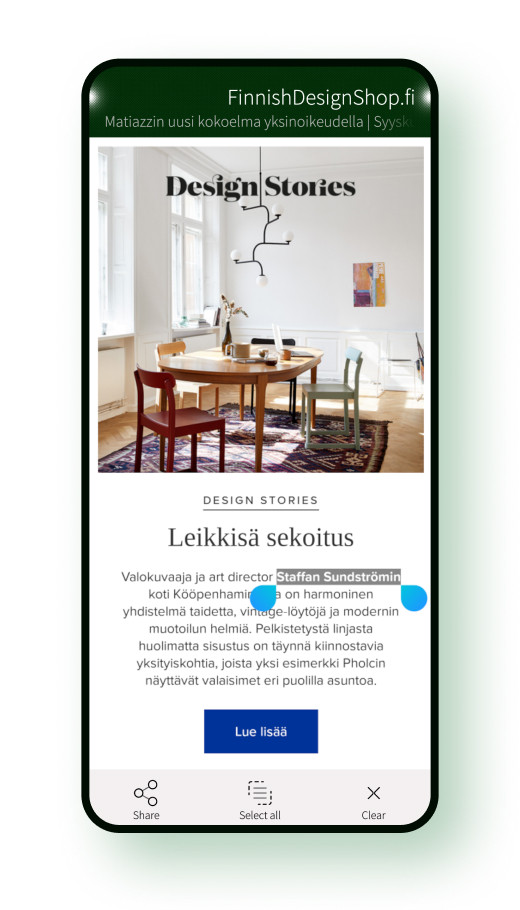
The Sailfish OS email viewer uses the same engine as the Sailfish Browser. Each browser engine update enables big improvements to the rendering and compatibility, and new features like copy and paste support.
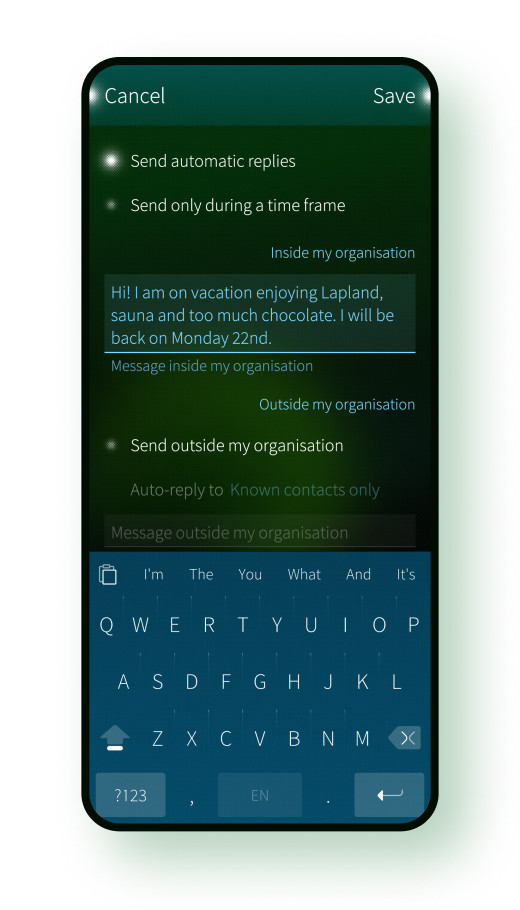
Automatic replies
You can easily set scheduled automatic replies for when you are not available.

Calendar
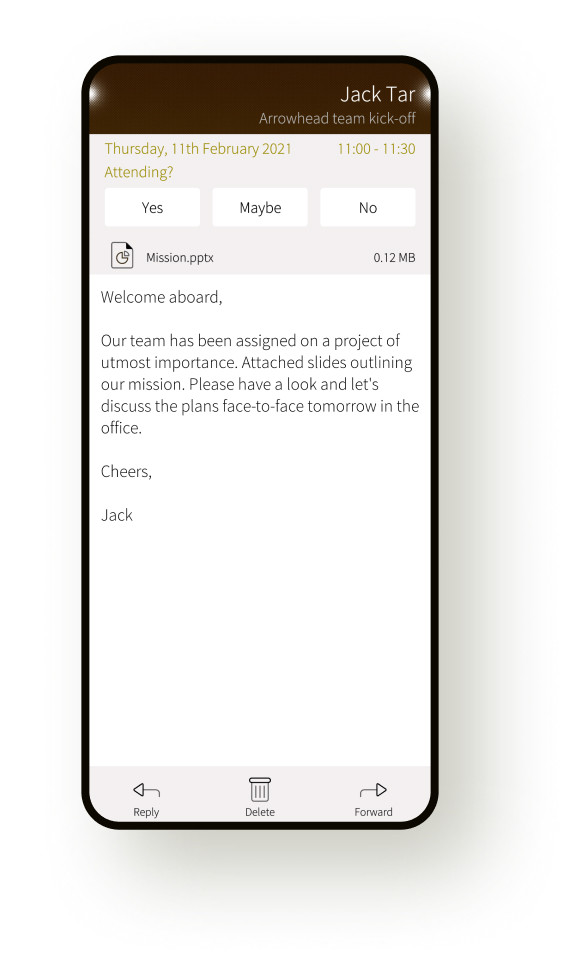
Meeting invitations
You can now easily handle Active Sync meeting invitations in both Calendar and Email apps.
And more
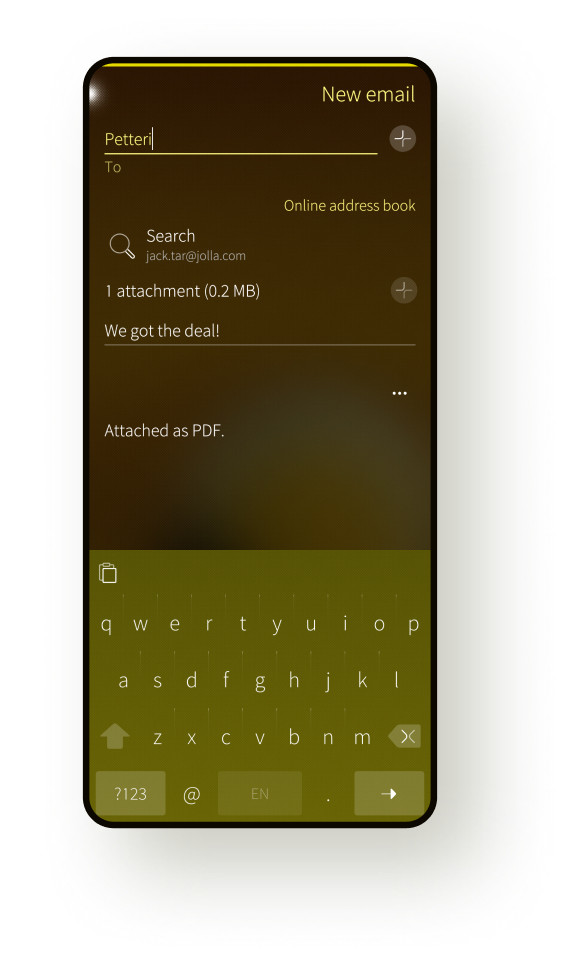
Sailfish Calendar also supports subscribing to ICS web calendars. Email app comes with global address list (GAL) support.

Calling
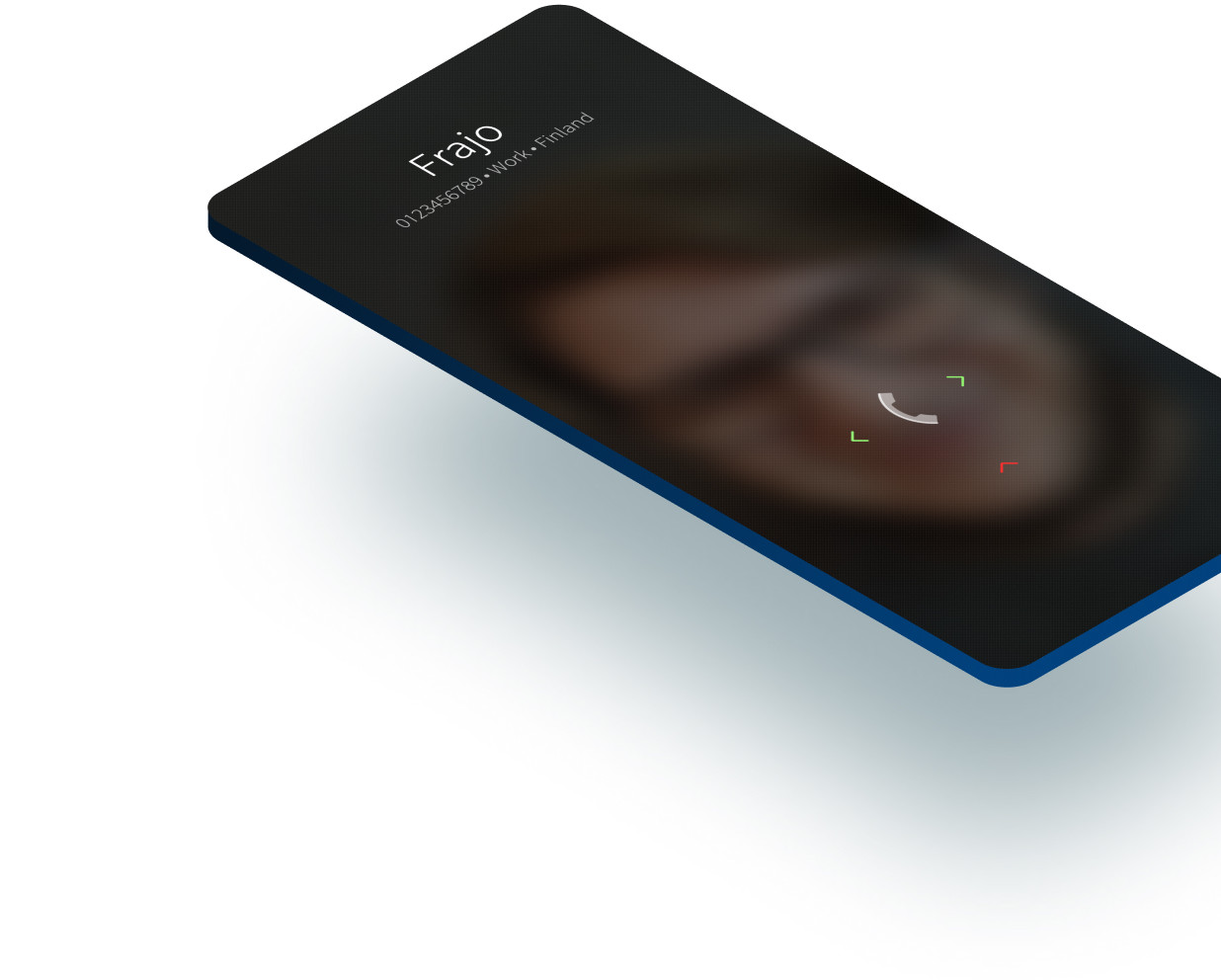
Redesigned incoming calls
In Sailfish OS the gesture indications to answer and reject calls are right under your thumb. Answer by swiping horizontally in either direction without having to worry about whether you picked up the device in the right orientation. Silence by swiping up or by pressing the power key.
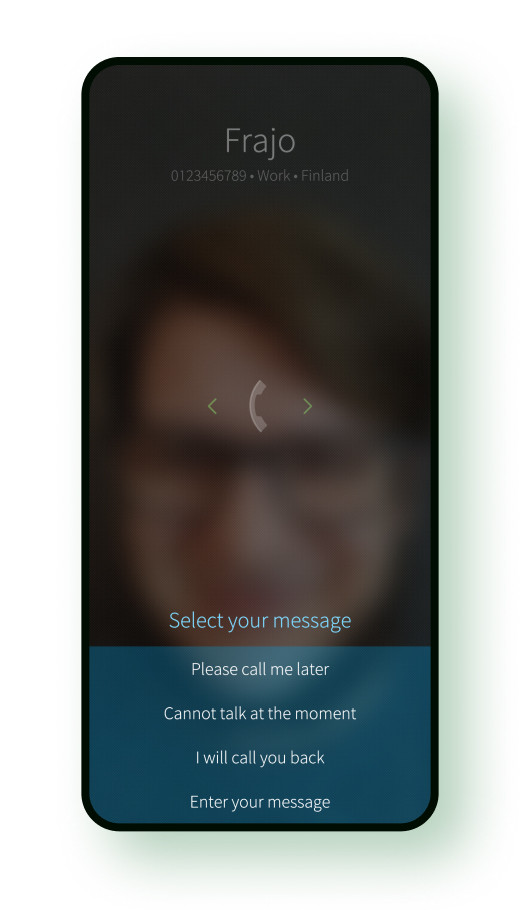
Quick messages
Sometimes writing a reply is a hassle. Send a quick reply and go about your business. You can easily add and manage quick replies in Phone settings.
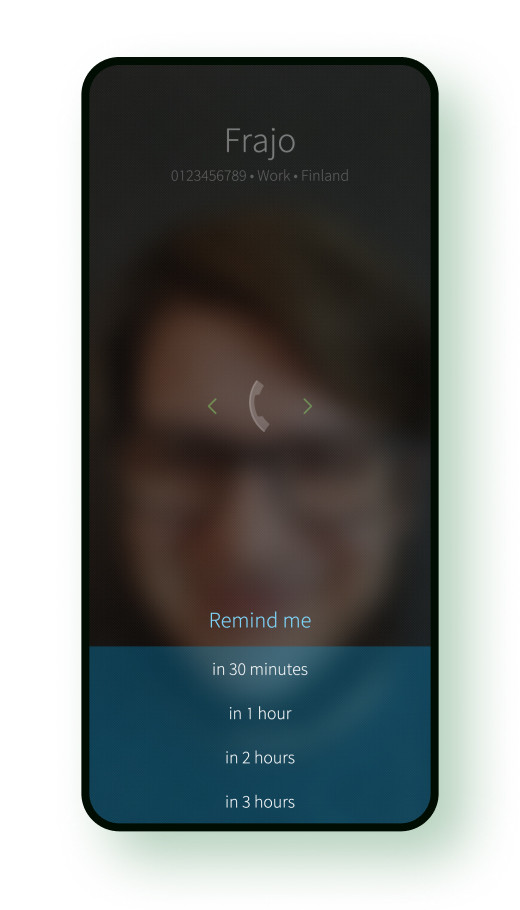
Call reminders
If you are too busy to answer, add a reminder for you to call the person back. You can also easily add and manage reminders in the Phone app.
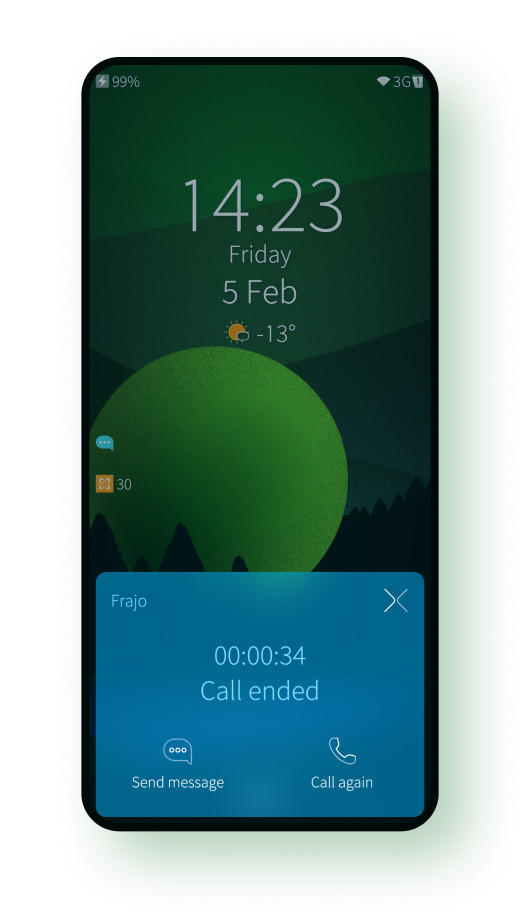
Call ending
The full-screen call ending dialog has been replaced with a smaller popup. If the call was ended by you, no dialog is shown, freeing you up to jump to the next task.

People
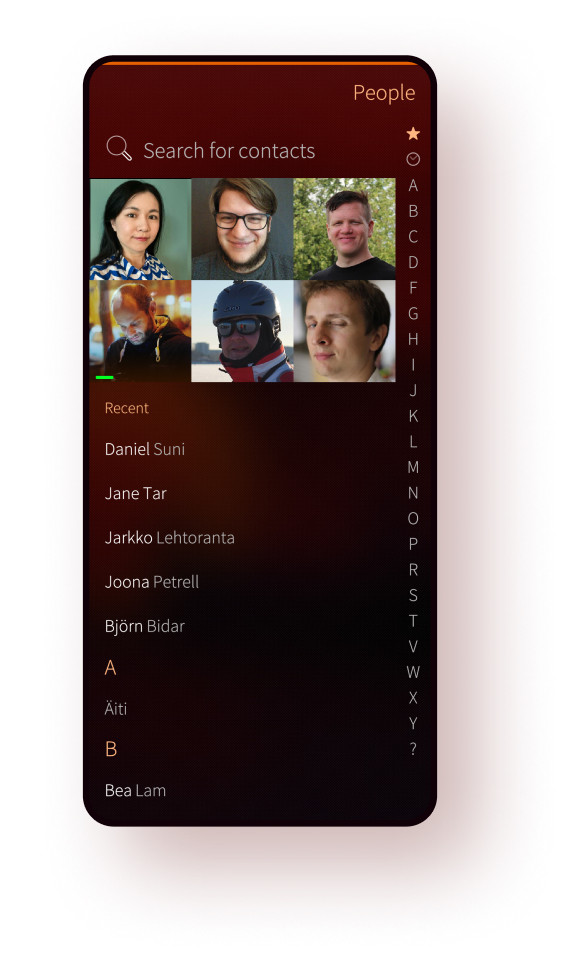
Finding people
Access contacts the way you want: pin as favourites, access from recents, search device contacts or contacts in the cloud, jump to the right contact using the alphabet scrollbar, or just flick to browse all.
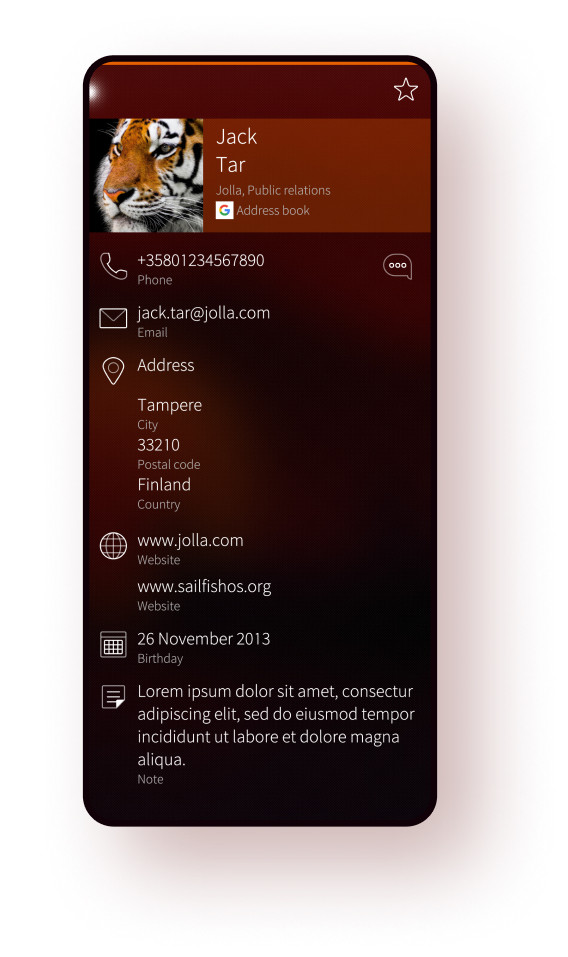
Redesigned contact card
Quickly glance important information on the card and perform actions without the need to manually expand groups like before.
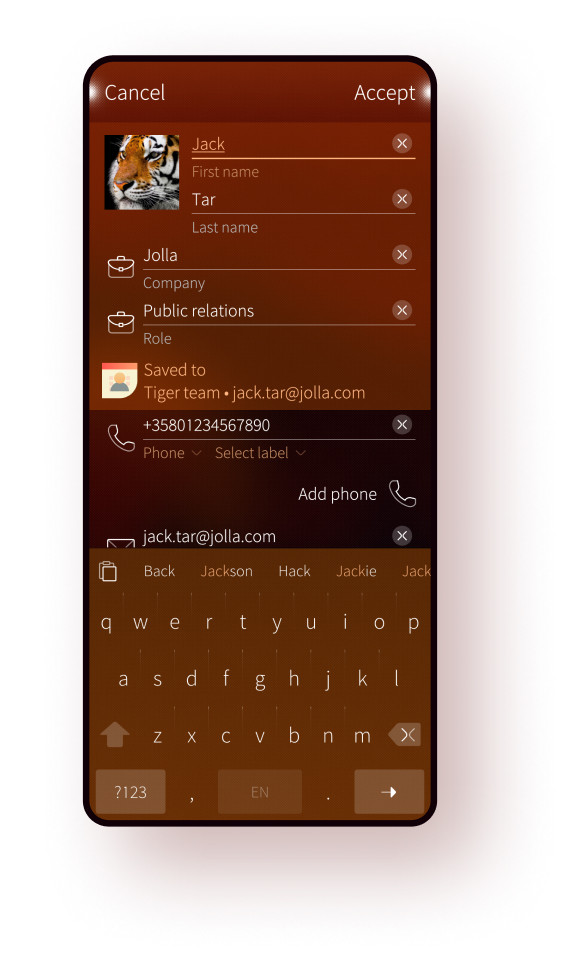
Contact editor
The contact form in Sailfish OS has been designed to make it fast to type the most common details.
Auto completion support now learns from previous inputs, you don’t have to type anything twice.
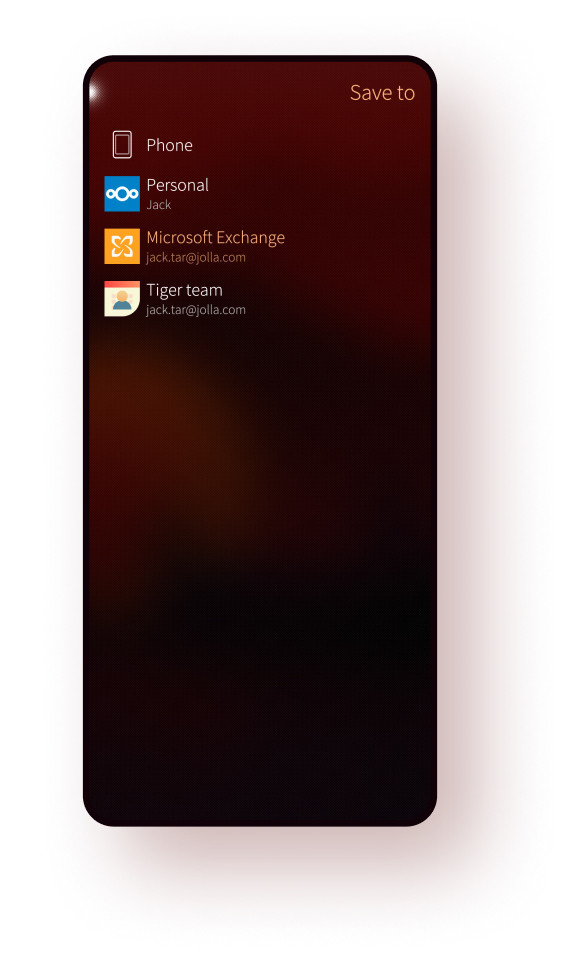
Address book support
Explicitly choose where to store new contacts to avoid leaking data. Easily manage both your personal and company contacts within the same device.
Language and input methods
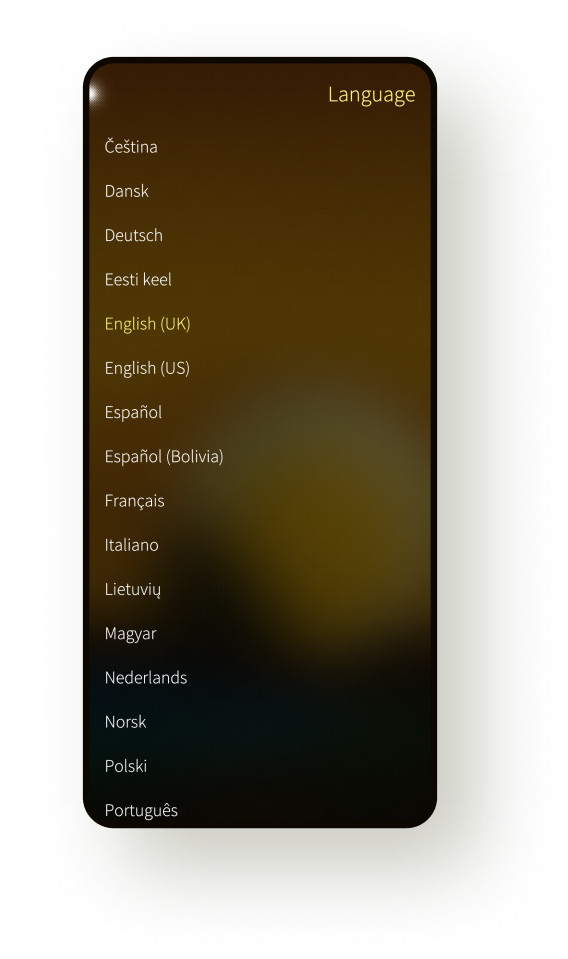
35 supported languages and counting
Thanks to our community, our language and local support is growing all the time. Vietnamese, Lithuanian, Slovak and Romanian are the latest languages to join the party.
World-class text input
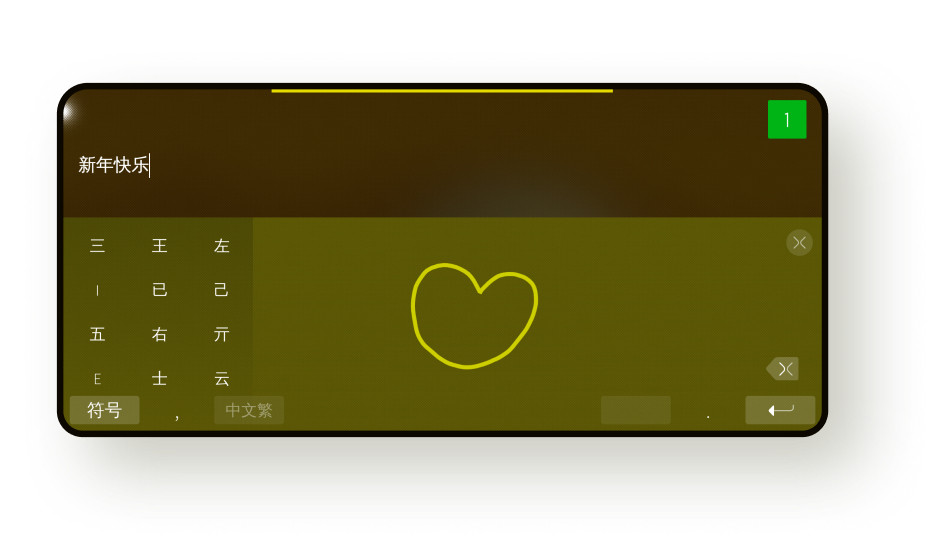
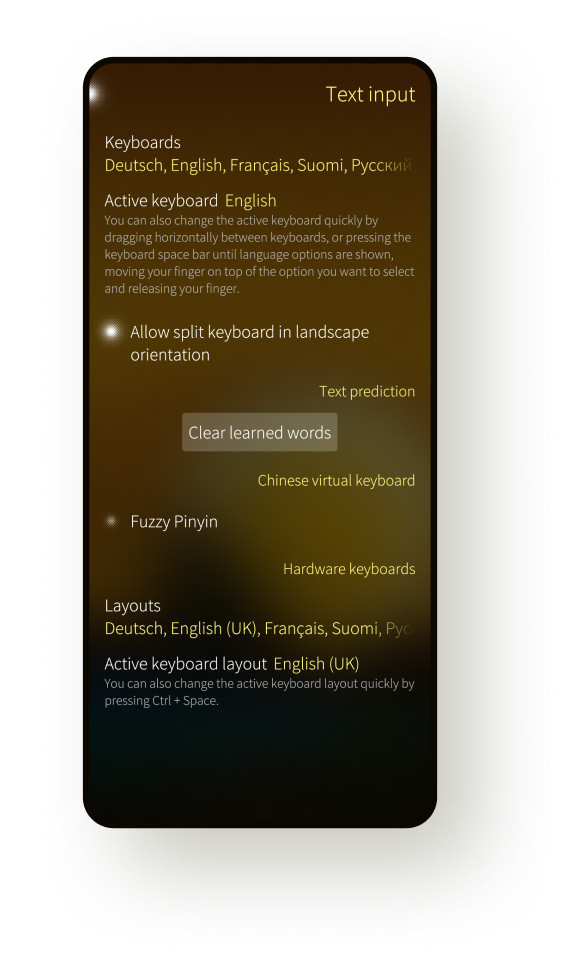
Text input support comes with all the bells and whistles you would expect: XT9™ text prediction and error correction, dead key support for inputing diacritics, split keyboard for thumb-friendly landscape typing. Chinese keyboards support pinyin, stroke, and handwriting inputs.
Better hardware keyboard support
You can now select multiple key layouts for your peripherial Bluetooth or USB-OTG keyboards, and switch between input languages using the Ctrl+Space shortcut.
And much more…

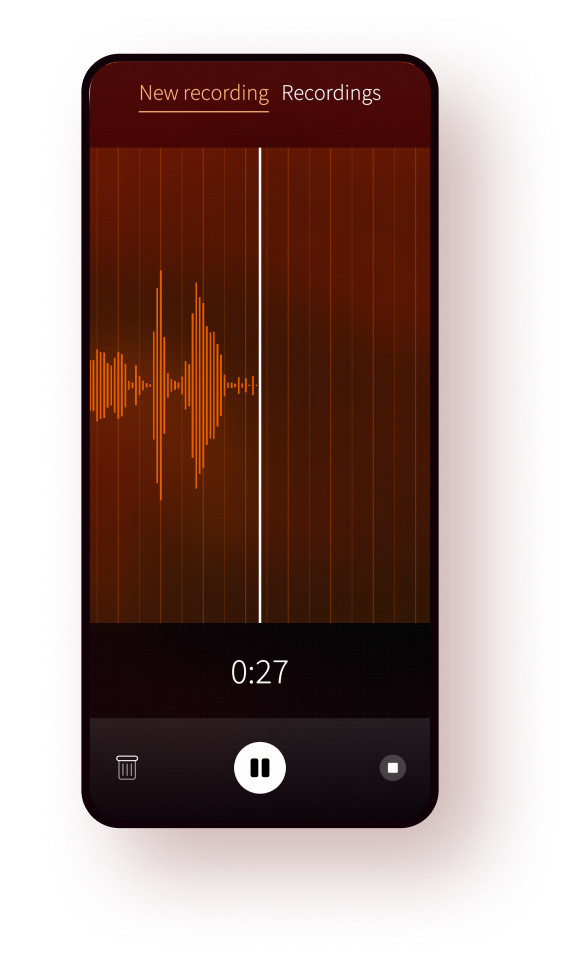
Audio recorder
Easily record and playback audio clips. Manage recordings and easily share over different connectivity and messaging options or upload to one of your online accounts.

Redesigned conversations
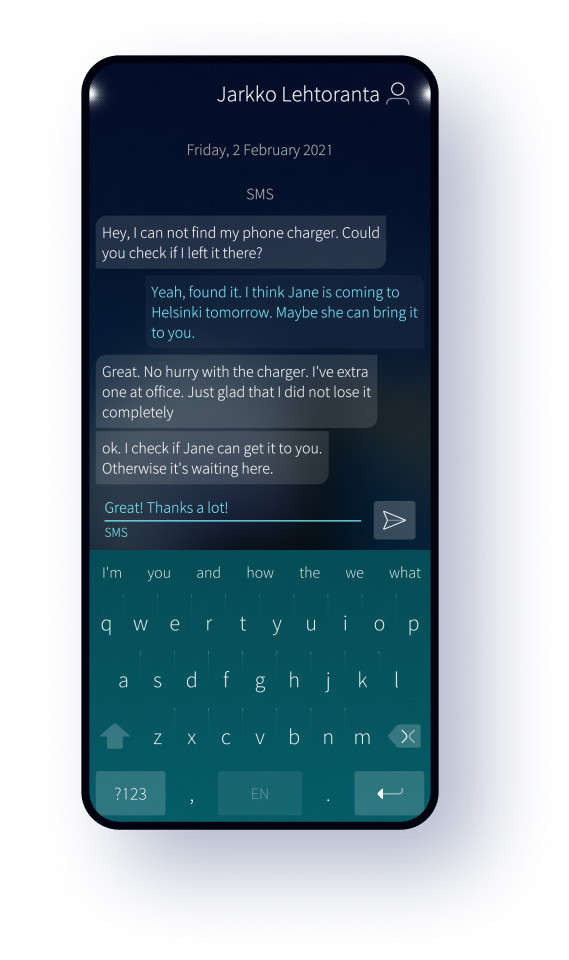
Messages has been supercharged with better grouping and simplified style. A contact header has been added to make it easier to see who you are talking to. Also the send button is now more prominent.

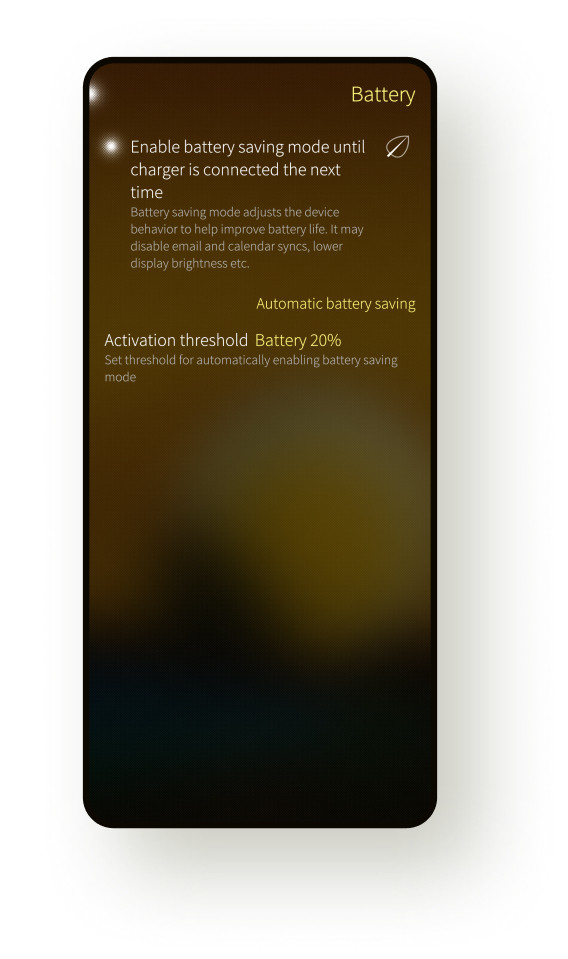
Battery saving mode
Enable battery saving mode to squeeze more usage time out of your device, and even set automatic thresholds based on your preferences.

QR code reading
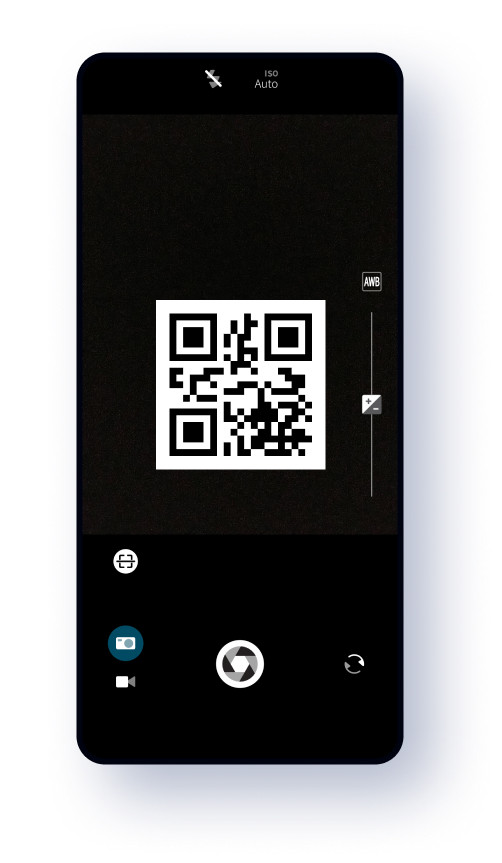
Open links to websites and apps with the Camera app without having to manually type the URLs, or set up a WLAN hotspot using a QR code.