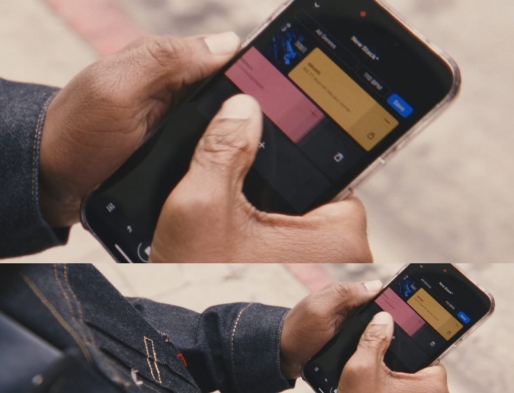
Bring all of Splice with you—discover sounds, like and save your favorites for later, or sketch out new song ideas in seconds with Create mode.
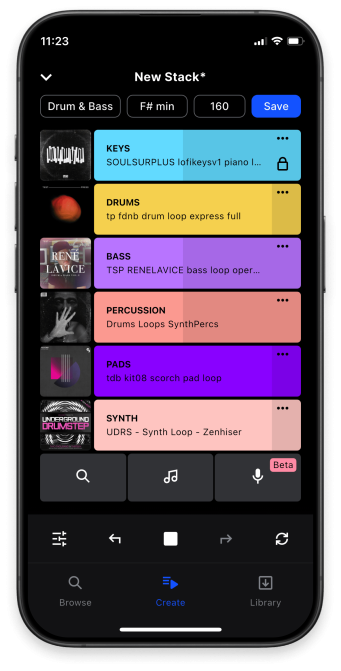
Find your spark in seconds with Create mode.
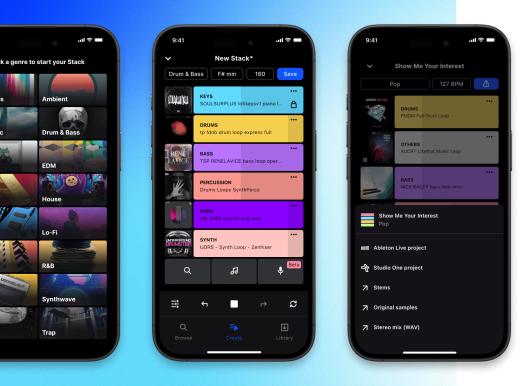
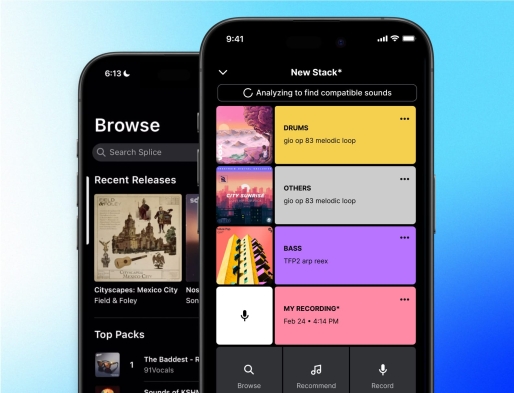
Choose a genre or loop to start, then add, swap, and mix up to eight layers. Save, share, or export as a DAW file to work on later.
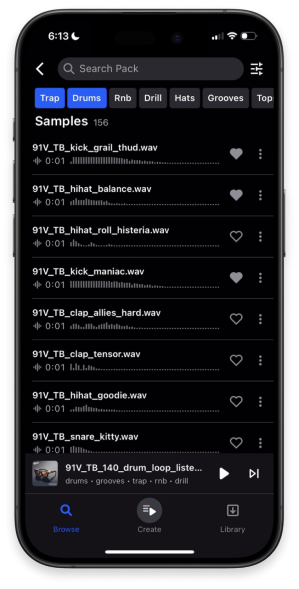
The world’s best sample library—just a tap away.
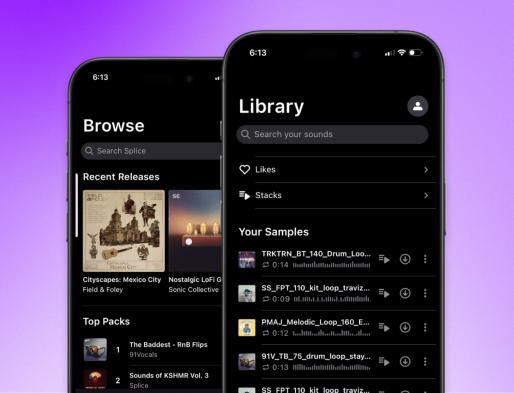
Browse millions of royalty-free samples, unlock inspiration from a single loop with Create mode, and save your favorites for later—all from your phone.
Create on the go, then bring it all home.
Lean into inspiration wherever it strikes—any sound you like, any stack you save. All synced to Splice Desktop.
Voice to verse—anywhere.
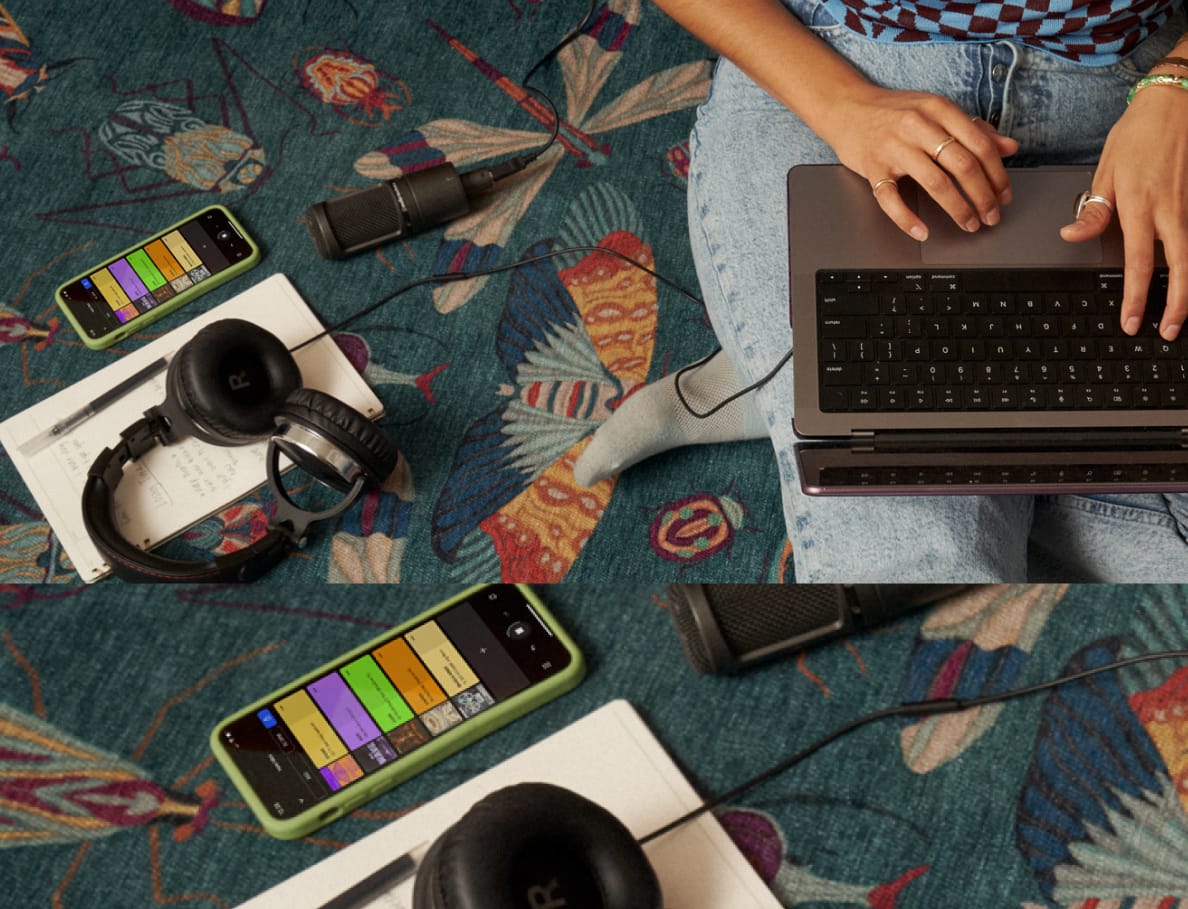
Record vocals, instruments, or any sound that inspires you with Splice Mic—layer it right into a Stack to hear your idea in full musical context.
Get the Splice Mobile app
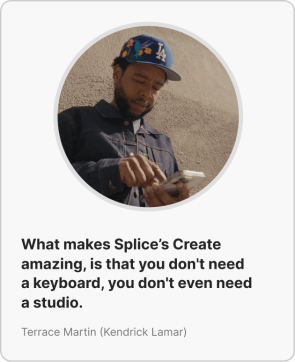
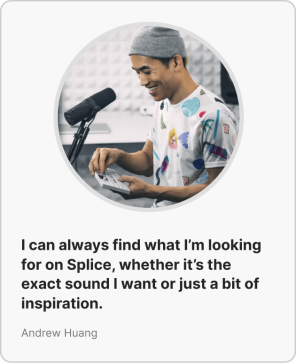
See what creators are saying
Ready to dive deep into Splice Mobile? Check out our blog post.