

Опис
Easy Resources Page creates a ‘Resource’ custom taxonomy so it’s easy to group Media Library assets. It includes a custom page template to automatically display your resources inside accordions on the front end. This means that you can create an organised downloads or resources page with almost no effort.
Here’s how to use the plugin:
-
Add a Resource. Go to Media => Resource. Fill in the Name, Slug, Description & click ‘Add New Resource’. For example…
- Name ‘Press Releases’
- Slug ‘press-releases’
- Description: ‘This is optional…’
-
To assign items to your ‘Press Releases’ resource open the Media Library, click on the item you want to add, click „Edit More Details“. Tick the ‘Press Releases’ box to assign the item.
-
Now select the ‘Resources Template (Plugin)’ template on the page you want to use. That’s it!
Снимци екрана
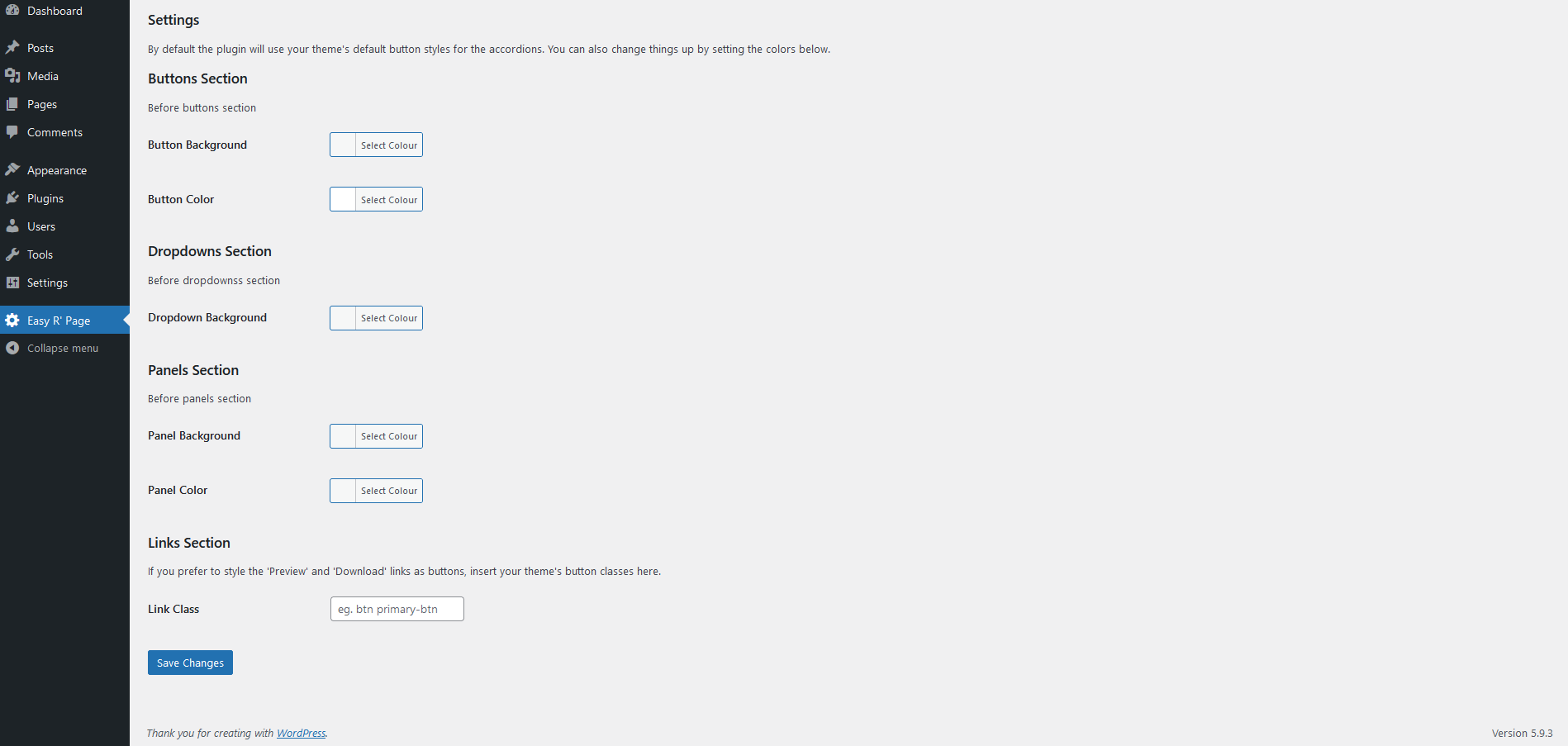
Plugin settings page. 
With Twenty Nineteen Theme – default settings. 
With Twenty Twenty Theme – default settings. 
With Twenty Twenty-One Theme – default settings.


Прегледи
Нема рецензија за овај додатак.
Сарадници и градитељи
„Easy Resources Page“ је софтвер отвореног кода. Следећи људи су допринели овом додатку.
Сарадници
Преведите „Easy Resources Page“ на свој језик.
Заинтересовани сте за градњу?
Прегледајте код, проверите SVN складиште или се пријавите на белешку градње преко RSS-а.
