Apply different looks to websites
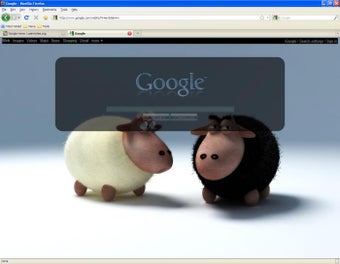
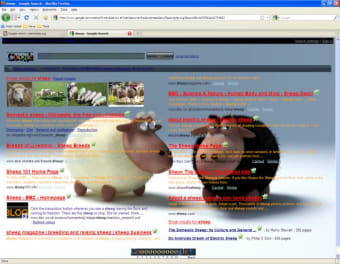
Stylish - Custom themes for any website is a free browser extension that lets you dress up the appearance of your web browser and the websites you visit. This browser add-on by Userstyles.org gives you access to the popular theme personalization website’s library, allowing you to use cool preexisting designs and styles for your web interface.
With Stylish - Custom themes for any website, you can also create your own custom designs if you’re familiar with webpage coding. If you’re not, you can just request designs from its theme creator community. They have a dedicated Discord server that you can freely join.
How can I activate Stylish?
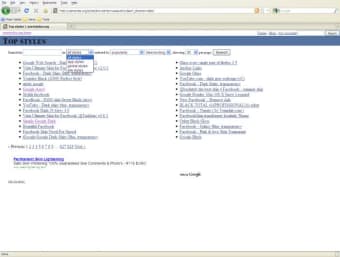
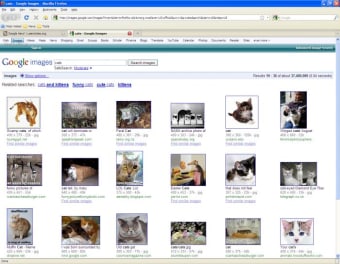
Stylish is a user style manager that can change the appearance of web pages on your browser without changing the content. It does so by including user-supplied CSS style sheets with those provided by the website itself. The webpage styles may simply change just one web page or all of the pages on a domain, so if you like multiple customized sites, you’ll have to apply several designs.
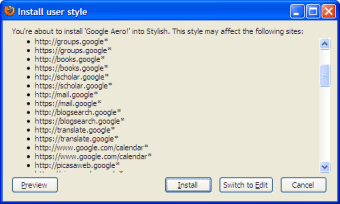
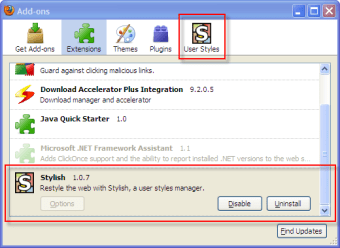
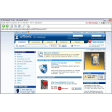
To use it, install the extension and pin it to your toolbar to enable and disable designs easily. Go to a website whose design you’d like to change for your browser. Click on the add-on’s icon on your browser toolbar to open its menu. Here, you’ll see the top 6 available themes for the website you’re on. For more options, click “Find more styles for this site” underneath the pop-up window.
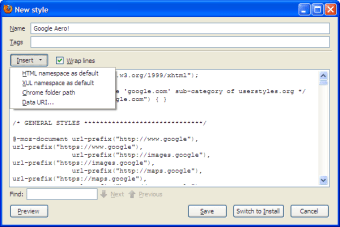
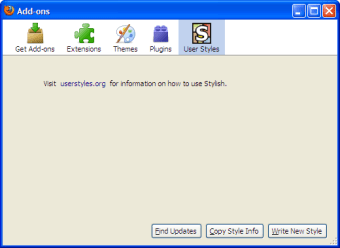
The pop-up window has two tabs: Library and Installed. To install a style, click “Install Style” on its option. Take note that the pop-up window only displays choices for the website you’re currently on. To edit, update, or delete your styles, choose “Manage All Styles.” You can also create custom designs with “Create New Style.” However, this feature doesn’t have a beginner-friendly tutorial.
For decoration lovers
Stylish - Custom themes for any website is a great tool for anyone who likes personalizing their web browsers. It’s a fun program to try out if you don’t like a certain website’s look. It doesn’t fully offer easy customization for non-tech-savvy users, however, so you will have to rely on either the website’s library or the creator community to design the specific style you want.







.png)











.png)