

外掛說明
If you’re looking for a plugin to make data management and syncing for your WordPress websites easier, you’ve come to the right place.
Our developer-friendly API supports a variety of data sources, including JSON, XML, CSV, Google Sheets, WordPress and WooCommerce websites. And, you can customize every data field, thanks to action and filter hooks already included in the plugin. You can also manipulate the data with conditional logic, create a single data string from multiple data fields, and much, much, more.
How does it work?
The WP Data Sync API is easy to set up and maintain. Map your data source with the data keys from your website and you are ready to go. If you need help mapping your data source, we have support experts available to help.
Import data into your website from almost any data source. Users, posts, pages, products, or other custom post types. Once the data is set in your website, our API will keep the data up to date with the changes in your data feed. This can all be done without writing a single line of code.
Data Source Types
☑ JSON
☑ XML
☑ CSV
☑ FTP
☑ Webhook
☑ WordPress
☑ WooCommerce
☑ Google Sheets
☑ Google Forms
What if I want to know more?
Here are a variety of links that we’ve found helpful in explaining our plugin and how to get started:
WP Data Sync
WP Data Sync Blog
Developer Documentation – Getting Started
Developer Documentation – Actions
Developer Documentation – Filters
螢幕擷圖
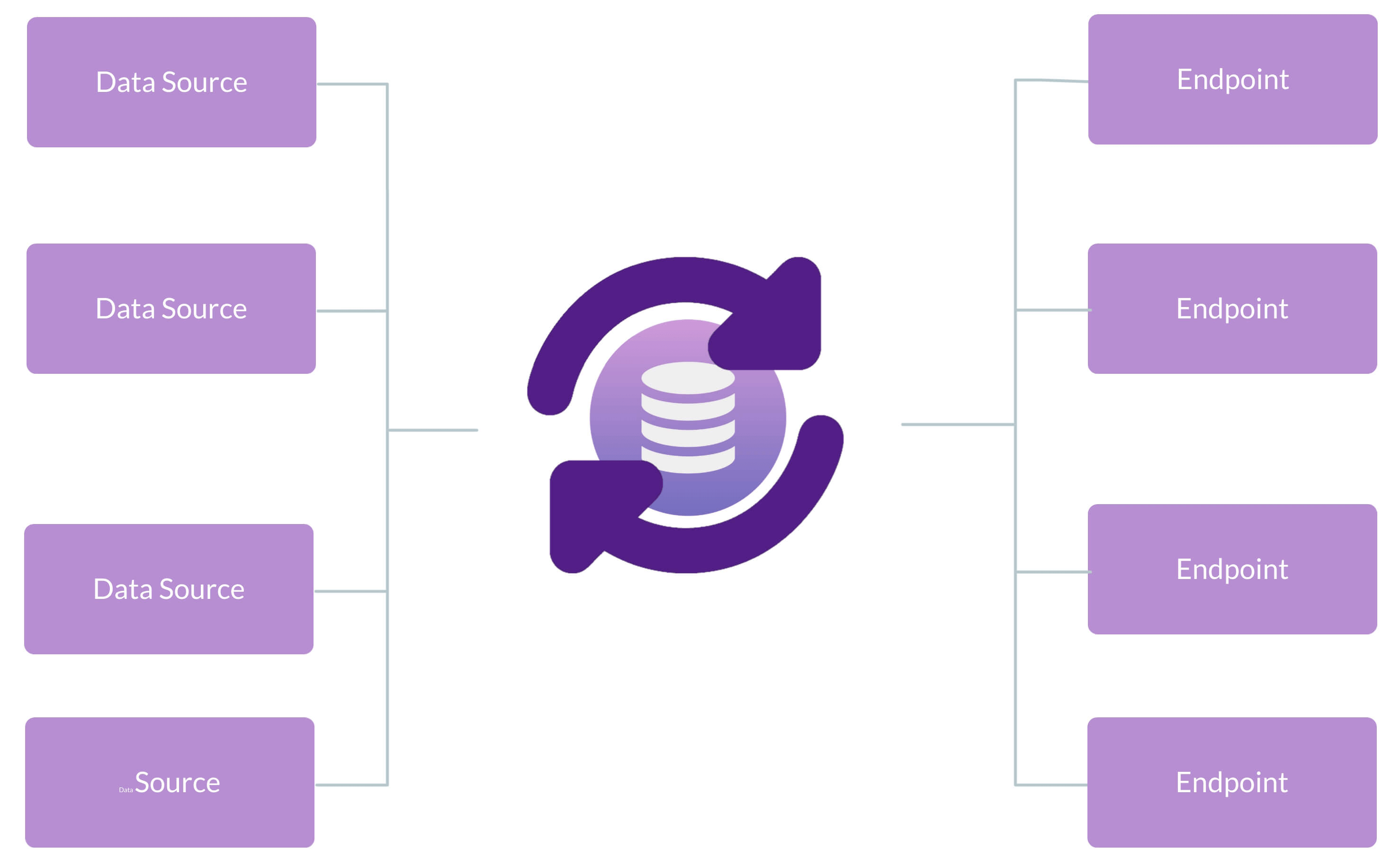
WP Data Sync: Data Flow

安裝方式
- Upload the plugin files to the
/wp-content/pluginsdirectory, or install the plugin through the WordPress plugins screen directly. - Activate the plugin through the ‘Plugins’ screen in WordPress Admin.
- Navigate to WP Admin > Settings > WP Data Sync.
- For WooCommerce Users – The WooCommerce plugin must be activated.
常見問題集
-
How does WP Data Sync work?
-
We process data in 3 steps:
- WP Data Sync uses our API to process raw data from your data source.
- WP Data Sync API syncs the data to your website.
- WP Data Sync plugin manages updates of the data in the WordPress website.
-
How many websites can I sync using the same data?
-
WP Data Sync API can sync the same data into as many websites as you like.
-
How many requests do I get each month?
-
WP Data Sync can perform as many requests as you need. Your account is auto-scaled depending on how many requests are made.
-
Is my data private or do other users have access to my data?
-
Your data is kept private to you. No one else has access to your data.
-
Does WP Data Sync work with Advanced Custom Fields?
-
Yes, WP Data Sync can sync most standard ACF post meta fields. If, you are not sure, please ask, we are always happy to help!!
-
Can WP Data Sync process WooCommerce products and variations?
-
Yes, WP Data Sync can sync WooCommerce product data, variation data, prices, and inventory.
-
Is WP Data Sync developer friendly?
-
Yes. We have WordPress hooks and filters throughout the plugin to allow for almost any situation. Developer Documentation
使用者評論


