Associating Variations
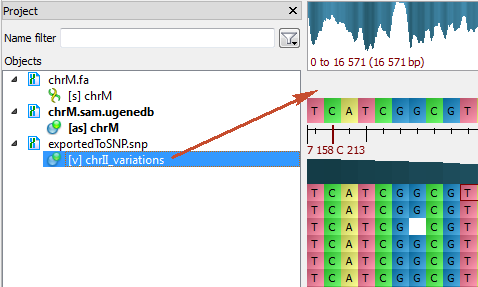
To associate variations with the assembly, open the sequence (the sequence must be loaded) and drag it to the Assembly Reference Area:
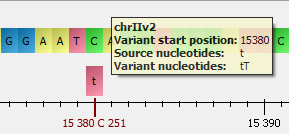
The variations will appear under the Consensus Sequence:
To remove the association, select the Remove track from the view item in the Variations Area context menu.
