Protect your server data and easily recover deleted files!
Undelete can quickly and easily restore deleted files.
Help! I just deleted a file from the network drive! "Any IT professional is familiar with this kind of help call. Even if the user knows the exact name, location, and deletion time of the file, restoring the file from the backup can still be very cumbersome. Without this information, the recovery process could become a nightmare.
Undelete ® Eliminating these pains and nightmares. You may never receive support calls again because of Undelete:
- Simply click a few times to restore files deleted from a network share.
- Immediately restore the previous file version.
- Restore files deleted between backups.
- Capture all file deletions, including network and command line
- And applications.
- Easy to use and saves a lot of time.
6 Reasons to Use Undelete
- Immediately restore deleted files
It is easy to recover deleted and overwritten local and network files.
- continuous protection
Provide continuous data protection for Windows PCs and servers.
- Restore overwritten files
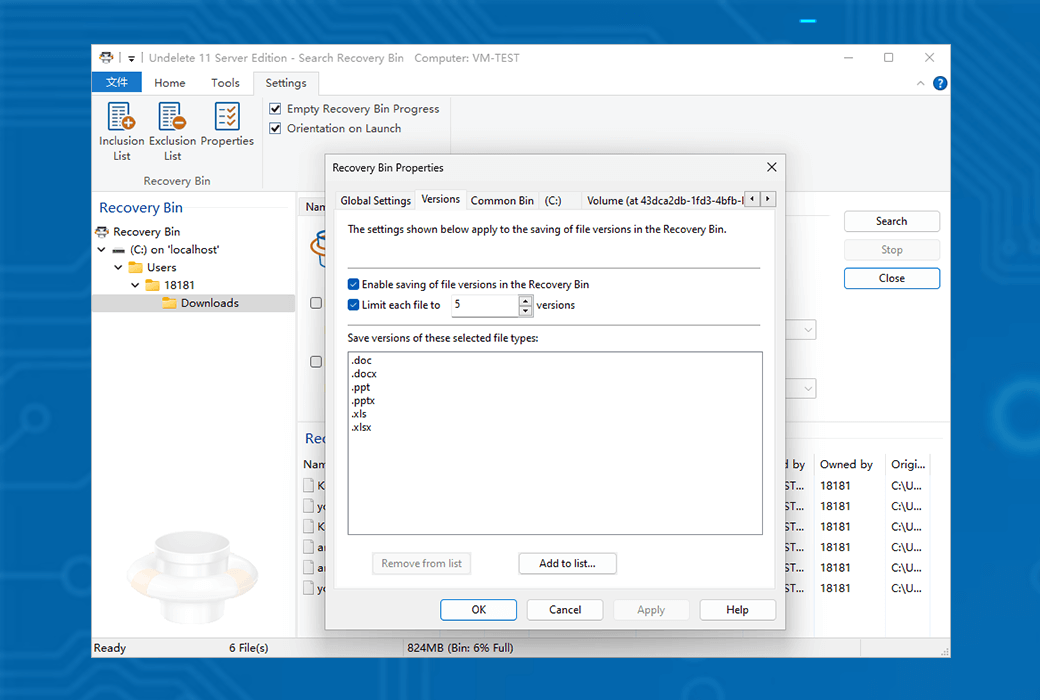
Restore previous or overwritten versions of Word, Excel, PowerPoint CAD, Photoshop, and other files.
- safety
When the recovery box is stored in the cloud, it can prevent potential security risks.
- Allow self recovery
Allow self recovery to alleviate the workload of IT personnel.
- Instant Virtual Recovery
Immediately restore files in the virtual environment.
Undelete provides fast and efficient recovery of deleted files, saving you valuable time.
Undelete Server is an industry-leading file server recycle bin that continuously protects data and eliminates time-consuming backup and recovery processes. Undelete ensures that all deleted files or file versions on a Windows PC or server can be easily restored - whether by IT personnel or their supported users. Undelete 11 also supports saving and restoring previous versions of various file types, including Office documents, CAD drawings, Photoshop files, PDFs, and more.
Customers use Undelete as their first line of defense before backing up, as it provides true continuous data protection and makes it easy to recover individual files. Snapshot and backup are best suited for restoring lost entire datasets, while Undelete is designed for quick recovery of lost or overwritten individual files.
Data protection typically means backup and snapshot, but this does not capture every version of a file and requires too much time for recovery, while Undelete can quickly and easily restore deleted files as well as overwritten network and local files, eliminating constant help desk calls due to accidental deletion.
Undelete can efficiently retrieve deleted files from the server to the desktop. With just a few clicks, content created in hours can be immediately restored, and the instant restore function of Outlook PST and individual files eliminates the need for tedious recovery from a replica at a certain point in time.
Powerful file server recovery box
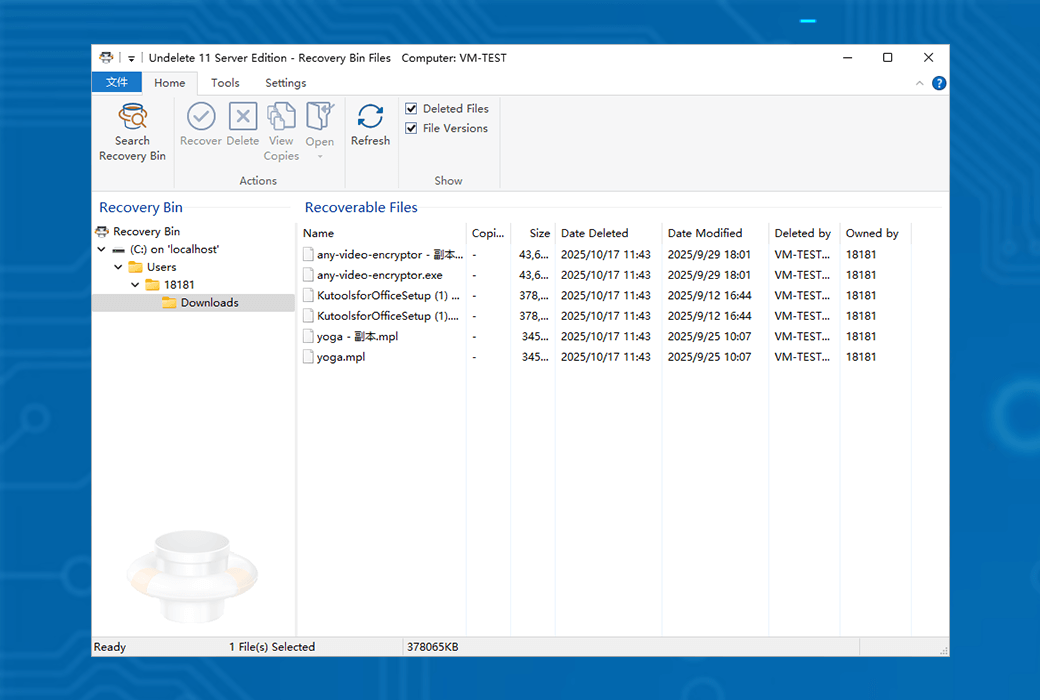
The Undelete recovery bin is similar to the Windows Recycle Bin. After the file is deleted, it will be automatically captured and stored in the recovery box of Undelete, including files deleted or overwritten from shared network folders, as well as files deleted through the Windows command prompt. Simply click a few times to restore these 'deleted' files.
There are several main differences between the recovery bin and the recycle bin of Undelete:
- Undelete can protect and restore files deleted from network shares. In fact, it allows you to recover files deleted by any means, including Windows Explorer and other applications, even files deleted through the Windows command prompt.
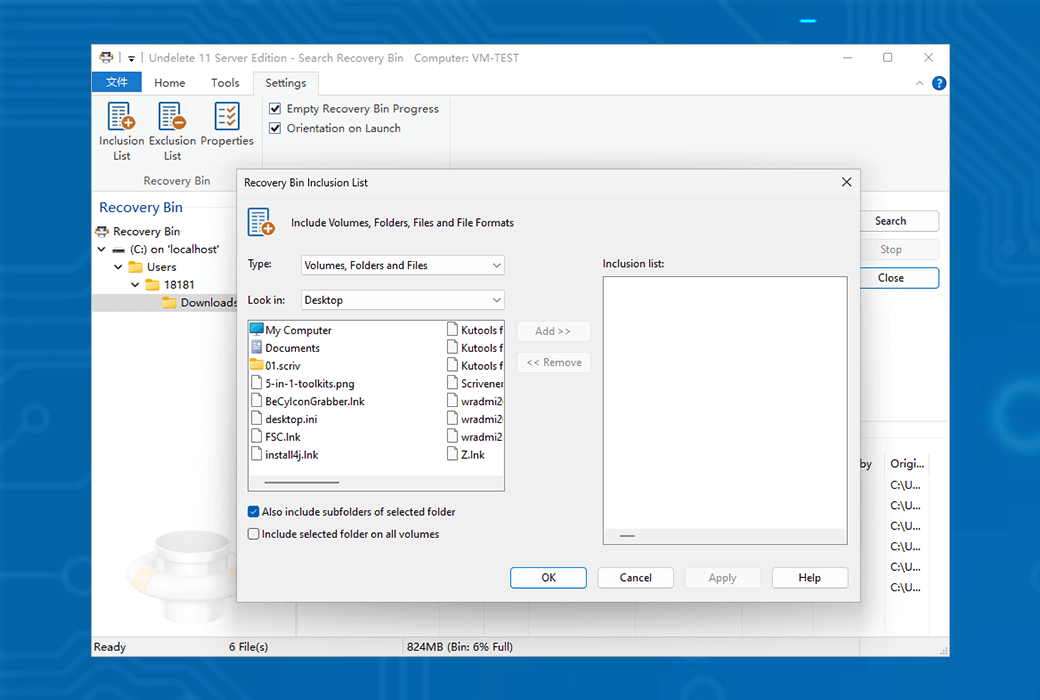
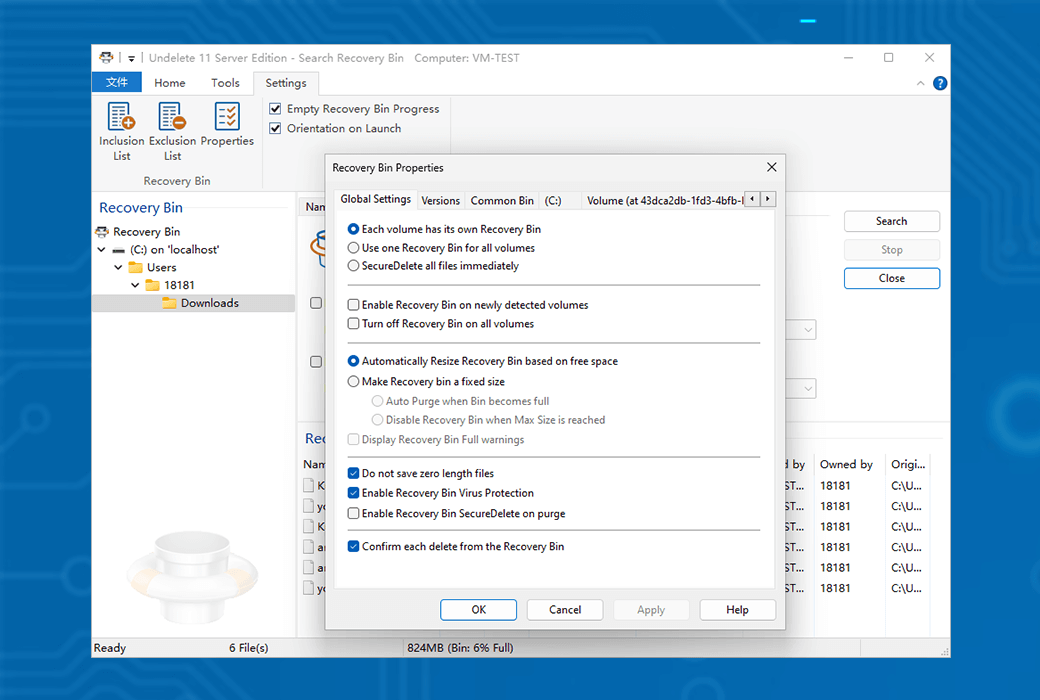
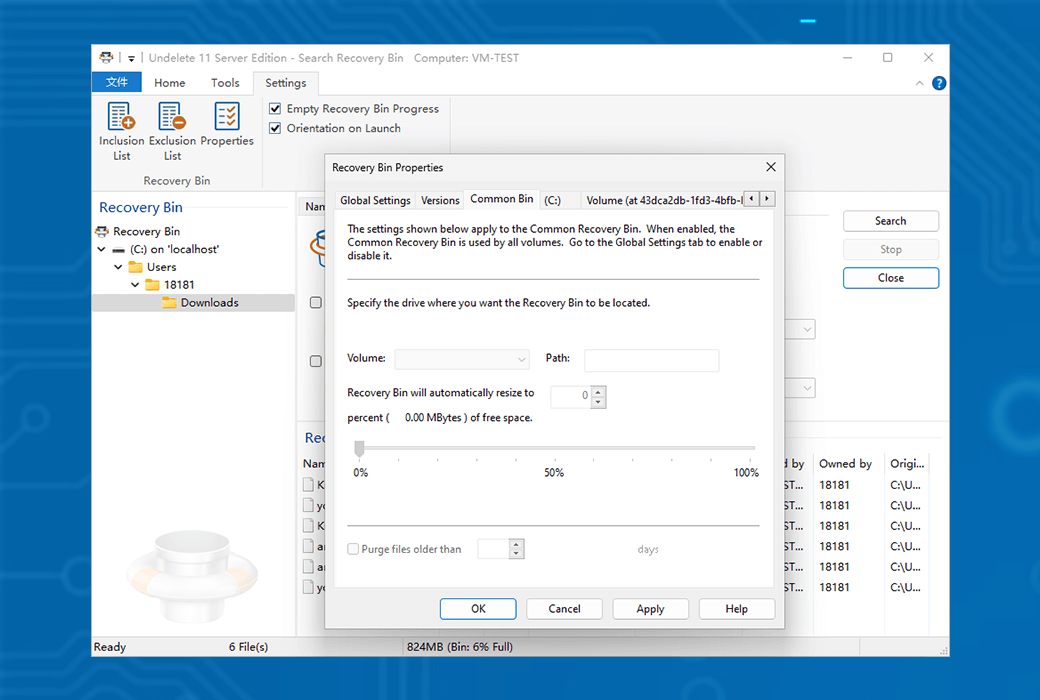
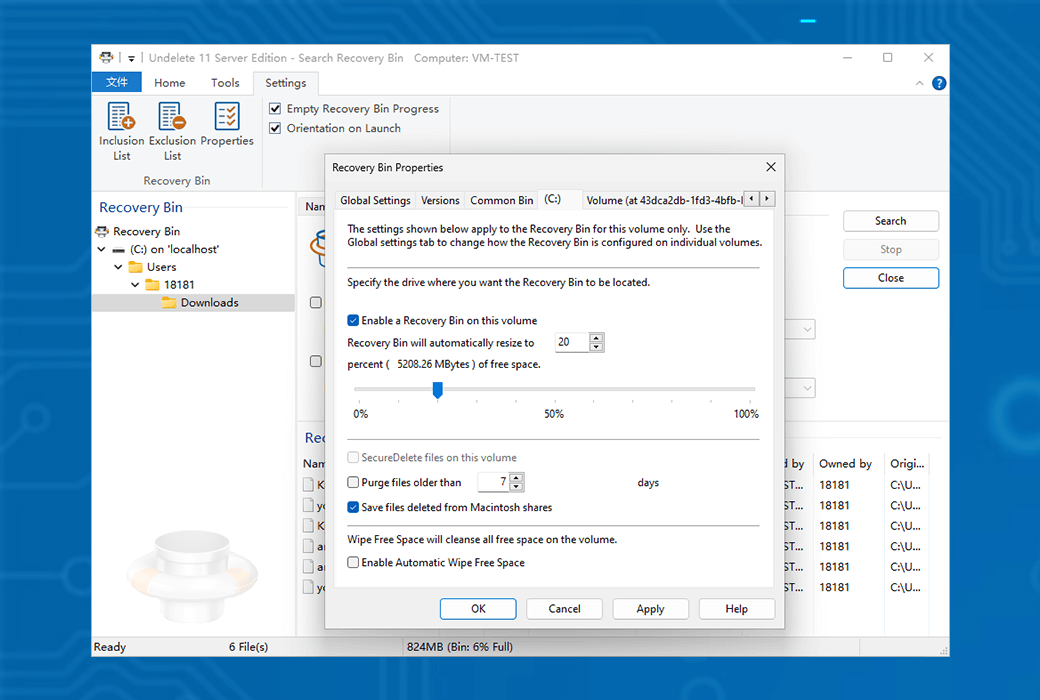
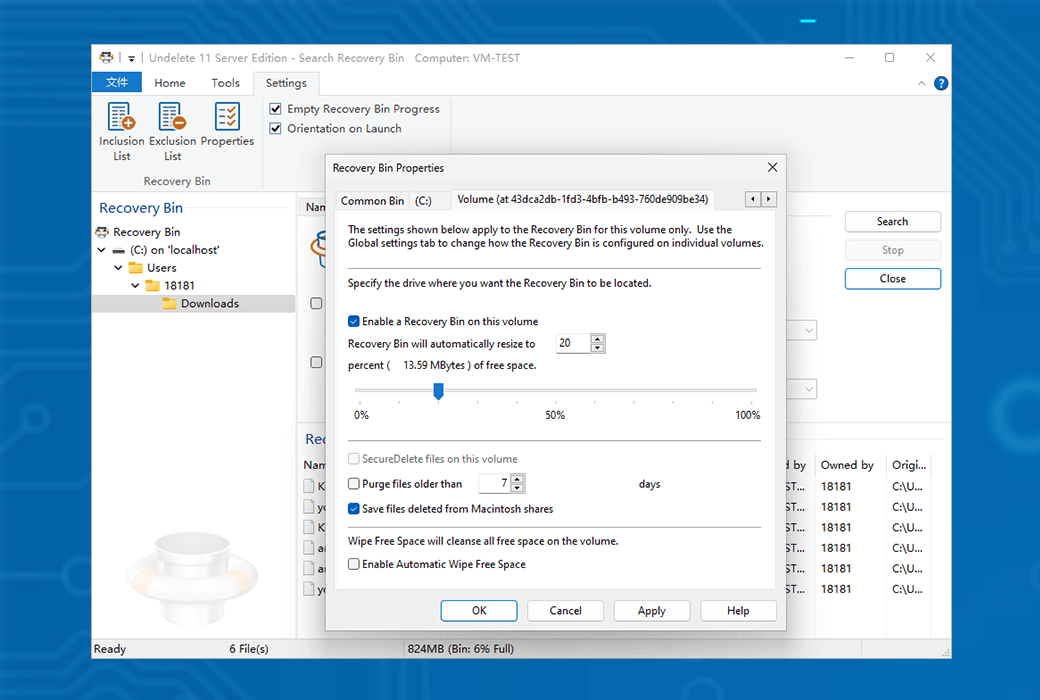
- You can set up a recovery box for any individual disk volume on your computer, or use a "universal" recovery box for all disk volumes - even on cloud storage services such as Microsoft OneDrive.
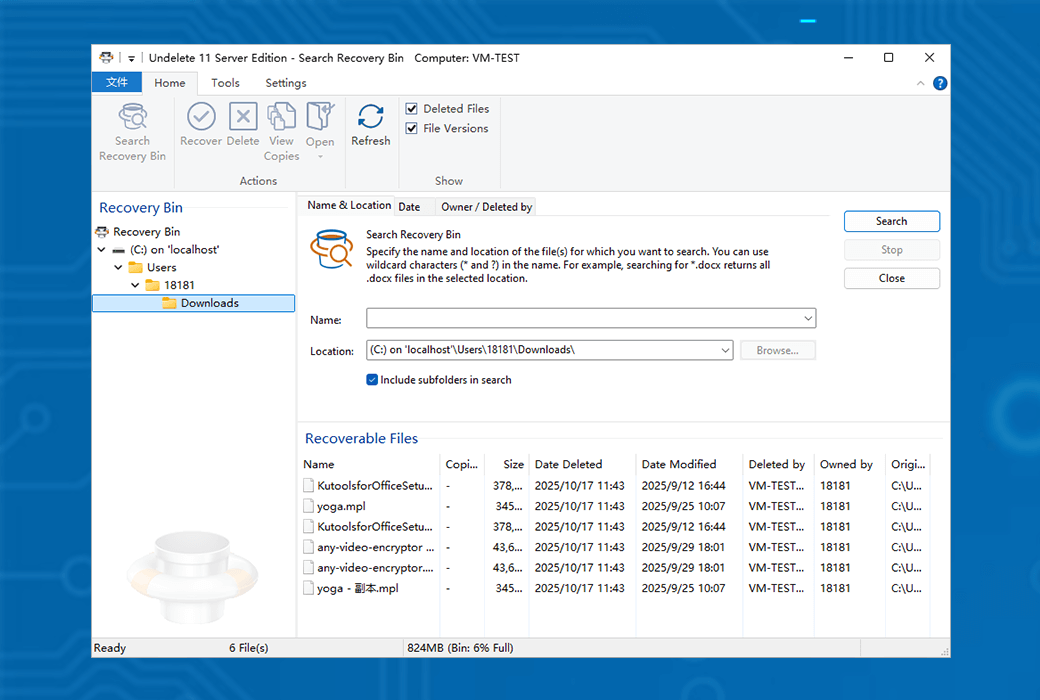
- When files are "deleted" and moved to the recovery box by Undelete, their display is very similar to Windows Explorer. You (or your users) can easily view and recover deleted files and folders just like browsing "regular" files.
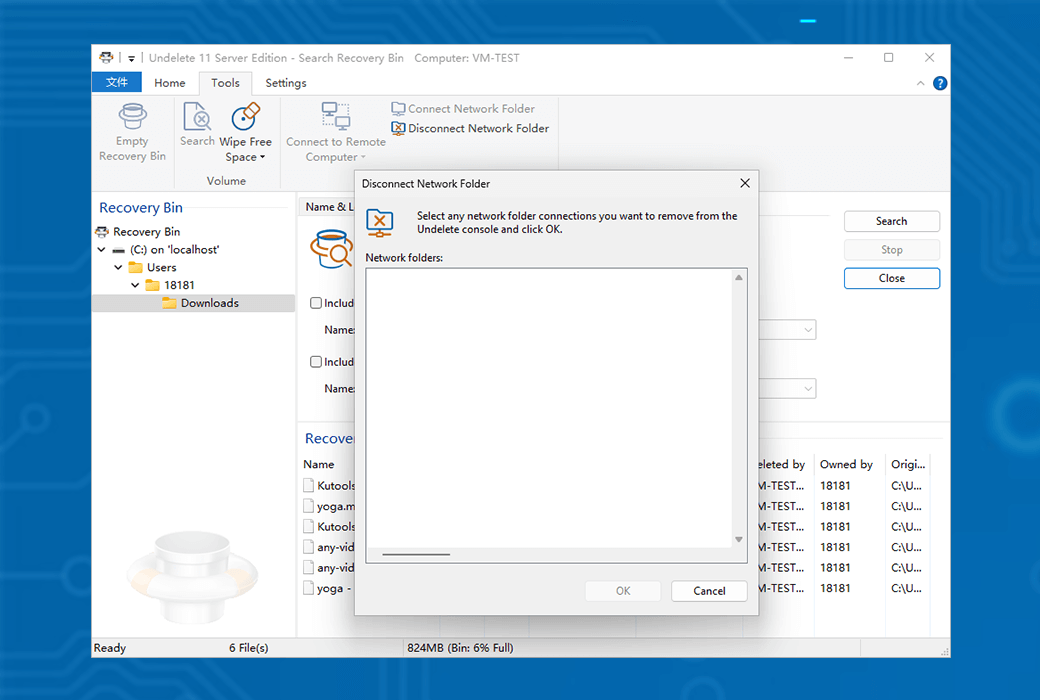
- Undelete Server Edition, Professional Edition, and Undelete Client Component allow you to view the contents of the recovery box on a remote computer running Undelete Server Edition, allowing you or your users to recover "deleted" files from the network (typically from a network file server). With this feature alone, many system administrators and technical support personnel can easily handle it. When network users accidentally delete files from the file server, there is no need to search for backups or Windows shadow copies again.
Backup and snapshots are essential components of any disaster recovery plan, but they are not a comprehensive solution for ongoing data protection. Backup does not capture changes made since the last backup, so work performed during the backup period cannot be restored or protected. Snapshot can fill some gaps between backups; However, scheduling continuous snapshots and managing space utilization will only increase the workload of system administrators.
Undelete is an ideal complement to your data protection strategy, providing instant recovery of network files (whether deleted or overwritten), continuous data protection, and support for self recovery. Undelete is a real-time data protection solution that allows IT departments to focus on more efficient projects.

 Undelete file data recovery tool software