

Description
Priority Nav extends the core WordPress Navigation block as a variation, implementing the Priority Plus design pattern. It displays the most important navigation items in the main menu bar and automatically moves overflow items into a “More” dropdown menu (default label: “Browse”) when horizontal space is limited.
Key Features:
- Automatic Overflow Detection: Continuously monitors available space and adjusts navigation visibility
- Responsive by Design: Adapts to any screen size or container width
- Customizable Styling: Full theme.json support for dropdown menu styling with CSS custom properties
- Customizable Labels: Change the “More” button text and icon
- Seamless Integration: Works beautifully with WordPress themes
- Performance Optimized: Uses ResizeObserver for efficient layout calculations
- Accessible: Keyboard navigation and screen reader friendly
Perfect for sites with many navigation items that need to work across all device sizes without compromising usability.
Screenshots
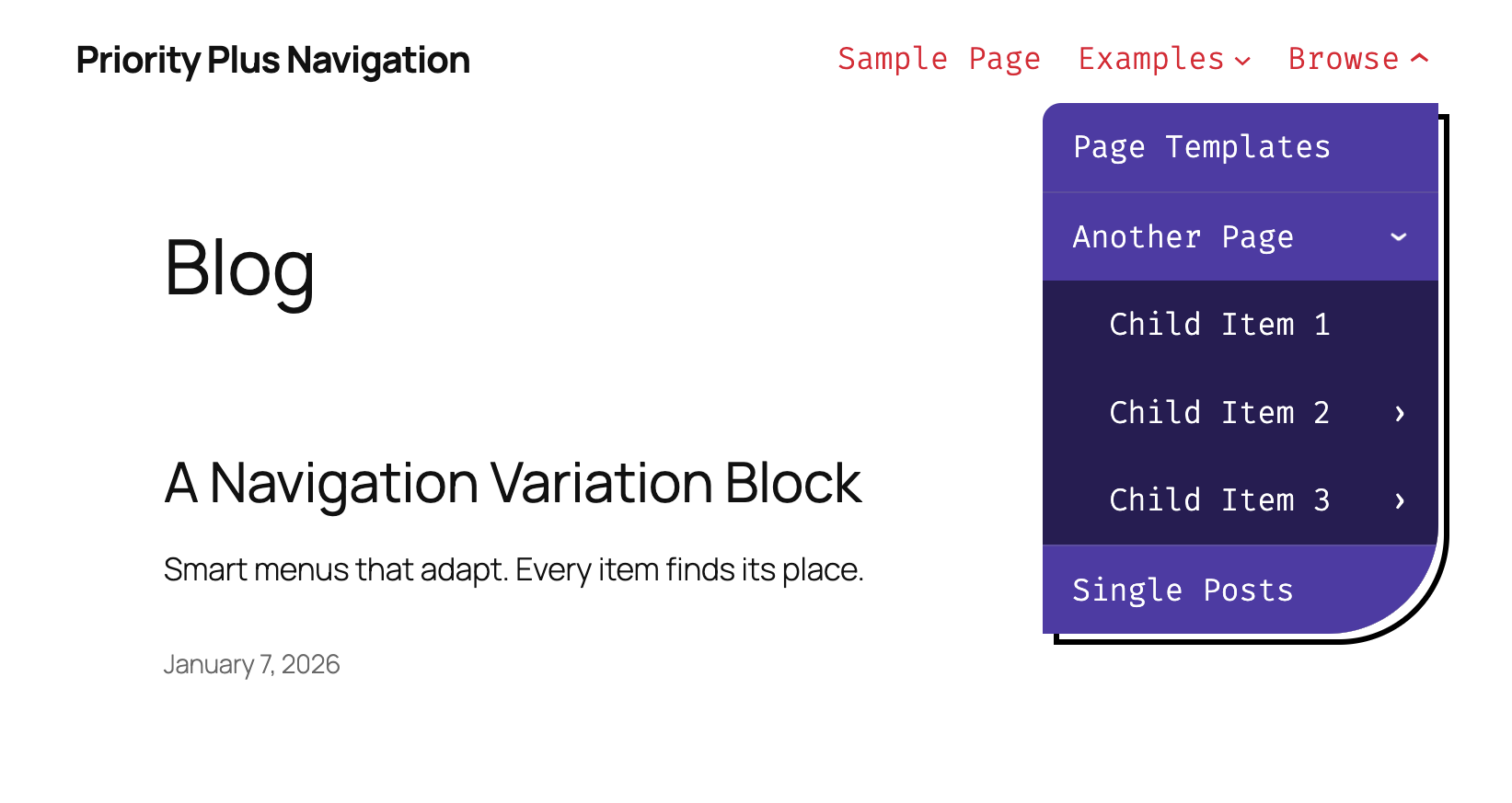
Priority Plus Navigation provides a highly customizable responsive variation of the core navigation block. 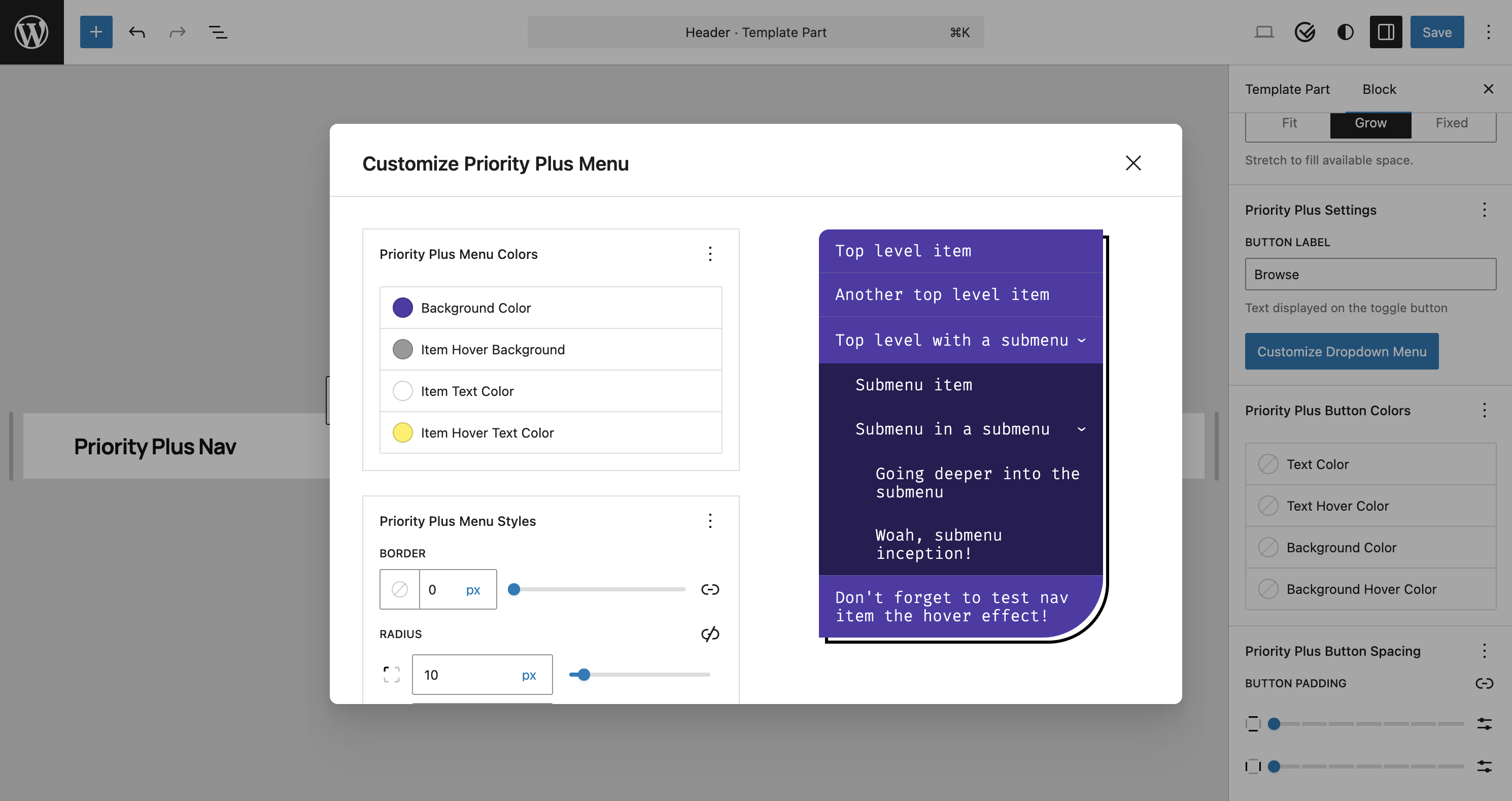
Priority Plus is a variation of the core navigation block and allows for an easy transition. 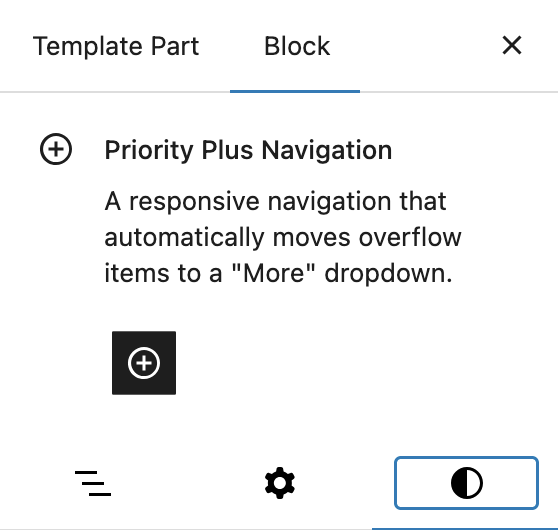
Several controls are available to customize your priority menu to fit your site design.


Installation
- Upload the plugin files to the
/wp-content/plugins/priority-plus-navigationdirectory, or install the plugin through the WordPress plugins screen directly. - Activate the plugin through the ‘Plugins’ screen in WordPress
- Add a Navigation block and select the “Priority Plus Navigation” variation, or search for “Priority Plus Navigation” in the block inserter
- Configure your navigation using the familiar WordPress navigation tools
FAQ
-
How does the Priority Plus pattern work?
-
The Priority Plus pattern prioritizes the most important navigation items by keeping them visible in the main navigation bar. When there isn’t enough horizontal space for all items, less important items are automatically moved into a “More” dropdown menu. As the viewport width changes, items dynamically move in and out of the dropdown.
-
Yes! In the block inspector panel, you can customize both the “More” button label (default: “Browse”) and choose from different icons: none (default), chevron down, plus, or menu symbols.
-
Yes! Items with submenus in the dropdown are converted to accessible accordions that respect the Core Navigation “Open submenus on click” setting.
-
Priority Plus Navigation intelligently integrates with WordPress core navigation overlay menu settings:
- Never: Priority Plus is always active across all screen sizes
- Mobile: Priority Plus works on desktop and automatically disables when the hamburger menu activates
- Always: Not compatible – Priority Plus is automatically disabled and the “Always” option appears greyed out in the editor
-
Is it accessible?
-
Yes, the block is built with accessibility in mind, supporting keyboard navigation and providing proper ARIA labels for screen readers.
-
Absolutely! The dropdown menu can be fully customized through the block inspector or your theme’s
theme.jsonfile. You can control:- Background color, item text color, and hover colors
- Separate submenu colors for nested accordion items
- Item spacing and hover effects
- Multi-level navigation indentation
- Box shadow, border radius, and item separators
Example configuration in your theme’s
theme.json:{ "version": 3, "settings": { "custom": { "priorityPlusNavigation": { "dropdown": { "backgroundColor": "#f0f0f0", "borderColor": "#999999", "itemHoverBackgroundColor": "rgba(0, 0, 0, 0.08)" } } } } }The plugin provides sensible defaults, and you only need to specify the properties you want to customize. For complete styling documentation, see the GitHub repository.
Reviews
There are no reviews for this plugin.
Contributors & Developers
“Priority Plus Navigation” is open source software. The following people have contributed to this plugin.
Contributors
Translate “Priority Plus Navigation” into your language.
Interested in development?
Browse the code, check out the SVN repository, or subscribe to the development log by RSS.
