

Description
ProLeadsAI adds a powerful roof estimation tool to your WordPress site. When visitors enter their address, they instantly see:
External Services
This plugin connects to the following external services:
ProLeadsAI API (https://app.proleadsai.com)
- Used for: User authentication, lead management, roof estimation data processing, and dashboard analytics
- Data sent: Address searches, lead contact information (name, email, phone), roof estimation requests
- When: During plugin setup, when visitors use the roof estimator, and when leads submit contact forms
- Terms of Service: https://proleadsai.com/terms
- Privacy Policy: https://proleadsai.com/privacy
Google Maps Platform APIs
- Used for: Address autocomplete, geocoding, satellite imagery for roof analysis, and Solar API for roof measurements
- Data sent: Address queries, geographic coordinates
- When: When visitors search for an address or view roof estimates
- Terms of Service: https://cloud.google.com/maps-platform/terms
- Privacy Policy: https://policies.google.com/privacy
ProLeadsAI CDN (https://cdn.proleadsai.com)
- Used for: Default widget images and icons (house image, location icons)
- Data sent: None (static image assets only)
- When: When the widget loads and displays default images
- Terms of Service: https://proleadsai.com/terms
- Privacy Policy: https://proleadsai.com/privacy
By installing and activating this plugin, you agree to the terms of service of these external services.
Note: This plugin integrates with external services and requires user-provided configuration (API keys and account connection) to enable estimation features. The plugin installs and activates without this configuration and does not transmit any data until onboarding is completed.
- Roof Area – Total square footage calculated from satellite imagery
- Cost Estimate – Based on your configured price per square
- Roof Pitch – Steepness classification (Flat, Low, Medium, Steep)
- Interactive Map – Visual roof outline overlay
The widget captures leads when visitors request a detailed quote, sending their contact info directly to your ProLeadsAI dashboard.
Features
- Floating button or shortcode embed options
- Customizable colors to match your brand
- Mobile-responsive design
- Lead capture with contact form
- Integration with ProLeadsAI dashboard for lead management
Requirements
- ProLeadsAI account (free to create at proleadsai.com)
- Google Maps API key with the following APIs enabled:
- Maps JavaScript API
- Places API
- Geocoding API
- Solar API
Source Code
This plugin uses build tools to generate optimized JavaScript and CSS files. The complete source code is publicly available:
Main Plugin Repository: https://github.com/ProLeadsAI/proleadsai-wppb
– WordPress plugin files, PHP backend, admin interface
– Admin assets built with Vite.js from /admin/src/ directory
Custom Widget Element: https://github.com/ProLeadsAI/proleadsai-custom-element
– Standalone Vue.js custom element for the roof estimator widget
– Built independently and copied into the WordPress plugin
– Uses Shadow DOM for CSS isolation
– Can be used on any website, not just WordPress
Build Process:
– Main plugin: Run pnpm build to generate admin assets
– Custom widget: Run pnpm build in the custom element directory, then copy dist files to plugin’s /public/js/ and /public/css/ directories
– Full release: Run pnpm release to create complete plugin package
All source code is available for review, study, and contribution in accordance with open source principles.
Privacy Policy
ProLeadsAI respects user privacy and is designed with privacy in mind.
Data Collection
Site Visitors:
* Address searches entered into the roof estimator widget
* Contact information (name, email, phone) when voluntarily submitted via the lead capture form
* No tracking cookies or analytics are used
Site Administrators:
* Email address used for ProLeadsAI account authentication
* Organization settings and preferences
Data Storage
- Visitor data (searches and leads) is stored on ProLeadsAI servers (https://app.proleadsai.com)
- Data is associated with your organization account and accessible via your dashboard
- No visitor data is stored in the WordPress database
Data Sharing
- Address data is sent to Google Maps APIs for geocoding and roof analysis
- No data is sold or shared with third parties for marketing purposes
User Rights
- Site visitors can request deletion of their data by contacting the site owner
- Site owners can delete leads from their ProLeadsAI dashboard
- Account deletion requests can be made at https://proleadsai.com/contact
For the full privacy policy, visit: https://proleadsai.com/privacy
Screenshots

Floating widget button on a live site 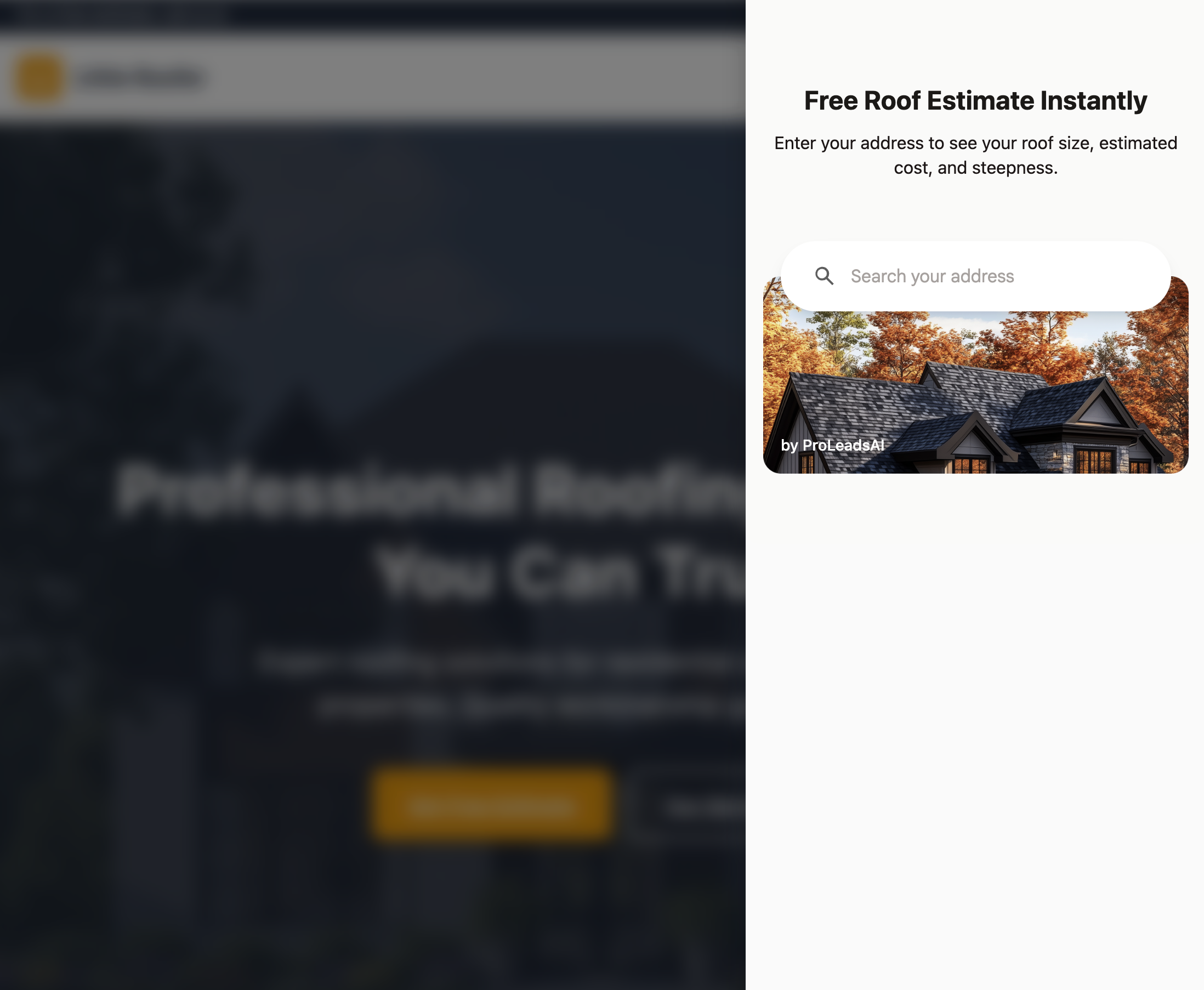
Slide-out panel that opens when clicking the floating widget 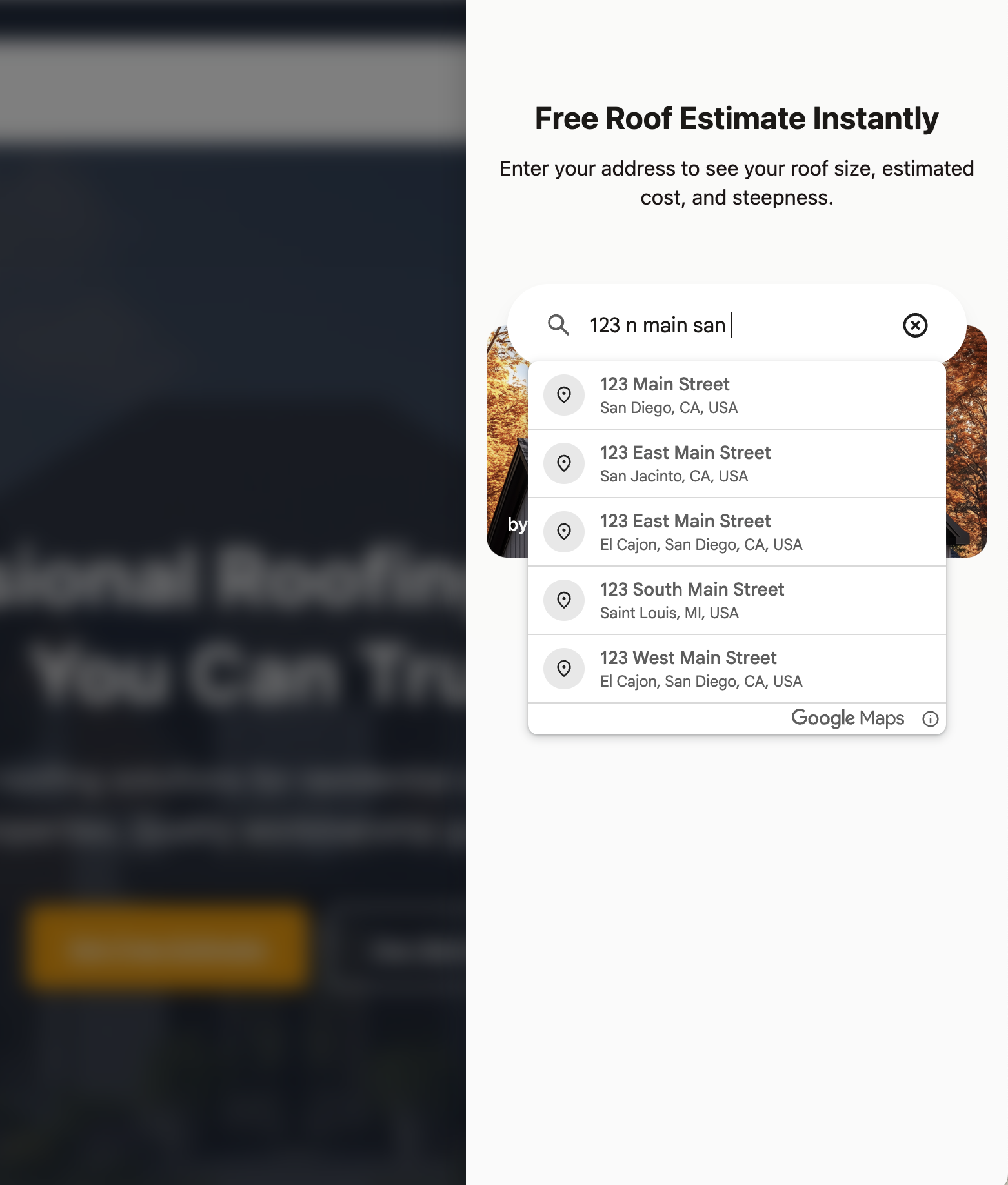
Address autocomplete powered by Google Places 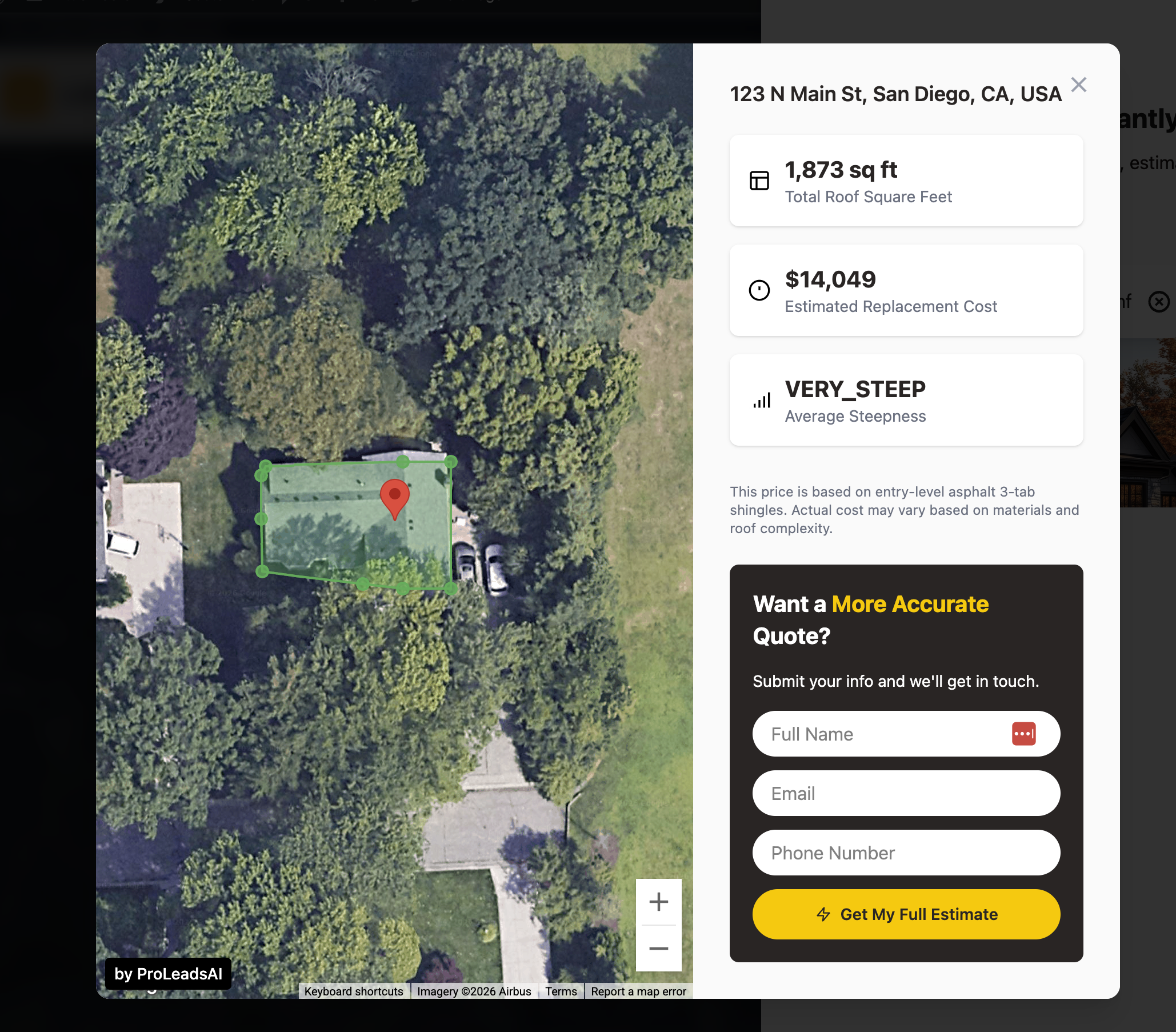
Roof estimate results with satellite map, square footage, and cost estimate 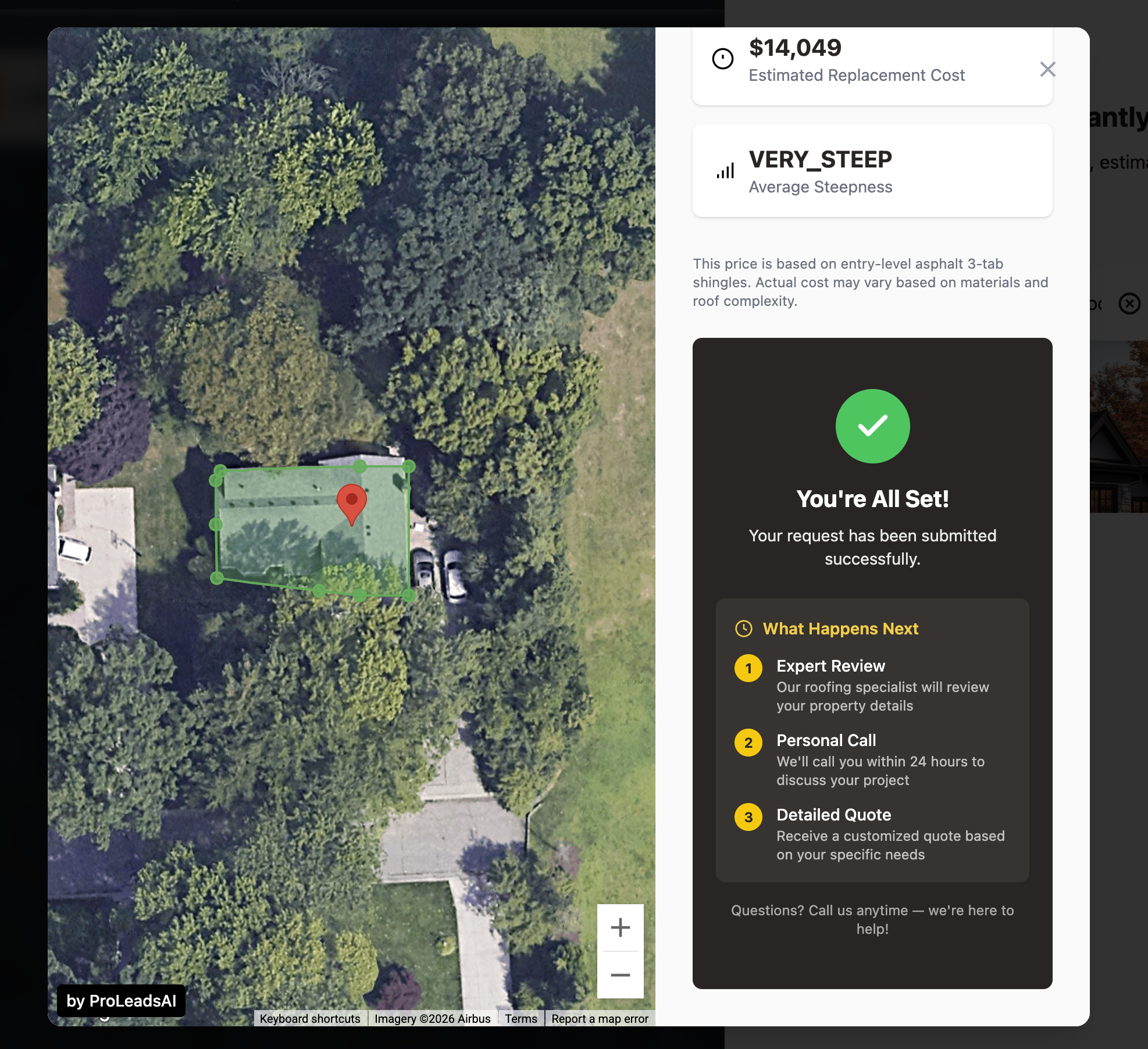
Confirmation view after a lead submits the contact form 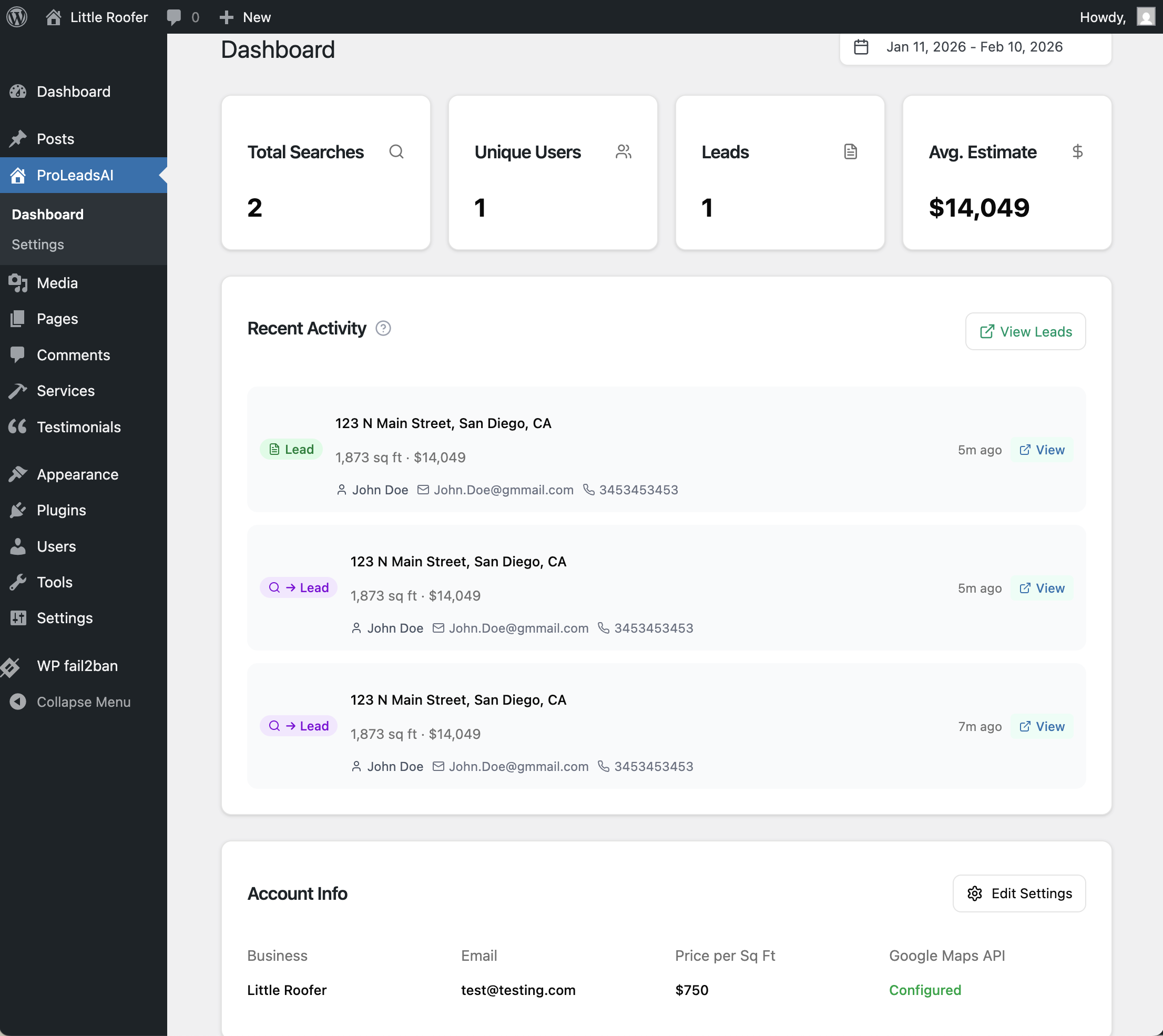
WordPress admin dashboard 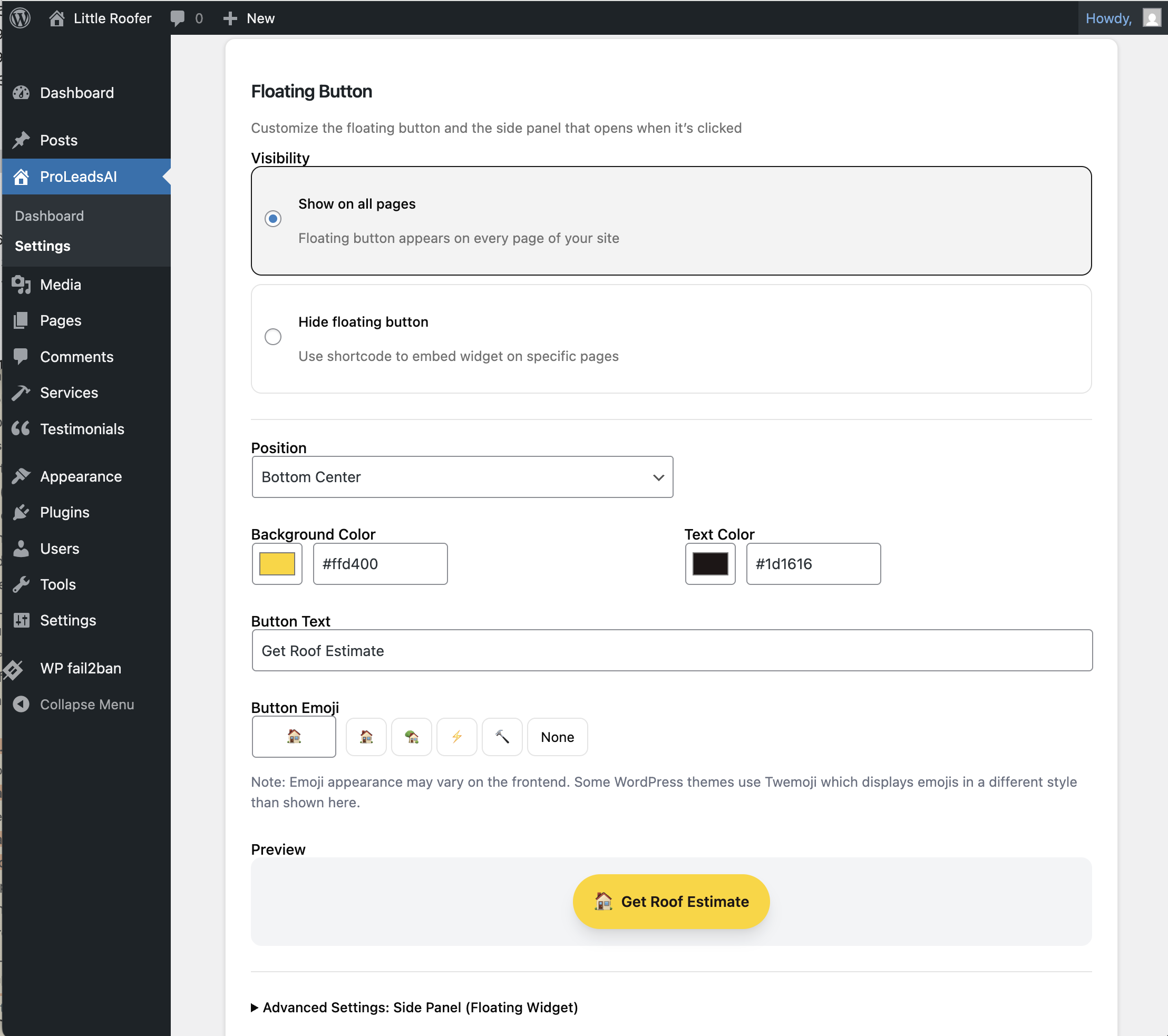
Floating button appearance and position settings 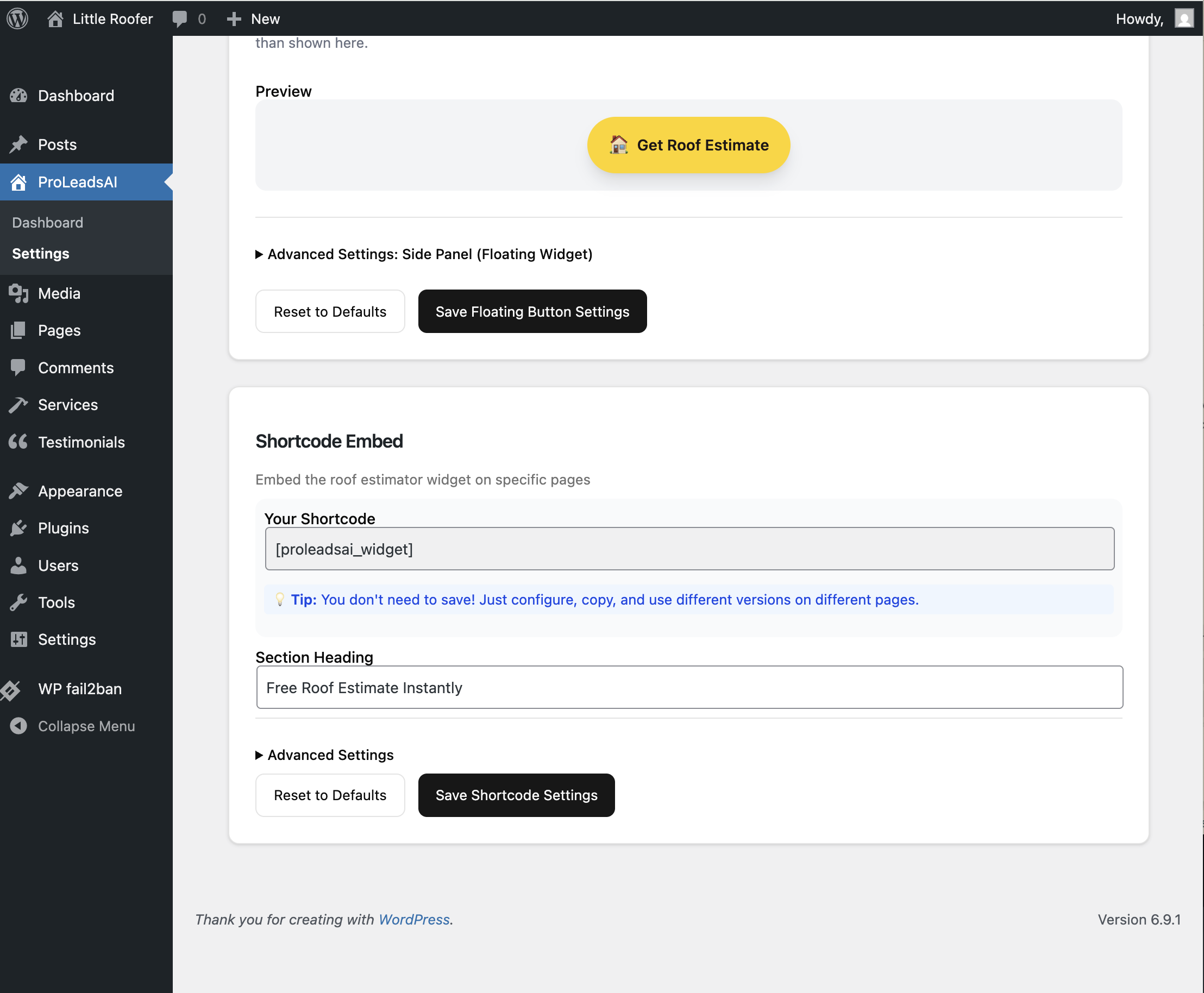
Shortcode settings to embed the widget anywhere on your site


Installation
- Upload the
proleadsaifolder to/wp-content/plugins/ - Activate the plugin through the ‘Plugins’ menu in WordPress
- Go to ProLeadsAI in the admin menu to complete setup
- Create or connect your ProLeadsAI account
- Add your Google Maps API key (see FAQ for setup instructions)
- Configure your price per square foot and appearance settings
Shortcode Usage
Embed the widget anywhere using:
[proleadsai_widget]
Or with custom options:
[proleadsai_widget position="bottom-right" display="true"]
FAQ
-
How do I get a Google Maps API key?
-
- Go to Google Cloud Console
- Create a new project or select an existing one
- Enable these APIs: Maps JavaScript API, Places API, Geocoding API, Solar API
- Go to Credentials > Create Credentials > API Key
- Configure HTTP referrer restrictions for your domain
- Copy the key to your ProLeadsAI settings
-
Why do I need my own Google API key?
-
Each WordPress site uses its own Google API key so you can:
* Control your own API costs and usage limits
* Monitor usage in your Google Cloud Console
* Keep billing separate from the ProLeadsAI service -
How accurate are the roof estimates?
-
Estimates are based on Google’s satellite imagery data. They provide a good starting point but actual costs may vary based on roof complexity, materials chosen, and local labor rates.
-
Can I customize the widget appearance?
-
Yes! You can set primary and secondary colors, button position, and whether to show the floating button or use shortcode placement only.
Reviews
There are no reviews for this plugin.
Contributors & Developers
“ProLeadsAI” is open source software. The following people have contributed to this plugin.
Contributors
Translate “ProLeadsAI” into your language.
Interested in development?
Browse the code, check out the SVN repository, or subscribe to the development log by RSS.
Changelog
1.0.0
- Initial release
- Instant roof estimates from address input
- Google Places autocomplete for address search
- Interactive satellite roof map with outline overlay
- Roof area, cost estimate, and pitch analysis
- Lead capture contact form
- Floating button widget with customizable position and colors
- Shortcode embed for placing the widget anywhere on your site
- WordPress admin dashboard for settings and API key management
- Shadow DOM CSS isolation to prevent theme style conflicts
