

Description
Need a simple way to show off your work on Website? Ultimate Portfolio lets you build portfolio galleries, sliders, and post grids right inside the Gutenberg editor. No coding needed.
Photographers use it for photo galleries. Designers showcase their projects. Agencies display client work. Bloggers create visual post layouts. It works for any kind of portfolio gallery you want to build.
Here’s What You Get
Pick from grid, masonry, or justified layouts. Add category filters so visitors can sort through your work. Set up lightbox popups for larger image views. Everything adjusts automatically for phones and tablets.
The Gutenberg blocks drop right into any page or post. Choose your layout, add images or select posts, and you’re done.
Pro Version Demo: Ultimate Portfolio Pro Demo
Buy Pro Version: Buy Ultimate Portfolio Pro
Works With
- Single images and photo collections
- Blog posts displayed as gallery grids
- WooCommerce products (if you have it installed)
- Custom post types
Layout Options
Grid layout keeps things neat and organized. Masonry arranges items like Pinterest. Justified fills the space edge to edge. Each includes hover effects and optional captions.
Performance
Images load as visitors scroll down (lazy loading). This keeps your pages fast even with lots of photos in your portfolio gallery.
Free Version Features
- Block Editor and Page Builder Support
- Responsive Design for all devices
- Drag and Drop interface
- Lazy Load for fast page speed
- Grid, Masonry, and Justified Layouts
- Lightbox with full-size image view
- Single Level Category Filters
- Custom CSS field
Pro Version Extras
Upgrade to Pro and unlock:
- Carousel Layout with slider effects
- Multi Level Filters for complex portfolios
- Load More button and Pagination
- Deep Linking for shareable filter URLs
- Advanced Taxonomy Options
- Social Media Integration: Instagram, YouTube, Vimeo, Flickr, Unsplash
- Animation Effects on hover and load
- Priority Email Support
Screenshots

Masonry portfolio layout with filters 
Grid gallery showing captions 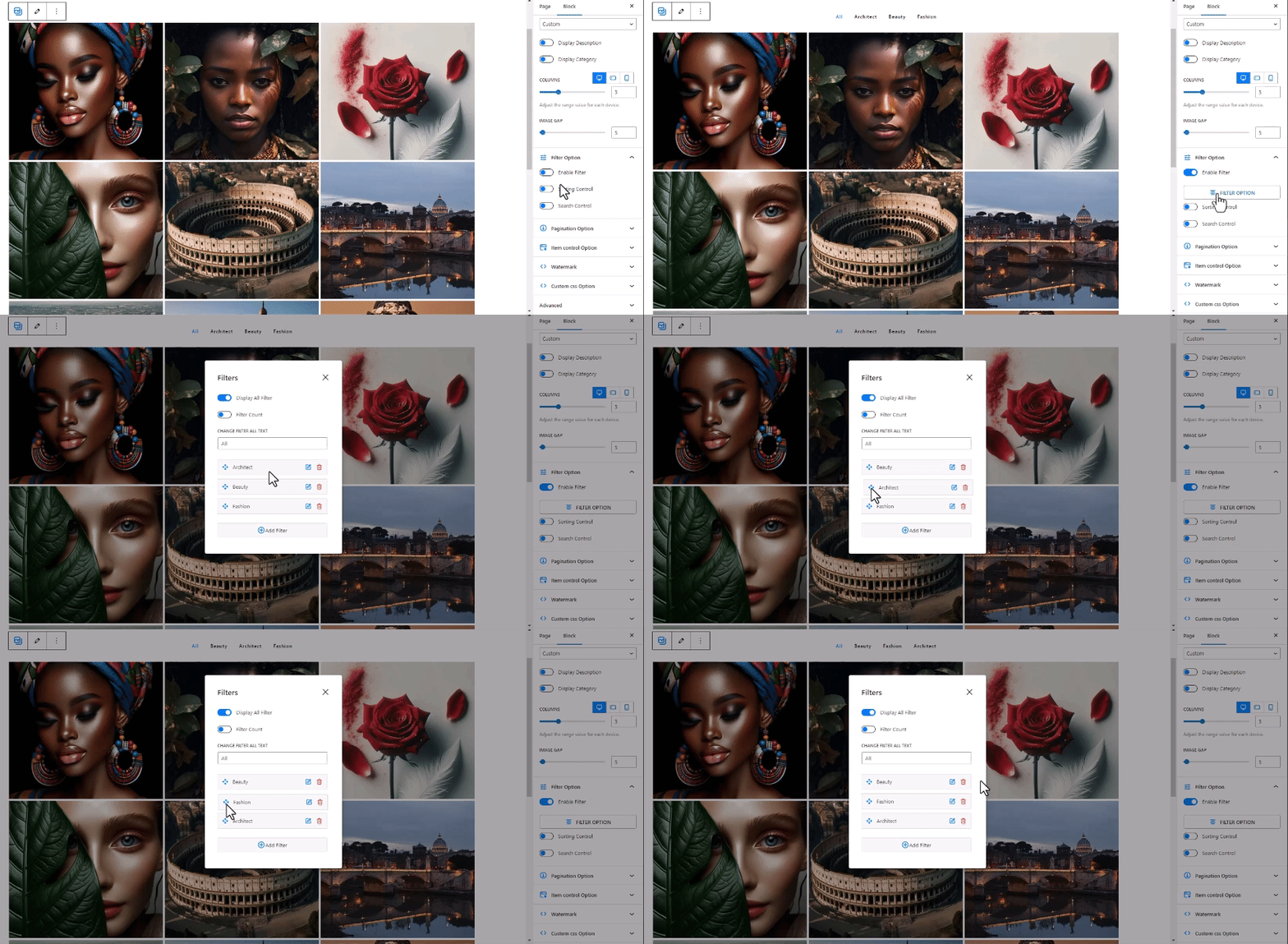
Image slider with navigation 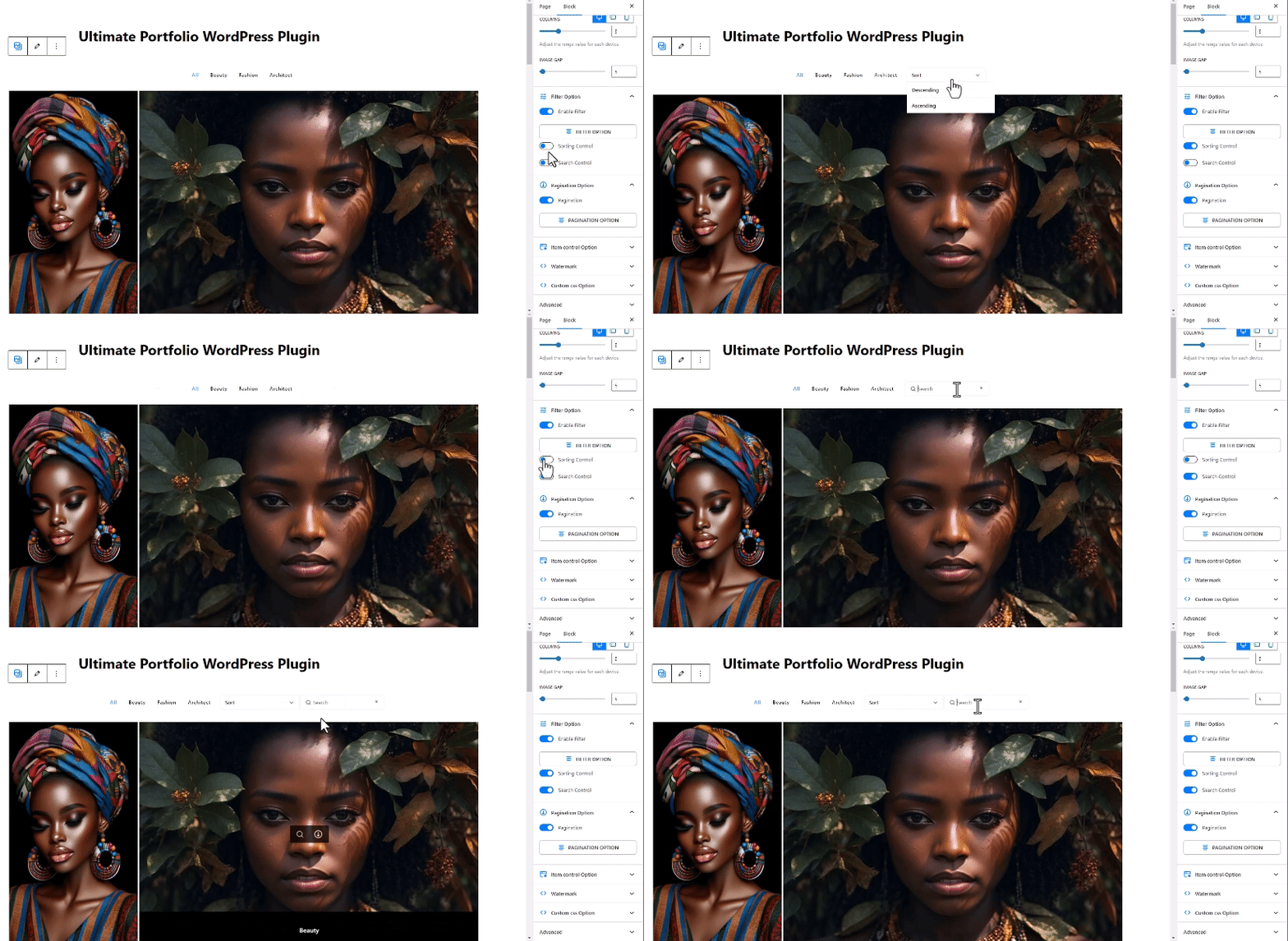
Blog posts in slider format 
Category filtering in action 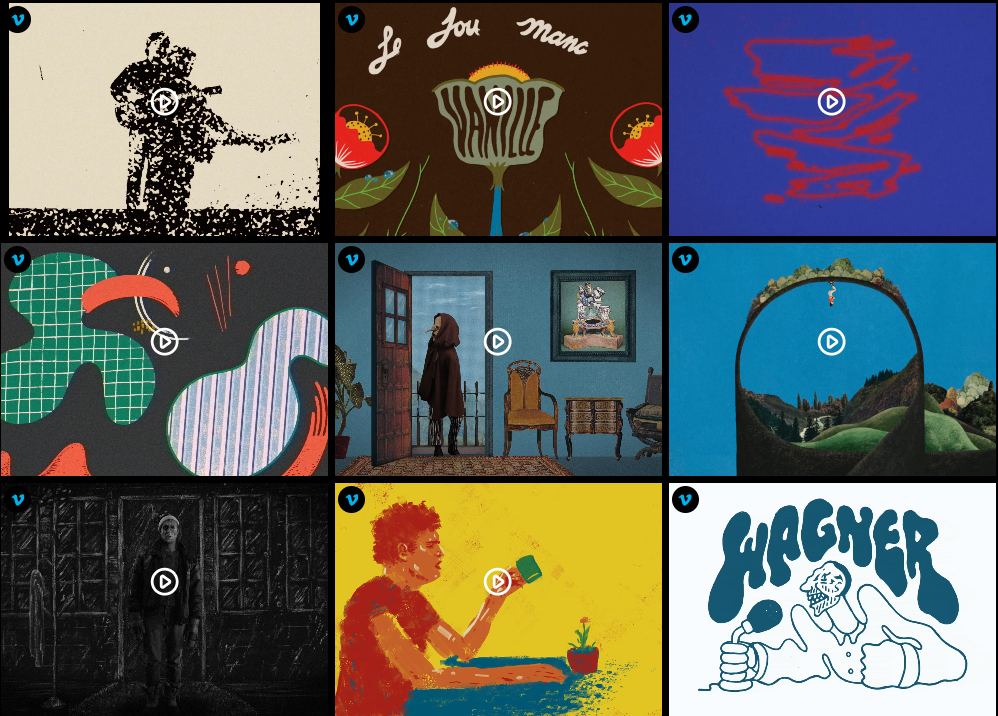
WooCommerce products in gallery view


Blocks
This plugin provides 1 block.
- Ultimate Portfolio Example block scaffolded with Create Block tool.
Installation
- In your dashboard, go to Plugins then Add New.
- Type “Ultimate Portfolio” in the search box.
- Click Install, then Activate.
- Edit any page with Gutenberg and add an Ultimate Portfolio block.
FAQ
-
What kind of content works with this?
-
Images, portfolio projects, blog posts, WooCommerce products. Basically anything you want to display in a gallery or slider format.
-
Will it look good on phones?
-
Yes. All layouts resize automatically for smaller screens.
-
How do category filters work?
-
Assign categories when adding portfolio items. Visitors click the category name to see only those items.
-
I use Elementor. Will this work?
-
Yes. Add Gutenberg blocks inside Elementor pages using their WordPress widget option.
-
Do I need WooCommerce?
-
No. WooCommerce support is just an option if you already have it.
-
Can I add my own CSS?
-
Each block has a custom CSS field. Or use your theme’s customizer.
-
How many images can I add to a gallery?
-
Unlimited, there’s no fixed limit. Add as many as you need, though keep in mind larger galleries may take longer to load.
-
Can I show the same image in multiple categories?
-
Yes. Assign multiple categories to any portfolio item and it will appear when visitors filter by any of those categories.
-
Does it slow down my website?
-
Not really. The lazy loading feature only loads images when they scroll into view, keeping initial page load fast.
-
Can I link portfolio items to external pages?
-
Yes. Each item can have its own link, whether to an internal page or an external URL.
-
Is there a way to change the number of columns?
-
Yes. You can set how many columns appear on desktop, tablet, and mobile separately.
-
What happens if I deactivate the plugin?
-
Your images stay in your media library. The portfolio blocks won’t display until you reactivate, but nothing gets deleted.
Reviews


Contributors & Developers
“Ultimate Portfolio” is open source software. The following people have contributed to this plugin.
Contributors


Translate “Ultimate Portfolio” into your language.
Interested in development?
Browse the code, check out the SVN repository, or subscribe to the development log by RSS.
Changelog
1.2.0
- Improved readme documentation
- Added detailed Free vs Pro feature comparison
- Enhanced FAQ section with more user questions
- Updated plugin description for better clarity
- Tested with WordPress 6.9
1.1.7
- Tested with WordPress 6.9
1.1.6
- Bug fixed
1.1.5
- Fixed filter disappearing issue
1.1.4
- Bug fixed
1.1.3
- Fixed filter special character issue
- Tested with WordPress 6.8.2
1.1.2
- Fixed Gutenberg block rendering
- Tested with WordPress 6.8.1
1.1.1
- Fixed filter spacing
- Tested with WordPress 6.7
1.1.0
- Improved filtering
- Tested with WordPress 6.6.2
