Thread Starter
 Amanda
(@amahend)
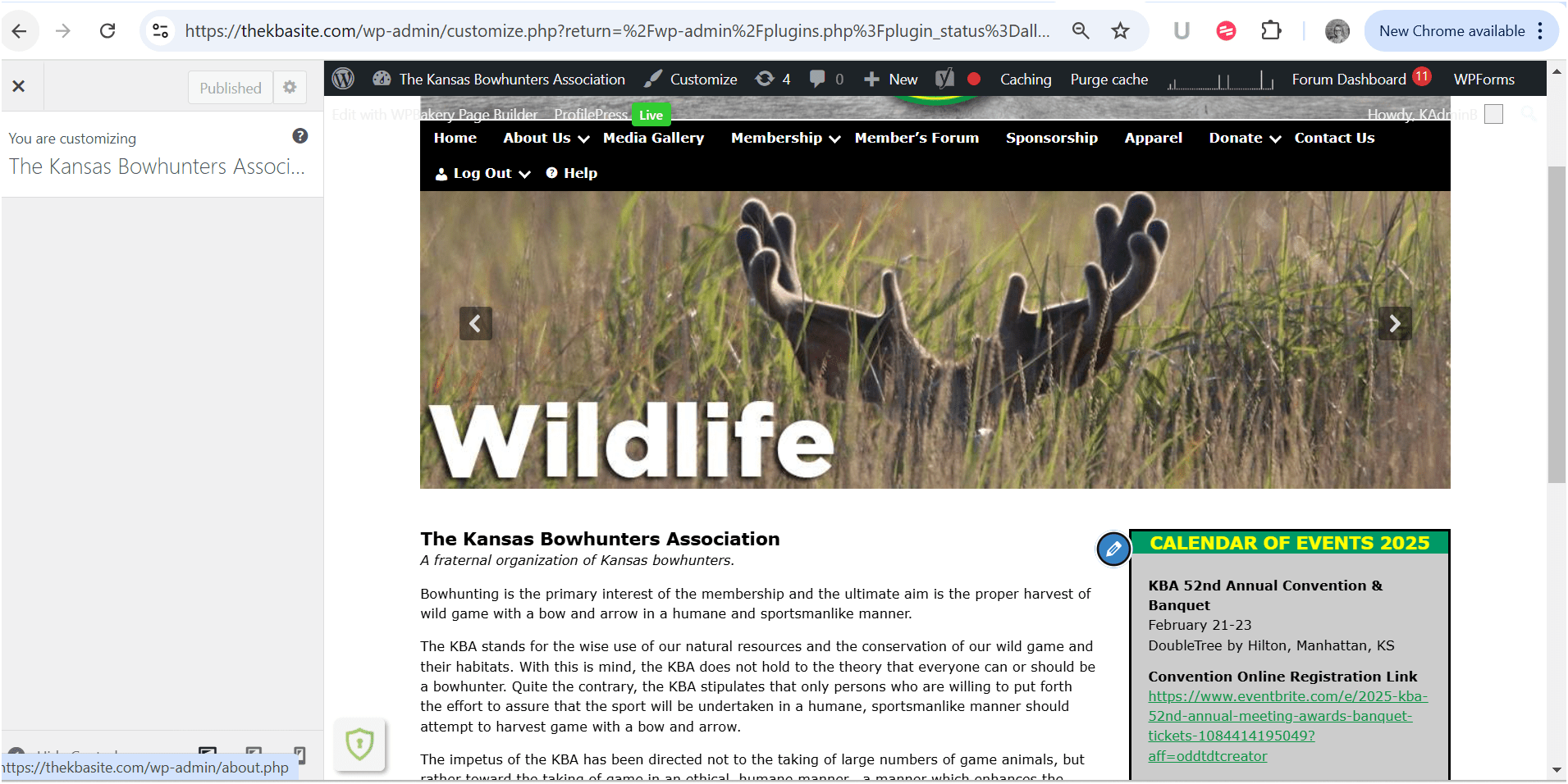
It’s been two weeks since my last message, and I’m still waiting for some help with the issue between the Shield Security plugin and the WordPress Customizer. My client’s calendar is still uneditable with the plugin active, and we’re really hoping for a solution.
Can someone please assist or provide an update? I’d really appreciate it!
Plugin Support
 Jelena
(@jmisic)
Hi Amanda,
Sorry to hear about the continued trouble with this.
Since the issue was previously resolved by disabling Shield’s HTTP Headers options, it’s possible that something has changed after that—such as a WordPress update or another plugin/theme—that’s causing the issue to return.
Here’s what you can try:
Confirm Header Settings: Re-check if the HTTP Headers settings are still disabled in Shield. If they were re-enabled, disabling them again might fix the issue.
Clear and Disable Cache: Sometimes, caching can cause outdated settings or pages to load. If you’re using a caching plugin or browser, consider clearing cache and temporarily disabling it, force refresh the site (F5) and testing the issue again.
Check for Plugin or Theme Updates: If any other plugins or theme were updated just before the problem reappeared, there could be a compatibility issue affecting the Customizer’s functionality.
Review Console & Network Tab: Checking the browser console and network tab (as previously suggested) might reveal new errors that weren’t there before.
Test on a Different Theme: If the issue is theme-related, switching to a default theme could help determine if the theme itself is conflicting with Shield.
Temporarily Disable Other Plugins: Even though Shield’s HTTP Headers were previously identified as the cause, another factor—such as a recent plugin or theme update—might now be contributing to the issue. I recommend disabling one plugin at a time and testing the Customizer after each deactivation to see if the issue is resolved. You can do the same with themes. This can help pinpoint if any other plugin/theme is causing the conflict.
Let me know how it goes,
Thanks.
Plugin Support
Jelena
(@jmisic)
Hi Amanda,
Since it’s been more than 10 days without a response, I’ll assume everything is sorted and close this thread. If that’s not the case, you’re welcome to reopen the conversation.
Thanks.
Jelena