MacBook
iMac
iPad
Repair, Upgrade and Data Recovery
180-day warranty・Free diagnostics・Pick-up and delivery
Contact us now
We accept card payments and electronic payments
No handling fee


Cheque, e-Cheque, Bank Transfer and FPS from business customers

Established in 2015, iCertified is a computer technology company based in Hong Kong.
Providing professional MacBook repair, iMac repair and Mac data recovery services to meet different kinds of repair needs for Mac products from individual and business customers.
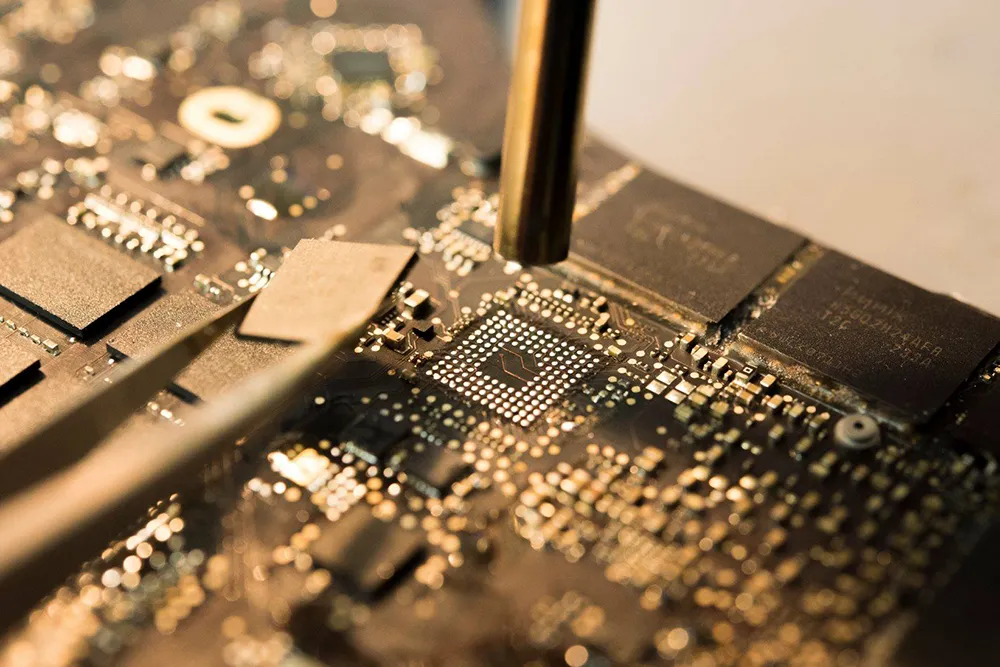
At iCertified, technicians perform MacBook repair and iMac repair in component level and high workmanship standard, to ensure the long term reliability of Mac after the repair.
Our technicians find out the cause of the failure by referring to the design drawings and schematics, and locate the damaged components accurately through measurement, the components used for replacement meet the specification as shown in the schematics, repair tools and industrial grade soldering materials from USA and Japan are used during the repair, ultrasonic cleaner and special PCB cleaning fluid from USA are used for cleaning during water damage repair.
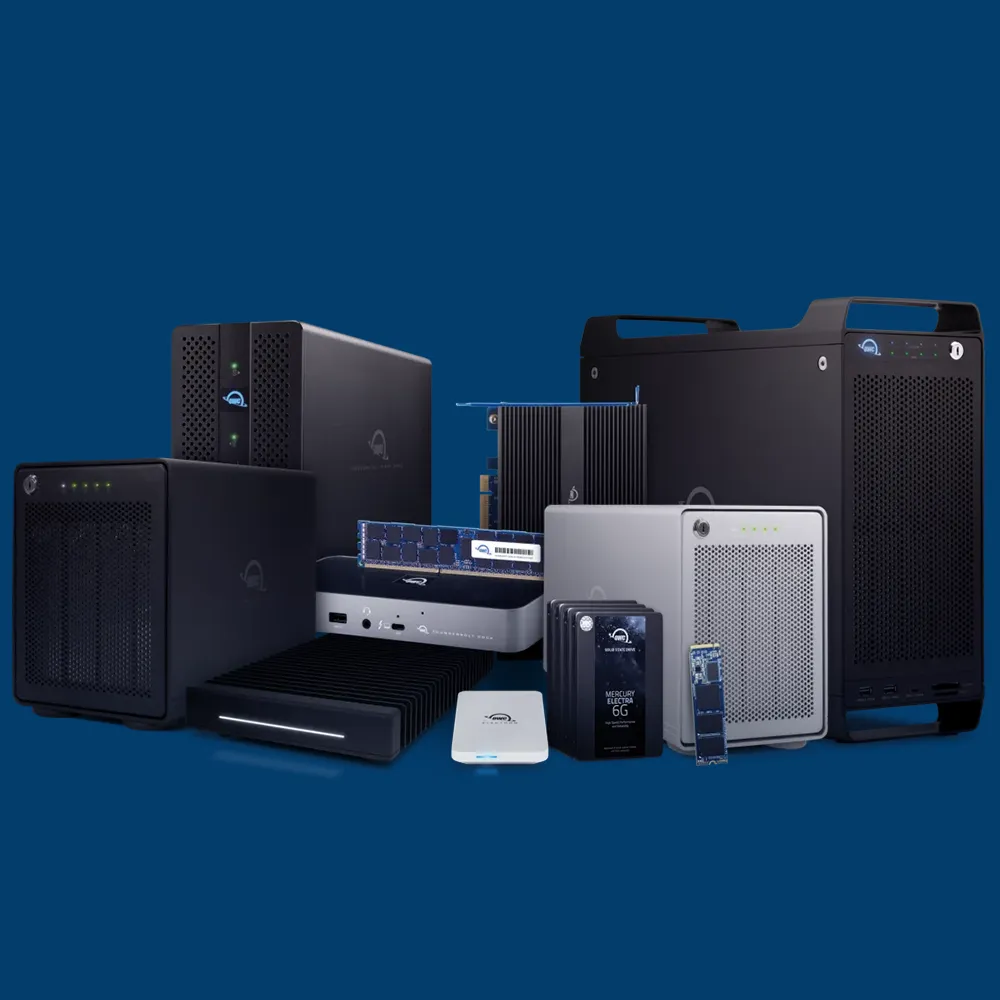
iCertified is the authorised reseller of OWC USA in Hong Kong.
Selling different kinds of OWC products, including SSD, RAM, Thunderbolt Dock and storage solution for Mac.
Free diagnostics
No appointments needed, and it only takes 15-min.
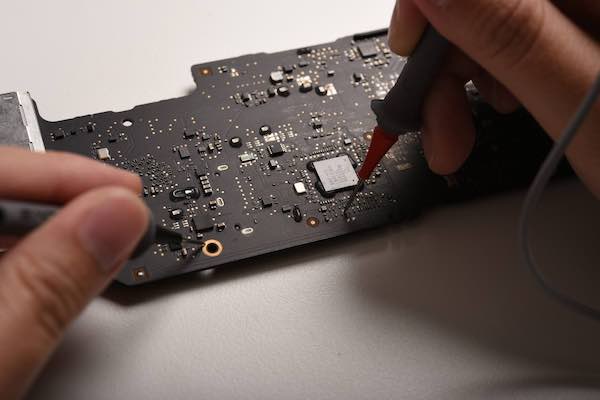
Precise repair
Referring to the design drawings and schematics, to know the root cause of the fault.

Google reviews from customers
See what our customers talking about us
★★★★★
When traveling abroad in Thailand my 18 mth old MacBook Pro died. The Thailand Apple Authorised repair center wanted over half the price of a new laptop to repair by replacing the motherboard. And I would lose all my data. ICertifed repaired the damaged components on the motherboard at a very reasonable cost and not only was my MacBook working again but it powered up right where it was when it died with no loss of data. Friendly customer service. Fast and professional. Highly recommended
Kevin Black
01/2024
★★★★★
Needed to upgrade drive and memory on my ageing iMac, company provided a great service, even took time in helping with the restore process. Highly recommend and would use again in future (but maybe just a bit later…)
Richard Dawes
01/2024
★★★★★
I found this place through Google, and on their website checked that they can run diagnostics for free. My touchpad and keyboard didn’t work, and I wanted to know what’s the problem and how long it will take since I need my computer to use daily. When I arrived they fixed it in about 30 minutes! Great service and nice attitude, highly recommend!
Roman Olinchuk
12/2023
We provide the following Mac repair services:
Logic board repair
Replace damaged or shorted components including capacitors, resistors, inductors, MOSFETs, fuses, ICs, connectors, etc.
Rebuild broken trace.
Screen Replacement
No video, No backlight, White screen, Cracked screen, Lines on screen, Gradient color on screen.
Battery Replacement
Drains fast, Swollen battery, Unable to power on without power connected, Replace Now / Replace Soon / Service Battery status
SSD Upgrade
Install latest and compatible version of macOS, Transfer software upon request, Transfer data upon request.
RAM Upgrade
In stock from DDR3-1666 to DDR4-2666.
Keyboard Replacement
Typing on its own, Partial / All keys not responsive, Power button is not working so it can not power on, Shift key is always pressed so it boots into safe mode automatically.
Trackpad Replacement
Touch issue, Ghost touch, Not responsive on tap / click, Keyboard and trackpad not working at the same time.
Data Recovery
Onboard SSD (Including Mac models equipped with T2 security chip and M series SoC, iPad, iPhone, NVMe SSD, PCIe SSD, SATA SSD, Fusion Drive, HDD, Memory Card, USB Drive.
Common repair item of MacBook Air
MacBook Air Repair Price List
Last updated: October 18, 2025
| MacBook Air Model No. | Logic board | LCD panel | Keyboard | Trackpad | MagSafe / USB-C |
|---|---|---|---|---|---|
| A3240 M4 | $2500 | $2200 | $1080 | $880 | $580 |
| A3241 M4 | $2500 | $2500 | $1080 | $880 | $580 |
| A3113 M3 | $2500 | $2200 | $1080 | $880 | $580 |
| A3114 M3 | $2500 | $2500 | $1080 | $880 | $580 |
| A2681 M2 | $2200 | $2200 | $1080 | $880 | $580 |
| A2941 M2 | $2200 | $2500 | $1080 | $880 | $580 |
| A2337 M1 | $2200 | $2200 | $1080 | $880 | $580 |
| A2179 | $1800 | $2200 | $1080 | $880 | $580 |
| A1932 | $1800 | $2200 | $1080 | $880 | $580 |
| A1465 | $1200 | / | $680 | $580 | $580 |
| A1466 | $1200 | / | $680 | $580 | $580 |
| A1369 | $1000 | / | $680 | $580 | $580 |
| A1370 | $1000 | / | $680 | $580 | $580 |
| MacBook Air Model No. | Logic board | LCD panel | Keyboard | Trackpad | MagSafe / USB-C |
Common repair item of MacBook Pro
MacBook Pro Repair Price List
Last updated: October 18, 2025
| MacBook Pro Model No. | Logic board | LCD panel | Keyboard | Trackpad | MagSafe / USB-C |
|---|---|---|---|---|---|
| A3112 M4 | $3000 | $4000 | $1080 | $880 | $580 |
| A3401 M4 Pro | $3000 | $4000 | $1080 | $880 | $580 |
| A3185 M4 Max | $3000 | $4000 | $1080 | $880 | $580 |
| A3403 M4 Pro | $3000 | $4200 | $1080 | $880 | $580 |
| A3186 M4 Max | $3000 | $4200 | $1080 | $880 | $580 |
| A2918 M3 | $3000 | $4000 | $1080 | $880 | $580 |
| A2992 M3 Pro / Max | $3000 | $4000 | $1080 | $880 | $580 |
| A2991 M3 Pro / Max | $3000 | $4200 | $1080 | $880 | $580 |
| A2779 M2 Pro / Max | $3000 | $4000 | $1080 | $880 | $580 |
| A2780 M2 Pro / Max | $3000 | $4200 | $1080 | $880 | $580 |
| A2442 M1 Pro / Max | $3000 | $4000 | $1080 | $880 | $580 |
| A2485 M1 Pro / Max | $3000 | $4200 | $1080 | $880 | $580 |
| A2338 M1 / M2 | $2200 | $2200 | $1080 | $880 | $580 |
| A2289 | $2200 | $2200 | $1080 | $880 | $580 |
| A2251 | $2200 | $2200 | $1080 | $880 | $580 |
| A2159 | $1800 | $2200 | $1080 | $880 | $580 |
| A2141 | $2200 | $3800 | $1080 | $880 | $580 |
| A1989 | $2000 | $2200 | $1080 | $880 | $580 |
| A1990 | $2000 | $3800 | $1080 | $880 | $580 |
| A1706 | $1800 | $2200 | $1080 | $880 | $580 |
| A1707 | $1800 | $3800 | $1080 | $880 | $580 |
| A1708 | $1600 | $2200 | $1080 | $880 | $1600 |
| A1425 | $1000 | / | $880 | $880 | $580 |
| A1502 | $1000 | / | $880 | $880 | $580 |
| A1398 | $1000 | / | $880 | $880 | $580 |
| A1278 | $900 | $1200 | $680 | $580 | $480 |
| A1286 | $900 | $1400 | $680 | $580 | $480 |
| A1297 | $900 | $1500 | $680 | $580 | $480 |
| MacBook Pro Model No. | Logic board | LCD panel | Keyboard | Trackpad | MagSafe / USB-C |
Can’t find the repair price you need?
Check our detailed price list or get the quotation from us.

Get the repair quotation
Contact us now
Visit our Mac repair service center in Mong Kok now
iCertified
Unit 809, 8/F., Hollywood Plaza, 610 Nathan Road, Mong Kok
Monday to Friday
1:00 pm-7:00 pm
Saturday
1:00 pm-4:00 pm
Sunday
Closed
FAQ
Can’t find your question? Send us a message and we are ready to help.
How much does it cost to repair a MacBook?
The cost of MacBook repair depends on the type of issue and the model of your MacBook. You can check our detailed price list or get the quotation from us by WhatsApp or e-mail.
Should I make a backup before repairing MacBook?
In order to ensure the safety of your data, we recommend backing up all important data and files to an external hard drive or cloud storage before performing any repairs or replacing any parts, to prevent any unexpected loss or damage to data.
Will the AppleCare voided after MacBook repair?
If your MacBook is still under warranty, it is recommended to visit Genius Bar to perform the repair to ensure the AppleCare is still valid after the repair. But if you have no recent backup, you may consider to repair your MacBook in iCertified.
How to avoid the issues of the MacBook?
There are some issues of MacBook are unavoidable, but you could take the following measures to lower the risk.
Regular maintenance: Cleaning the inside of the MacBook and perform thermal paste replacement, to lower the risk of components get short-circuited caused by dust. We provide cleaning and thermal paste replacement service for $350, it takes around 1-2 hours.
Use original or certified accessories: Counterfeit and low-quality USB-C accessories may short the high-voltage power rail with the low-voltage signal line, it may damage your MacBook and could making it not powering on in some serious cases.
Backup regularly: Backup important data and file regularly, to avoid loss of data during hardware failure. We could not guarantee the success rate of data recovery services.
Handle properly: Handle your MacBook with care, avoid too much force or drop, to avoid physical damage.
Read more
-
MacBook unable to power on without data loss
Model: MacBook 12” (Early 2015, A1534) The customer found that their MacBook couldn’t power on. They visited the Genius Bar and were informed that the logic board needed to be replaced. However, due to the model being considered vintage and parts for replacement being unavailable, the repair was not possible. They visited different repair centers, but some […]
-
MacBook Air unable to power on but charging is normal
Model: MacBook Air 13” (Early 2014, A1466) The customer found that their MacBook Air couldn’t power on, but the charging was functioning properly. They visited the Genius Bar and were informed that the logic board needed to be replaced. However, due to the model being considered vintage and parts for replacement being unavailable, the repair was […]
-
MacBook Pro unable to power on after using a non-Apple original USB-C charger
Model: MacBook Pro 14” (2021, M1 Pro, A2442) After using a non-Apple original USB-C charger and the MacBook Pro was unable to power on. The customer visited the Genius Bar and was informed that the logic board needed to be replaced, with data loss. Since the customer has no recent backup, they chose to have the […]
-
What is the difference between Mac SSD replacement and RAM upgrade?
SSD replacement and RAM upgrade are both ways to improve the performance of a Mac, but they have different effects: 1. SSD (Solid State Drive) replacement can improve the data access speed of the Mac. SSDs use chips to store data, and compared to traditional mechanical hard drives, they have faster read and write speeds, […]
-
What is the difference between MacBook logic board repair and logic board replacement?
The logic board, also known as the motherboard, is the main circuit board of a MacBook that connects and controls all the internal components, including the processor, graphics chip, and even the memory and storage for newer models. If the logic board is damaged or malfunctions, the entire MacBook may stop working or experience issues […]
-
What is the problem when the MacBook Pro screen turns black when opening the lid?
The following are abnormal situations that may occur with a MacBook Pro, mostly due to damage of the backlight flex cable of the display assembly, which is commonly known as Flexgate: 1. No backlight when opened to a certain angle or any angle.2. Abnormal brightness changes at the bottom of the screen, which may appear […]
