Key Capabilities of AmpVortex APP
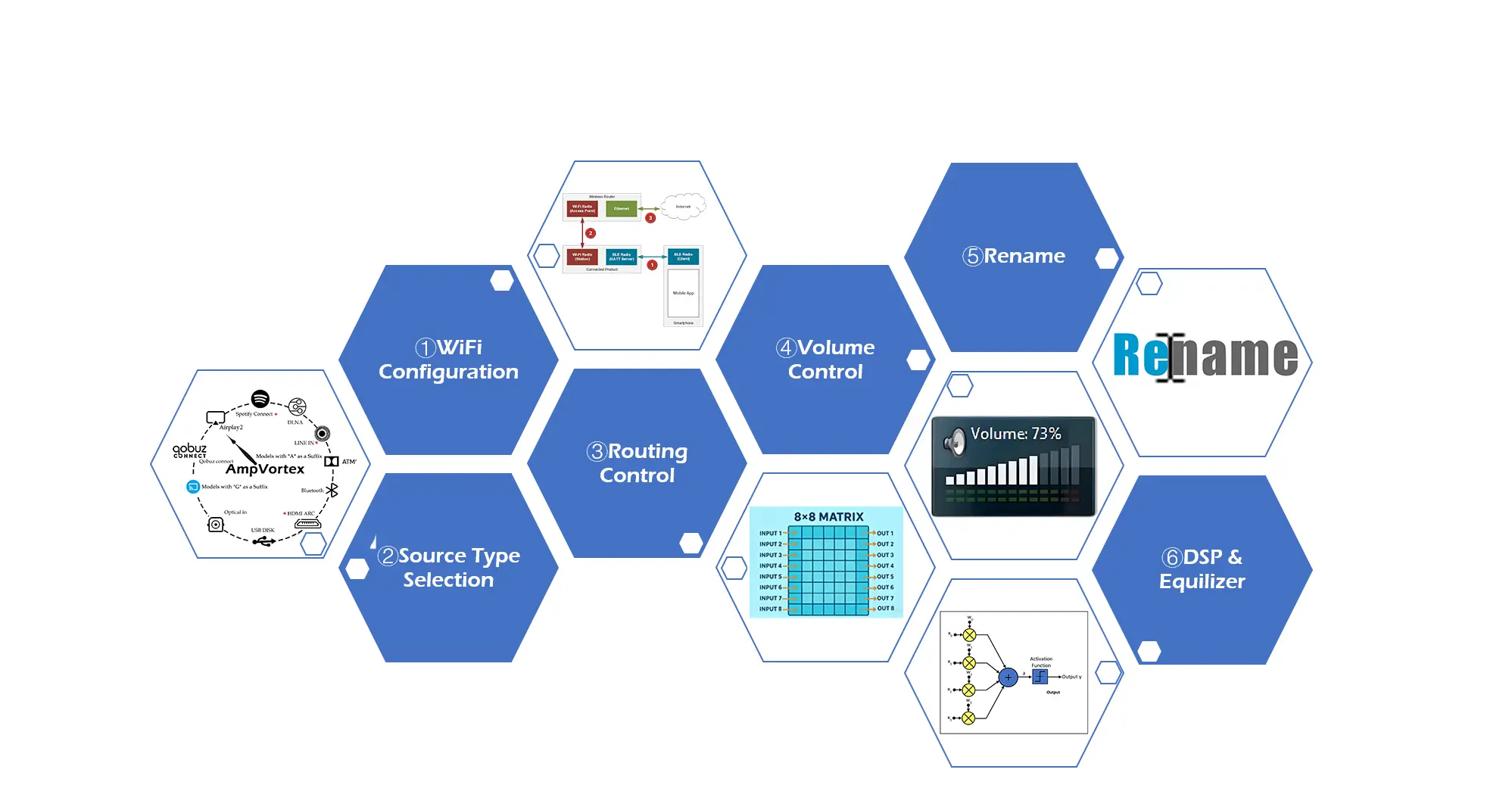
WiFi Configuration
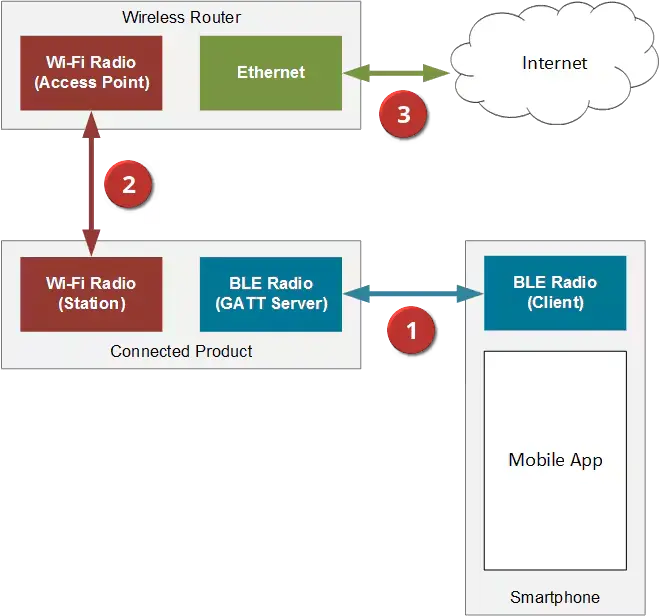
Effortlessly connect your amplifier to the home network using the AmpVortex App, supporting fast Wi-Fi setup, device discovery, and guided onboarding for both iOS and Android.
- Fast network setup
- Auto device discovery
- iOS & Android support
- Guided onboarding
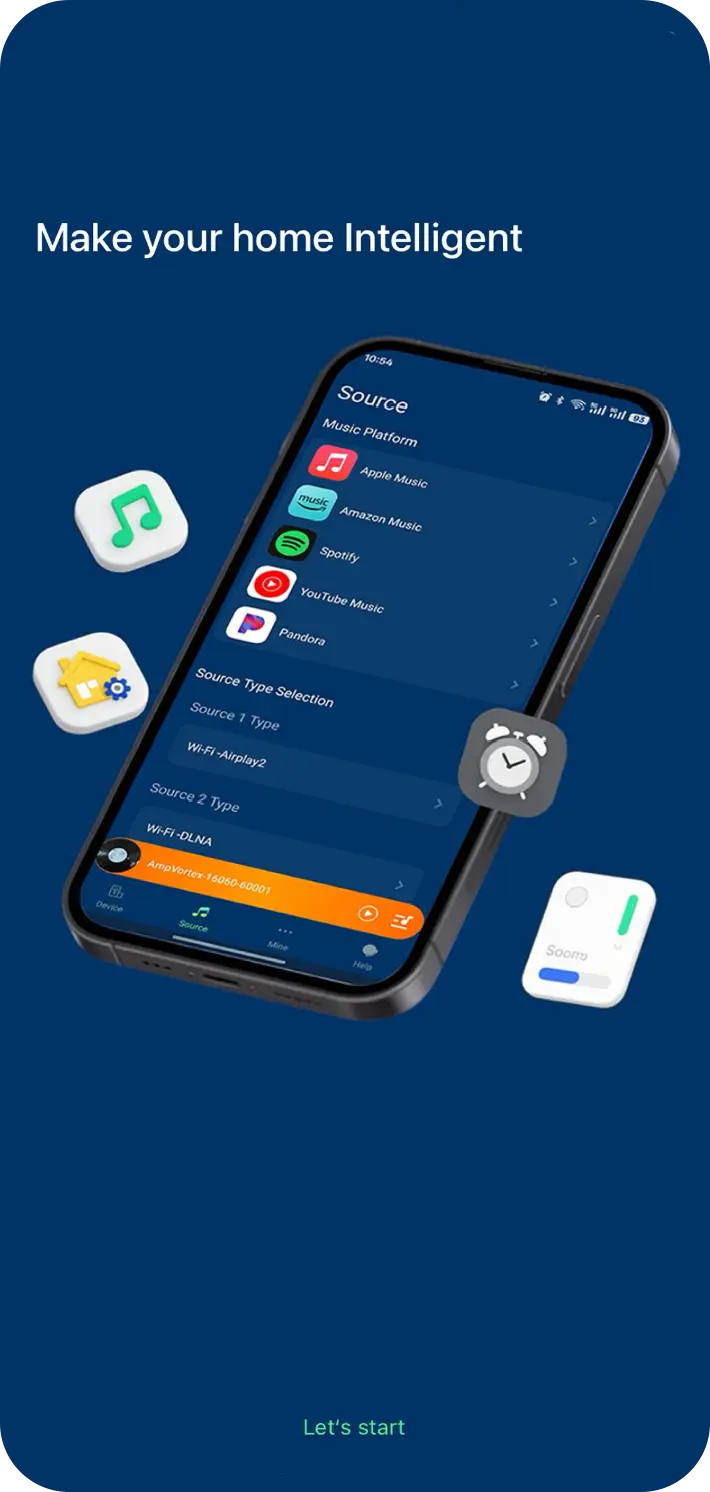
Source Type Selection
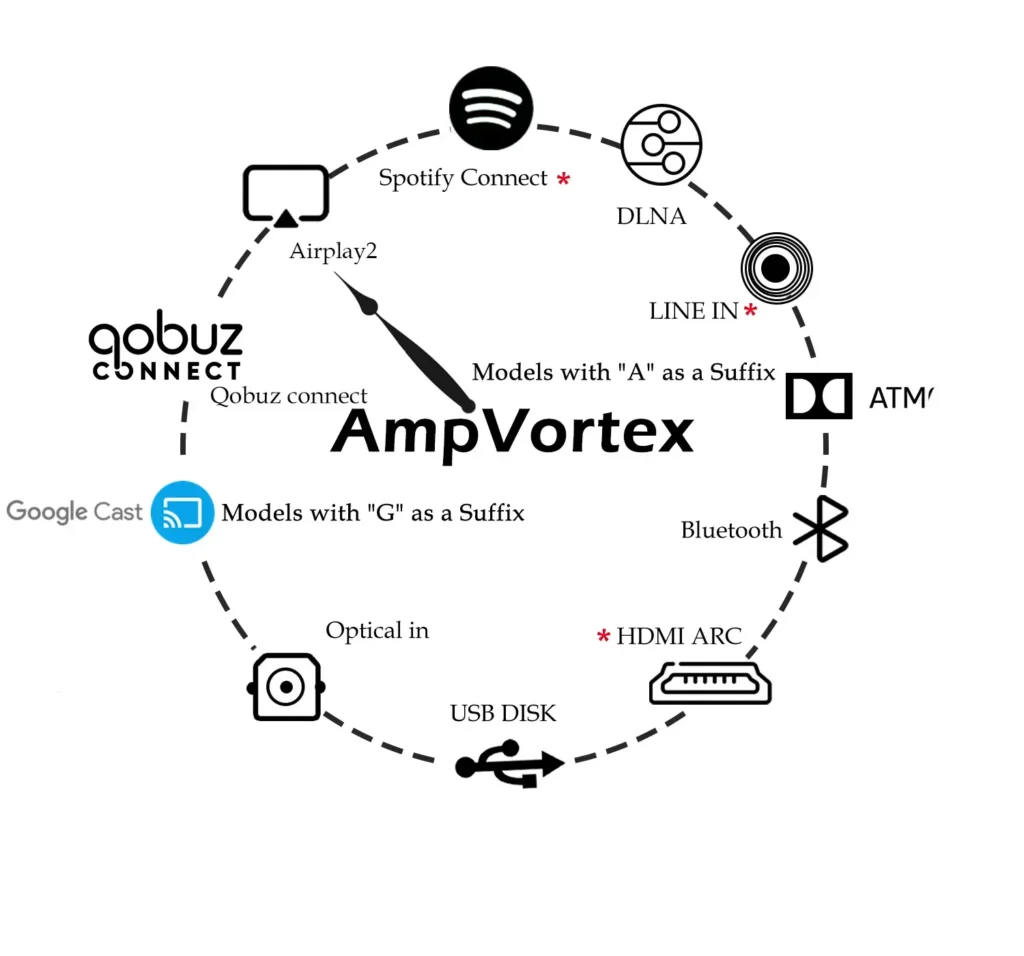
Choose from multiple input sources—including AirPlay 2, Spotify Connect, Qobuz Connect, DLNA, Bluetooth, RCA, Optical, HDMI ARC, and USB Disk—allowing full flexibility in how you stream or play music.
- Multiple input options
- Streaming & local sources
- One-tap switching
- Universal compatibility
Routing Control
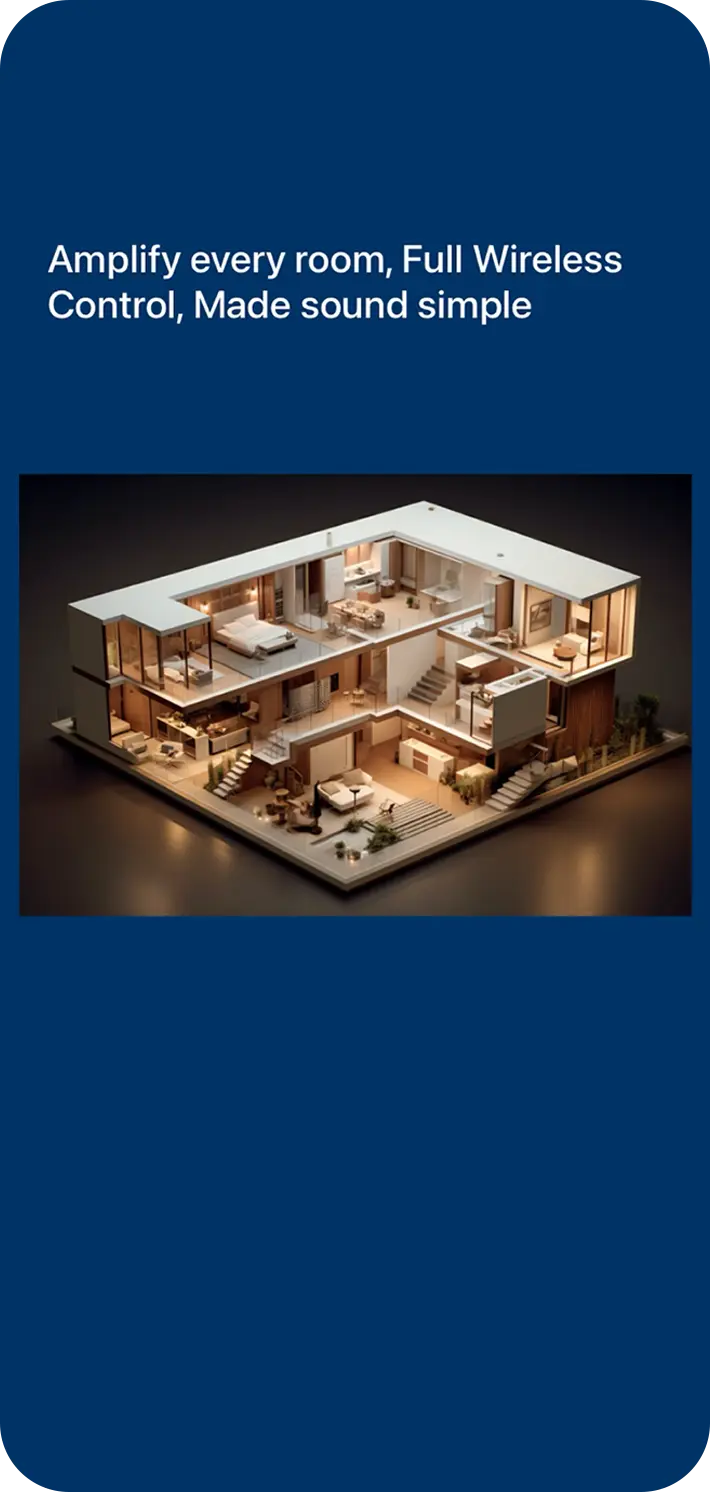
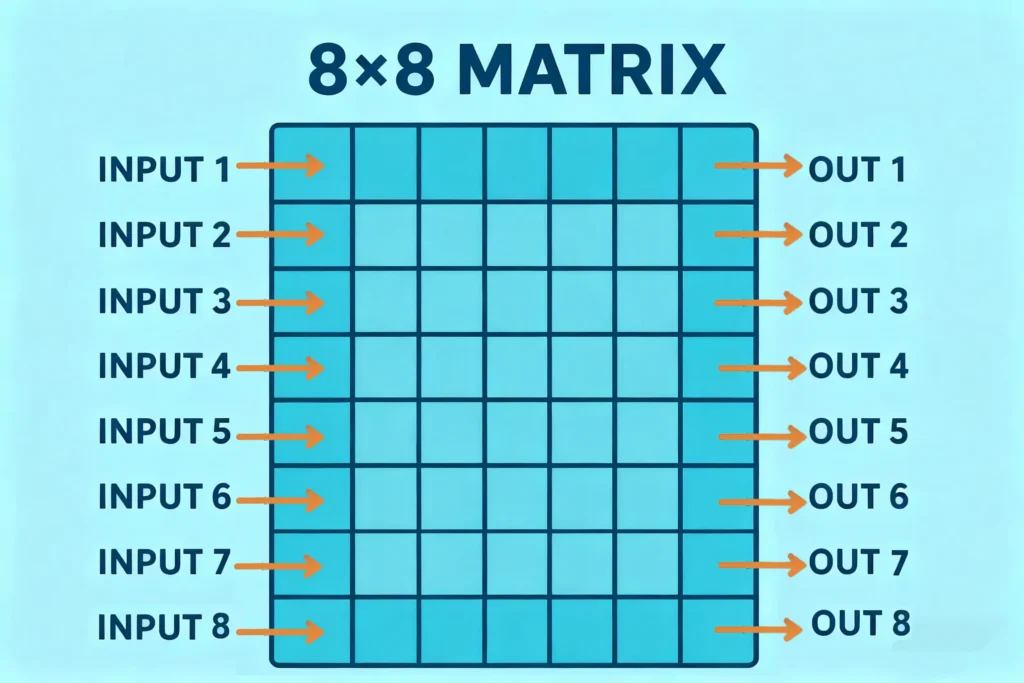
Freely route any input source to any zone. Play different content in different rooms or synchronize the entire home with just one tap. Up to 8 sources can be mapped to 8 zones independently.
- Multi-zone routing
- Independent playback
- 8×8 flexible mapping
- Universal compatibility
Volume Control
Individually adjust the volume of each zone with precision. Quickly set all zones to a default level or customize them room by room to create the perfect listening balance.
- Per-zone adjustment
- Quick global control
- Smooth level tuning
- Room-by-room balance
Device & Zone Rename
Easily rename rooms, zones, and input sources for a personalized and intuitive control experience. Custom names appear across AirPlay, Spotify, Qobuz, DLNA, and Bluetooth receivers for simple identification.
- Custom zone names
- Custom source names
- Easy identification
- Unified naming across apps
DSP & Equalizer
Fine-tune audio with a built-in 10-band graphic equalizer, preset EQ modes, and custom DSP adjustments. Optimize each room’s acoustics for the perfect sound.
- 10-band EQ
- Preset sound modes
- Custom DSP tuning
- Room-optimized audio