How to Connect Your Child’s iOS Device for Monitoring
A step-by-step guide to setting up the Bark Desktop App so Bark can analyze texts, photos, and videos.


Note: If you aren't a Bark user yet, you can learn more about our iOS parental controls here!
What You’ll Need
Your kid’s iOS device

How It Works
Because of Apple’s restrictions, Bark can’t monitor texts, photos, and videos directly. Instead, we use an app that lets us do it.
1. Download the Bark Desktop App
To get started, download the Bark Desktop App onto your home computer.
This app lets Bark look for potential issues on your kid’s phone. It scans everything saved to the device (like texts and photos) at that moment so that Bark can analyze them for potential issues.
After this first-time set-up, Bark will scan your child’s device automatically over Wi-Fi whenever they’re home and connected to the network.

2. Install It
For windows:
- Double-click the downloaded file to begin the installation.
- Follow the on-screen instructions.
- If your computer is running in S mode, it will need to be disabled before downloading the Bark Desktop App.

For Mac:
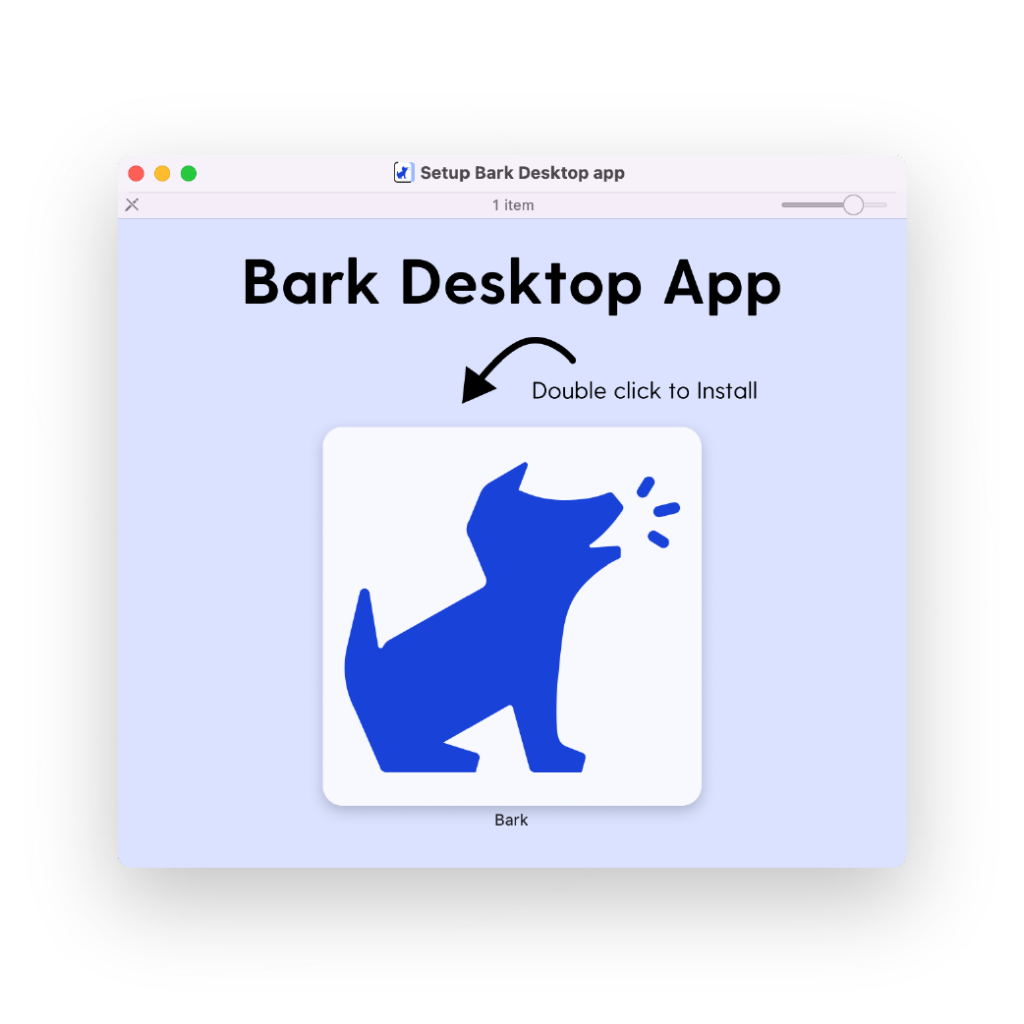
- Double-click the downloaded Bark Desktop App file.
- Double-click the Bark logo.
- Follow the on-screen instructions.
3. Connect Your Child’s Device
Once you’ve installed the Bark Desktop App, you’ll now need to connect your child’s iOS devices.
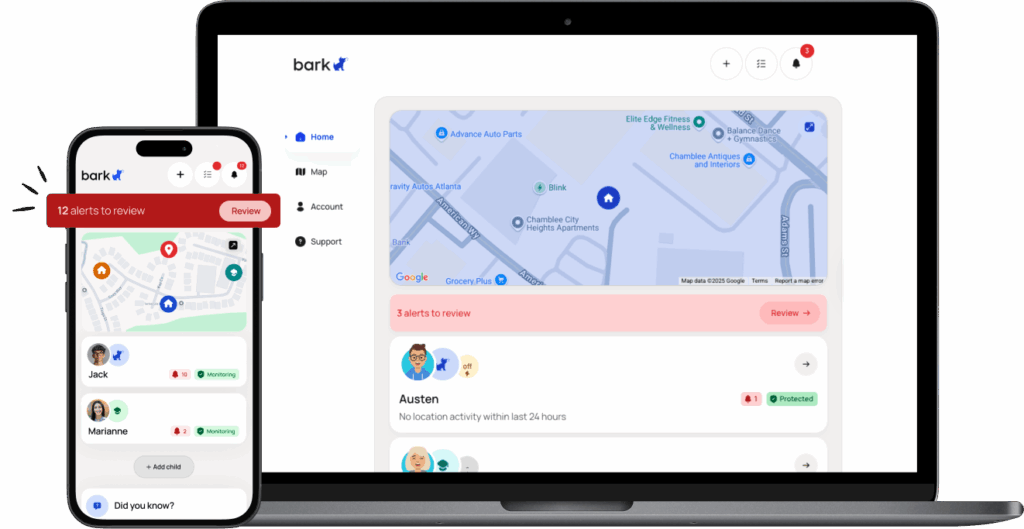
Plug in their phone or tablet to your computer and then open the Bark Parent app on your phone or a web browser.
-
- Tap plus sign on the top right
- Tap child you want to add protection for
- Tap Set up Monitoring
- Select Apple/iOS
- Follow the on-screen instructions
- That’s it!
Don’t Have a Home Computer? We’ve Got You Covered!
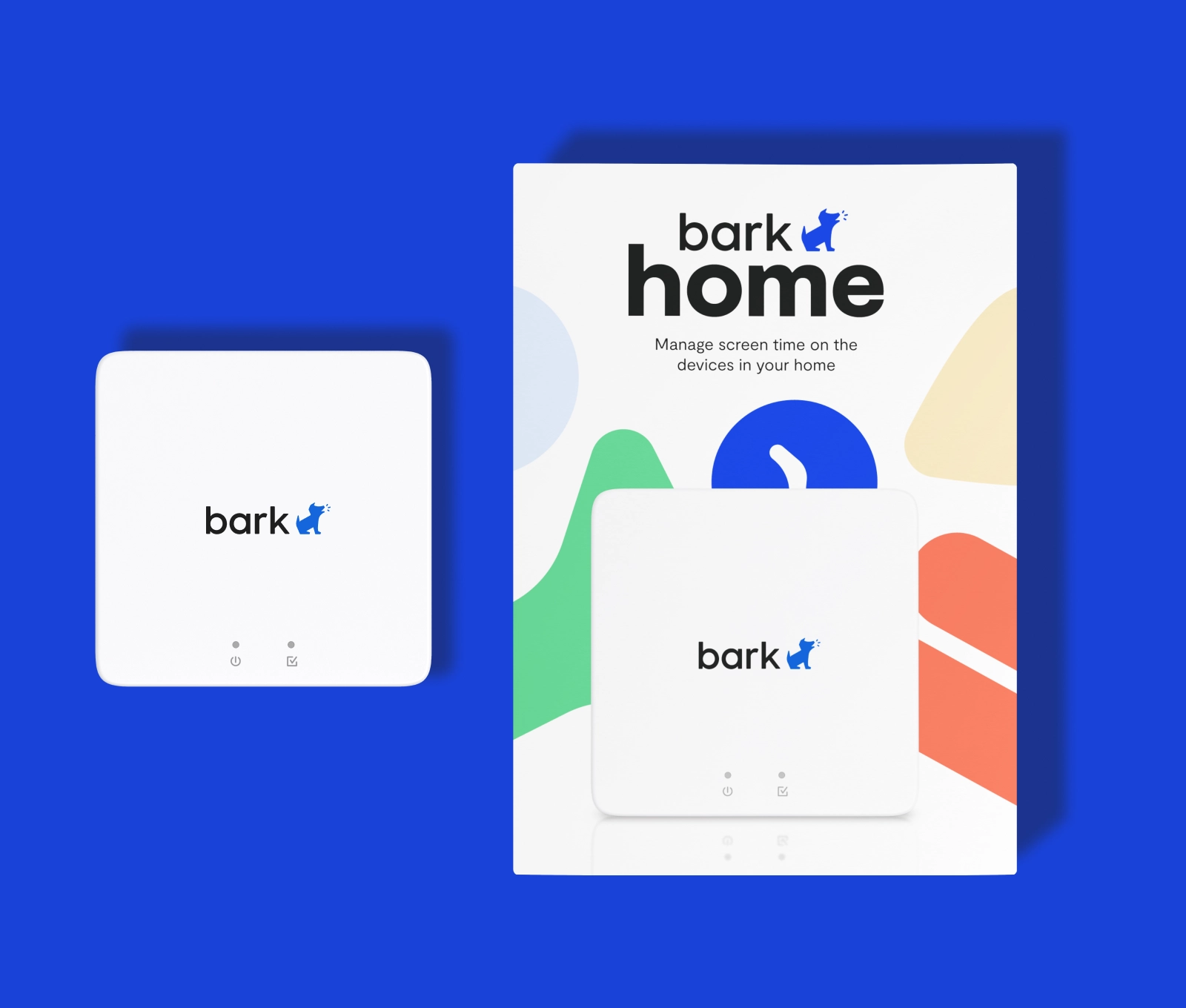
You can order the Bark Home, which will let you monitor your child’s iOS device. Plus, it gives you powerful screen time and website blocking tools for devices like TVs, gaming consoles, and more.
Why Is Monitoring iOS Devices Different?
- Apple doesn’t let outside apps access the data on your child’s device.
- Fortunately, Bark can monitor it when you connect it to the Bark Desktop App or Bark Home.
- You’ll need to plug your kid’s device into your home computer or Bark Home to set it up.
- Once it’s connected, Bark will scan your child’s device automatically over Wi-Fi.