Free Poll Maker
Creating polls is now easier than ever. With Canva’s free online poll maker, you can create interactive, shareable polls that gather instant feedback, show real-time results, and encourage people to join the conversation.
Make designs interactive with polls
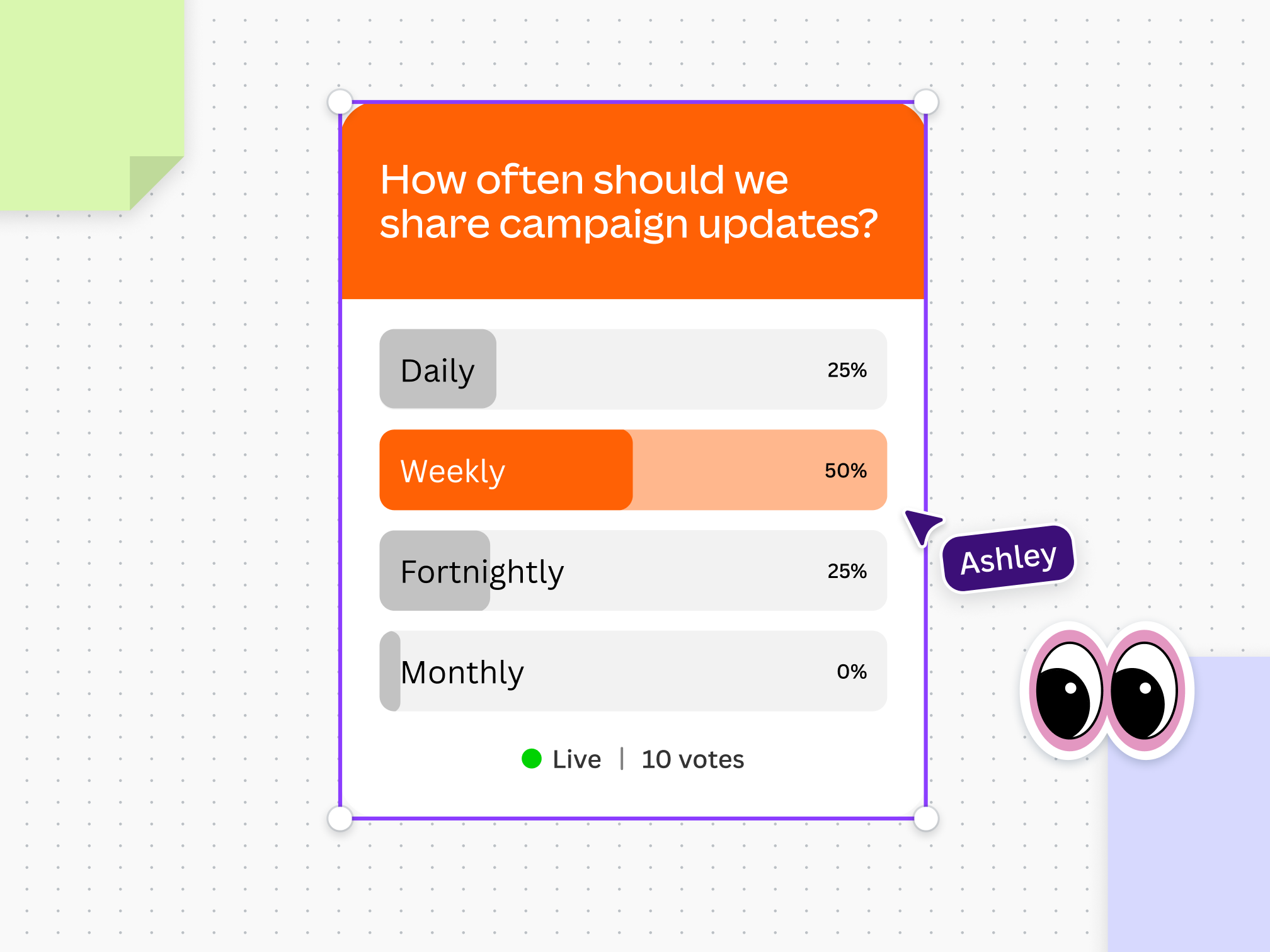
Level up your design with Canva's online poll maker. Make an online poll to get your team’s thoughts on a new project or use it to plan a group activity. Run a live poll to learn what the audience thinks or to engage students in the classroom. With polls, you’ll make your Canva designs twice as engaging.
Make a poll in seconds

Curated templates
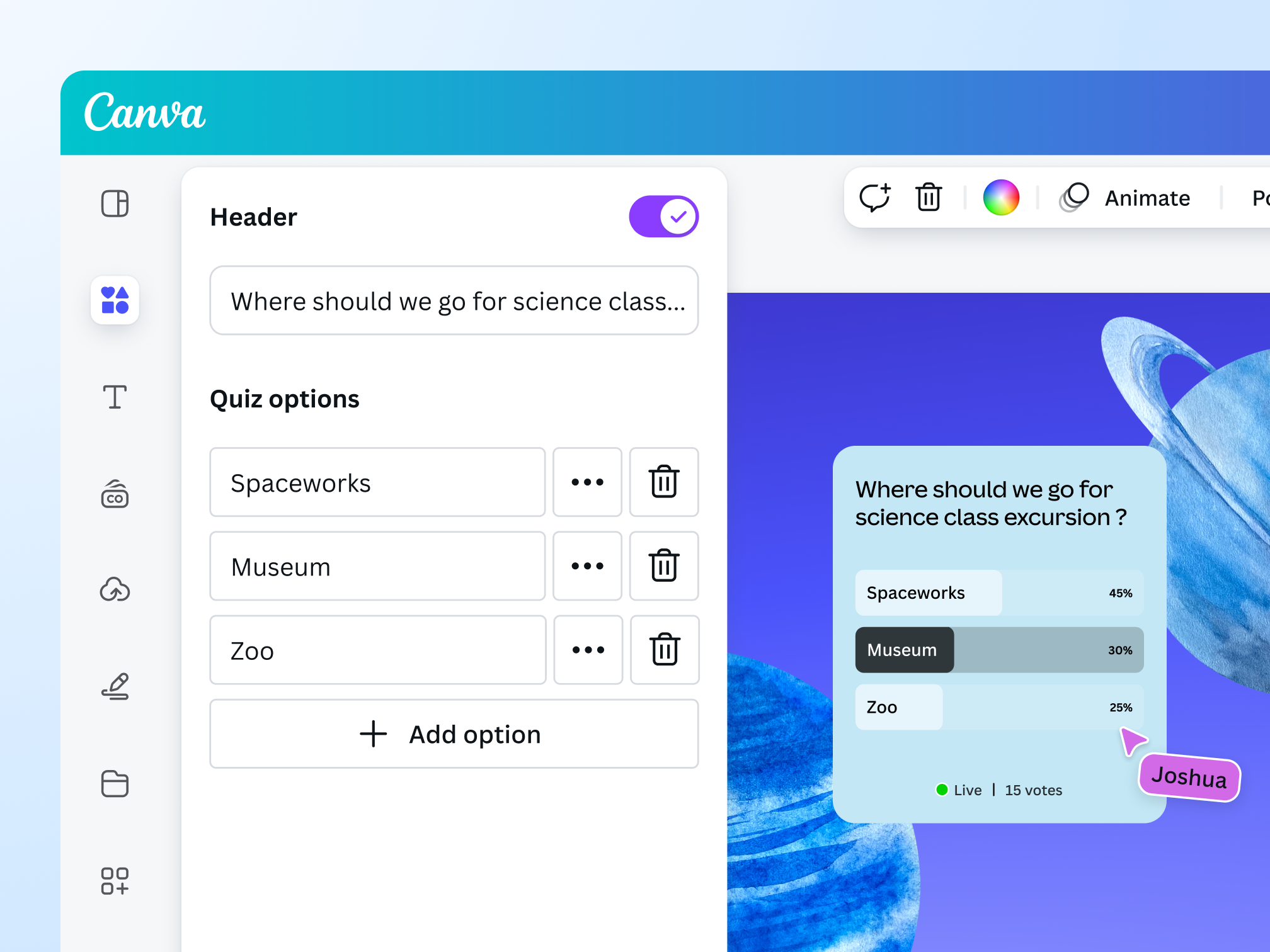
Add a poll to your design in a few clicks. Simply choose a template, drag and drop it onto your project, and customize it. No coding or design skills needed.

Multiple poll options
You can add up to 10 options to your poll. Whether you’re presenting to a small audience or a big group, our poll maker is your free online voting tool.

No integrations required
No need to download additional software. Just select a poll template and add it to your design.
Design, collaborate, and share polls
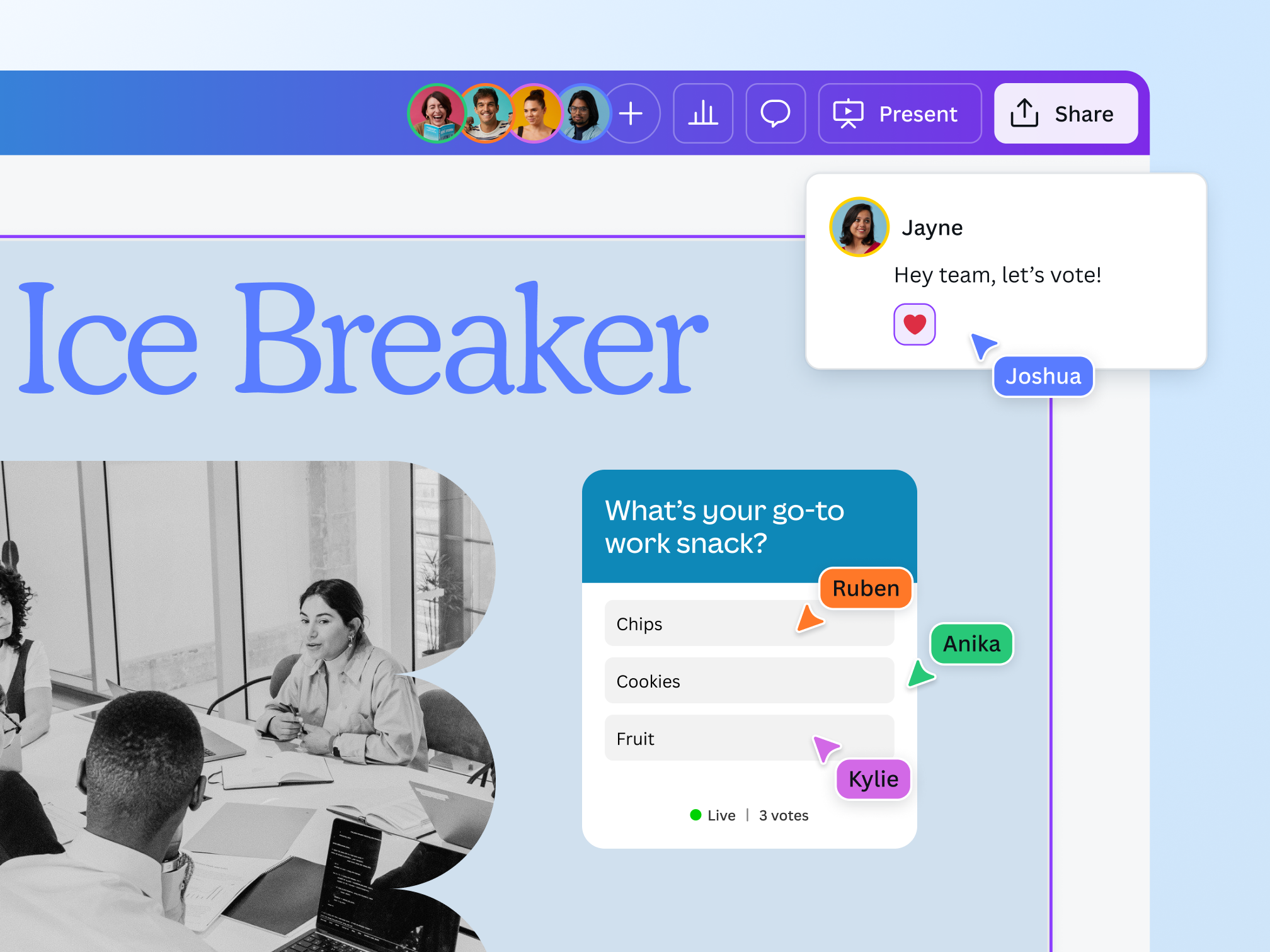
Invite your teammates to review and edit the poll question and choices on your Canva design. Collaborate on the polls together, anytime, and on any device.
Once you’re done, share your design with your participants, so they can easily put their responses.
Track data effortlessly

Instant poll results
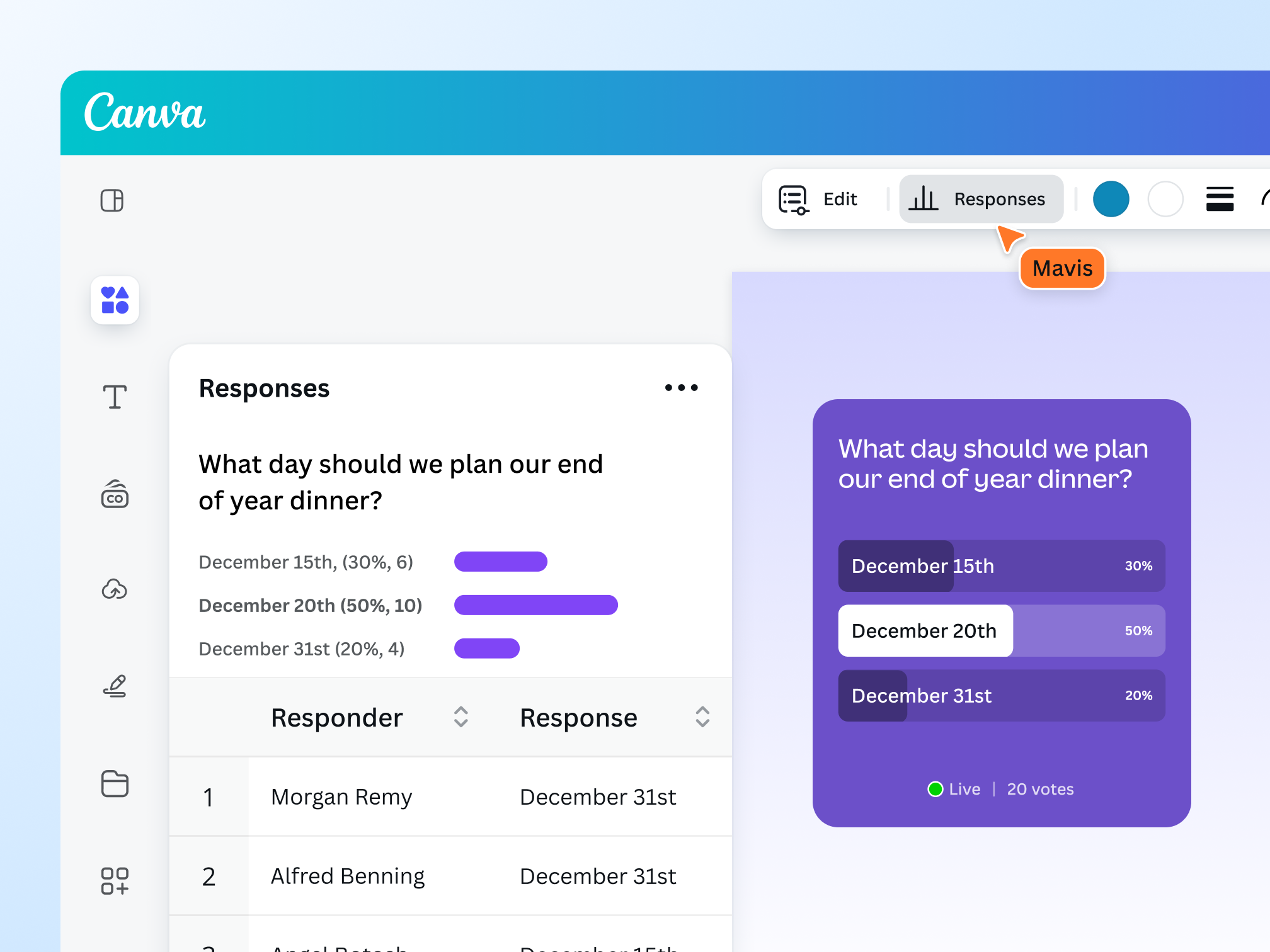
Our poll maker shows the results in real time. The participants’ responses are recorded and tallied the moment they input their choice. Access more poll insights in the Responses tab.

Export results as CSV
Want to download your poll data? No problem. Easily export the results as a CSV file with all the info you need, from individual responses to the most popular option.

Access more insights on Pro
If you’re on Pro or Teams, you can quickly analyze insights through Design Insights. You’ll see data for all polls across the whole design, including the total number of respondents and even response timestamps.
The poll maker for every creator

For Work
Gather important insights and feedback on projects, products, and services.
For Education
Encourage learners to speak their mind and join discussions through polls.
For Fun
Keep the audience entertained with fun, poll-based games and icebreakers.
All the features you need
Canva’s free drag-and-drop design tools make it easy to create any design, fast!

Free poll templates
Choose from a variety of poll designs that match your question and choices.

Instant poll results
Our poll maker lets you see the results of your poll in real time.

Poll insights (Pro)
Access response data and poll participants in just a few clicks.

Export poll results
Quickly download all of your poll data as a CSV file.

Easy poll sharing
Share your poll with anyone, on any device.

No integration needed
Easily add polls or quizzes to your project without additional software or integrations.

Polls on mobile
Effortlessly create polls on templates made for mobile.

Quiz maker
Add quizzes to make your design even more interactive.

Built-in comments
Collaborate and communicate within designs.
Real-time collaboration
Create, collaborate, comment on designs, and get everyone on the same page, at the same time, from anywhere.

Brand Kit (Pro)
Store your logo, brand colors, and fonts to stay effortlessly on-brand.

Access anywhere and autosave
Jump from device to desktop—design how you work best! Canva autosaves your progress along the way.
How to create a poll
- Start a projectCreate a project on Canva or open an existing design.
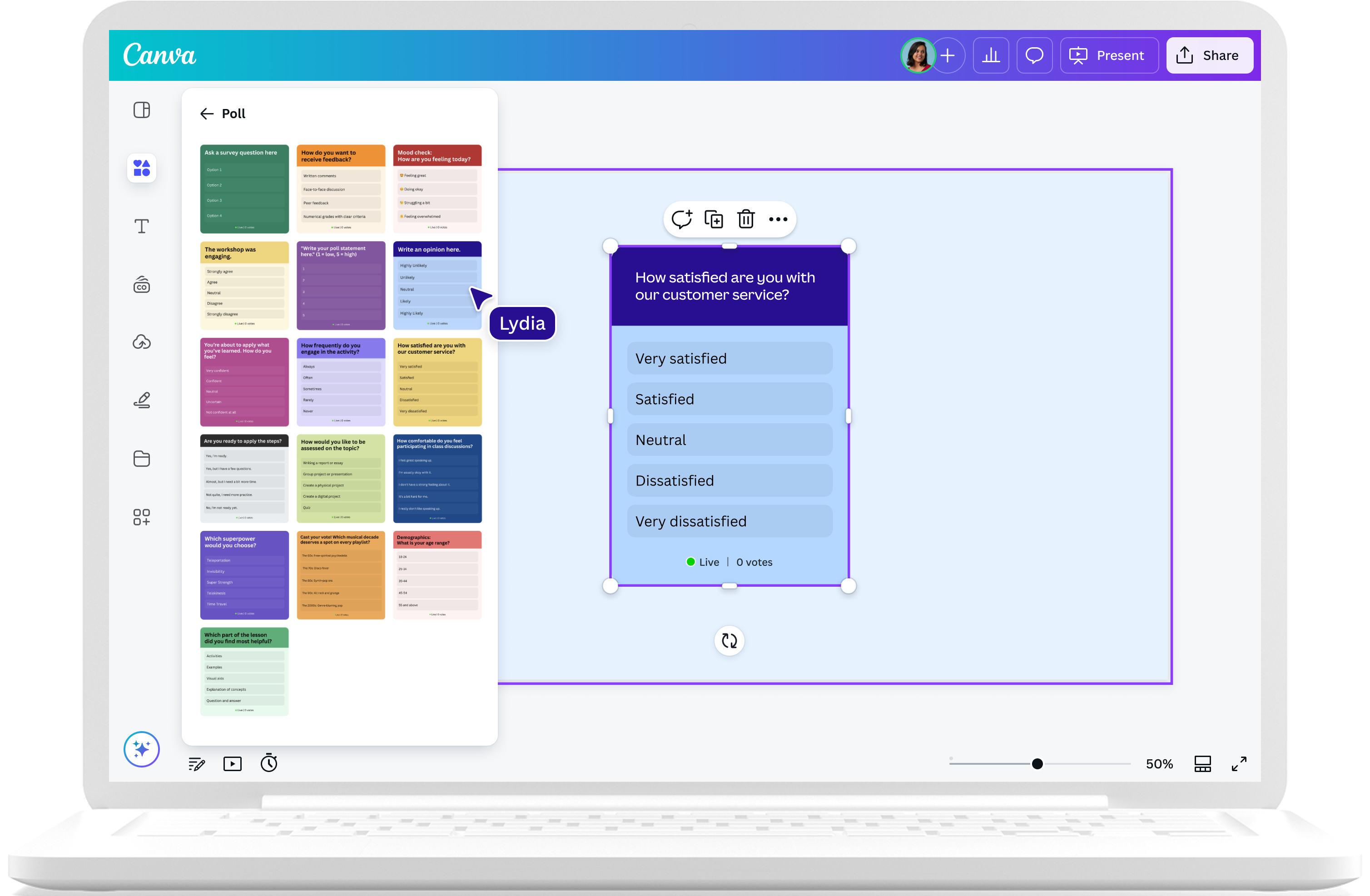
- Go to Polls and QuizzesClick "Elements" on the object panel on the left. Then, look for "Polls and Quizzes," where you’ll find poll templates.
- Choose a poll templateChoose a poll from the templates, then drag it onto your design.
- Edit the pollTo customize the poll, click "Edit" on the toolbar on top. Then, type in your question, add options, and change the text as needed.
- Download and shareOnce you’re happy with your edits, save your design. Share it with your team or audience, so they can participate in your poll.
Your questions, answered
Our free online poll creator adds an interactive element to your design. Polls help you gather instant feedback from an audience or group. They allow you to better understand the thoughts and opinions of your participants.
The great thing about polls is that they’re versatile. Whether you’re collecting comments on a product or deciding on your next team activity, our poll creator is perfect for getting multiple responses quickly.
Yes, our poll maker feature is completely free to use. Add polls to make your designs more interactive and dynamic. Simply go to the Elements tab and choose from the free poll templates under Polls and Quizzes. You can add more than one poll to your design.
Keep your question straightforward and concise, and stick to one topic. Use engaging language that your poll participants can easily understand.
To write a question on a Canva poll, click Edit on the toolbar on top and type your question. Take note that Canva polls can only accommodate a single text-based question at the moment.
You can add up to 10 options to your poll. You can also add, delete, and rearrange poll options.
Once you share the design with the participants, they just have to look for the poll and click on their choice. Their answers will automatically be recorded — it’s as simple as that!
At this time, you can add polls to any design except Canva Docs and Websites.
Everyone can see the results on the poll itself. Canva Pro accounts with editing permissions can access more poll insights by clicking the Responses tab on the toolbar. This will show the total poll responses, the number of people who chose each poll option, the responders, and their individual answers.
Yes, you can easily download the poll results and export them as a CSV file. Just click Responses from the toolbar, and look for the Download as CSV button.
Although polls and quizzes look similar, they have different purposes. Polls gather the opinions of a group and show what the majority thinks. On the other hand, quizzes test their knowledge and familiarity with a topic. In addition, a quiz has a “correct” answer, while a poll doesn’t.
The good news is that polls and quizzes are available on Canva, so you can add either (or both) to your designs for free.
Yes! Try out amazing Canva tools and apps with Learn and Play. It’s a fun workbook where you’ll learn how to use features on Canva and get creative with your designs. Just open the workbook, and start learning!
More resources
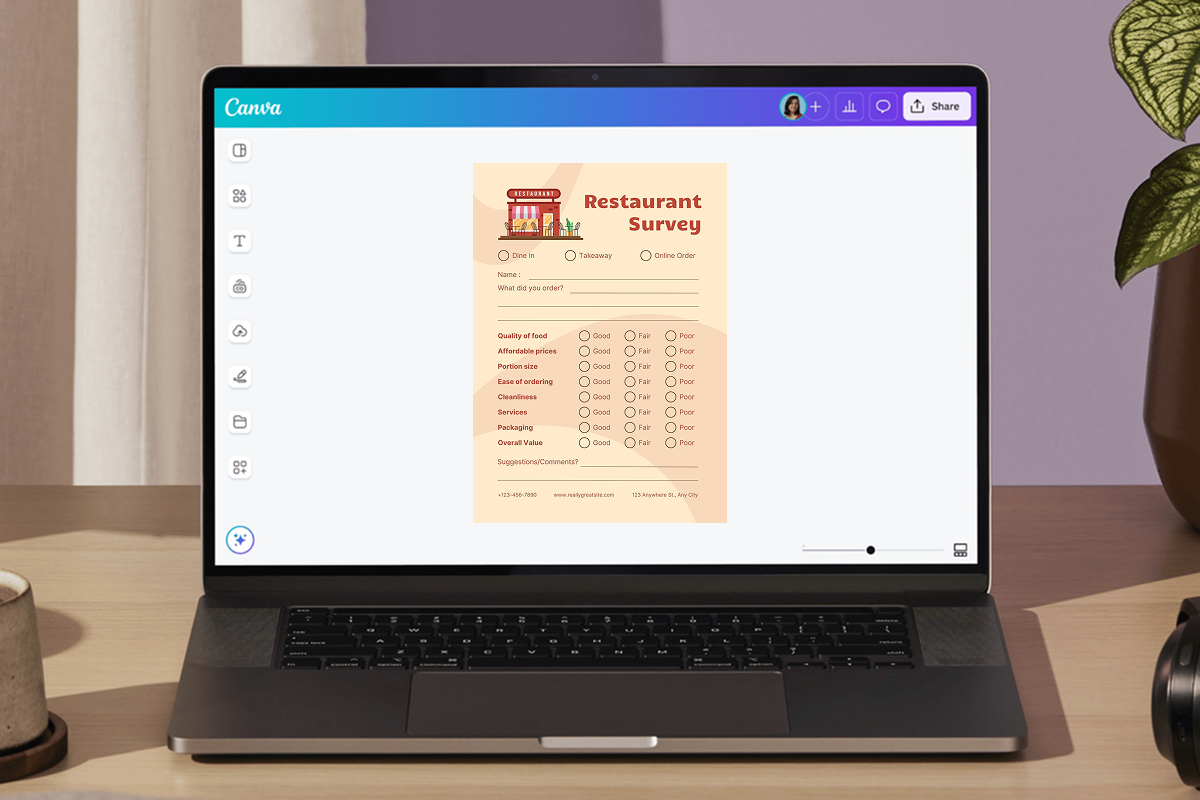
Create printed or digital surveys with our free survey marker.

Communicate the right mood using color, typography, and space.
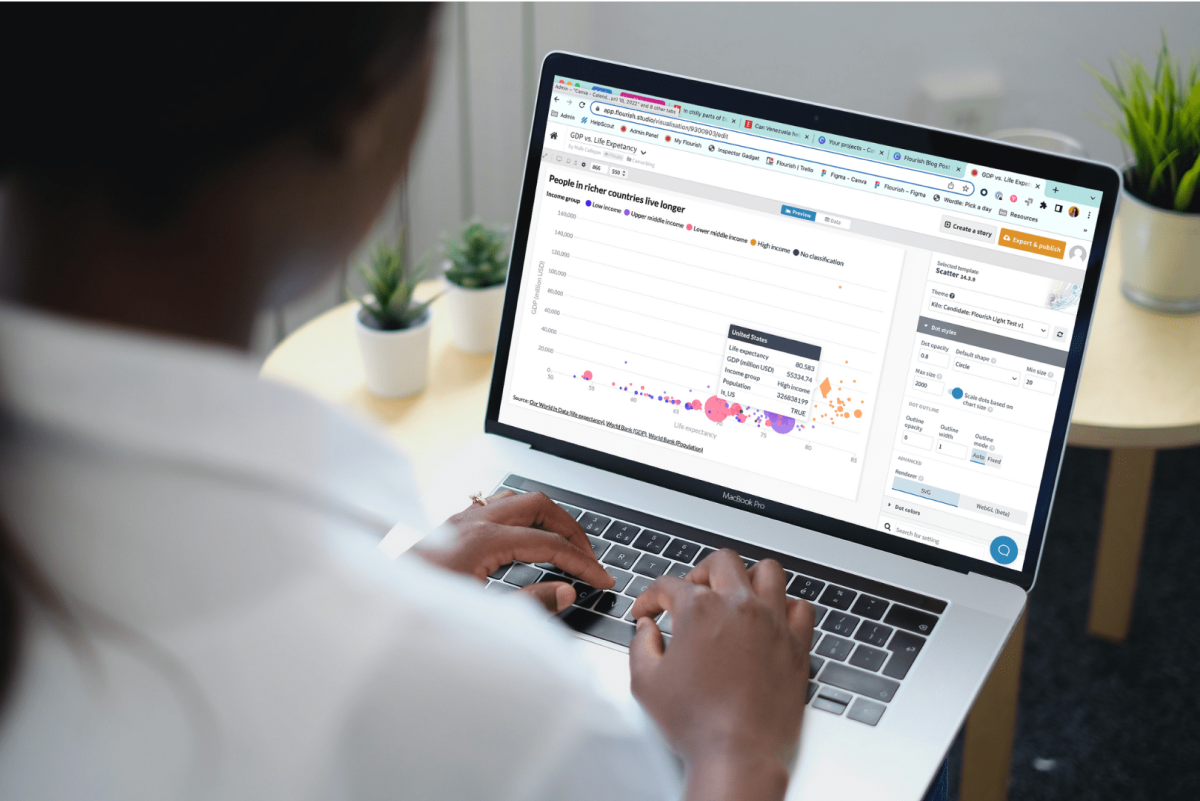
How data visualization can empower students in a data-driven world
Find out how the skill of data visualization prepares children for the future of data.
10 ways to take your lessons to the next level with Canva
Learn how Canva can help you in the classroom as an educator.
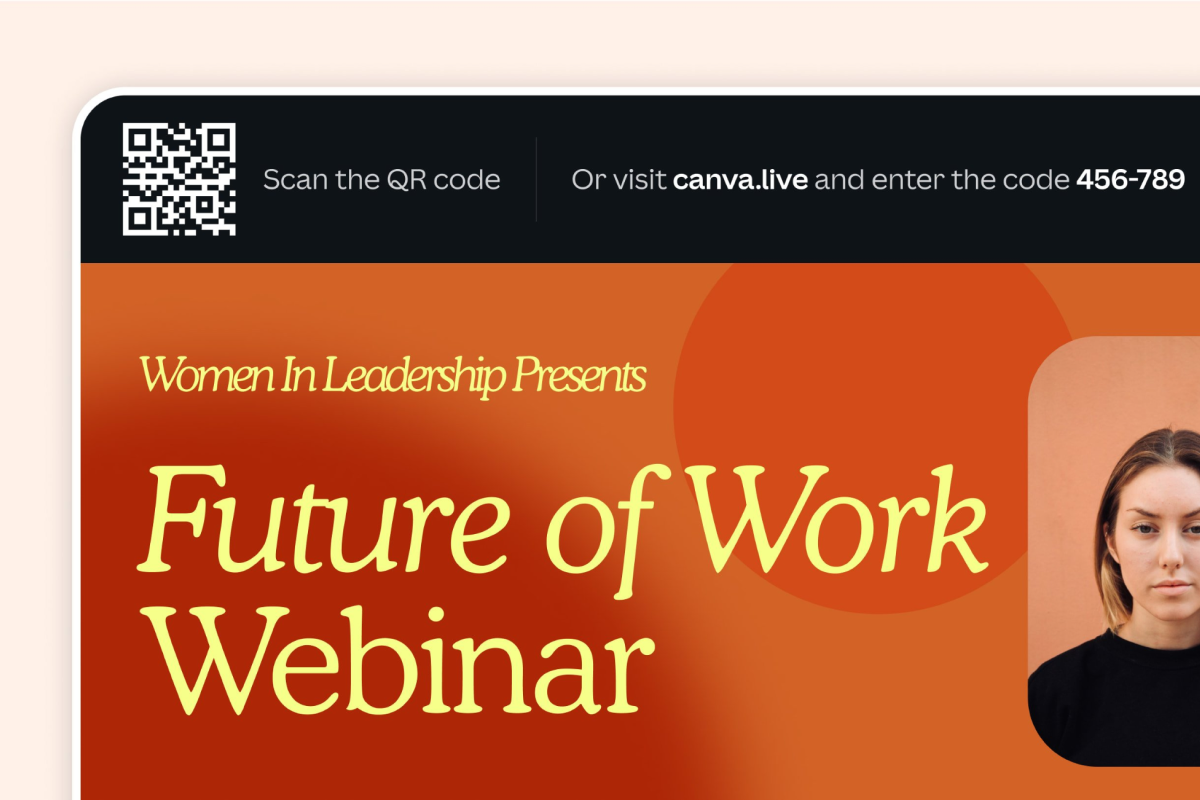
Get even more out of Canva Presentations
Engage your audience with Canva Live.
Discover more products
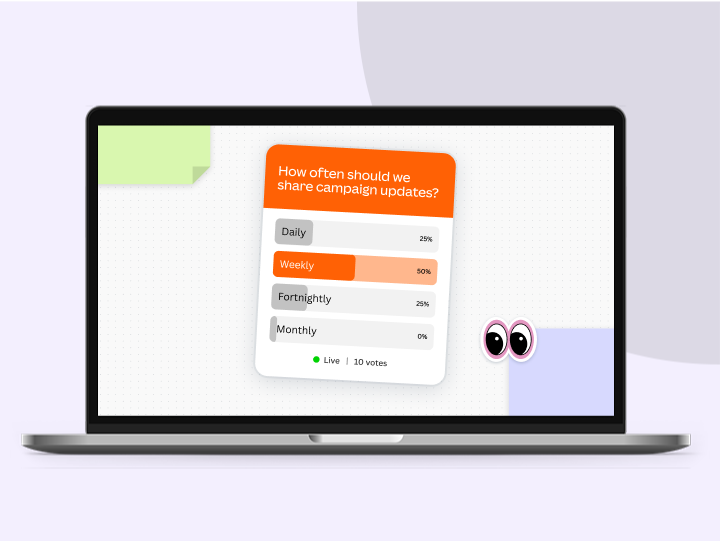
Free Poll Maker
Creating polls is now easier than ever. With Canva’s free online poll maker, you can create interactive, shareable polls that gather instant feedback, show real-time results, and encourage people to join the conversation.
