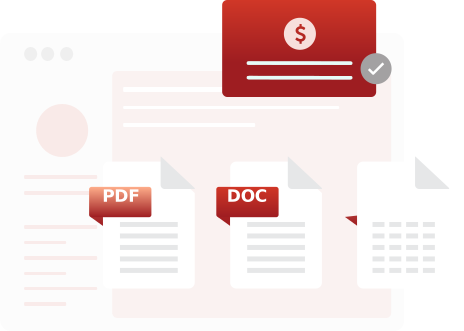
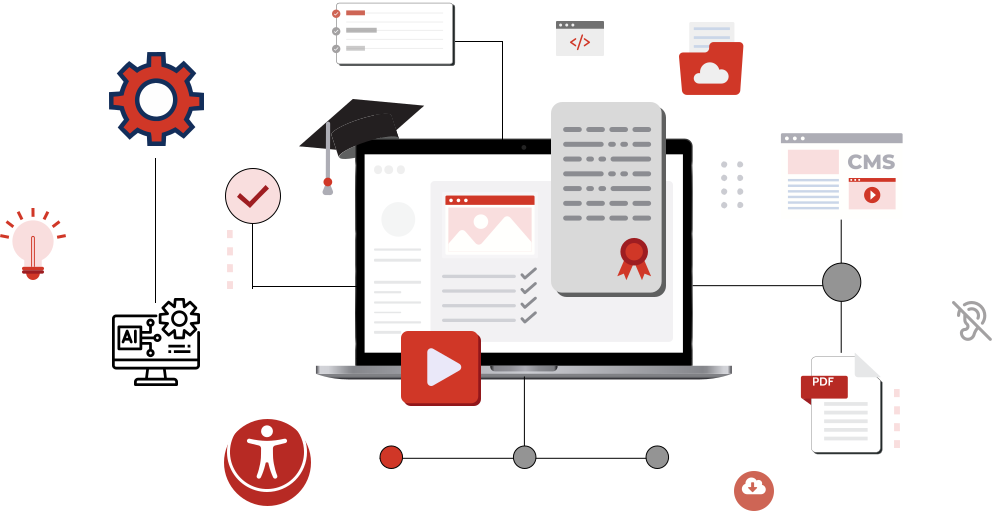
PREP integrates easily with Canvas, audits all your course files and documents, prioritizes the ones that need accessibility fixes, and remediates them for full compliance.
PREP connects with CivicPlus, scans meeting minutes, forms, notices, and other public documents, highlights priority fixes, and remediates them.

PREP integrates smoothly with D2L Brightspace, audits your lecture notes, readings, and course documents, prioritizes accessibility issues, and remediates them.

PREP integrates with internal portals and document repositories, reviews operational documents, reports, and templates, prioritizes what needs attention, and remediates them - returning accessible files directly into the systems your teams already use.

PREP integrates with Wagtail, auditing all embedded documents and downloads, identifying what needs to be fixed, and remediating them - ensuring your published PDFs meet your site’s accessibility standards.

Technical Requirements
Authentication & Access
Implementation Process
Access the PREP platform using your organization’s credentials.
Authenticate and connect PREP with your LMS, CMS, portal, or document repository.
Select documents within your system and send them to PREP through secure APIs.
PREP uses AI-powered remediation to improve structure, tagging, and accessibility.
Review the remediated document in PREP, make quick edits if needed, and approve it.
Send the accessible PDF back to your platform with a single click, ready for users.
From reports and permits to public notices and course materials, PREP helps your PDFs support ADA Title II, Section 508, WCAG, and PDF/UA requirements as they move through your normal systems.
Handle a single document or process hundreds together. PREP lets organizations remediate large batches of meeting minutes, financial reports, lecture materials, and more without multiplying effort.
Files move from existing systems into PREP for remediation, so teams don’t have to juggle multiple tools and can work in a single, centralized workflow using tools they already know.
PREP generates accessibility reports for each file so you can understand its compliance level with established standards. This supports audits, internal reviews, and ongoing accessibility plans.
PREP tags PDFs with a correct reading order, accurate headings, and correctly interprets lists, tables, and other structural elements so the document works reliably with assistive technologies.
PREP supports single sign-on through Okta so users sign in with existing credentials while your organization maintains control over security and compliance.
PREP integrations are designed for any team that manages large volumes of PDFs and need accessibility to fit into existing workflows, not sit outside them.
Central control over integrations, access, and reporting, with a consistent way to remediate documents across systems.
Simple access to remediation inside the LMS or CMS so they can improve documents for learners without learning a new tool.
A practical way to keep forms, notices, permits, and meeting minutes accessible for citizens who rely on assistive technologies.
Support for policies, reports, statements, and internal documents so staff can share compliant PDFs across departments and locations.
"*" indicates required fields