Features
Identify Model Bottlenecks
Pinpoint the exact sources of performance issues within your Fabric, Power BI, and Analysis Service semantic models. DAX Optimizer provides detailed diagnostics, enabling you to make informed decisions for optimization.
Learn More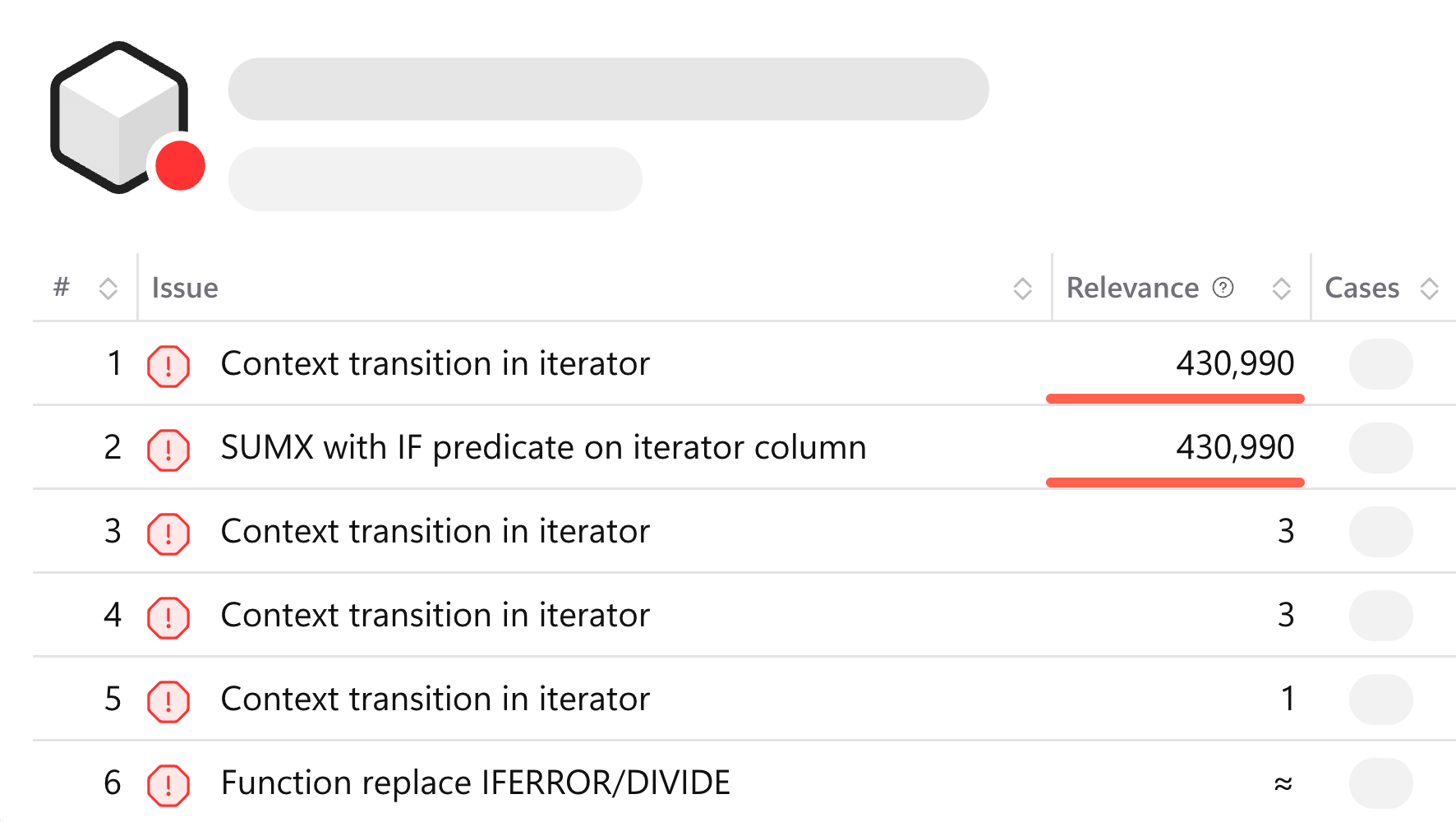
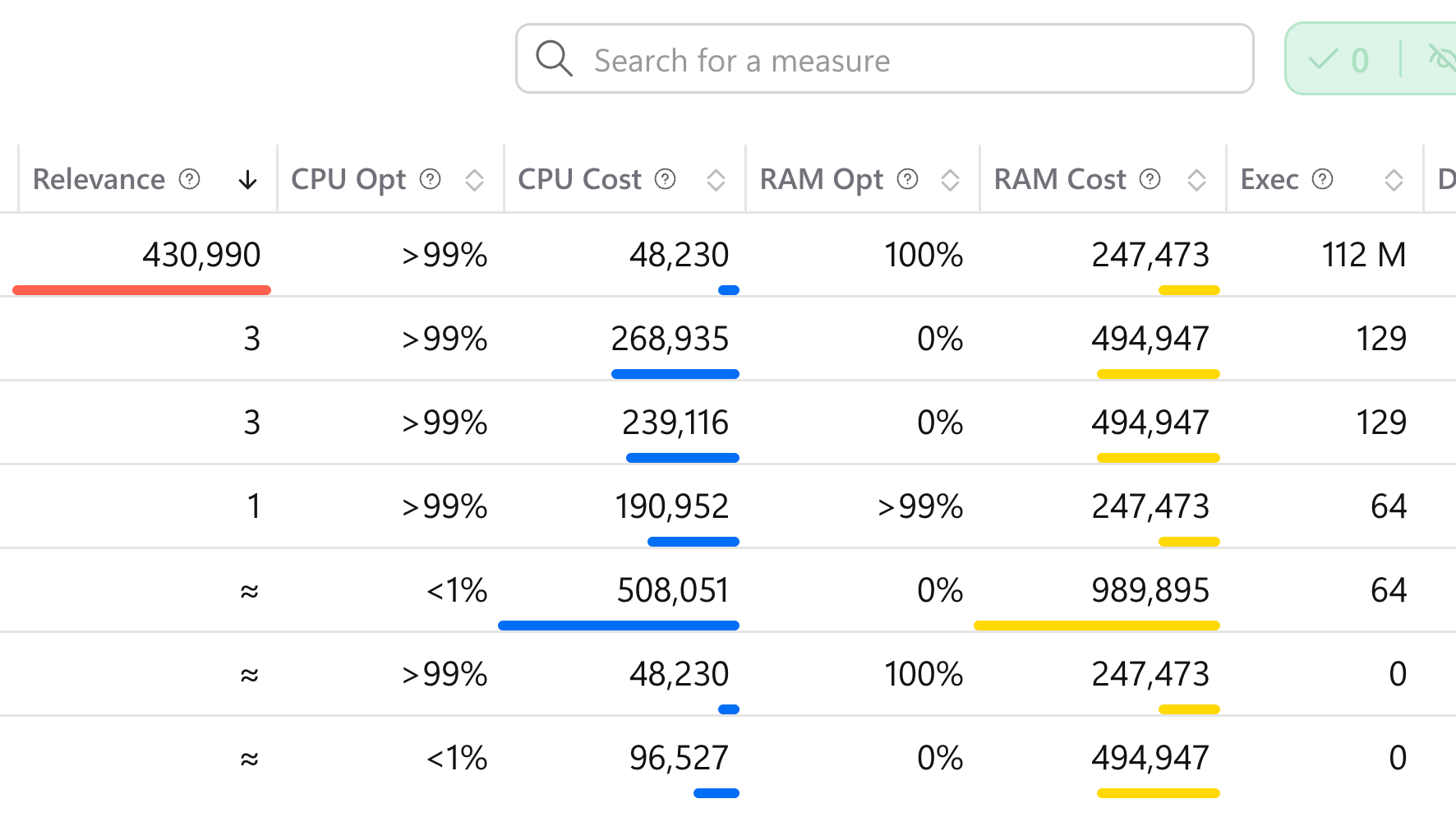
Boost Power BI Efficiency
Leverage DAX Optimizer to enhance your Power BI reports. With our actionable insights, you will experience faster, more responsive, and resource-efficient reporting.
Learn MoreMark as Fixed or Ignore
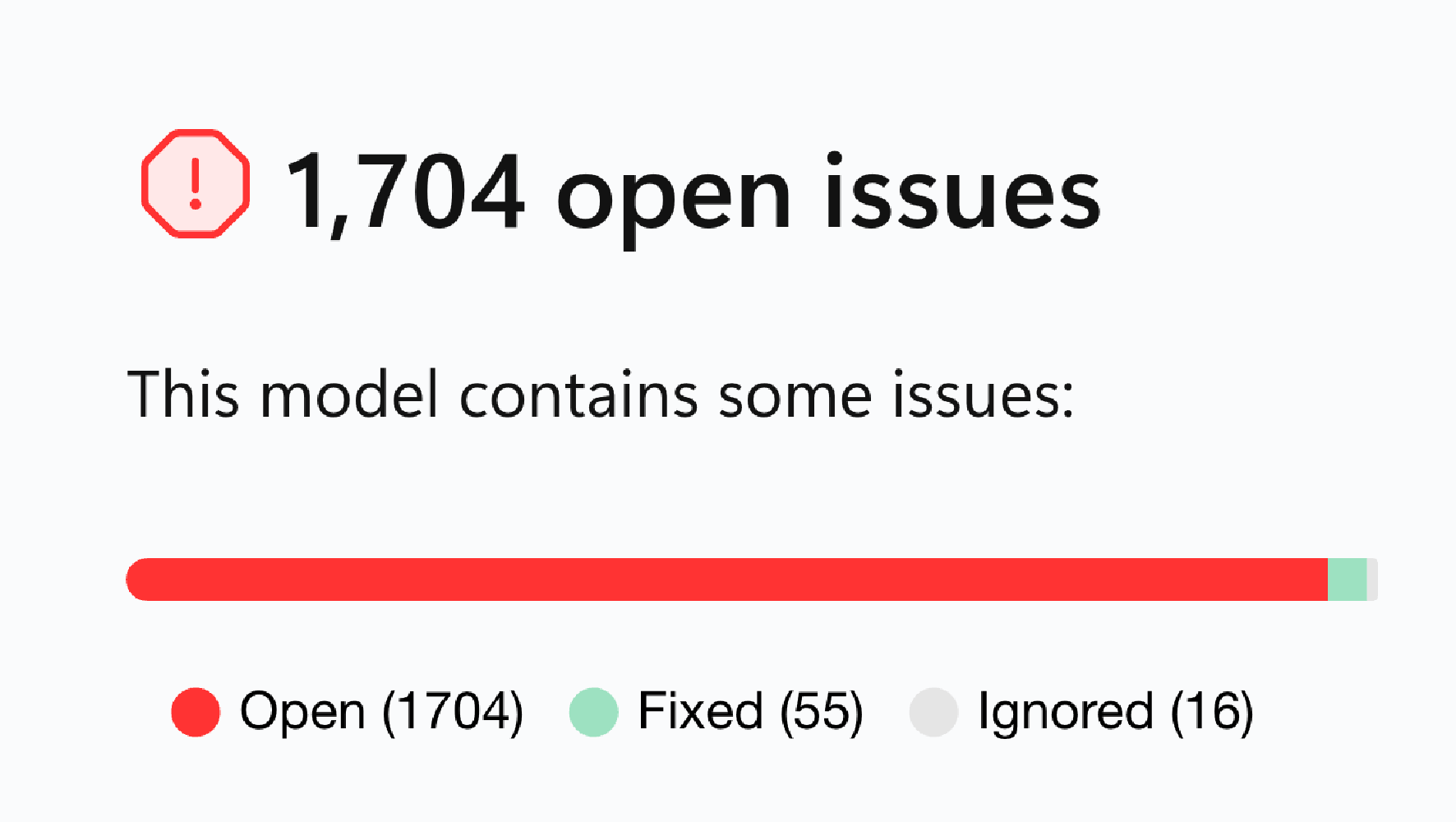
Efficiently track and manage the resolution of identified issues. Confirm fixes or dismiss false positives to keep your optimization process organized and accurate.
Learn MoreKeep Versions History
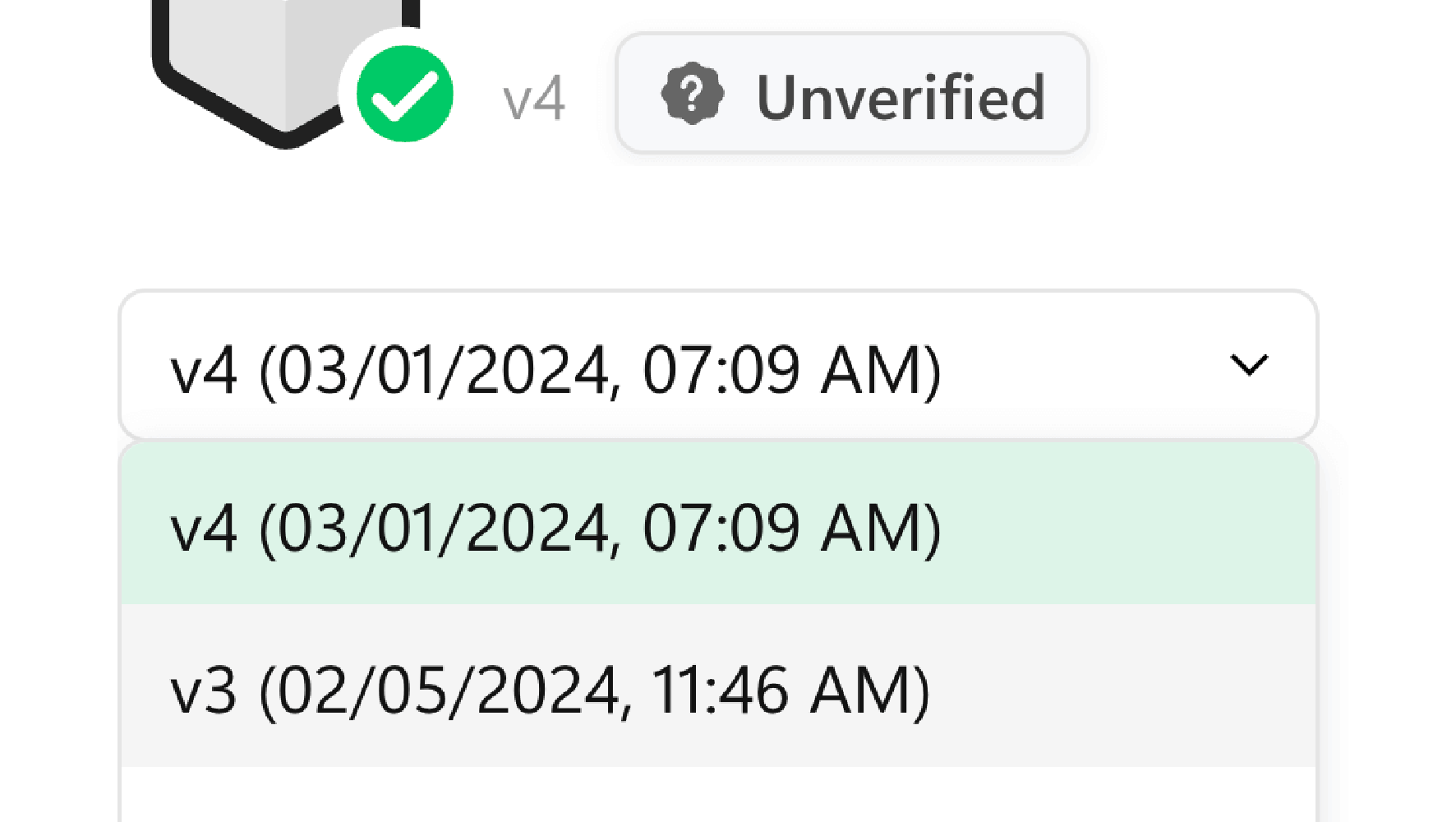
DAX Optimizer keeps track of your models versions, to allow following the progress of enhancement of your team.
Learn MoreSupport Obfuscation
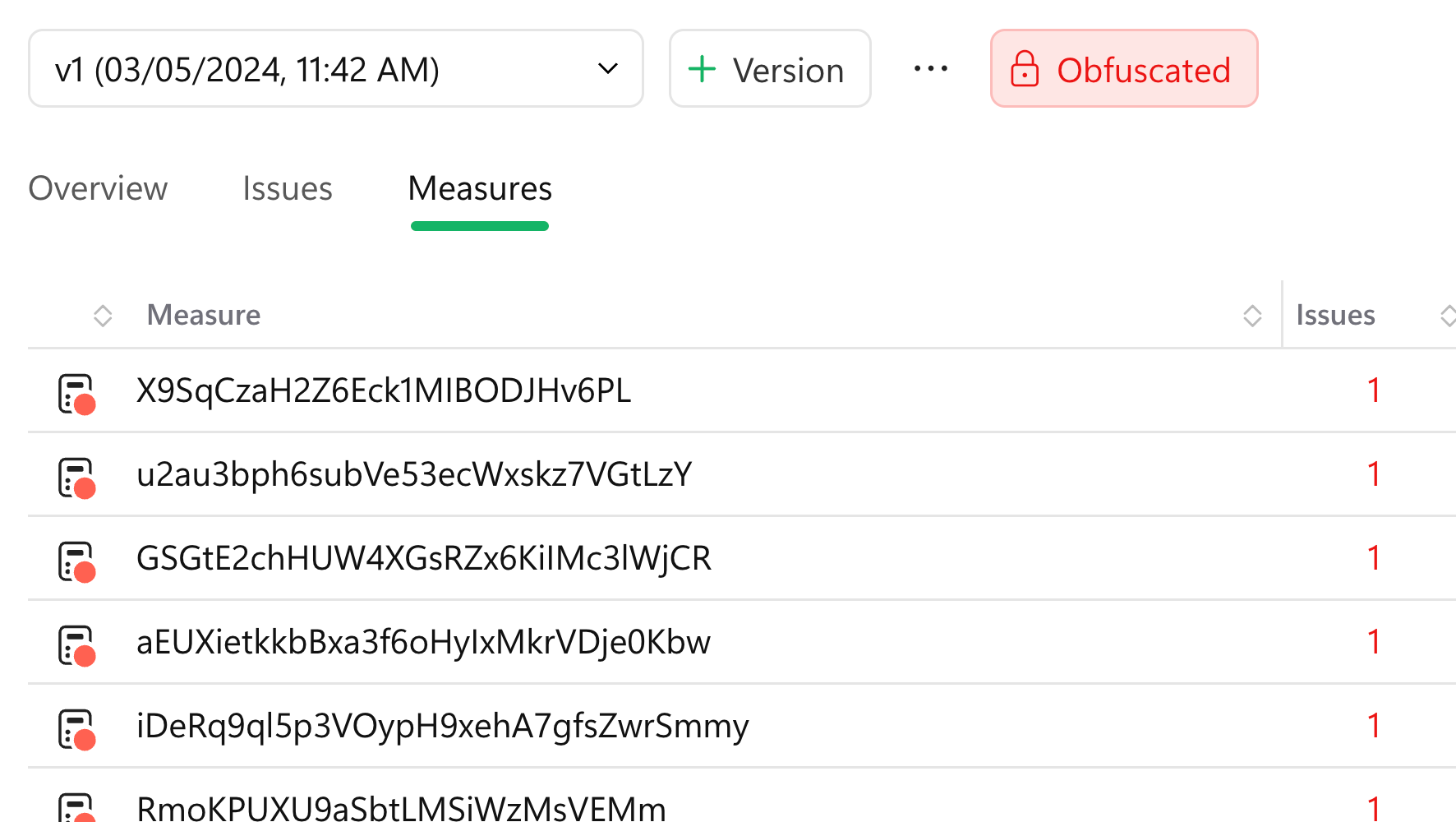
Safeguard your sensitive data. DAX Optimizer supports the analysis of obfuscated models, allowing for privacy-compliant optimization.
Learn MoreChoose Data Region
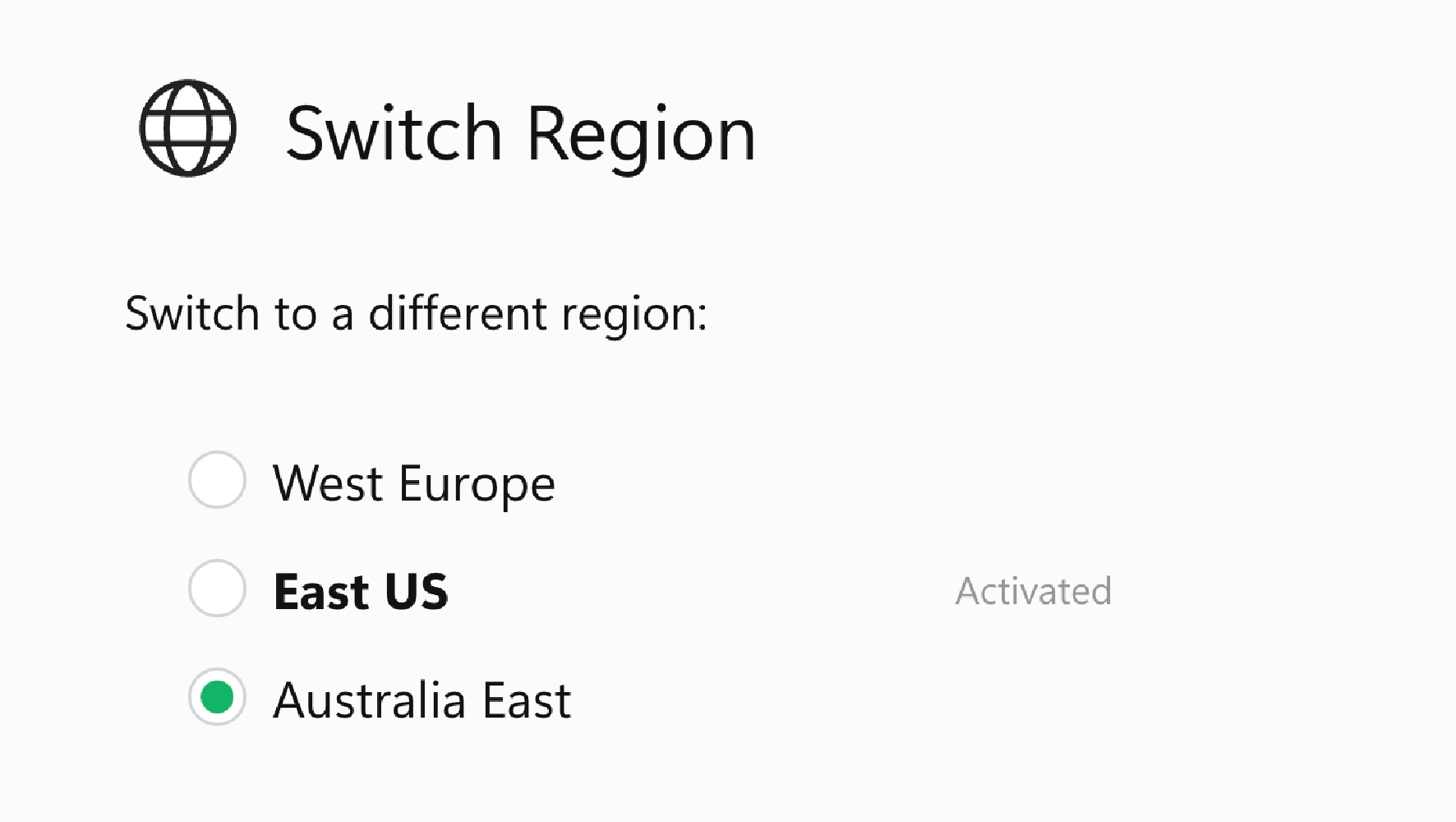
Choose where your data is stored and processed. DAX Optimizer lets you choose data centers that comply with regional regulations and preferences.
Learn MoreOrganization Groups
Collaborate effectively across your organization. Share workspaces and model analyses, using the same license within your team.
Learn More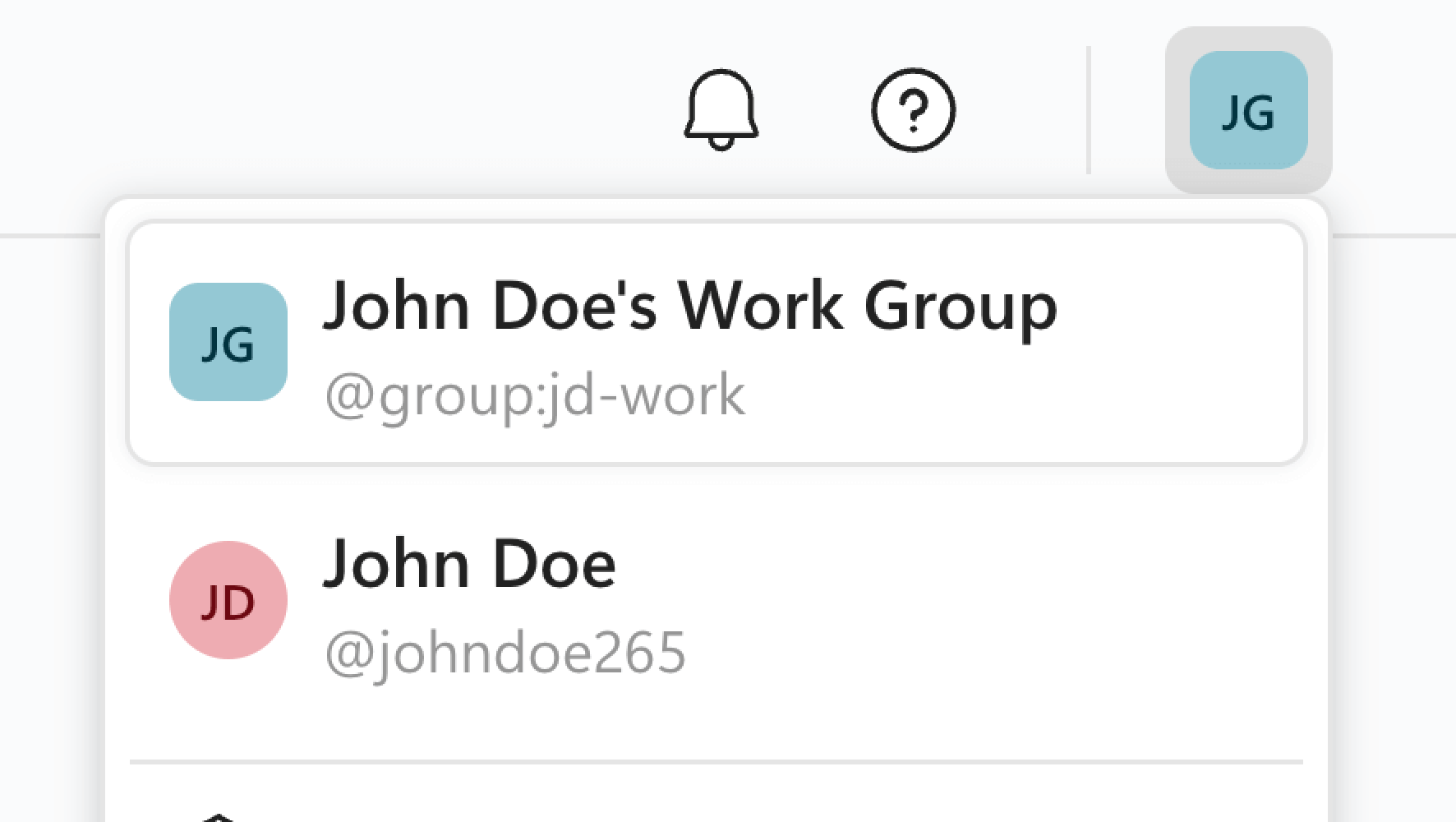
Share Analyses
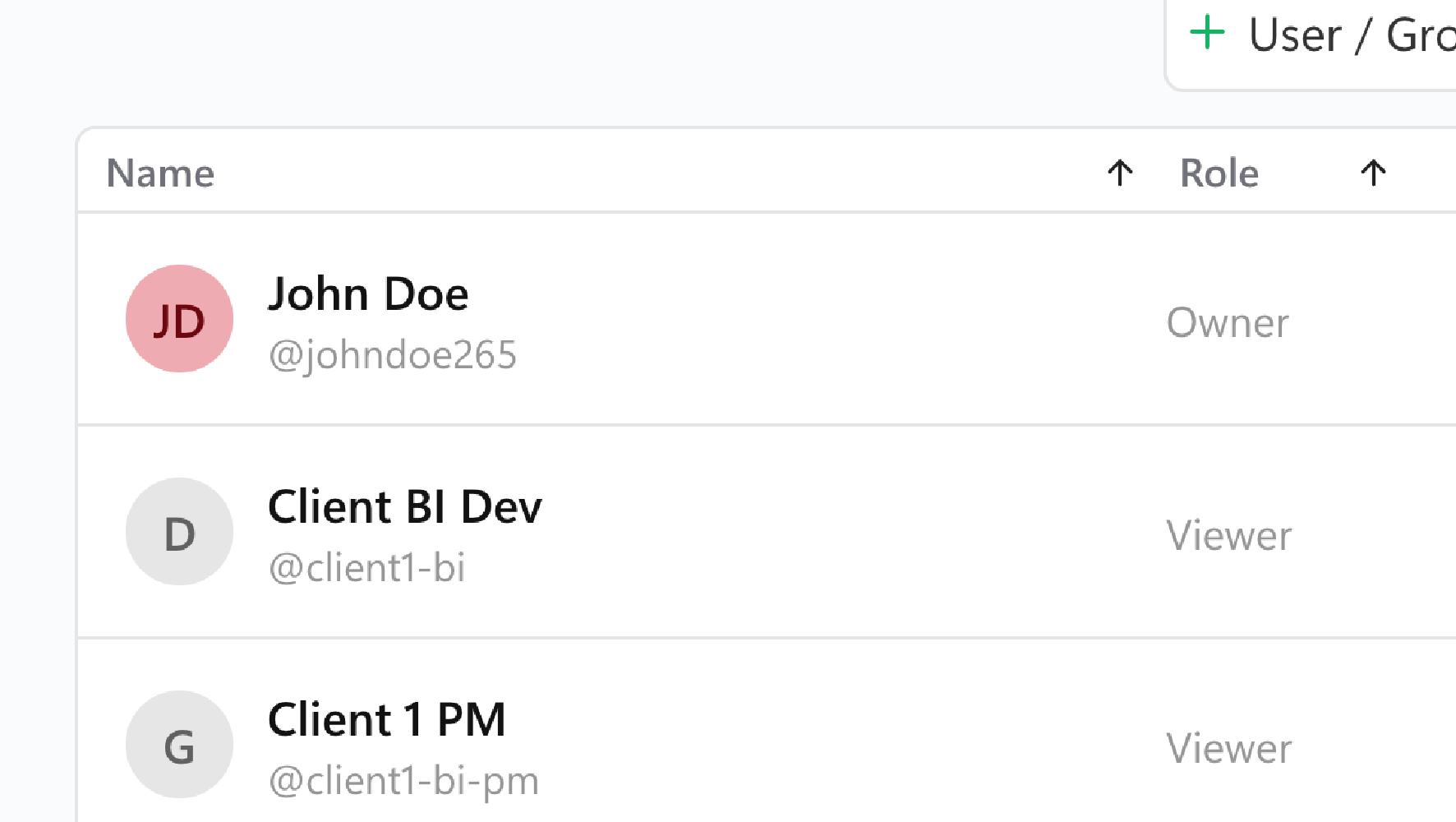
Easily export DAX Optimizer analyses or share read-only workspaces with your clients.
Learn MoreDark Mode
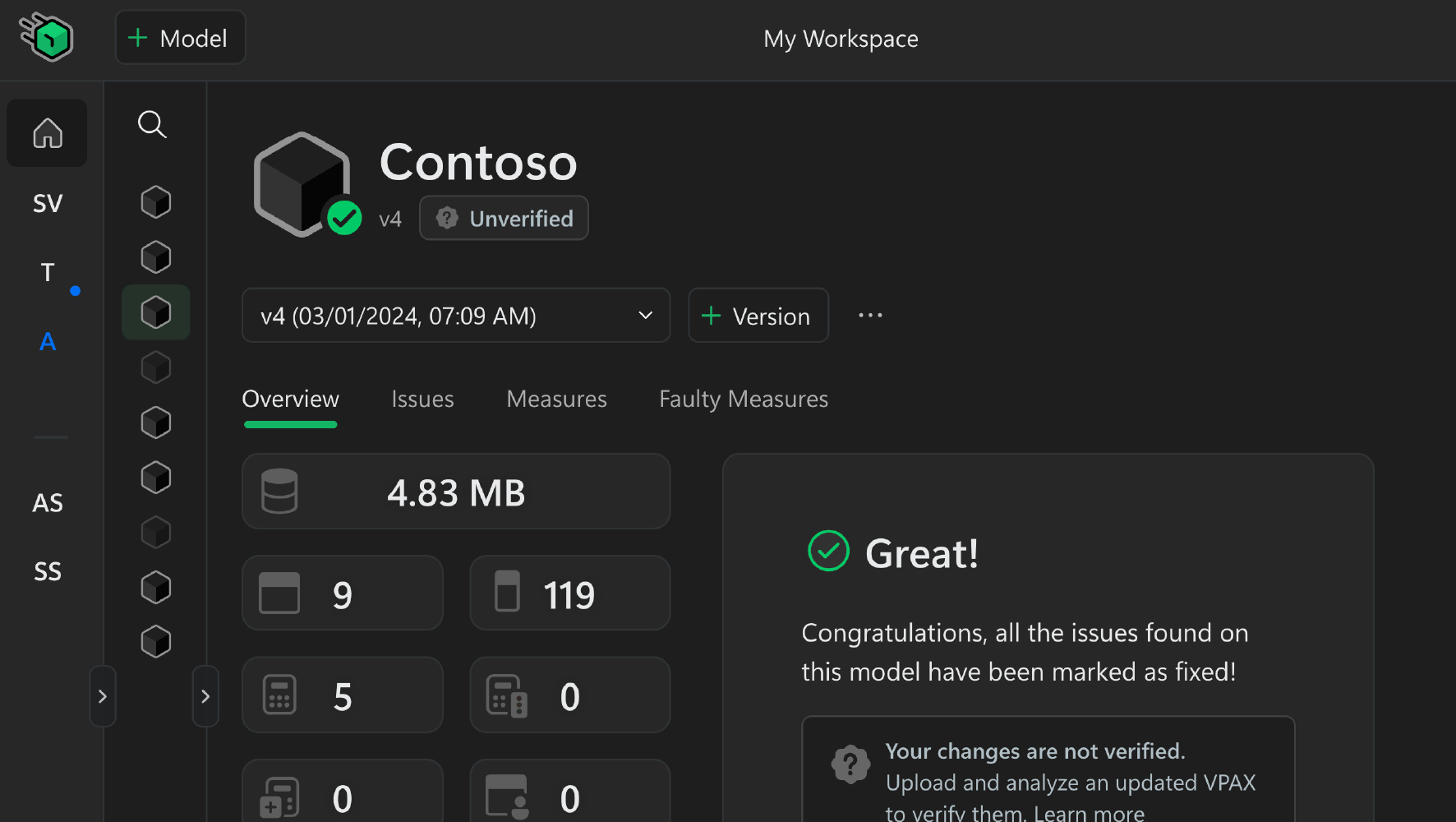
Work comfortably in any environment with Dark Mode. Reduce eye strain and focus on optimizing your models in a user-friendly interface.
