Getting documents done has never been this easy

Edit, sign, and share PDFs online.
It's as simple as it sounds.
Get started for free

Over 100 million DocHub users worldwide.
More than 500 million documents done

People from these companies use DocHub.

Document editing, signing, sharing, and forms made easy

Get your documents done online

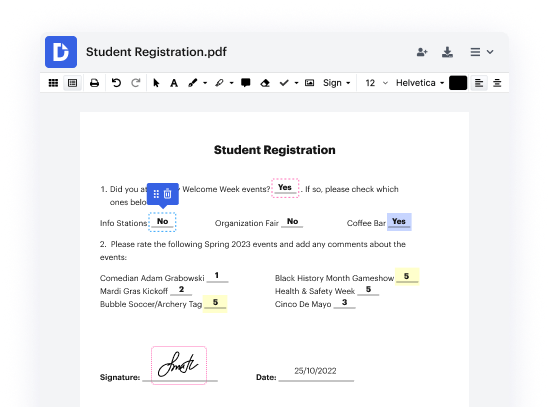
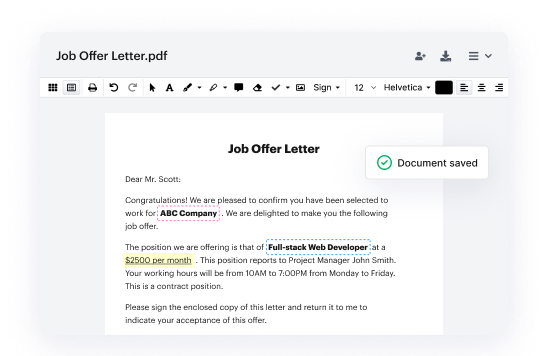
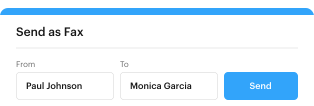
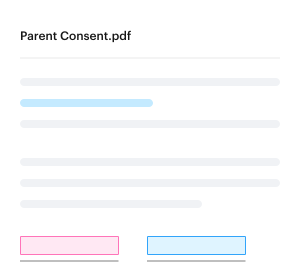
DocHub is packed with everything you need to easily edit and annotate PDFs from desktop or mobile. Features like real-time sync, roles, and permissions help you collaborate effectively from anywhere.

image image image image

Simplify data collection

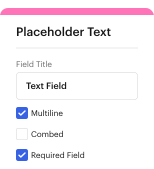
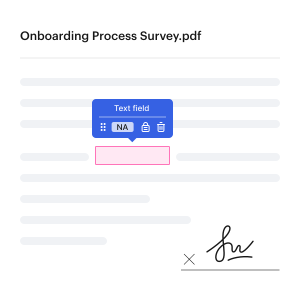
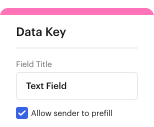
Build fillable PDF forms and make them public to instantly start collecting data instantly. For quick distribution and fast results, create reusable templates. No more printing, scanning, or photocopying.

image image

Sign PDFs and collect signatures in a flash

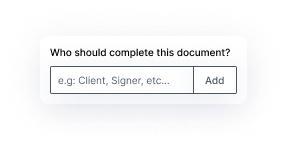
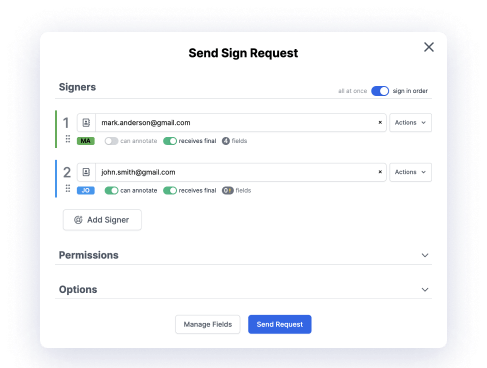
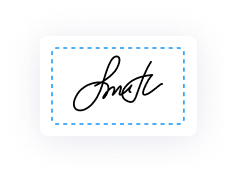
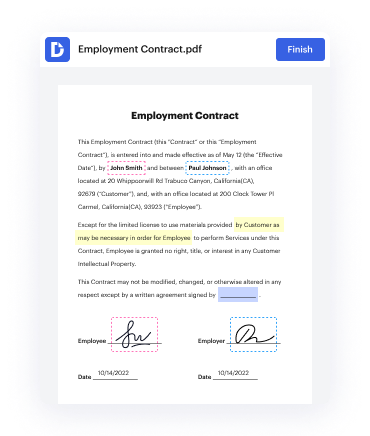
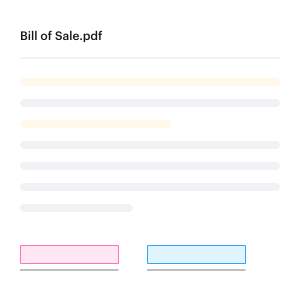
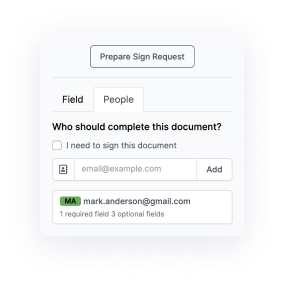
Getting a document electronically signed has never been easier. Specify who needs to sign and where. Then, send your document with a click. Instant status notifications keep you in the loop throughout the entire process.

image image

Work flexibly in Google

With DocHub PDF editing and eSigning capabilities seamlessly integrated with Google Workspace, your documents get done safely without ever leaving your favorite Google Apps.

DocHub features to speed up and simplify your document workflows

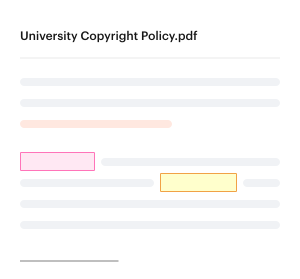
Add text, images, comments and highlights, white out information, and convert and merge documents all without sacrificing quality.

Create fillable templates that you can reuse multiple times. When a template is shared, everyone can complete their own copy.

slider2-templates-1slider2-templates-2slider2-templates-3 slider2-templates-4 slider2-templates-5

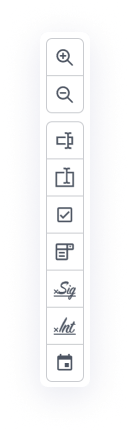
Build fillable PDF forms to simplify data collection. Modify existing fields, or create new fields for checkboxes, signatures, initials, and more.

slider2-forms-1 slider2-forms-2 slider2-forms-3 slider2-forms-4

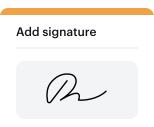
Sign documents by typing, drawing, or uploading an image of your signature. Request signatures from multiple people in any order.

slider2-signers-1slider2-signers-2 slider2-signers-3 slider2-signers-4 slider2-signers-5

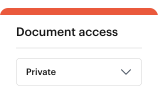
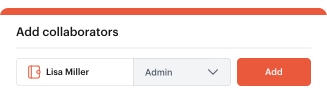
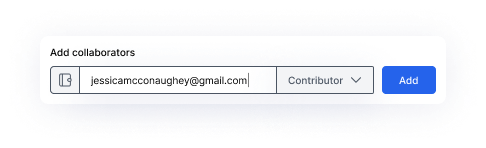
Leave comments directly in a document. Set roles and permissions to let others view, edit, and sign your document.

slider2-collaboration-1 slider2-collaboration-2slider2-collaboration-3 slider2-collaboration-4 slider2-collaboration-5

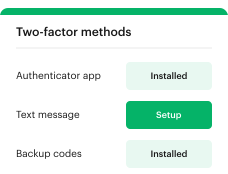
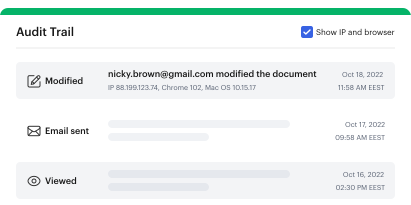
Ensure document security with password protection, access control, two-factor authentication, encrypted storage, and detailed audit trail.

slider2-security-1 slider2-security-2 slider2-security-3

Create business or academic organizations within DocHub, add custom branding to documents, and collaborate on them within an organization.

slider2-organizations-1slider2-organizations-2slider2-organizations-3 slider2-organizations-4 slider2-organizations-5 slider2-organizations-6
be ready to get more

DocHub makes it easy to edit, sign, and share documents. Try, it`s free

Sign up

Integrate DocHub with the apps you use and love

Get your documents done with ease from wherever you are working. DocHub connects to popular web applications so you can edit, sign, and share documents right from your favorite apps.

See all integrations

Industry-leading security and compliance

DocHub complies with industry-leading standards, regulations, and certifications to ensure the most effective and secure workflows.

Image
GDPR compliance
Regulates the collection, use, and holding of personal data for EU residents.
Image
PCI DSS certification
Ensures the security of credit and debit card transactions made by a customer.
Image
CPRA compliance
Enhances the privacy rights of California residents while protecting their personal data.
Image
SOC 2 certification
Ensures the security of your data and the privacy of your clients.
Image
HIPAA compliance
Protects privacy, security, and integrity of sensitive healthcare information.

Here's what our users are saying

Great PDF editor.
"Dochub is easy to use, easy to learn, has great functionality (edit, add text, erase text, assign signing, dates, initials etc.). The price is lower than other comparable programs. It is easy to share documents and templates with other team members. It integrates with G-drive."
Jamie P profile photo
Jamie P
Small-Business
I prefer DocHub to DocuSign.
"Ease of use and editable, I can customize a document quickly and send it for E-sign. Most of my customers found it easy to use even from their phones, affordable also. Sending documents, addenda and edits worldwide relatively quickly with an audit page for proof of signature. Saves me so much time I can seal the deal and move onto the next task!"
Shiloh B profile photo
Shiloh B
Site Manager
Great solution for PDF docs with very little pre-knowledge required.
"Simplicity, familiarity with the menu and user-friendly. It's easy to navigate, make changes and edit whatever you may need. Because it's used alongside Google, the document is always saved, so you don't have to worry about it."
Pam Driscoll F profile photo
Pam Driscoll F
Teacher

Why choose DocHub?

features icon

Powerful features in the free version

DocHub offers free access to premium tools without any time limits or hidden costs. Test out DocHub's advanced functionality with a free 30-day trial.

Google integrations icon

Google integrations

DocHub is deeply integrated with the Google ecosystem, making it super easy to edit, sign, and manage documents without leaving your favorite Google Apps.

security icon

Security

DocHub ensures the security of your data with 256-bit SSL encryption, OAuth 2.0 authentication, and encrypted storage.
Get started for free
DocHub interface preview

Your document workflow, simplified

slider3-image1 slider3-element1

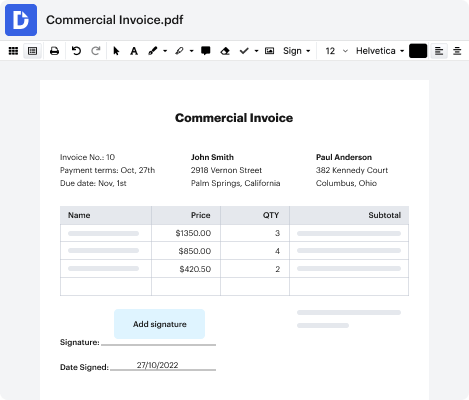
How to sign documents online

Step 1:

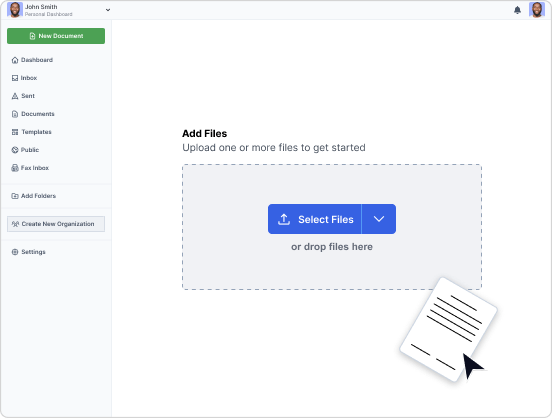
Upload your document and open it in the editor.

Step 2:

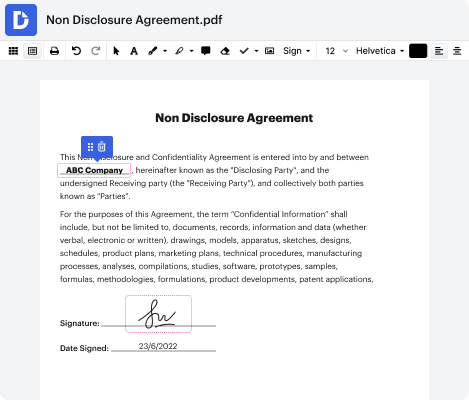
In the top toolbar, click on SignCreate your signature → select how you would like to create it → Save as Default.

Step 3:

Hit Sign, select your signature and place it where it needs to be on the document.

Step 4:

Save, share, or export the electronically signed document.
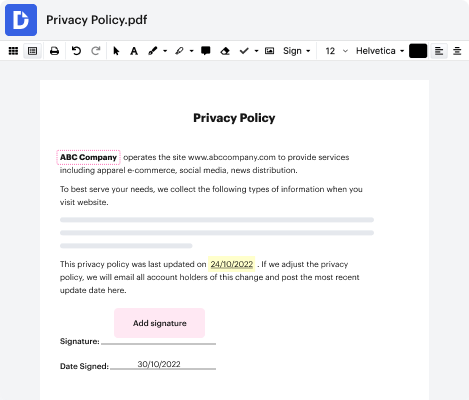
The signing process is a breeze with solutions like DocHub. Try it today!
slider3-image2 slider3-element2

How to edit documents online with DocHub PDF editor

Step 1:

Choose any of the available options to upload or import a document to the PDF editor.

Step 2:

Use the top toolbar to sign and edit the PDF: add text, symbols, arrows, etc., comment, draw on a document, add initials, a timestamp, and a signature.

Step 3:

Download, share or export the completed copy to Google Drive or any available storage service.

Step 4:

Use our doc editor to turn your paperwork into a template for repeated use.

No need to install any software or pay a fortune for basic editing tools. Edit PDF online for free or upgrade for even more capabilities to manage your documents!
FAQs

dochub logo
google logo

Drive efficiency with the DocHub add-on for Google Workspace

Access documents and edit, sign, and share them straight from your favorite Google Apps.
Install now