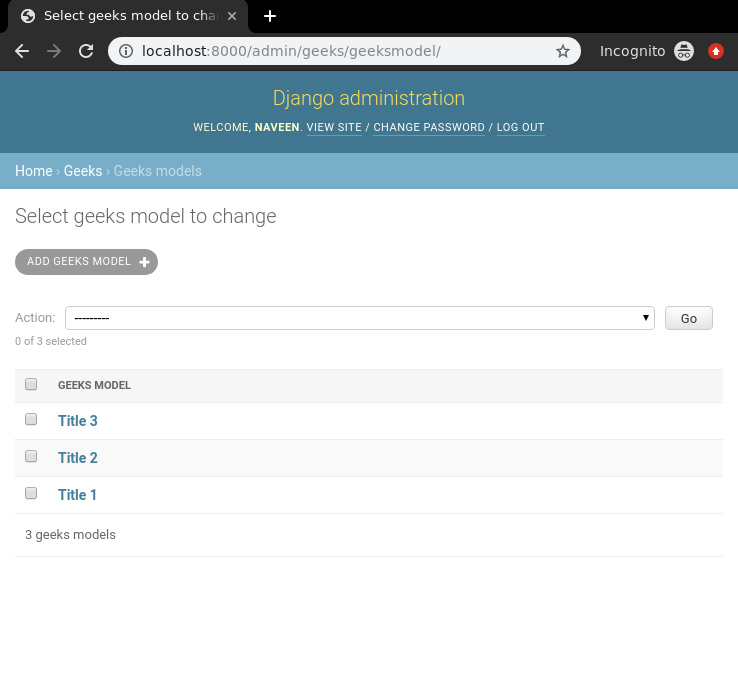
Django ModelFormsets allow managing multiple model-based forms on a single page. They enable creating, updating, or deleting multiple instances of a model at once, using a group of forms tied to the model's fields. Each form in the formset corresponds to a single model instance.
Using ModelFormsets
Consider a Django project with an app containing the GeeksModel model.
In models.py:
from django.db import models

class GeeksModel(models.Model):
    title = models.CharField(max_length=200)
    description = models.TextField()

    def __str__(self):
        return self.title
- title and description are the fields representing model data.
- __str__ method helps display the model instances by their title.
Creating a ModelFormset
To create a formset for this model, use Django’s modelformset_factory function.
from django.forms import modelformset_factory
from .models import GeeksModel

GeeksFormSet = modelformset_factory(GeeksModel, fields=['title', 'description'])
This creates a formset class that generates forms based on the GeeksModel.
ModelFormsets in Views
In views.py, create a view to render and process the formset:
from django.shortcuts import render
from django.forms import modelformset_factory
from .models import GeeksModel

def modelformset_view(request):
    GeeksFormSet = modelformset_factory(GeeksModel, fields=['title', 'description'], extra=3)

    if request.method == 'POST':
        formset = GeeksFormSet(request.POST)
        if formset.is_valid():
            formset.save()  # Saves all valid forms to the database
    else:
        formset = GeeksFormSet()

    return render(request, 'home.html', {'formset': formset})
- extra=3 argument means three empty forms will be displayed for adding new entries.
- On POST, the formset is validated and saved automatically if valid.
Rendering ModelFormsets in Templates
In home.html, render the formset:
<form method="POST" enctype="multipart/form-data">
    {% csrf_token %}
    {{ formset.as_p }}
    <input type="submit" value="Submit">
</form>
- management_form is required to keep track of formset data and validate the forms correctly.
- formset.as_p renders each form’s fields wrapped in <p> tags.
Test the Formset
Run the development server:
python manage.py runserver
Visit the development server: http://localhost:8000/:
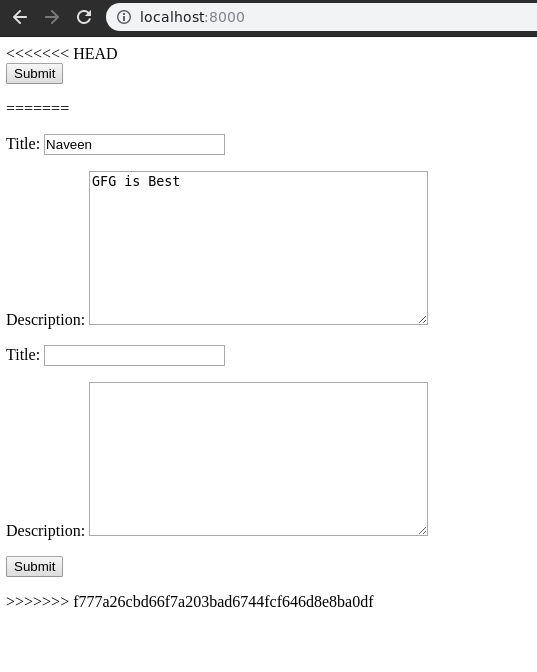
Submitting the form saves data into GeeksModel, which can then be used throughout the application.