

Professional App Store screenshots in minutes, not hours
Screenshots created with Picasso typically boost your product page conversion rate by 32%.
Picasso helps you go from simulator to App Store with its powerful screenshot editor.


iOS 17 or macOS 14 (Sonoma) required


As Seen On…




Stunning Screenshots in 3 Steps
Step 1:
Take Screenshots
Take a screenshot using the simulator or real device. Picasso uses the dimensions of the screenshot to determine what device frame to apply.
Step 2:
Edit in Picasso
Launch Picasso and create a new document. Simply drag the screenshot onto the canvas, and customize from there!
Step 3:
Export Screenshots
Once your screenshots are done, Picasso can export them to the filesystem, organized and ready for upload to the App Store. 🎉 🥳 🎊
What people look for when downloading an app…
Only 2% read
the app description
50% only look at first 3 screenshots
60% look for less than 3 seconds

Well optimized screenshots can increase conversion rate by 30% or more!

Powerful Editor Tools

Automatically add device frames to simulator screenshots
Add images to screenshots
Span items across multiple screenshots in seconds
No design experience needed to get started


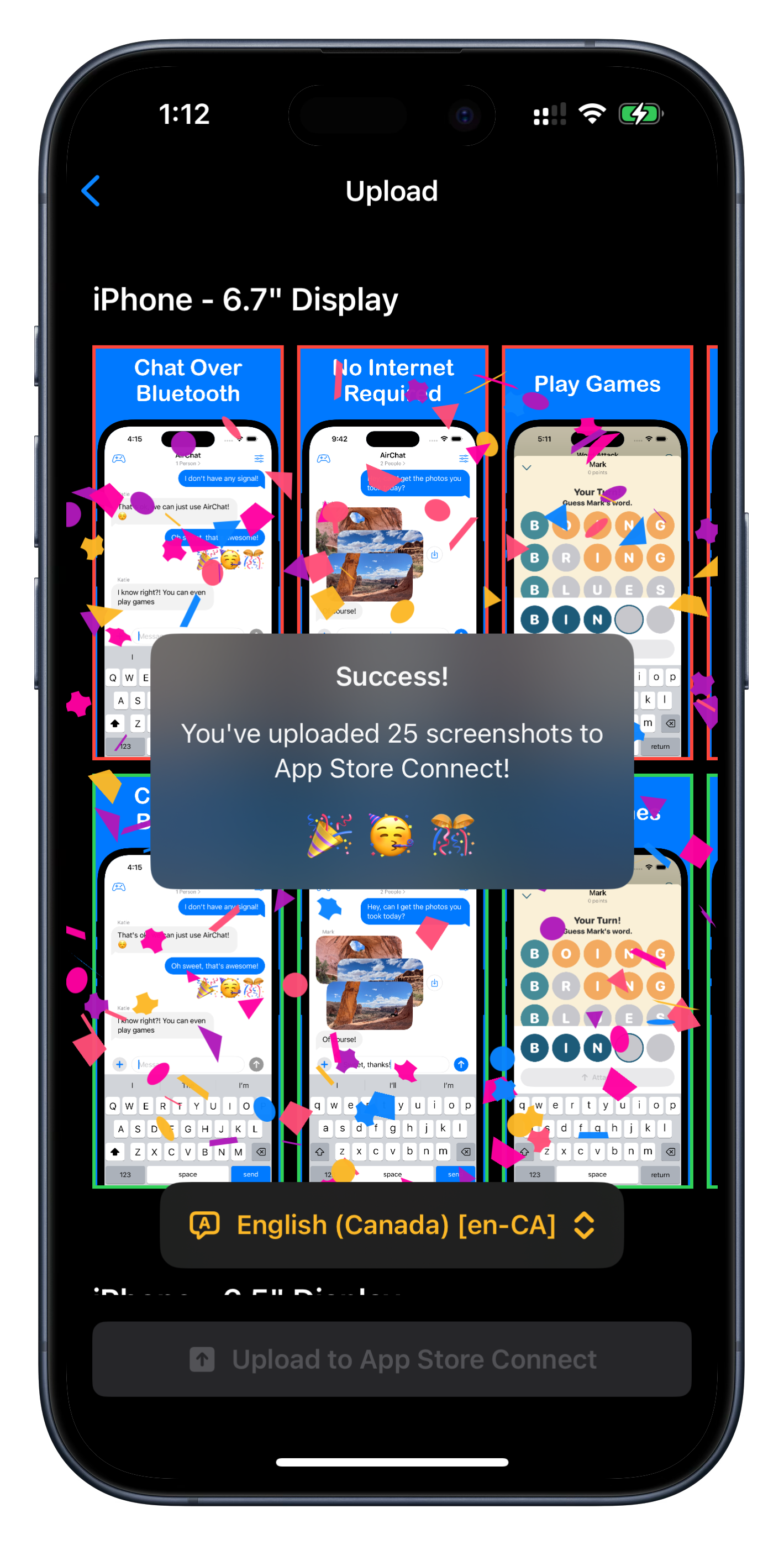
Upload Directly to App Store Connect
Forget about spending hours uploading screenshots one-by-one. Picasso uploads each screenshot for each display type and locale, and makes sure they’ve processed properly and in the correct order.
Go grab a coffee and let Picasso do the heavy lifting!
Localize your screenshots
Just bring an .xcstrings file, and automatically generate screenshots in any language.
Add your localized screenshots to add the icing to the cake.

Support for 40+ Device Frames


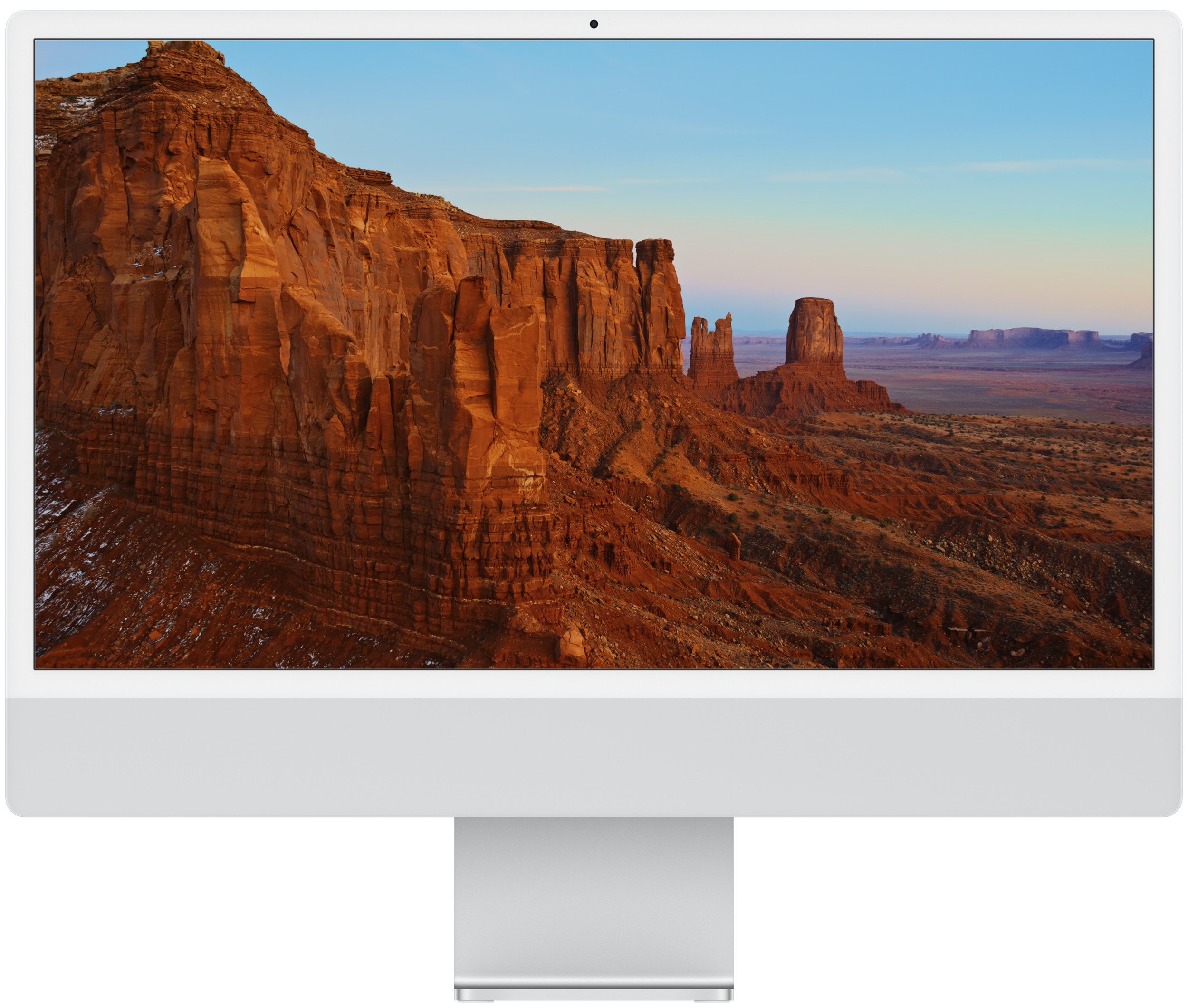
Create Screenshots For Every Apple Platform


Join the developers who are already levelling up their screenshots!


Michael Ullman
I love this app! Creating screenshots is one of the most inconvenient parts of Apple development, and Picasso makes it easy! I highly recommend it.


Timo Eichelmann
Making Screenshots for all sorts of devices can be nerve racking but with Picasso it’s easier than ever. Highly recommend trying it out!🤩


Maarten Borsje
The app works great and is perfect to quickly create screenshots for your MVP or take a deep dive and make very complicated screenshots. The best part is that you can quickly update them and convert them to different devices.


+100,000 Screenshots Exported!
