We’re trusted by businesses for our simplicity, value and support

Voted 4.8/5 based on over 1,500 reviews on G2, Trustpilot, and Capterra

Star rating image
Aardman animations logo
Krispy Kreme logo
Octopus electric vehicles logo
The University of Edinburgh logo
Allegiant Finance Services logo
London Philharmonic Orchestra logo
Hat Trick productions logo
CO OP logo
Regatta great outdoors logo
Octopus energy logo
Allsopp & Allsopp logo
River Island logo
Smart pension logo

eSignature software full of features that take the stress out of signing
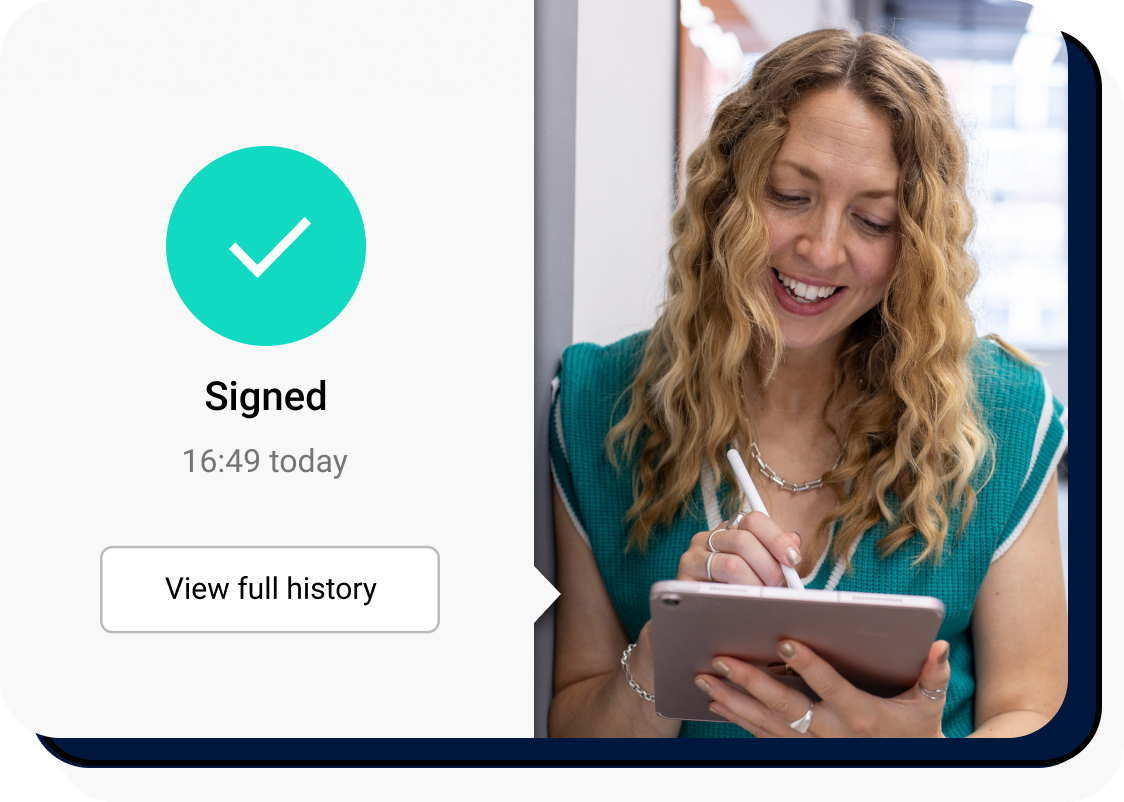
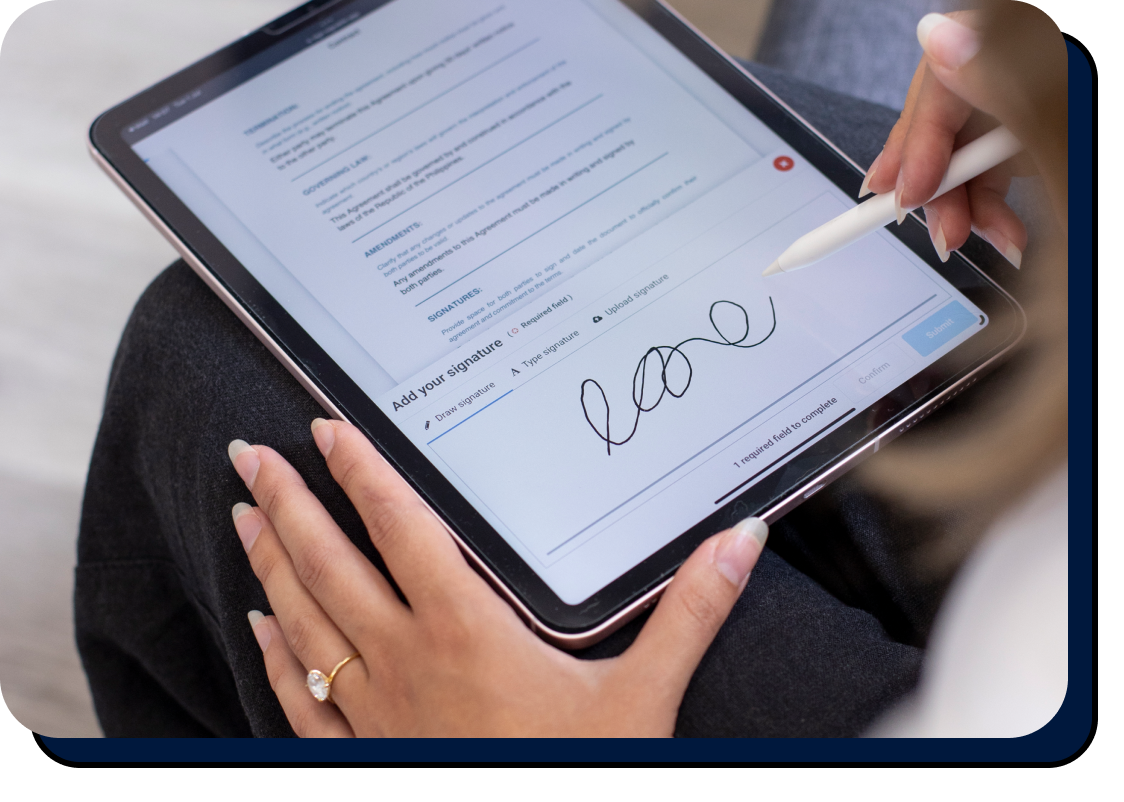
A woman smiling at an ipad whilst signing electronically

Document tracking

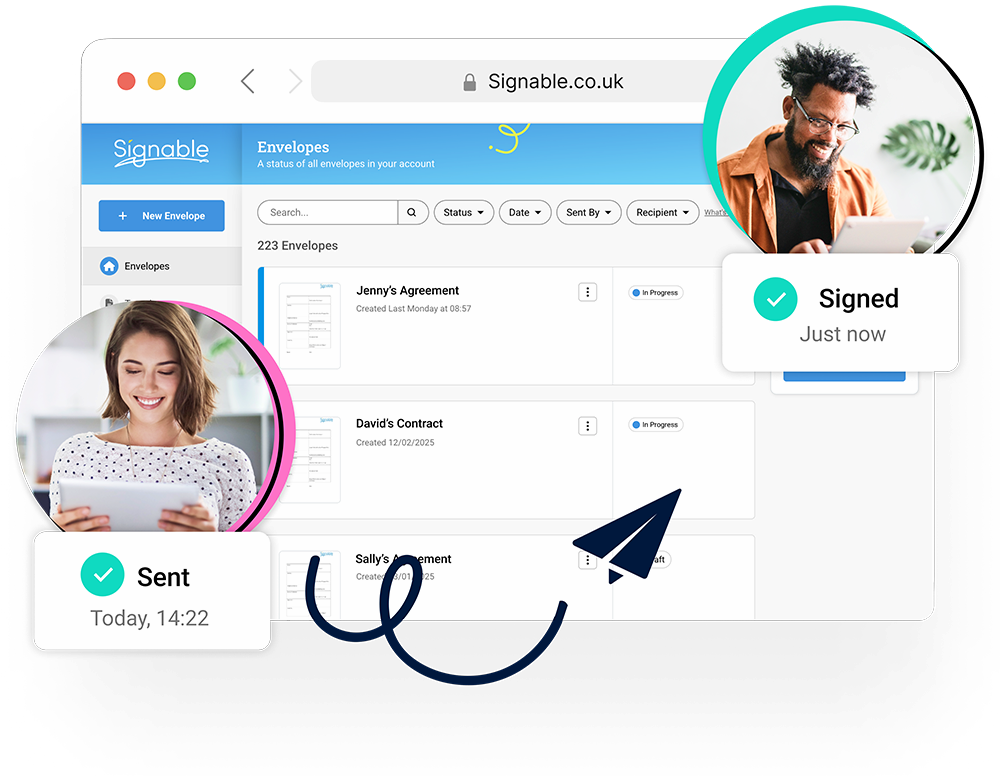
Know when documents are received, opened, and signed

Track every step, from sending to signature, with a clear audit trail. Spend less time chasing signatures, and more time getting things done.

Security you can trust

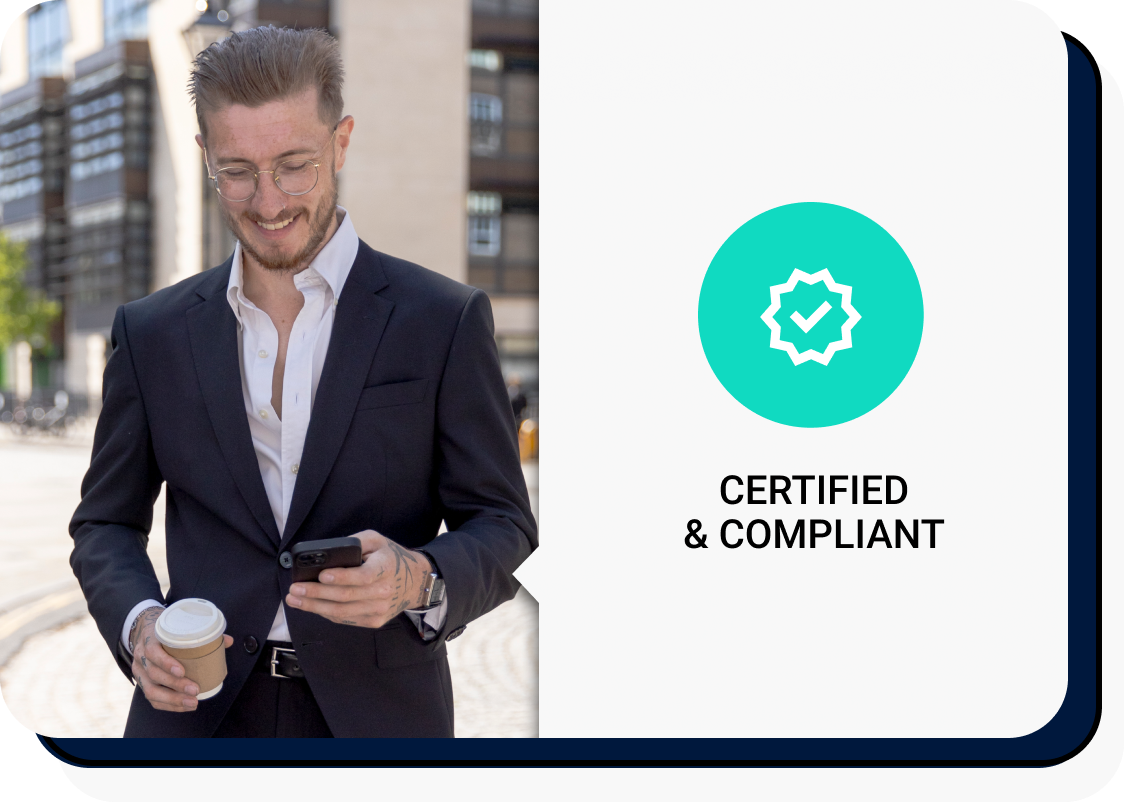
Compliance without the complexity

  • Advanced Electronic Signature (AES) provider
  • ISO 27001 certified
  • eIDAS, ESIGN, and UETA compliant
  • UK-hosted data, powered by AWS
  • GDPR compliant
  • 256-bit SSL encryption
  • Cyber Essentials certified
A man in a suit walking through the city on his phone
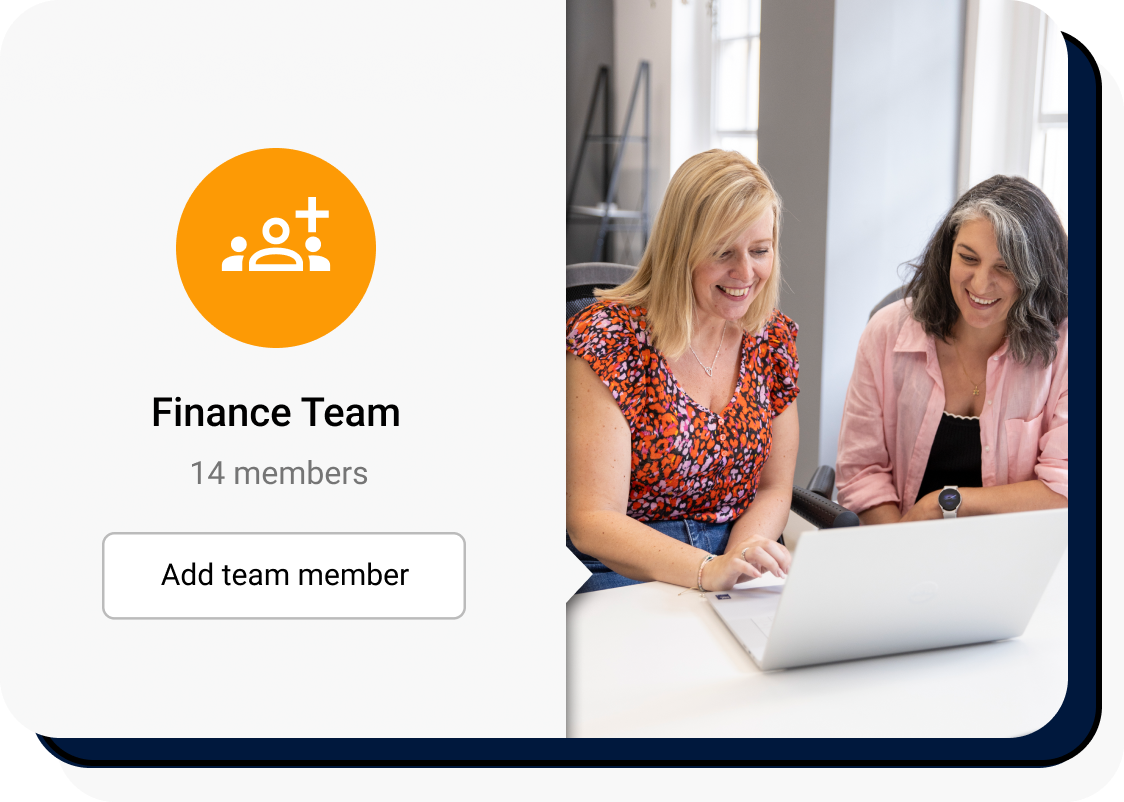
Two women looking at a laptop in a bright and airy office

Unlimited users

Add as many team members as you like

ou’re not charged per user, so you can invite everyone who needs access, from HR and finance to operations and sales. Whether you’re working across teams, sites, or departments, you can roll Signable out as widely as you need, without worrying about user limits.

Flexible pricing

Plans designed to grow with you

Start with the plan that works for you today, from PAYG to Bespoke. Add teams across sites, scale up as you grow, or adjust whenever things change. Your plan stays flexible, so signing stays stress-free.
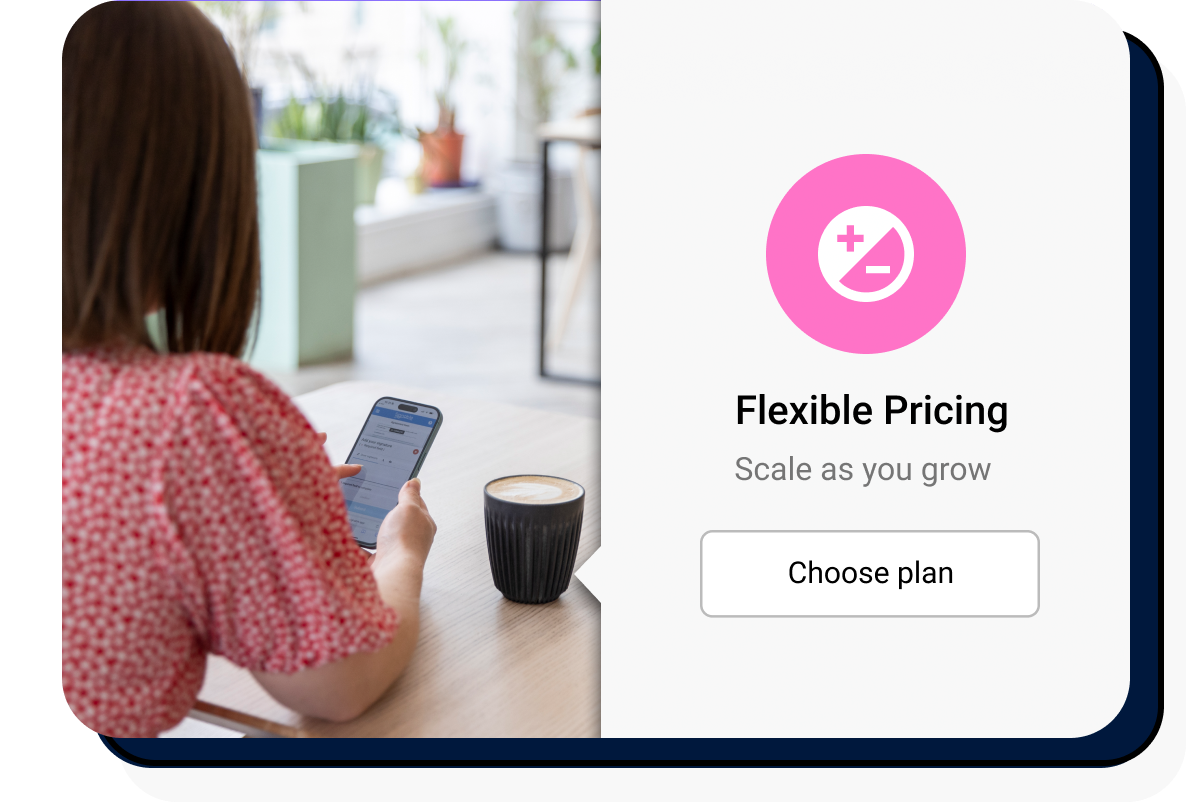
Woman in cafe viewing the Signable platform on her phone

UK based support from real humans, every time

Get quick, friendly help from our UK team whenever you need a hand, with no hoops to jump through.

Team Signable - Larry
Larry
Larry

Customer Support Manager

Team Signable - Etain
Étáin
Étáin

Senior Customer Support Representative

Image
Beth
Beth

Customer support representative

Image
Jack
Jack

Customer support representative

Connect Signable with the tools you already use

Make signing part of your process, without changing how your team already works.

Google Drive logo

Google Drive

Automatically transfer completed electronically signed documents from your Signable account straight into Google Drive to make managing and signing online documents a whole lot easier.

Read more… Read less…
Zapier logo

Zapier

Automate your workflows with Zapier to sign documents online by setting up ‘Zaps’ to trigger actions when your Signable documents are sent, opened or signed electronically. Signing a document online just got a whole lot easier!

Read more… Read less…
Google docs logo

Google Docs

With our Google Docs integration you can easily e-sign documents online through your Signable account. Simply create the document or load it from Google Drive, add your signing field, select your signing parties and send to get your document signed electronically! It’s just as simple as using Signable normally, but this time you don’t need to upload your file to the Signable app.

Read more… Read less…
Make logo

Make

Design, build, and automate your document sending process by integrating with Make to create visual automated workflows that work for you.

Read more… Read less…
Image

HubSpot

Connect Signable to HubSpot, streamline your document processes and keep everything in one place. With the Signable integration for HubSpot, managing your envelopes has never been easier.

Read more… Read less…
Image

Signable for Slack allows you to keep track of signed documents from within your workspace, reducing delays, minimising admin tasks, and improving productivity.

Read more… Read less…

Build Signable into your product with our API

Clear documentation, simple setup, and trusted by teams like these.…
Accentra Primo Umbrella logo
Civica logo
Lettingzone logo
ra information systems logo
Arthur logo
Advanced logo

Request a demo tailored to your business

Get a custom walkthrough from the team and see if we’re the right match.

Headshot of Sophie wearing a striped top
Sophie
Sophie

Sales Consultant

Team Signable - Max
Max
Max

Business Development Executive

Team Signable - Amber
Amber
Amber

Business development representative

  • Discover how signing electronically can create cost and time efficiencies in your business.
  • Understand the best product features for your business.
  • Understand which Signable plan fits best with your technology and goals.

Start sending documents, free

Experience Signable for yourself with a free 14 day trial

Signable in your sector

Here are some great examples of how Signable is being used by others in your industry.

We’re more than just a great product.

Great product. Great team. Great company. We take pride in everything we do!
Image
Image
Image
Image
Image
Image
Image
Crozdesk content management leader - sofrware awards 2023
Better alternative rising star 2022
Image
Image

Questions?

How does Signable work?

Sending online documents is straightforward with Signable using our reliable and trusted electronic signature software. You just need to upload your document or use an existing template, then add the signer and specify where you want them to sign.

Send the document over, and the signer will receive an email with a unique link to the document. Signers can access the document from any device without having to sign up for A Signable account.

Once the document is signed you’ll receive a notification via email, and you can view or download it.

Is Signable easy to set up?

It’s really straightforward to get started with Signable, and you’ll be sending documents to be electronically signed in a matter of minutes. With Signable’s user-friendly e signature software you can sign documents electronically in a matter of minutes, and we offer plenty of resources and excellent customer support to help you get set up.

How does Signable keep documents secure?

As part of Signable’s trusted document signing software, we use SSL encryption to ensure that your documents are kept safe, and when it comes to logging in, you can enable two-factor authentication for your Signable account.

A detailed audit log for each step of the signing process decreases fraudulent signing and helps keep your documents secure. Plus, you can password protect documents so that only the people you authorise can access them.

Signable is ISO 27001 certified, as well as compliant with Cyber Essentials and global legislation such as eIDAS, the ESIGN Act, UETA, and more, to ensure your documents are legally binding in any court.

How easy is it to add an esignature to a document?

It’s simple for signees to add their signature to a document, without signing up for a Signable account.

They can either upload an image of their signature, draw their signature online, or simply type it in. And it’s really easy to sign on any device, whether they’re using a phone or desktop computer.

How do eSignatures save you money?

Using eSignatures can help you to streamline your business processes and workflows – helping you to save time and save money. You won’t need to pay to print out and post physical copies of every document to be signed. Signing documents online has never been easier, you can send them out anytime, anywhere and get documents signed in moments.

What is an ‘envelope’?

You’ll see our plans talk about ‘Envelopes’ quite a lot at Signable. This is essentially like a physical envelope, in which you can put a single document or multiple documents into, to send out to your clients for signing.

An envelope can have both a mixture of uploaded documents and templates or just a template you’ve already added to your Signable account. Find out more about how to send an envelope here.