
JavaScript getHours function is one of the Date Functions, which returns the number of hours on a given date. Here, we are using the getHours to return the number of hours from the current date and time.
<!DOCTYPE html>
<html>
<head>
    <title> JS </title>
</head>
<body>
    <h1> Example </h1>
<script>
  var dt = Date();
  document.write("Date and Time : " + dt);
  document.write("Hours :   " + dt.getHours());
</script>
</body>
</html>
Example

Date and Time: Sat Nov 03 2018 18:11:34 GMT+0530 (Indian Standard Time)
Hours : 18
In this get Hours function example, we are extracting the hours from the custom date.
<!DOCTYPE html>
<html>
<head>
    <title> JavaScriptGetHoursFunction </title>
</head>
<body>
    <h1> JavaScriptgetHoursFunctionExample </h1>
<script>
  var dt = Date("April 29, 2012 12:09:07");
  document.write("Date and Time : " + dt);
  document.write("Hours using getHours():   " + dt.getHours());
</script>
</body>
</html>
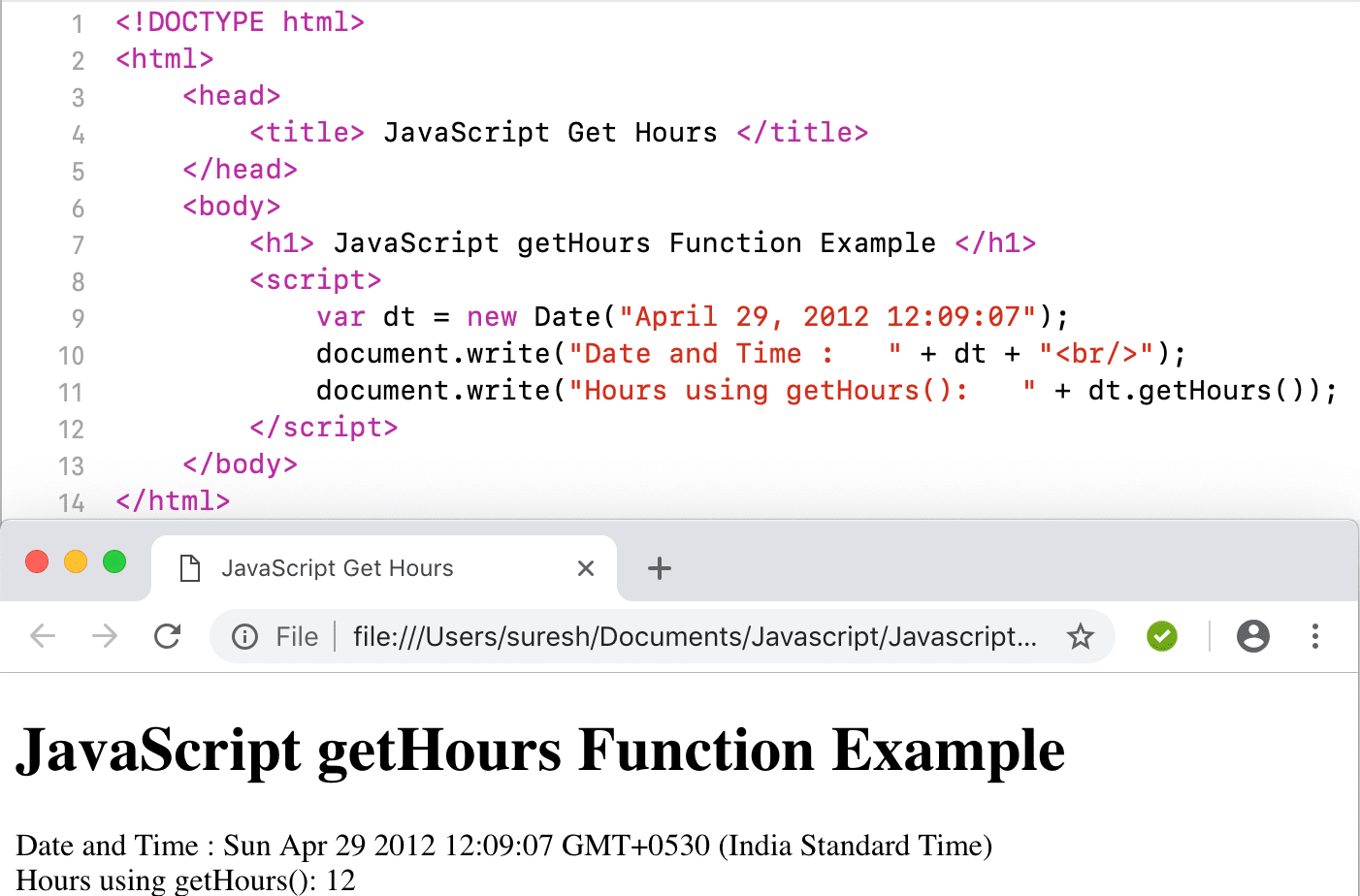
This JavaScript get hours example extracts the hours from the custom date without hours, and it returns 0 hours.
<!DOCTYPE html>
<html>
<head>
    <title> JS </title>
</head>
<body>
    <h1> Example </h1>
<script>
  var dt = Date("April 29, 2012");
  document.write("DateTime : " + dt);
  document.write("Hours :   " + dt.getHours());
</script>
</body>
</html>
Example

DateTime: Sun Apr 29 2012 00:00:00 GMT+0530 (Indian Standard Time)
Hours : 0