Category: WordPress Tutorials

How to Start a Community Forum Using WordPress in 2026
A Complete Guide to Building an Engaged WordPress Community Forum in 2026 In 2026, online communities are more valuable than ever. While social media algorithms fluctuate, a self-hosted community forum provides full control, long-term organic traffic, and genuine audience loyalty. With modern AI-driven tools and improved performance, WordPress remains the premier platform for starting and growing a community in 2026. This comprehensive guide walks you through building a secure, scalable, and engaging WordPress forum using the latest 2026 best practices. Why Start a Community Forum in 2026? Niche communities are thriving as users move away from crowded social feeds. Here is why you should start one: Authentic Engagement: Direct discussions instead of algorithm-driven feeds. Niche Expertise: Targeted peer support and…
How to Detect Hidden Vulnerabilities in WordPress Plugins (6 Expert Tips)

How to Detect Hidden Vulnerabilities in WordPress Plugins (6 Expert Tips) Keeping your WordPress plugins secure is essential for maintaining a safe, high-performing website. While plugins expand functionality, they can also open doors for hackers to exploit hidden vulnerabilities, leading to serious issues like data breaches, malware injections, and SEO spam. In this guide, you’ll learn how to proactively detect hidden plugin vulnerabilities before they become a threat—using trusted tools, smart practices, and expert insights. How to Detect Hidden Vulnerabilities in WordPress Plugins (6 Expert Tips)  Why Plugin Vulnerabilities Are So Dangerous? Plugins make up the bulk of WordPress security issues. Many attacks start with outdated, poorly coded, or abandoned plugins. Common types of plugin-based vulnerabilities include: SQL Injection –…

Free vs Premium WordPress Plugins: Is It Worth Upgrading?

WordPress powers over 40% of the web, and one of the main reasons for its popularity is the vast ecosystem of plugins that extend the functionality of your website. From SEO to eCommerce, membership to security, you’ll find a plugin for nearly everything. Most of these plugins come in two versions: free and premium. But this brings up a crucial question— Is it really worth upgrading to the premium version of a WordPress Plugin? In this article, we’ll explore the key differences between free and premium WordPress plugins, compare their benefits and limitations, and help you decide whether upgrading is the right move for your website. 1. Understanding Free WordPress Plugins Free plugins are available in the official WordPress Plugin…

How to Change Time and Date Format in WordPress ?

Ever noticed the time and date in your WordPress Blog. Yes, each time a post is published in your site you will find a particular time and date that appears at the bottom of each post. You might not be familiar that you can actually modify the time and date format in your site by yourself. No special tech knowledge is required for it, it is very simple and easy to learn. In this article, we provide you with some easy steps to change the date and time format in WordPress. So, now let’s see the steps to change date and time format in WordPress Open your WordPress Admin Panel Go to Settings > General Scroll down you will find…

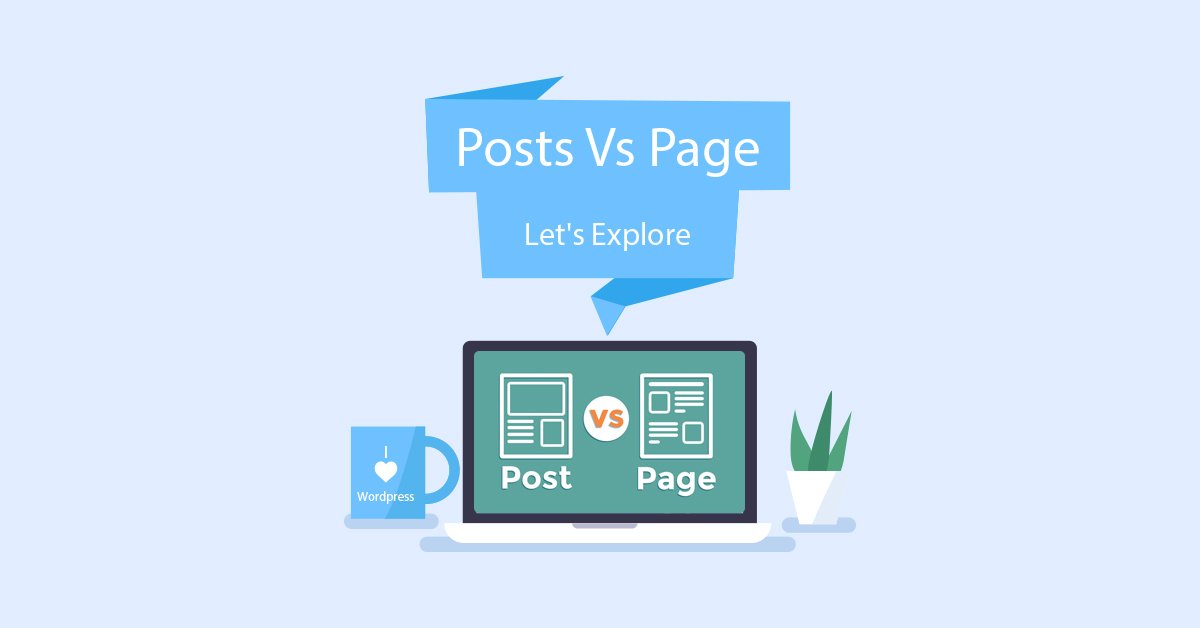
WordPress Posts Vs Page: Let’s Explore

Eager to know the difference between Posts and Page? WordPress has two types of contents. They are Posts and Pages. Many WordPress users often get confused between Posts and Pages. Though it sounds similar, they are absolutely different from each other. So, in this article, we will study what exactly is Posts and Page and how they are different from each other. First of all, let’s get to know Posts and Page in detail. Posts Posts are basically the contents which come in chronological order on the front page or default blog page. For users who are bloggers and has created a blog based website then you can find their website with a high amount of posts on the front page. There…

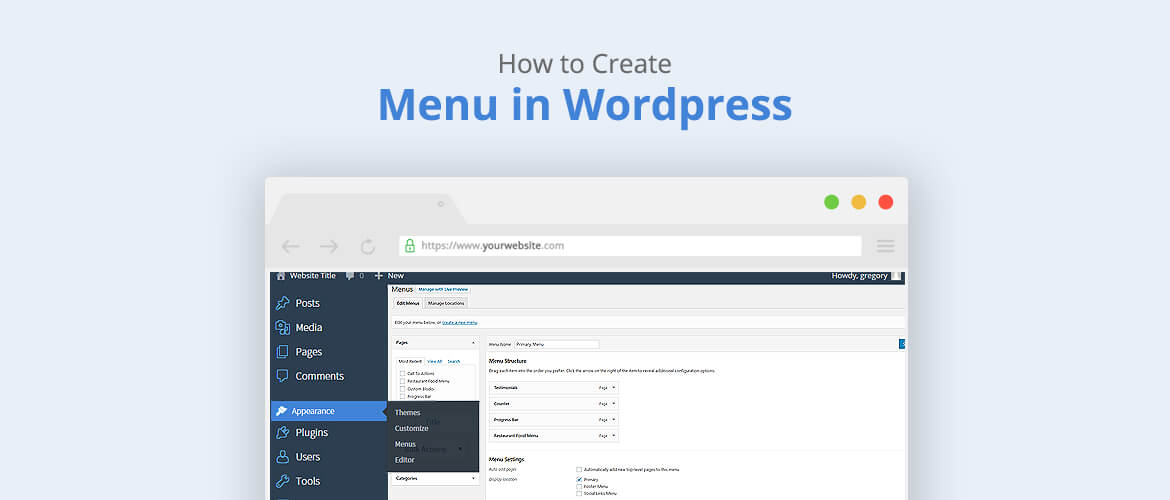
How to create a menu in WordPress?

WordPress is known to be the most popular and easiest platform for building websites. Create a menu in WordPress site is an important section which gives a structure of any website. With the help of menu, visitors will be able to decide which part of the website they want to go. Commonly, it is arranged either in the header or footer section. According to the requirements, we decide and create menus depending upon the themes and the sites. Here we will be discussing create a menu in WordPress from the page, categories, tags, posts, and custom links: 1. From the Dashboard click on Appearance >Menus 2.Insert a Menu name 3. Next, on the left side, you can add a post, page,…