AI Indendørs- og udendørsdesign
Dit rum, redesignet.
Upload et foto af et rum eller en bygning. Vælg en stil. Få et render i designerkvalitet tilbage på sekunder. Ingen software at lære, ingen designer at ansætte.


5,000+ designers and homeowners trust Archmaster

How it works
Three steps, one photo, and no software to install. The whole thing takes about as long as it takes to find the picture on your phone.
Upload a photo
Any room or building photo works, taken on a phone, at any angle, in whatever state the space is in today. Nothing has to be tidied first.
- JPG, PNG, WebP, or an iPhone HEIC
- Your walls, windows, and proportions stay where they are
Pick a style
Twenty presets, from Scandinavian calm to Baroque. Add a sentence of your own if you want a specific wood tone, a paint color, or a mood.
- 20 presets, or describe it in your own words
- Run several on the same photo to compare
See it, then decide
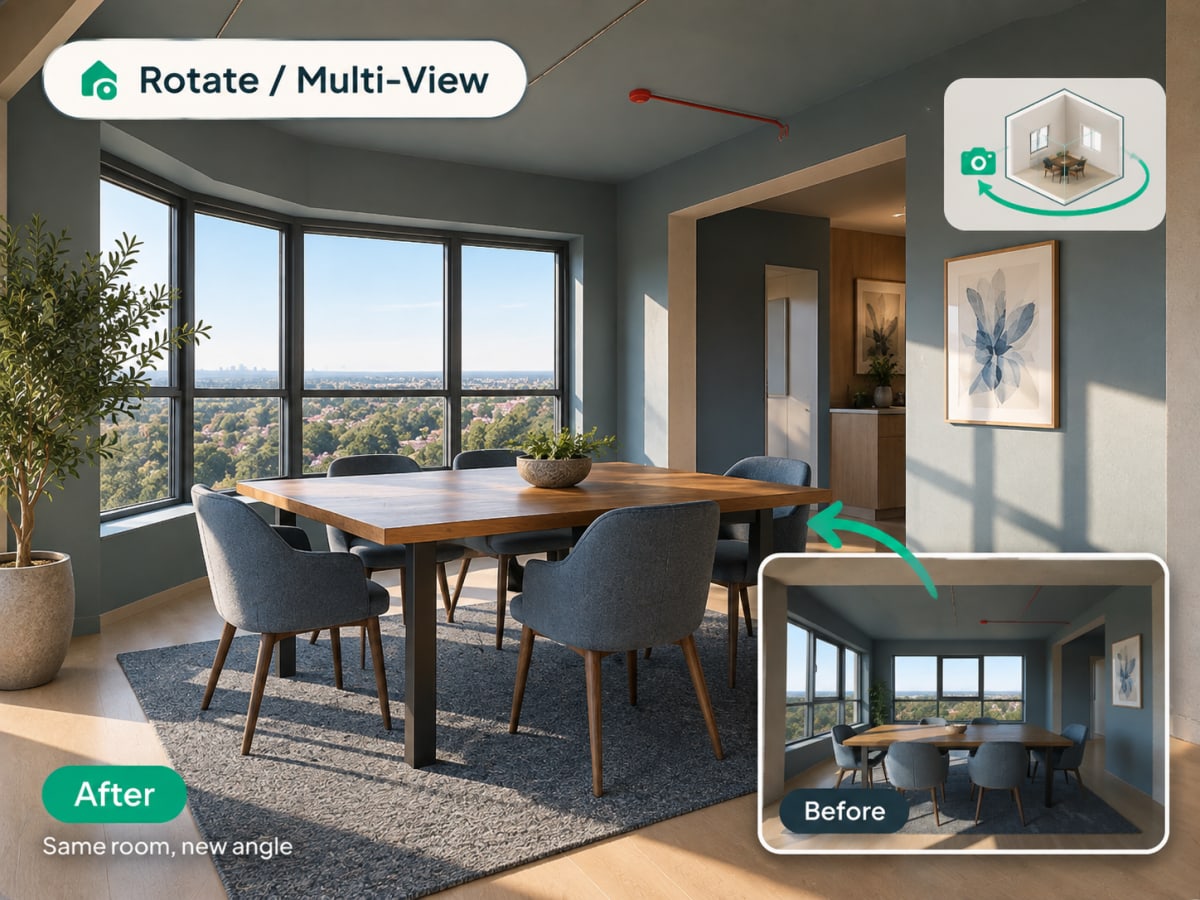
The render comes back at the framing you shot, so the before and after line up. Download it, send it to a contractor for a quote, or change one part of it and run it again.
- Ready in seconds, 1 credit per generation
- 30 credits a week on the $9.99 plan
100,000+
Rooms redesigned
5,000+
Happy users
No data storage
Photos are processed and deleted — never kept or sold.

Secure payments
Checkout handled entirely by Stripe.
Loved by homeowners and designers.
5,000+ people have redesigned a space with Archmaster.
I tried four styles on my living room before picking one. Seeing the actual result before spending a dollar on furniture saved me from a mistake.
Sarah Chen
Homeowner
Staged three vacant listings in one afternoon. What used to take a week and a rental invoice now takes minutes per room.
Marcus Webb
Real estate agent
I use it to show clients three directions in the first meeting instead of describing them. They sign off faster because they're looking at their actual room.
Priya Patel
Interior designer
Turned a rough kitchen sketch into something I could actually show a contractor. Cut a week off getting quotes.
Tom Reyes
Homeowner
Tested a paint color and new furniture layout before asking my landlord about anything. No surprises, no wasted money.
Elena Novak
Renter
Everything in one tool.
Six ways to redesign a space, each starting from a single photo.
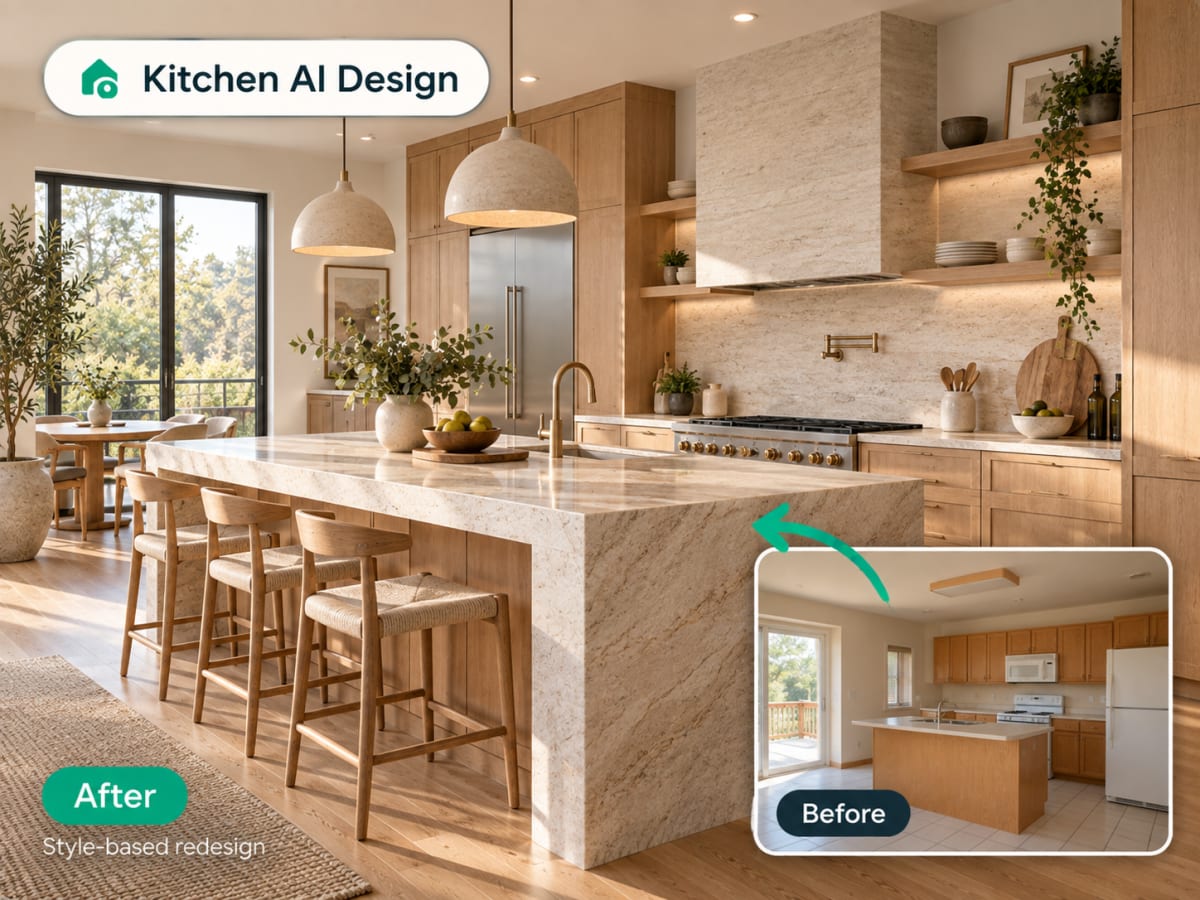
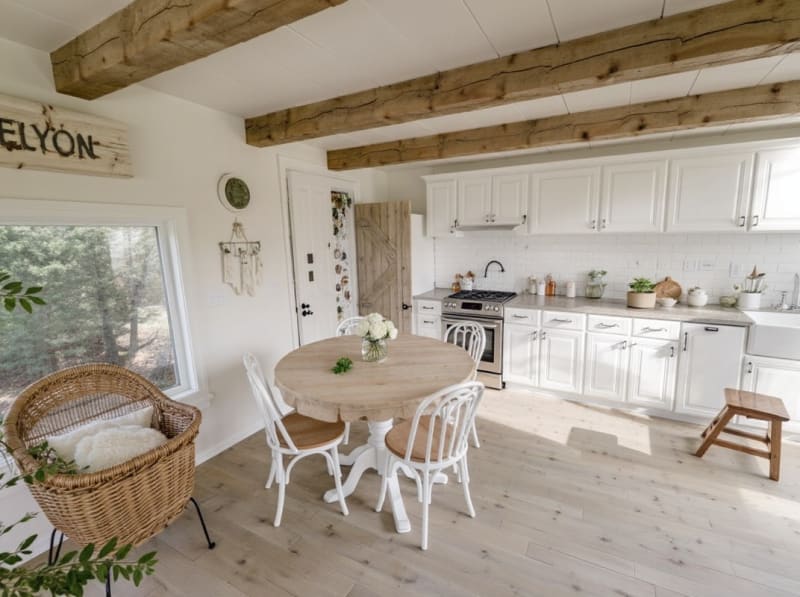
Kitchen redesign
See your kitchen in a new style before you renovate
Upload a photo of your kitchen and apply a complete style change: cabinets, countertops, backsplash, and lighting, without moving a single wall or appliance.
- Farmhouse, Japandi, modern, Scandinavian, and more
- Cabinets, countertops, and finishes restyled together
- Test a full renovation before committing to one
Use it for
Interior redesign
Redesign any room from a single photo
Upload a photo of your living room, bedroom, or any interior space and choose one of 20 style presets. Archmaster keeps your walls, windows, and layout intact and only replaces furniture, materials, and colors.
- 20 style presets, from Scandinavian to Cyberpunk
- Keeps your room's actual layout and structure
- Photorealistic render in under 60 seconds
- Multiple style variations from one photo
Use it for
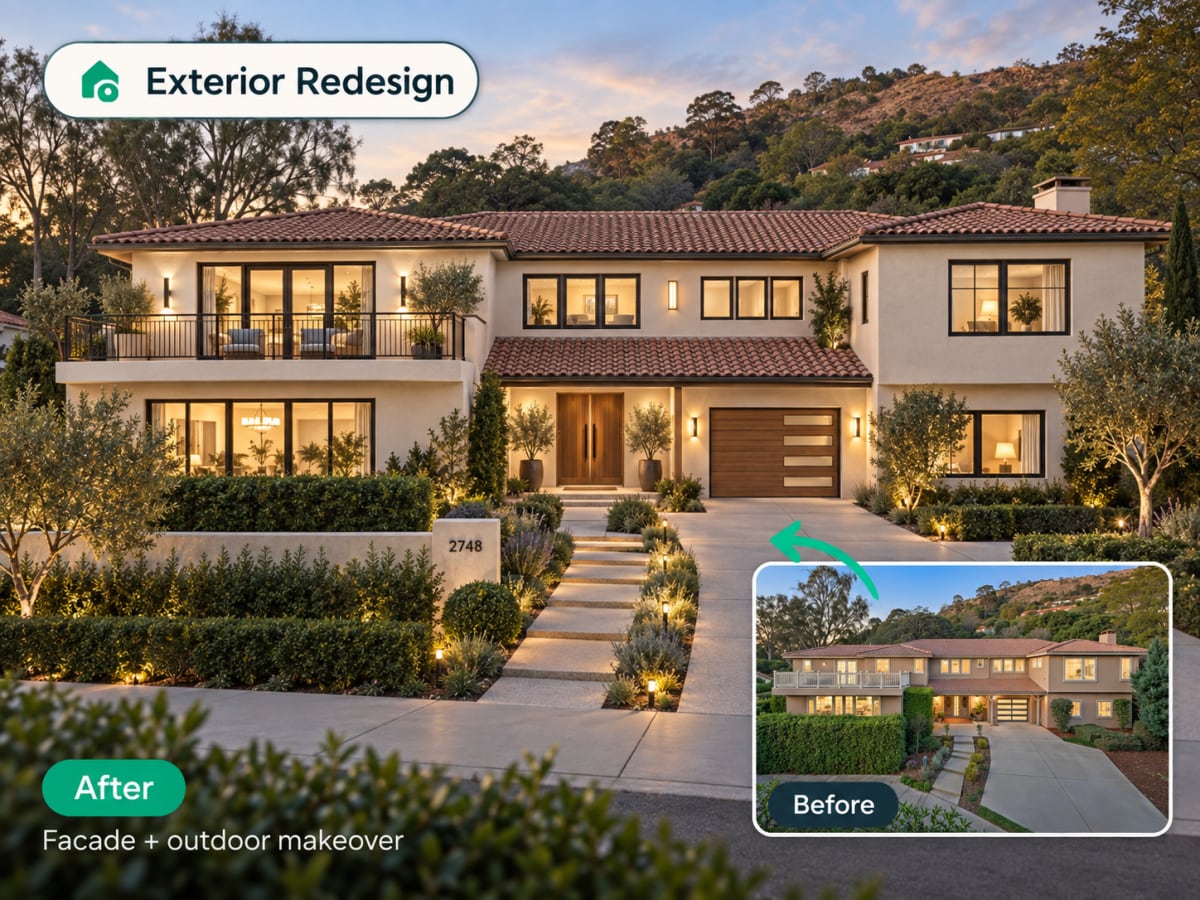
Exterior redesign
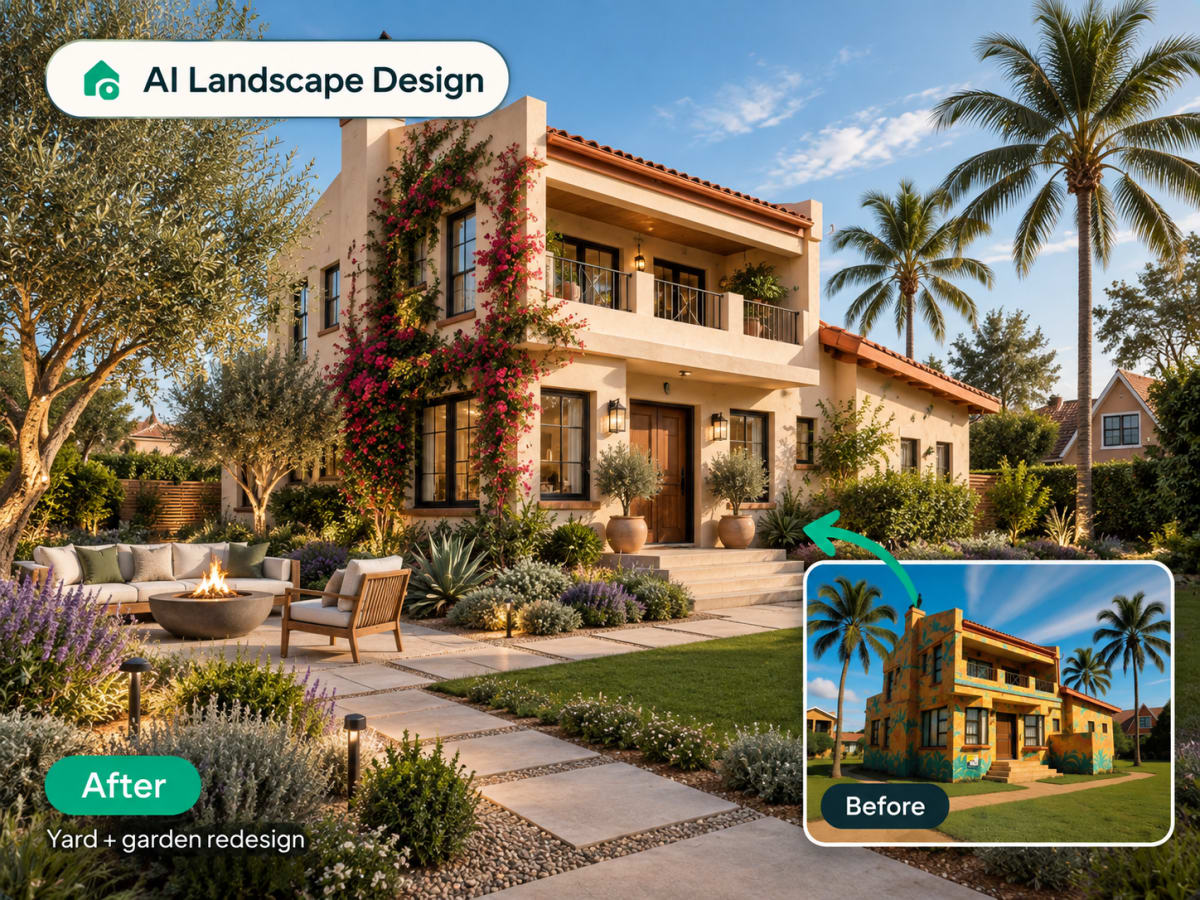
Change your home's facade without touching a brick
Upload a photo of your house or building exterior and apply a new style. Paint, siding, roofline treatment, and landscaping context all update together for a believable result.
- Works on houses, facades, and full building exteriors
- Paint, siding, and material changes in one render
- Useful for renovation planning and real estate listings
Use it for
Virtual staging
Furnish an empty room for listing photos
Upload a photo of a vacant room and Archmaster fills it with furniture and decor that matches a chosen style, ready for a real estate listing in under a minute.
- Turns empty rooms into staged, market-ready photos
- Costs a fraction of physical staging
- Ready in under a minute, no scheduling required
Use it for

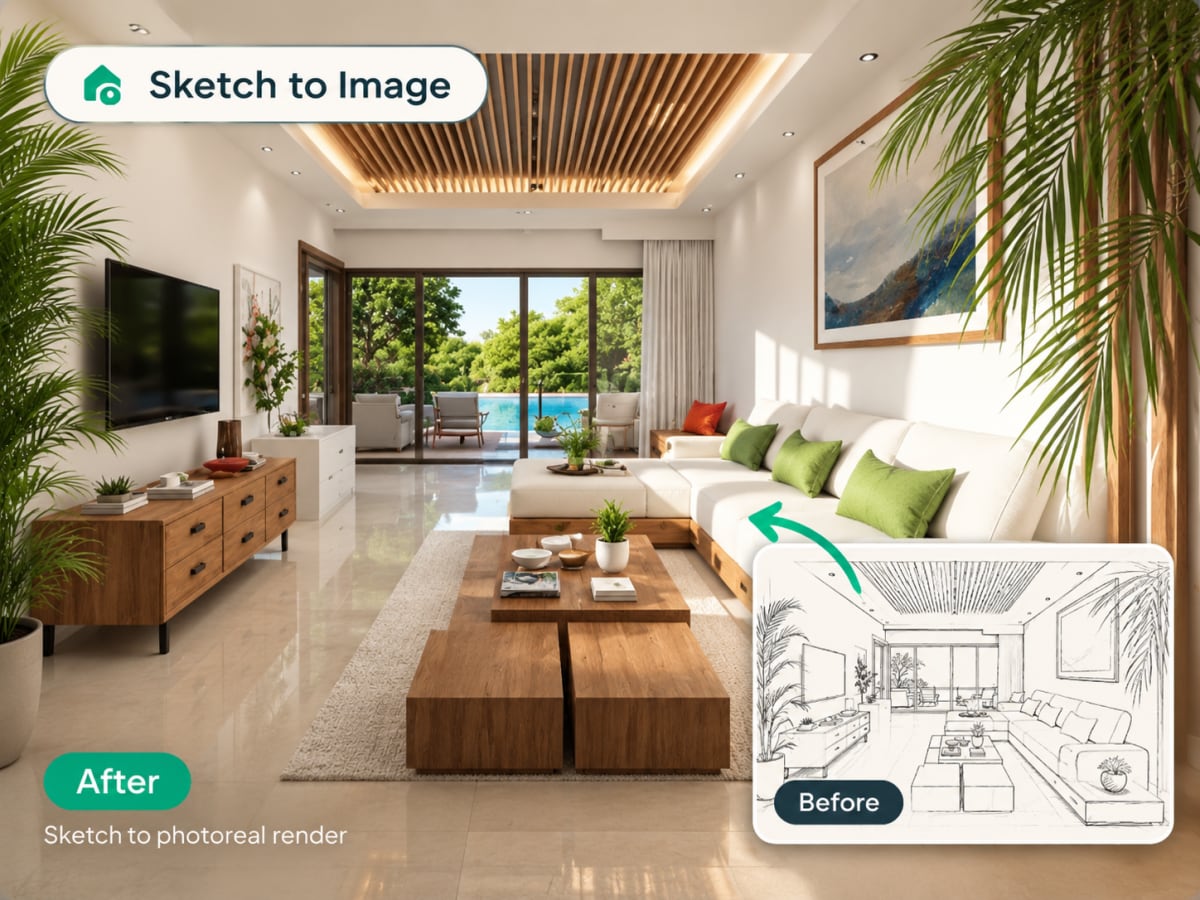
Sketch to render
Turn a hand-drawn sketch into a photoreal image
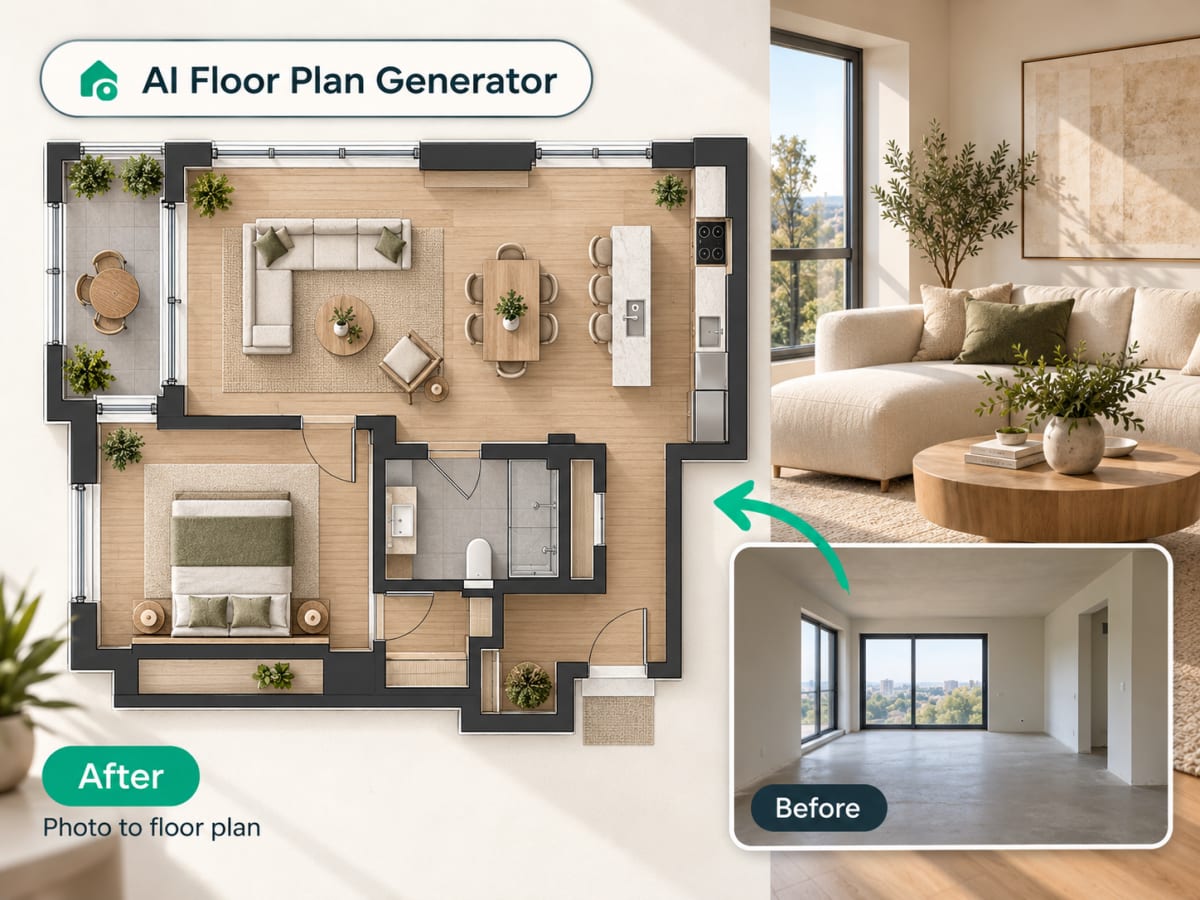
Upload a concept sketch or hand-drawn floor plan and Archmaster generates a photorealistic render of the same space. No 3D modeling software required.
- Works with hand-drawn sketches and simple line plans
- No CAD file or 3D model needed
- Useful for early-stage concepts and client presentations
Use it for
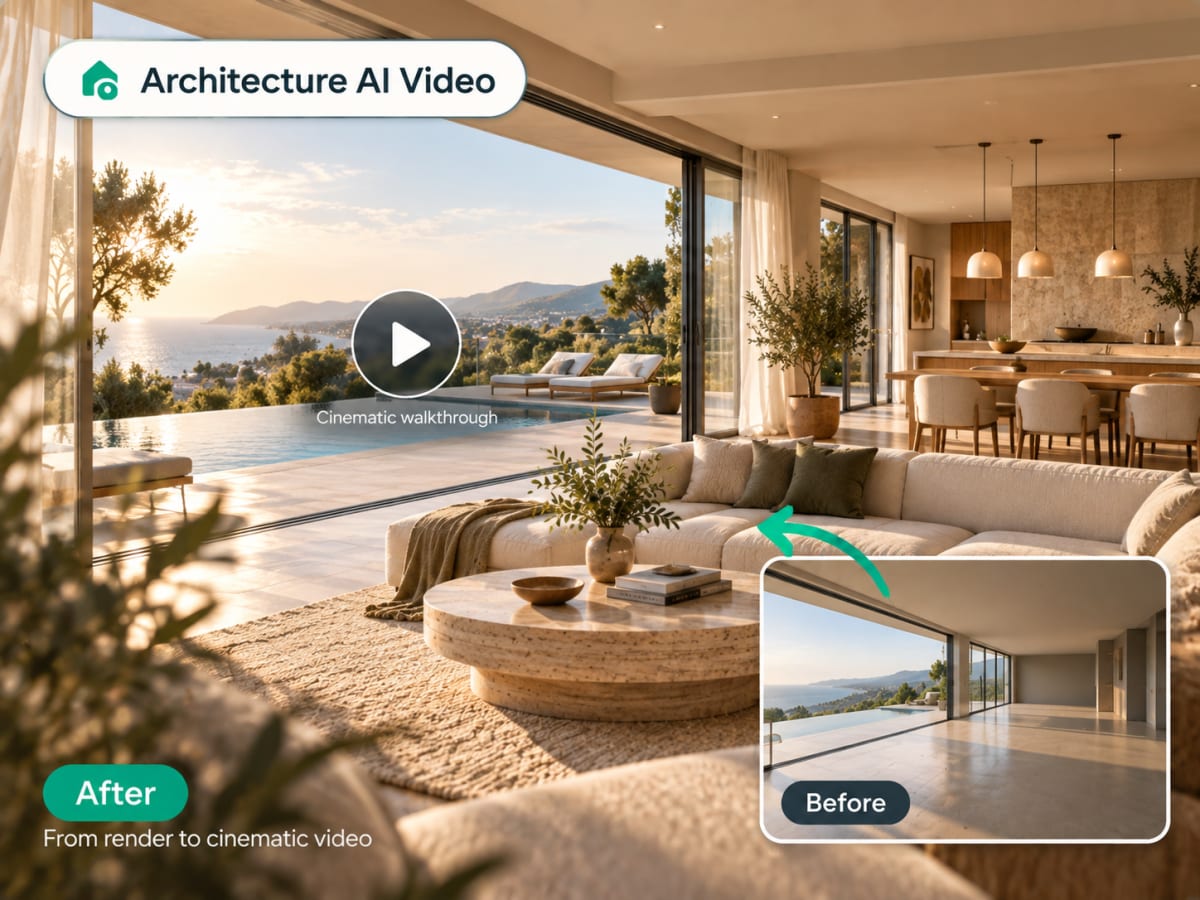
Architecture video
Animate a still render into a walkthrough
Upload a finished render and Archmaster generates a short cinematic video with camera movement through the space, ready to share in a presentation or listing.
- Camera motion generated from one still image
- Ready in minutes, no video editing needed
- Works with interior and exterior renders
Use it for
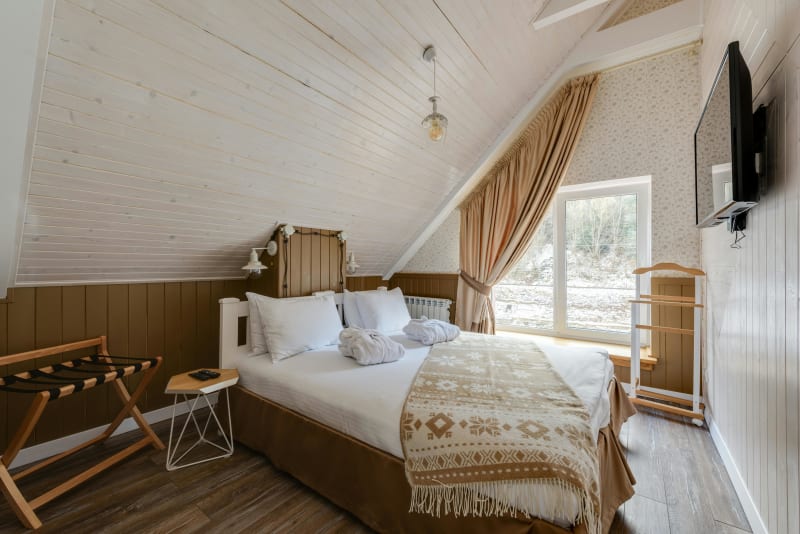
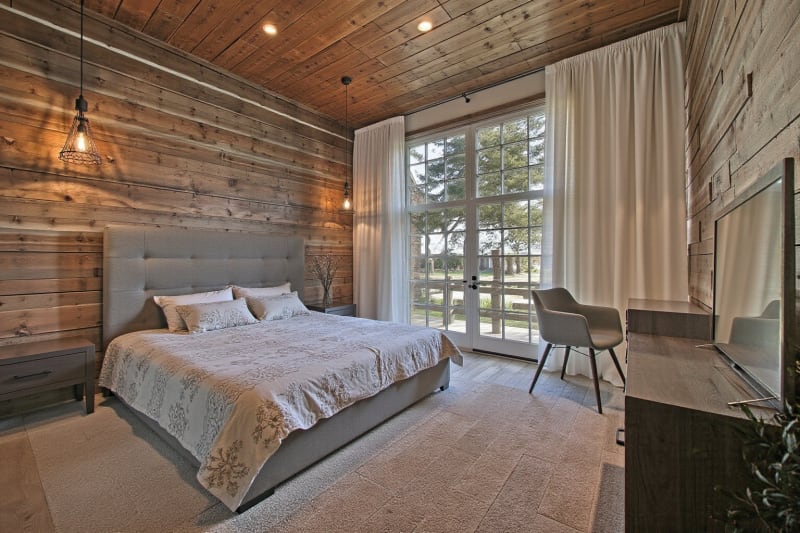
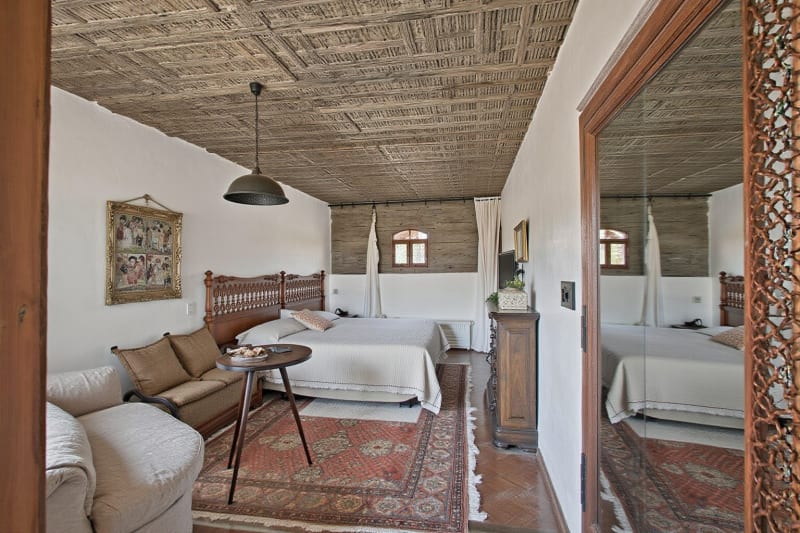
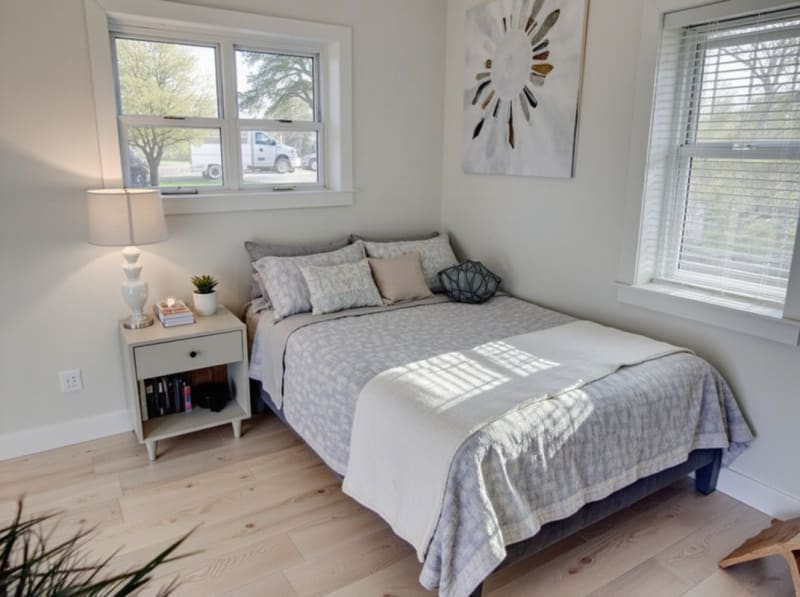
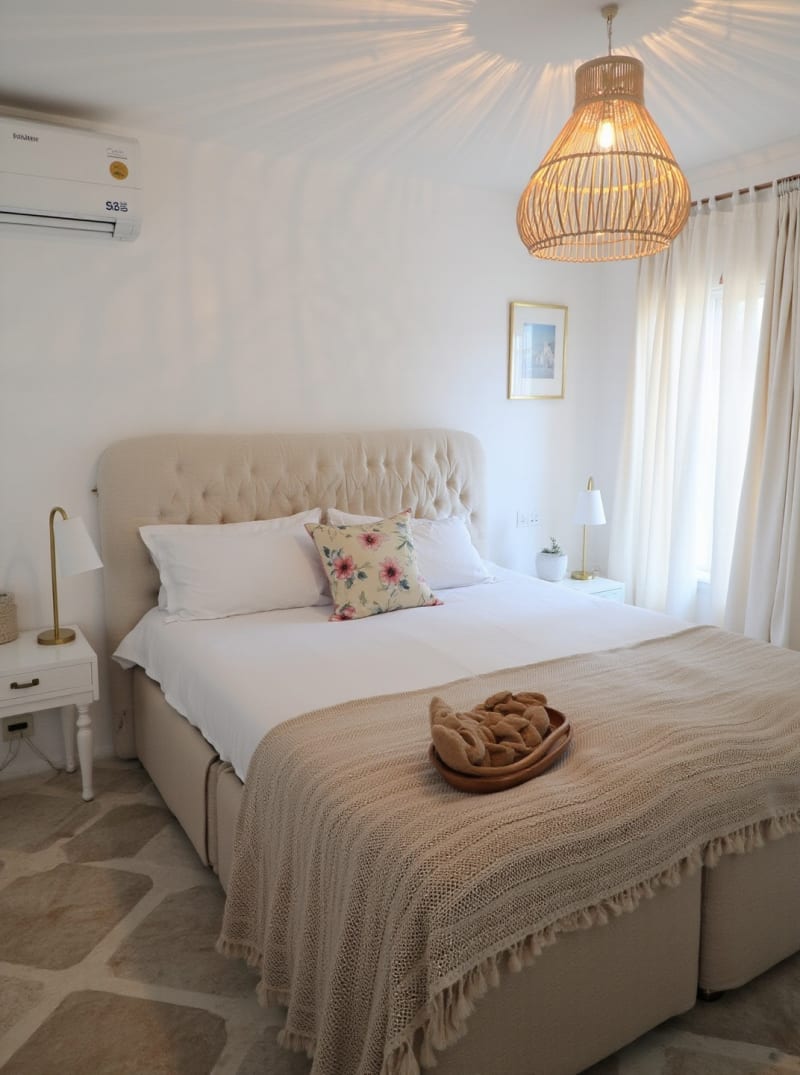
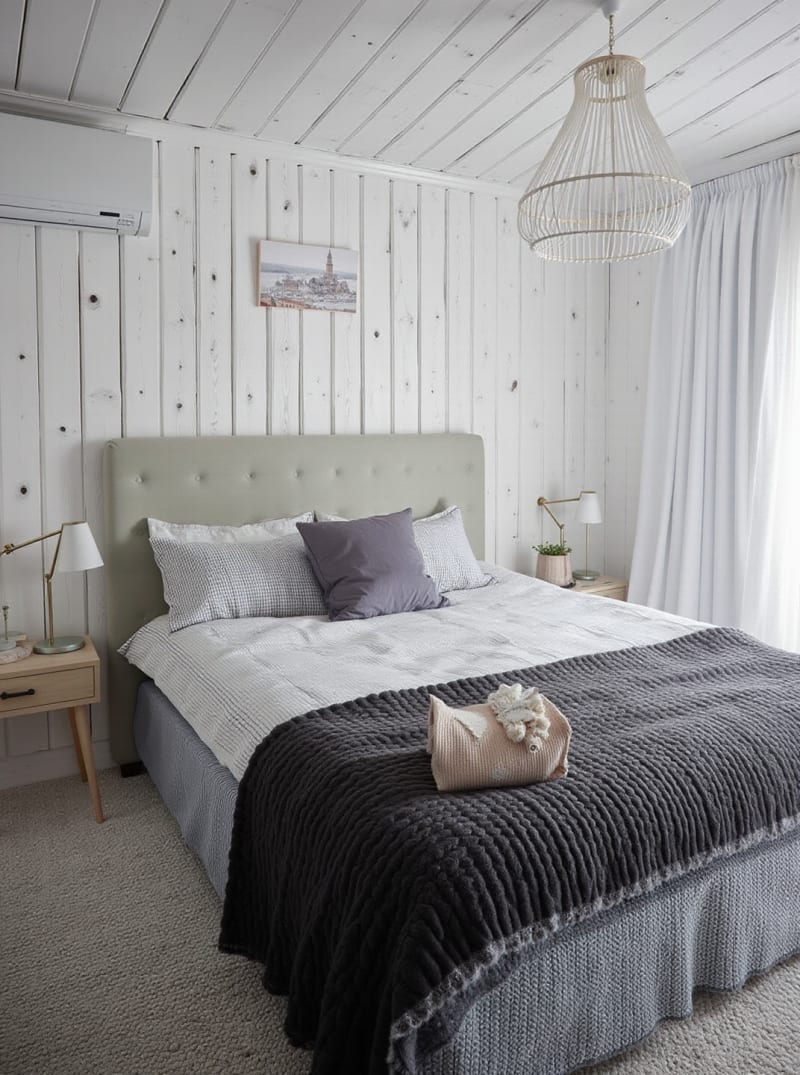
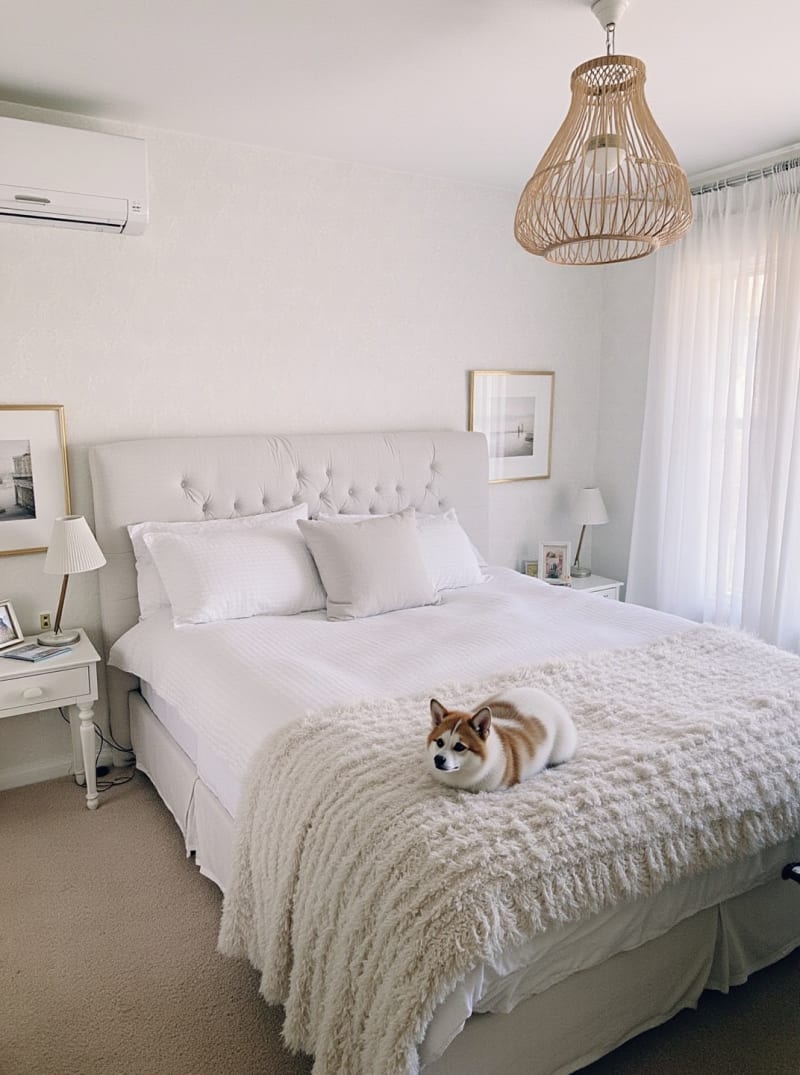
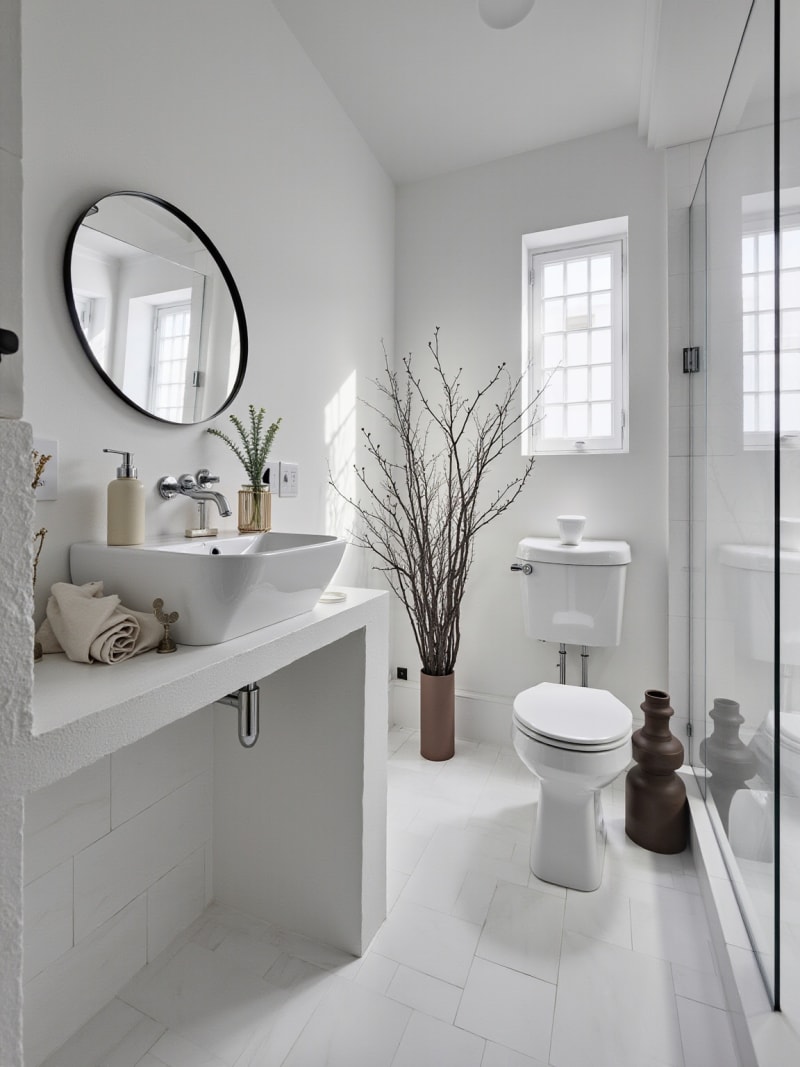
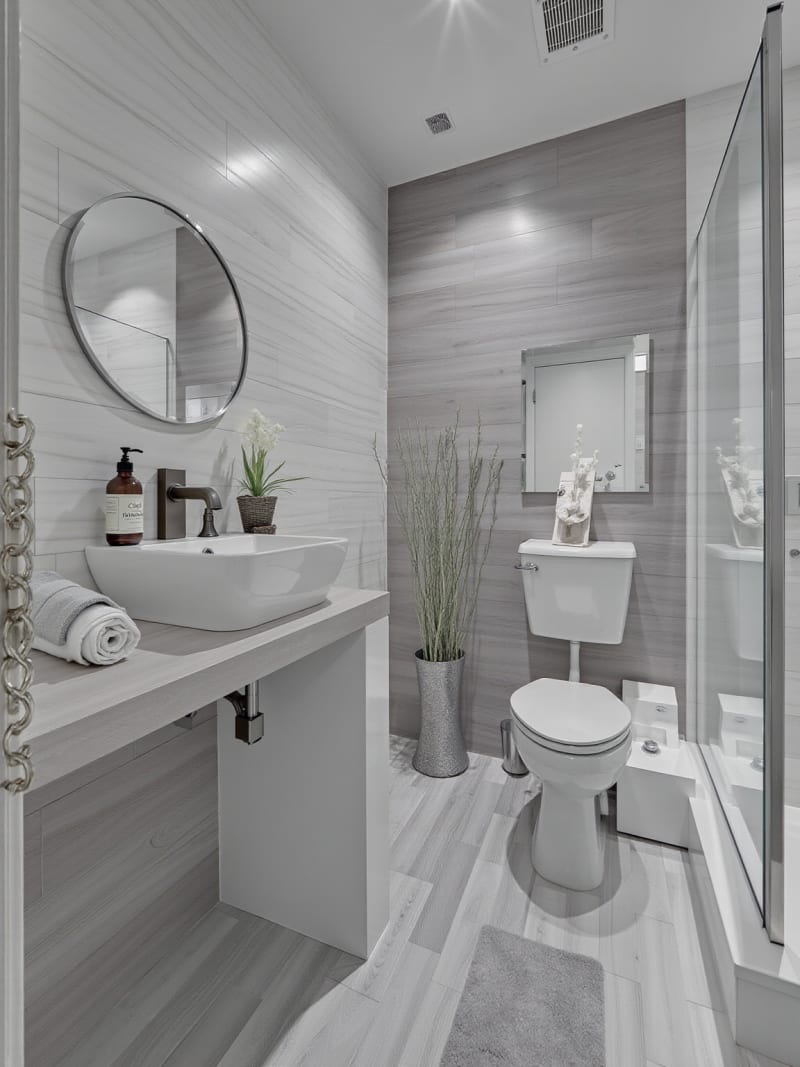
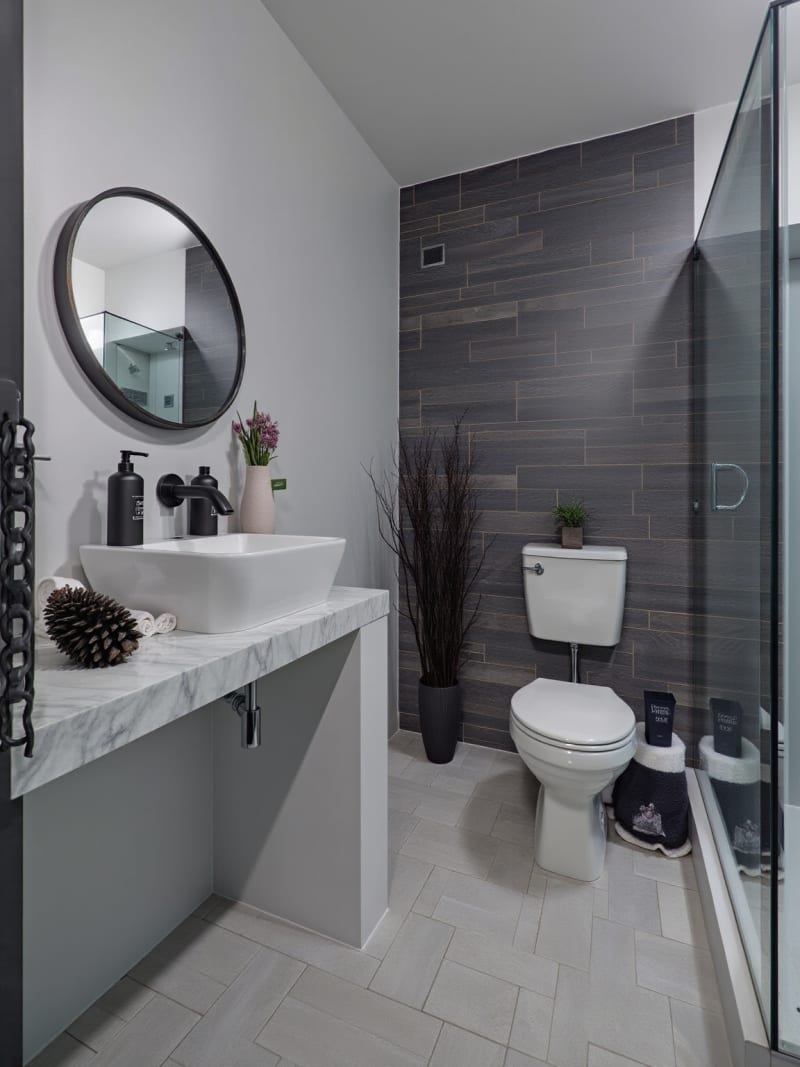
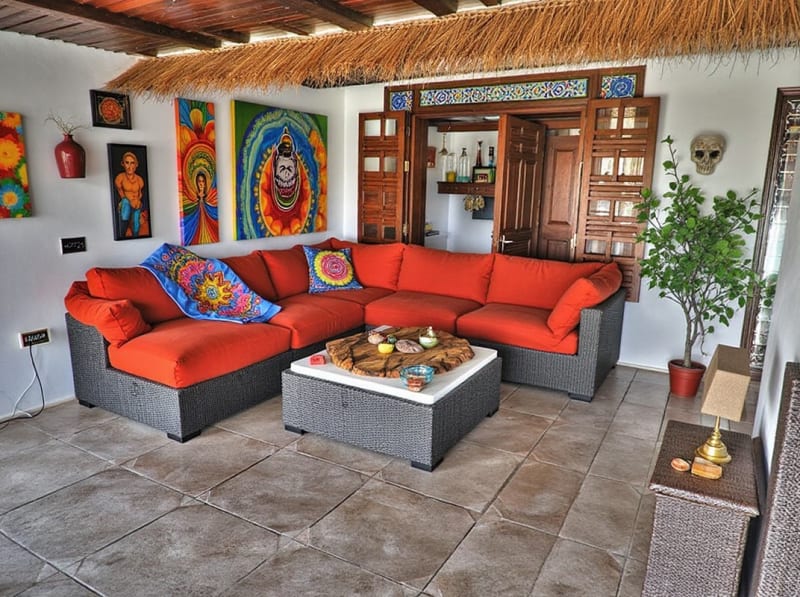
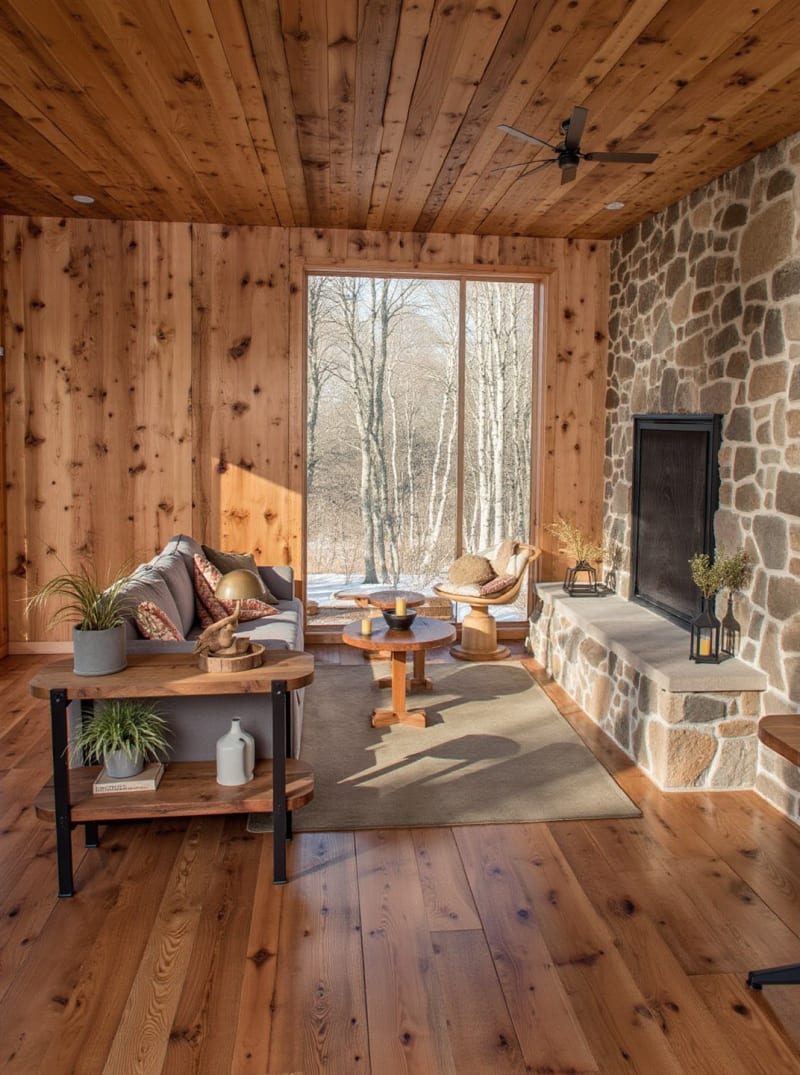
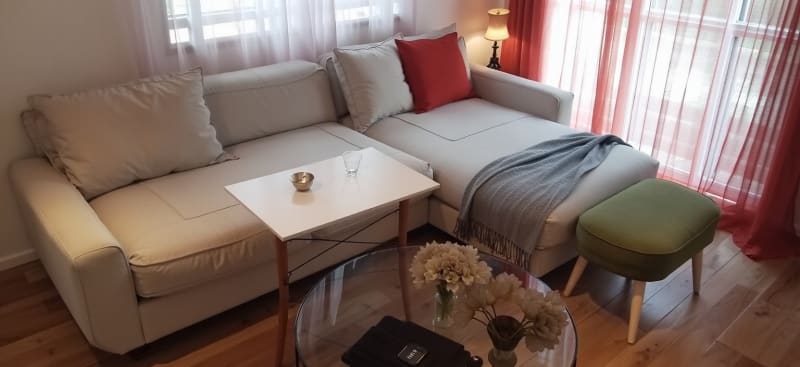
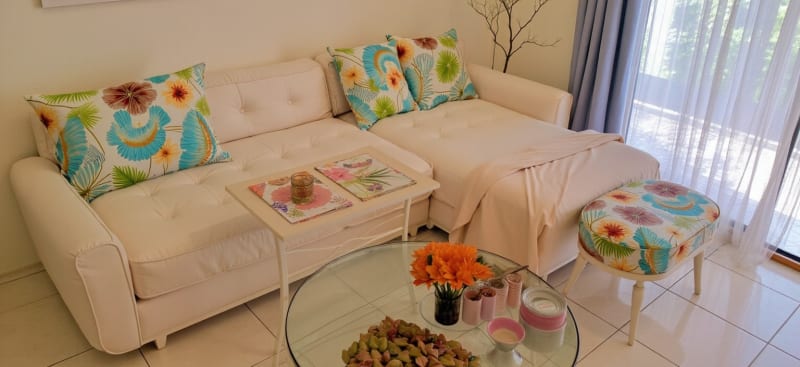
Rum transformeret.
Soveværelser, køkkener, badeværelser, stuer, møbler.
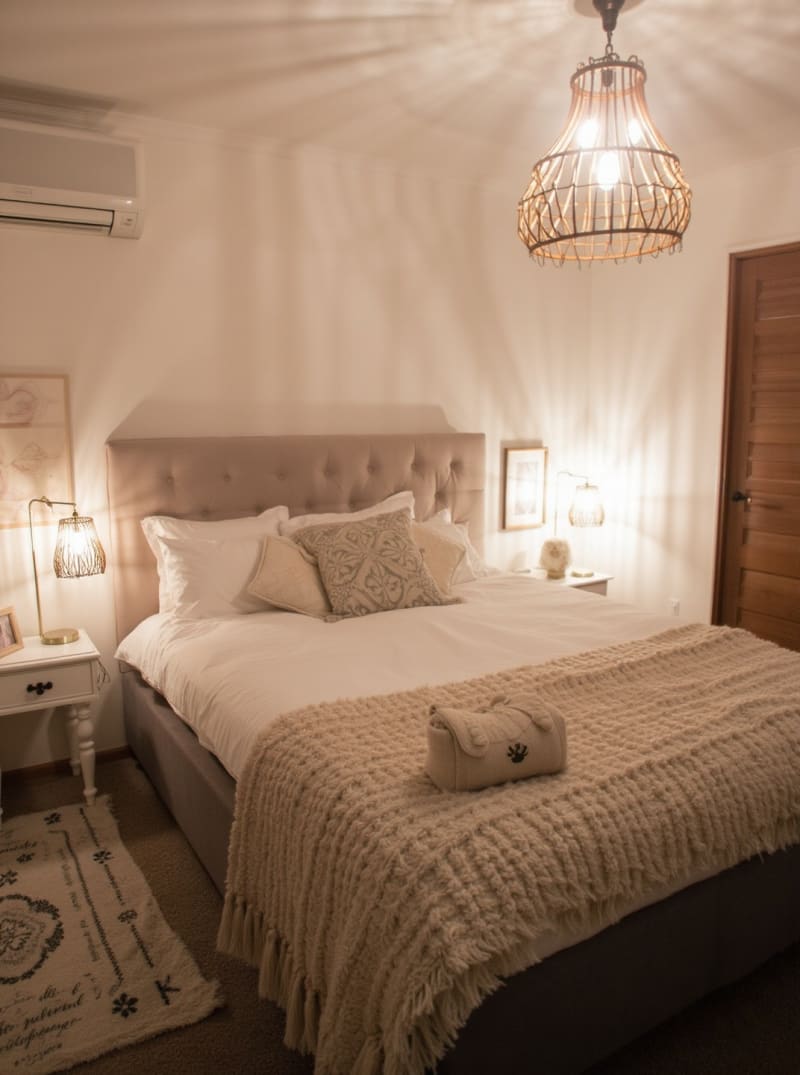
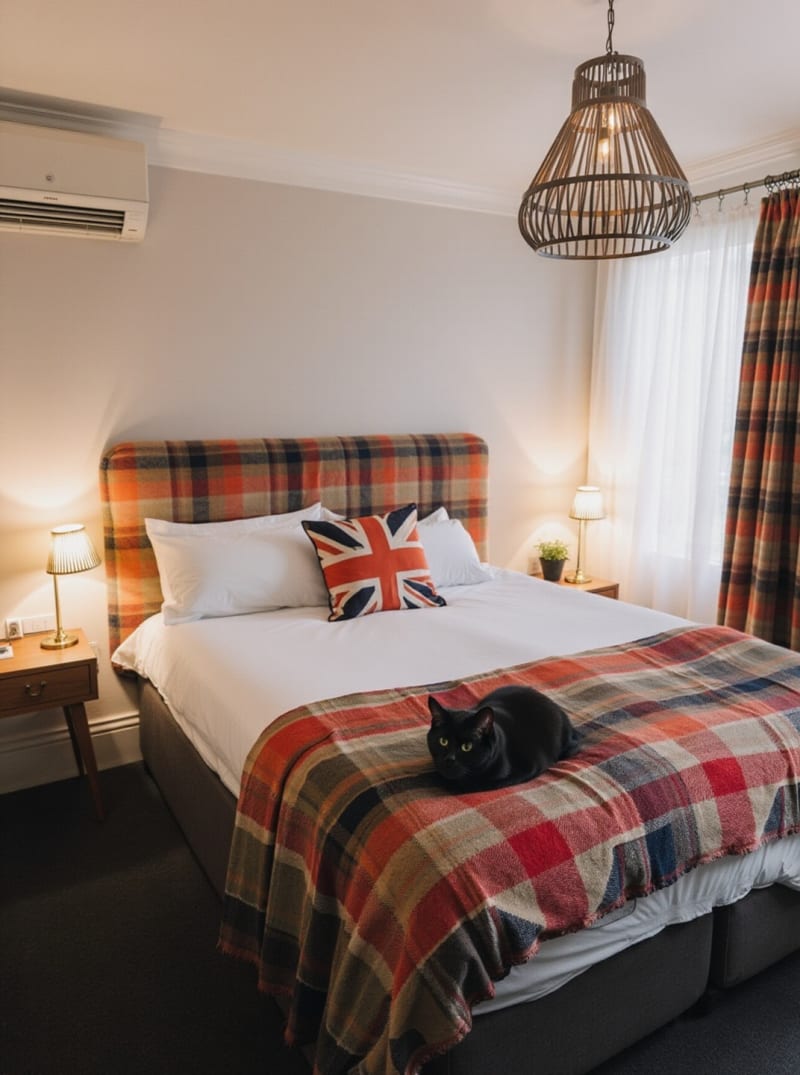
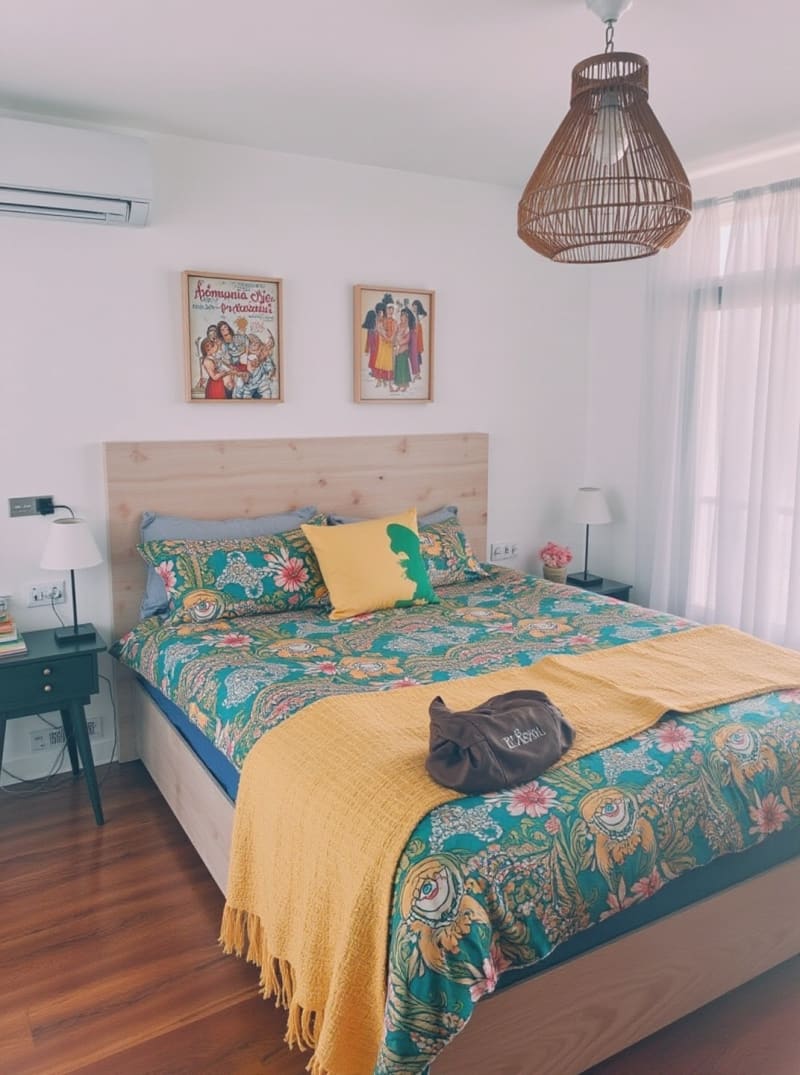
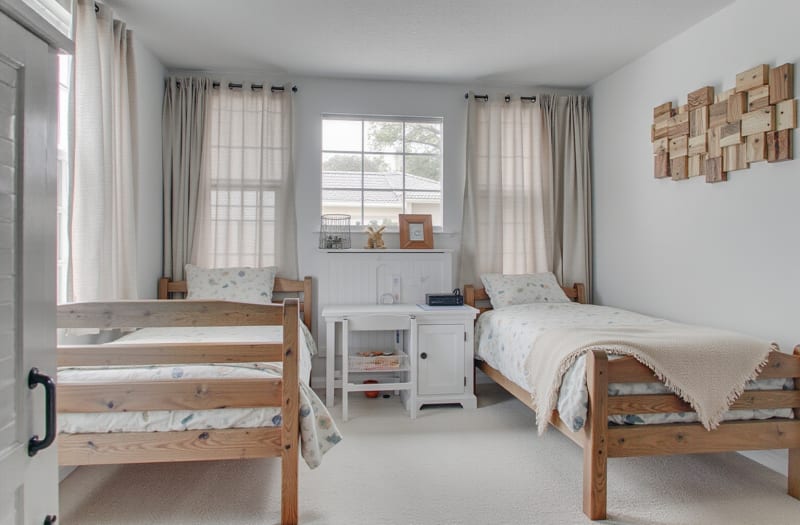
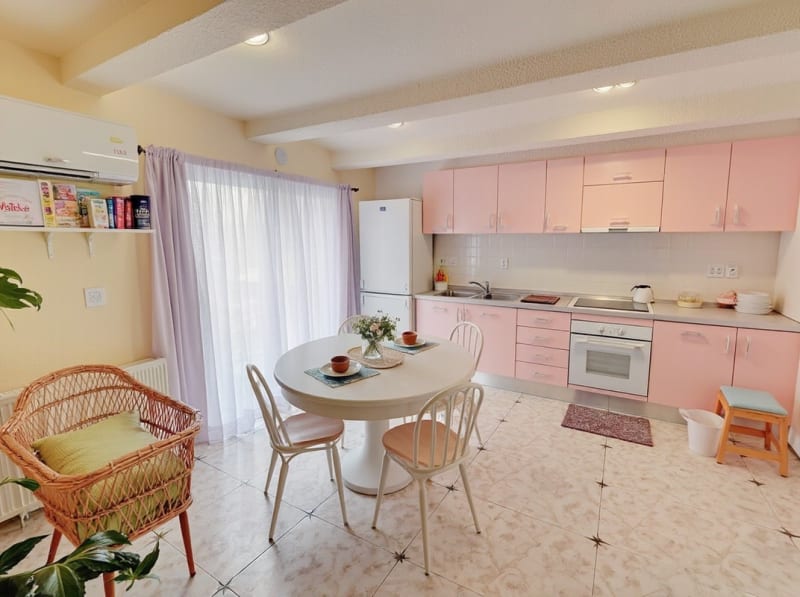
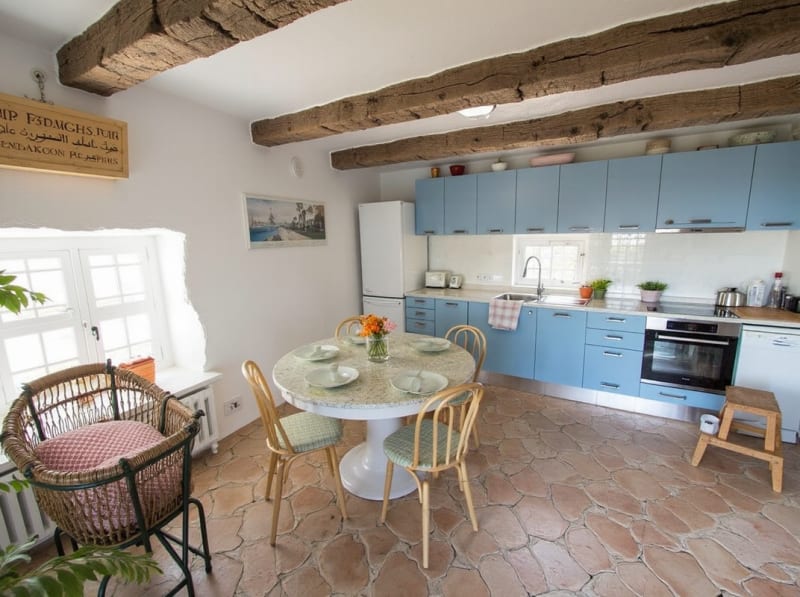
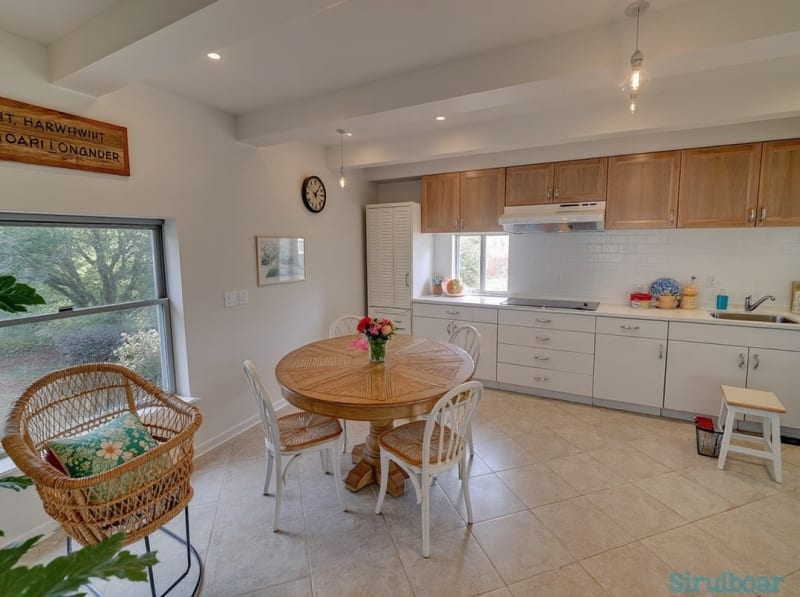
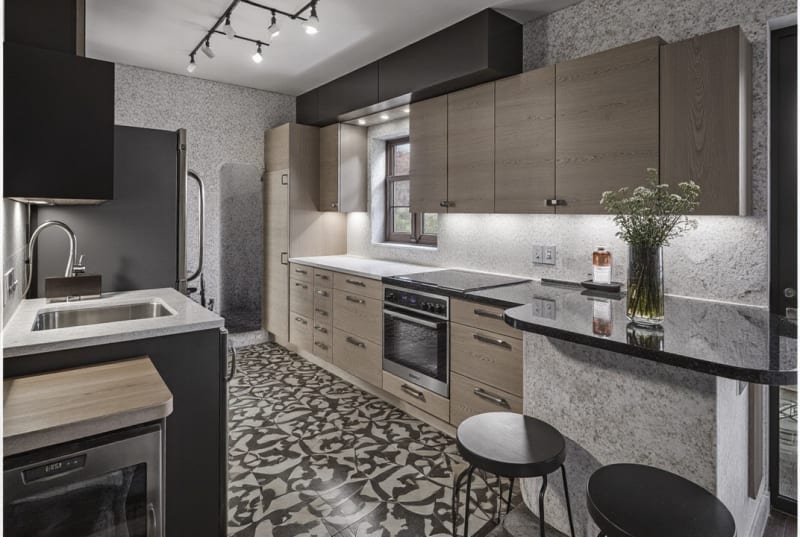
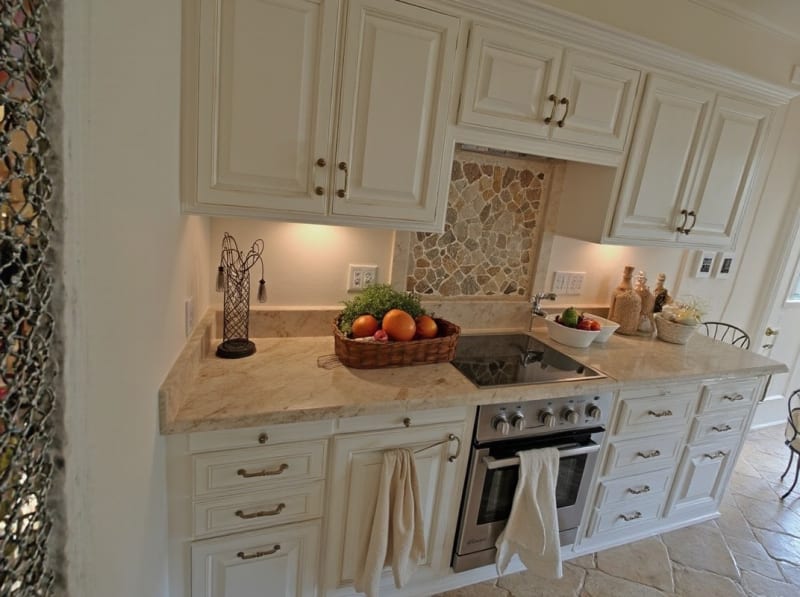
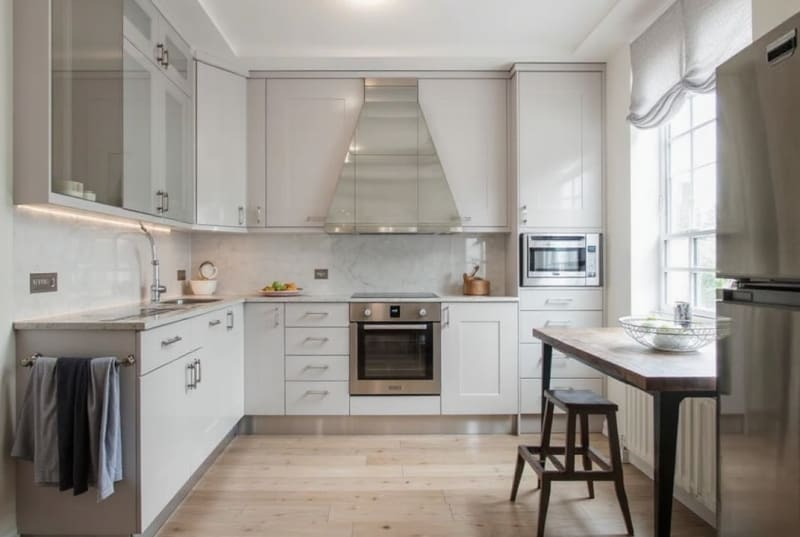
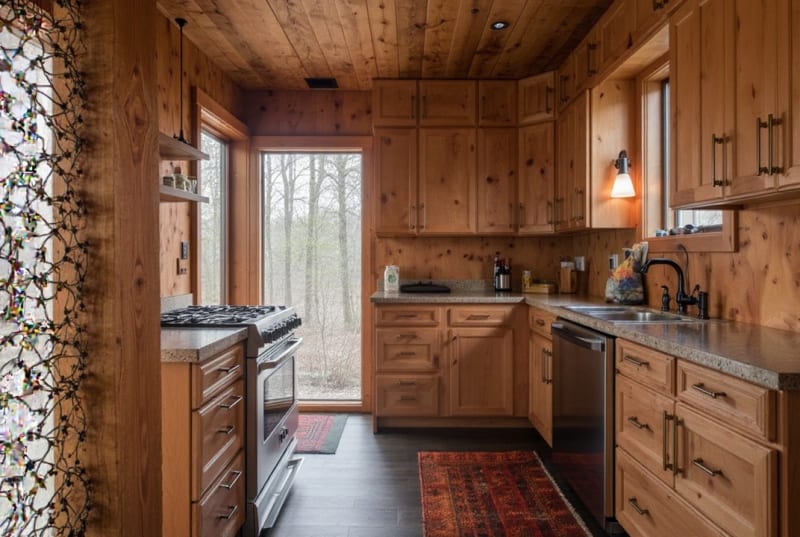
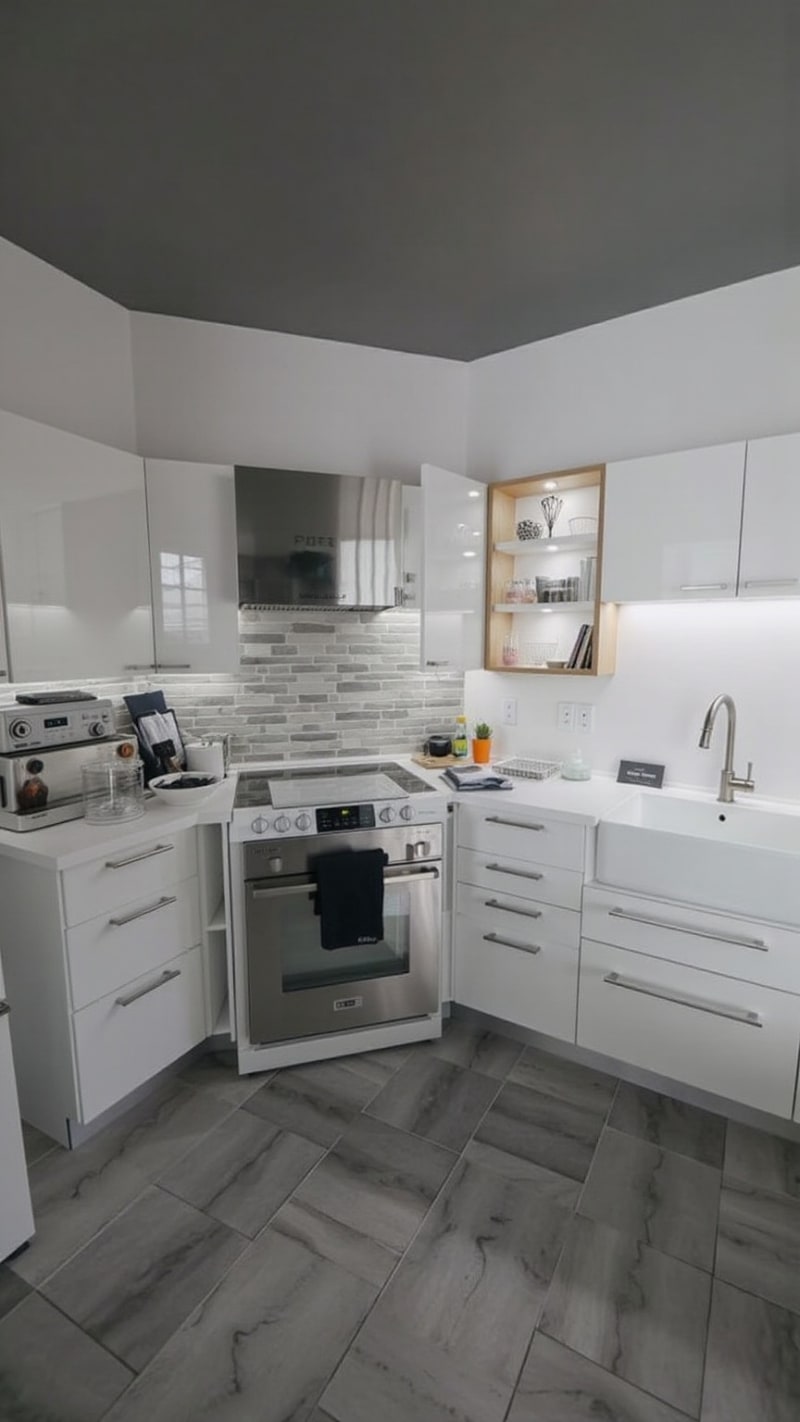
Nyt
Design ved at snakke, og køb så det, du skabte
Beskriv det rum, du vil have, så læser assistenten dit billede, før den skriver et eneste ord af prompten. Når renderingen er klar, bliver hvert møbel klikbart, så stolen, du kunne lide, fører direkte til butikken, der sælger den.
Se AI-designchat

More AI design tools.
Every other feature included in the same plan.
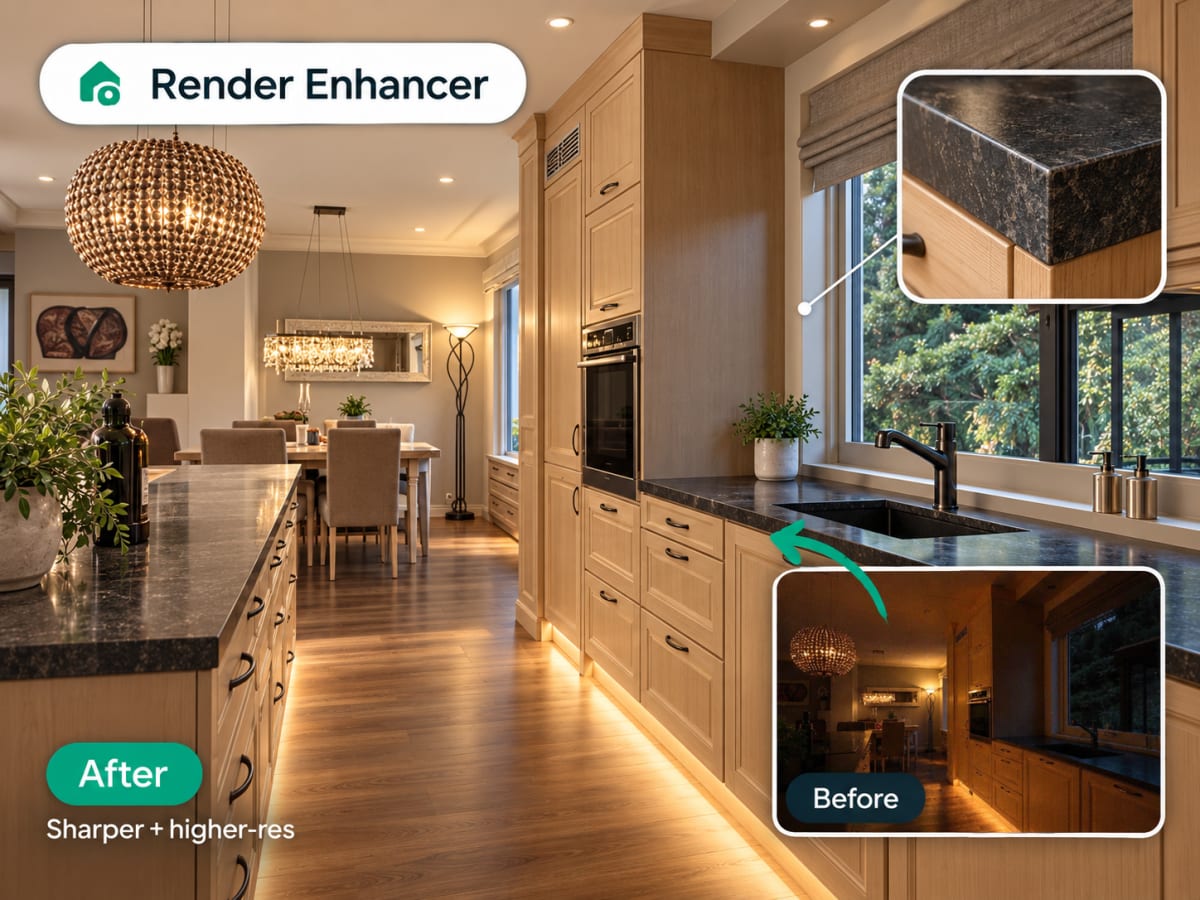
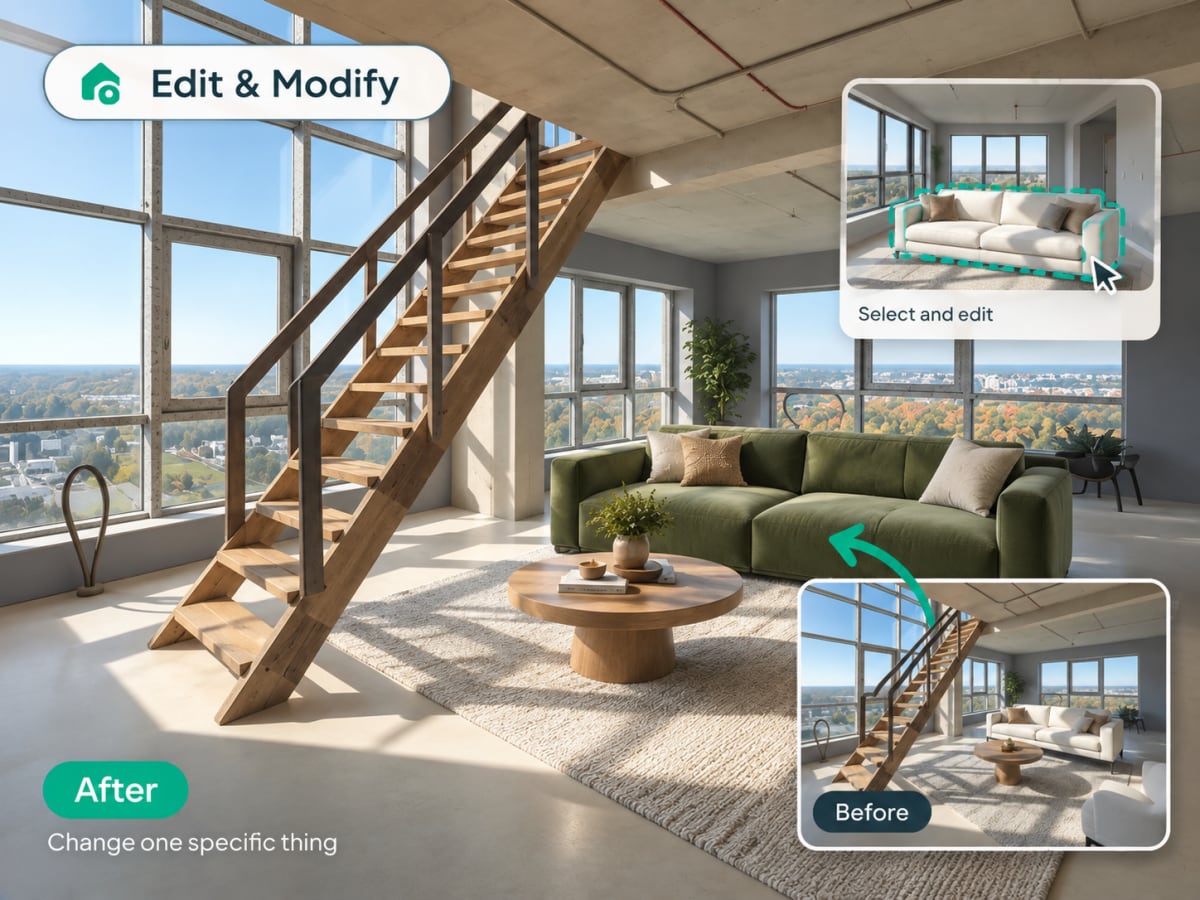
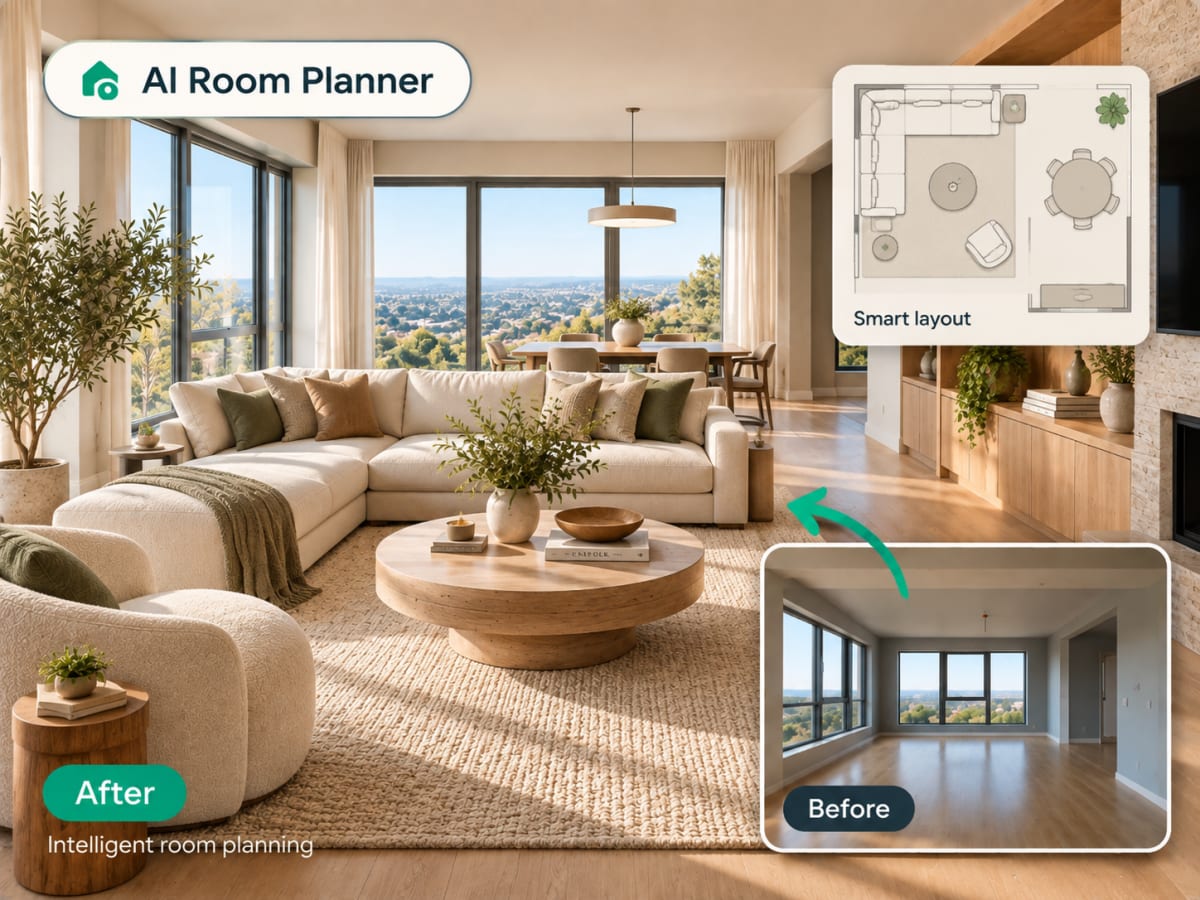
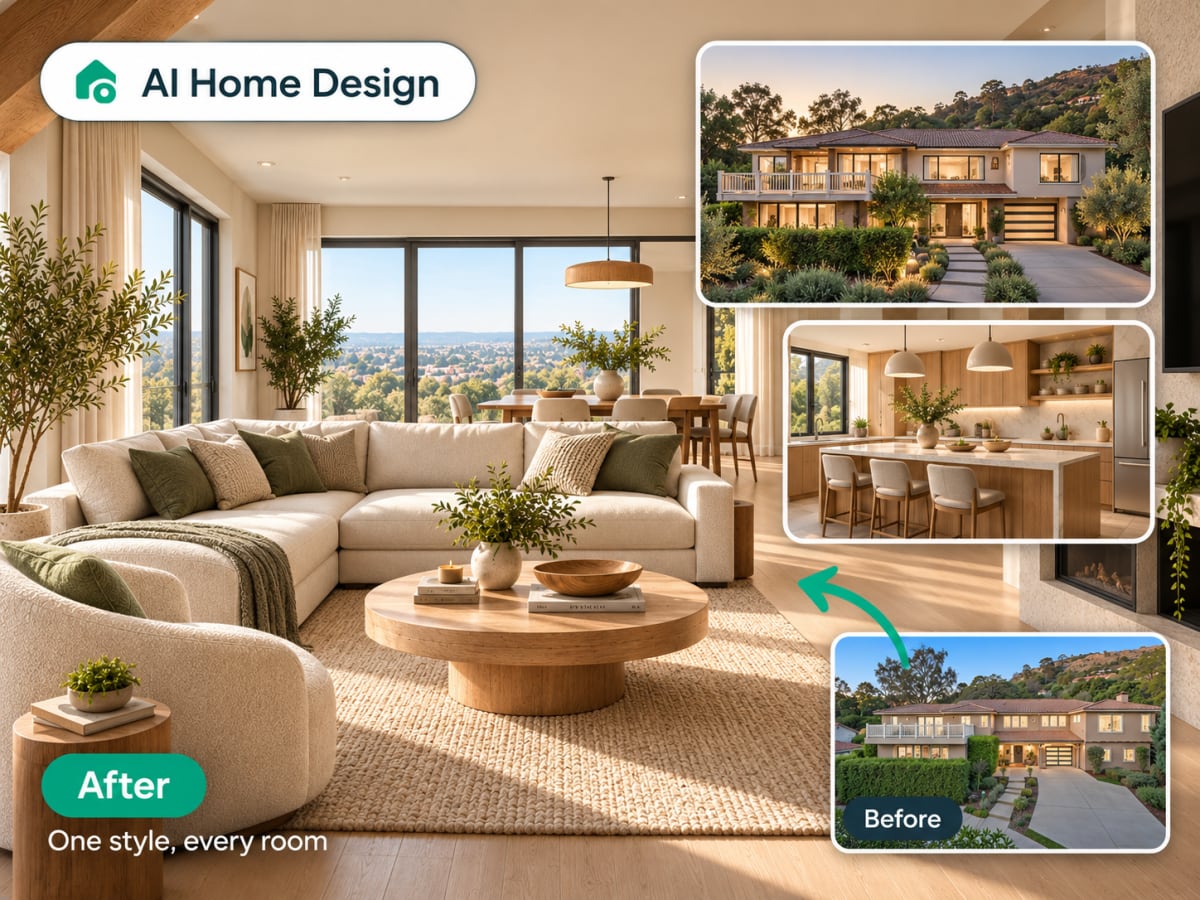
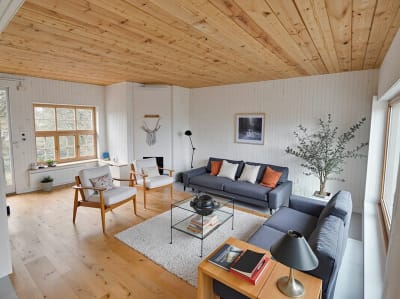
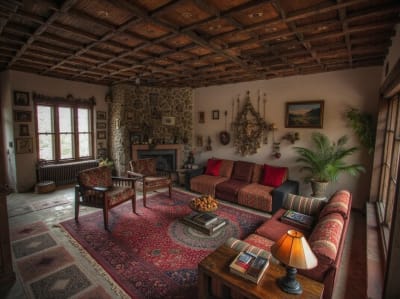
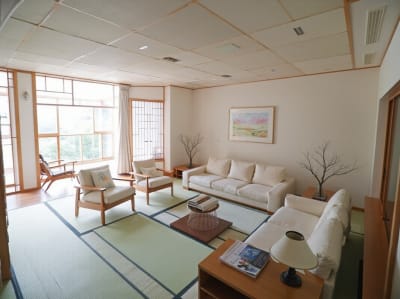
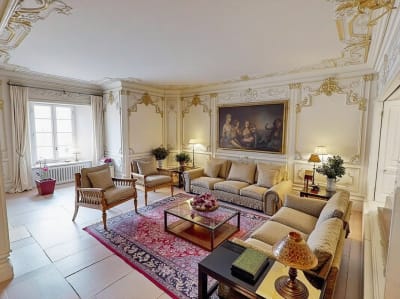
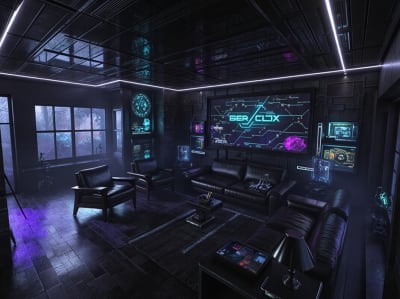
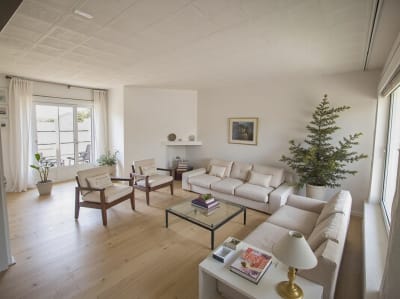
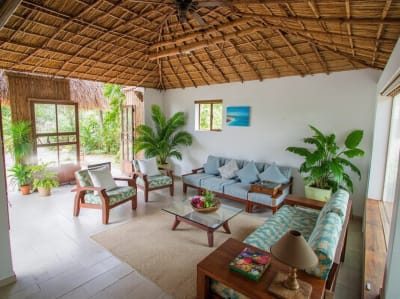
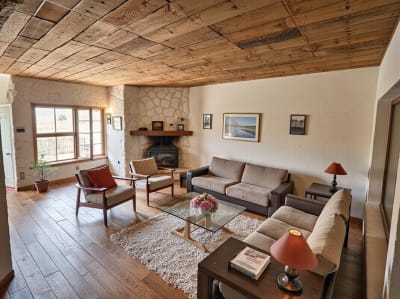
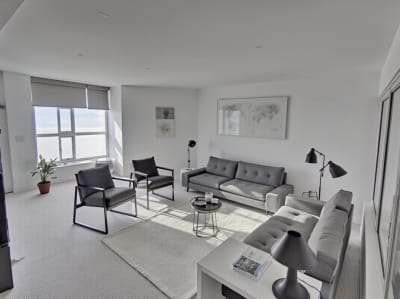
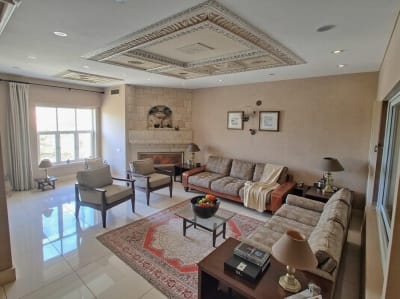
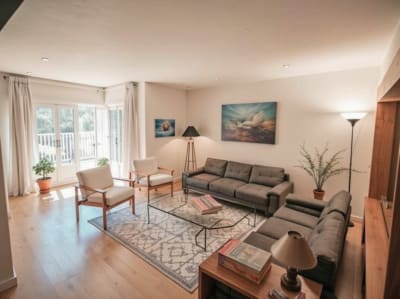
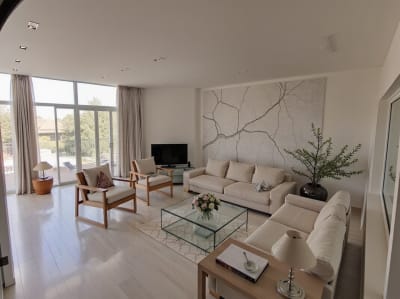
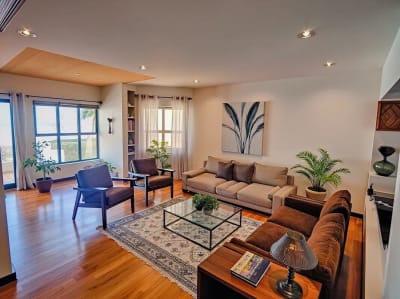
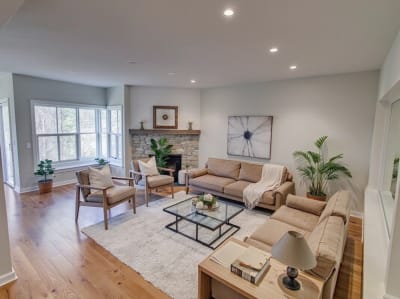
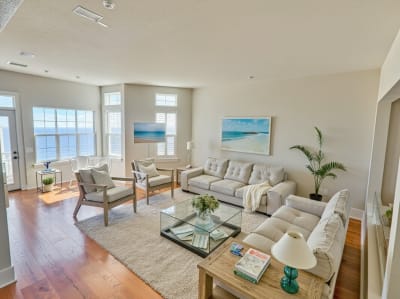
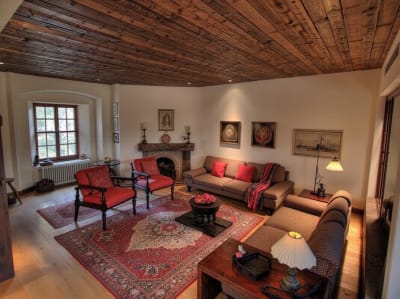
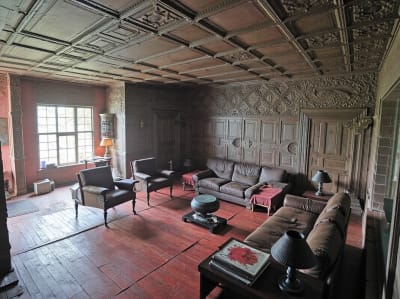
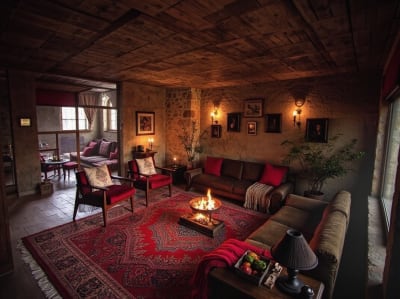
20 stilarter. Et klik.
Fra skandinavisk ro til cyberpunk-drama. Træk for at udforske.

Enkel prissætning.
Betal ugentligt, eller spar 80 % med årsplanen. Opsig når som helst.
Sikker betaling · Opsig når som helst · Klar med det samme
- Stripe
Archmaster Pro
- 30 AI-renderinger hver uge
- Alle indretningsstile — skandinavisk, minimalistisk, japandi, industriel og 20+ flere
- Ultra HD 4K-opskalering og fotorealistisk eksport
- Intet vandmærke og licens til kommerciel brug
- Prioriteret, hurtig GPU-behandling
- Tilstand der bevarer rummets arkitektur
Prøv uden risiko. Rammer AI’en ikke stemningen i dit rum, så kontakt support.
Vil du hellere betale én gang?
3-timers pas
20 % RABATUbegrænset brug i 3 timer. Du får 100 kreditter på kontoen, så snart du køber.
100 kreditter · 3 timer · Intet abonnement · Ingen fornyelse
- Alle AI-værktøjer
- Alle designstile
- 4K-downloads
- Intet vandmærke
Pakke til ét rum
10 renderinger i høj opløsning af ét rum, for én betaling.
- Intet abonnement
- Engangsbetaling
What is Archmaster?
Archmaster is an AI design tool that turns a photo of a real room or building facade into a photorealistic redesign in under 60 seconds, no 3D modeling software, no CAD files, and no designer required. It's used by homeowners planning a renovation, renters testing changes before committing, real estate agents staging listings, and designers drafting early concepts.
