Yapay Zeka İç ve Dış Mekan Tasarımı
Alanınız, yeniden tasarlandı.
Herhangi bir oda veya binanın fotoğrafını yükleyin. Bir stil seçin. Saniyeler içinde profesyonel kalitede render alın. Öğrenilecek yazılım yok, kiralanacak tasarımcı yok.


5,000+ designers and homeowners trust Archmaster

How it works
Three steps, one photo, and no software to install. The whole thing takes about as long as it takes to find the picture on your phone.
Upload a photo
Any room or building photo works, taken on a phone, at any angle, in whatever state the space is in today. Nothing has to be tidied first.
- JPG, PNG, WebP, or an iPhone HEIC
- Your walls, windows, and proportions stay where they are
Pick a style
Twenty presets, from Scandinavian calm to Baroque. Add a sentence of your own if you want a specific wood tone, a paint color, or a mood.
- 20 presets, or describe it in your own words
- Run several on the same photo to compare
See it, then decide
The render comes back at the framing you shot, so the before and after line up. Download it, send it to a contractor for a quote, or change one part of it and run it again.
- Ready in seconds, 1 credit per generation
- 30 credits a week on the $9.99 plan
100,000+
Rooms redesigned
5,000+
Happy users
No data storage
Photos are processed and deleted — never kept or sold.

Secure payments
Checkout handled entirely by Stripe.
Loved by homeowners and designers.
5,000+ people have redesigned a space with Archmaster.
I tried four styles on my living room before picking one. Seeing the actual result before spending a dollar on furniture saved me from a mistake.
Sarah Chen
Homeowner
Staged three vacant listings in one afternoon. What used to take a week and a rental invoice now takes minutes per room.
Marcus Webb
Real estate agent
I use it to show clients three directions in the first meeting instead of describing them. They sign off faster because they're looking at their actual room.
Priya Patel
Interior designer
Turned a rough kitchen sketch into something I could actually show a contractor. Cut a week off getting quotes.
Tom Reyes
Homeowner
Tested a paint color and new furniture layout before asking my landlord about anything. No surprises, no wasted money.
Elena Novak
Renter
Everything in one tool.
Six ways to redesign a space, each starting from a single photo.
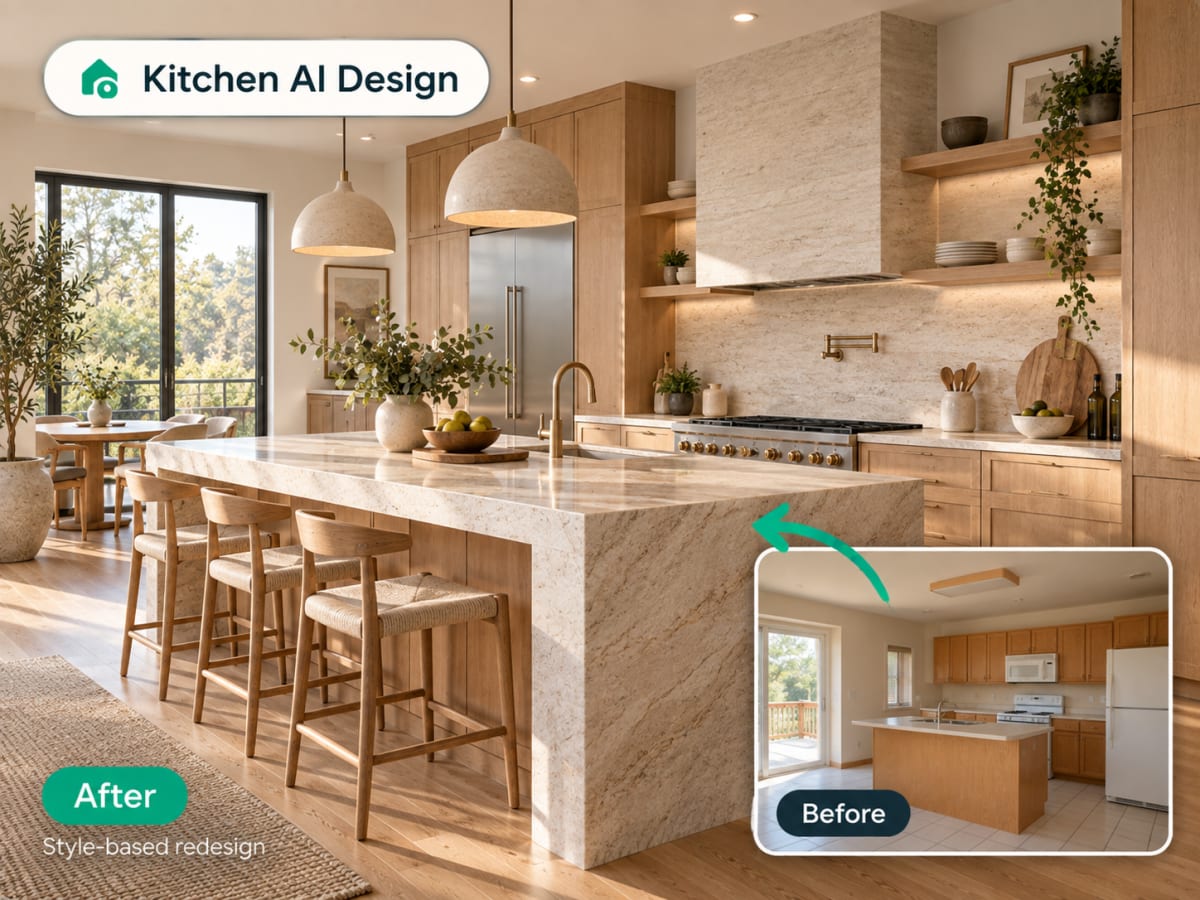
Kitchen redesign
See your kitchen in a new style before you renovate
Upload a photo of your kitchen and apply a complete style change: cabinets, countertops, backsplash, and lighting, without moving a single wall or appliance.
- Farmhouse, Japandi, modern, Scandinavian, and more
- Cabinets, countertops, and finishes restyled together
- Test a full renovation before committing to one
Use it for
Interior redesign
Redesign any room from a single photo
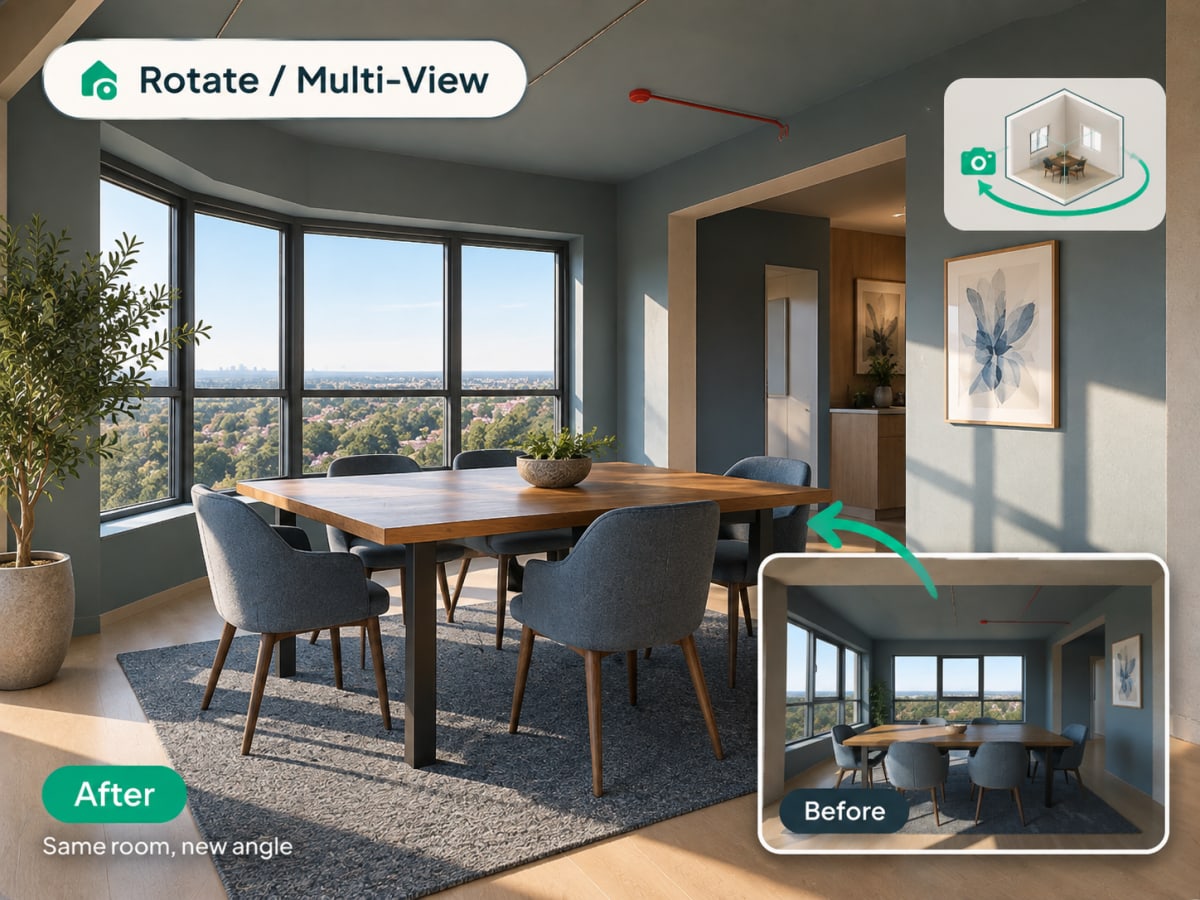
Upload a photo of your living room, bedroom, or any interior space and choose one of 20 style presets. Archmaster keeps your walls, windows, and layout intact and only replaces furniture, materials, and colors.
- 20 style presets, from Scandinavian to Cyberpunk
- Keeps your room's actual layout and structure
- Photorealistic render in under 60 seconds
- Multiple style variations from one photo
Use it for
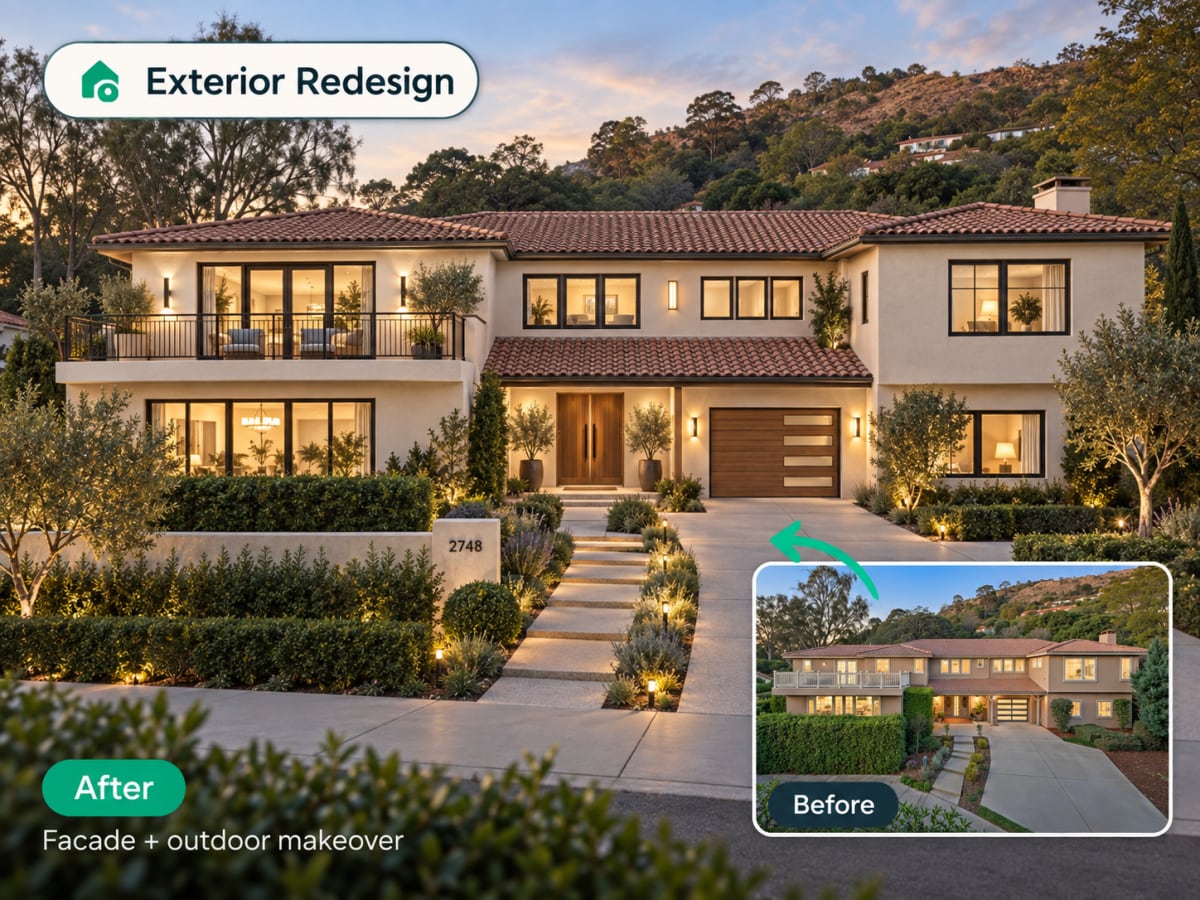
Exterior redesign
Change your home's facade without touching a brick
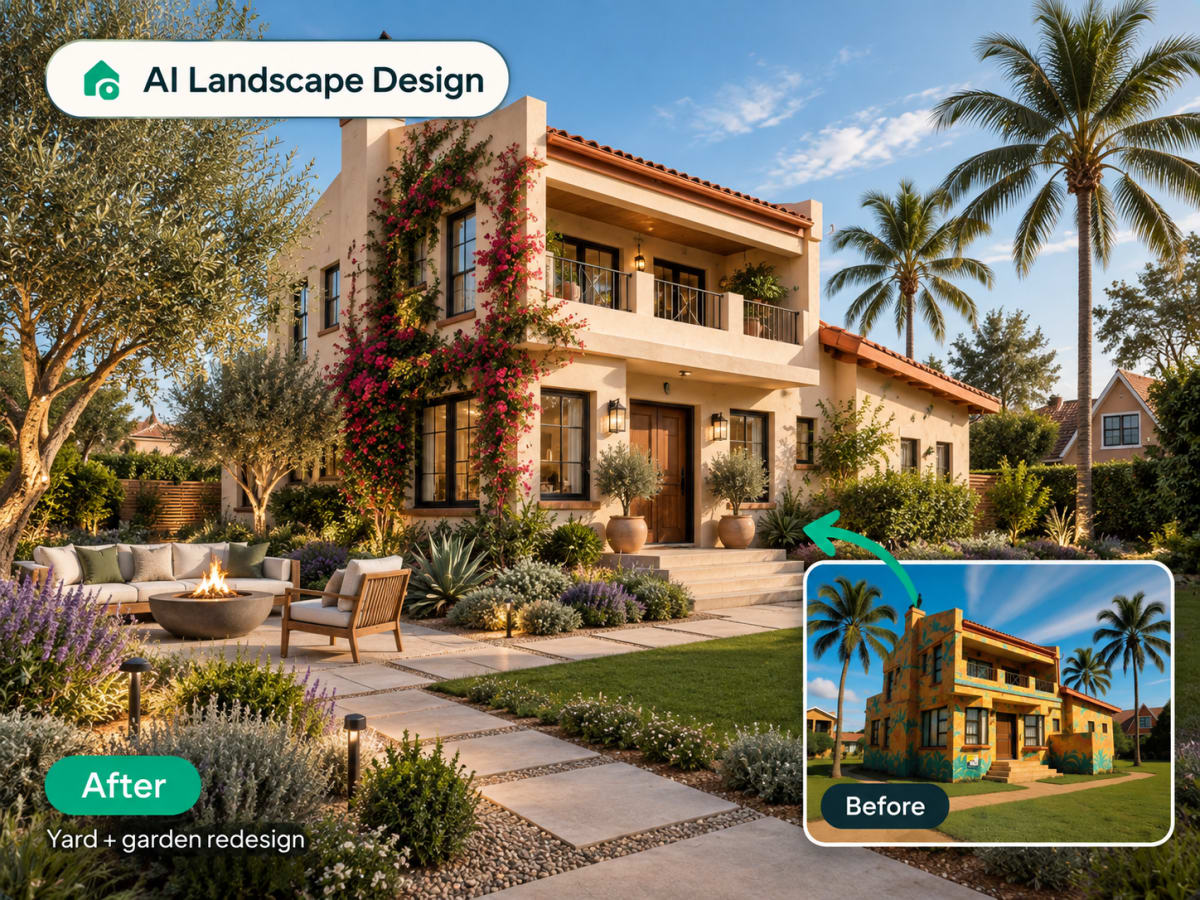
Upload a photo of your house or building exterior and apply a new style. Paint, siding, roofline treatment, and landscaping context all update together for a believable result.
- Works on houses, facades, and full building exteriors
- Paint, siding, and material changes in one render
- Useful for renovation planning and real estate listings
Use it for
Virtual staging
Furnish an empty room for listing photos
Upload a photo of a vacant room and Archmaster fills it with furniture and decor that matches a chosen style, ready for a real estate listing in under a minute.
- Turns empty rooms into staged, market-ready photos
- Costs a fraction of physical staging
- Ready in under a minute, no scheduling required
Use it for

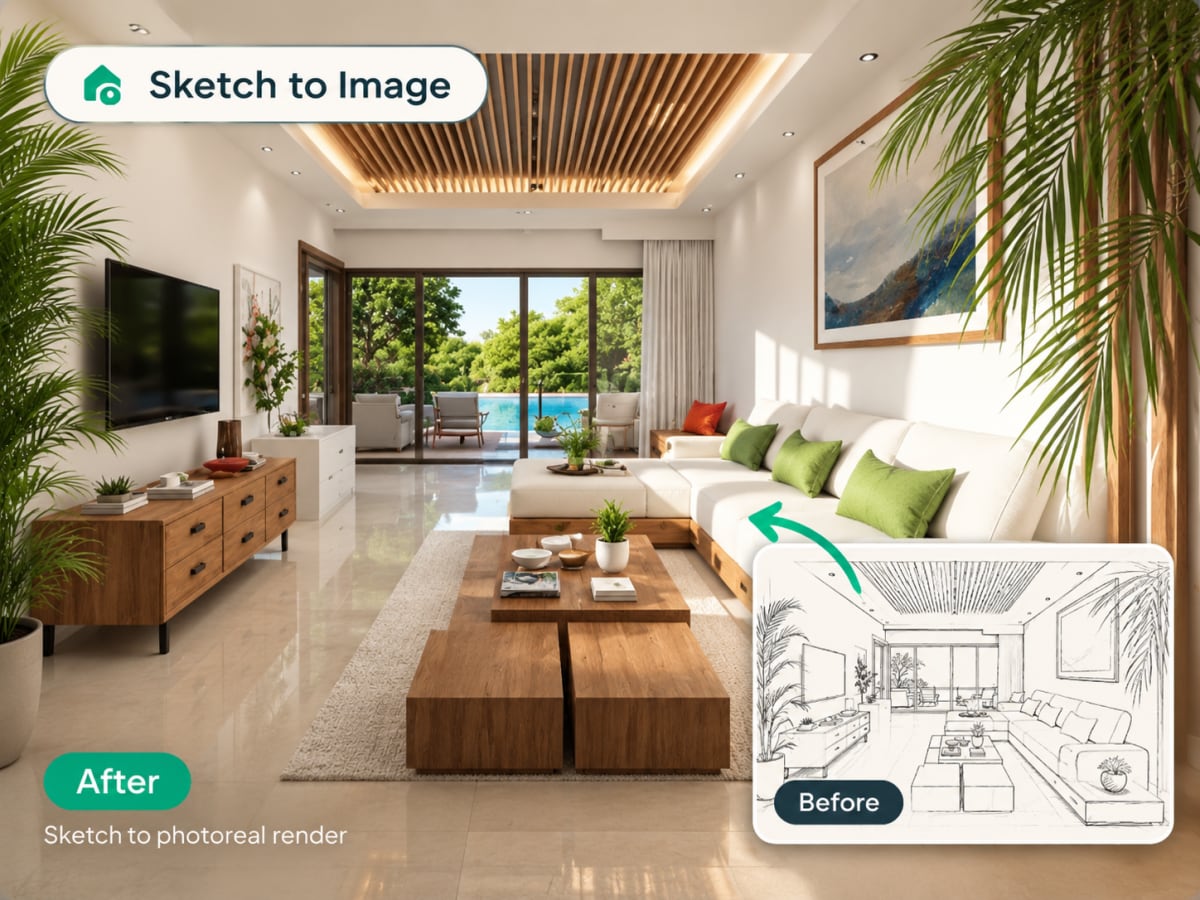
Sketch to render
Turn a hand-drawn sketch into a photoreal image
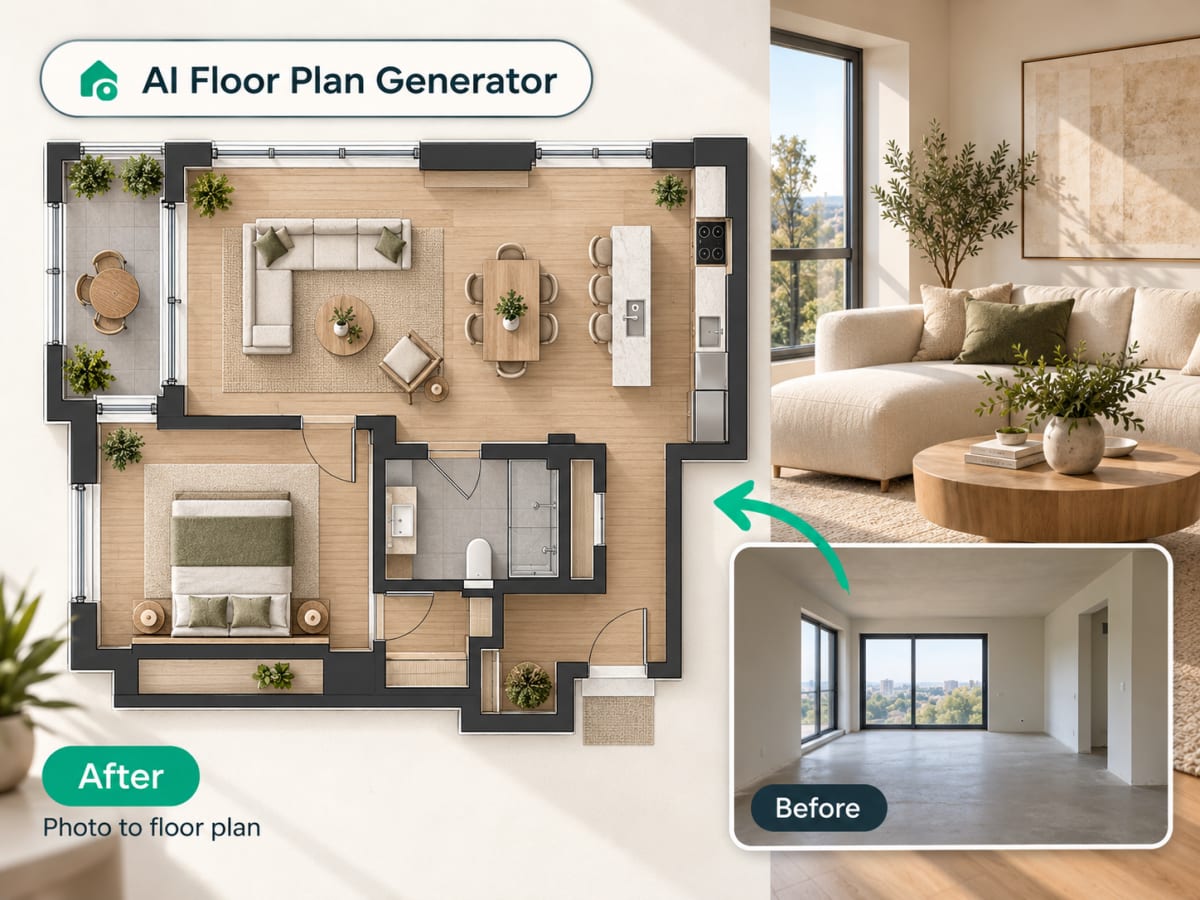
Upload a concept sketch or hand-drawn floor plan and Archmaster generates a photorealistic render of the same space. No 3D modeling software required.
- Works with hand-drawn sketches and simple line plans
- No CAD file or 3D model needed
- Useful for early-stage concepts and client presentations
Use it for
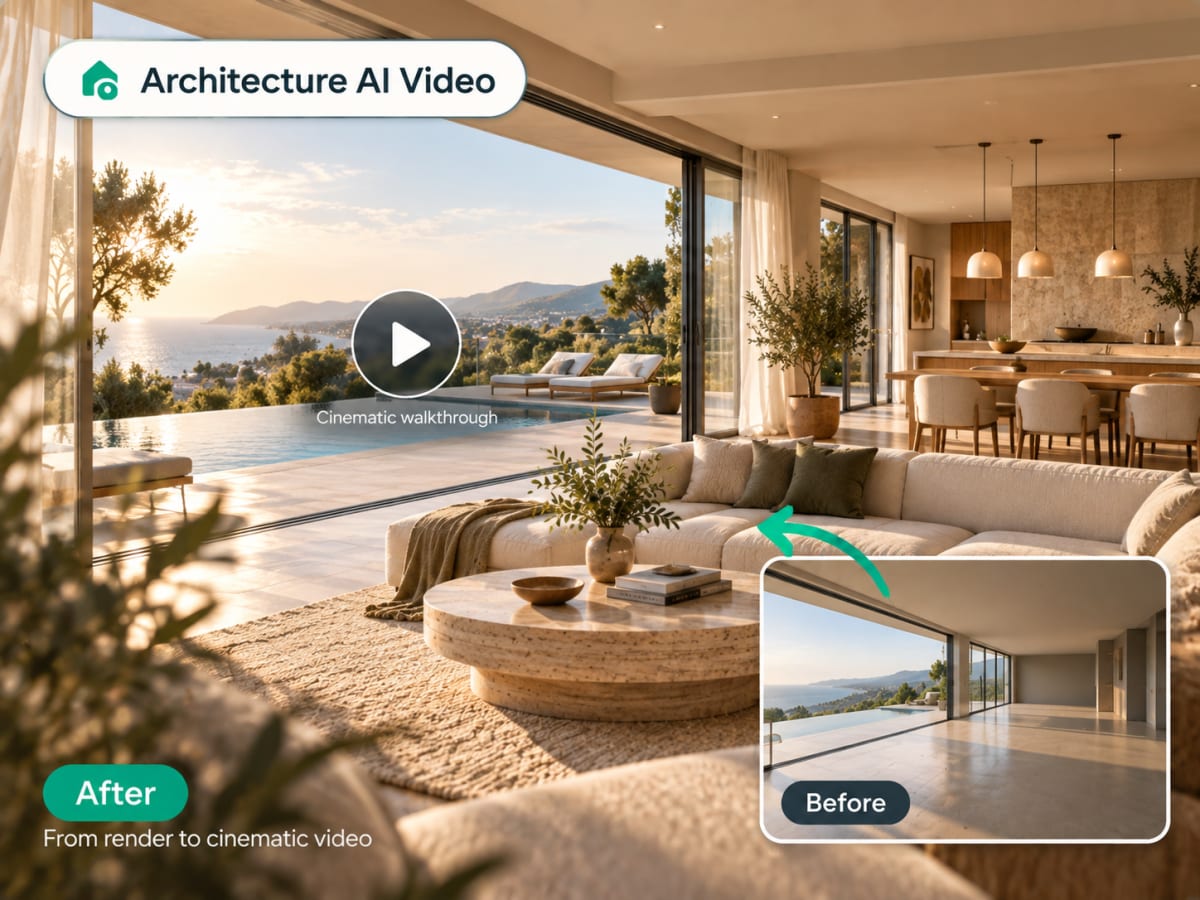
Architecture video
Animate a still render into a walkthrough
Upload a finished render and Archmaster generates a short cinematic video with camera movement through the space, ready to share in a presentation or listing.
- Camera motion generated from one still image
- Ready in minutes, no video editing needed
- Works with interior and exterior renders
Use it for
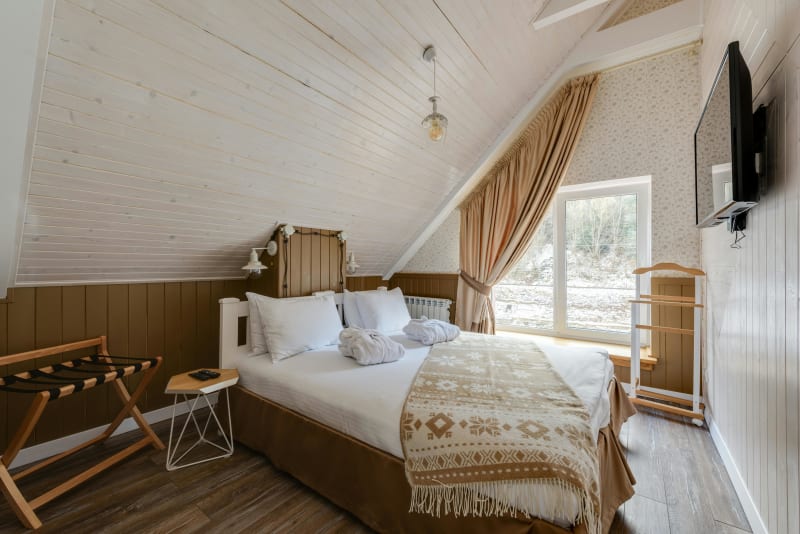
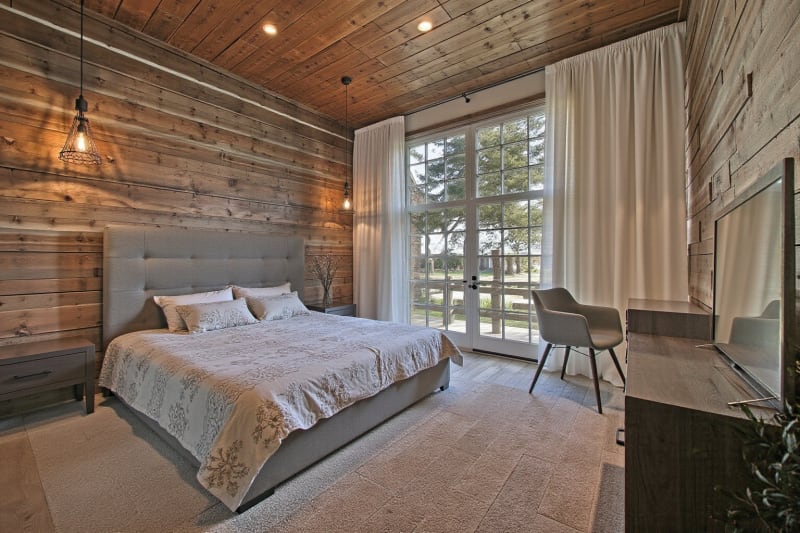
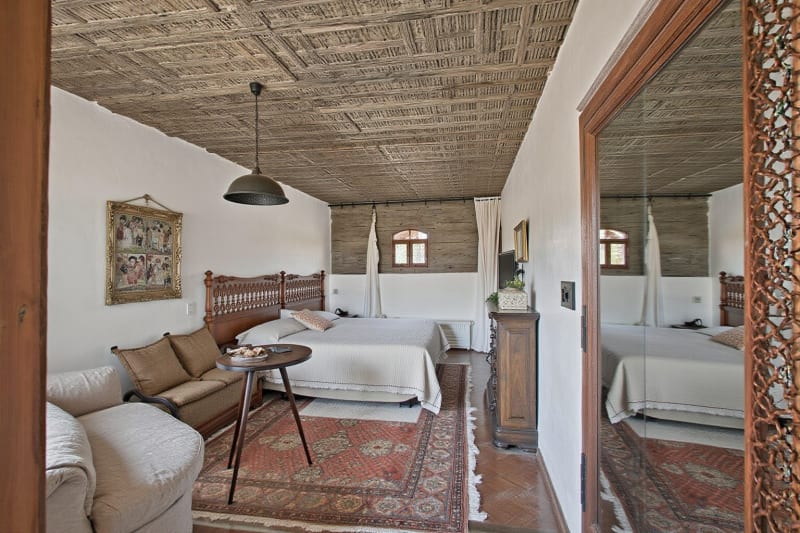
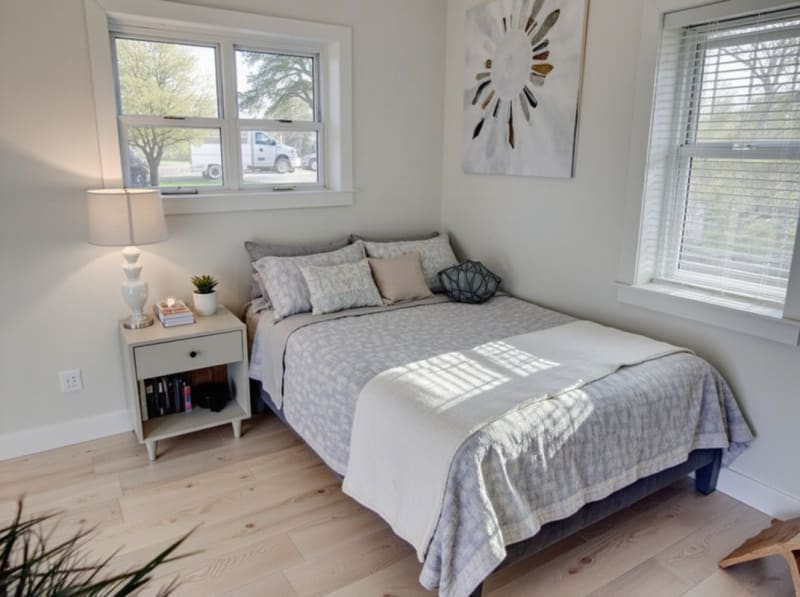
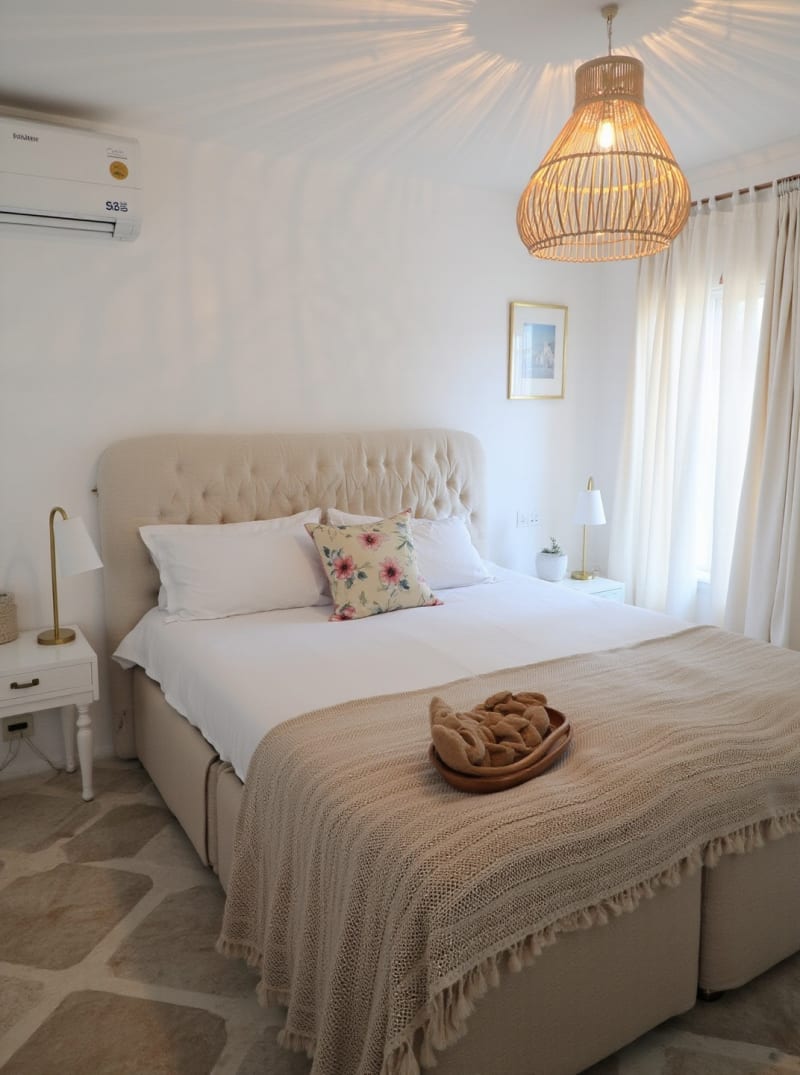
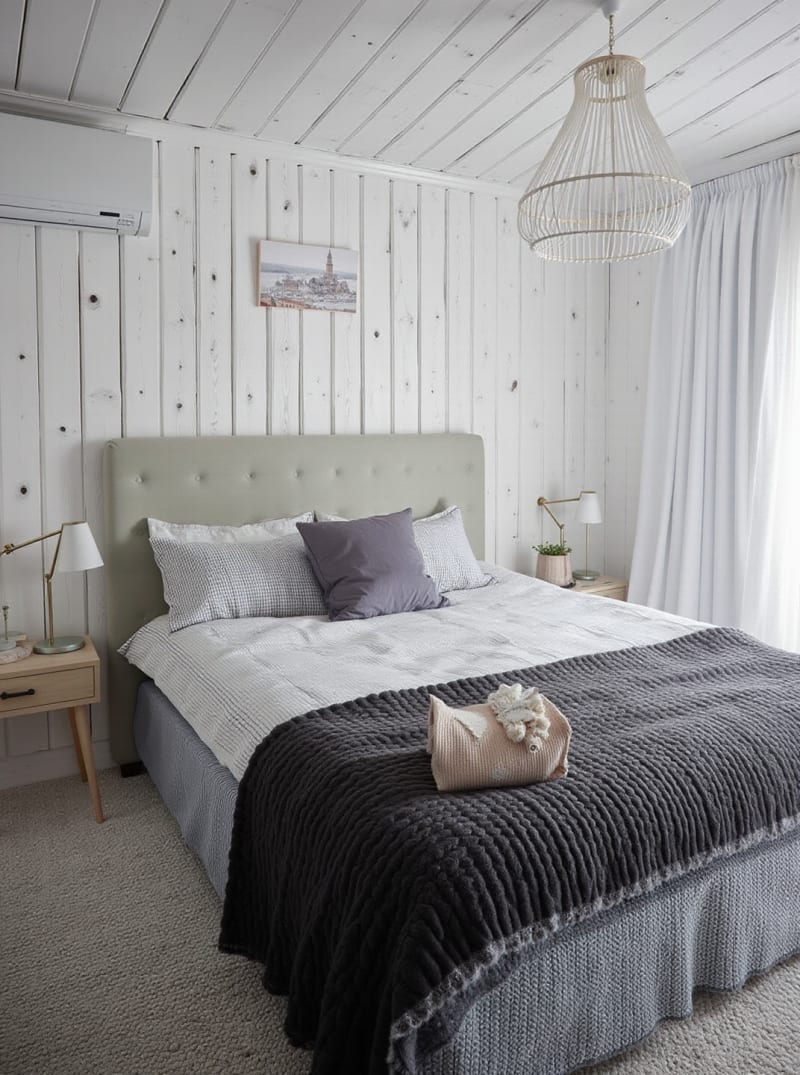
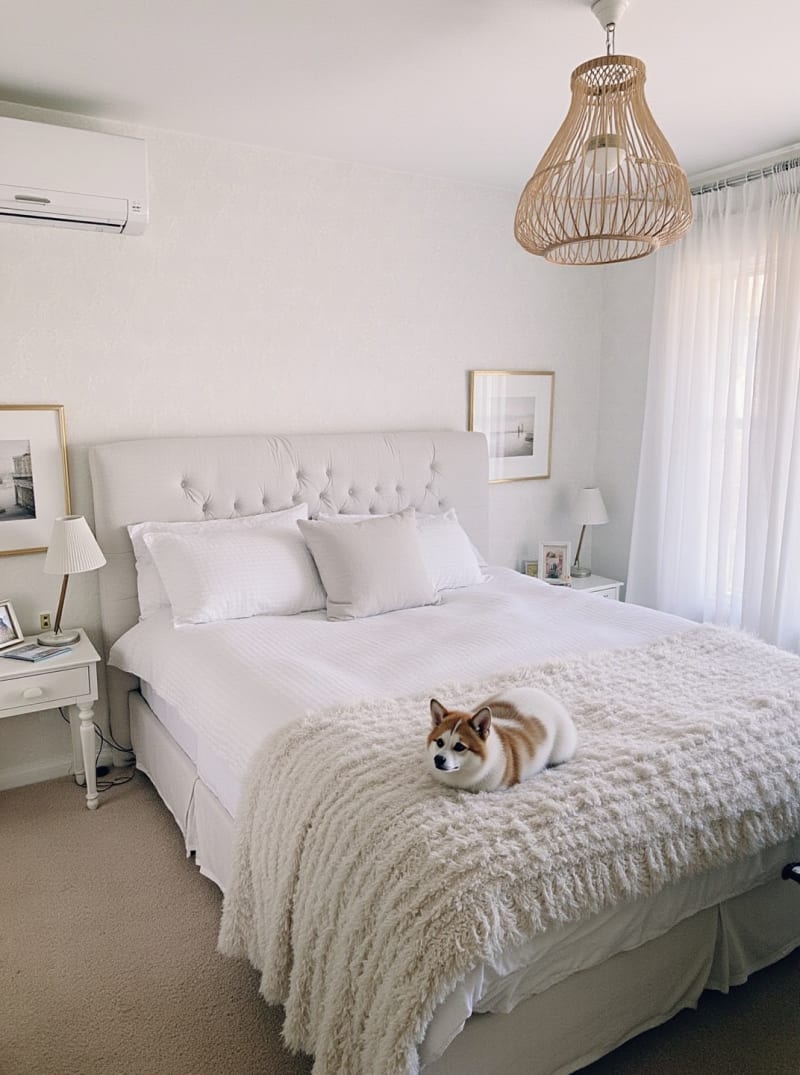
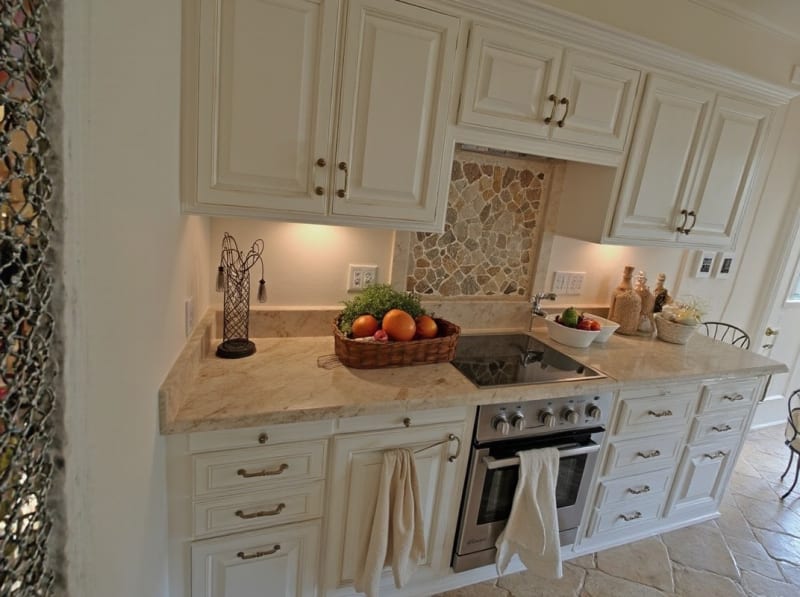
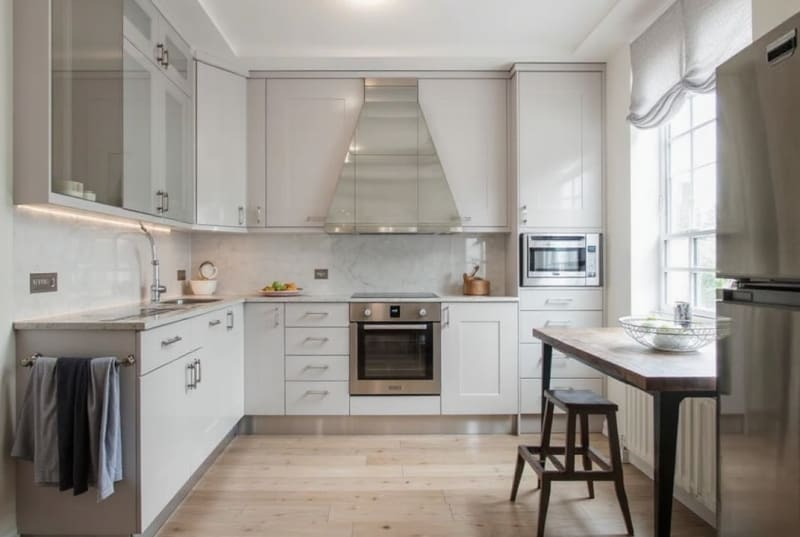
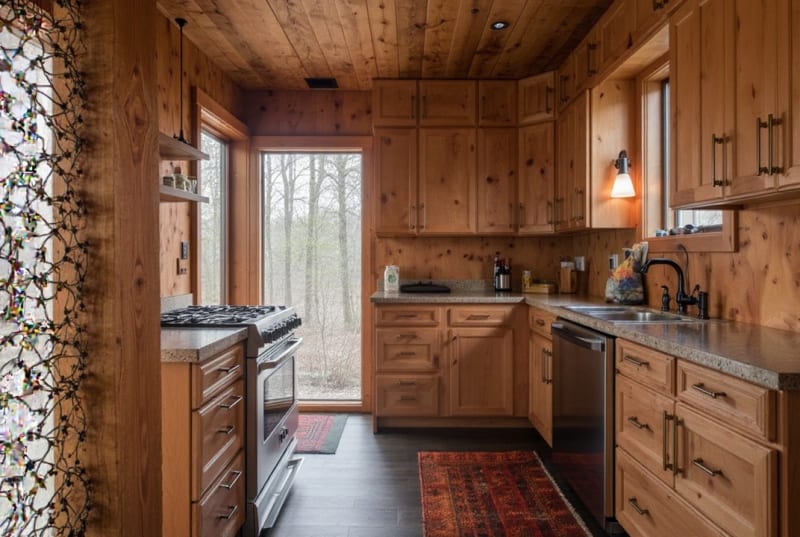
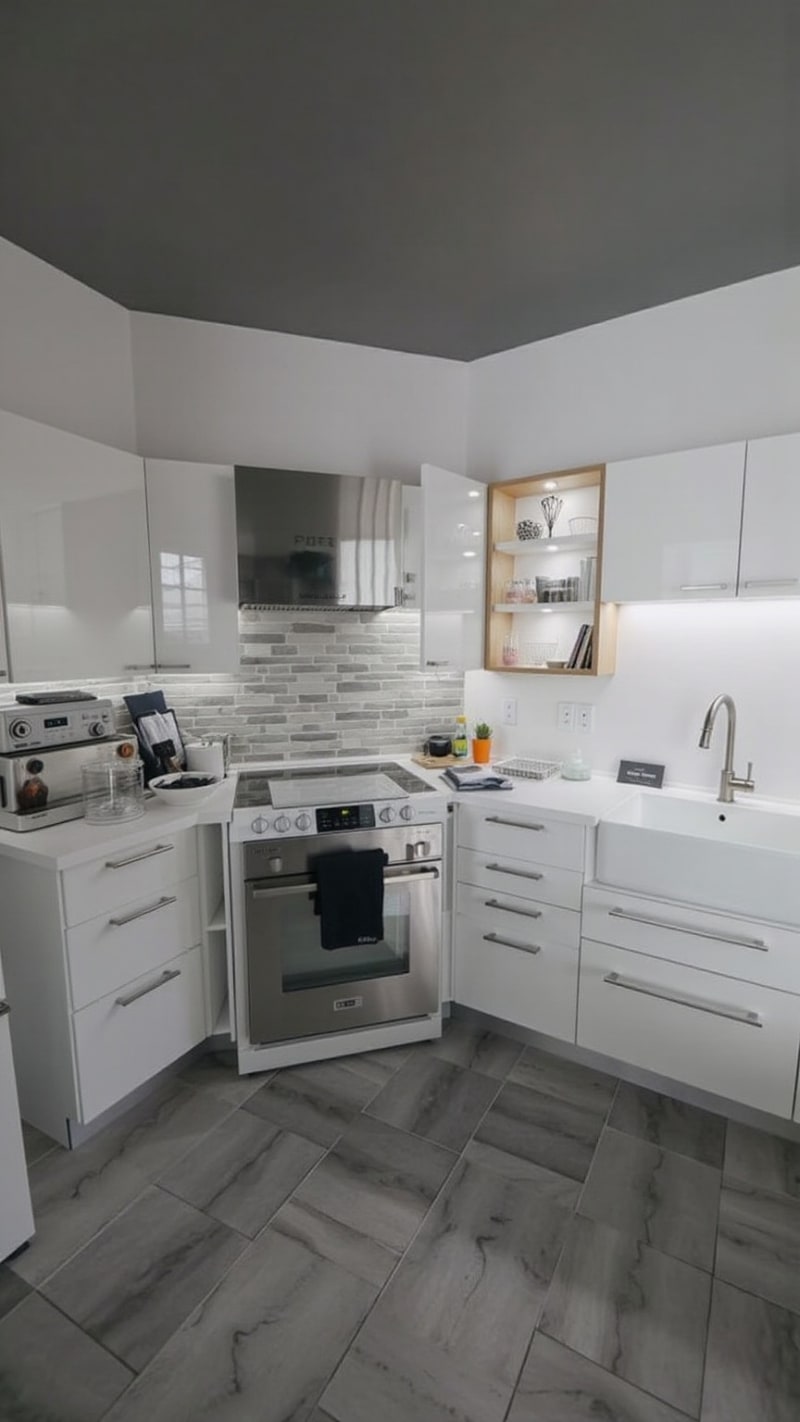
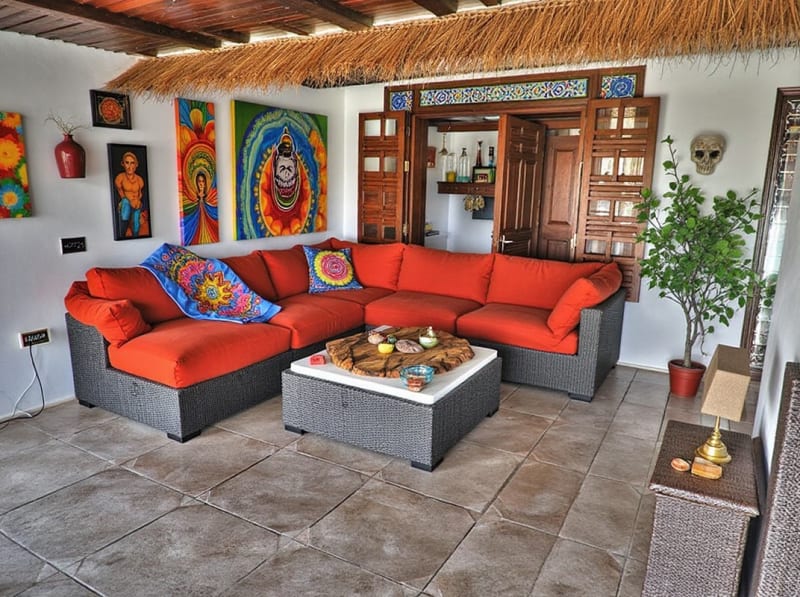
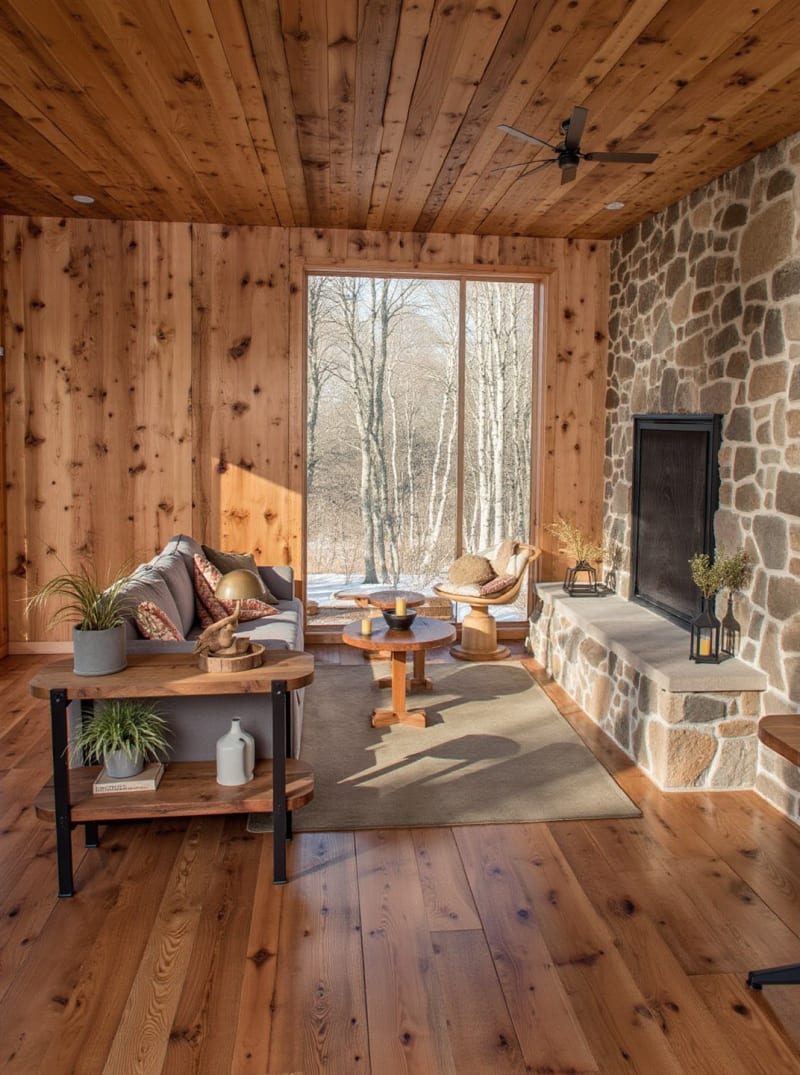
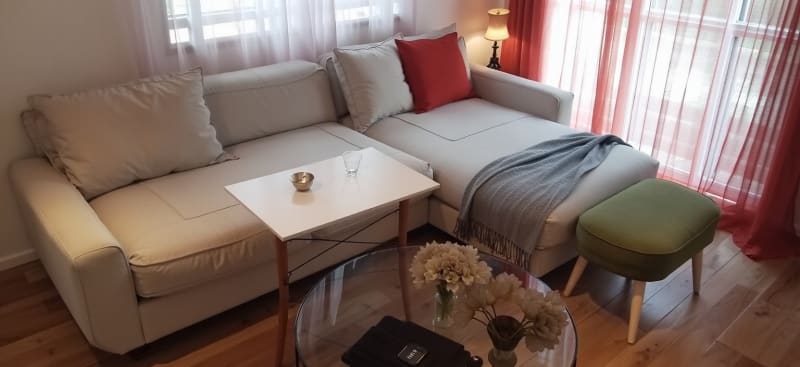
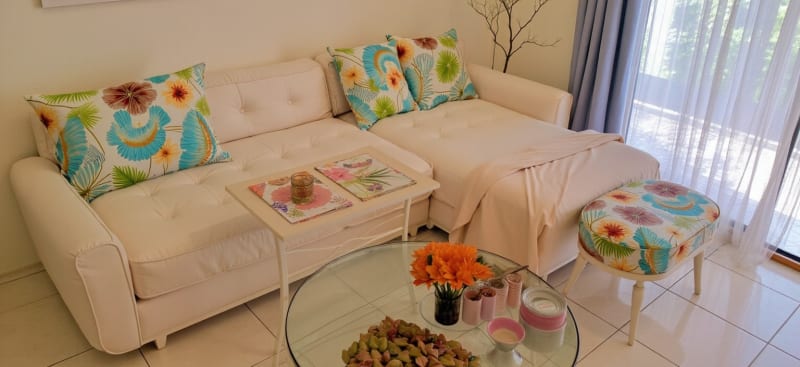
Dönüştürülmüş odalar.
Yatak odaları, mutfaklar, banyolar, oturma odaları, mobilyalar.
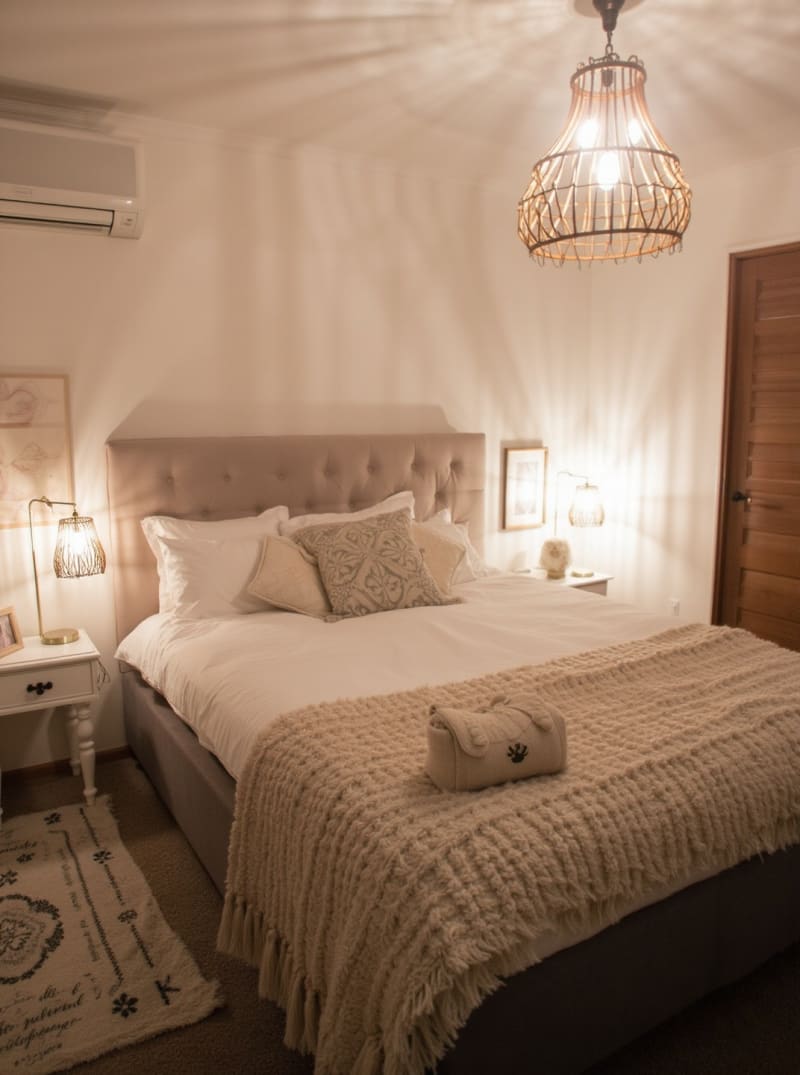
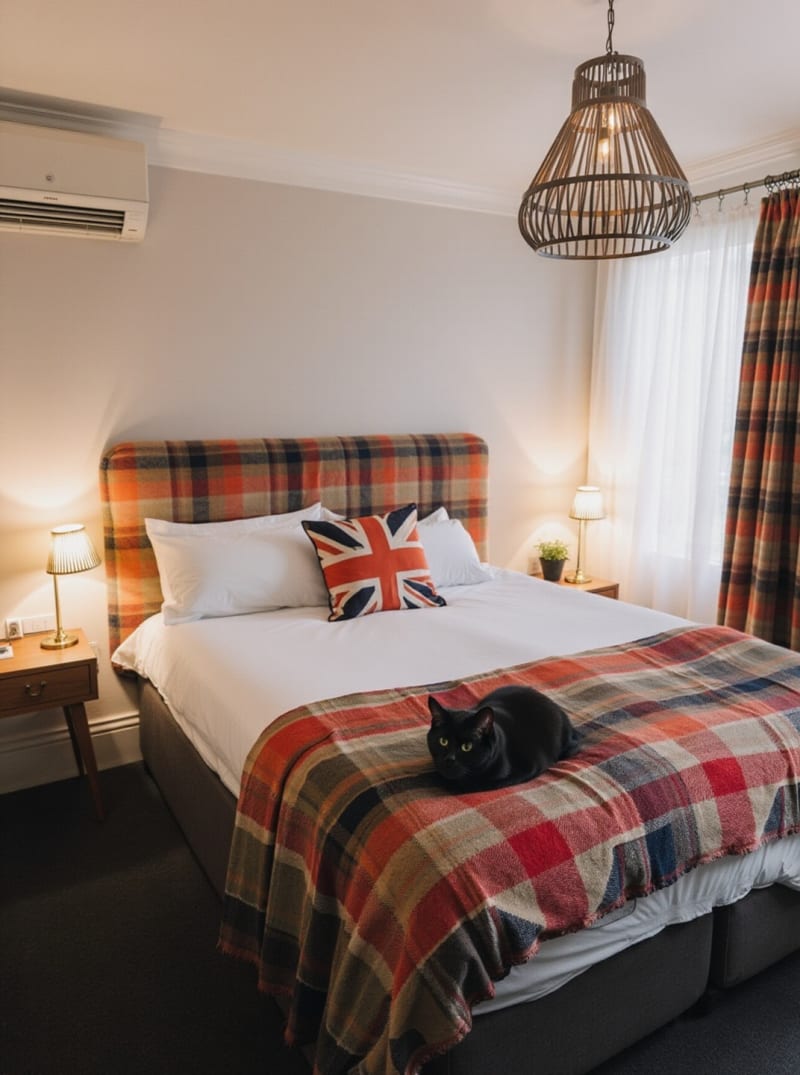
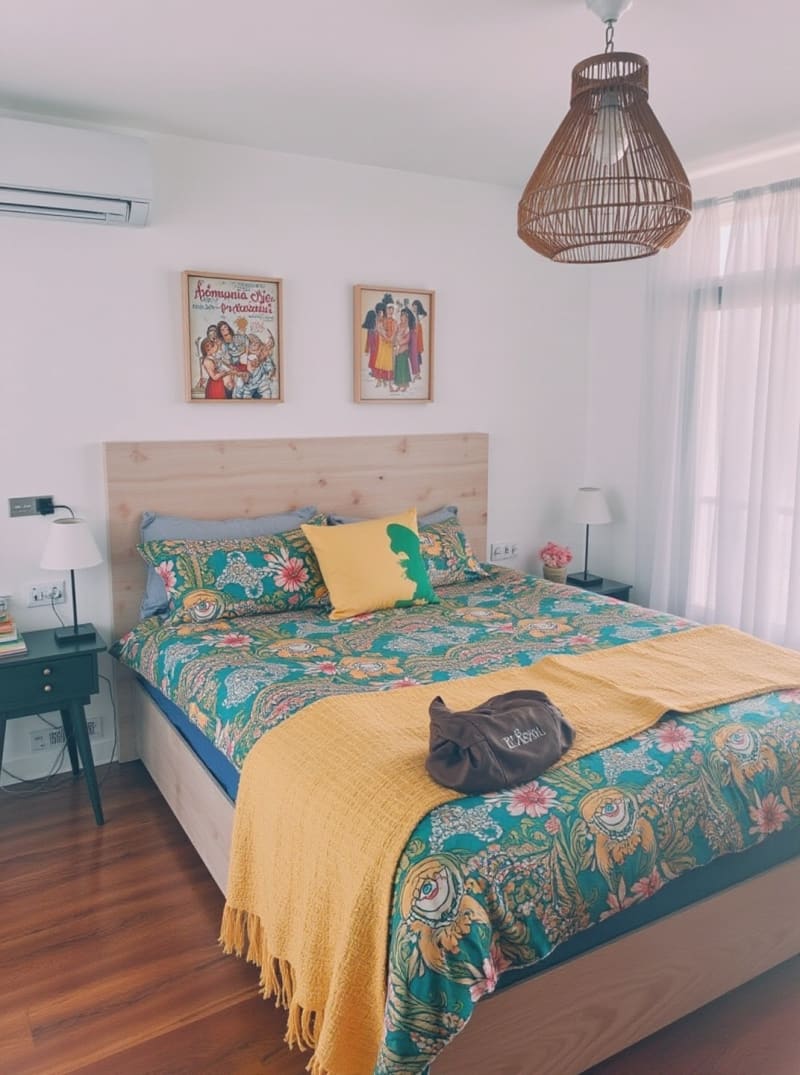
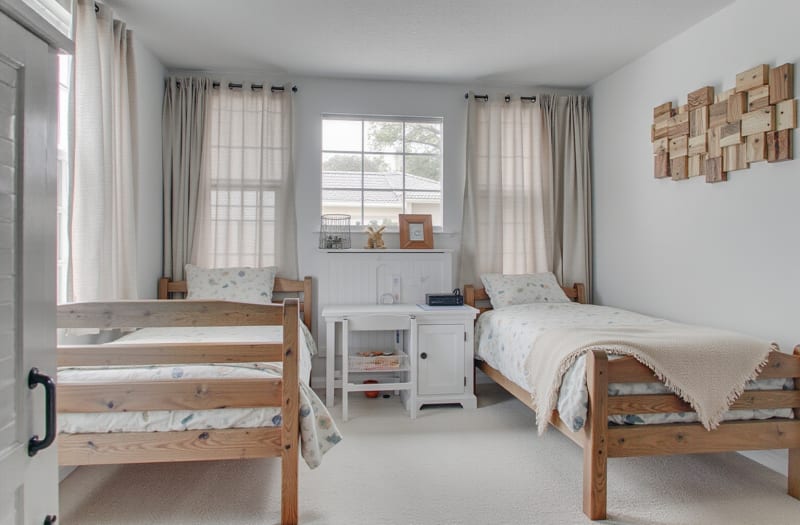
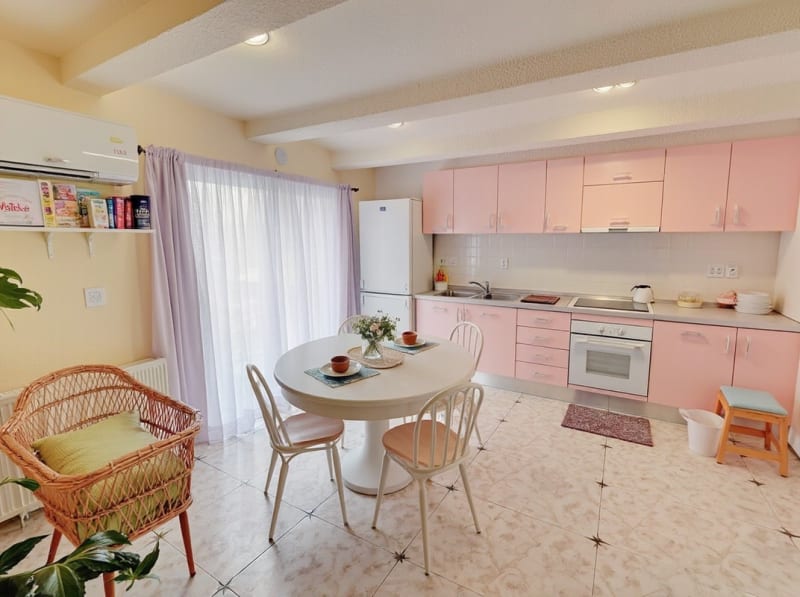
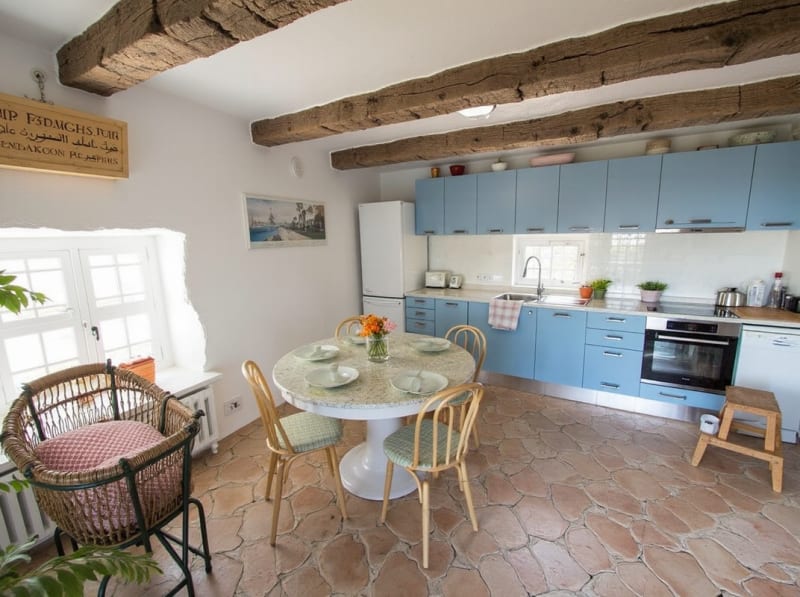
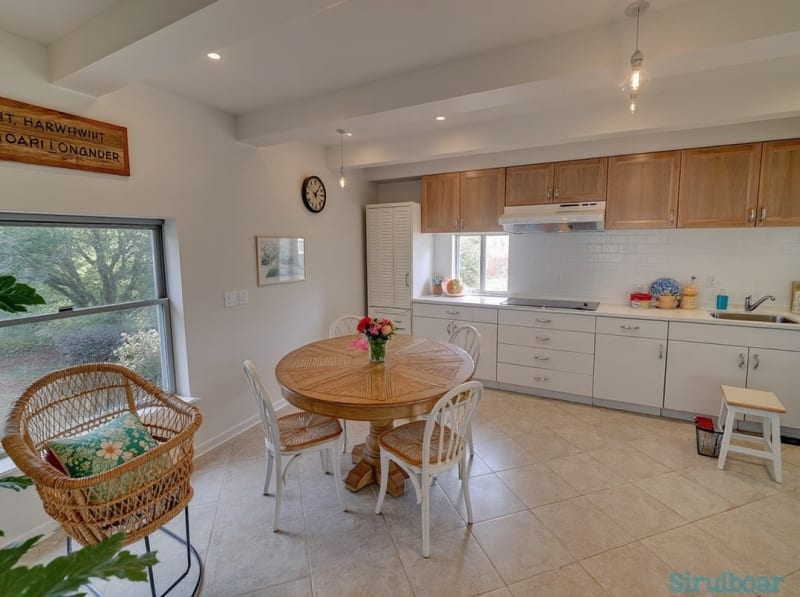
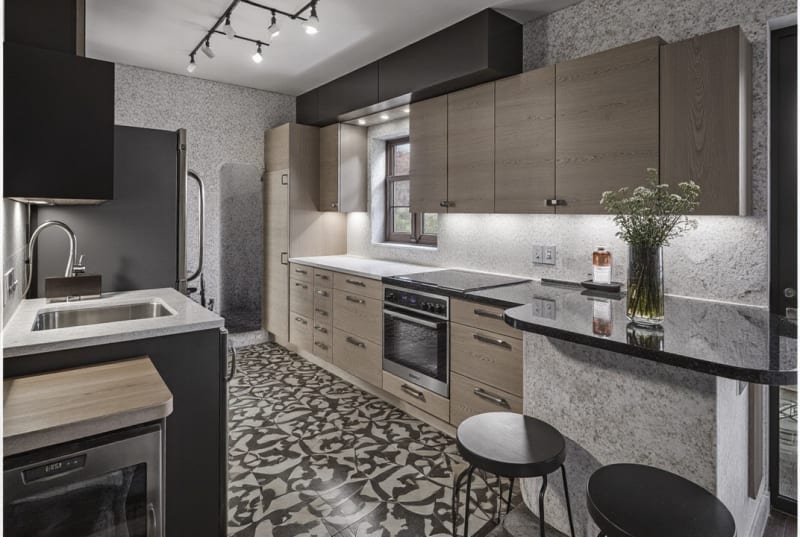
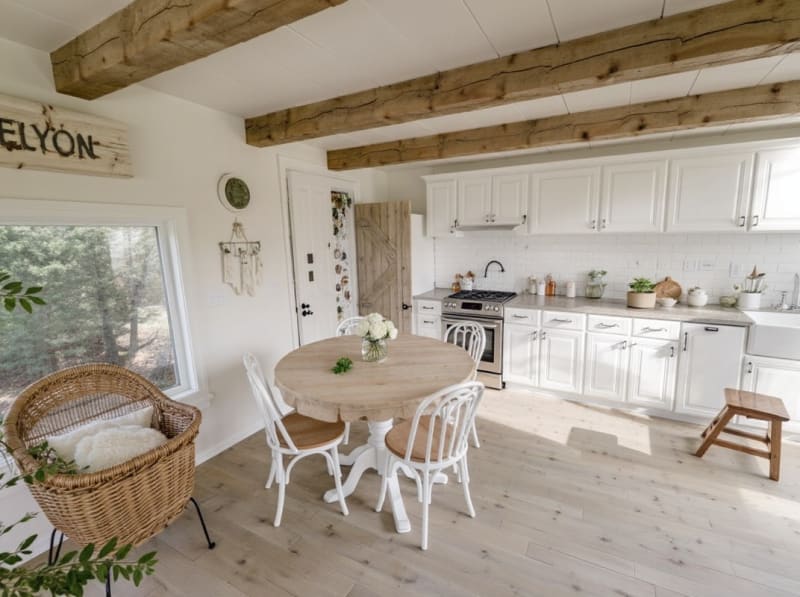
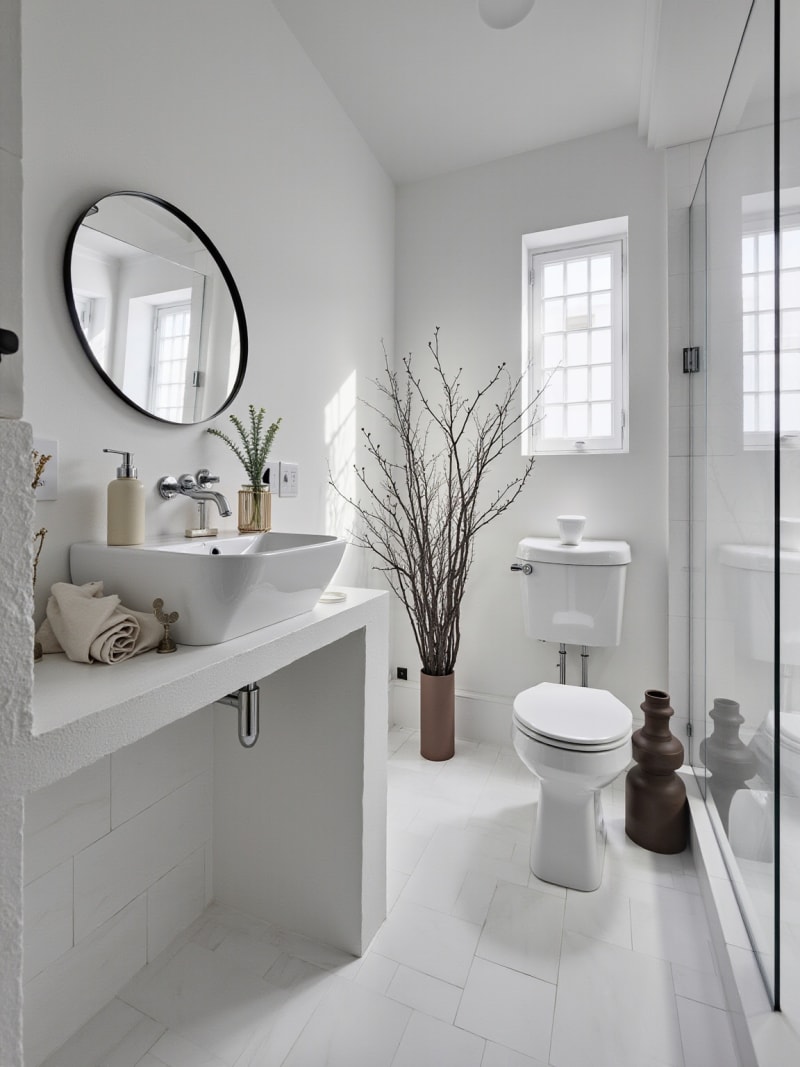
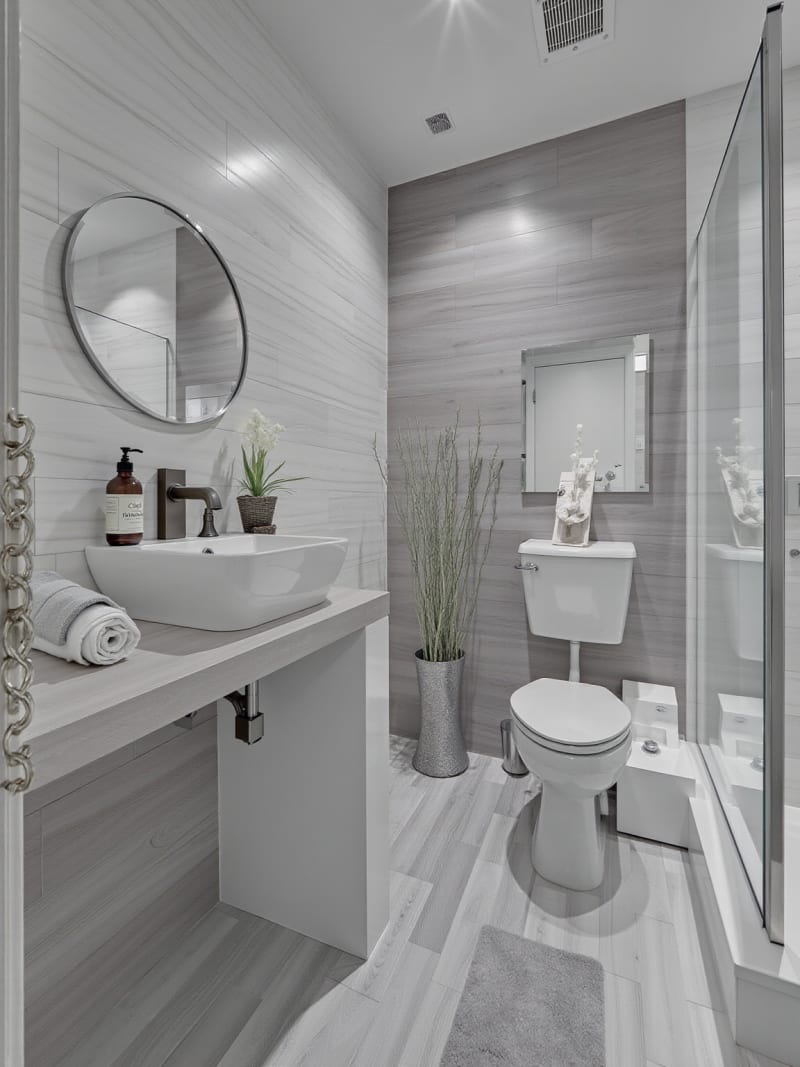
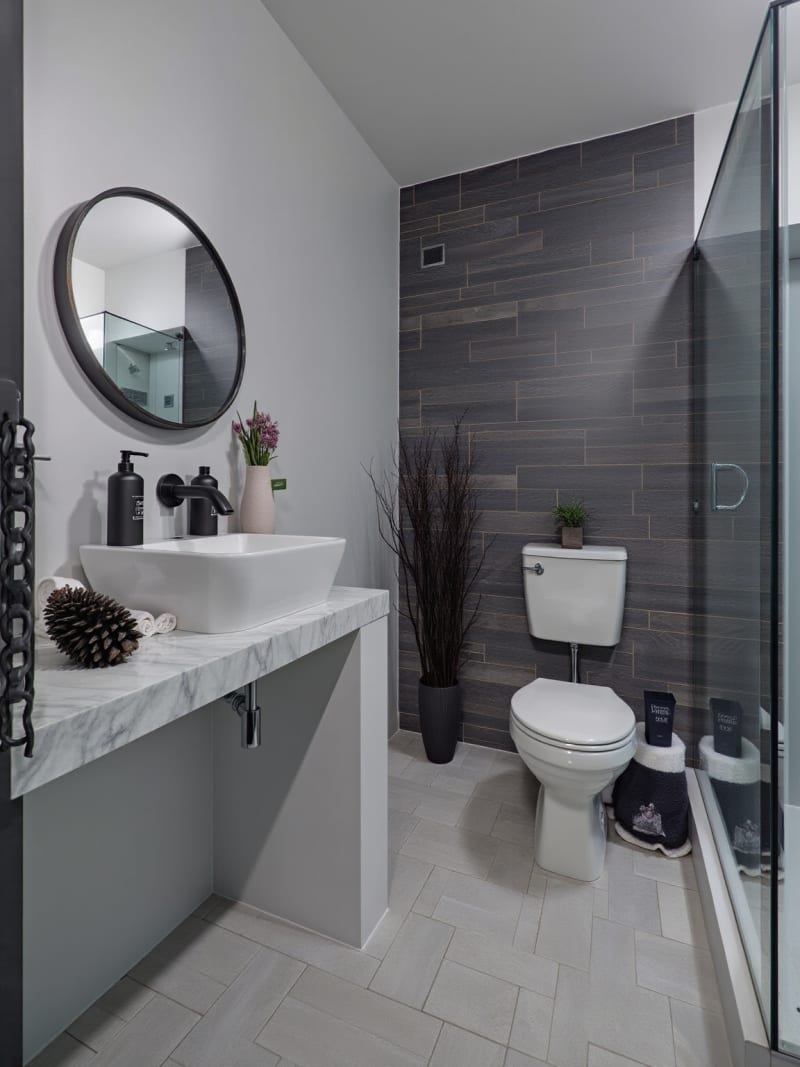
Yeni
Sohbet ederek tasarlayın, sonra ürettiğinizi satın alın
İstediğiniz odayı anlatın; asistan komutun tek kelimesini yazmadan önce fotoğrafınızı okur. Render geldiğinde içindeki her parça tıklanabilir olur, yani beğendiğiniz sandalye doğrudan onu satan mağazaya çıkar.
Tasarım Sohbetini gör

More AI design tools.
Every other feature included in the same plan.
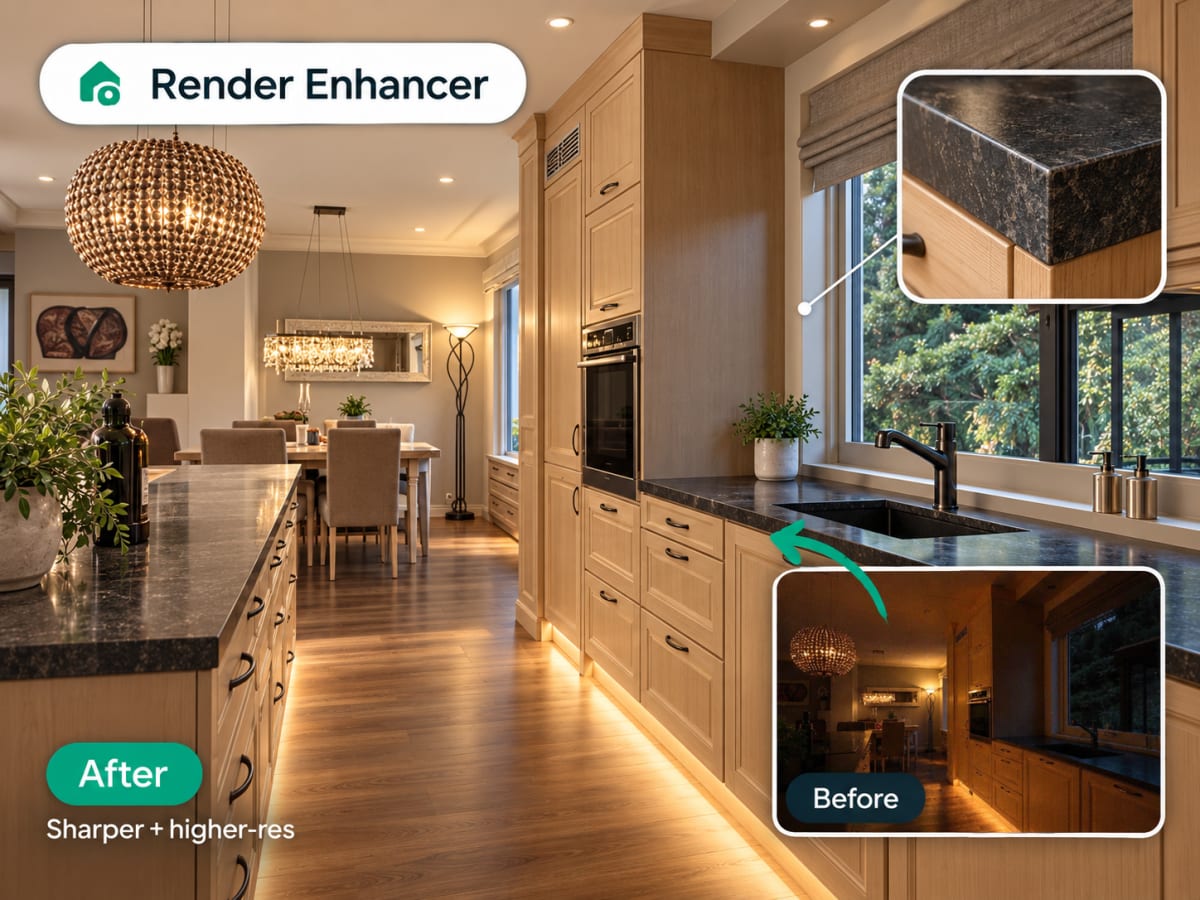
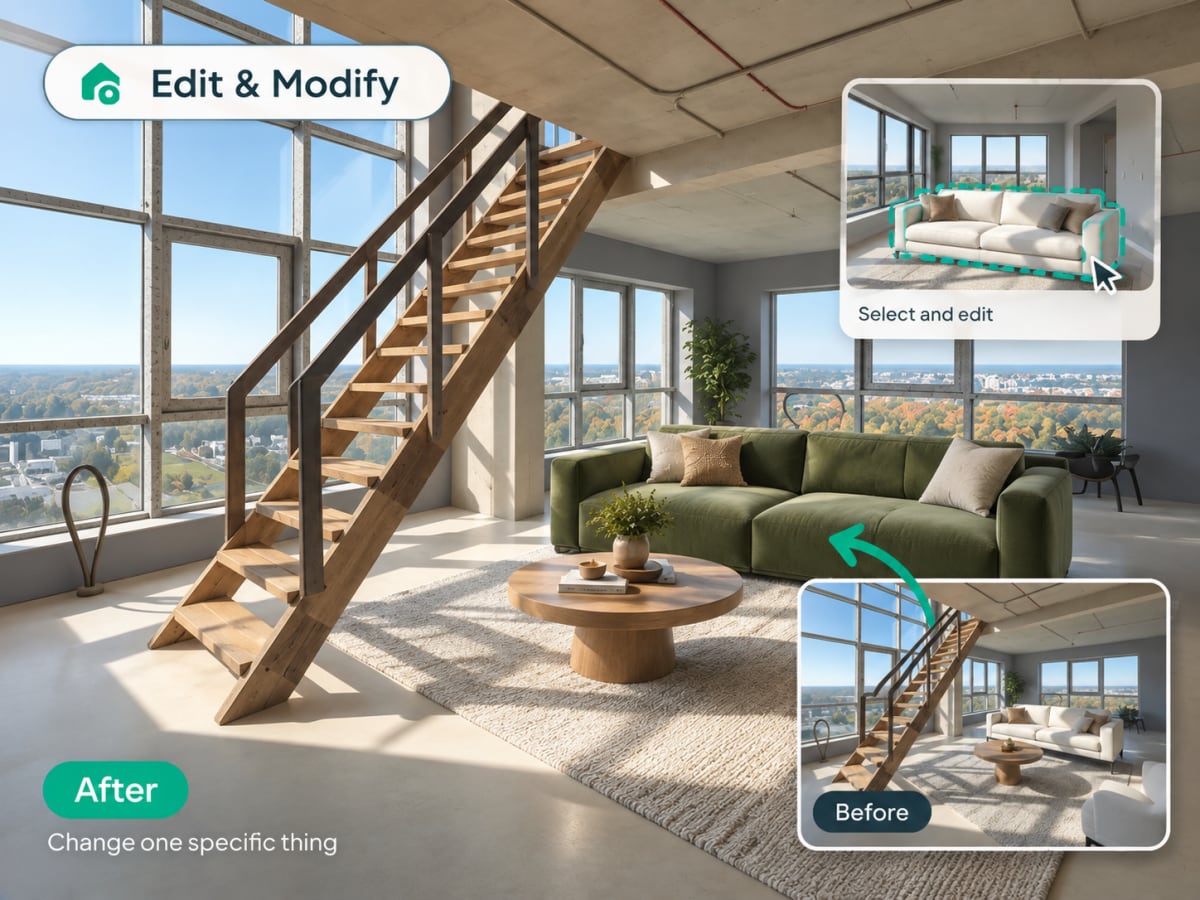
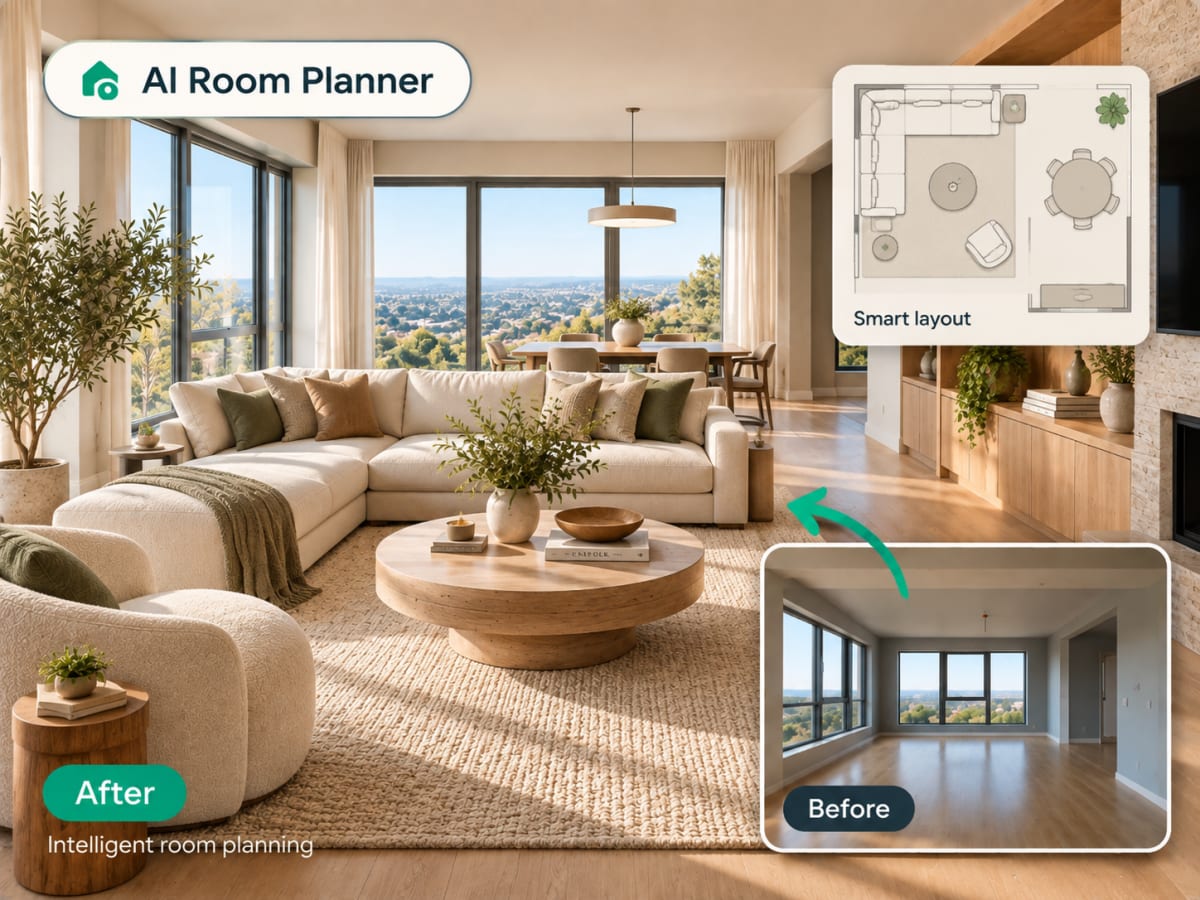
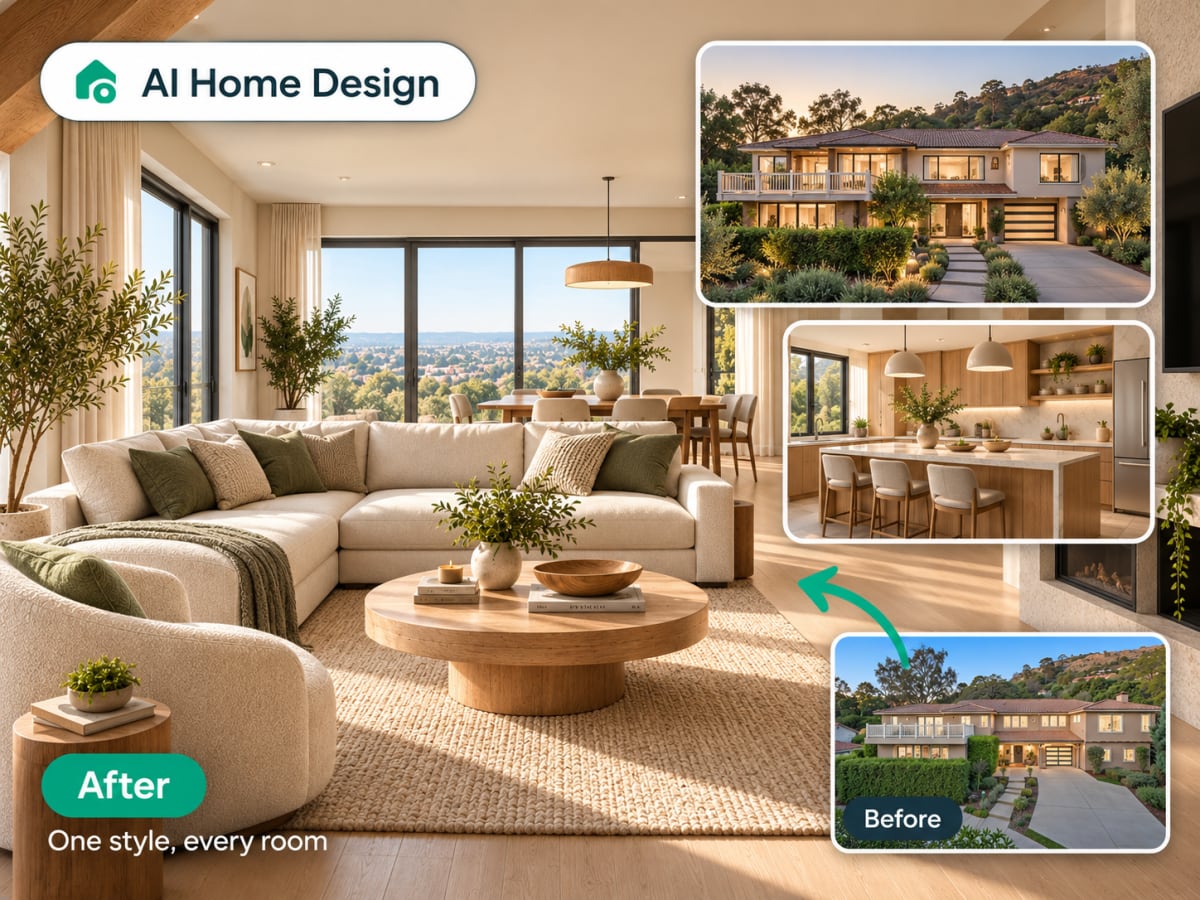
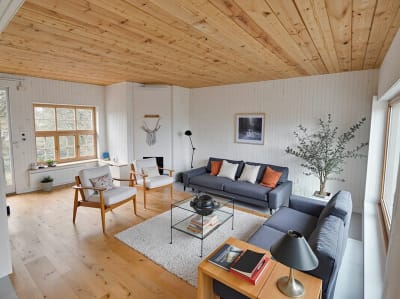
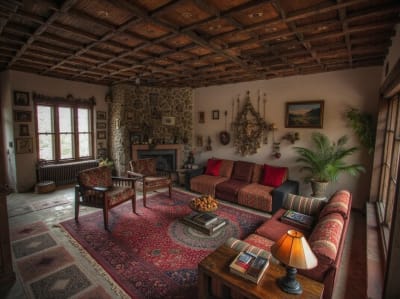
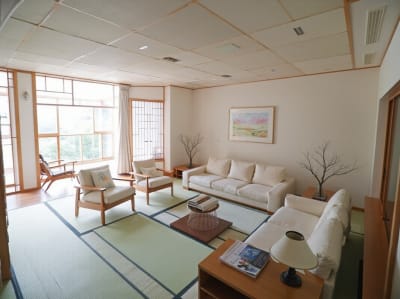
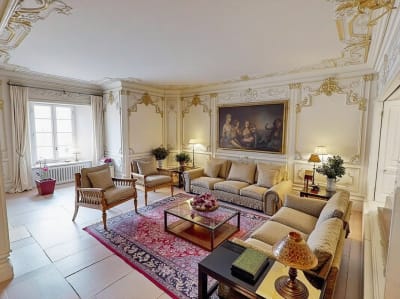
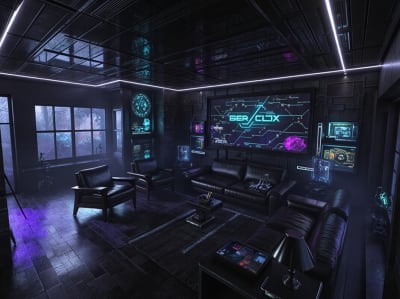
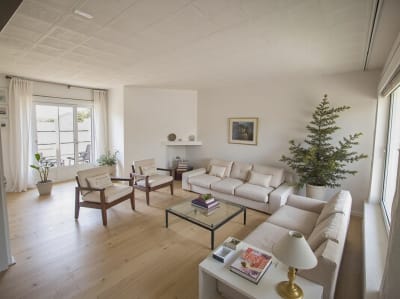
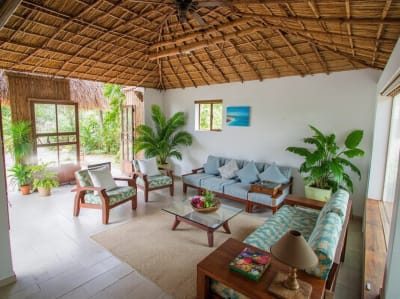
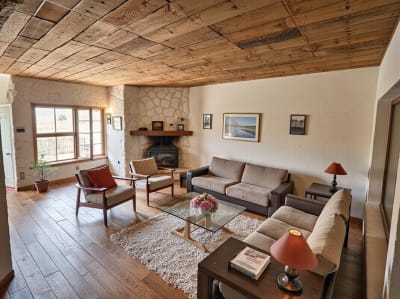
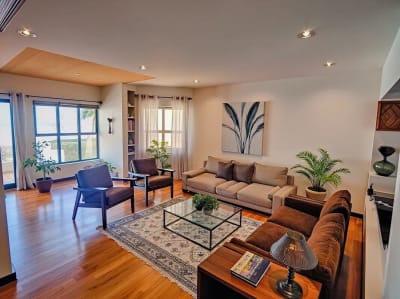
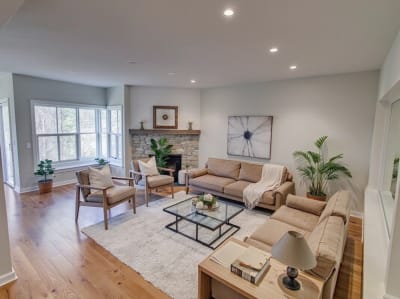
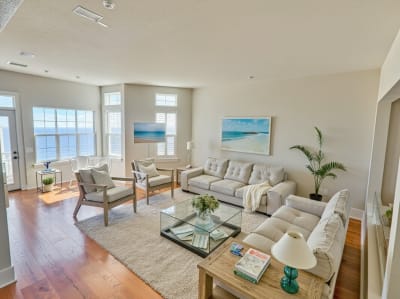
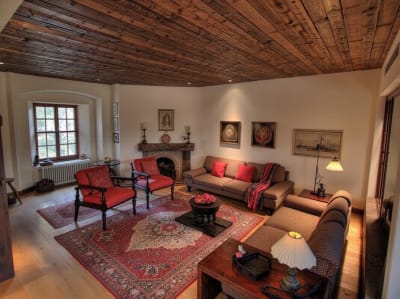
20 stil. Tek tıklama.
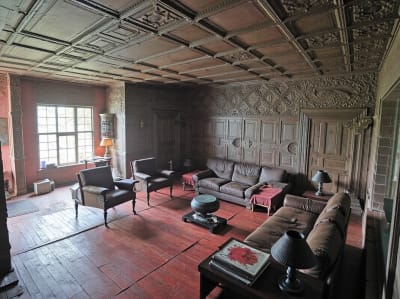
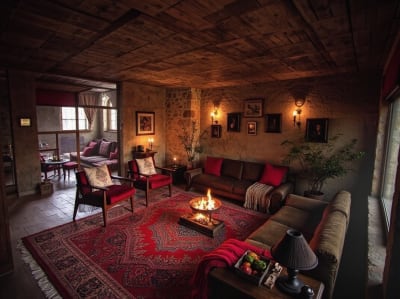
İskandinav sakinliğinden siberpunk dramaya. Keşfetmek için sürükleyin.
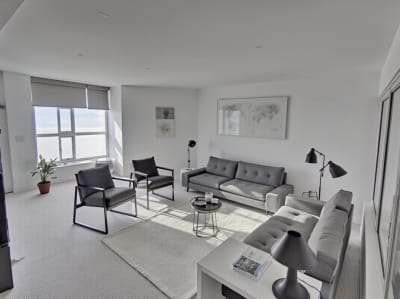

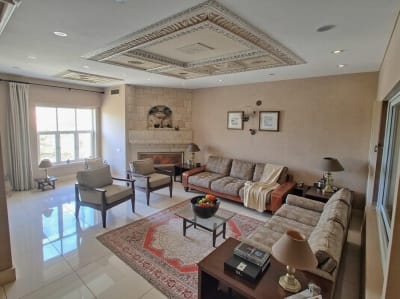
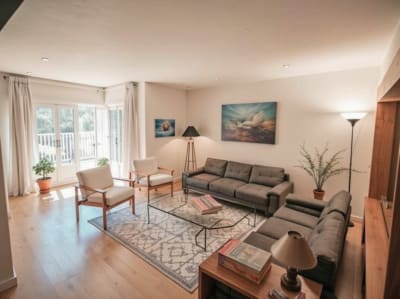
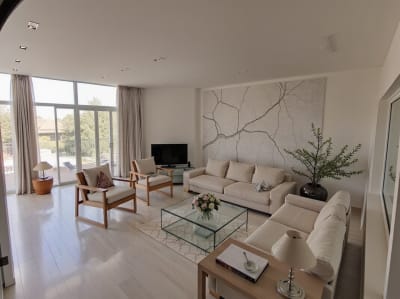
Basit fiyatlandırma.
Haftalık öde ya da yıllık planla %80 tasarruf et. İstediğin zaman iptal et.
Güvenli ödeme · İstediğin zaman iptal et · Anında kurulum
- Stripe
Archmaster Pro
- Her hafta 30 yapay zekâ görseli
- Tüm iç mekân stilleri — İskandinav, Minimalist, Japandi, Endüstriyel ve 20+ fazlası
- Ultra HD 4K büyütme ve fotogerçekçi dışa aktarma
- Filigran yok ve ticari kullanım lisansı
- Öncelikli, hızlı GPU işleme
- Oda mimarisini koruma modu
Risksiz dene. Yapay zekâ odanın havasını yakalamazsa destek ekibimize yaz.
Tek seferlik mi ödemek istersin?
3 Saatlik Geçiş
%20 İNDİRİM3 saat boyunca sınırsız kullanım. Satın alır almaz hesabına 100 kredi tanımlanır.
100 kredi · 3 saat · Abonelik yok · Yenileme yok
- Tüm yapay zekâ araçları
- Tüm tasarım stilleri
- 4K indirmeler
- Filigran yok
Tek Oda Paketi
Tek bir oda için 10 yüksek çözünürlüklü görsel, tek seferlik ödemeyle.
- Abonelik yok
- Tek seferlik ödeme
Sorularınız mı var?
Archmaster ve nasıl çalıştığı hakkında bilmeniz gereken her şey.
Tüm soruları gör →Bir fotoğrafla başlayın.
Herhangi bir oda veya bina yükleyin. Gerisini yapay zeka halleder.
Şimdi ücretsiz deneWhat is Archmaster?
Archmaster is an AI design tool that turns a photo of a real room or building facade into a photorealistic redesign in under 60 seconds, no 3D modeling software, no CAD files, and no designer required. It's used by homeowners planning a renovation, renters testing changes before committing, real estate agents staging listings, and designers drafting early concepts.
