-
-
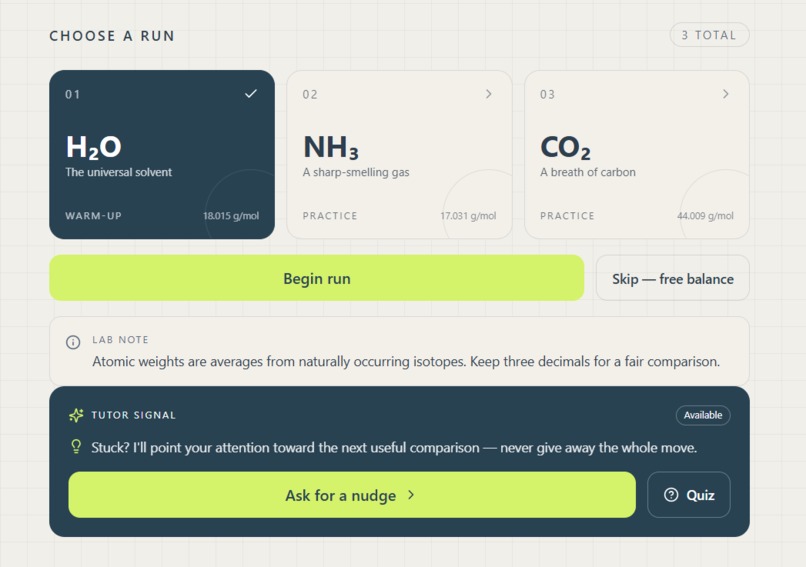
Choose a run
-
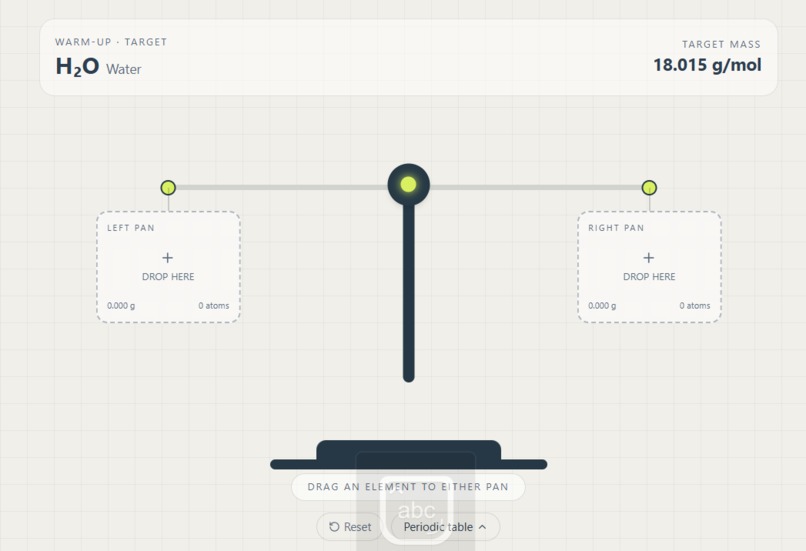
Empty scale
-
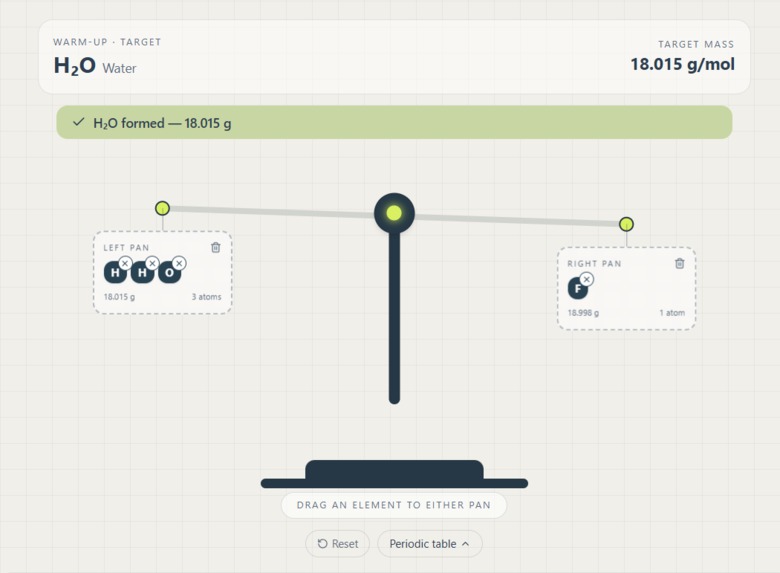
Unbalanced Scale
-
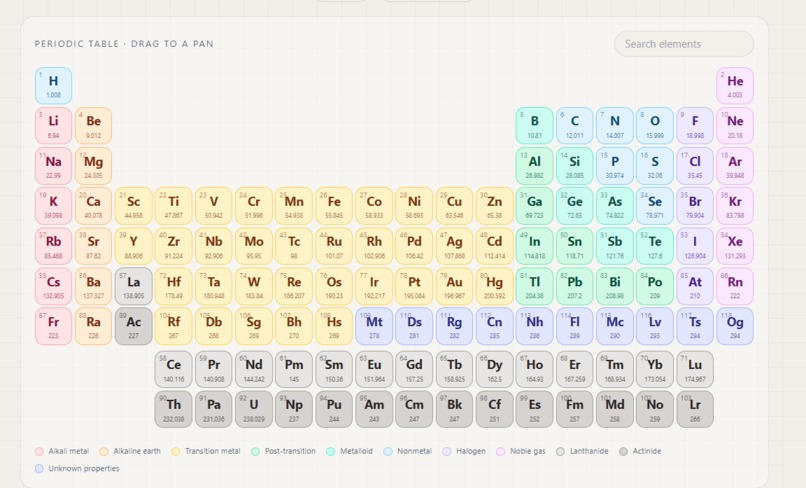
Periodic Table
-
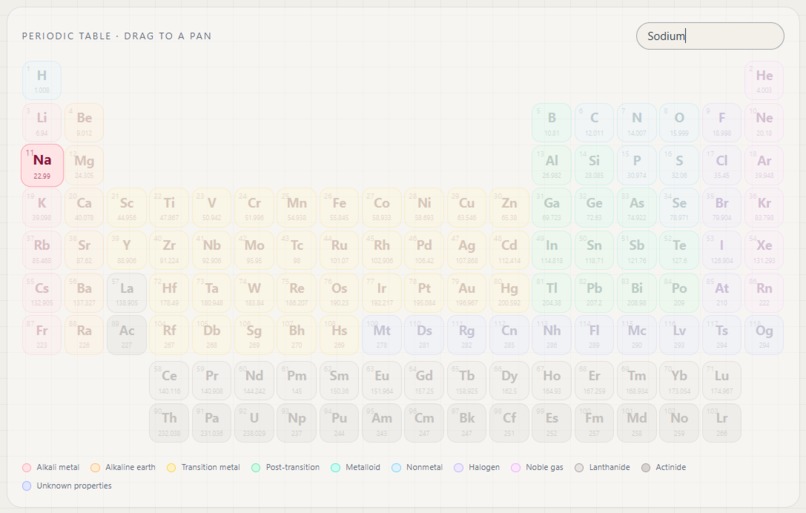
Periodic Table Search
-
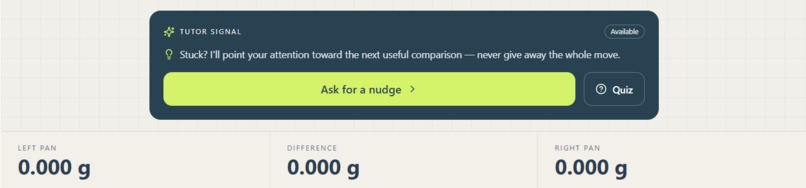
AI Tutor + Molecular Calculator
-
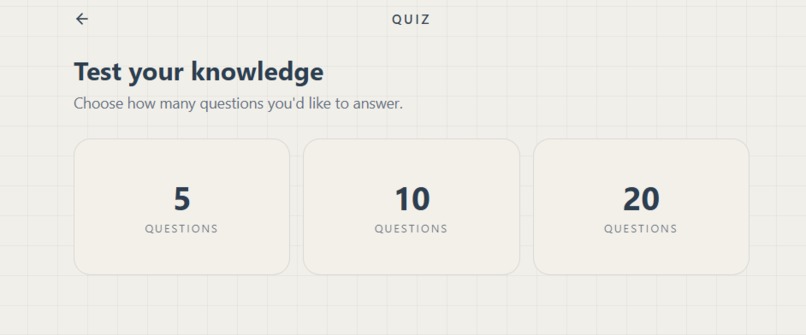
Amount of questions
-
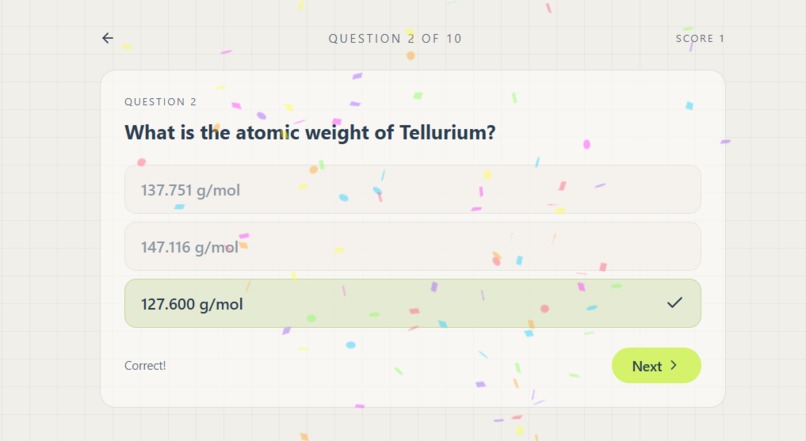
Example Question
-
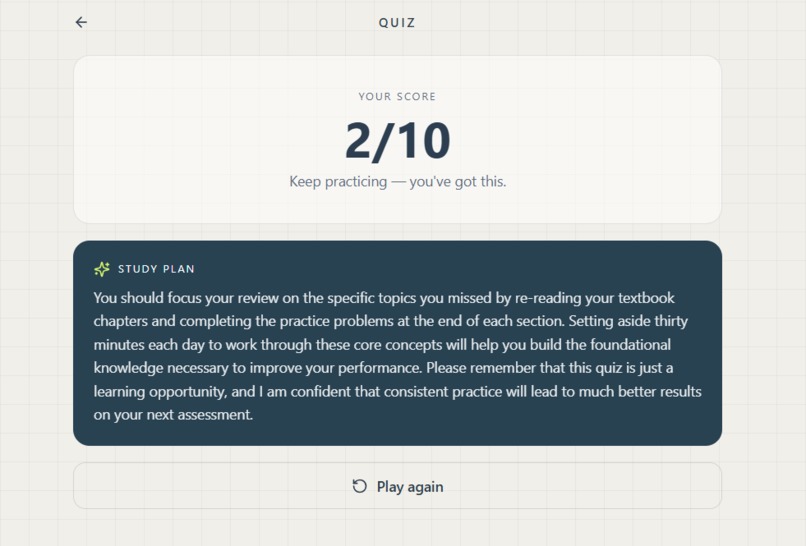
AI Feedback


Inspiration
Traditional chemistry education often struggles to bridge the gap between abstract atomic numbers on a wall poster and hands-on laboratory intuition. Many students find molar mass calculations repetitive and disconnect the math from what it represents physically: the actual mass of elements and compounds.
I wanted to build an intuitive, gamified tool that lets learners physically "weigh" elements against each other. Inspired by classic dual-pan balance scales and modern Socratic tutoring methods, ChemScale AI was created to transform chemical stoichiometry into an interactive, visual, and tactile learning experience.
What it does
ChemScale AI is an educational web application that turns the periodic table into an interactive balance scale laboratory:
Interactive Balance Scale: Users drag and drop chemical elements onto left and right scale pans. The scale dynamically tilts in real time using fluid CSS physics calculations derived from atomic mass differences.
Molar Mass Difference Calculator: A live telemetry panel tracks the total molar mass in each pan, calculates absolute difference, and displays mole-to-gram ratios automatically.
Smart Chemistry Engine: Detects when dropped elements can react or form valid molecules, for example, H2O, and displays dynamic visualizations of the resulting chemical compounds. You can also search for elements with their element name (ex. Na) or their general name (ex. Sodium)!
AI Socratic Tutor & Quiz Mode: Presents "Balance the Scale" weight puzzles. Instead of giving away answer keys, an integrated LLM acts as an active tutor, reading the scale state and providing information about the compounds you make (e.g., "Left pan: NaCl— Sodium chloride"). Quiz Mode gives an option of 5, 10, or 20 questions depending on your choice, and it'll quiz you about molecular weights, elements, and compounds.
How I built it
I engineered ChemScale AI using Base44 as the core foundation, leveraging its unified full-stack architecture to build a reactive, production-ready educational platform under tight hackathon constraints. To deliver a fluid user experience without backend overhead, I decoupled our frontend presentation layer from the underlying execution logic. The app relies on a carefully tuned state-management pipeline that streams live drag-and-drop telemetry directly into our math engine. To turn real-time weight differences into smooth UI feedback, I mapped atomic mass deltas onto a non-linear physics transformation matrix. This allows micro-gram variances (ex. a single Hydrogen atom) to remain visually distinct on screen without causing heavy macro-elements (ex. Gold) to break the scale's boundary limits. For the intelligence layer, I established a client-side API bridge that contextually packages the scale's active state, including pan contents, mass differentials, and user target goals, and passes it to our AI agent. By engineering strict system-prompt guardrails and JSON output schemas, I made the AI dynamically evaluate the student's exact board position in real time and return structured, step-by-step Socratic hints instead of generic answers.
Challenges I ran into
Physics Calibration: Fine-tuning the scale rotation sensitivity so that subtle differences (like single Hydrogen atoms) were still visible without causing massive mass differences (like Gold vs. Lithium) to tilt the scale out of the screen bounds.
Socratic Prompt Engineering: Ensuring the AI tutor guided students step-by-step rather than immediately revealing the exact element combinations needed to balance target weights.
Drag-and-Drop Reliability: Handling multi-element stacking on small touch targets and preventing state desynchronization between HTML DOM elements and JavaScript mass arrays.
User Interface: It took a while to settle on a design that was easy on the eyes yet wasn't so bland you'd look away. We had a difficult time deciding on whether it should be dark mode or light mode but finally settled on light mode since most are used to that.
Accomplishments that we're proud of
Zero-Backend Lightweight Architecture: Built a completely responsive, interactive app using pure HTML and client-side JavaScript without needing heavy server infrastructure.
Engaging Tactile Physics: Created a visual scale that makes calculating molar mass differences as simple and natural as playing on a seesaw.
Smooth Design: Created visuals that were clean and user-friendly with an intuitive design.
What I learned
Visuals Accelerate Learning: Complex stoichiometric equations become dramatically easier to grasp when paired with real-time visual feedback.
Prompt Guardrails are Essential: Crafting effective system prompts with rigid JSON output schemas is critical for getting structured, hallucination-free AI responses in educational software.
Native Web APIs are Powerful: Native HTML5 Drag and Drop combined with basic CSS transforms can deliver smooth, frame-accurate UI animations without relying on heavy external physics libraries.
What's next for ChemScale AI
3D Molecular Renderer Integration: Expand the compound detection engine using 3Dmol.js or RDKit to render interactive 3D ball-and-stick molecular models directly inside the scale pans.
Multi-Compound Balancing Puzzles: Introduce complex chemical equation balancing where users balance reactants and products rather than isolated elements.
Classroom Dashboard: Build a teacher module allowing educators to create custom balance scale assignments, track student hint usage, and monitor mastery of periodic trends.
Built With
- base44
- html
- javascript



Log in or sign up for Devpost to join the conversation.