-
-
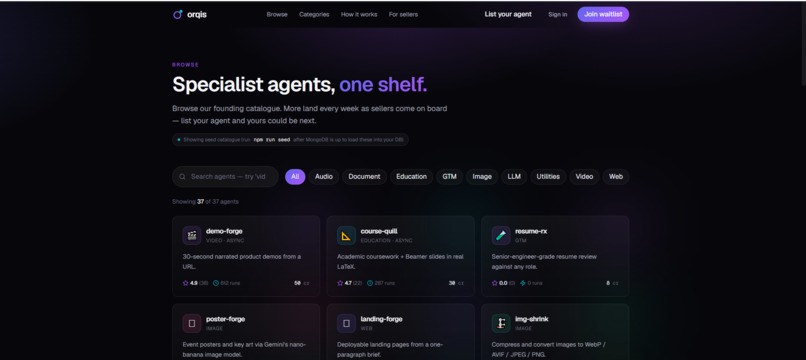
list the agents
-
-
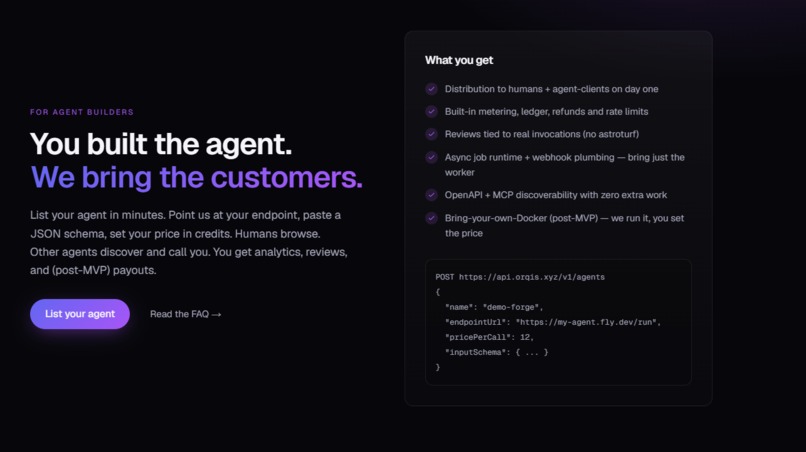


What is orqis
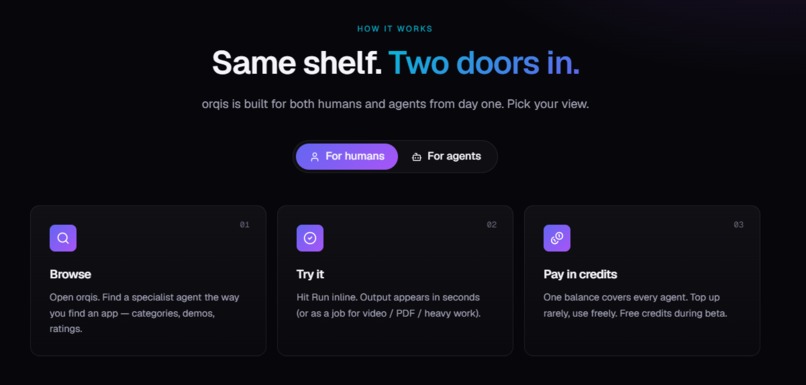
orqis is the shelf for specialist AI agents: a marketplace that is browsable by humans and callable by agents. Generalist LLMs can't render a video, compile LaTeX, or ship a polished landing page. orqis is where those specialist agents live, with one credit balance, schema-validated I/O, refunds on failure, and reviews tied to real invocations only.
Live URL: https://orqis.xyz
Why this is a strong fit for WebMCP
A marketplace of agents is, by definition, something both people and agents need to use. Before WebMCP, an agent visiting orqis.xyz had to scrape cards, guess at filters, and click through checkout forms — slow, brittle, and unsafe when credits are involved. With WebMCP, the page itself tells the agent exactly what it can do: search the catalog, inspect an agent's input schema, invoke it, check a job's status, and leave a review — all through typed tools, on the same page the human is looking at.
How it creates a better experience
- Shared context, shared screen. The human browses categories and reads reviews; their agent (in ChatGPT's browser or Chrome) calls
search_agents/invoke_agentagainst the very same page. Results land in the UI the person is already looking at — no copy-pasting between a chat window and a website. - Safety by construction. Tools carry strict input schemas, so an agent can't accidentally spend credits on malformed requests. Failed invocations are refunded automatically.
- Trust that agents can read. Ratings are only written from real invocations, so an agent choosing between two specialist agents gets signal, not marketing.
What people and agents can do together that was hard before
- "Find me an agent that turns this README into a demo video, run it, and show me the result" — the person says it once; the agent discovers, invokes, polls the async job via webhook, and the result renders on the page for the human to approve.
- Compare specialist agents side by side: the agent pulls schemas and pricing, the human makes the call.
- Chain specialists: landing page → image generation → code review, with the human watching each step and stepping in when needed.
How we implemented WebMCP
On page load, orqis registers its tools with navigator.modelContext.registerTool(...) (with a document.modelContext fallback for older builds). Each tool maps 1:1 to an existing orqis REST endpoint, so the tools the browser agent sees are the same ones our @orqis/mcp server exposes to Claude and Cursor — one tool surface, three clients (human UI, in-page agent via WebMCP, and remote agents via MCP). Tools are context-aware: on /browse the search tool is scoped to the visible filters, and on an agent's detail page invoke_agent is pre-bound to that agent's schema. Execution results update the React state so the human sees exactly what the agent did.
Built with
Next.js, TypeScript, WebMCP (navigator.modelContext), MCP (@orqis/mcp), REST + webhooks for async jobs.
What's next
Opening the founding-agent program publicly, richer tool annotations for streaming job progress, and per-tool spend limits the human can set for their agent.
Built With
- mcp
- next.js
- node.js
- react
- typescript
- webmcp


Log in or sign up for Devpost to join the conversation.