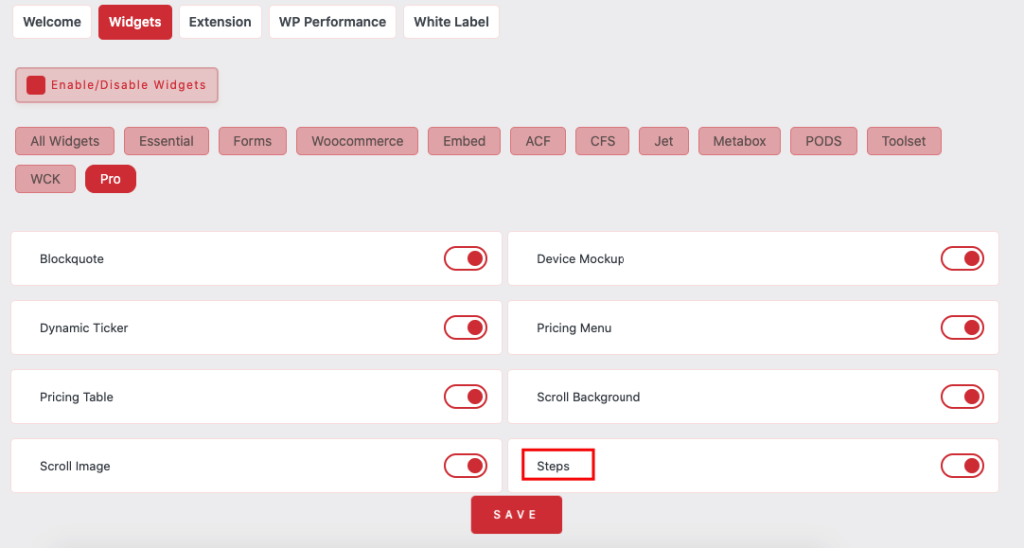
Essential Classy Tab from Dashboad -> Widgets then enable Steps Widget
Now Drag and Drop Steps widget
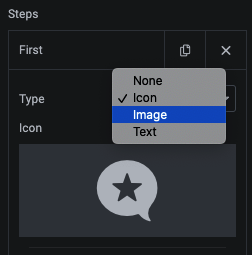
In Repeater : Icon/Image/Text, Title, Description, Button Pin
In Repeater You can manage Title, Description, Button, Pin.
Additionaly you can manage particular loop Background, Border and Shadow for Normal and Hover.
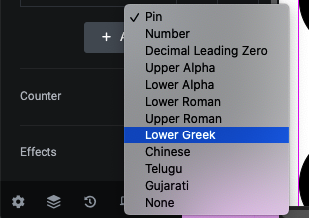
Counter have Predefine and Custom Text Option
3 Predefine effects
In Style Tab you can customize as per need
In Icon/SVG Style Tab
you can manage icon size and it’s normal/hover color.
In Image Style Tab
you can manage width/height and it’s Background, Border and shadow for normal/hover.
In Text Style Tab
you can manage typography and it’s normal/hover color.
In Loop Style Tab
you can manage loop item margin(gap).